Visual Risk Tool
- Yardımcı programlar
- Sürüm: 20.0

VisualRiskTool
VisualRiskTool is a professional trade execution panel and risk management utility designed for MetaTrader. It streamlines the process of opening and managing positions by automating complex lot size calculations and providing a visual interface for setting stop-loss and take-profit levels directly on the chart.
Core Functionality: Precision Risk Management
The primary goal of VisualRiskTool is to eliminate manual calculation errors. By defining a fixed risk percentage (e.g., 0.5%, 1%, or 2%), the tool automatically calculates the exact lot size based on your account balance and the distance to your Stop Loss. This ensures that every trade adheres strictly to your risk management plan, regardless of market volatility or timeframe.
Visual Interface and Execution
The tool provides a drag-and-drop interface that allows traders to visualize their potential trade before execution:
-
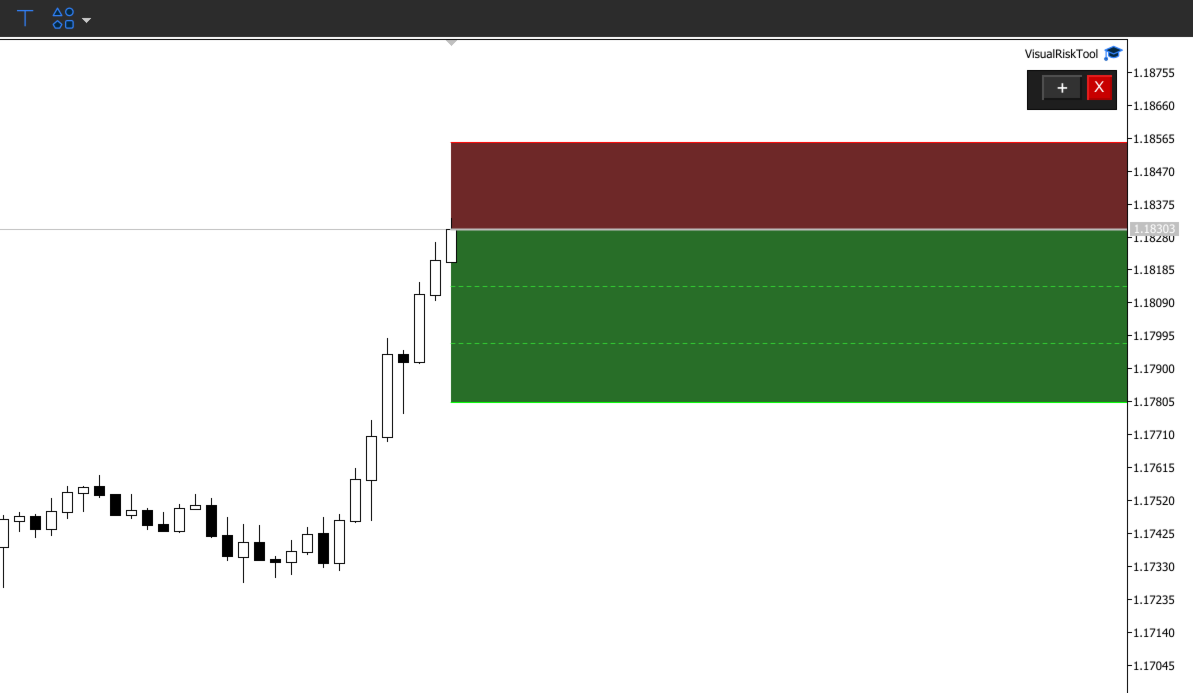
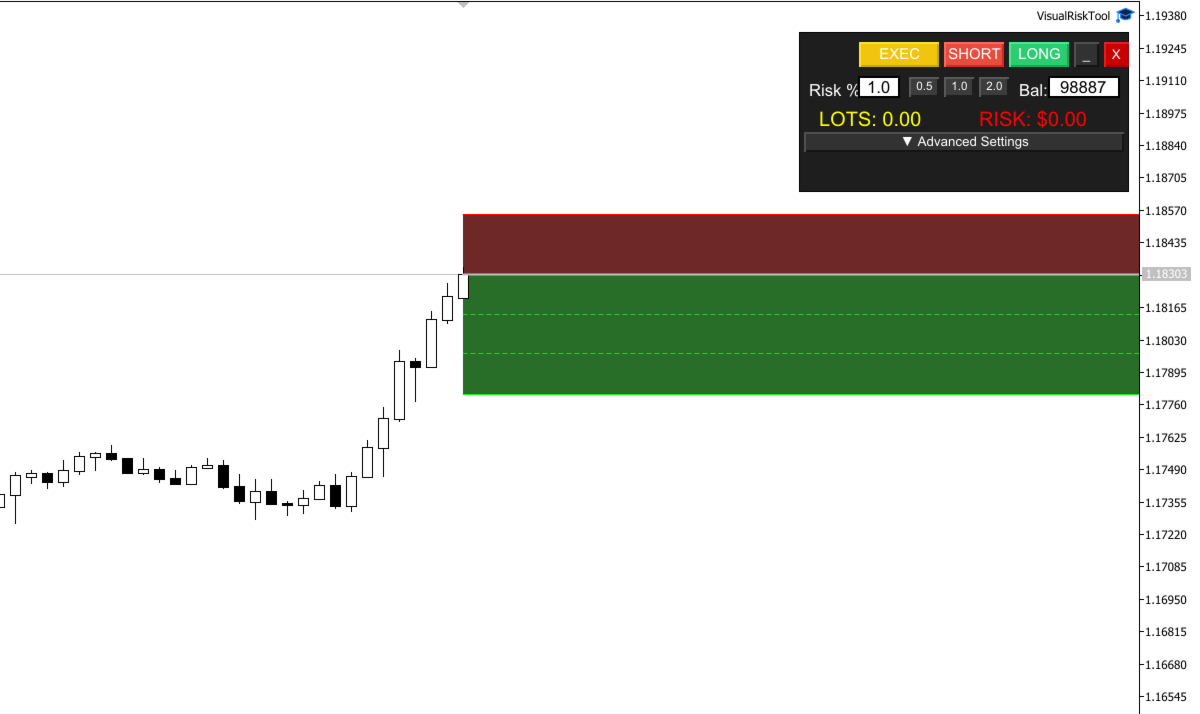
Dynamic Zones: Adjust the Red (Risk) and Green (Reward) zones on the chart to set your levels.
-
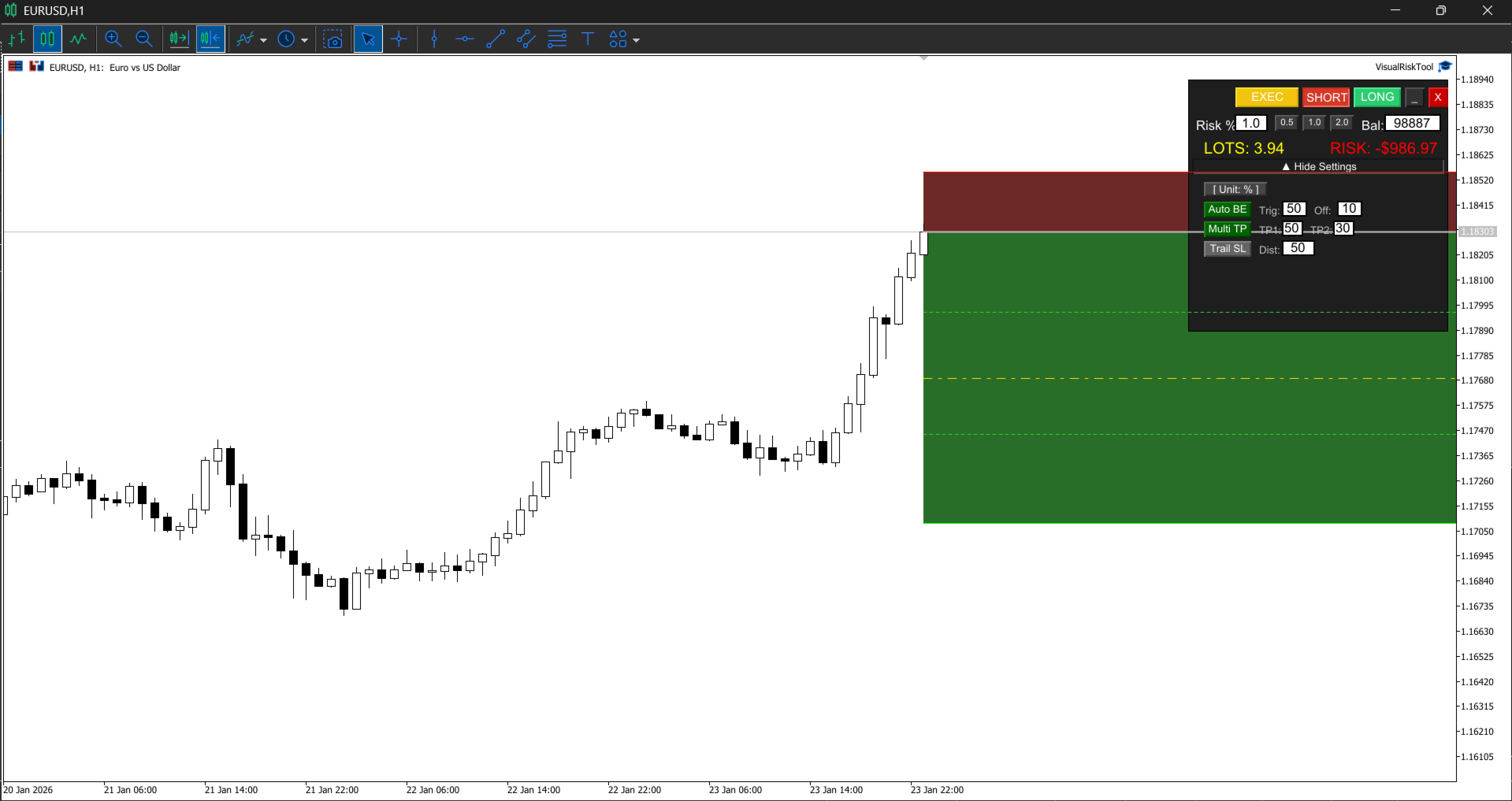
Real-Time Data: The panel displays the precise dollar amount at risk and the calculated lot size in real-time as you move the lines.
-
One-Click Execution: Once the visual setup matches your strategy, the "EXEC" button opens the position with all parameters pre-configured.
Advanced Trade Management Features
Beyond execution, VisualRiskTool includes automated management logic to protect your capital:
-
Auto Break-Even: Automatically moves the Stop Loss to the entry price (plus an optional offset) once the price reaches a user-defined profit target.
-
Trailing Stop: Implements a dynamic Trailing Stop that follows the price at a set distance to secure profits during trending moves.
-
Partial Take Profits: Supports multiple Take Profit levels, allowing the tool to automatically close a percentage of the position at designated targets while letting the remainder run.
Workflow
-
Selection: Choose the trade direction (Long or Short) on the panel.
-
Calibration: Drag the visual lines on the chart to your desired Entry, Stop Loss, and Take Profit levels.
-
Verification: Confirm the risk metrics and lot size displayed on the interface.
-
Action: Click "EXEC" to send the order to the market.
Technical Parameters
-
Risk Percentage: Define the percentage of account equity to risk per trade.
-
Break-Even Trigger: The number of points in profit required to trigger the Auto Break-Even move.
-
Partial Close %: Define what percentage of the volume to close at TP1 and TP2.
-
Trailing Distance: The distance in points for the trailing stop mechanism.