ThemeManager
- Utilitários
- Versão: 1.0

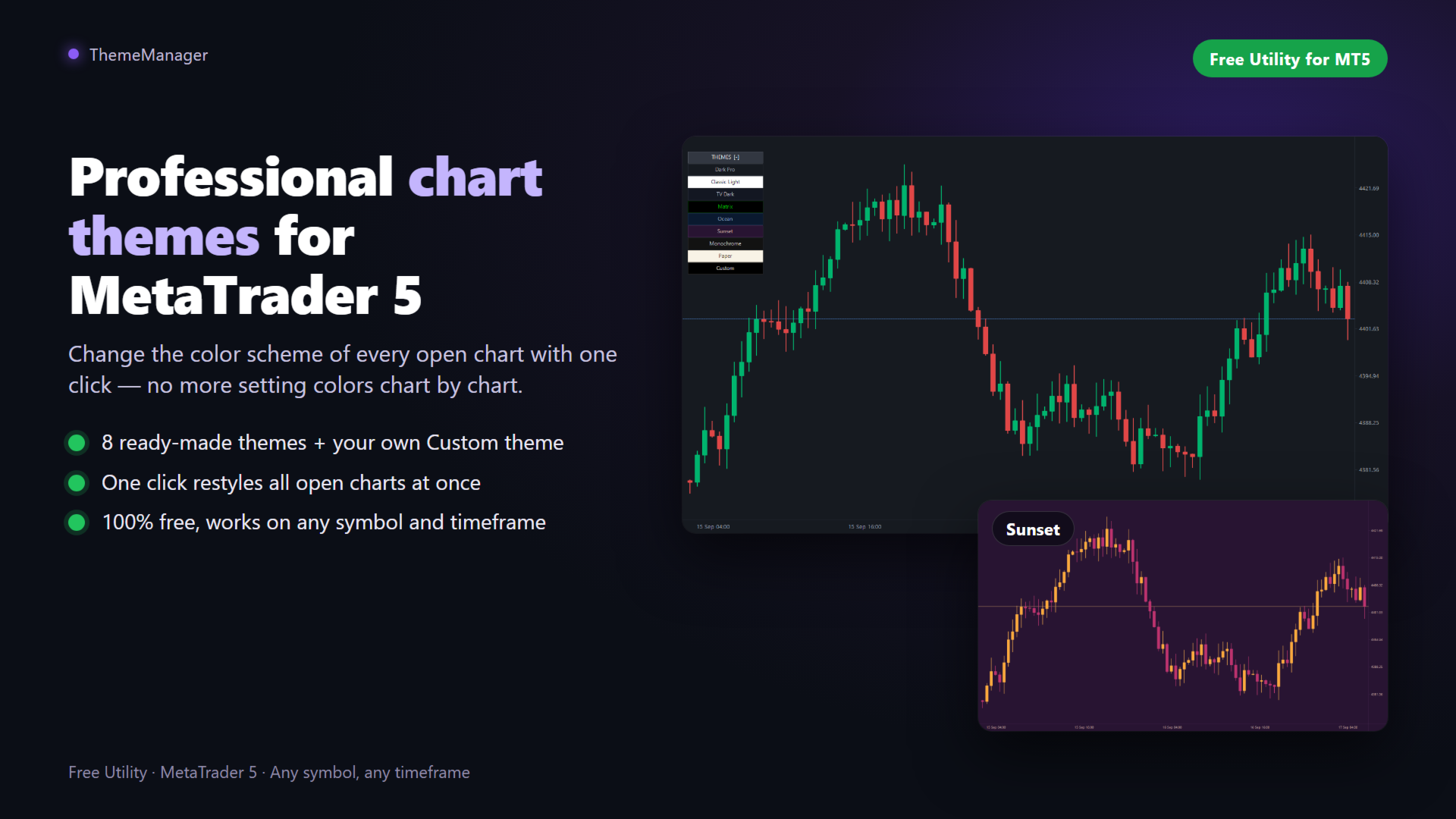
ThemeManager muda o esquema de cores de todos os gráficos abertos do MetaTrader 5 com um clique. Escolha um dos 8 temas profissionais — modo escuro, modo claro, estilo webtrader e mais — ou crie o seu próprio tema Custom com 13 seletores de cor. Chega de configurar as cores gráfico por gráfico: um pequeno painel sobre o gráfico reestiliza todos os seus gráficos de uma vez.
O ThemeManager é totalmente gratuito — todos os temas e todas as funções, sem limites.
Como funciona
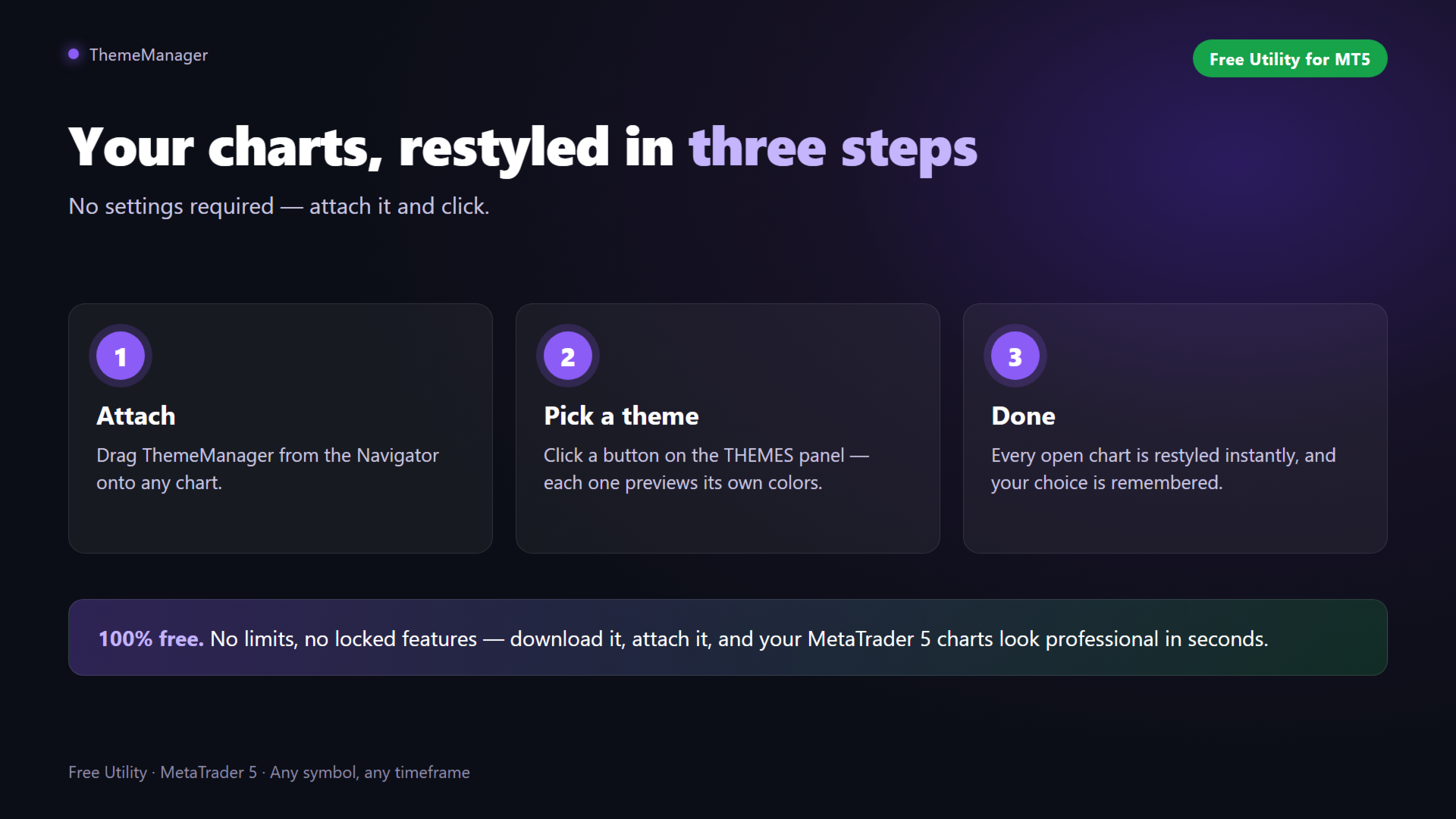
- Arraste o ThemeManager para qualquer gráfico (Navegador → Indicadores).
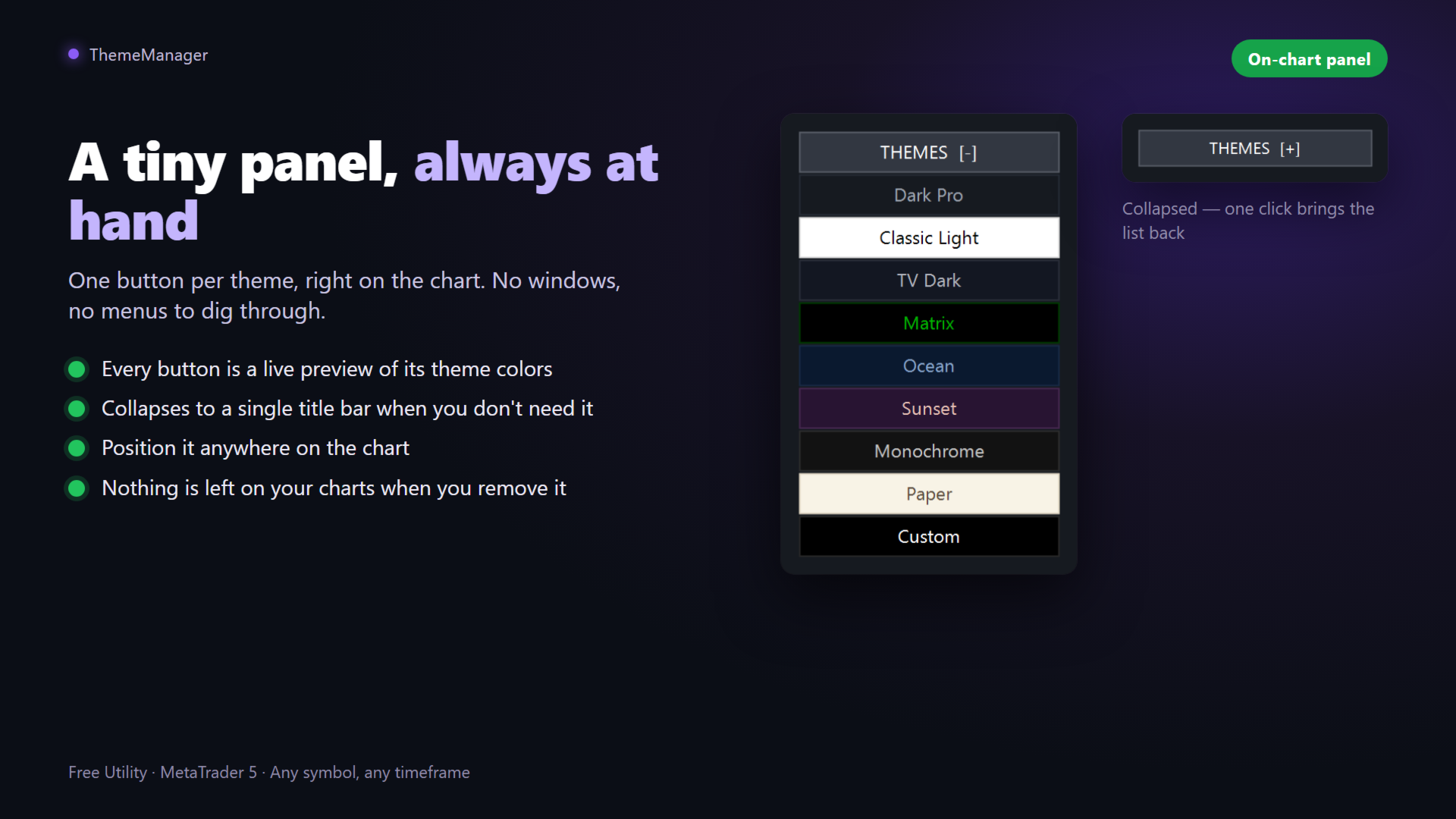
- Clique em um tema no painel THEMES — cada botão é uma prévia ao vivo das suas cores.
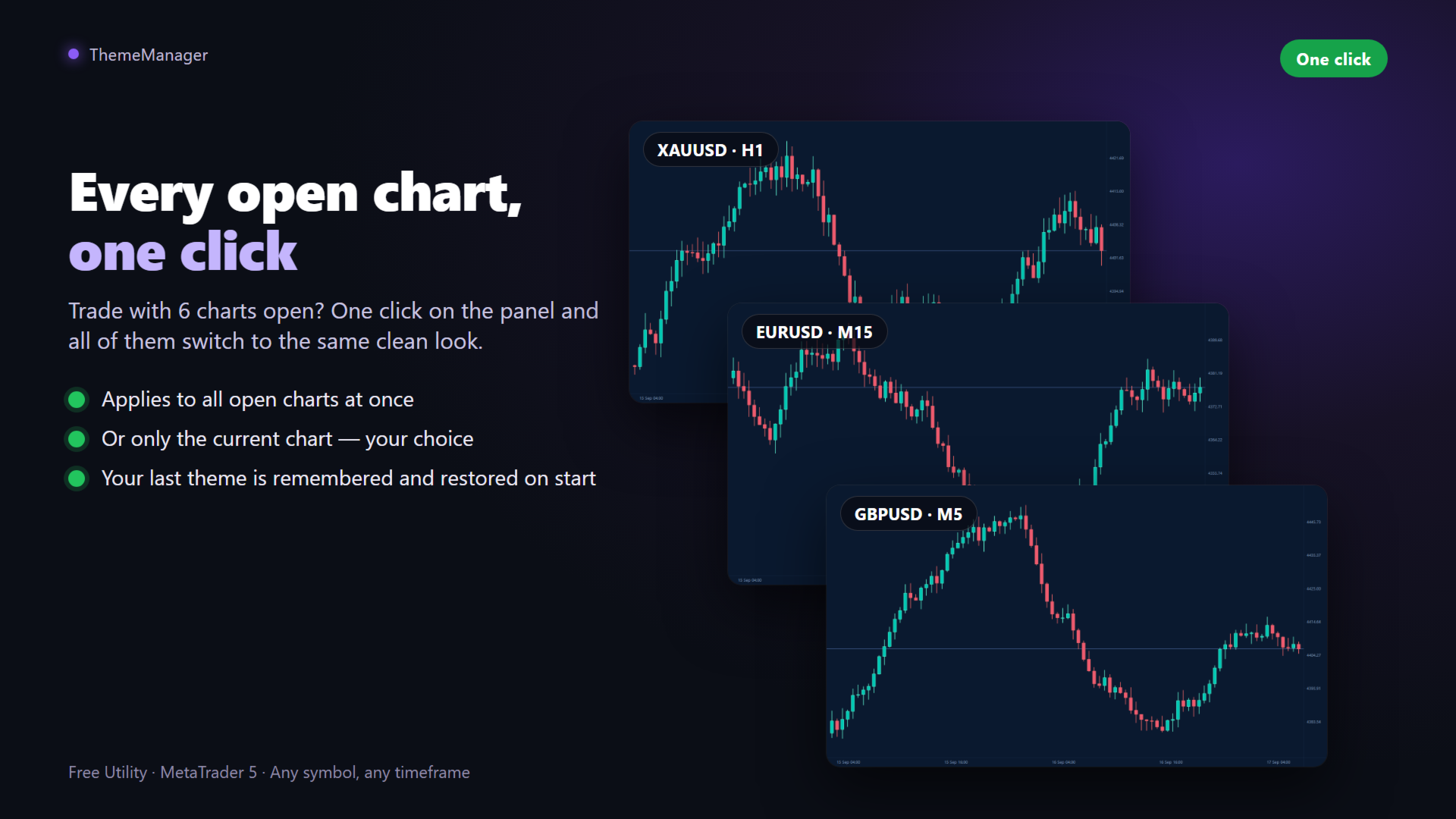
- Pronto: todos os gráficos abertos mudam instantaneamente.
O último tema é lembrado e reaplicado quando o indicador carrega. Adicione o ThemeManager ao seu modelo padrão e cada novo gráfico abrirá com as suas cores.
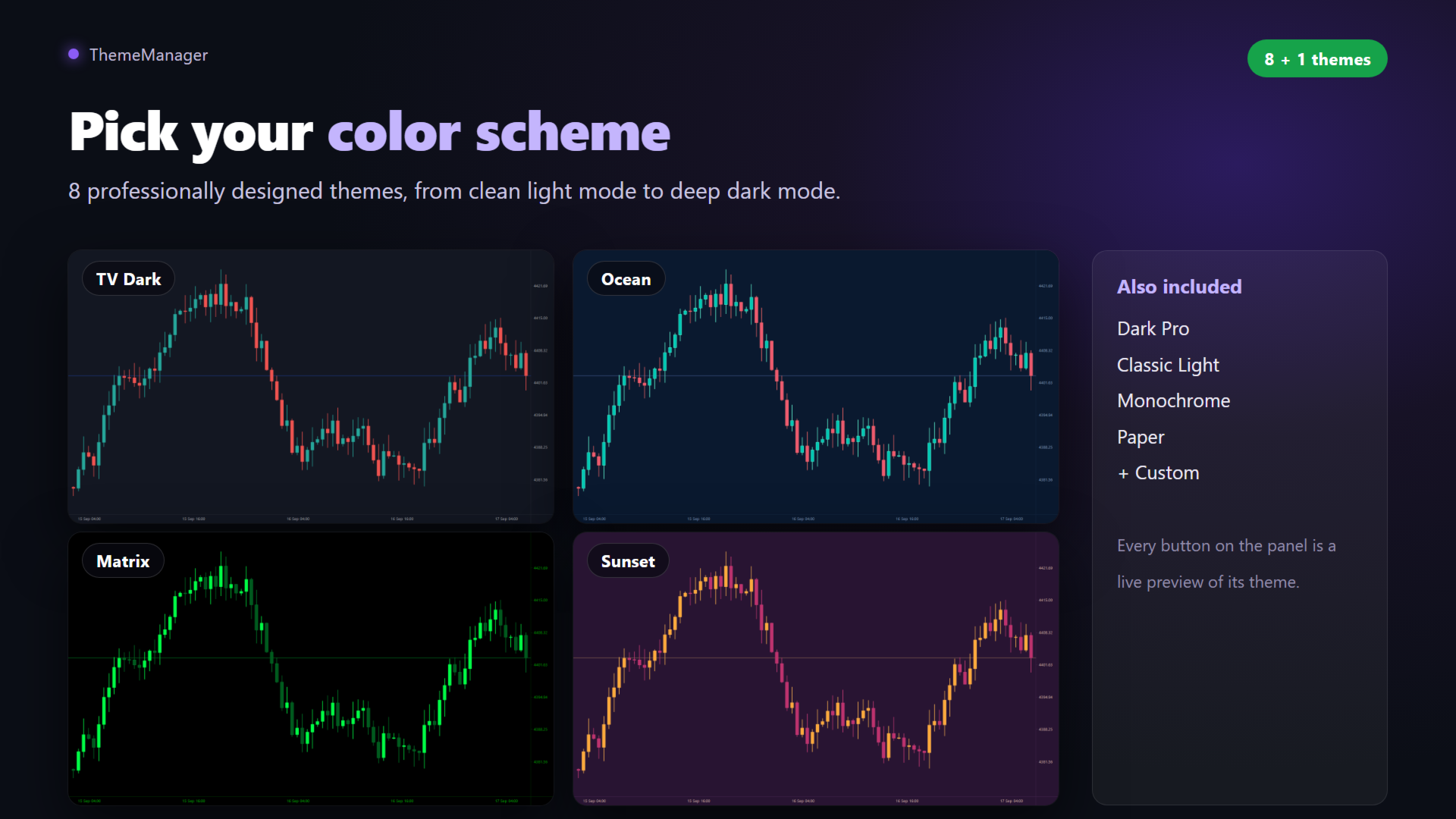
9 temas incluídos
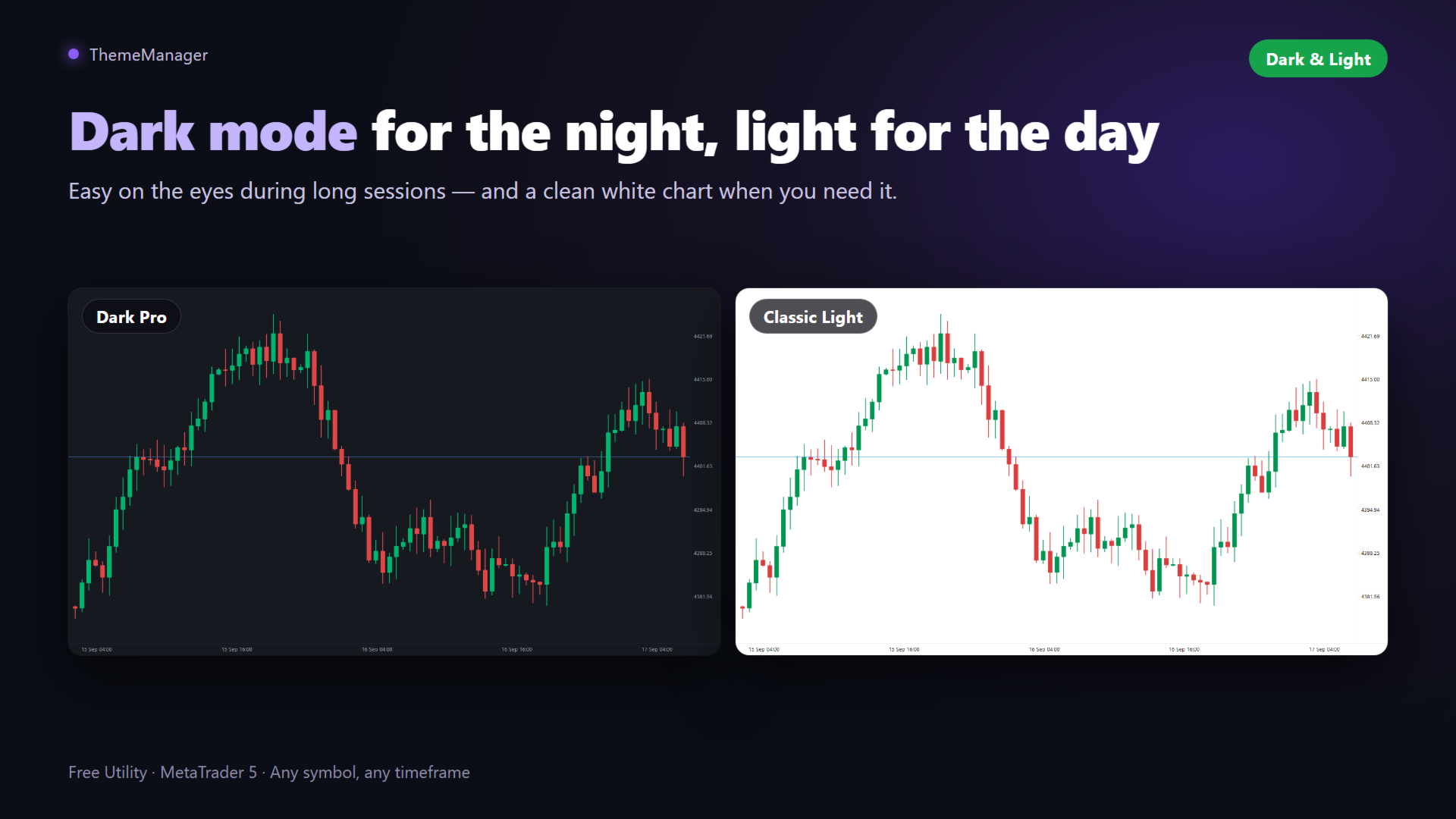
- Dark Pro: tema escuro moderno cinza-carvão com velas verdes e vermelhas.
- Classic Light: gráfico branco limpo, aparência tradicional.
- TV Dark: azul-ardósia profundo com velas verde-água e vermelhas, estilo webtrader.
- Matrix: preto com velas verde-néon.
- Ocean: azul-marinho profundo com velas verde-água e coral.
- Sunset: fundo roxo com velas laranja e magenta.
- Monochrome: elegante escala de cinzas.
- Paper: sépia claro, estilo jornal.
- Custom: o seu próprio tema, definido nos parâmetros.
O seu próprio tema Custom
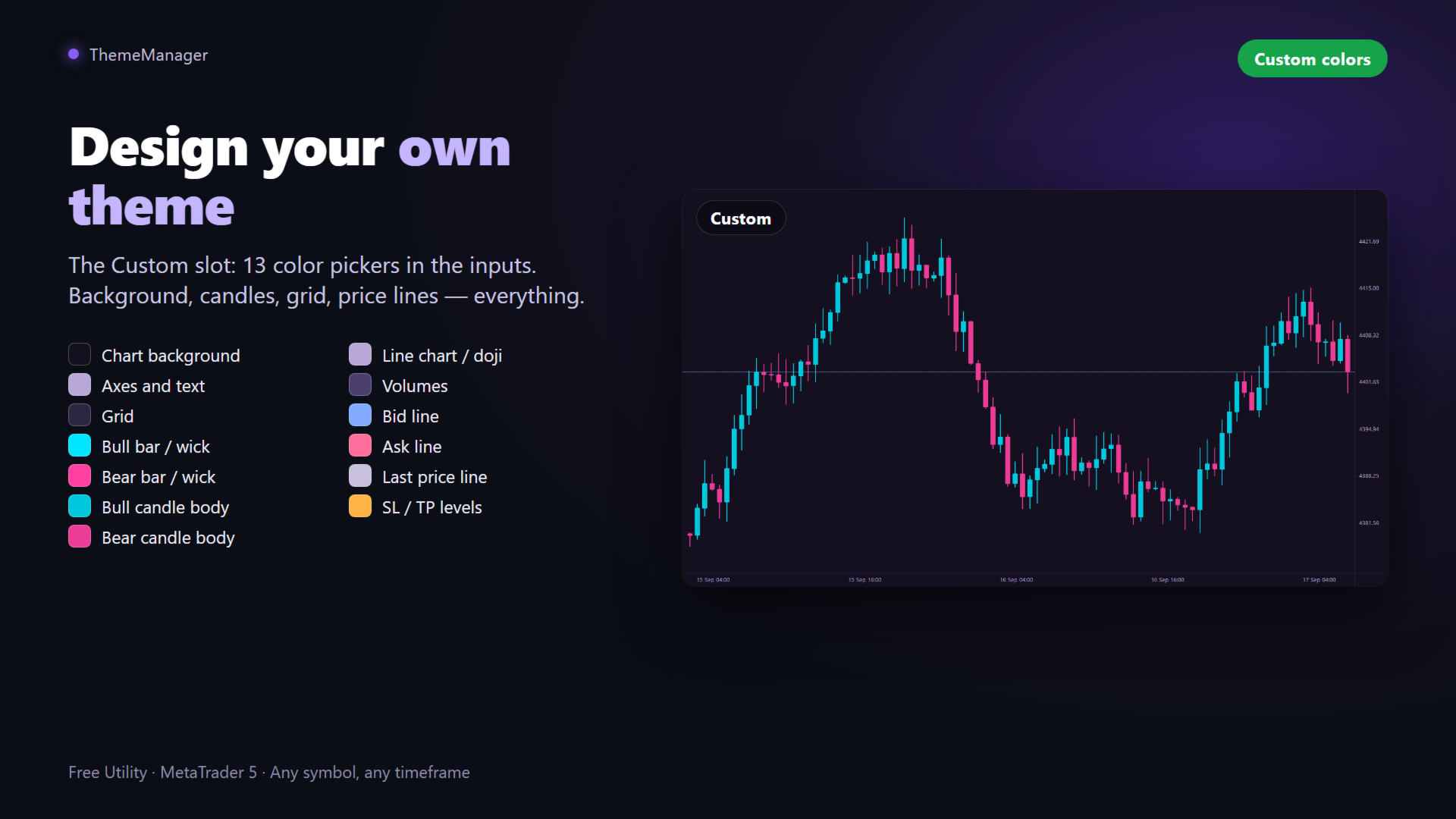
Abra os parâmetros do indicador, grupo "Custom theme": 13 seletores de cor — fundo do gráfico, eixos e texto, grade, barras de alta e de baixa, corpos das velas, gráfico de linha, volumes, linhas Bid/Ask/Last e níveis SL/TP. Pressione o botão Custom no painel para aplicar as suas cores em todos os lugares. Elas são salvas com o gráfico e os seus modelos.
Painel no gráfico
- Cada botão é uma prévia ao vivo das cores do seu tema.
- Recolhe para uma única barra de título quando você não precisa dele.
- Aplica a todos os gráficos abertos ou apenas ao atual (parâmetro "Apply to all open charts").
- Nada fica nos seus gráficos ao remover o indicador.
O que cada tema define
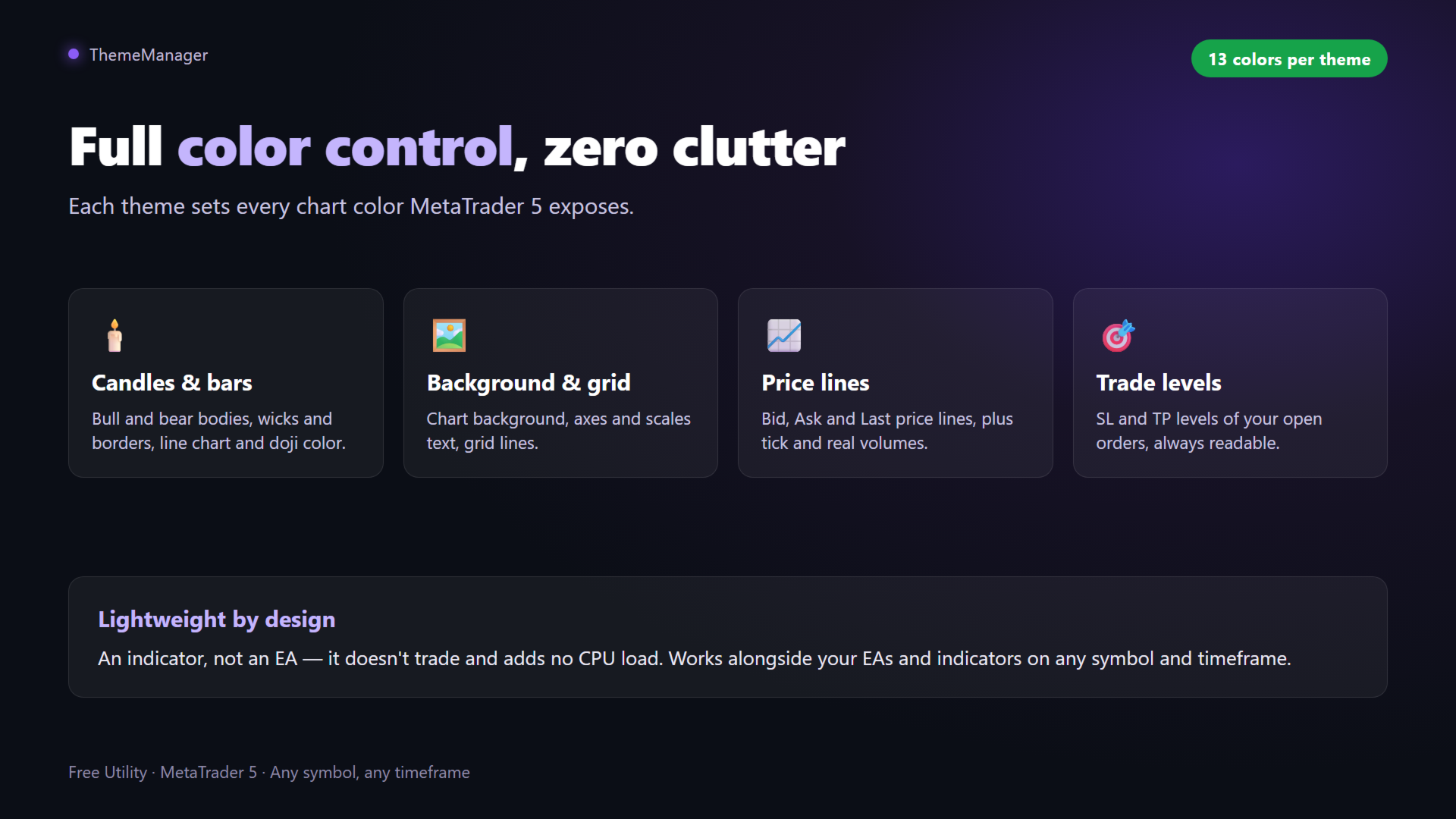
Todas as cores de gráfico que o MetaTrader 5 expõe: fundo; eixos, escalas e texto; grade; barras de alta e baixa, pavios e bordas das velas; corpos das velas; gráfico de linha e doji; volumes; linhas de preço Bid, Ask e Last; níveis de ordens SL/TP.
Requisitos
- MetaTrader 5 — nada mais. Sem DLL nem requisições web. Funciona com qualquer corretora, símbolo e tempo gráfico.
Perguntas frequentes
O ThemeManager é realmente gratuito? Sim. Os 9 temas e todas as funções, sem limites nem opções bloqueadas.
Ele também recolore o Observação do Mercado e as outras janelas do terminal? Não. O MetaTrader só permite que programas alterem os gráficos; nenhum produto pode recolorir as janelas do terminal.
Vai interferir nos meus EAs ou indicadores? Não. Ele só muda as cores do gráfico — não opera e não toca nas suas outras ferramentas.
Posso voltar às minhas cores anteriores? Aplicar um tema sobrescreve as cores do gráfico, então salve antes a sua configuração atual como modelo (clique direito → Modelos → Salvar) se quiser restaurá-la depois.
Posso aplicar um tema a um único gráfico? Sim: coloque "Apply to all open charts" em false e o painel mudará apenas o gráfico atual.
E se eu precisar de ajuda? Envie-me uma mensagem privada pelo meu perfil no MQL5.
chart theme, color scheme, chart colors, change chart colors, dark mode, dark theme, light theme, customize chart, chart appearance, candle colors, chart background, color settings, chart template, free utility, MetaTrader 5 themes, MT5 chart colors