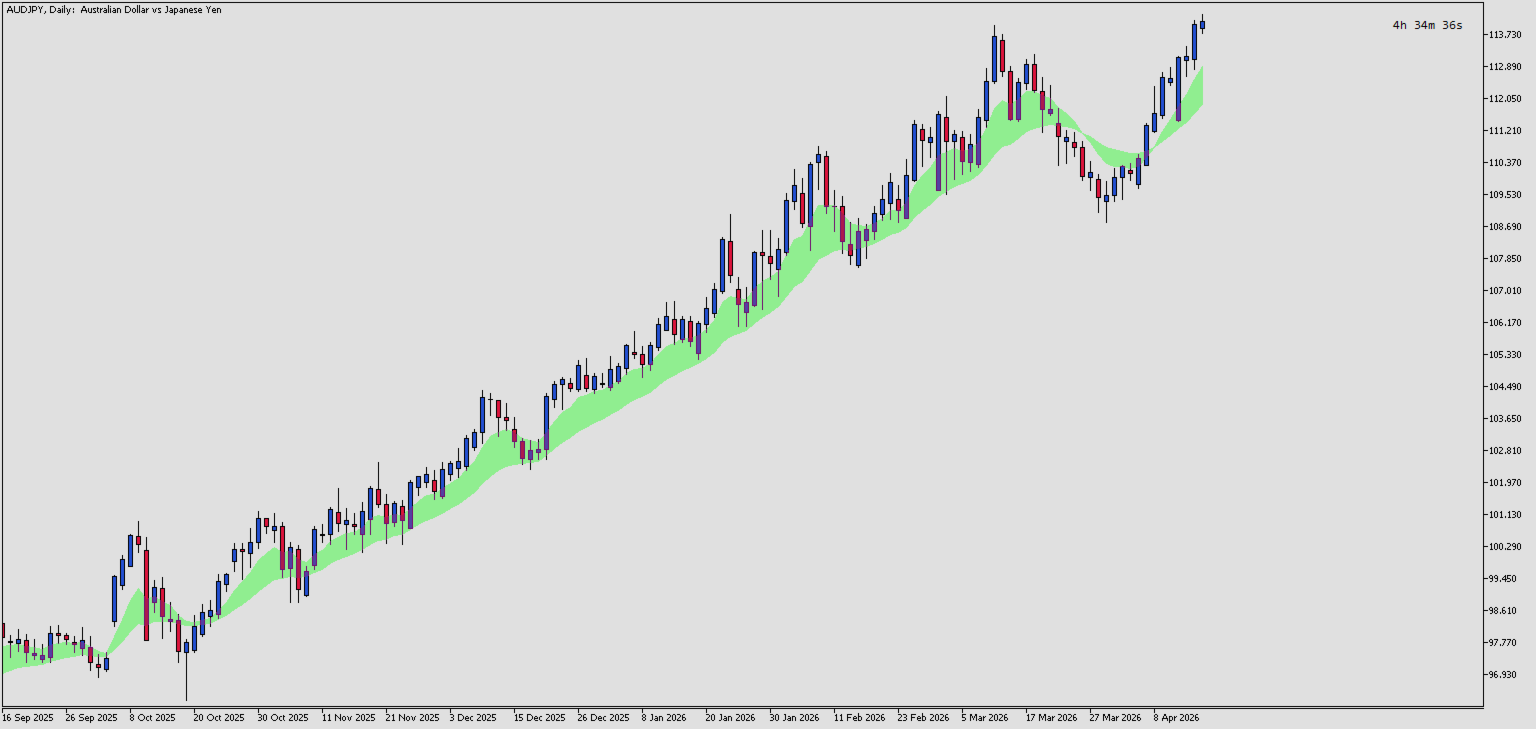
EMA Zone
- Indicadores
- Versão: 1.0
- Ativações: 5

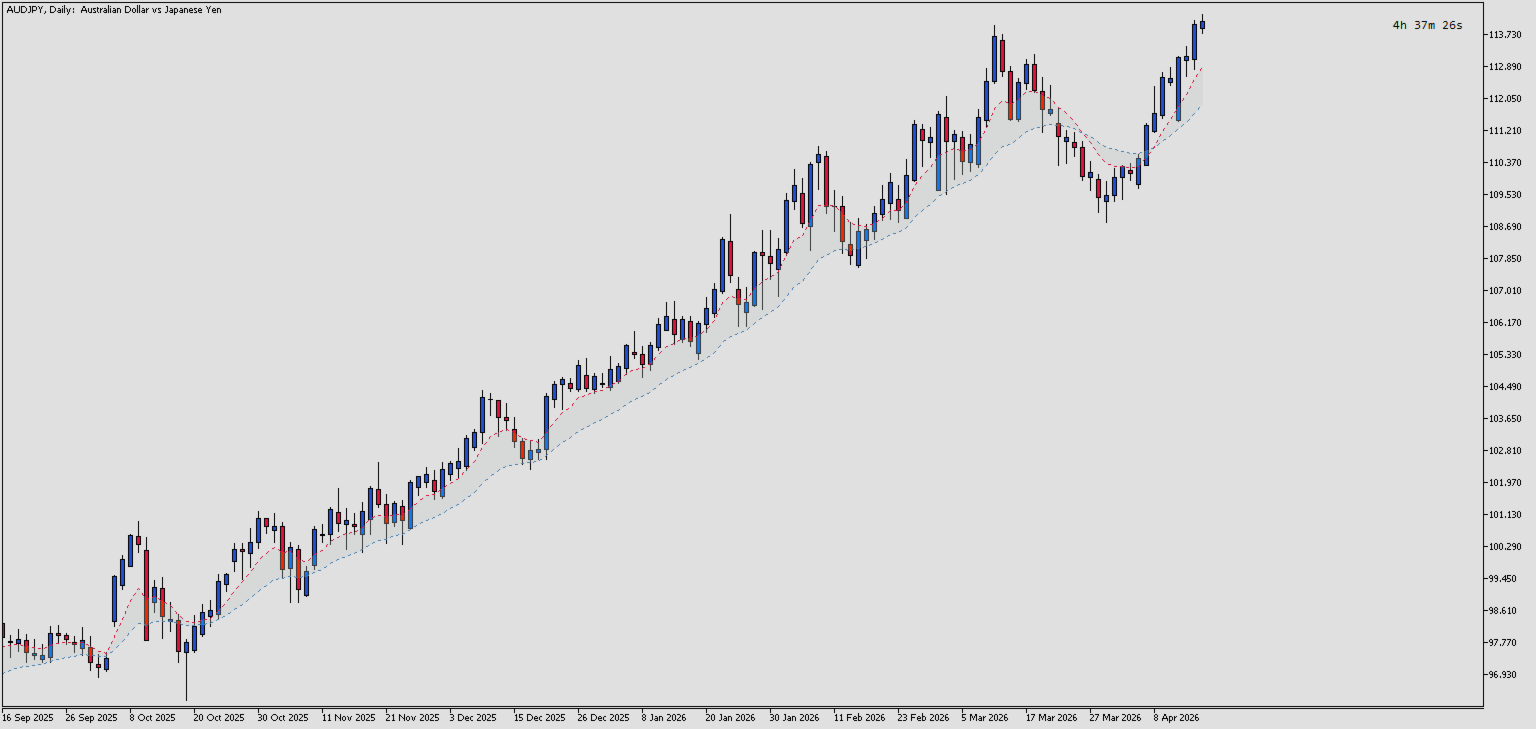
EMA Zone is a professional technical indicator for MetaTrader 5 that visualizes the relationship between two Exponential Moving Averages (EMAs) by displaying a filled zone between them. This visual representation helps traders quickly identify trend direction, momentum strength, and potential pullback continuation zones.
Key Features:
- Dual EMA Visualization — Displays both Fast and Slow EMA lines with customizable periods
- Zone Fill — Automatically fills the area between the two EMAs, making trend gaps visually apparent
- Customizable Colors — Full control over line colors and zone fill color
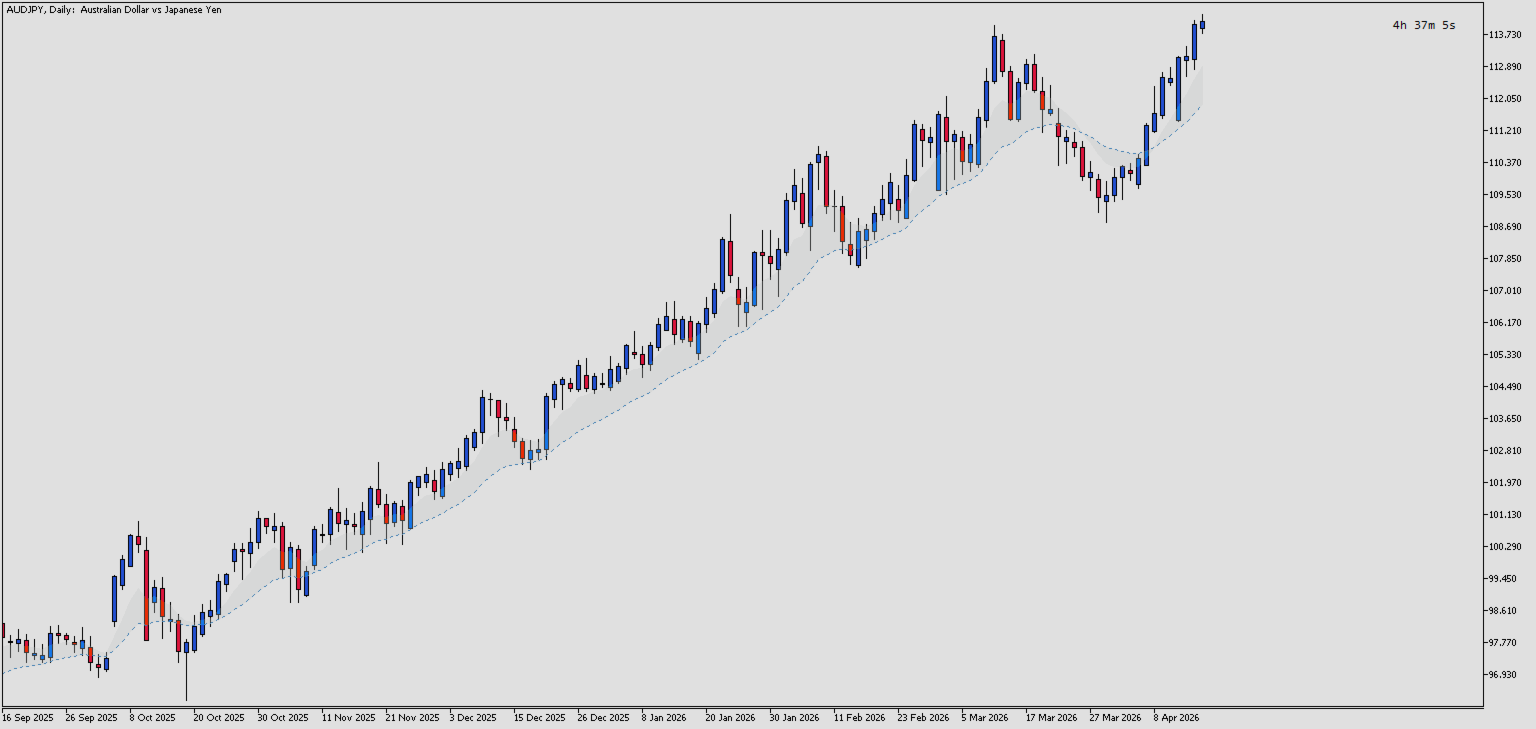
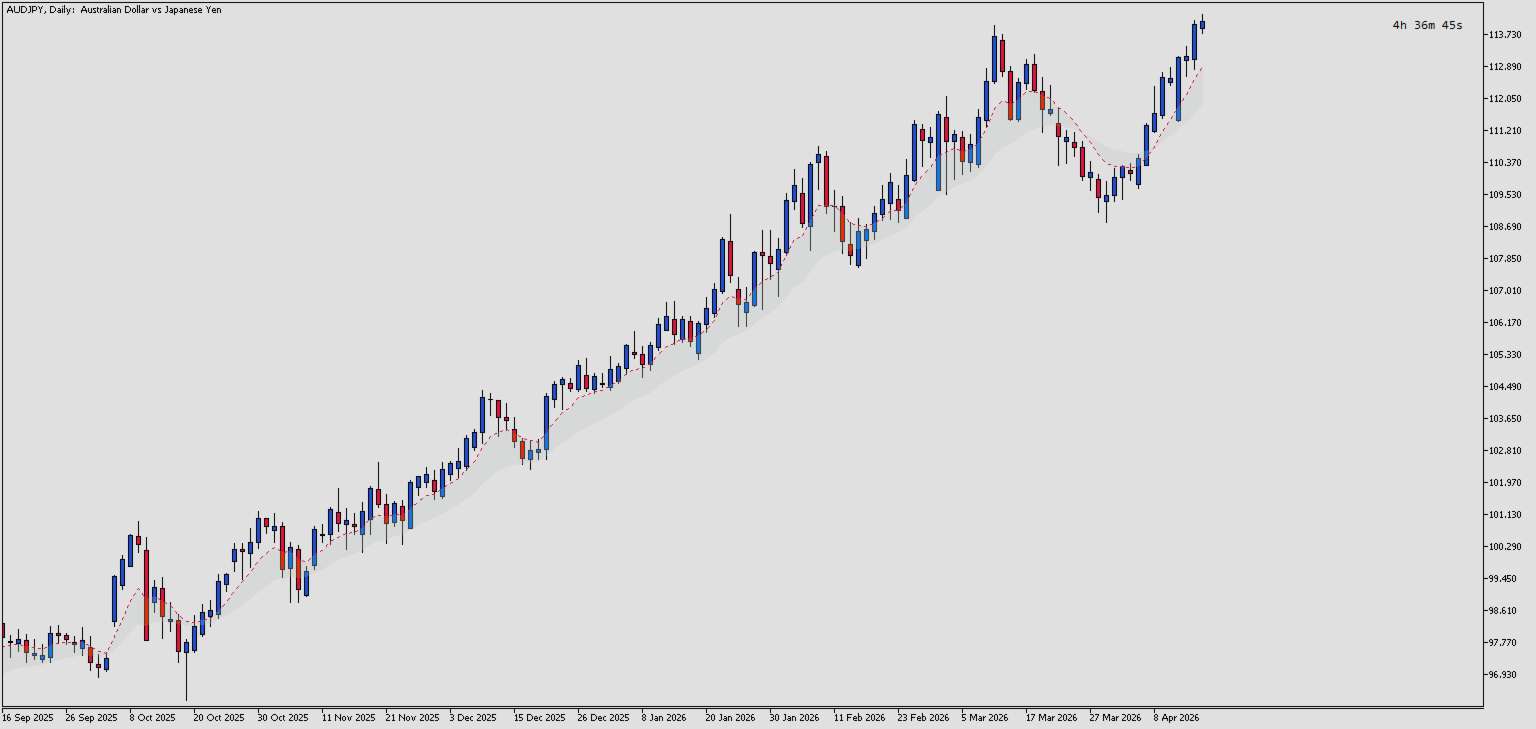
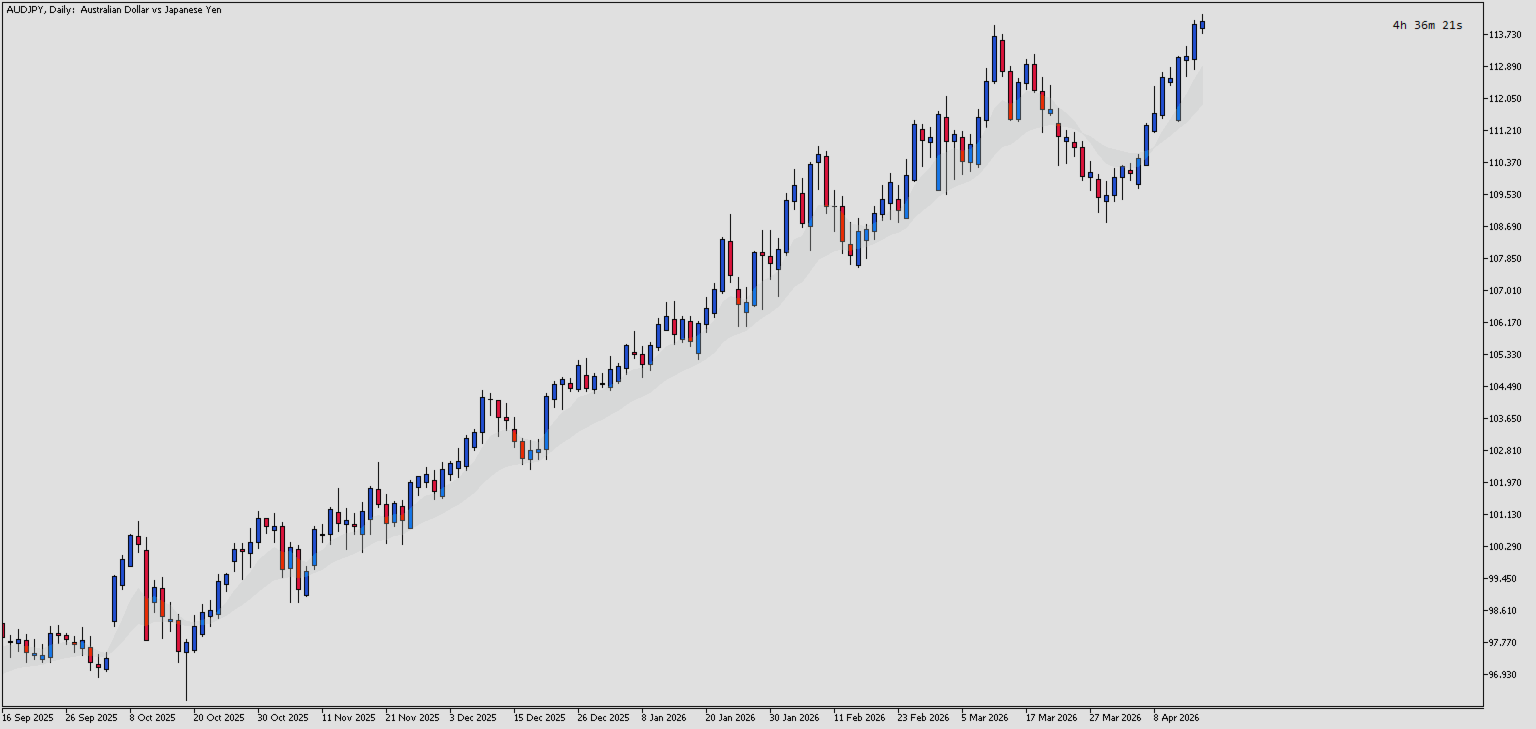
- Toggle Visibility — Option to show/hide individual components (Fast line, Slow line, Zone)
- Lightweight & Efficient — Uses native MQL5 indicator handles for optimal performance
Trading Applications:
- Trend Identification — When Fast EMA is above Slow EMA, zone color indicates bullish momentum
- Trend Strength — Wider zones indicate stronger momentum; narrower zones suggest consolidation
- Crossover Signals — Visual crossovers when the zone collapses and inverts
- Support/Resistance Zones — The EMA zone can act as dynamic support/resistance
How It Works:
The indicator calculates two EMAs (Fast and Slow) and fills the area between them. When price trends strongly, the gap between EMAs widens. During consolidation, the zone narrows, signaling potential breakout opportunities.
Features
- Dual EMA Lines — Displays Fast and Slow EMA as dotted lines directly on the main chart
- Zone Fill — Fills the area between the two EMAs with a configurable color for easy visual identification of trend gaps
- Customizable Periods — Adjust Fast EMA (default: 8) and Slow EMA (default: 21) periods to suit any trading style
- Color Customization — Set individual colors for Fast line, Slow line, and Zone fill to match your chart theme
- Visibility Controls — Toggle visibility of Fast line, Slow line, and Zone independently for flexible display options
- Native Performance — Uses built-in iMA() handles for efficient calculation without lag
- Multi-Timeframe Compatible — Works on any timeframe and any symbol supported by MT5
- Non-Repainting — Calculations are based on closed candles; values do not change after bar completion
Input Parameters
EMA Settings
- Inp Fast Period (default: 8) — The period for the Fast EMA. Lower values make the line more responsive to recent price changes. Typical values: 8-13 for short-term analysis.
- Inp Slow Period (default: 21) — The period for the Slow EMA. Higher values create a smoother, less reactive line. Typical values: 21-50 for medium-term trend analysis.
Display Settings
- Inp Show Fast Line (default: true) — Controls visibility of the Fast EMA line. Set to false to hide it and focus only on the Slow EMA and Zone.
- Inp Show Slow Line (default: true) — Controls visibility of the Slow EMA line. Set to false to hide it and focus only on the Fast EMA and Zone.
- Inp Show Zone (default: true) — Controls visibility of the filled zone between the two EMAs. Set to false to display only the EMA lines without the fill.
Visual Settings
- Inp Fast Color (default: clrCrimson) — Color of the Fast EMA line. Choose a color that contrasts well with your chart background.
- Inp Slow Color (default: clrSteelBlue) — Color of the Slow EMA line. Choose a distinct color from the Fast EMA for easy differentiation.
- Inp Zone Color (default: clrLightGray) — Color of the filled zone between the EMAs. Semi-transparent or light colors work best to avoid obscuring price candles.