DYJ SignalSourceOfWPR MT5
- 지표
-
Daying Cao
 안녕하세요!
저는 오랜 개발 경력을 가진 소프트웨어 엔지니어로서, 자신만의 고유한 트레이딩 시스템과 풍부한 EA 거래 경험을 가지고 있습니다. 주요 거래 통화쌍은 EUR/USD, GBP/USD, USD/JPY, AUD/USD, USD/CAD, 골드 및 EUR/NZD 크로스 통화입니다.
저희의 목표는 접근 가능하고 양질의 서비스를 제공하여, 시장 참여자, 트레이더, 분석가 모두가 정보에 입각한 시기적절한 거래 결정을 내릴 수 있도록 꼭 필요한 도구를 지원하는 것입니다. - 버전: 1.15
- 업데이트됨: 14 6월 2024
- 활성화: 5
The DYJ SignalSourceOfWPR is based on WPR indicator. It can be used for any currency pair and timeframe.
The WPR recommends Indicator values ranging between 80 and 100% indicate that the market is oversold. Indicator values ranging between 0 and 20% indicate that the market is overbought.
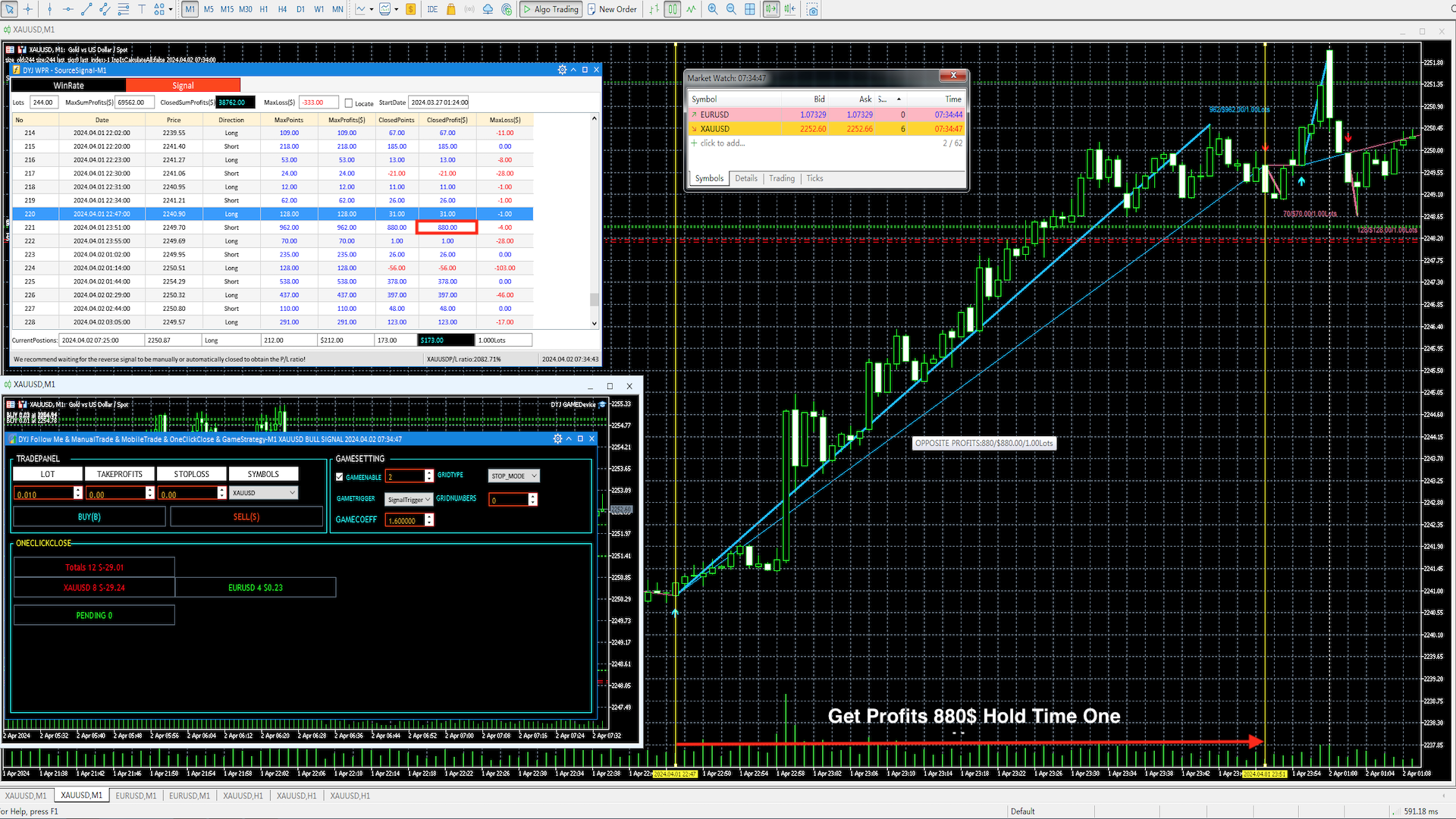
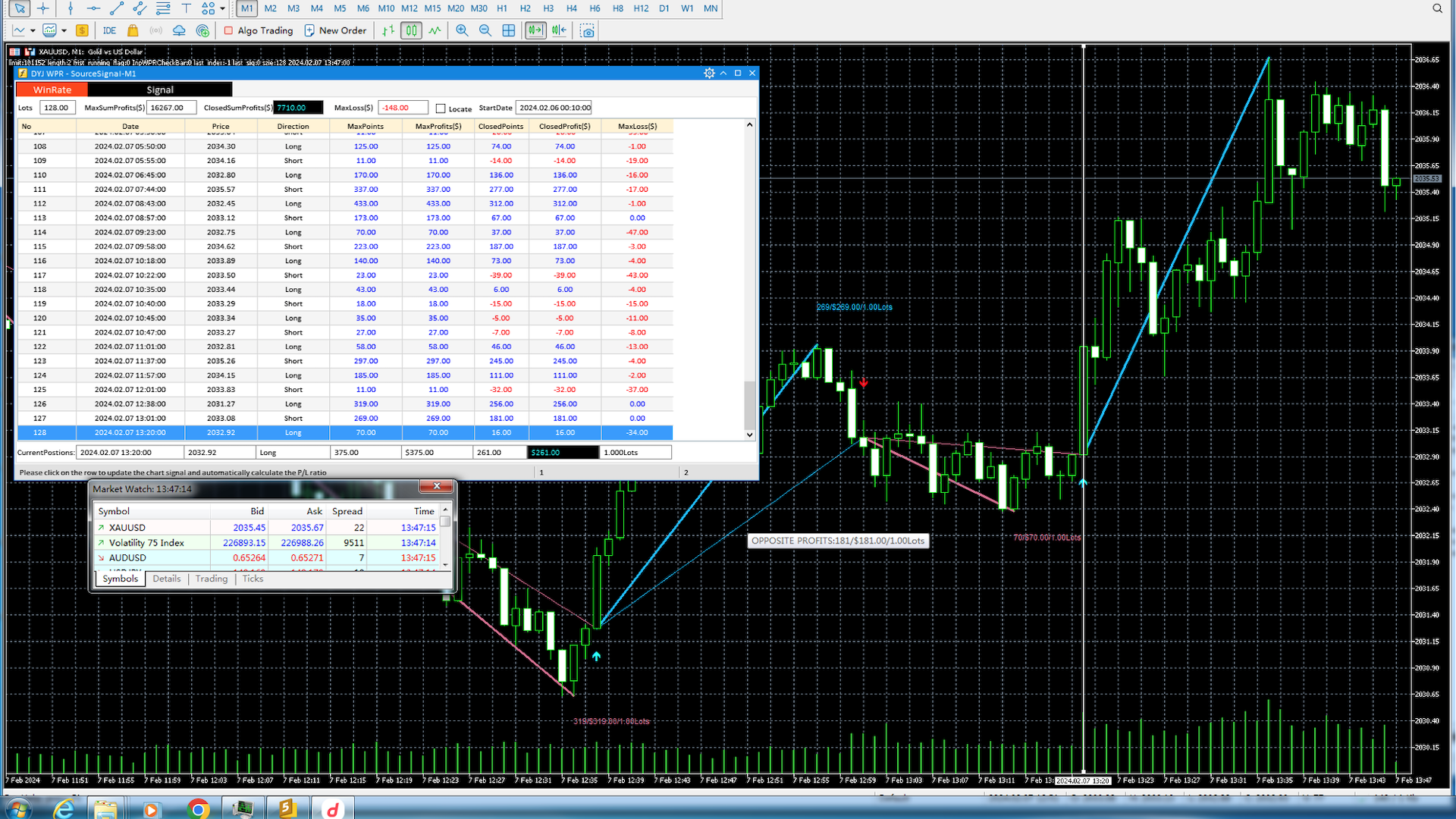
The entry signal of this indicator is a turning point in the trend.The indicator uses analog trading technology,
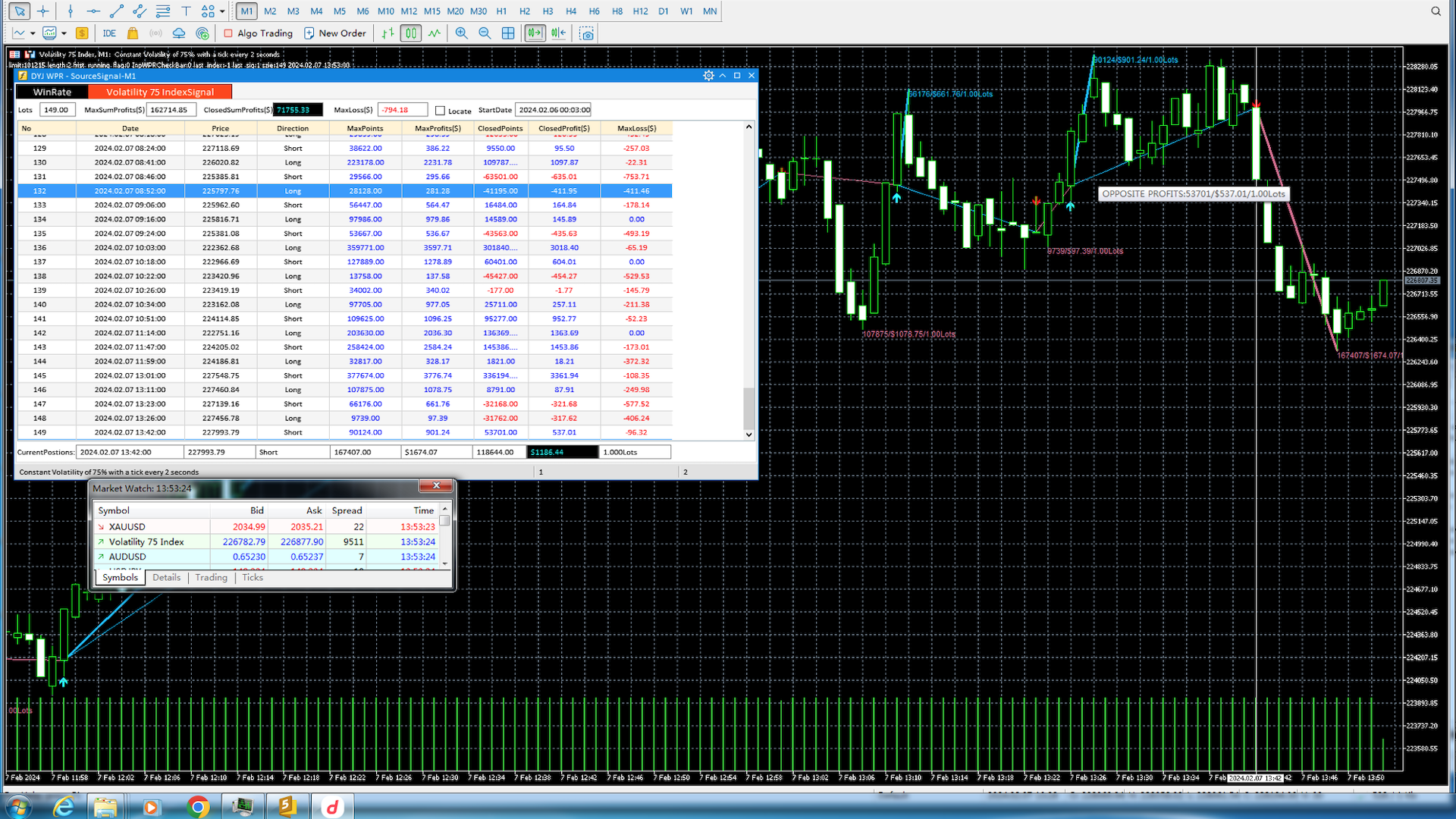
Provide you with indicators to evaluate the overall profit of the opening signal and closing signal.
It is very convenient for you to use which evaluation mode to trade.
When you choose the maximum profit model evaluation model,
It is recommended that you use the tracking stop loss function.
This can track the trend profit to the maximum extent.
When you select the opposite signal to turn off the evaluation mode,
It is recommended that you wait patiently for the opposite signal to appear and then close it.
This can always wait for the trend to really end and make a profit.
If you need trend indicators as guidance, please use DYJ PowerSignalSource to filter out false signals of oscillation indicators
If you need to automatically follow the index to open and close the warehouse, please download the utility software DYJ Follow Me or Better DYJ Game Device with GAME Strategy
Note
- After downloading the software to your computer, please change the file name to a shorter one, such as DYJ WPR. Otherwise, sometimes the MT5 system restricts the length of internal combination names to no more than 63, which may cause the software to not run properly!
- It is prohibited to use multiple TIMEFRMES to operate the same signal source and FollowMe software.
- In addition, the version of MT5 requires Version: 5.00 build 4380 7 Jun 2024
Input parameters
[General]
- InpUseLanguage = English/Chinese
- InpWPRPeriod=14
- InpViewMinBars = 10080
- InpSimulatedVolume = 1
- InpOnlyOppositeClosedLine = false
- InpIsDisplayChartText = true
- InpIsDisplayProfitsLine = true
- MaxProfitsTextHigh = 40
- MaxProfitsTextLow = 20
- UpLineClr = DeepSkyBlue // Arrow Up Color
- DnLineClr = PaleVioletRed // Arrow Down Color
- alertsMessage = true
- alertsSound = true
- alertsEmail = false
- alertsPush = false
- InpIsMultipleLinesTextForAlertsMessage = true
- InpStartDate = "19700101" // InpStartDate:If it is 19700101, it represents the minimum date.
- InpEndDate = "19700101" // InpEndDate:If it is 19700101, it represents an infinite date.
- InpWindowsXSize = 1030
- InpWindowsYSize = 450