DYJ TwoMATrendFollowing
- Experts
-
Daying Cao
 안녕하세요!
저는 오랜 개발 경력을 가진 소프트웨어 엔지니어로서, 자신만의 고유한 트레이딩 시스템과 풍부한 EA 거래 경험을 가지고 있습니다. 주요 거래 통화쌍은 EUR/USD, GBP/USD, USD/JPY, AUD/USD, USD/CAD, 골드 및 EUR/NZD 크로스 통화입니다.
저희의 목표는 접근 가능하고 양질의 서비스를 제공하여, 시장 참여자, 트레이더, 분석가 모두가 정보에 입각한 시기적절한 거래 결정을 내릴 수 있도록 꼭 필요한 도구를 지원하는 것입니다. - 버전: 1.0
- 활성화: 5
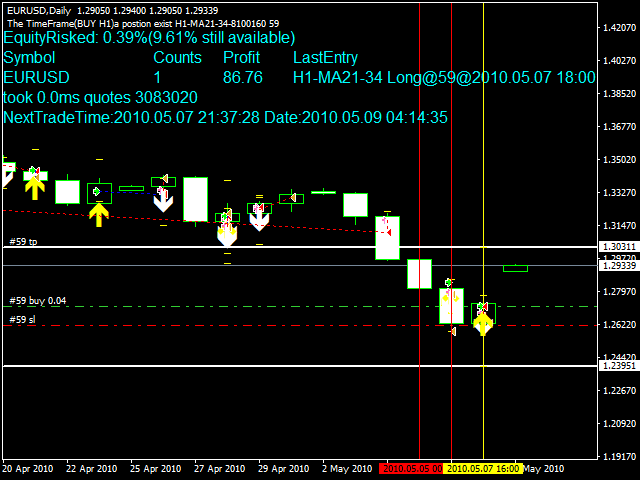
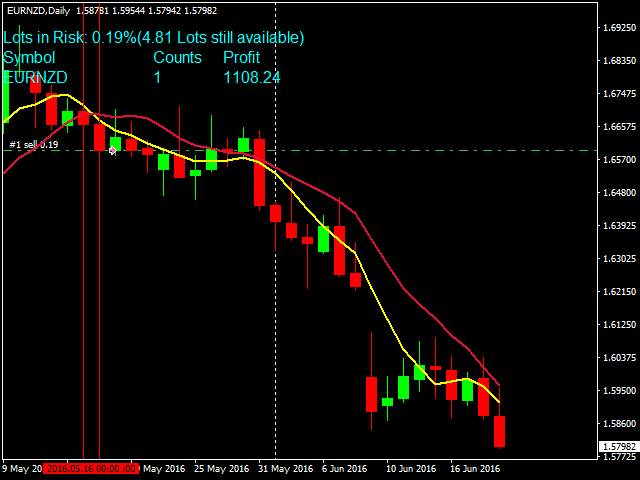
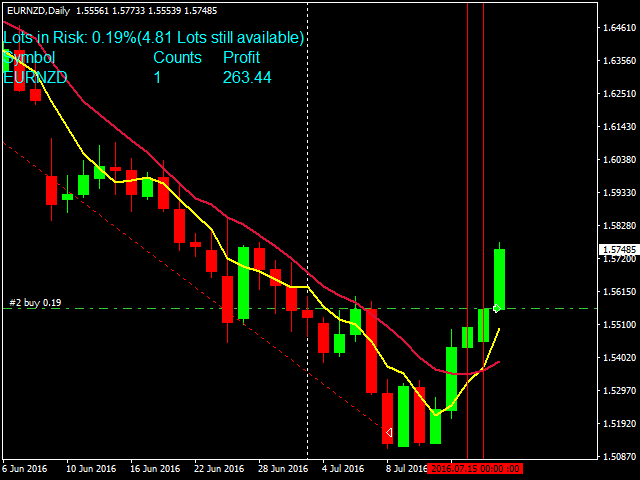
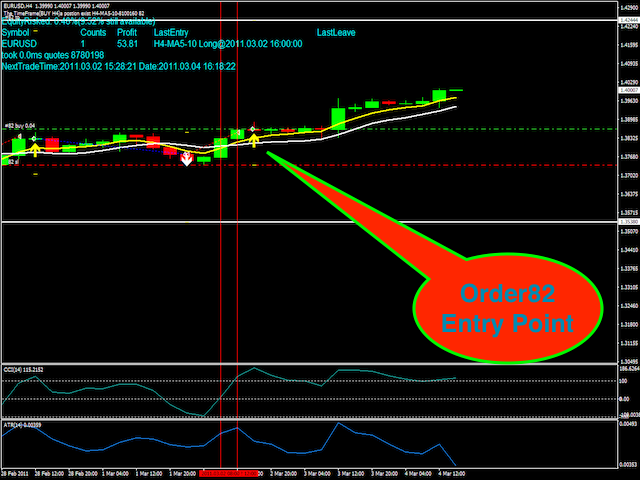
This EA is based on the classical trend-following system of opening the positions. The EA is based on DYJ TwoMACrossAlarm and ATR and CCI indicator. It uses two moving averages. The EA uses dynamic allocation MA period. The MA1 and MA2 period is the Fibonacci sequence, such as 5.8 or 13.21 or 21.34 or...; EA Entry Rules:
Go long when fast MA1 crosses above the slow MA2 and CCI crosses above the zero line;
Go short when fast MA1 crosses below the slow MA2 and CCI crosses below the zero line; the ATR for placing a stop loss;
Expert Advisor Exit Rules: The traditional SL, TP and TSL, if there is an opposite signal.
Inputs
MA Setup
- IsAutoAllocationMA = true - dynamic allocation period.
Fast MA Setup
- Period = 5 - period of Faster Moving Average (value 5), if not automatic allocation period.
- Mode = EMA - type of Moving Average (SMA, EMA, SMMA, LWMA).
- Price = Close - type of price (Close,Open, Low, High, Median, Typical, Weighted).
Slow MA Setup
- Period = 8 - period of Slower MA (value 8), if not automatic allocation period.
- Mode = SMA - type of Moving Average (SMA, EMA, SMMA, LWMA).
- Price = Close - type of price (Close,Open, Low, High, Median, Typical, Weighted).
- Distance - 10 Distance between MA
CCI and ATR period
- CCI Period = 14 - signals are strengthened (filtered) by an additional signal from the CCI indicator
- ATR Period = 14 - period of ATR for placing a stop loss
Risk Setup
- Risk_Management: Automatic - calculate lots automatically.
- Auto_Risk_Percent: 2 - automatic risk. For example, 2 means 2%.
- Auto_Max_Risk_in_Total_Orders: 10 - automatic max risk. For example, 10 means 10%.
- Manual_Lots: 0.01 - manual number of lots (if not automatic risk)
- Manual_Maximum_Lots: 1 - maximum lots.
- MaxTrades: 9 - maximum postions number.
Entry Period
- EntryMinTimeFrame: H4 - entry minimum period
- EntryMaxTimeFrame: D1 - entry maximum period
Automatic stop loss and take profit
- AutoStopLoss: AutomaticStop - automatic stop or manual stop.
- MaxBarsToCheckStop: 3 - MaxBars to check a stop loss
- TPTimesStopLoss: 3 - TP is 3 times stop loss.
Manual stop loss and take profit
- StopLoss = 150 - stop loss in pips, manual stop.
- TakeProfit = 300 - take profit in pips.
Automatic Trailing
- UseTrailingStop = false - trailing stop loss on/off.
- TrailingStop = 20 - trailing start stop in pips.
- TrailingStep = 5 - trailing step in pips.
Order
- Slippage = 3 - maximum price slippage for orders.
- PROFIT: 50 = orders will be closed as soon as the current profit is equal or above the preset profit.
- Direction = Both - trade directions. Both: allow both, Buy: allow buy, Sell: allows sell, Disable: disable trade.
- Wait_Mins_For_Next_Trade = 30 - wait time for the next trade.
NOTE
- The default settings in the EA are simply place holders. Before using the EA, please enter your own settings that work for you best.
Author
- Daying Cao, an experienced software engineer.