Auto Fibo Retracement MT5
- 지표
- 버전: 1.5
- 업데이트됨: 5 9월 2025

Auto Fibonacci Retracement Indicator — Flexible and Reliable
This isn’t just another Auto Fibonacci Retracement indicator. It’s one of the most flexible and dependable tools available. If you find it useful, please consider leaving a review or comment — your feedback means a lot!
Check out my other helpful tools below:
- Telegram to MT5 using AI - AI-Powered Signal Copier Bot
- Smart Alert Manager - Set up advanced alerts and send them to Mobile, Telegram, Discord, Webhook...
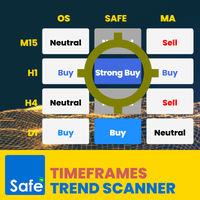
- Timeframes Trend Scanner - Scan the trend of assets in difference timeframes with multiple indicators
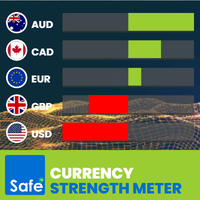
- Currency Strength Meter - Calculate relative currencies strength
Note: From version 1.4, we support up to 10 levels as requested. Level 8, 9, 10 have negative values by default. Change them to positive values to show them in the chart.
Key Features
- Automatically calculates up to 7 customizable Fibonacci levels based on your chosen timeframe.
- Fully adjustable levels to fit your trading style.
- Choose to calculate using High/Low prices or Open/Close prices (helps reduce noise in some cases).
- Option to freeze levels, preventing recalculation as the chart moves.
- Keep the starting point fixed while recalculating the ending point dynamically.
- Auto-recalculation within a fixed frame for consistent analysis.
- Customize the line color, style, and thickness of each Fibonacci level for easy identification.
- Extend Fibonacci lines to the right and/or left for better chart visibility.
- Position level information (level and value) on either side of the lines.
- Toggle display of level prices on/off.
Settings Explained
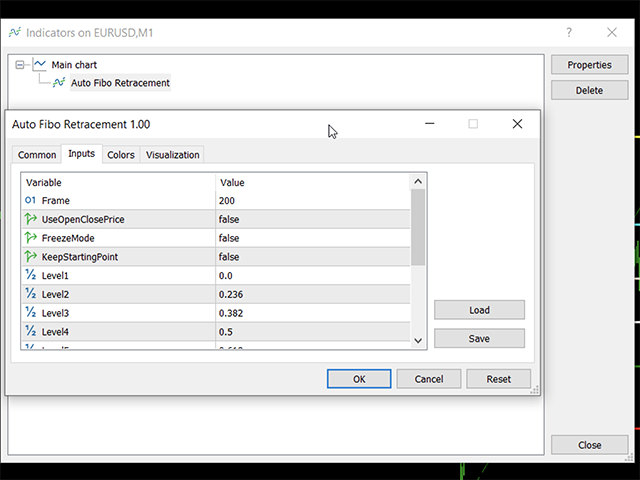
- Frame: Number of candles to look back for Fibonacci calculation.
- UseOpenClosePrice: Use Open/Close prices instead of High/Low to reduce noisy signals. Note: This may cause some recalculations and redraws, which is intentional.
- FreezeMode: Freeze Fibonacci levels on initialization to prevent recalculation as the chart moves.
- KeepStartingPoint: Locks the starting point of the frame, useful to maintain trend reference unless the main trend reverses.
- Level1 to Level7: Set Fibonacci levels; entering a negative number to hide that level.
- ExtendLeft / ExtendRight: Draw Fibonacci lines to the far left and/or right of the chart.
- ShowLevelPrice: Display the price next to each Fibonacci level.
- InfoOnLeft: Move level info (price and level) to the left side.
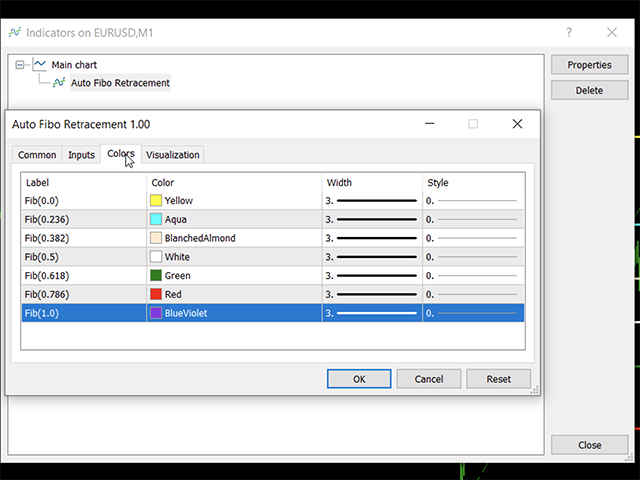
- Colors tab: Customize color, line style, and thickness for each Fibonacci level.
How to Use
Simply attach the indicator to your chart by clicking its name. Adjust settings as needed using the options described above.
What You’ll See on the Chart
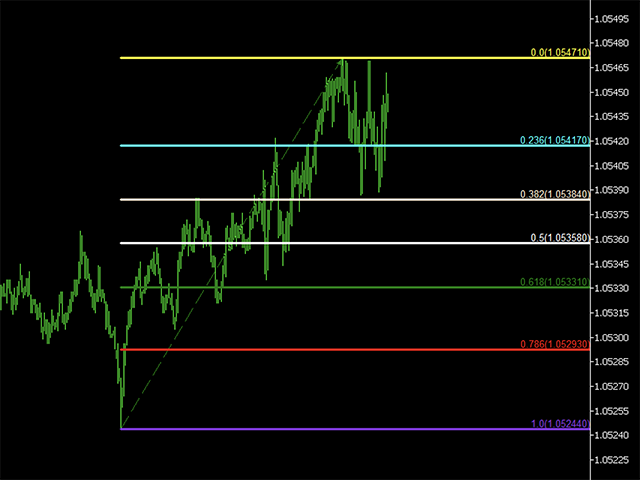
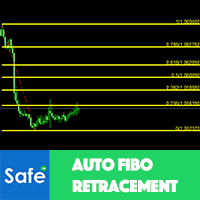
- A trend arrow shows the main market direction — green for bullish, red for bearish.
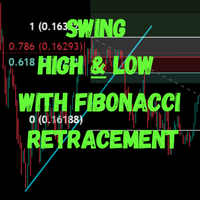
- Up to 7 horizontal lines represent the Fibonacci retracement levels, each in a distinct color.
- Each line is labeled with its Fibonacci level and corresponding price.
If you have questions or need support, feel free to leave a comment!





































Absolutely 100% Good job!