Fundamental hunter
- Experts
-
Sara Sabaghi
 A professional developer
We produce innovative software, tools, and solutions for financial markets to rally traders around and improve their trades and investment performance. - 버전: 1.6
- 업데이트됨: 2 12월 2025
- 활성화: 5
Fundamental Hunter
This EA integrates fundamental, sentiment, COT (Smart Money), retail trader, seasonal, and economic index data with technical analysis to provide a comprehensive, out-of-the-box perspective for informed trading decisions and improved results.
Fundamental Hunter shows the fundamental, positioning and sentiment picture of your pair on the chart, with a clear bias for days, weeks and months.
What it does
Instead of checking calendars, central banks, positioning reports, retail sentiment and seasonality on different websites, you see them inside MetaTrader, filtered for the two currencies of the chart and summarized in one strip. Click any cell to open its card.
Hunter Compass
The Compass reads 17 signals from all cards and turns them into a bullish percentage for the short term (days), the medium term (weeks) and the long term (months). Each horizon shows a verdict from strong sell to strong buy and how many signals agree. Every signal is listed with its value and weight. The Compass is a weighted summary of evidence, not a price forecast.
The cards
Macro and events
- Economic calendar: releases for your currencies with a countdown and results against forecasts.
- Central banks: policy rate, stance and next meeting of nine central banks.
- Strength and surprise: which currencies are strong, and which economies beat or miss forecasts.
Positioning
- Retail sentiment: the share of retail traders long and short on more than 30 symbols.
- Smart money: net positions of large speculators and leveraged funds from the weekly Commitments of Traders (COT) report.
- COT index: where these positions sit within their 52-week range, to spot crowded trades.
Price behavior
- Sentiment: each currency, gold and oil against the US dollar for the day, week, month or year.
- Seasonality: monthly and weekly patterns of the chart symbol from its own history, with a reliability grade.
- Trade ideas: live positions published by Ziwox.
Trade Assistant
The Trade Assistant calculates the lot from your risk (percent of balance or equity) and the stop loss distance. Stop loss and take profit lines are drawn on the chart: drag them and the lot, money at risk and reward-to-risk update at once. It supports market and pending orders, one-click trading, close all, delete pending and automatic closing at a profit target or loss limit. Keyboard shortcuts draw the plan lines in the middle of the visible chart.
Getting started
One setting is required: in MetaTrader open Tools > Options > Expert Advisors, enable "Allow WebRequest for listed URL" and add https://ziwox.com (without www). The cards stay empty until this address is allowed.
Attach it to a major pair, a cross, gold or oil, on any timeframe. Enable algorithmic trading only if you want the Trade Assistant to place orders. Broker suffixes are detected automatically.
Input parameters
Inputs are grouped into blocks: panel, economic calendar, retail sentiment, smart money and COT, sentiment symbols, seasonality, Trade Assistant, hotkeys and chart information.
Good to know
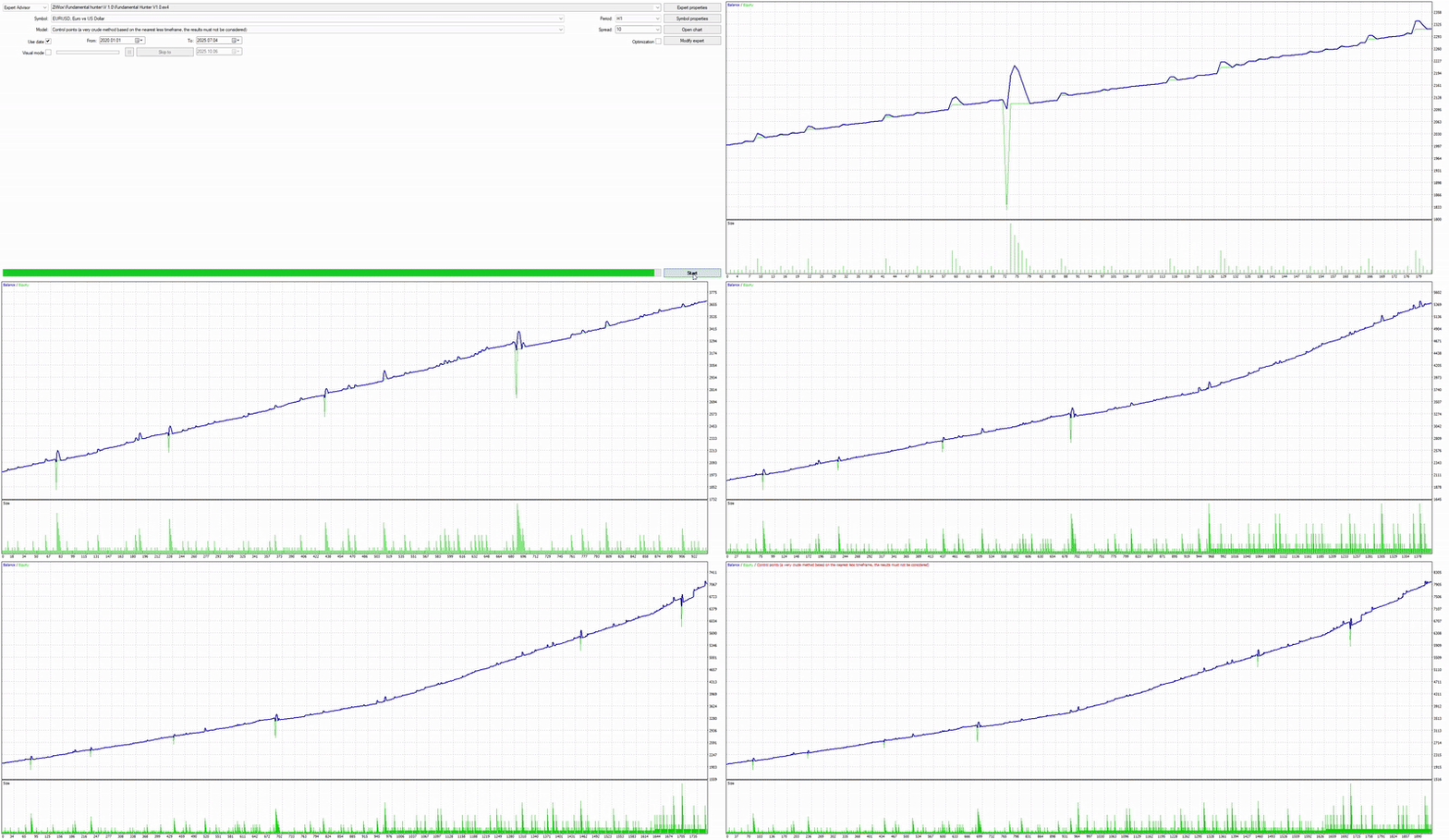
The Strategy Tester cannot download external data, while the data cards need a live chart so in the demo you can test the panel, Seasonality, the Trade Assistant and trade result just by pure technical data not using fundamental data.
The full user guide is in the comments section, where questions are welcome too.
Trading involves risk. Fundamental Hunter is an analysis and execution tool and does not guarantee results.