Veragonal Movement MT5
- 유틸리티
- 버전: 1.0
- 활성화: 5

Explore charts without limits. Navigate freely, zoom precisely, and track candles seamlessly across timeframes.
A Different Way to Navigate Your Charts
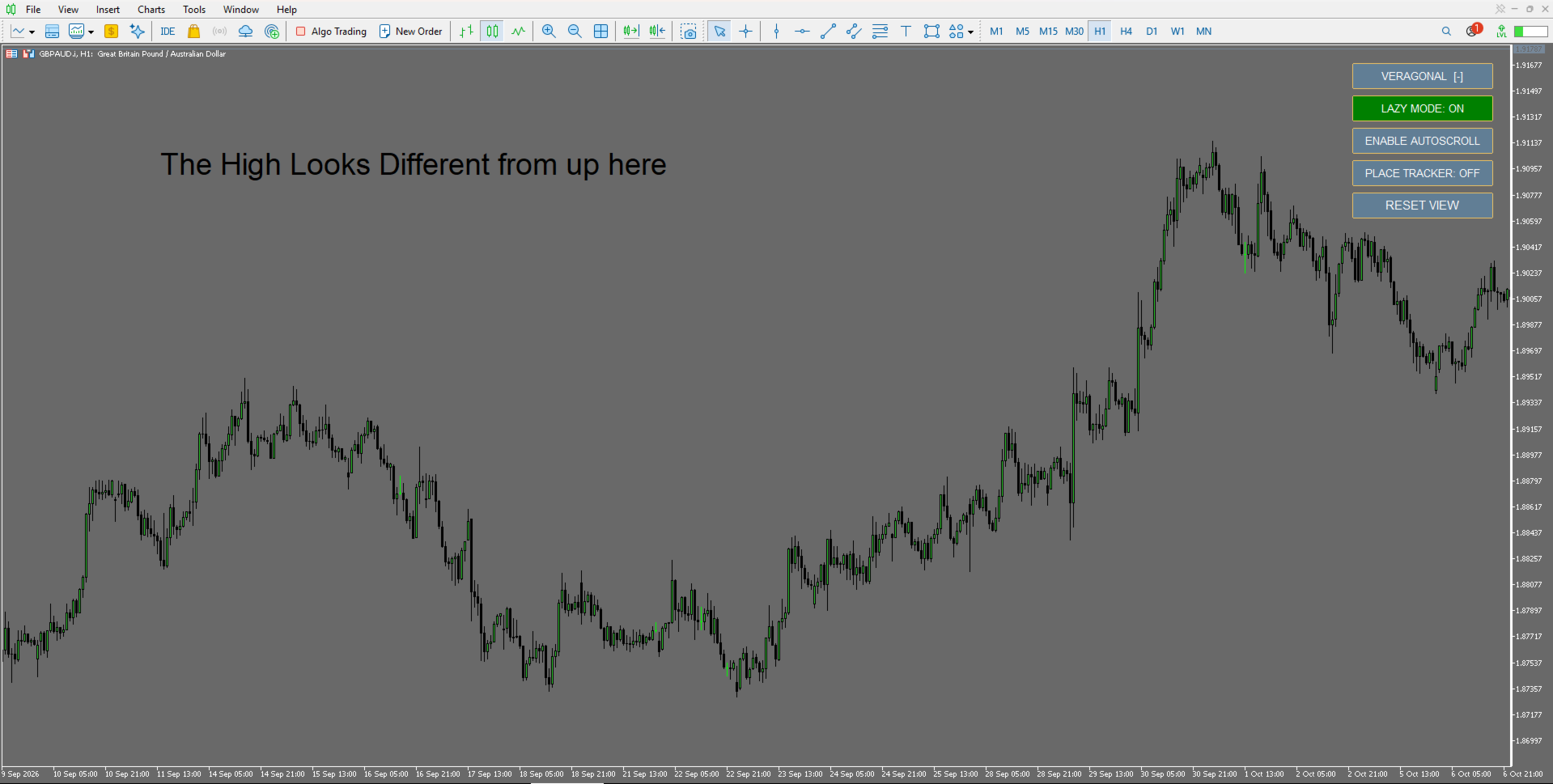
Diagonal and Vertical Movement!!!! Traditional MetaTrader 5 chart navigation can feel restrictive. Moving through historical price action, adjusting the chart scale and keeping track of individual candles often requires several separate actions.
Veragonal Movement MT5 brings these controls together in one lightweight chart-navigation utility.
Move horizontally and vertically, adjust the chart's horizontal and vertical scales independently, and mark specific candles for easier navigation across timeframes.
No trading signals. No automated trades. Just greater control over how you explore your charts.
Key Features
True Two-Dimensional Chart Movement
Navigate horizontally and vertically using intuitive mouse controls. Explore historical price action without being limited to conventional left-and-right scrolling.
Independent Horizontal and Vertical Zoom
Adjust the chart's horizontal and vertical scales independently using SHIFT and the mouse wheel.
Place Tracker
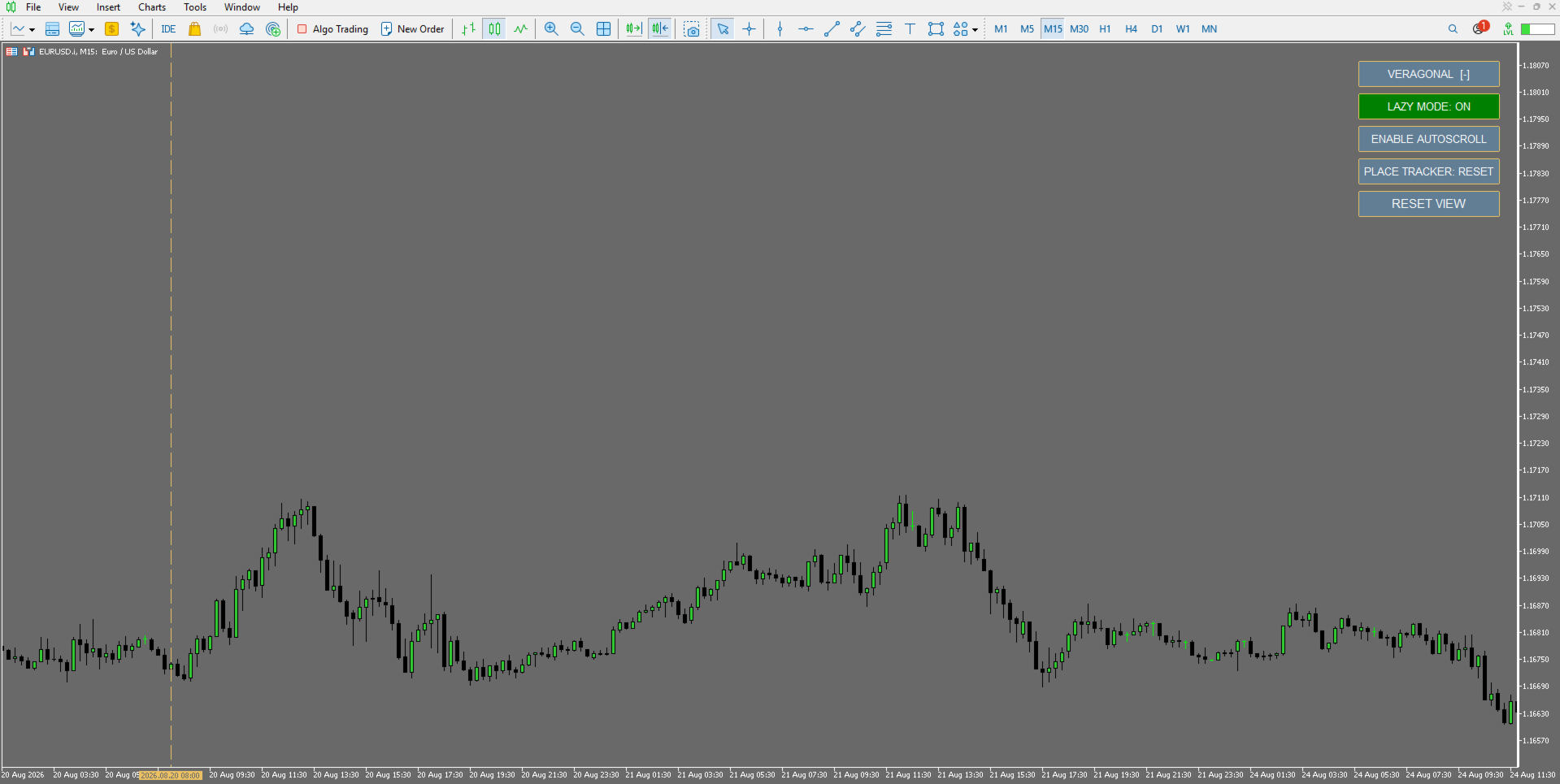
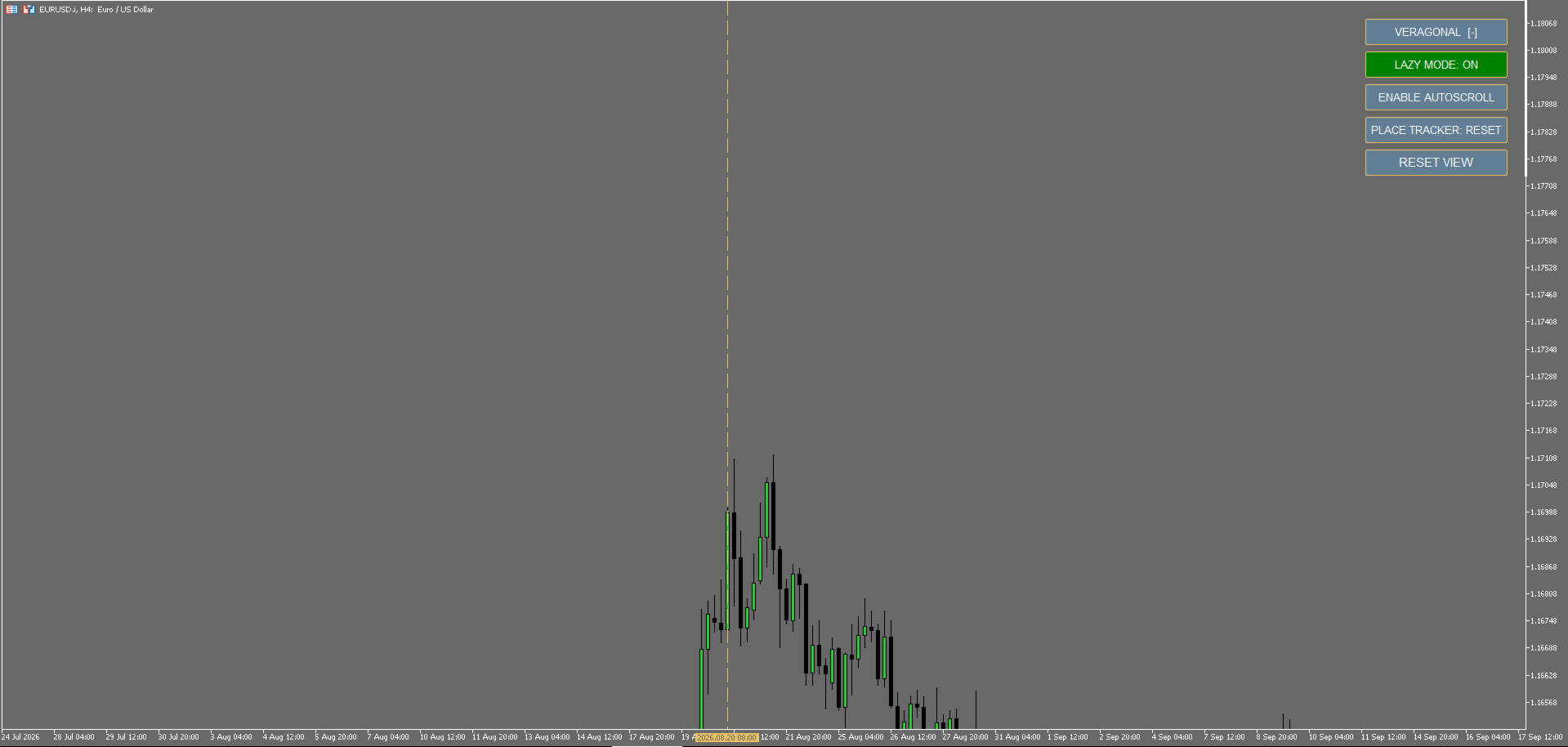
Mark a candle using CTRL + click while Place Tracker is enabled. Veragonal creates a vertical marker and brings the selected candle into focus.
The marker persists when changing timeframes, making it easier to examine the same point in time from different perspectives.
Optional Screen-Position Lock
Enable screen-position locking to help maintain the tracked candle's position on the screen when switching timeframes.
This feature is optional and disabled by default.
Flexible Navigation Modes
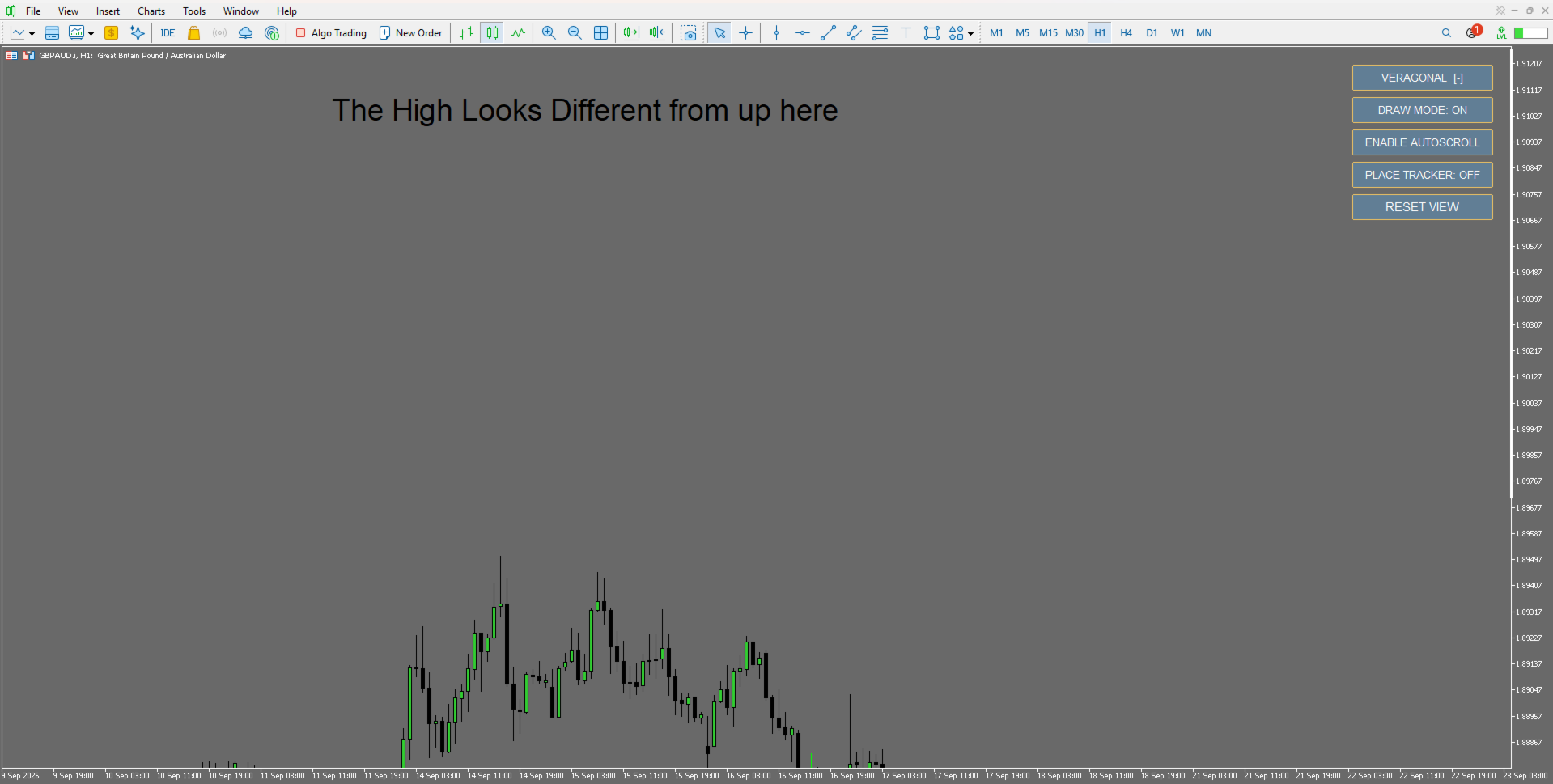
Choose between SHIFT-assisted dragging and Lazy Mode for direct mouse dragging. Draw Mode provides additional control over chart interaction.
Compact Control Panel
A collapsible on-chart panel keeps the main navigation controls within easy reach without unnecessarily obstructing your chart.
Reset View and Auto-Scroll Controls
Quickly restore your chart view or manage automatic scrolling when returning to current price action.
Getting Started
-
Attach Veragonal Movement MT5 to a MetaTrader 5 chart.
-
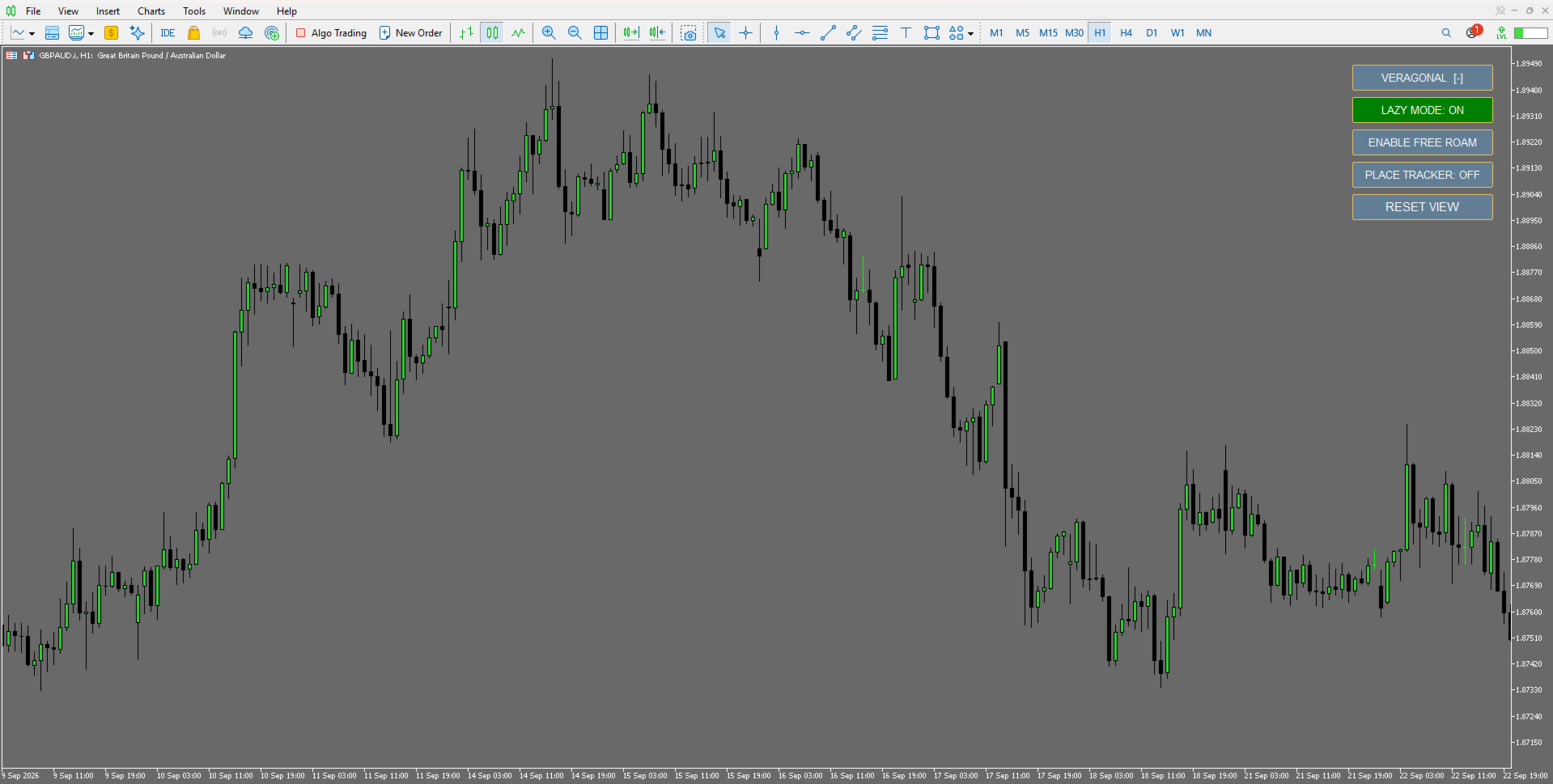
Click Enable Free Roam on the Veragonal control panel.
-
Use SHIFT + drag to move the chart horizontally and vertically, or enable Lazy Mode for direct dragging.
-
Use SHIFT + mouse wheel to adjust the chart scale.
-
Enable Place Tracker using SHIFT + Q.
-
CTRL + click a candle to place a marker and bring it into focus.
-
Change timeframes to examine the marked position from another perspective.
-
Use Reset View when you want to restore the chart view.
Designed for Chart Exploration
Veragonal Movement MT5 is intended for traders who regularly inspect historical price action, compare timeframes or prefer more flexible chart-navigation controls.
It is a navigation and chart-management utility. It does not generate trading signals, execute orders or make trading decisions.
Veragonal Movement MT5 — chart navigation from a different angle.