TradeAssistant Ultimate
- 유틸리티
- 버전: 1.0
- 활성화: 5

TradeAssistant Ultimate
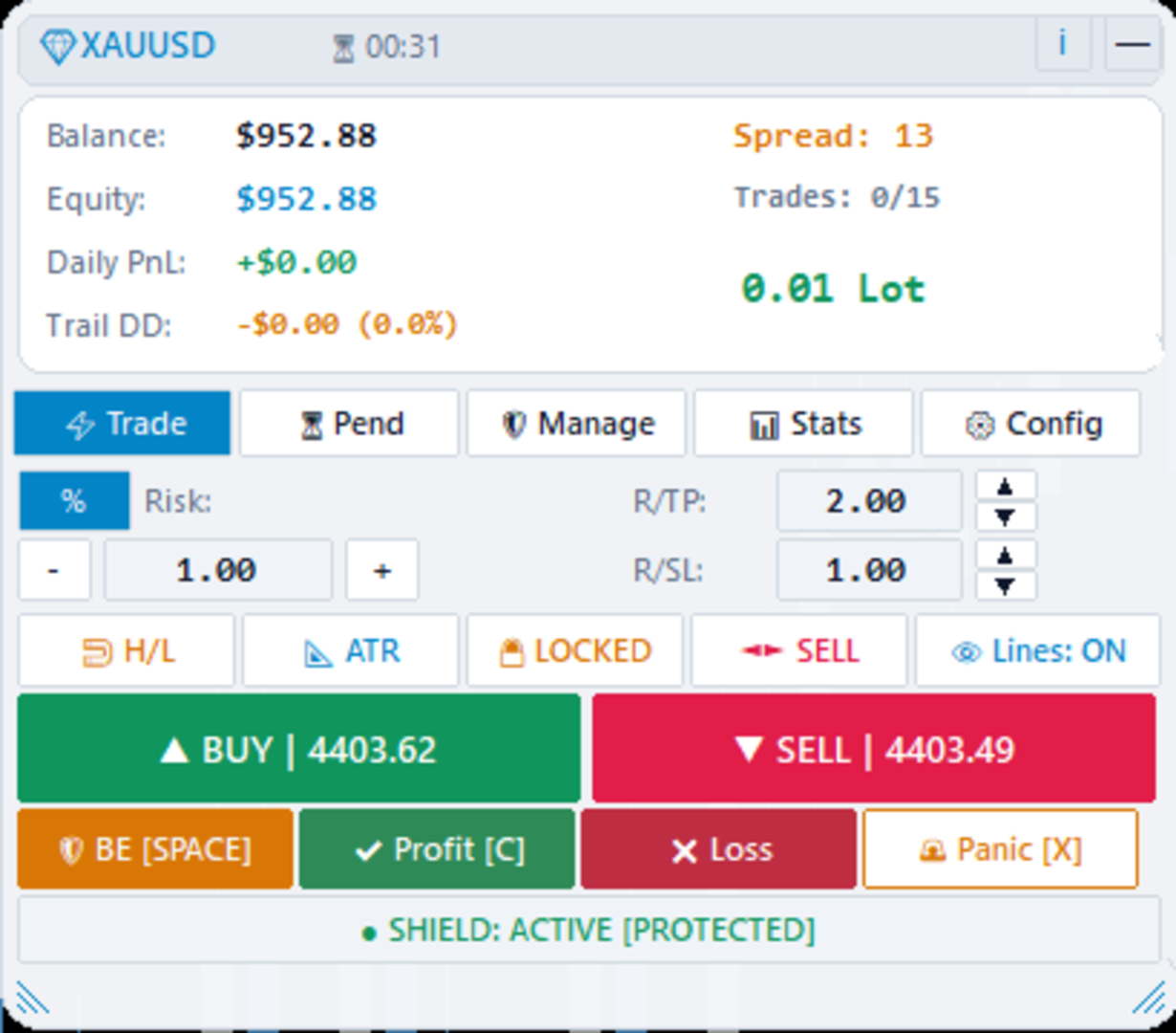
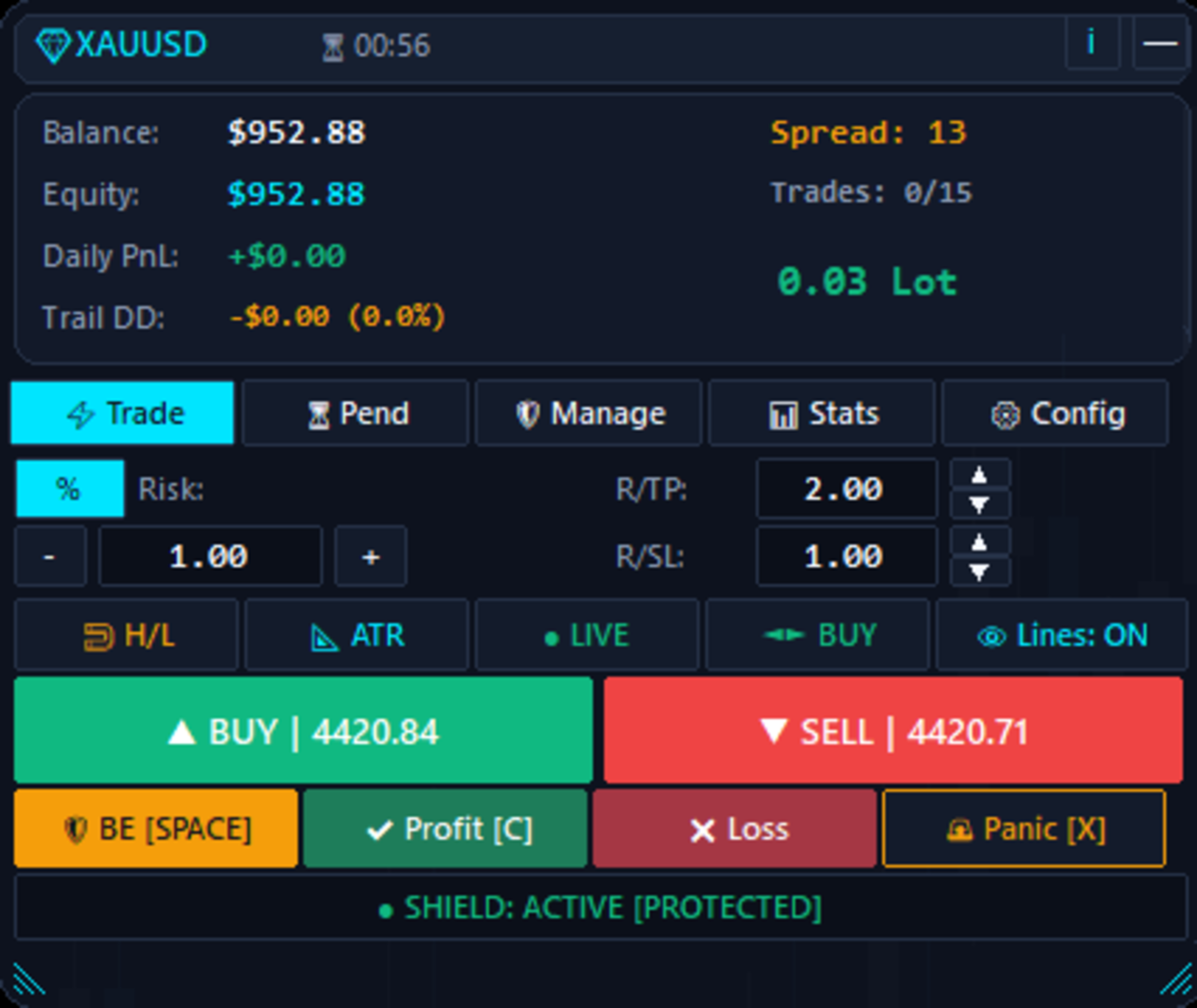
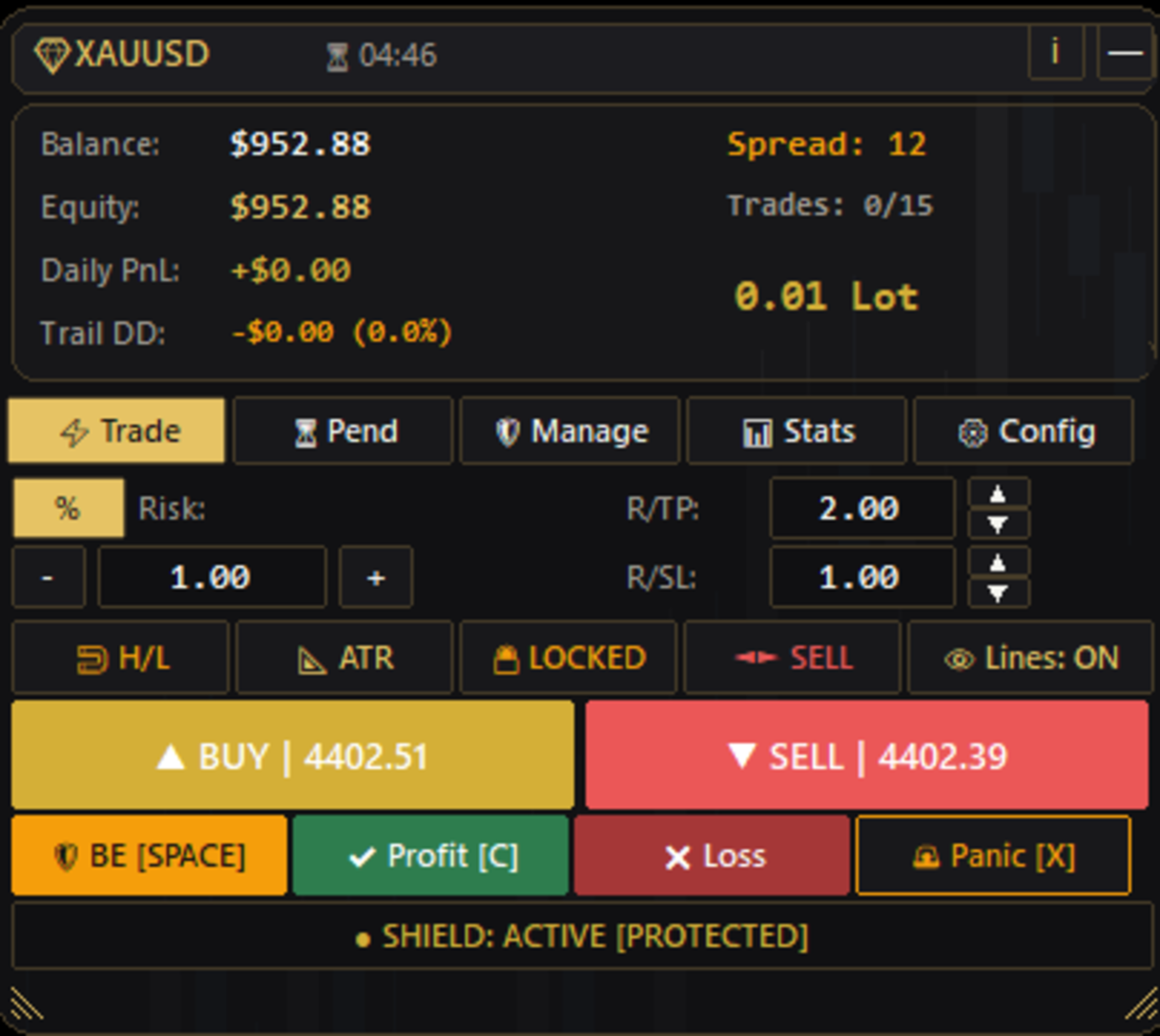
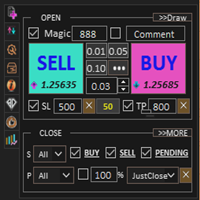
TradeAssistant Ultimate is a manual trading terminal and risk management utility for MetaTrader 5. It is designed for traders who require precise risk calculation, fast execution, and automated rule compliance for proprietary firm accounts or personal trading.
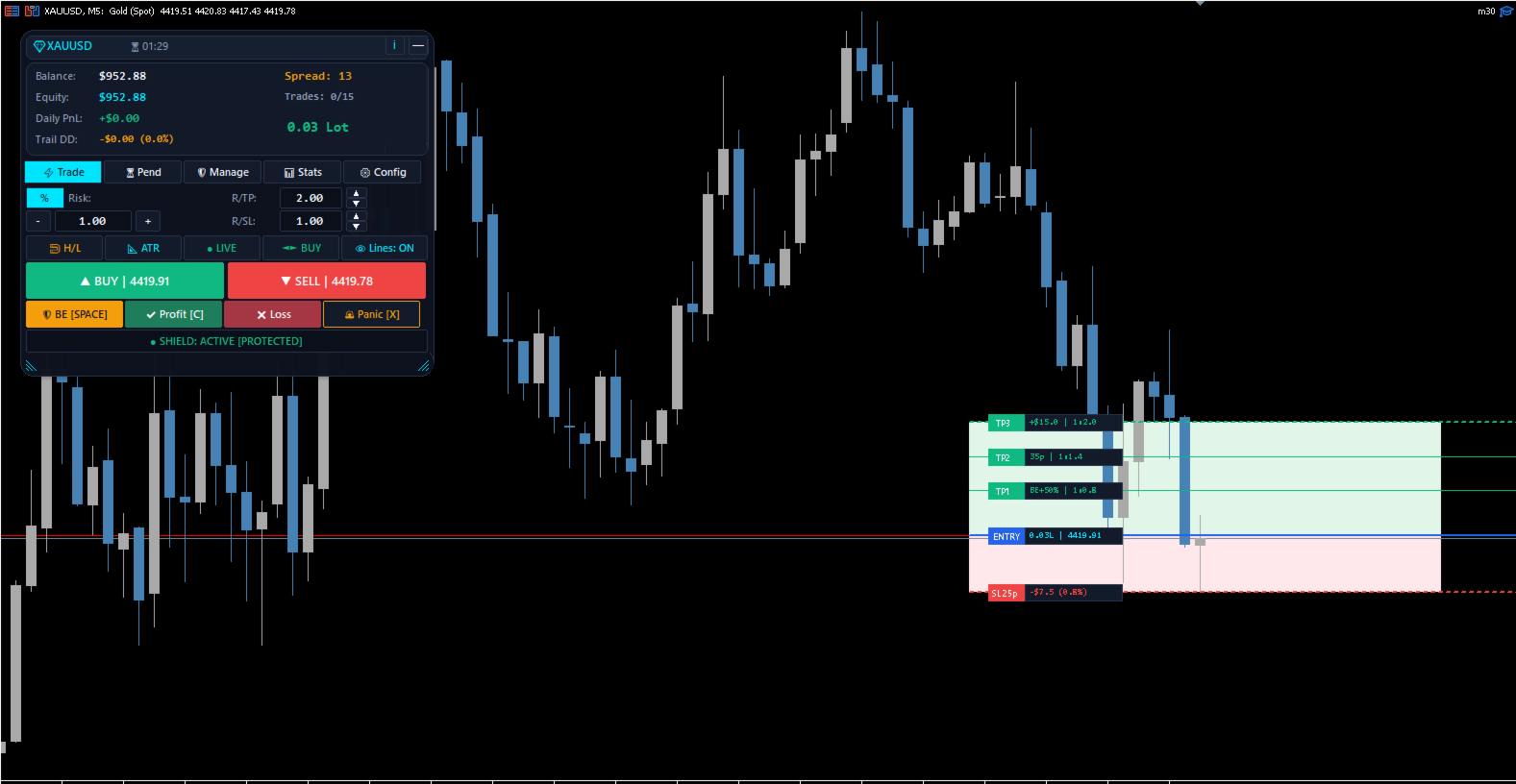
The application combines on-chart interactive controls with local risk monitoring engines to assist with position sizing, trade protection, and multi-tier management.
Overview of Features
Visual On-Chart Risk Management
-
Interactive chart lines for target Entry, Stop Loss, and Take Profit.
-
Real-time display of calculated lot size, monetary risk, percentage risk, and risk-to-reward ratio.
-
Automatic risk calculation based on percentage of balance, fixed cash amount, or fixed lot size.
-
Option to calculate Stop Loss distance using average true range (ATR) or previous candle highs and lows.
Proprietary Firm Rule Compliance
-
Built-in presets for major evaluation programs including FTMO, FundedNext, and FundingPips.
-
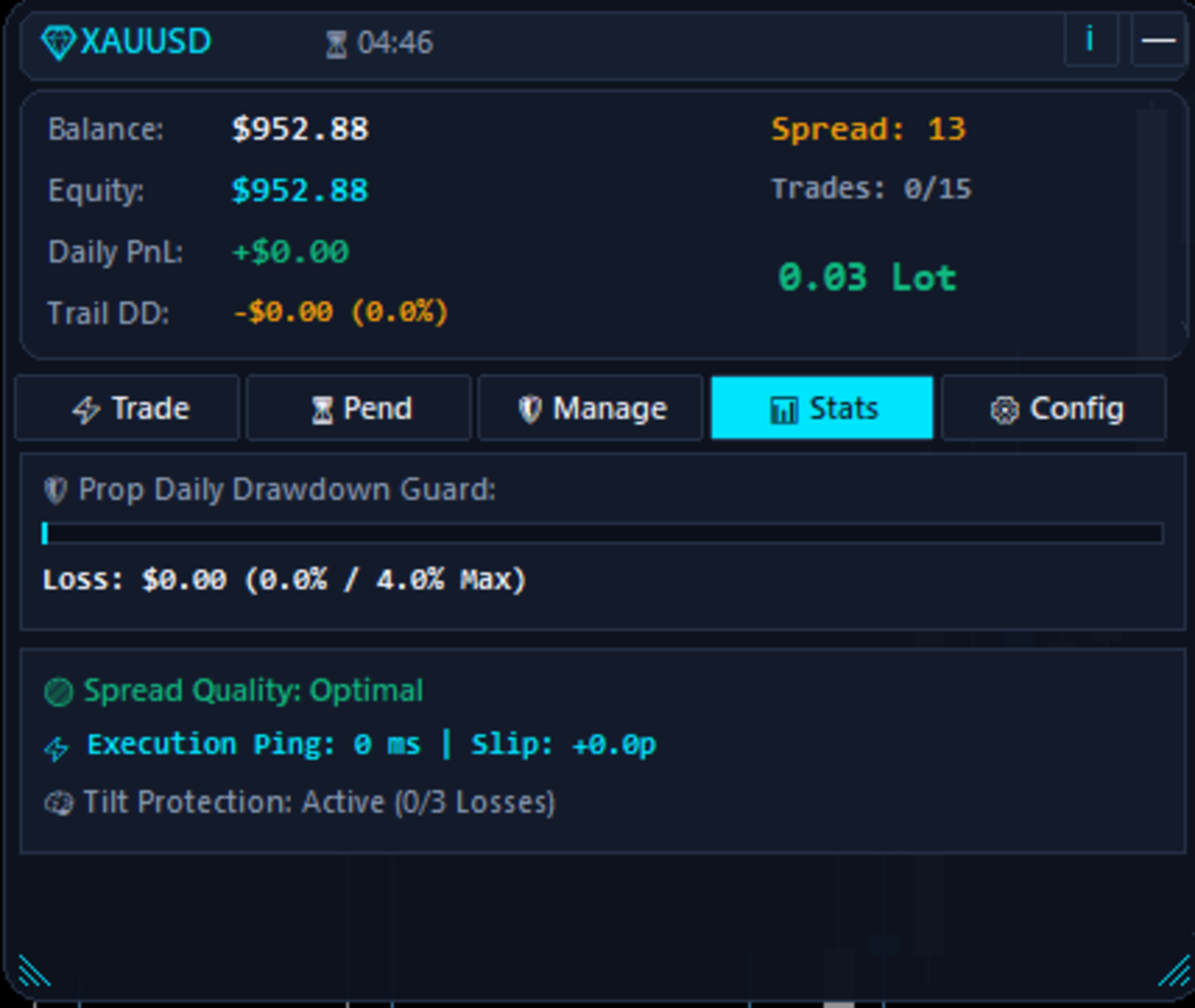
Daily loss monitoring evaluated against the higher value between starting balance and equity at midnight server time.
-
Daily trailing drawdown tracker calculated from peak equity.
-
Circuit breaker engine that closes open trades if predefined daily limits are reached.
-
Anti-revenge trading protection that locks execution for a customizable cooldown period after consecutive losses.
Order Execution and Pending Orders
-
One-click market order placement with customizable keyboard hotkeys.
-
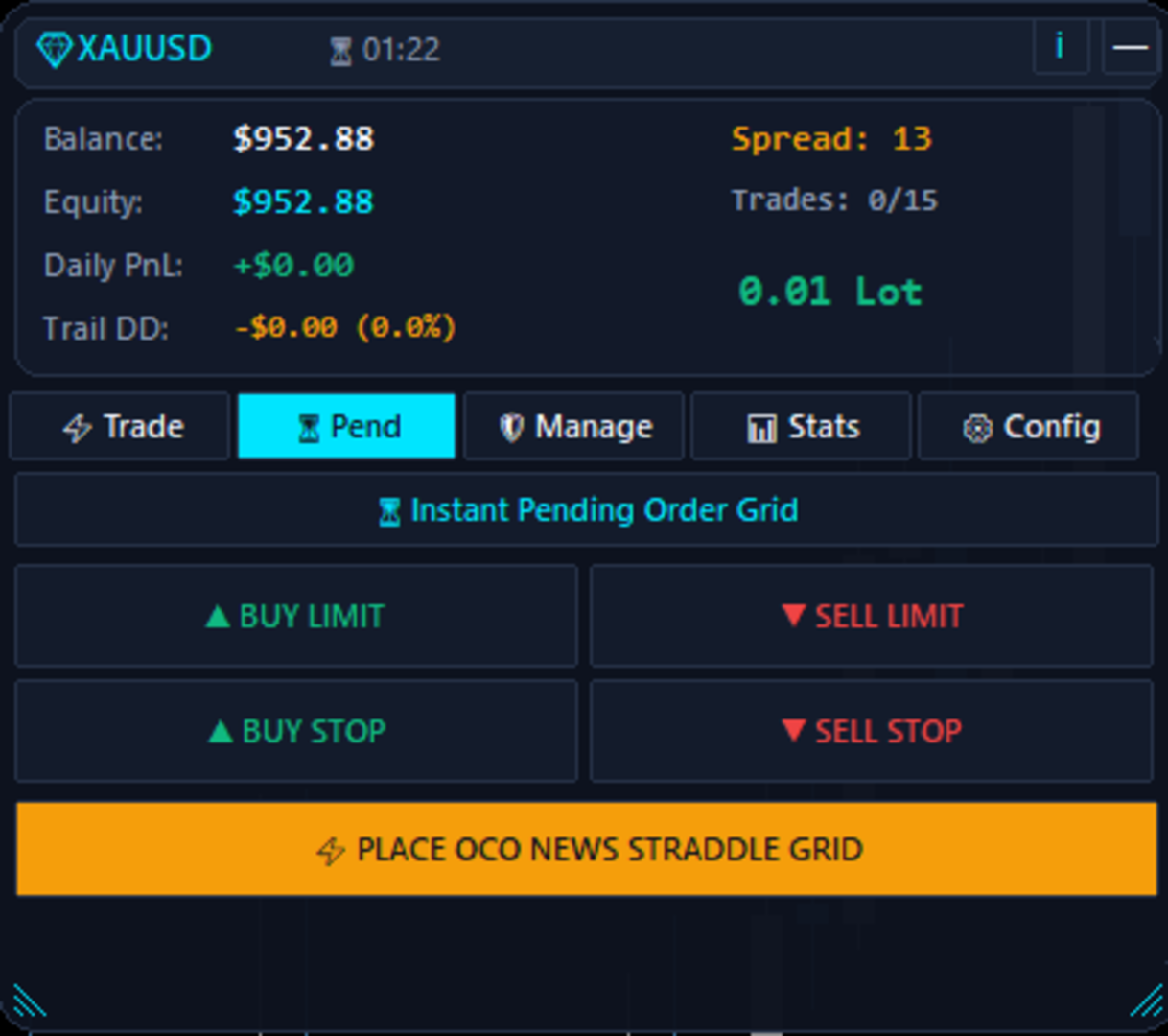
Pending order grid supporting Buy Limit, Sell Limit, Buy Stop, and Sell Stop placements.
-
One-Cancels-the-Other (OCO) news straddle grid that automatically deletes the opposite pending order when one is filled.
-
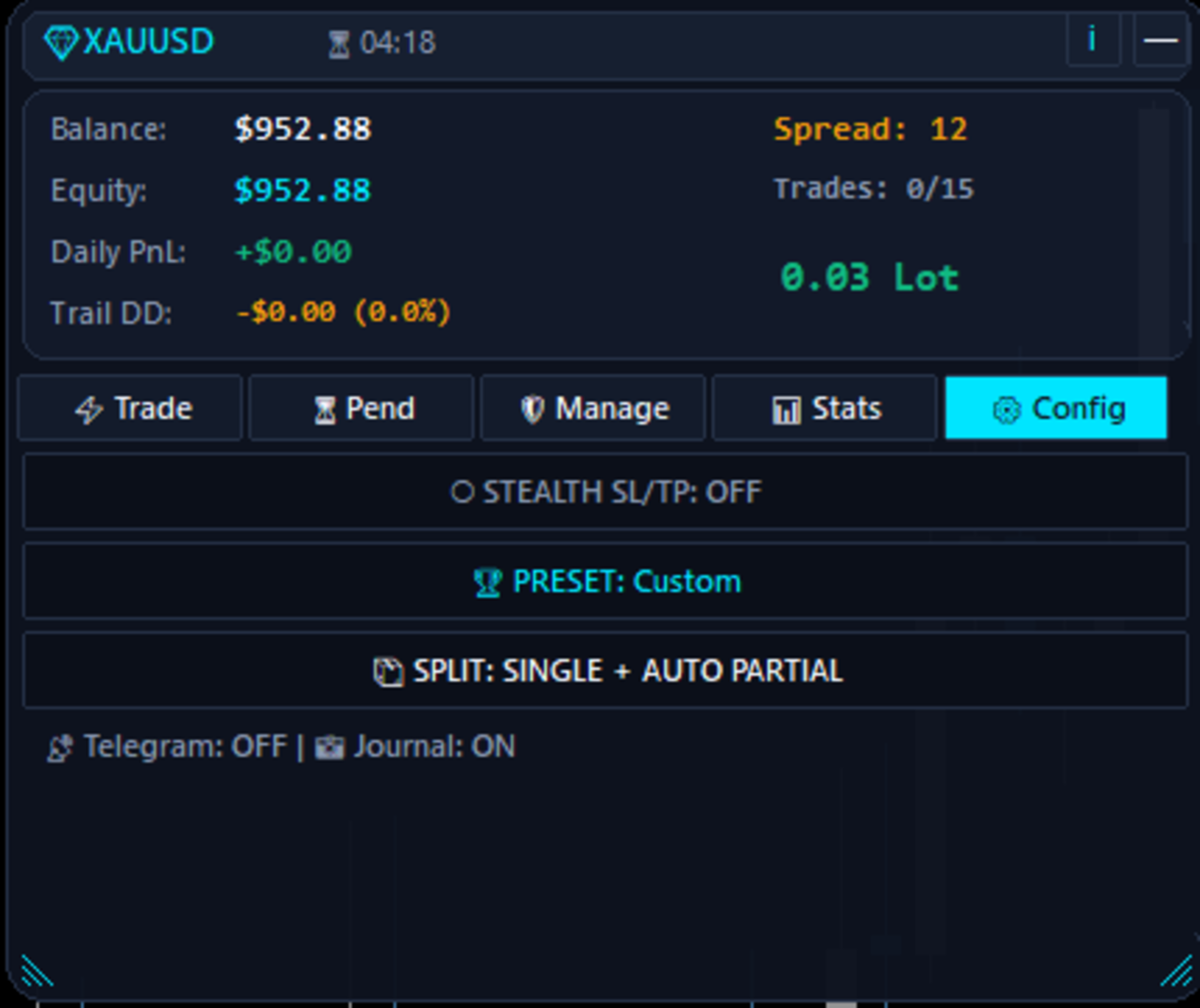
Support for single order execution or 3-way order splitting (TP1, TP2, and TP3).
-
Stealth mode option to monitor Stop Loss and Take Profit locally instead of sending them to the broker server.
Position Management
-
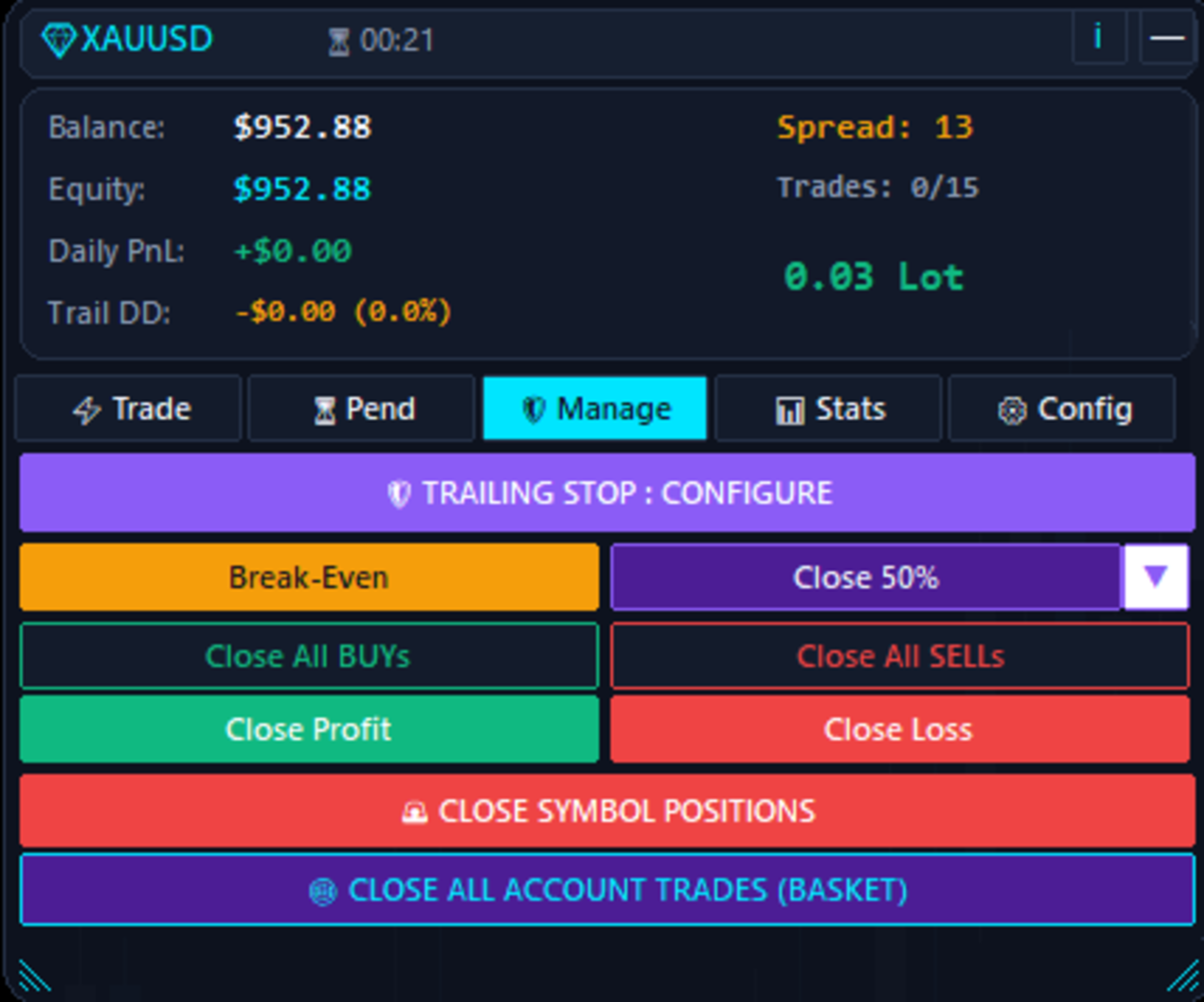
Dynamic trailing stop customizable by pips or percentage, with minimum step filtering.
-
Automated move to Break-Even upon reaching Take Profit 1.
-
Automated partial close of position volume at Take Profit 1.
-
One-click account actions: Break-Even, close profitable trades, close losing trades, close current symbol, or close all account positions.
Keyboard Hotkeys Reference
TradeAssistant Ultimate supports fast keyboard execution. To prevent unintentional orders, hotkeys are automatically suspended while typing in input fields.
-
Key [B]: Instant Market Buy
-
Key [S]: Instant Market Sell
-
Key [SPACE]: Move open positions on current symbol to Break-Even
-
Key [C]: Close all positions currently in profit
-
Key [X] or [ESC]: Emergency close for all positions on current symbol
All key assignments can be modified in the expert advisor settings. Click anywhere on the chart area to activate keyboard focus.
Technical Specifications and Compatibility
-
Markets: Forex, precious metals, commodities, stock indices, and cryptocurrencies.
-
Accounts: Fully compatible with both Hedging and Netting account modes.
-
Screen Resolution: Supports standard monitors as well as high-resolution 4K screens.
-
Backtesting: Optimized for efficient execution during strategy tester simulations.
Setting Up Trade Notifications
The utility can send trade execution details to your personal messaging service. To allow the terminal to communicate with notification endpoints:
-
Open MetaTrader 5 and go to Tools, then Options, and select Expert Advisors.
-
Check the option Allow WebRequest for listed URL.
-
Add the notification URL (for example: https://api.telegram.org) to the list.
-
Enter your token and ID in the expert parameters.
This feature is solely for personal execution alerts. Technical support for this product is provided exclusively on MQL5.com.
Product Support
If you have questions, feedback, or need assistance configuring parameters, please use the Comments tab on this page or send a direct message via the MQL5.com messaging system.