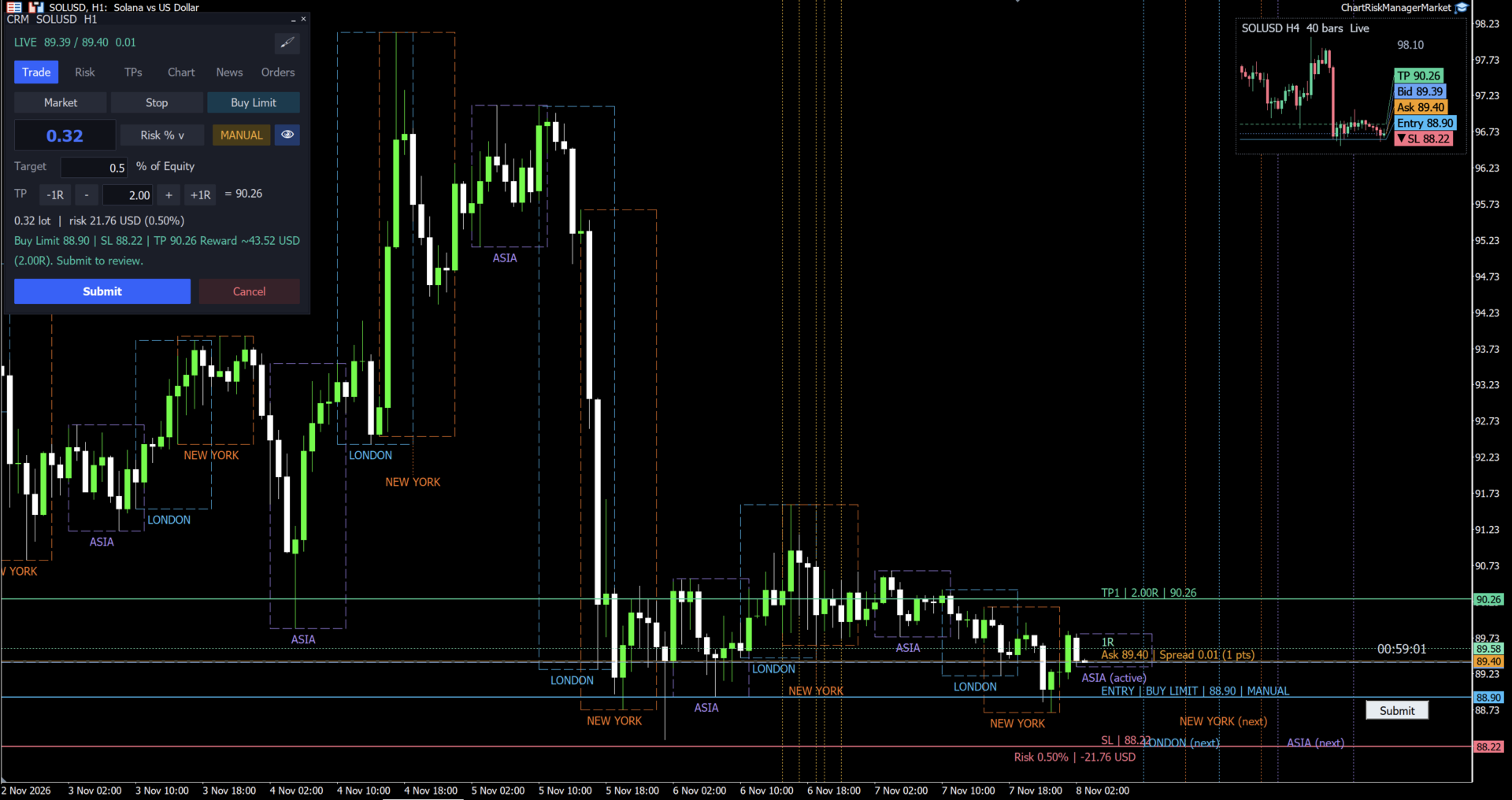
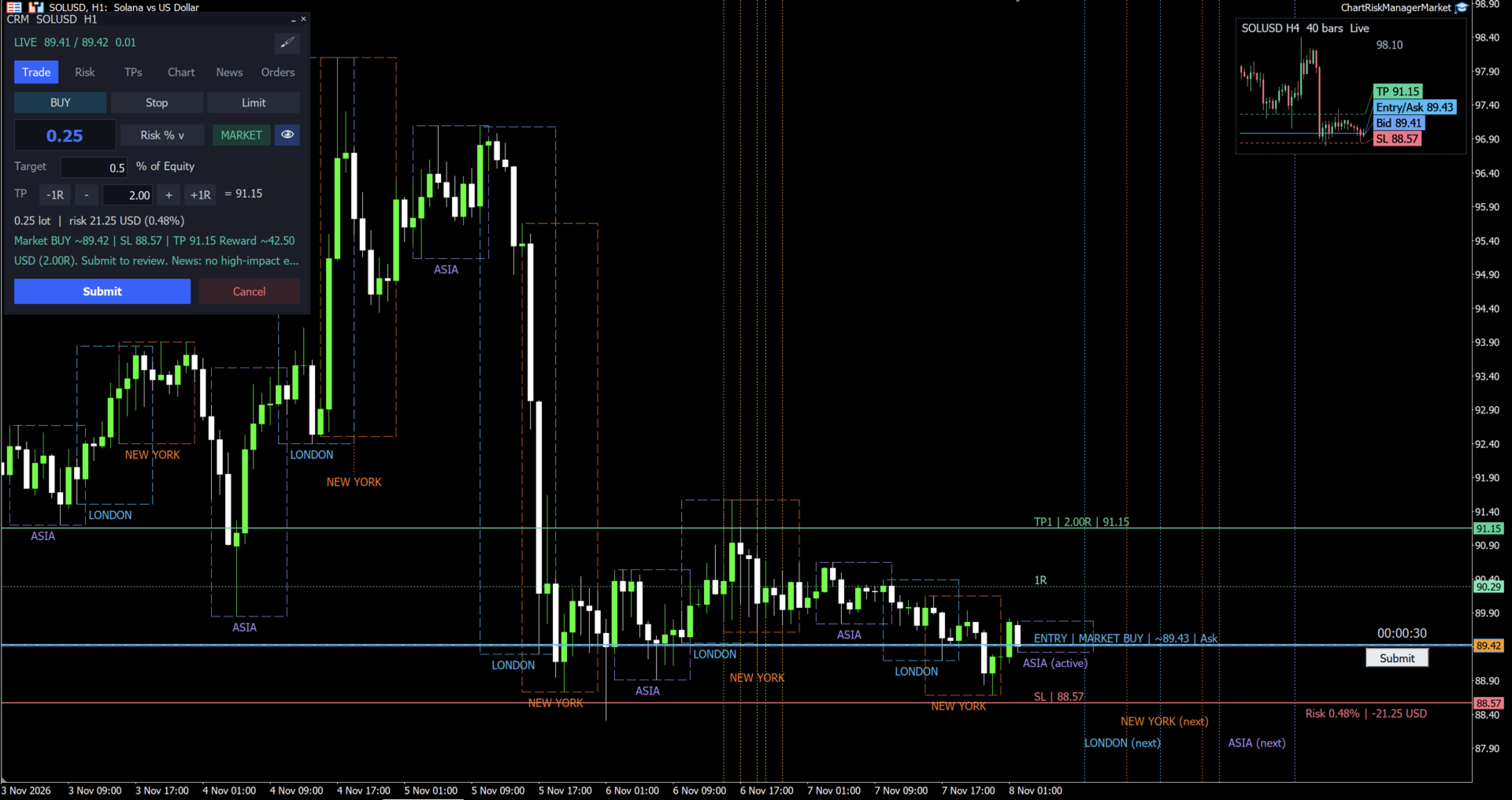
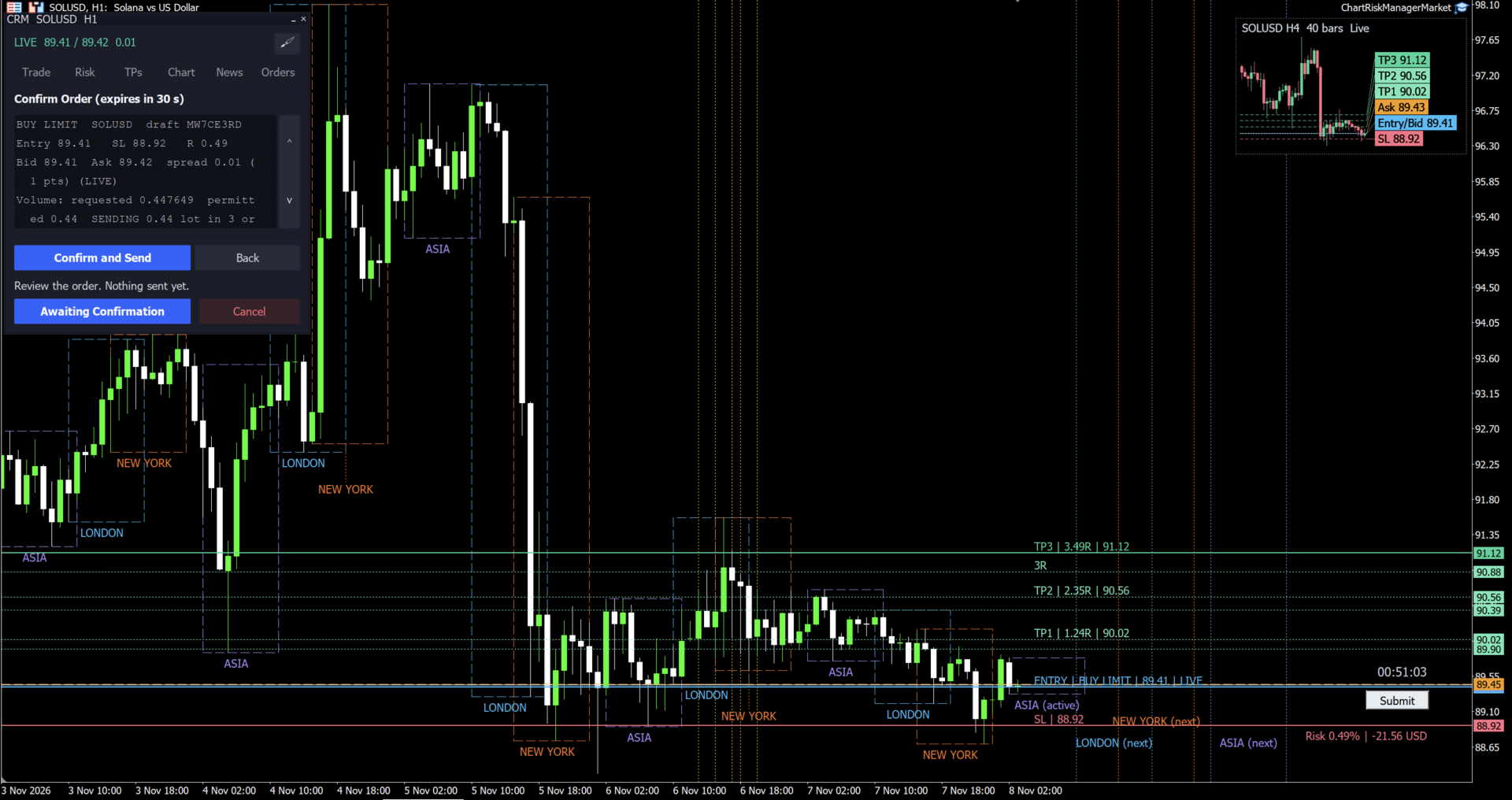
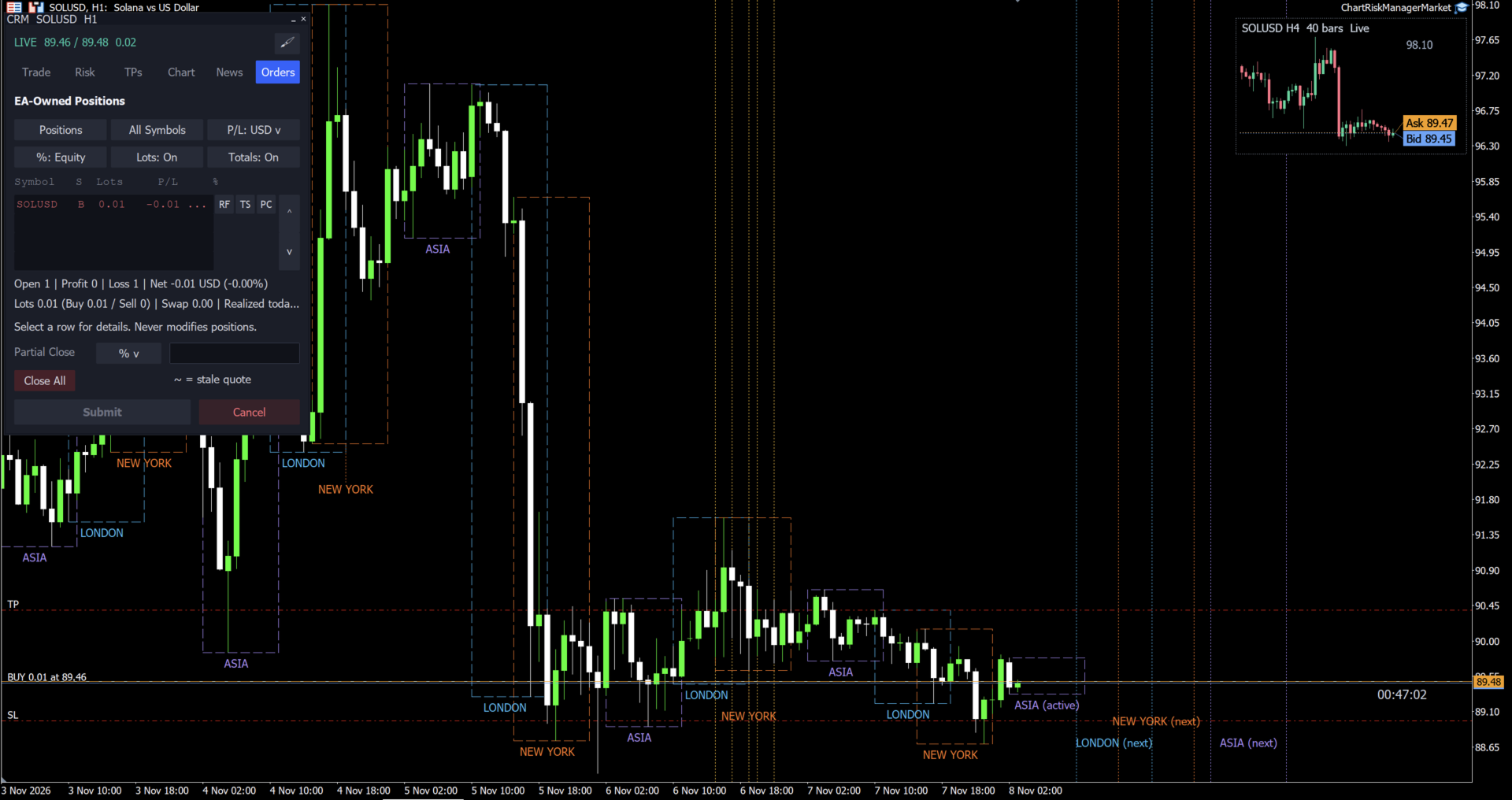
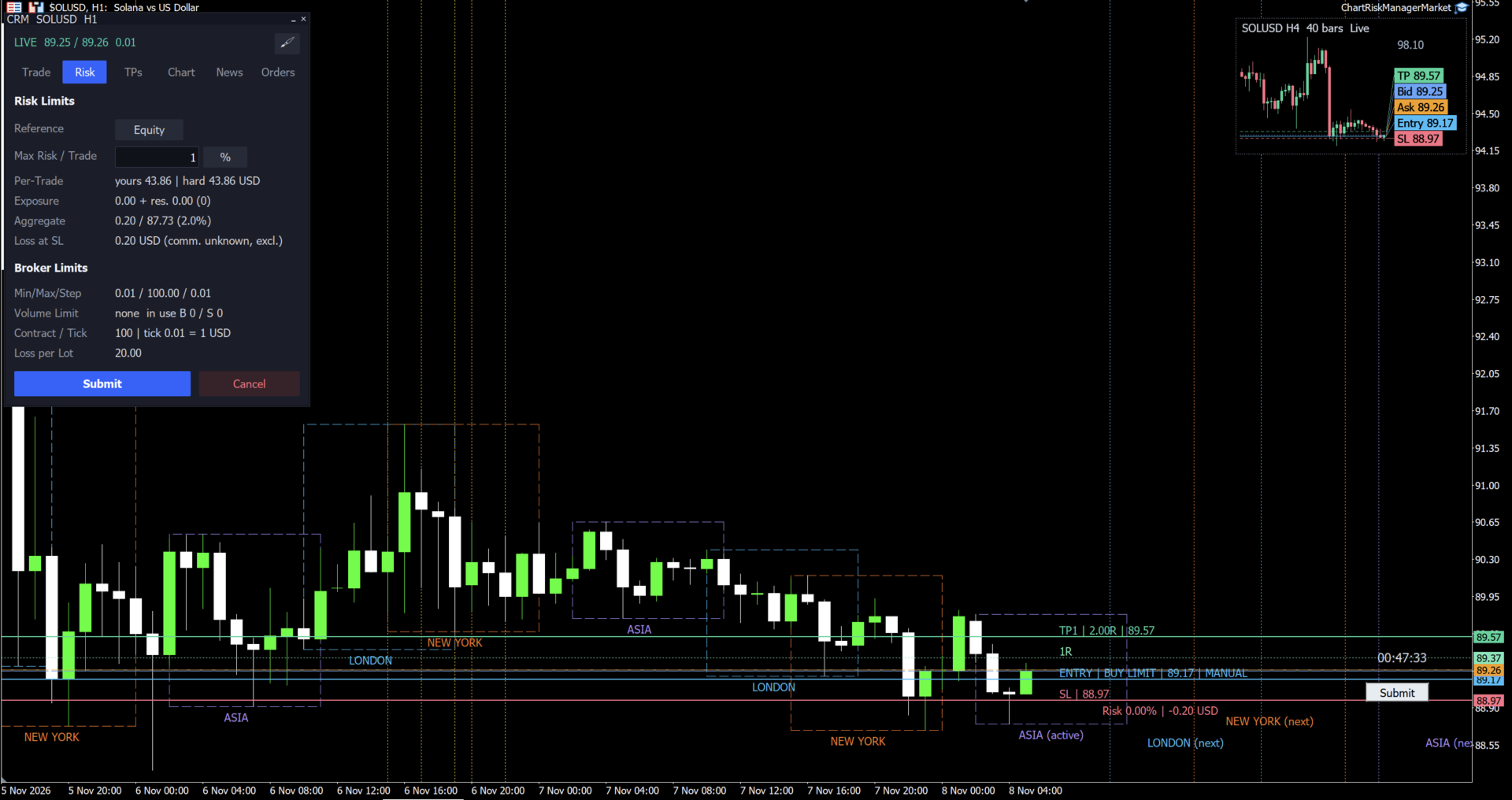
Chart Risk Manager is a trade panel for MetaTrader 5. You set the entry, stop loss and take-profit by dragging lines on the chart, and the panel shows the volume, the loss at the stop loss in your account currency, the margin and the risk as a percent of your balance before anything is sent.
Plan the trade on the chart
- Market, Buy Limit, Buy Stop, Sell Limit and Sell Stop orders.
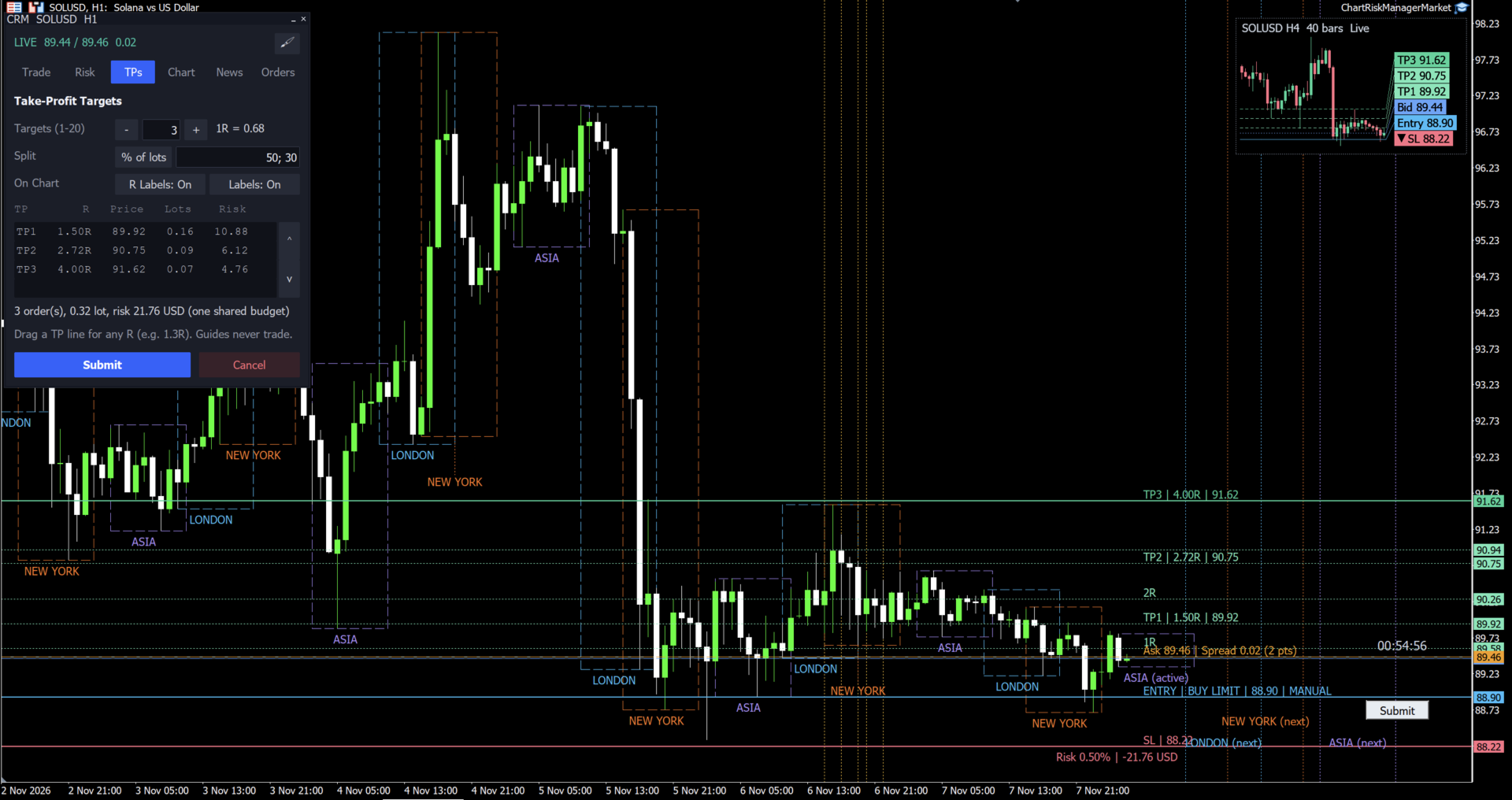
- Entry, stop loss and every take-profit are lines you drag. 1R and 2R guide lines show the reward against the risk.
- The entry can follow the live price or stay where you put it.
- Volume by lots, by a money amount or by a percent of balance or equity.
- The loss at the stop loss comes from the terminal's own profit calculation and includes commission when you enter it.
- Volume is rounded down to the broker's lot step, never up. If even the minimum lot is above your risk limit, the order is blocked.
- Hard limits per trade and for all of the panel's open trades together.
- Trade several symbols at once (for example gold, EURUSD and oil): attach the panel to each chart; the total risk limit covers all of them together.
Several take-profits
- Split one trade into several targets: equal parts, percent, lots or money per target. The last target takes the rest.
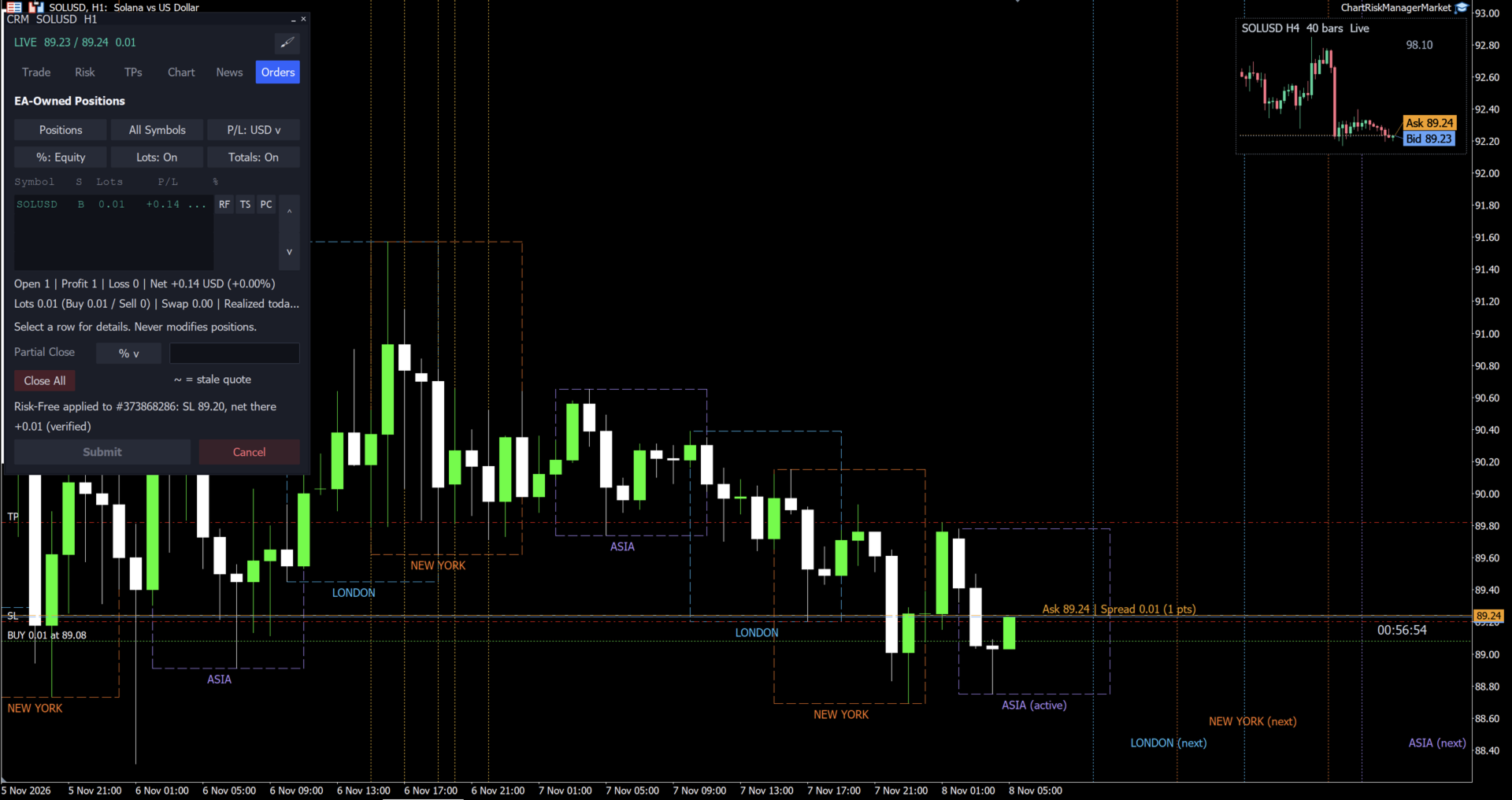
Manage open positions (one click per position)
- Risk-Free: moves the stop loss to the net break-even, including swap and commission.
- Trail Stop: moves the stop loss behind the last candle.
- Partial Close: closes part of the position by lots, percent or money.
- Every change is checked by the terminal before it is sent and read back after it.
On the chart
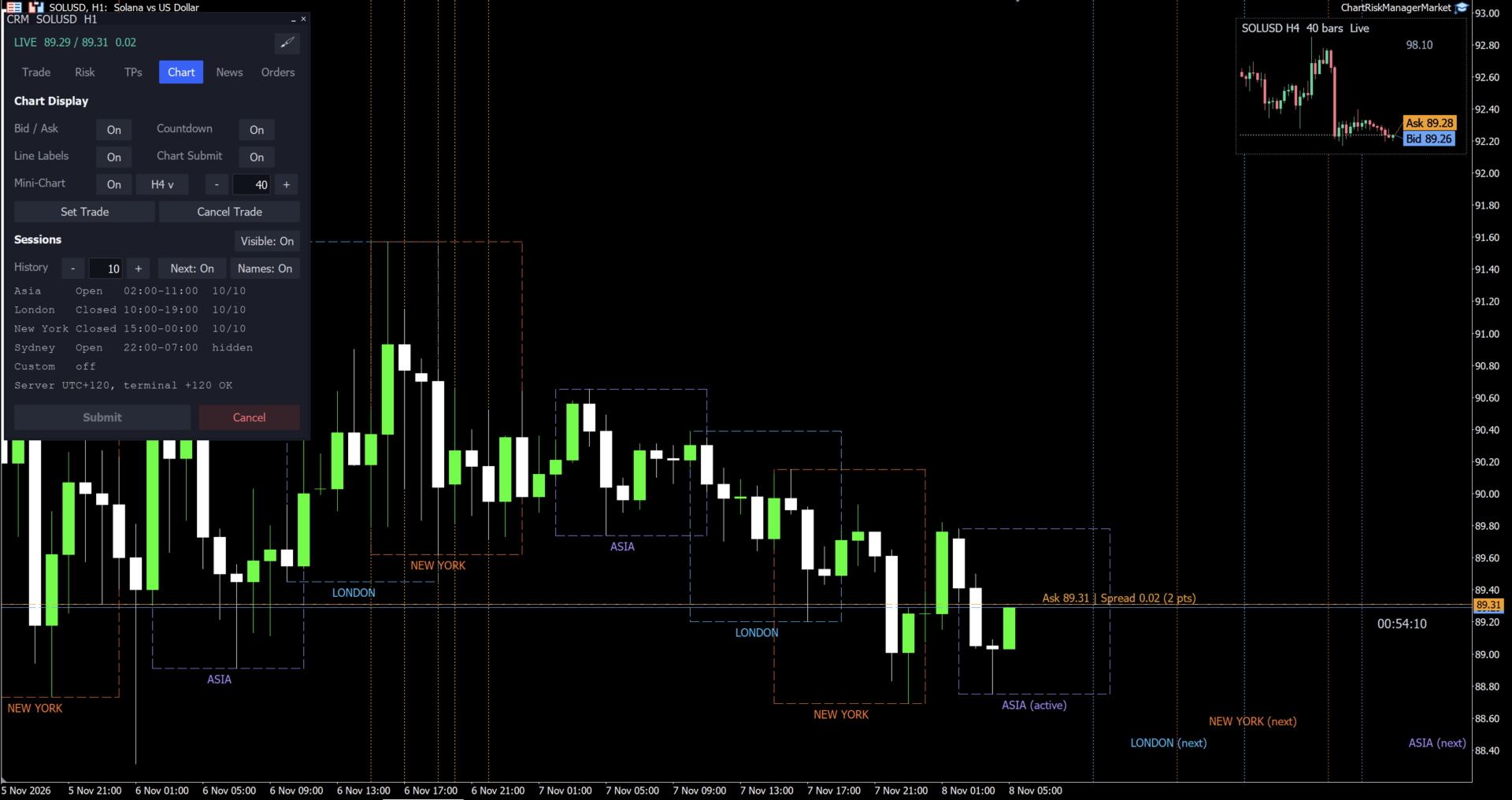
- Trading sessions (Asia, London, New York, Sydney), a candle countdown, a mini-chart and high-impact news lines from the MetaTrader economic calendar.
- Dark and light themes that follow the chart colours.
Safety defaults
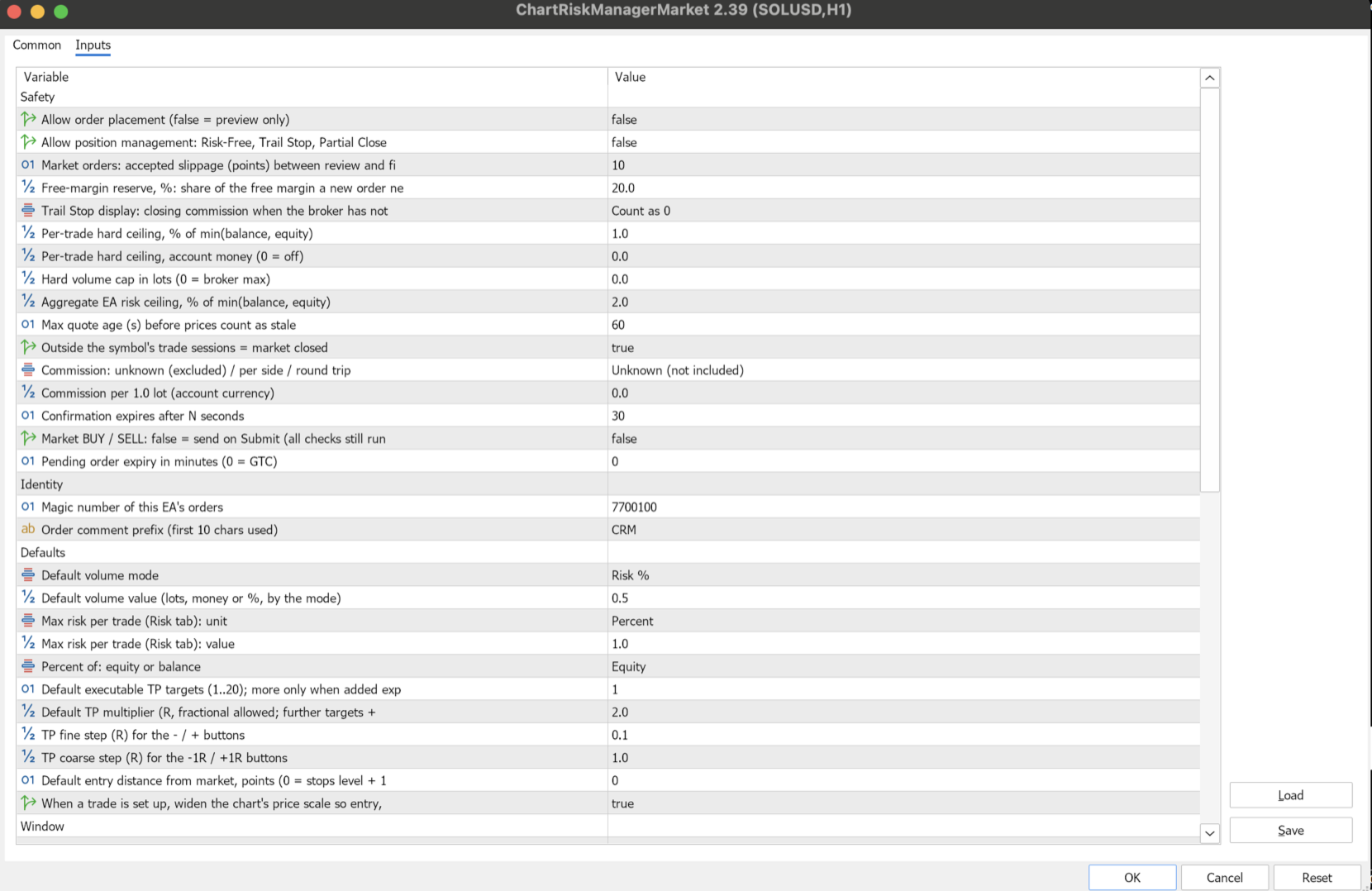
- After you attach it, the panel only shows previews. Sending orders and managing positions must each be switched on in the inputs (Allow order placement, Allow position management).
- The panel manages only its own orders and positions (magic number and comment), never those of other programs.
- No DLL, no internet connection.
Getting started
1. Attach Chart Risk Manager to a chart and allow Algo Trading.
2. In the inputs, set "Allow order placement" and "Allow position management" to true when you are ready to trade.
3. Pick an order type in the Trade view, drag the lines and press Submit.
Trading involves risk of loss. This tool helps you size and manage trades; it does not predict the market.
Keywords:
trade panel, risk manager, position size, lot calculator, risk reward, break even, trailing stop, partial close, trade manager