OneClickOrderMT4
- ユーティリティ
- バージョン: 1.0
- アクティベーション: 5

OneClickOrderMT4 ( OneClick Order MT4 ) is designed to be optimal, informative, and practical, serving as a navigation aid for daily trading activities—particularly manual trading and scalping. It is especially useful for traders participating in prop‑firm programs.
Technically, the tool simplifies complex tasks in order management and bulk position operations, which would otherwise take significantly longer using the standard MetaTrader 4 interface.
This tool functions solely as an execution assistant and does not require a VPS when used actively on a laptop or PC. As long as you are manually placing or closing positions, orders are transmitted and securely stored on the broker’s server. The tool only needs to be attached to the chart with Algo/Auto Trading enabled.
Demo Testing: To test the demo version, open your MetaTrader 4 terminal, go to the Market tab, search for OneClickOrderMT4, and click Download Demo to run it in the Strategy Tester.
Key Advantages
3‑in‑1 Complete Utility (All‑in‑One Solution)
Combines three vital functions in a single panel:
-
Risk Percent & Lot Management
-
SL/TP Management
-
Bulk Operations Management
This eliminates the need for multiple indicators or separate EAs that may slow down MetaTrader performance.
Risk Percent & Lot Management
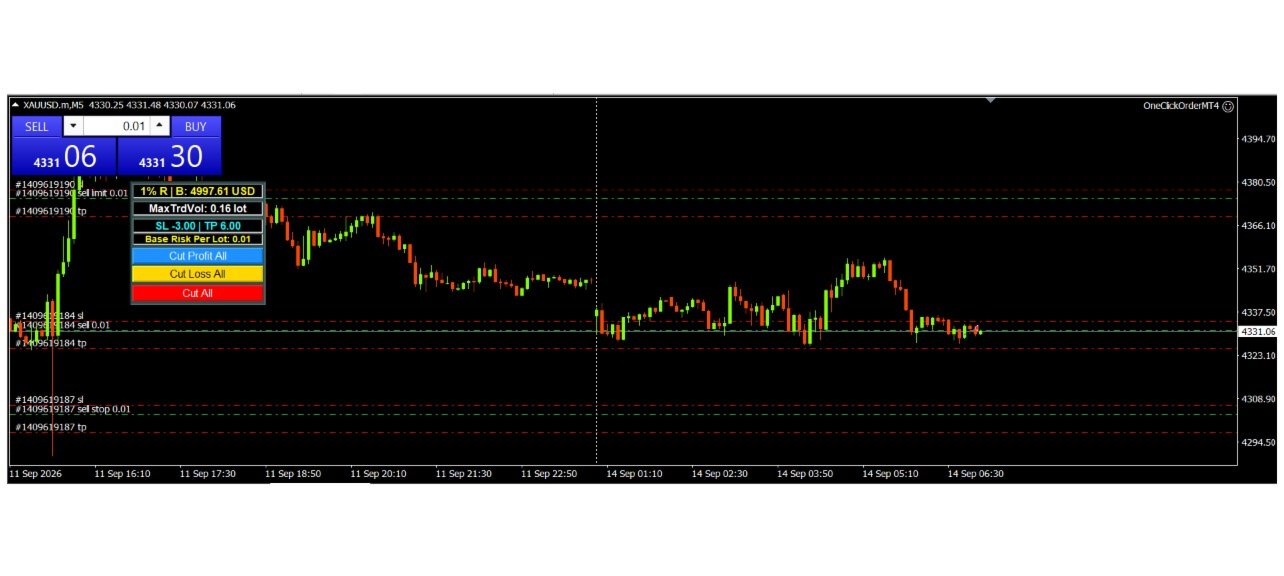
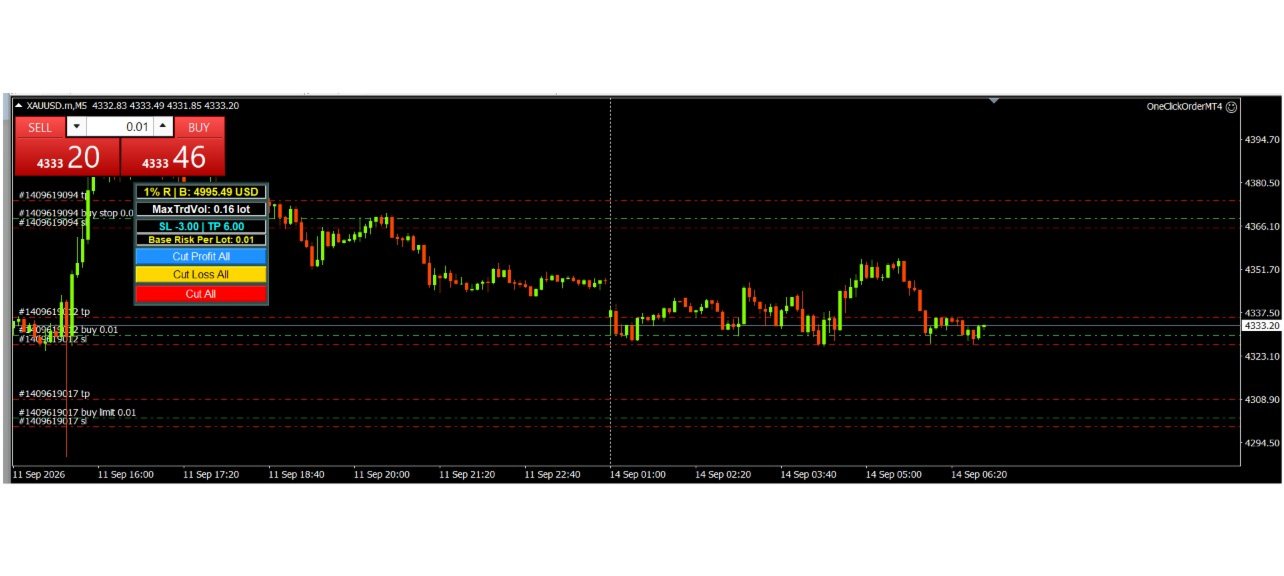
Automatically calculates maximum trade volume lot size based on user‑defined risk percentage relative to account balance. This prevents over‑leveraging and enforces disciplined money management before opening positions.
Formula:
-
Max Trade Volume Lot=%Risk×Balance÷SL Risk
SL‑TP Management with Flexible Modes
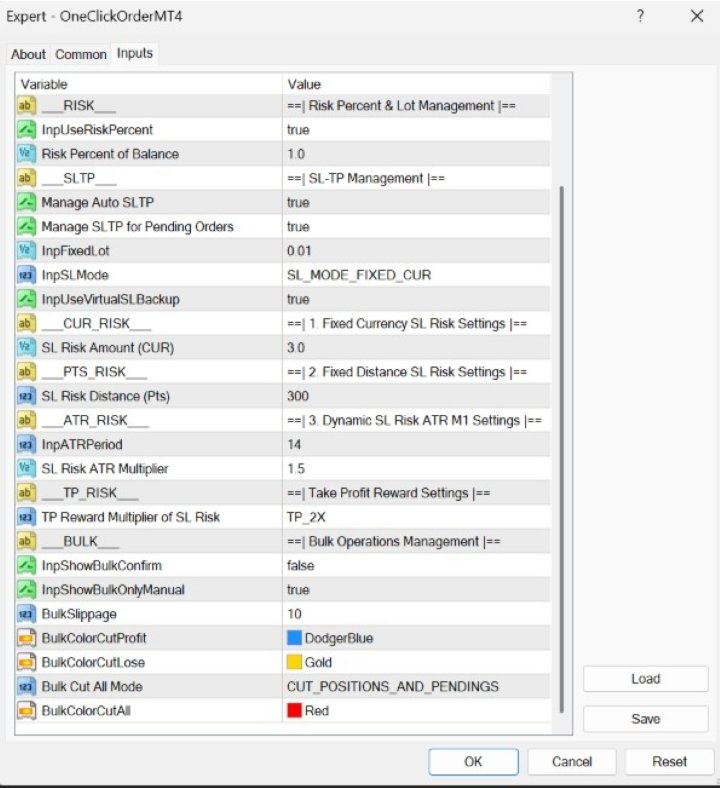
Supports three Stop Loss methods, adaptable to different trading styles. Currency and distance units are displayed directly on the MetaTrader chart panel:
-
Fixed Currency – Controls nominal loss in currency terms ($ / € / ¥).
-
Fixed Distance – Suitable for technical strategies based on pip/point distance.
-
Dynamic ATR (M1) – Adaptive stop loss that follows market volatility in real time.
Main Goal: Protect user capital by ensuring every trade is automatically safeguarded with predefined SL/TP parameters, reducing risks from distracted or hurried execution.
⚠️ Avoid trading against the trend or in narrow sideways conditions, as these increase the likelihood of repeated stop‑loss triggers.
Important Note on SL/TP Execution & Slippage
-
Stop Loss (SL): Executed as Market Orders by your broker. Due to spreads, latency, and volatility, realized losses may slightly exceed the calculated target (negative slippage).
-
Take Profit (TP): Executed as Limit Orders. They are filled strictly at your target price or better (positive slippage).
-
System Responsibility: The tool calculates dynamic lot sizes and sets order levels. Final execution, price matching, and spread fills are handled entirely by the broker’s server.
Bulk Operations Management
Provides functions to close multiple positions simultaneously:
-
Cut Profit All → Close all profitable positions
-
Cut Loss All → Close all losing positions
-
Cut All (2 Modes):
-
Close All Positions
-
Close All Positions and Pending Orders
-
By default, the tool only closes manual trading positions.
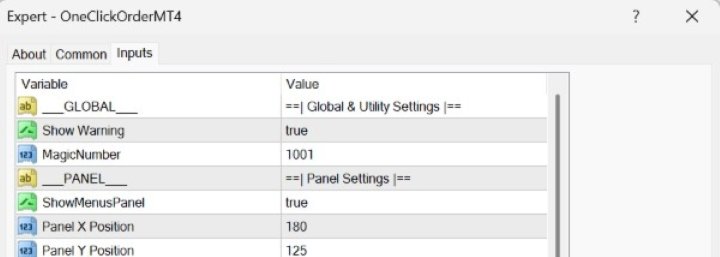
Magic Number Filter
Restricts operations to a single pair within one chart panel, without affecting other pairs in different panels.
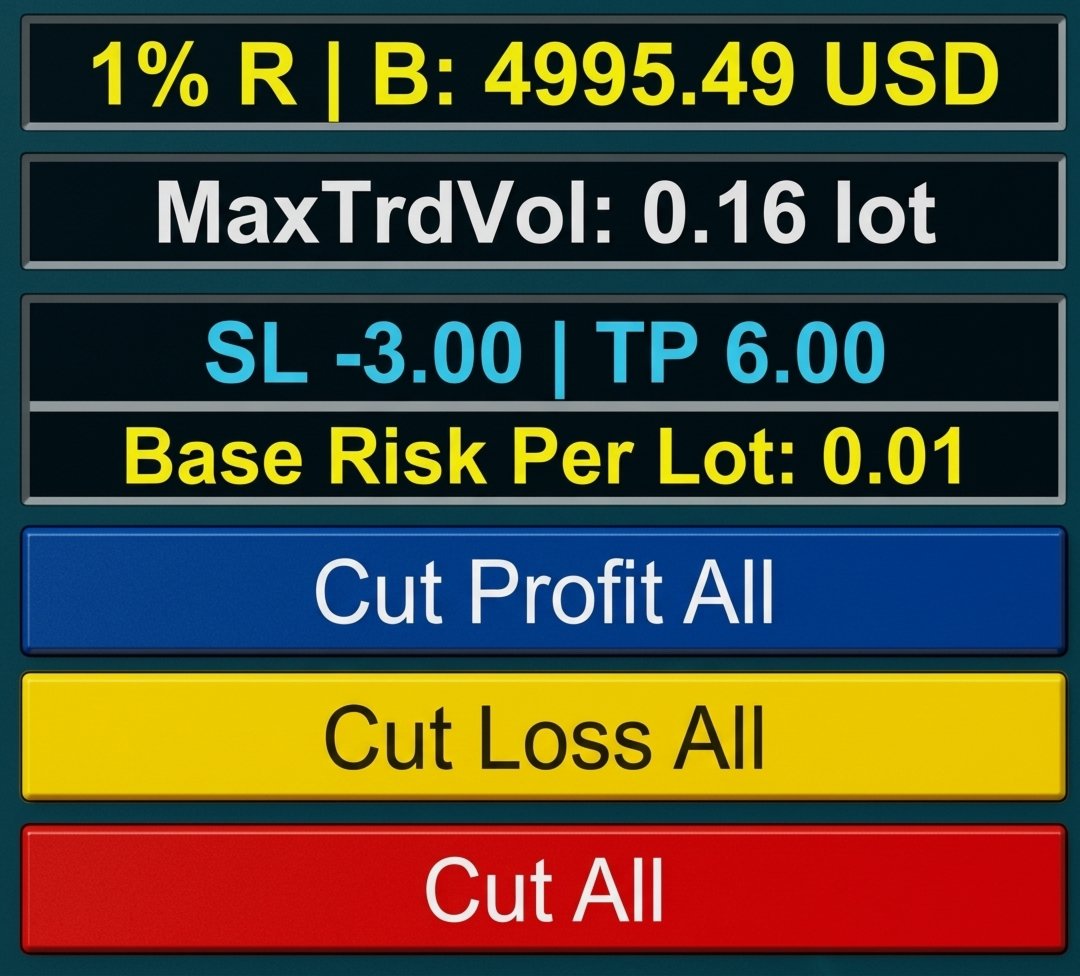
Simple Trade Navigation Menu Panel
-
Displays Maximum Trade Volume Lot (formula above).
-
Shows SL Risk, TP Reward, and Base Risk per 0.01 Lot for clear visualization.
-
Dedicated buttons for Bulk Operations:
-
Cut Profit All
-
Cut Loss All
-
Cut All (2 Modes: Positions only / Positions + Pending Orders)
-
Multi‑Device Feature
Can remain active 24/7 on a VPS. All orders placed from Android/iOS devices with the same Username & Account Number will have SL and TP set.
Requirements: MetaTrader 4 (recommended to run on VPS 24 hours).
Notification
Built with Magic Number isolation, the tool manages trades independently without interfering with other Expert Advisors. To apply management to manual or third‑party EA orders, activate and customize the SL‑TP Manager in the input parameters.
Disclaimer
This tool is provided solely as a trading aid. It does not guarantee profits or prevent losses. All trading decisions, including any resulting profits or losses, remain the sole responsibility of the user.
⚠️ Important Warning – Must Read
Always test on your broker’s demo account first. Execution policies vary by broker, so confirm the tool works as expected before using it on a live account.
Supported Instruments: EURUSD, BTCUSD, OIL, and consistently XAUUSD with ISO‑standard brokers.
Note: On a single pair within one MetaTrader chart panel, if Fixed SL‑TP in Currency and Fixed SL‑TP in Distance show identical results, the tool can be used safely. If results differ, it indicates the broker applies special rules for that pair.