TradingAssistant TA
- Utilità
- Versione: 1.0
- Attivazioni: 5

Interactive Manual & Semi-Automatic Trading Panel for MetaTrader 5
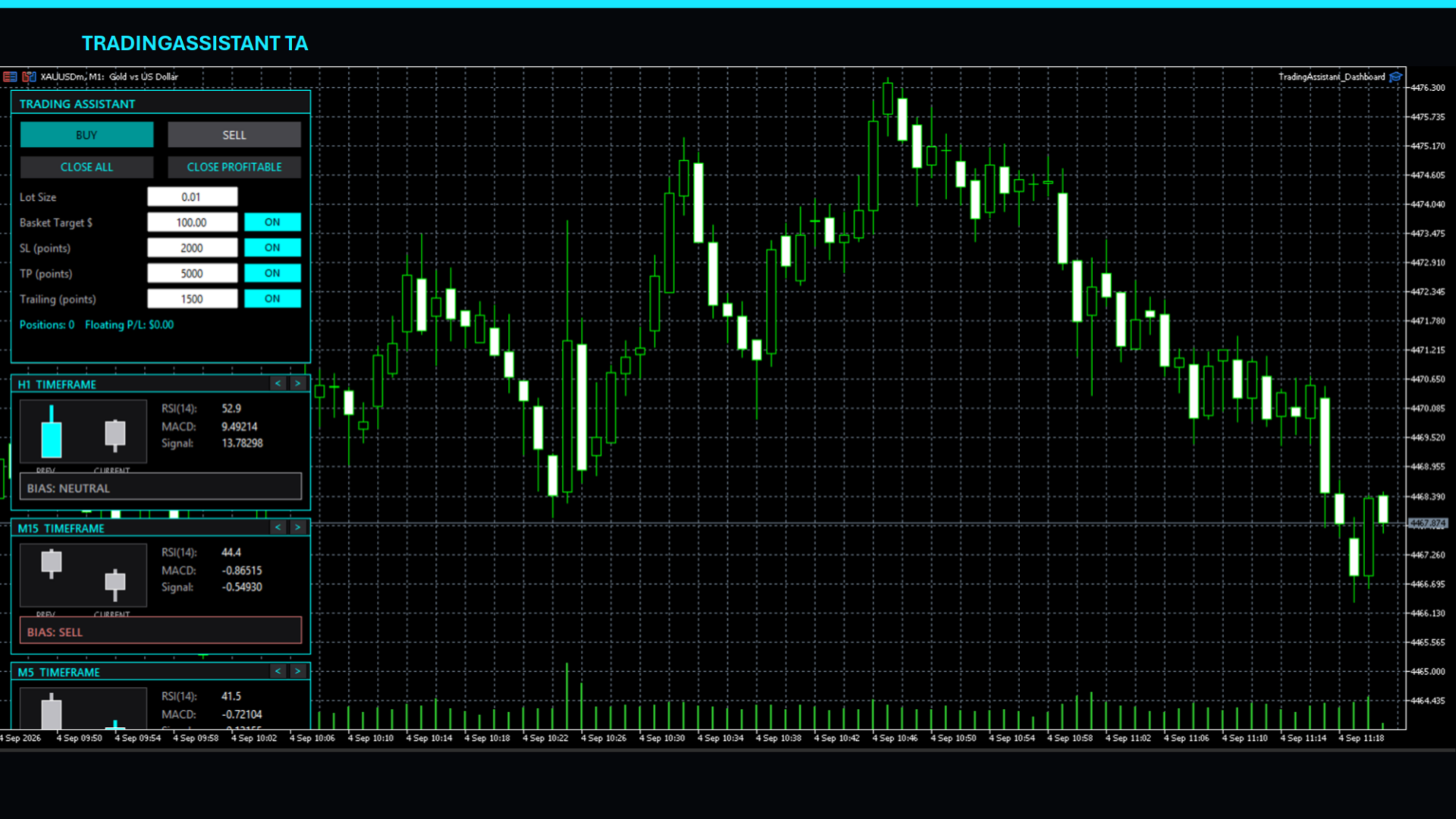
Trading Assistant Dashboard is a practical on-chart trading panel designed for traders who want fast manual order execution, flexible position management, and real-time multi-timeframe market information — all from one dashboard.
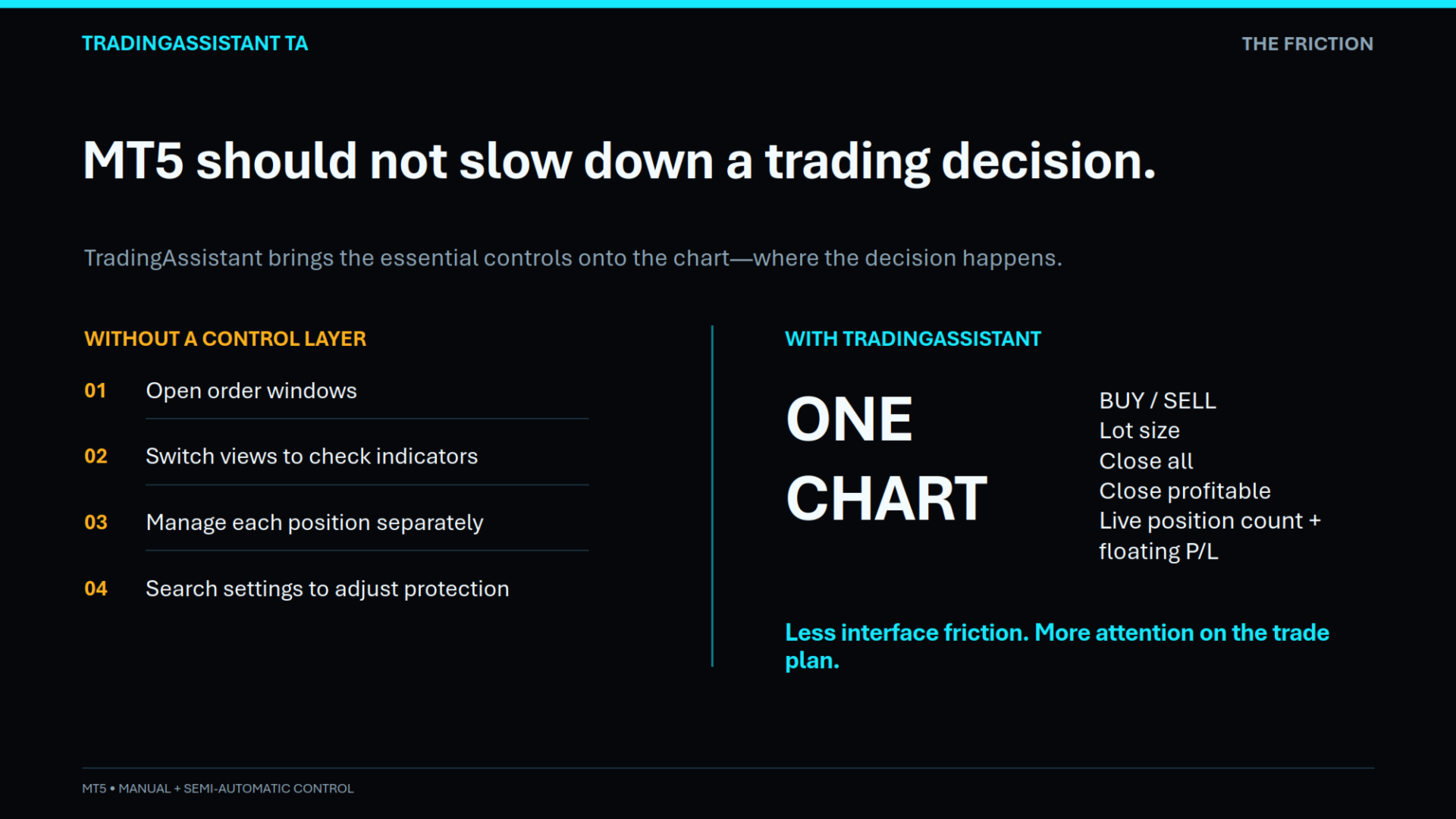
Instead of navigating through multiple MT5 windows, the assistant places essential trading controls directly on the chart, allowing traders to manage positions and monitor market conditions efficiently.
🚀 Key Features
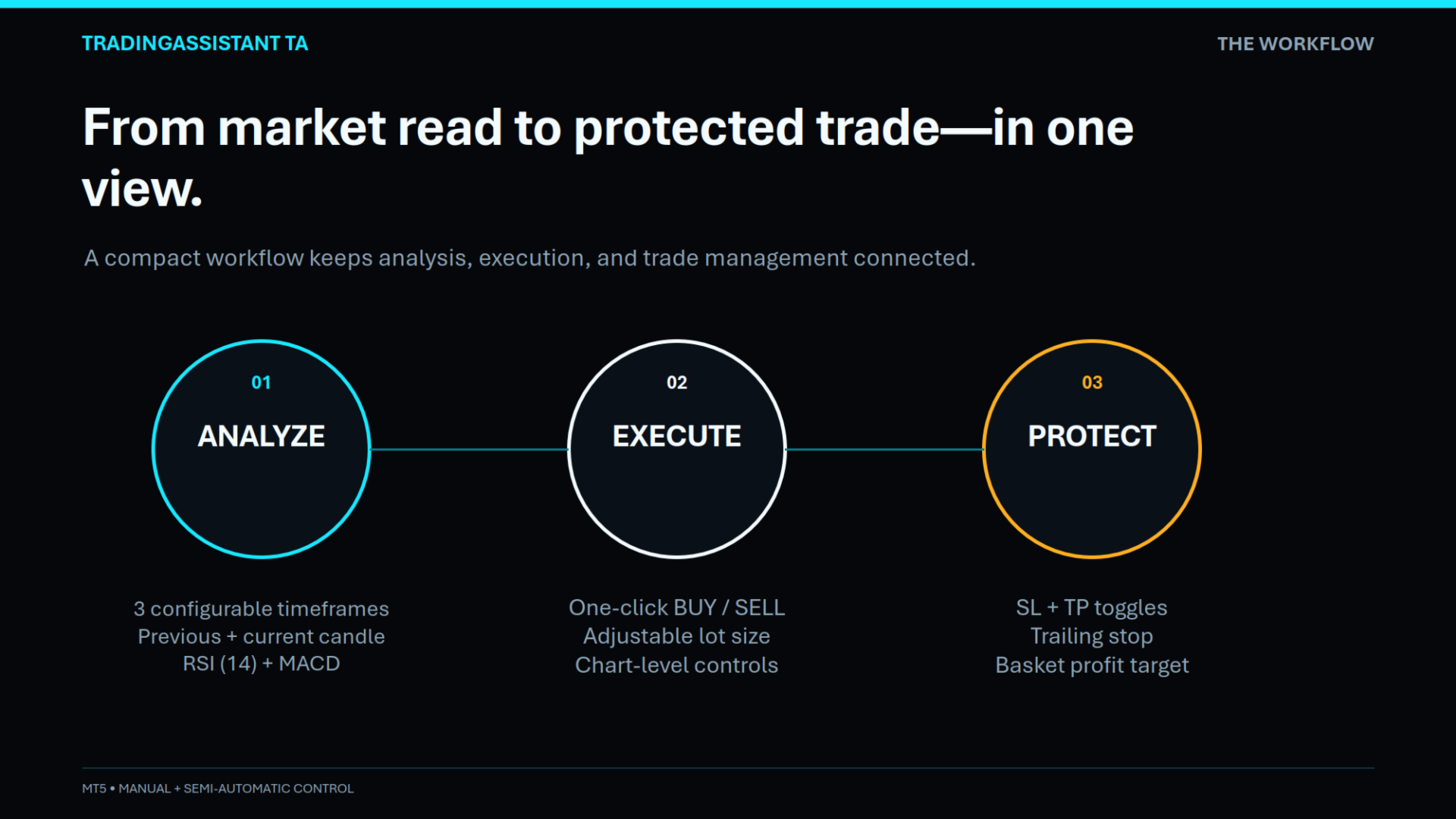
📈 One-Click BUY & SELL
Execute market orders directly from the dashboard using dedicated:
-
BUY
-
SELL
buttons.
The lot size can be configured directly from the dashboard, allowing traders to adjust their trading volume without opening the EA settings.
🛑 Close All Trades
The CLOSE ALL button allows the trader to immediately close all positions managed by the assistant for the current trading symbol.
This can be useful when the trader wants to quickly exit the market during:
-
Sudden market volatility
-
News events
-
Strategy invalidation
-
Manual risk management
-
End-of-session trade management
💰 Close Profitable Trades
The CLOSE PROFITABLE function automatically identifies positions currently in profit and closes them.
This provides a convenient way to lock in available profits without manually closing each profitable position.
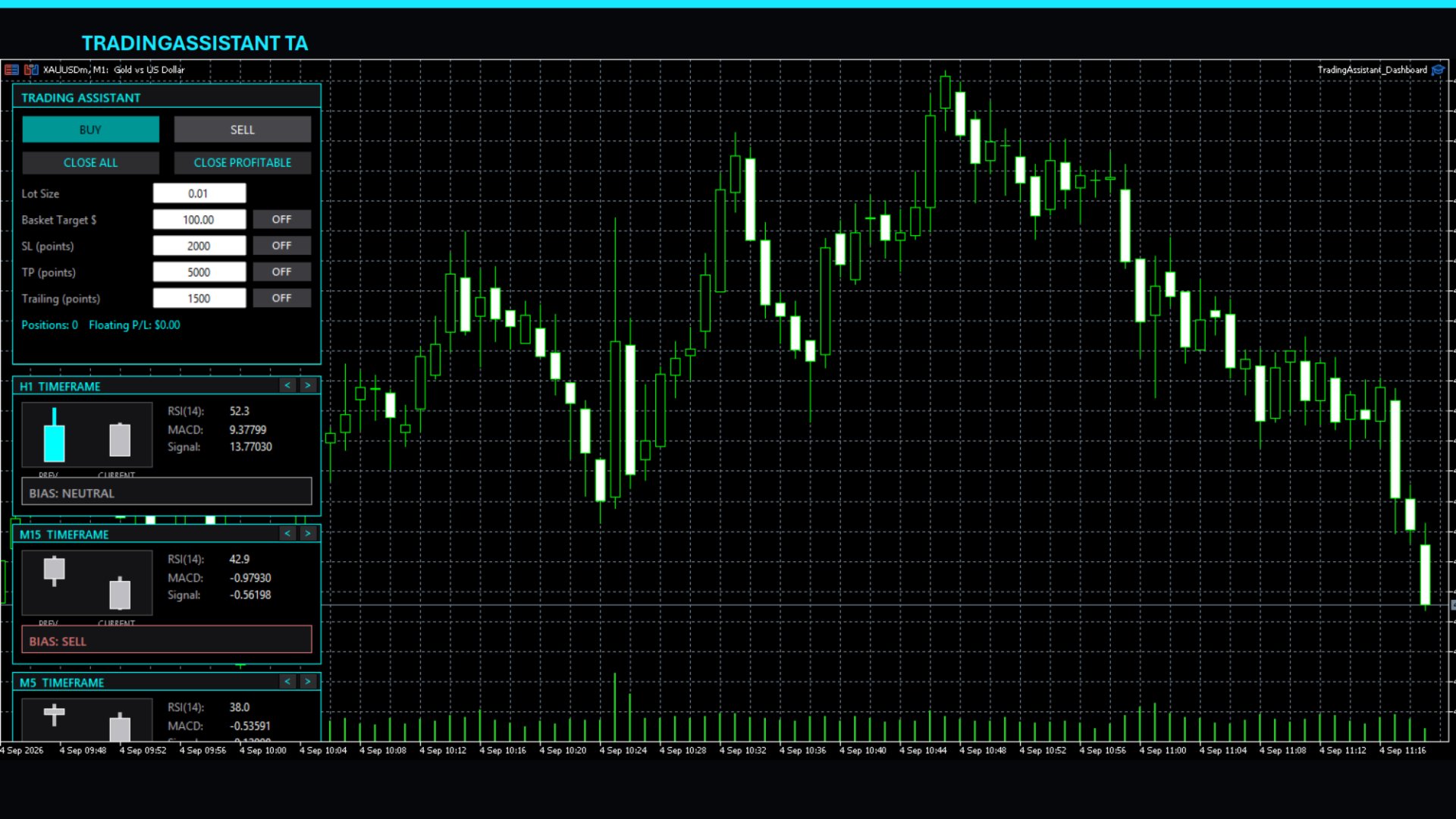
🛡️ Flexible Risk & Trade ManagementTrading Assistant Dashboard includes optional protection and profit-management functions that can be enabled or disabled directly from the dashboard.
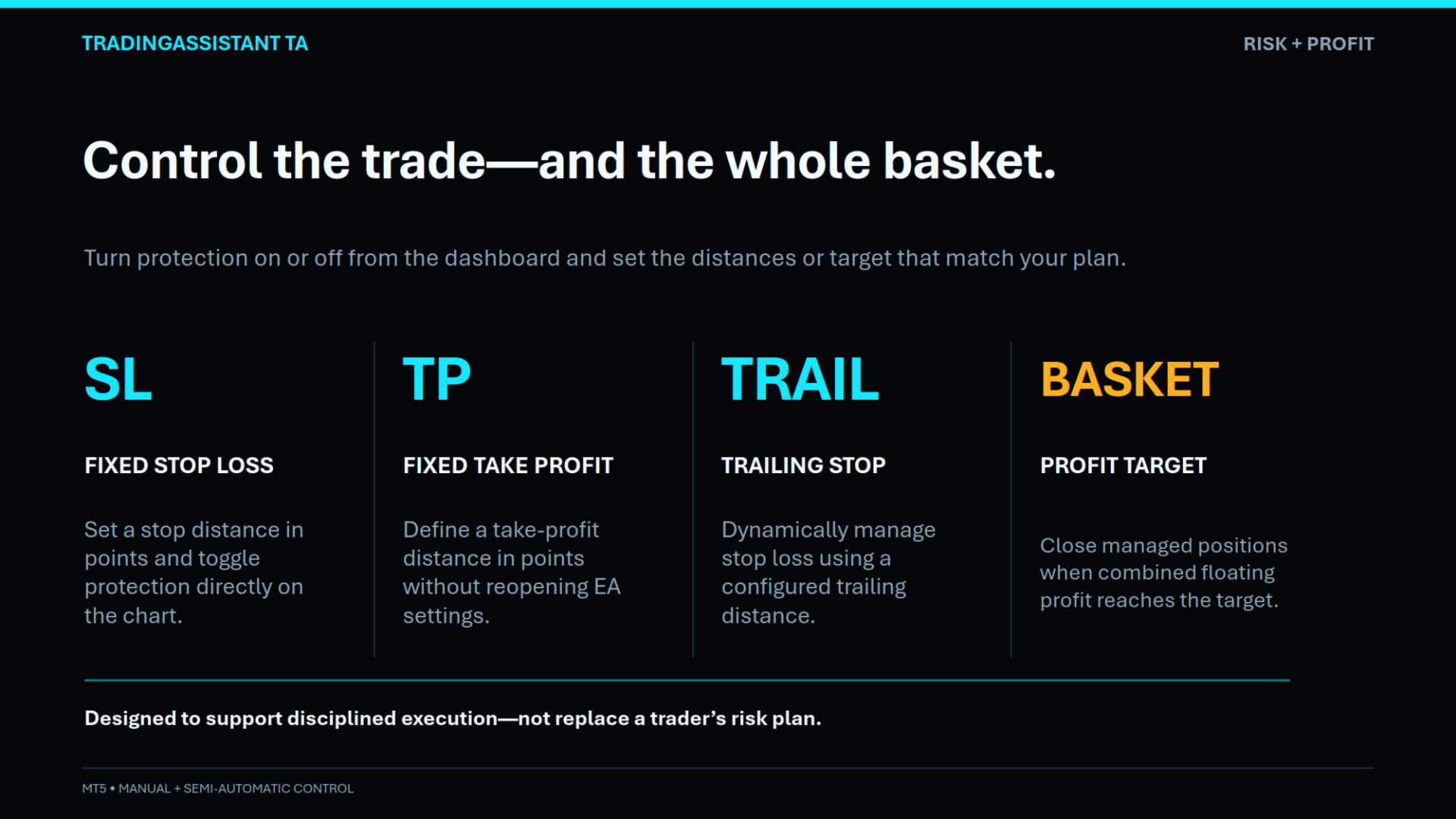
Fixed Stop Loss
Set a fixed Stop Loss in points and activate it using the SL ON/OFF control.
Fixed Take Profit
Set a fixed Take Profit in points and activate it using the TP ON/OFF control.
Trailing Stop
The integrated trailing-stop function dynamically manages the Stop Loss of open positions based on the configured point distance.
The trailing function can also be switched ON/OFF directly from the dashboard.
Basket Profit Target
Set a target basket profit in your account currency.
When the basket-management function is enabled and the combined floating profit of the managed positions reaches the configured target, the assistant automatically closes the managed positions.
This is particularly useful for traders using multiple entries or basket-style trading approaches.
📊 Multi-Timeframe Market DashboardOne of the main features of Trading Assistant Dashboard is its integrated Multi-Timeframe Analysis Panel.
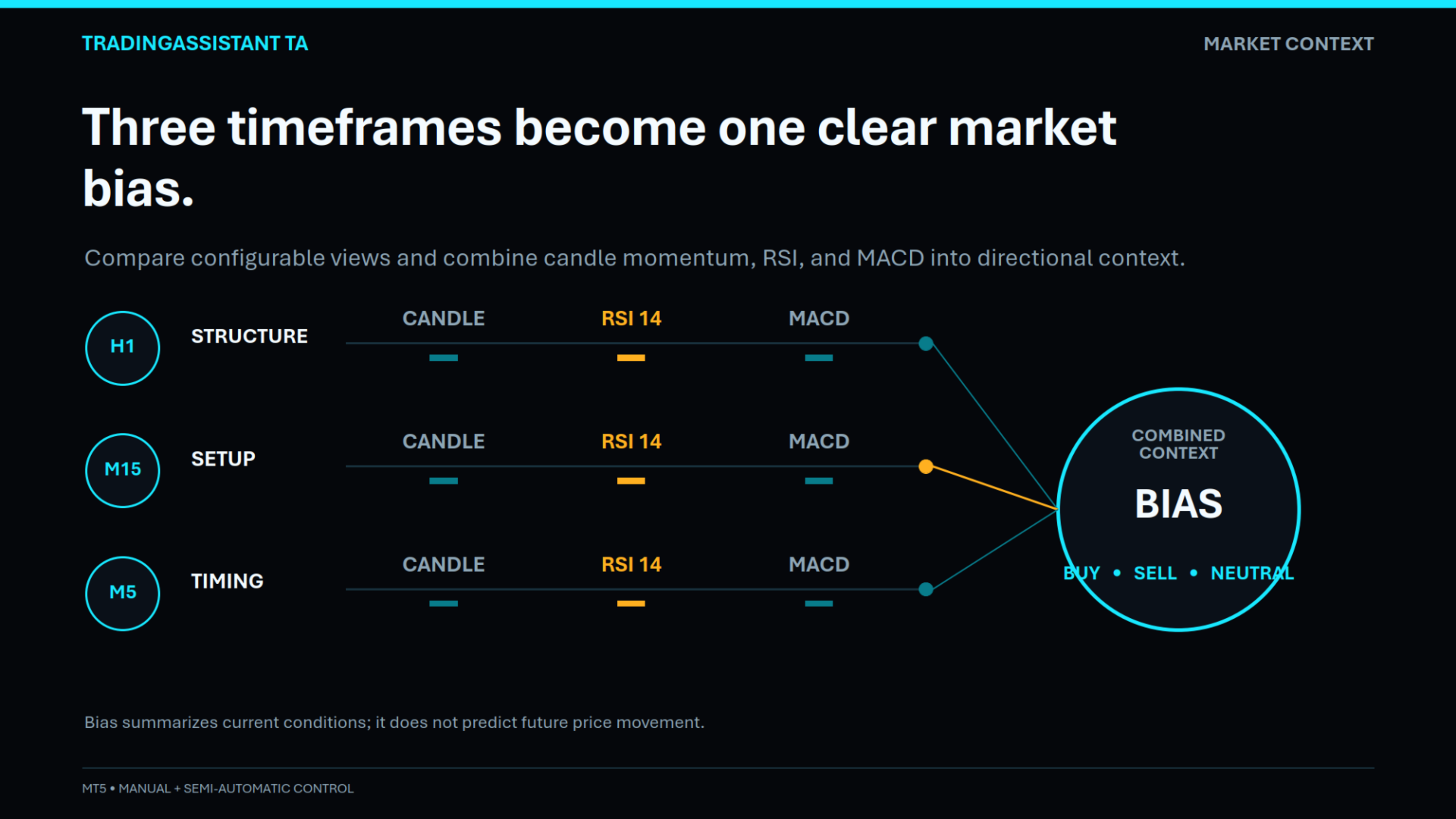
The dashboard displays three configurable timeframes simultaneously.
Each timeframe panel provides:
-
Previous candle
-
Current candle
-
RSI (14)
-
MACD
-
MACD Signal
-
Market Bias
The default configuration uses:
-
H1
-
M15
-
M5
However, each panel can be changed directly from the chart.
🔄 Live Timeframe SelectionEach timeframe panel includes Previous (<) and Next (>) controls.
The trader can cycle through:
-
M1
-
M5
-
M15
-
M30
-
H1
-
H4
-
D1
-
W1
-
MN1
This allows traders to quickly compare different market timeframes without modifying the EA inputs.
🧠 Market BiasThe dashboard calculates a simple directional bias using three market conditions:
Price Momentum
The current candle close is compared with the previous candle close.
RSI
RSI(14) is used to identify bullish or bearish momentum around the 50 level.
MACD
MACD Main is compared against the MACD Signal line.
The three conditions are combined into a simple score:
BUY Bias
when the combined score reaches the bullish threshold.
SELL Bias
when the combined score reaches the bearish threshold.
NEUTRAL
when neither directional threshold is reached.
This provides a quick visual indication of the current market environment rather than attempting to predict future price movement.
🎨 Professional On-Chart InterfaceThe dashboard uses a compact dark interface with:
-
Interactive buttons
-
Editable parameters
-
ON/OFF controls
-
Multi-timeframe panels
-
Mini candlestick visualization
-
Live position count
-
Floating P/L display
-
RSI and MACD values
-
Market Bias indication
The dashboard is designed to remain visible while the trader analyzes the chart and manages positions.
⚙️ Main Configurable ParametersThe EA provides inputs for:
Lot & Risk
-
Fixed Lot Size
Basket Target
-
Target Basket Profit
-
Basket Target ON/OFF
Fixed SL
-
Stop Loss Points
-
SL ON/OFF
Fixed TP
-
Take Profit Points
-
TP ON/OFF
Trailing Stop
-
Trailing Stop Points
-
Trailing ON/OFF
Multi-Timeframe Panel
-
Panel 1 Timeframe
-
Panel 2 Timeframe
-
Panel 3 Timeframe
Miscellaneous
-
Magic Number
-
Dashboard Update Timer
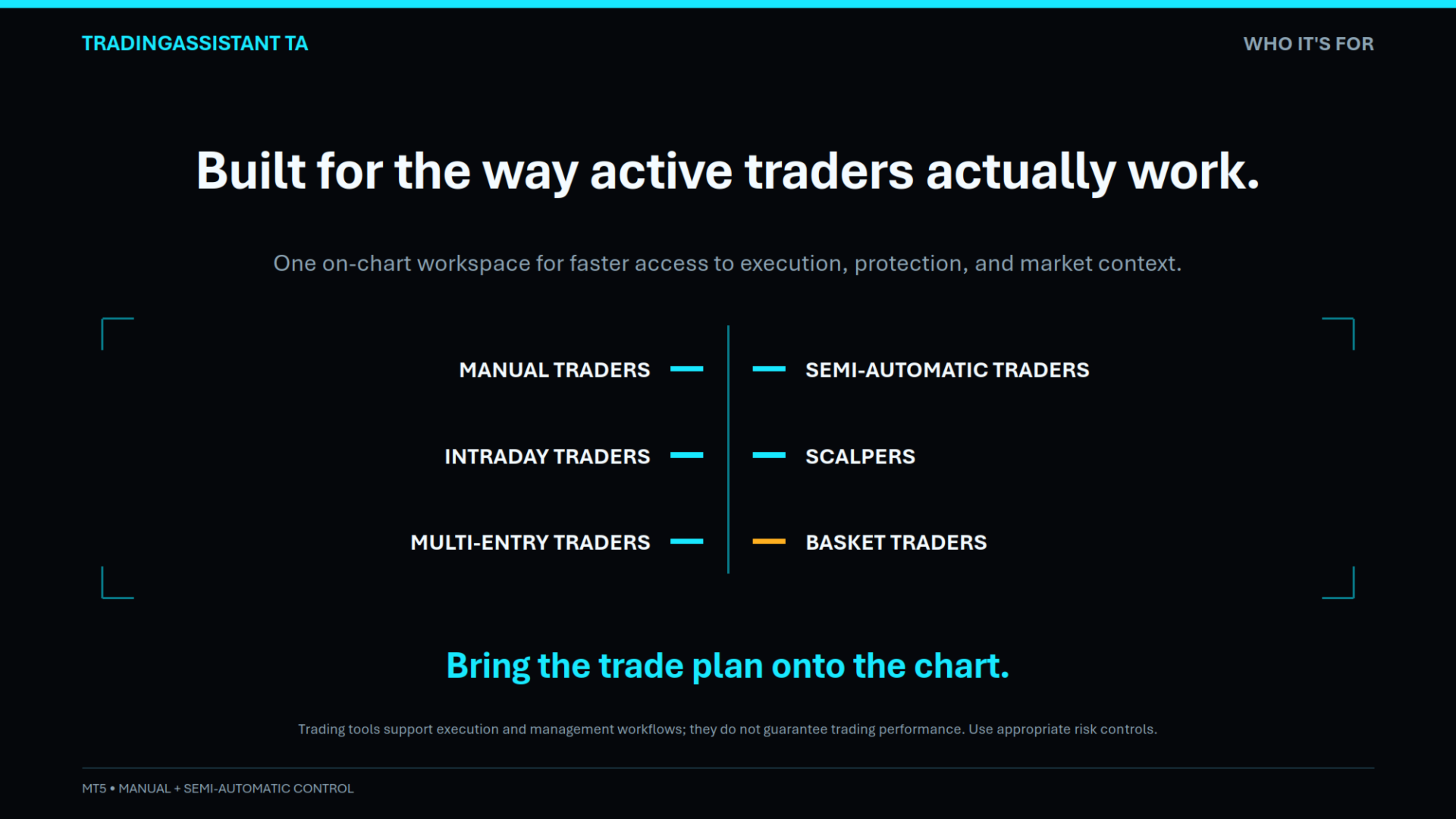
Trading Assistant Dashboard can be useful for:
-
Manual traders
-
Semi-automatic traders
-
Intraday traders
-
Scalpers
-
Multi-entry traders
-
Basket trading
-
Traders who prefer on-chart trade management
-
Traders who want quick access to RSI/MACD market information
The assistant can be attached to different symbols and used as a centralized trading control panel for the selected chart.