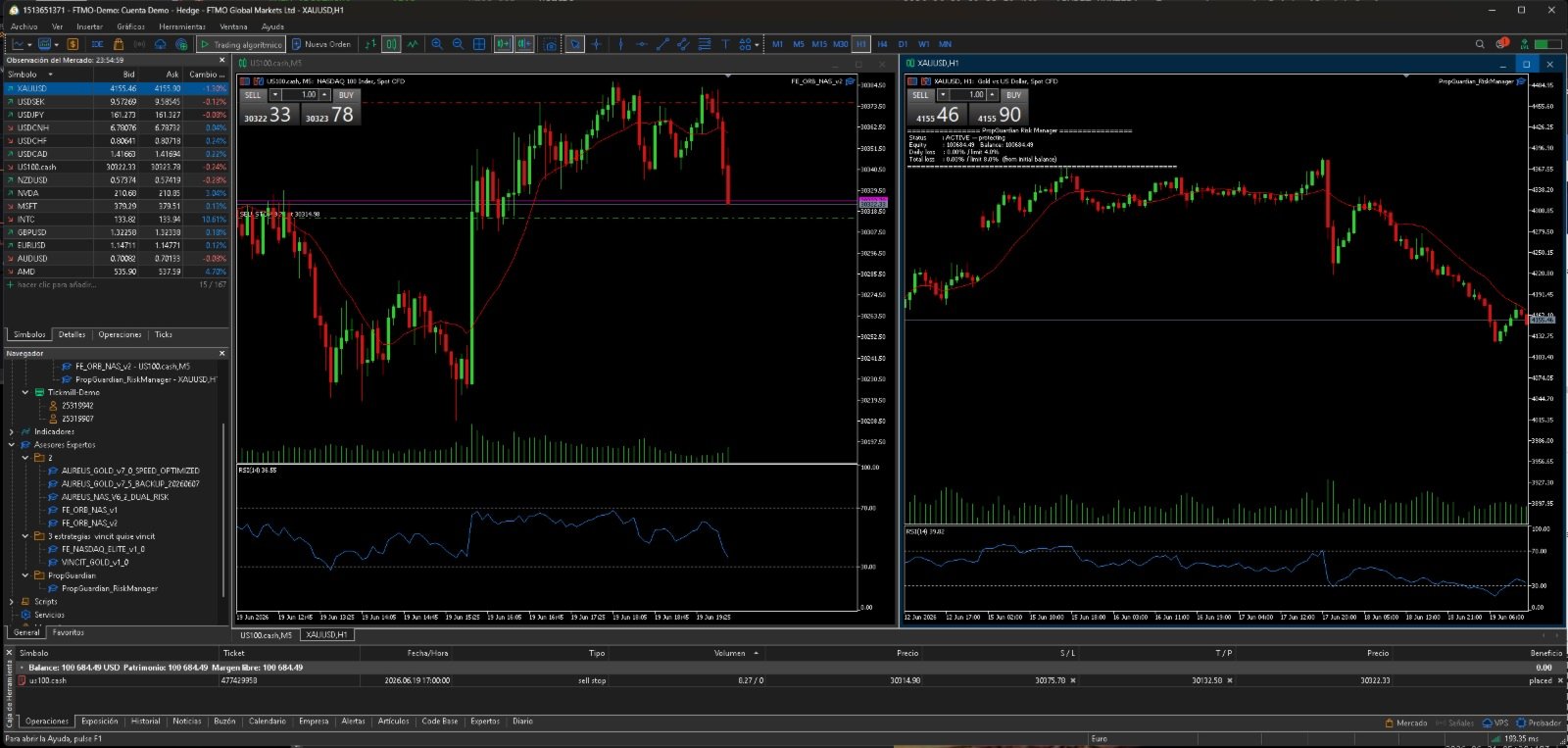
PropGuardian Risk Manager
- Utilità
- Versione: 1.0
- Attivazioni: 10

PropGuardian Risk Manager is a utility that watches your account in real time and enforces the hard risk rules that disqualify traders from prop-firm challenges and funded accounts. It does not open trades of its own. It sits on one chart and guards the entire account, whatever you or your other Expert Advisors are doing.
One bad day, one oversized lot, or one forgotten position is enough to fail an objective. PropGuardian acts the instant a limit is reached: it closes every position, deletes pending orders, and blocks new trades until it is safe again.
What it protects you from:
Daily drawdown breach. Anchored to your equity at the server-day rollover. When the daily loss reaches your limit, all positions are closed and trading is locked until the next day.
Maximum total drawdown breach. Measured from your initial balance or from a trailing equity peak. A breach locks the account until you manually reset.
Oversized positions. Caps lots per position and total exposure. It alerts you, or closes the offending trade.
Giving back a winning day. An optional profit-target lock stops trading once your daily target is reached.
Emergencies. A master kill-switch flattens everything and freezes the account with a single input.
Why traders rely on it:
Protection survives terminal restarts and disconnects. The lock state and the daily anchor are stored in persistent terminal variables, so closing the platform mid-day does not reset your protection.
It checks the account every second on a timer, not only on the next tick.
It works on any symbol and any broker, alongside any Expert Advisor or fully manual trading.
Optional magic-number or single-symbol scope, so it manages only the trades you choose.
Alerts by terminal pop-up, mobile push notification, and email.
A clear on-chart panel shows daily loss versus limit, total loss versus limit, profit progress, and the lock status.
Setup takes about one minute: attach it to one chart, set your daily percentage and maximum percentage to match your firm rules, and you are done. Sensible defaults are included: 4 percent daily and 8 percent total.
Important: PropGuardian is a protection tool, not a profit tool. It cannot recover money that is already lost; it stops the damage at your chosen limit. Test it on a demo account first and confirm the limits match the exact rules of your firm, because daily-loss calculation methods differ between firms.
Parameters:
EnableDailyDD - turn the daily drawdown lockout on or off.
DailyDD_Percent - daily loss limit as a percentage of day-start equity.
DailyDD_UseMoney - use a fixed money limit instead of a percentage.
DailyDD_Money - daily loss limit in account currency.
EnableMaxDD - turn the total drawdown lockout on or off.
MaxDD_Percent - total loss limit as a percentage of the baseline.
MaxDD_FromInitialBalance - baseline is the initial balance when true, or a trailing equity peak when false.
MaxDD_PermanentLock - stay locked until a manual reset.
EnableLotCap - turn the position-size guard on or off.
MaxLotsPerPosition - maximum lots allowed on a single position.
MaxTotalLots - maximum combined lots across all open positions.
LotCap_CloseExcess - close the offending position, or alert only.
EnableProfitLock - stop trading after the daily profit target is reached.
ProfitTarget_Percent - daily profit target as a percentage of day-start equity.
KillSwitch - set true to flatten everything and freeze trading.
OnlyThisSymbol - act only on the chart symbol, or on the whole account.
FilterMagic - manage only trades with this magic number, or all when zero.
AlertPopup, AlertPush, AlertEmail - notification channels.
ShowDashboard - show the on-chart status panel.
ResetLockNow - set true once to clear a permanent lock.