DinexSpace Multi Timeframe Trend Panel
- Indicateurs
-
Huu Tho Tran
 DinexSpace - studio d'automatisation du trading pour MetaTrader 5.
Nous validons votre idée de trading avec des coûts réels en deux étapes avant de la coder. Si l'idée échoue, nous arrêtons - vous ne payez pas le robot.
Historique en réel - Version: 1.0
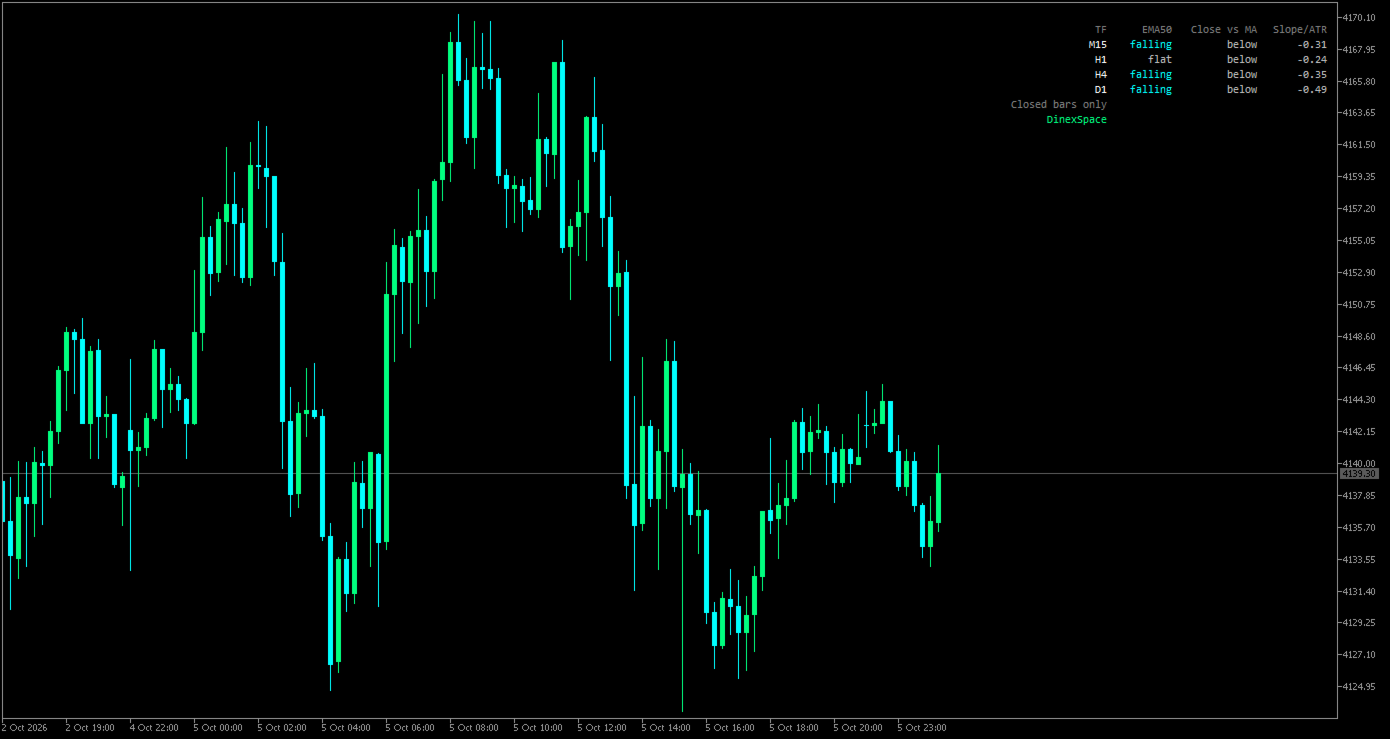
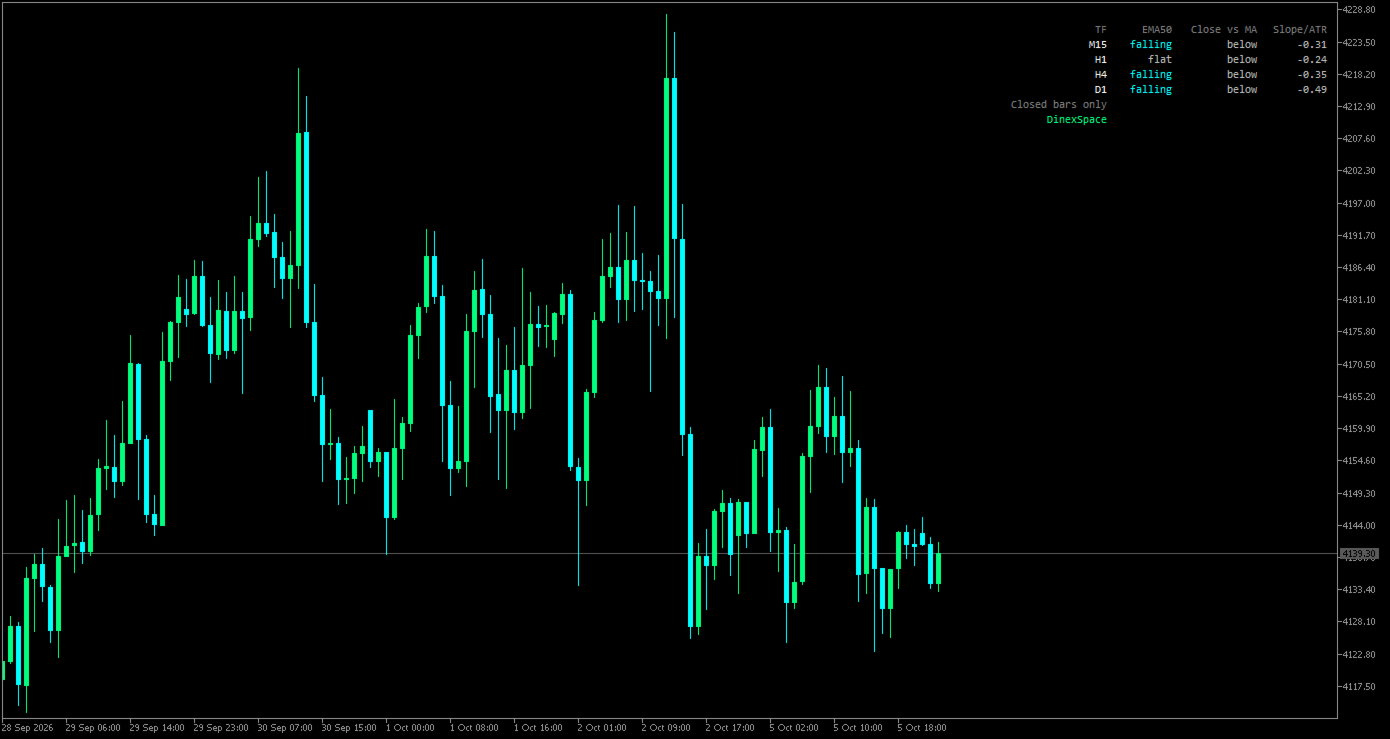
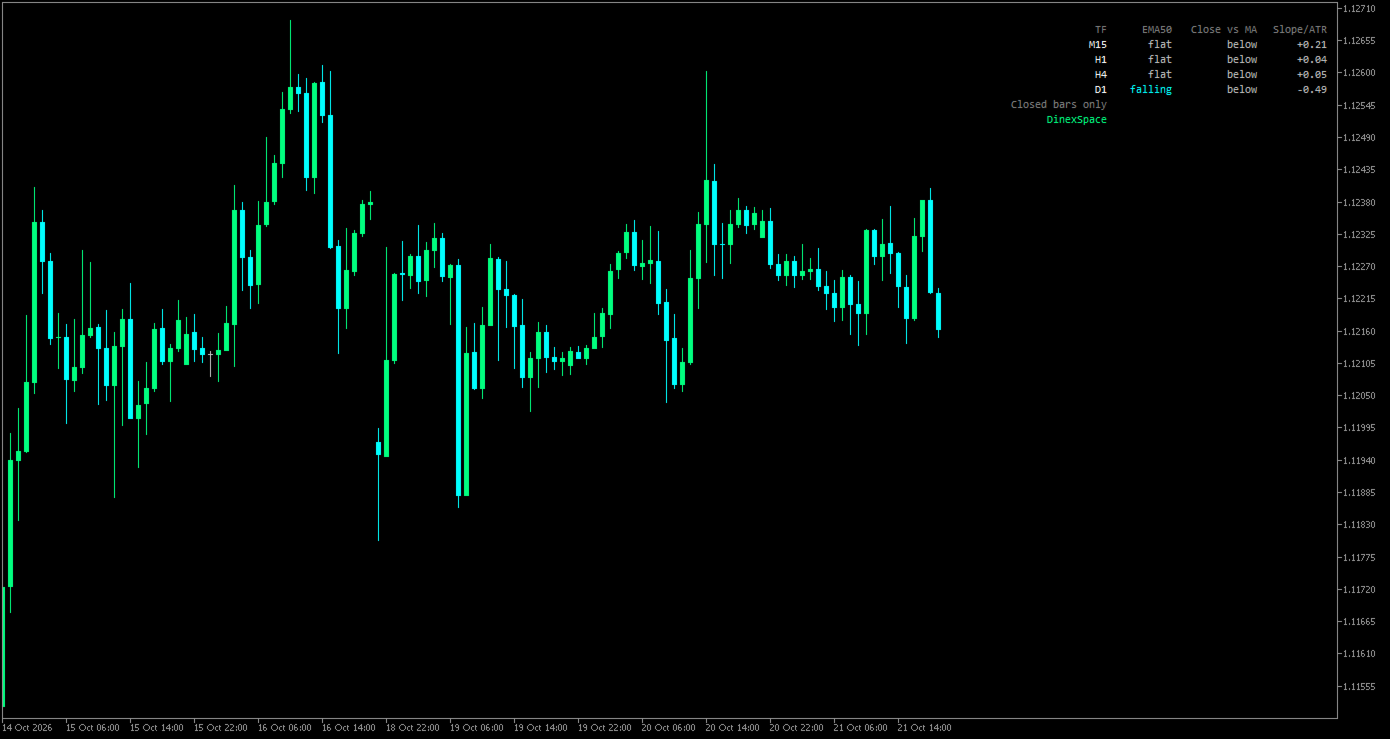
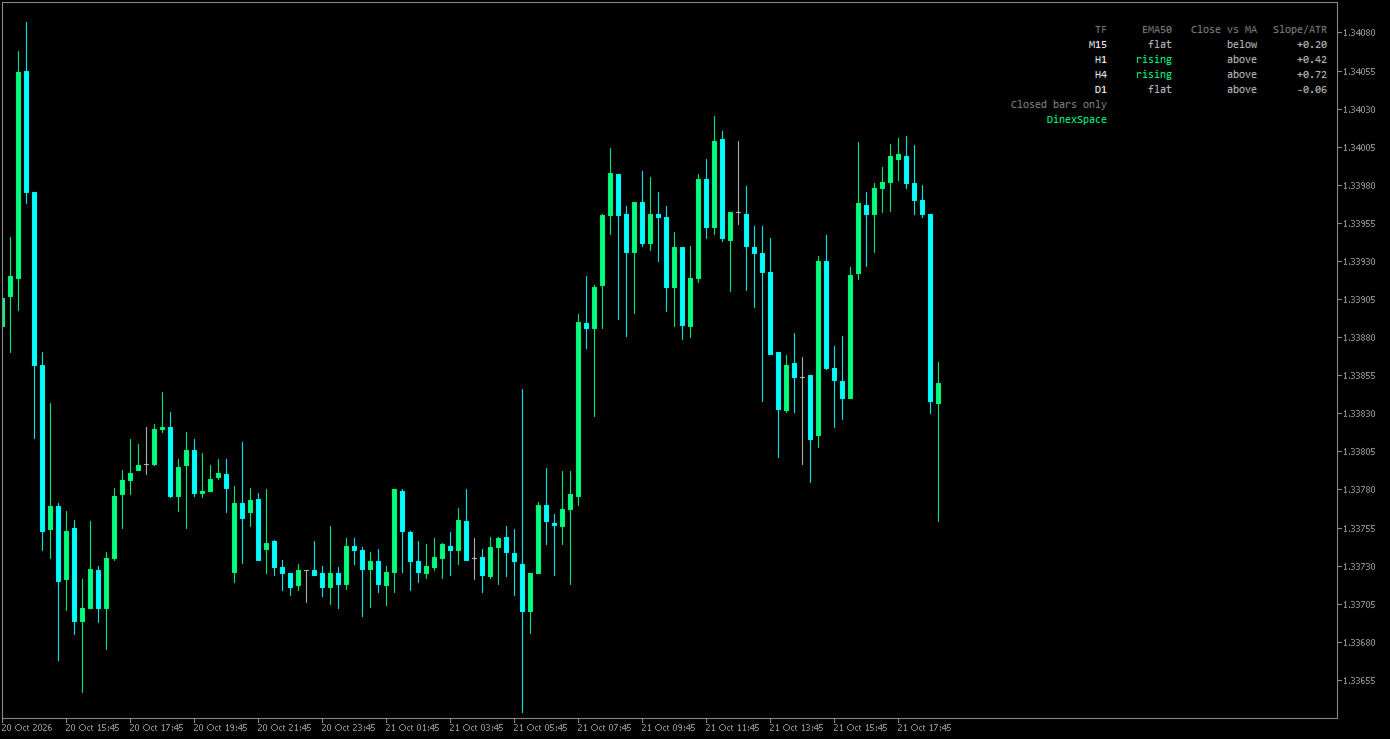
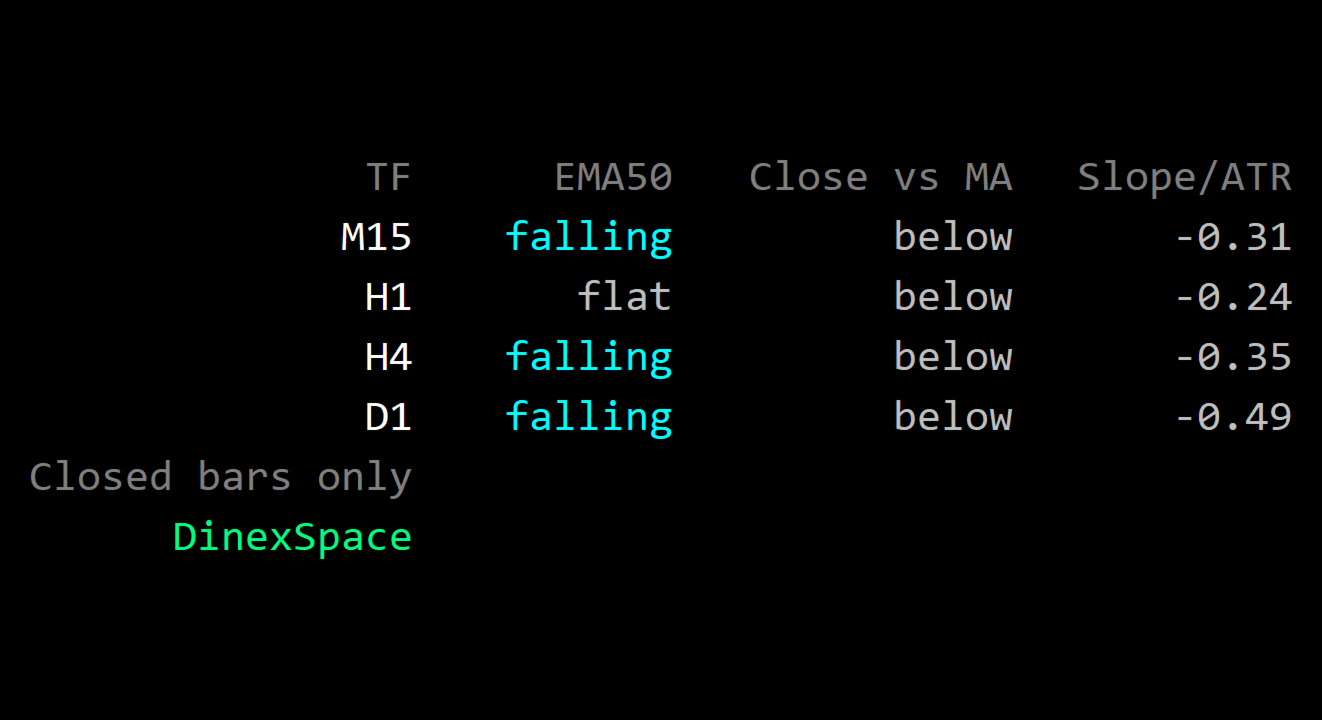
Multi-Timeframe Trend Panel shows, in one small panel, what a moving average is doing on four timeframes at once (M15, H1, H4 and D1 by default). You can see whether the timeframes agree without switching charts.
How it works
- For each timeframe the indicator reads the moving average (EMA 50 by default) on the last closed bar and on the bar a few bars before it (5 by default).
- The change between the two is compared with ATR(14) of the same timeframe:
- rising when the average went up by more than the flat threshold (0.25 × ATR by default);
- falling when it went down by more than that;
- flat when the change is smaller.
- A second column shows whether the last closed bar finished above or below the average.
- A third column shows the change as a multiple of ATR, to compare timeframes on one scale.
- Only closed bars are used, so the states do not flicker while a bar is forming. The panel refreshes every few seconds.
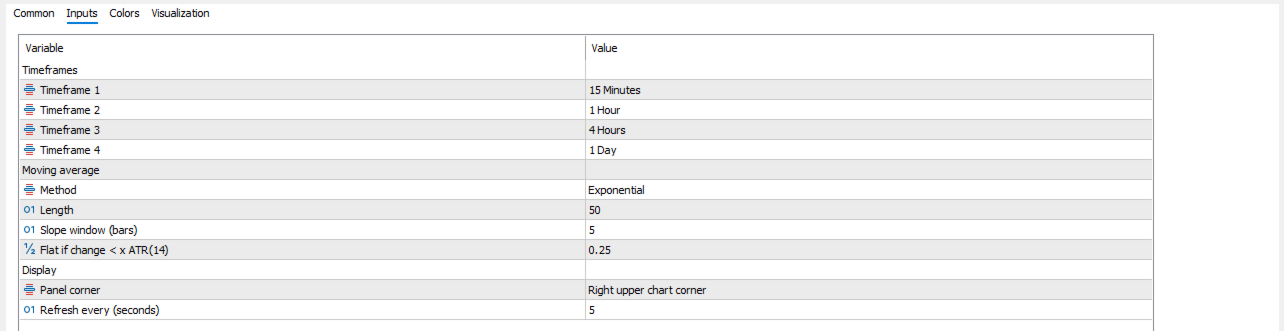
Inputs
- Timeframes: four slots.
- Moving average: method (SMA, EMA, SMMA, LWMA), length, slope window, flat threshold in ATR.
- Display: panel corner, refresh interval.
Limits
- A moving average follows price with a delay. The states describe the recent past, not the next move.
- Different lengths and thresholds give different states; there is no single "correct" setting.
- On first use the terminal may need a moment to load history for the other timeframes; "n/a" is shown until then.
The indicator is a status display only. It does not trade or give signals.