DinexSpace Multi Timeframe Trend Panel
- Indicatori
-
Huu Tho Tran
 DinexSpace - studio di automazione del trading per MetaTrader 5.
Validiamo la tua idea di trading con costi reali in due fasi prima di programmarla. Se l'idea non supera la validazione ci fermiamo e non paghi il robot.
Storico live - Versione: 1.0
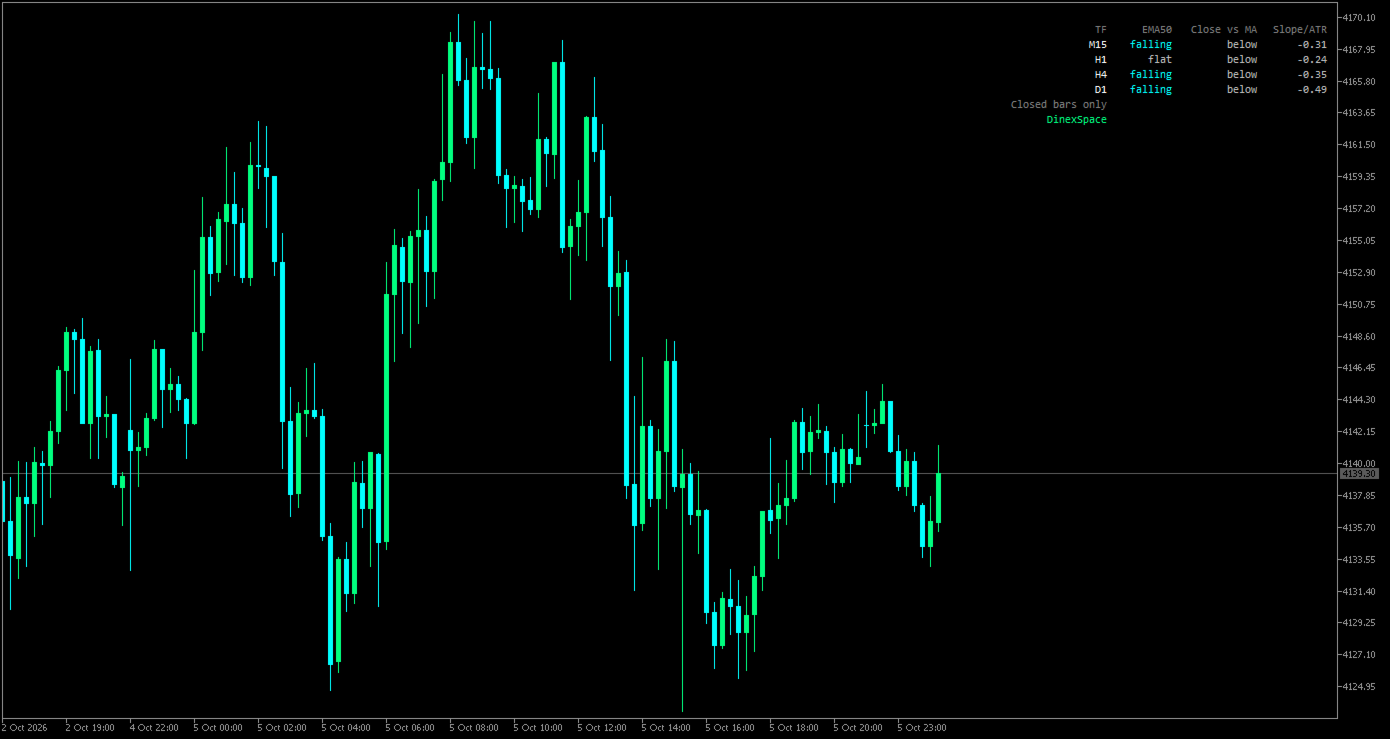
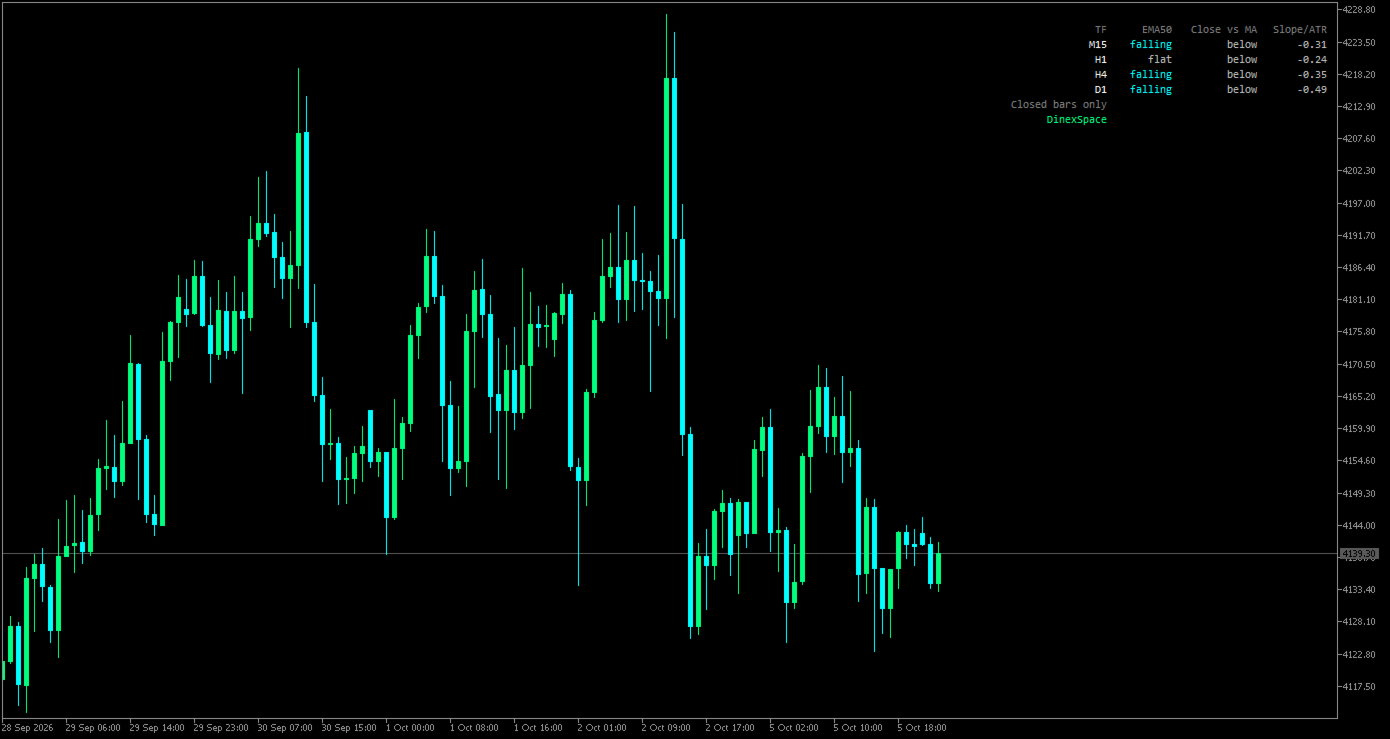
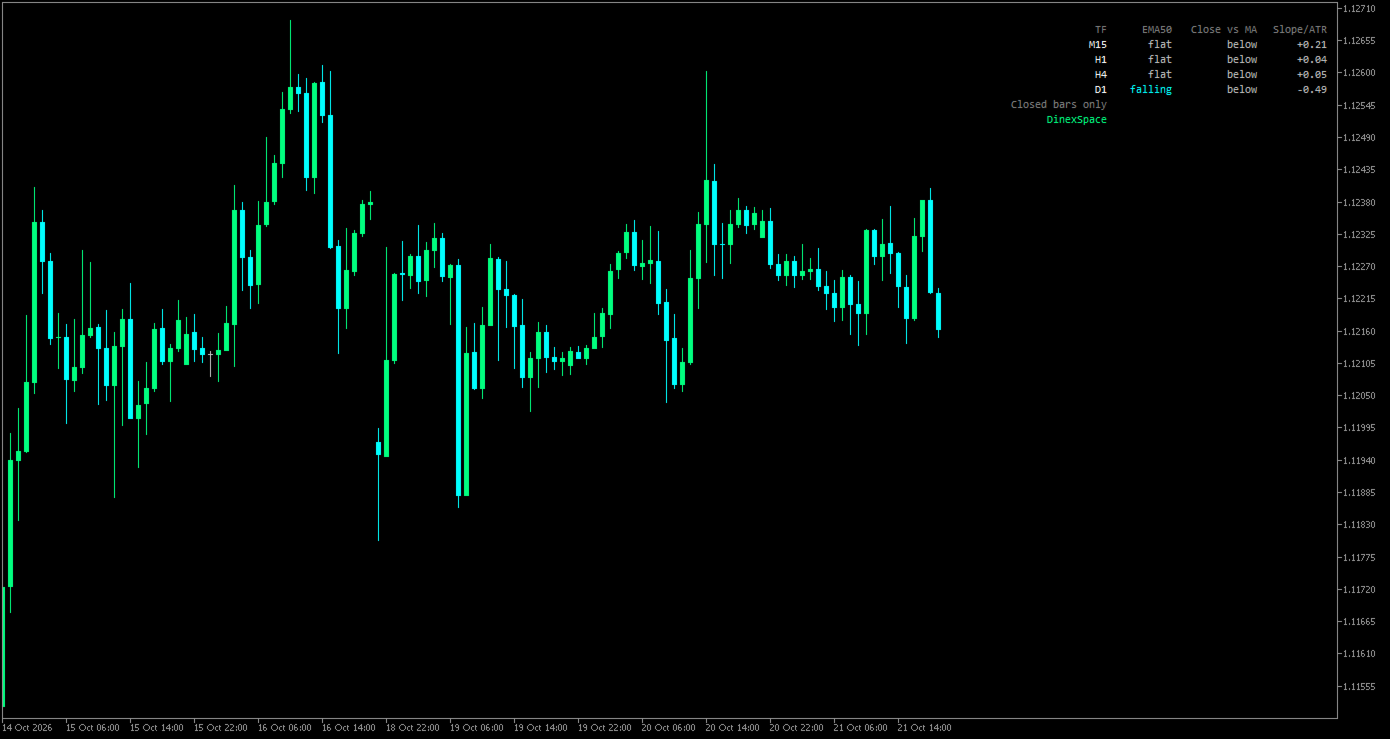
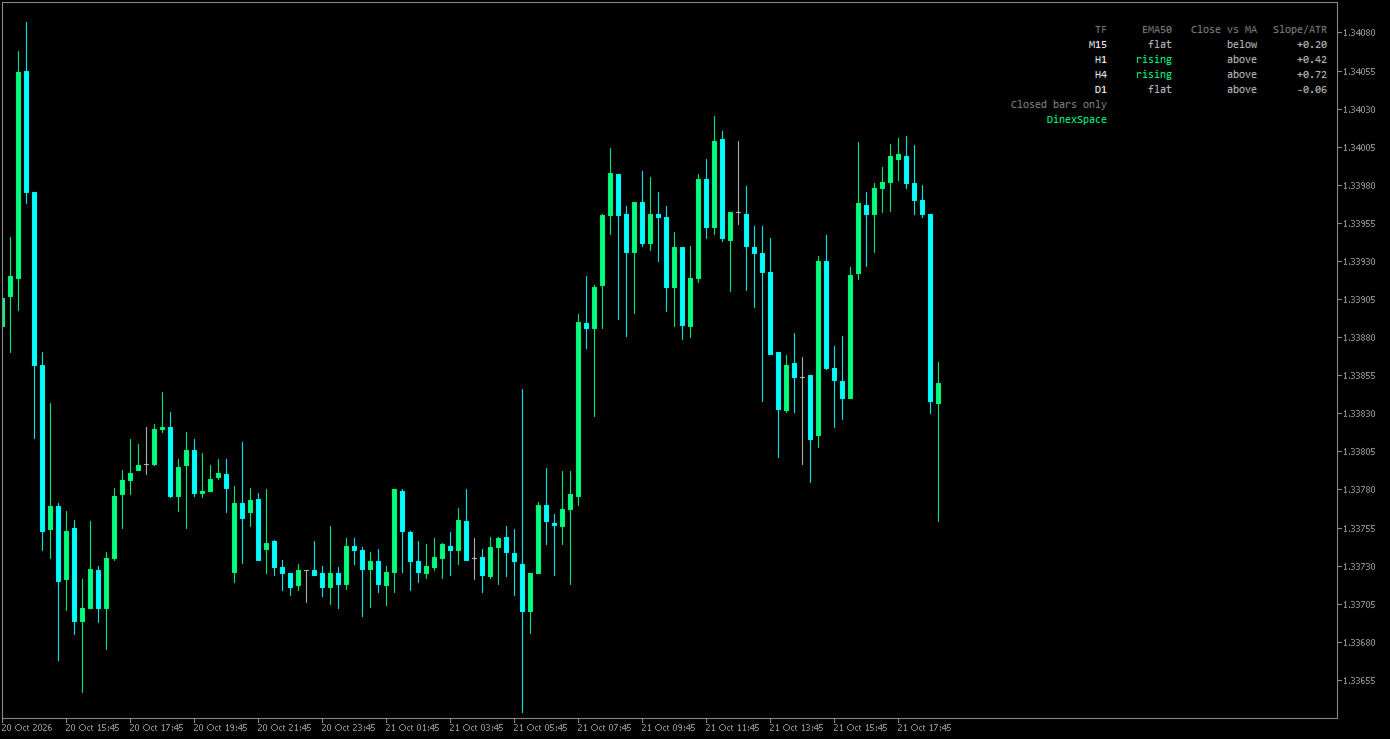
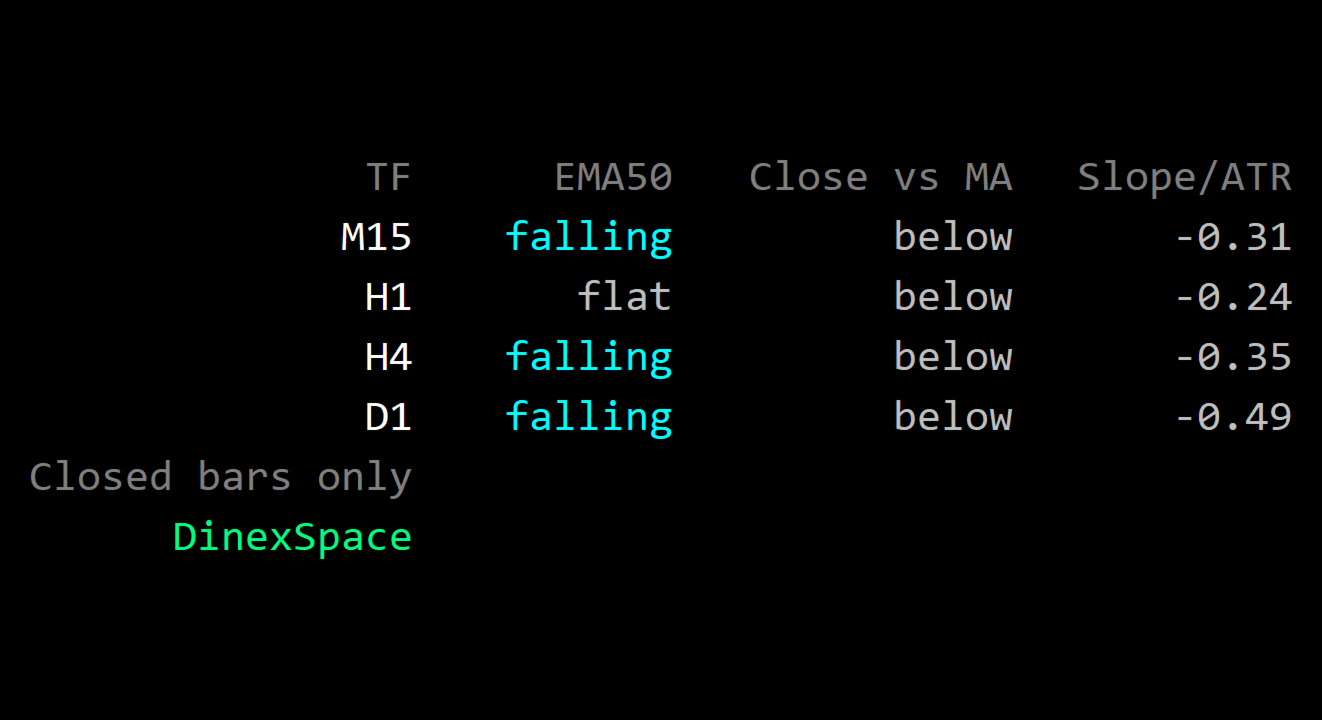
Multi-Timeframe Trend Panel shows, in one small panel, what a moving average is doing on four timeframes at once (M15, H1, H4 and D1 by default). You can see whether the timeframes agree without switching charts.
How it works
- For each timeframe the indicator reads the moving average (EMA 50 by default) on the last closed bar and on the bar a few bars before it (5 by default).
- The change between the two is compared with ATR(14) of the same timeframe:
- rising when the average went up by more than the flat threshold (0.25 × ATR by default);
- falling when it went down by more than that;
- flat when the change is smaller.
- A second column shows whether the last closed bar finished above or below the average.
- A third column shows the change as a multiple of ATR, to compare timeframes on one scale.
- Only closed bars are used, so the states do not flicker while a bar is forming. The panel refreshes every few seconds.
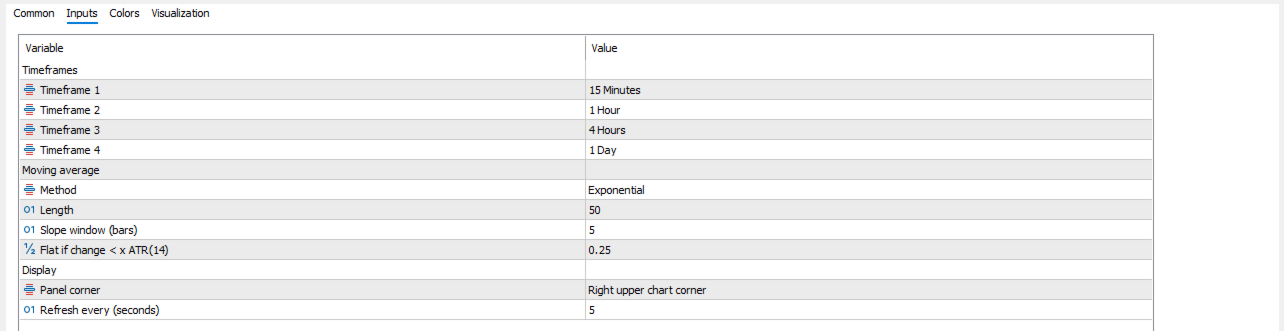
Inputs
- Timeframes: four slots.
- Moving average: method (SMA, EMA, SMMA, LWMA), length, slope window, flat threshold in ATR.
- Display: panel corner, refresh interval.
Limits
- A moving average follows price with a delay. The states describe the recent past, not the next move.
- Different lengths and thresholds give different states; there is no single "correct" setting.
- On first use the terminal may need a moment to load history for the other timeframes; "n/a" is shown until then.
The indicator is a status display only. It does not trade or give signals.