 MetaTrader 5
 Experts
 Indicators
 Scripts
 Libraries
 Storage
Watch how to download trading robots for free
Find us on Twitter!
Join our fan page
Join our fan page
You liked the script? Try it in the MetaTrader 5 terminal

Close All Positions with Symbol, Magic, Direction and Profit Filters - script for MetaTrader 5

- Views:
- 43
- Published:
-
 You are missing trading opportunities:
- Free trading apps
- Over 8,000 signals for copying
- Economic news for exploring financial markets
Registration Log inYou agree to website policy and terms of use
If you do not have an account, please register -
 Need a robot or indicator based on this code? Order it on Freelance
Go to Freelance
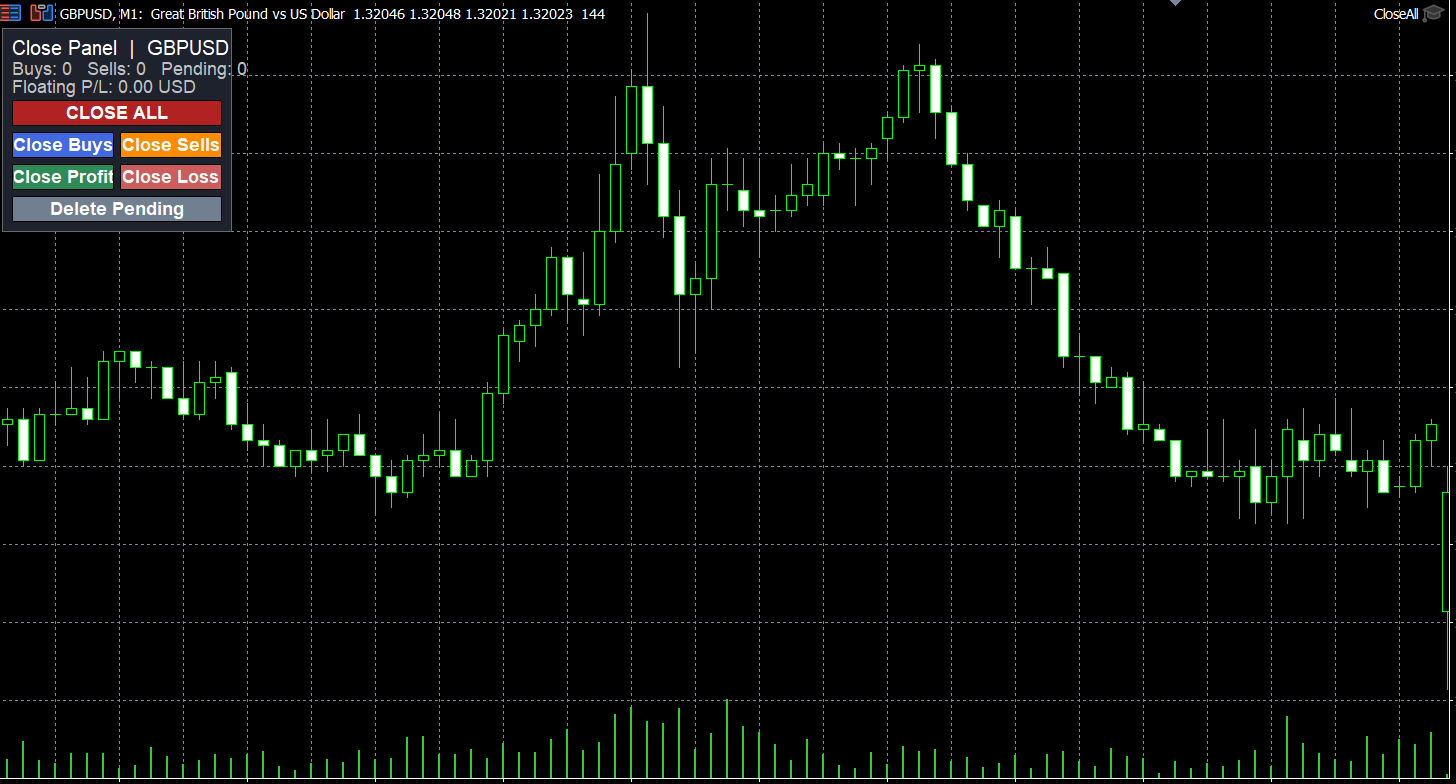
Description
This script closes open positions in one run. Instead of closing everything blindly, you choose exactly which positions to close using four filters: symbol, magic number, direction and profit/loss state.
It is useful when you need to exit quickly, for example before news, at the end of a session, or when you want to close only the losing trades of a grid or only the trades opened by one Expert Advisor.
Input parameters
Close only the chart symbol (true/false): if true, only positions on the symbol of the chart the script is dropped on are closed. Set to false to process all symbols.
Magic number: closes only positions with this magic number. Use -1 for any magic number, or 0 for manually opened trades.
Direction filter: Buy and Sell, Buy only, or Sell only.
Profit/loss filter: All positions, only positions in profit, or only positions in loss. Floating profit includes swap.
Max slippage in points: maximum allowed price deviation when closing.
How to use
1. Copy the file to the MQL5\Scripts folder and compile it in MetaEditor.
2. Turn on the Algo Trading button in the terminal.
3. Drag the script onto a chart. On the Common tab, tick "Allow Algo Trading".
4. Set the filters on the Inputs tab and click OK.
When it finishes, a pop-up shows how many positions were closed or failed. Each closed or failed ticket is printed in the Experts tab with the server return code.
Notes
The script uses the filling mode allowed by the broker for each symbol, so it works with different brokers and execution types.
Positions are processed from the last to the first, so closing positions does not skip any in the list.
It checks that algo trading is allowed before sending any request.
It does not open trades and does not touch pending orders.
Recommended: any symbol, any timeframe.
 Previous Day High/Low with First Touch Marker
Draws the previous day's high and low over each day and marks the first touch of each level, with an optional alert.
EA Safety Check - scan EA source for DLLs, data leaks and martingale
Static safety scan of EA/indicator source: DLL imports, programs started, account data sent online, hidden text, martingale, SL = 0.
Account Information Panel with Daily P/L and Equity Drawdown
Shows balance, equity, margin, margin level, floating P/L, today's closed P/L and the drawdown from the equity peak in a small panel on the chart.
ATR Stop Distance and Risk-Based Lot Size Panel
Panel that shows the ATR of the last closed bar, a stop-loss distance derived from it, the money at risk for a chosen percentage of the balance and the lot size that matches that risk.