
0
23

Step 1: Chart Open an XAUUSD chart on M15 and attach the EA. Make sure Algo Trading is enabled.
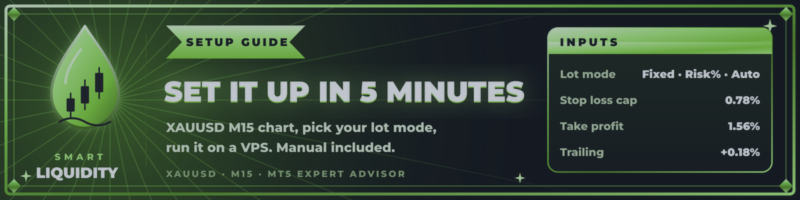
Step 2: Lot mode Choose how the lot size is calculated:
- Fixed lot: the same lot on every trade. Simple and predictable.
- Risk %: the lot is calculated from your balance and the stop-loss distance, so each trade risks the percentage you set.
- Auto (presets or manual): the lot grows automatically as your balance grows.
Start conservative. You can always raise risk later. You cannot undo a blown account.
Step 3: Trading rules (already set)
- Stop loss: at the opposite liquidity level, capped at 0.78% of price
- Take profit: 1.56% of price
- Trailing: starts at +0.18% and follows price in small steps
- Magic number: 827351 (change it if you run other EAs on the same account)
Step 4: Filters Set your session hours, max spread and daily limit to match your broker.
Step 5: Keep it running Use a VPS so the EA runs 24/5 without interruptions. A low-spread ECN or raw account works best for gold.
A full PDF user manual is included with your purchase.
Smart Liquidity Gold: https://www.mql5.com/en/market/product/201338




