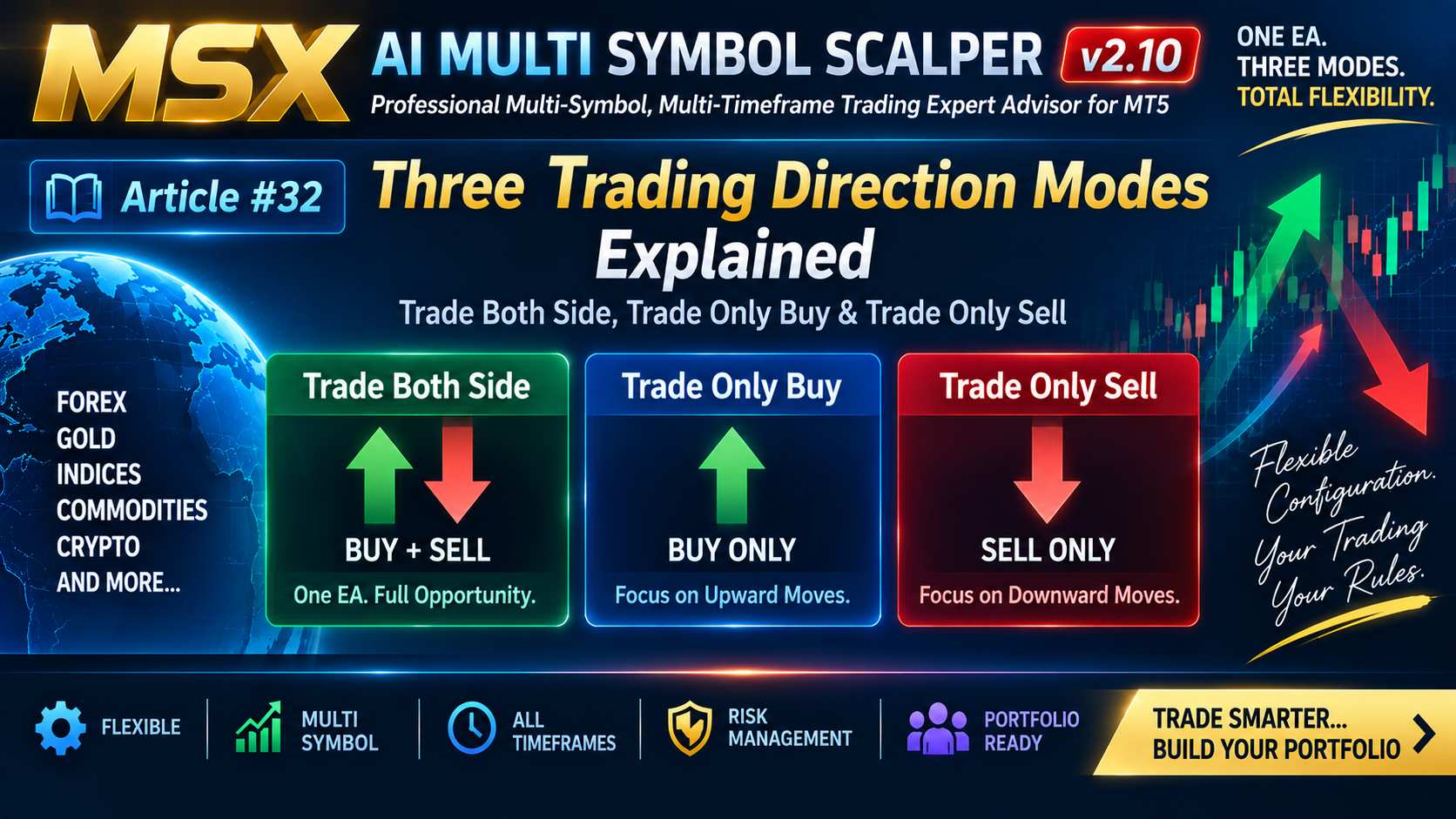
MSX AI Multi Symbol Scalper — Three Trading Direction Modes Explained

MSX AI Multi Symbol Scalper — Three Trading Direction Modes Explained — Article #32
Trade Both Side, Trade Only Buy & Trade Only Sell
One of the less visible but important capabilities of MSX AI Multi Symbol Scalper is that every EA instance can independently determine which trading directions it is allowed to operate.
The EA provides three direction modes:
Trade Both Side
Trade Only Buy
Trade Only Sell
This means the same EA architecture can be used as a complete two-direction trading engine or as a dedicated directional engine.
1. Trade Both Side
When:
Trade Both Side = TRUE
the EA is configured to operate in both directions:
BUY + SELL
This is the reference configuration used in the published symbol-specific Strategy Tester Analysis Series.
In this mode, the EA can evaluate qualifying conditions for both market directions according to its configured trading logic.
2. Trade Only Buy
When:
Trade Only Buy = TRUE
the EA instance is configured as a:
BUY-ONLY ENGINE
The instance is therefore intended to operate only on the BUY side.
This can be useful when a trader wants a particular EA instance to have dedicated directional responsibility.
3. Trade Only Sell
When:
Trade Only Sell = TRUE
the EA instance becomes a:
SELL-ONLY ENGINE
The instance is restricted to the SELL direction according to its configuration.
4. Why Three Modes Matter
These three choices allow the same EA architecture to support different deployment structures.
For example:
Single Both-Side Instance
Symbol + Timeframe + BUY/SELL
One EA instance handles both directions.
Dedicated Directional Instances
Symbol + Timeframe + BUY ONLY
and separately:
Symbol + Timeframe + SELL ONLY
Two independent instances can therefore be configured when the user specifically wants directional separation.
5. Direction Is an Instance-Level Decision
The important point is that trading direction is configurable per EA instance.
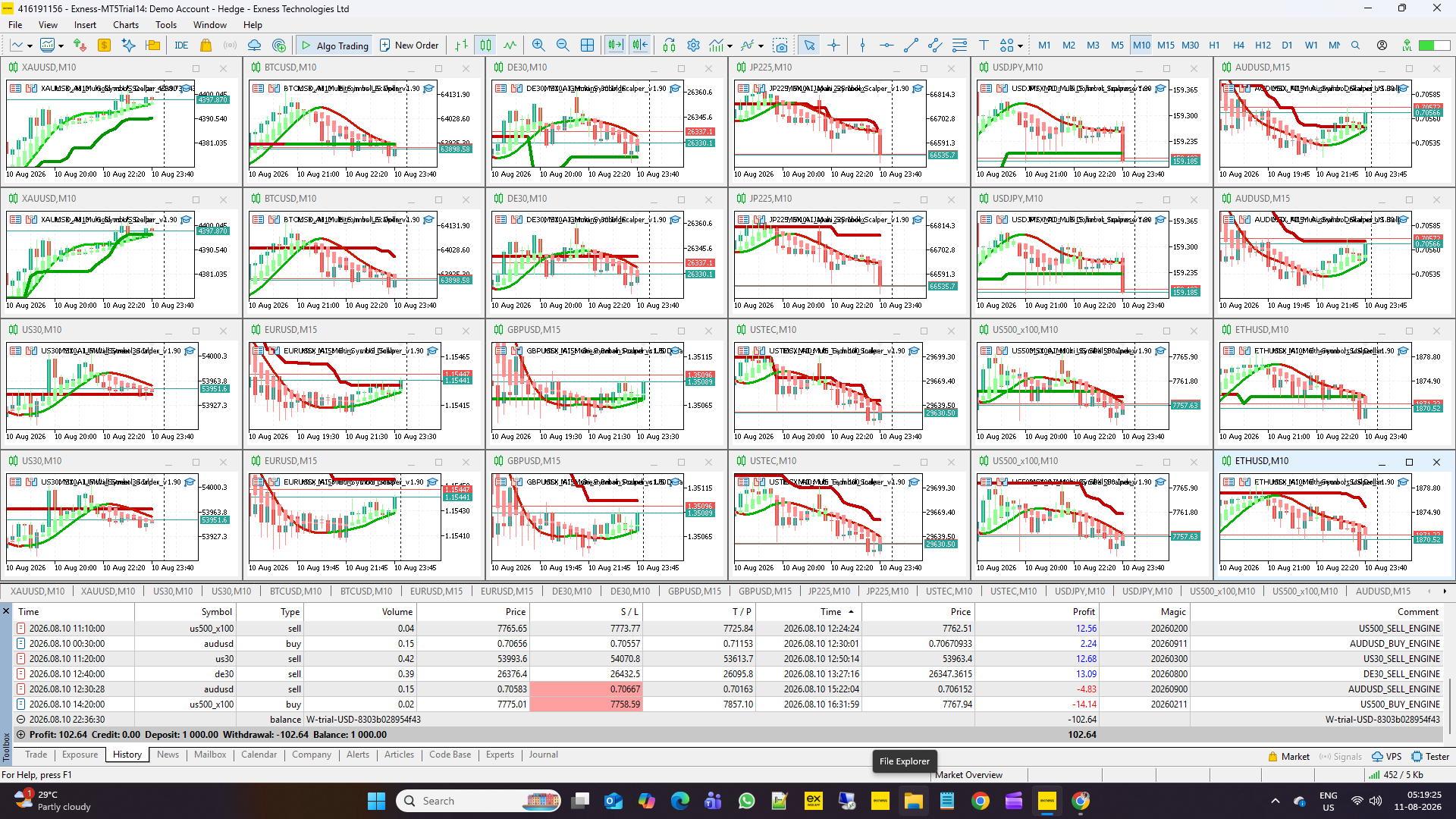
Different instances can therefore have different direction settings.
For example:
| Instance | Symbol | Timeframe | Direction |
|---|---|---|---|
| EA 1 | XAUUSD | M1 | Both |
| EA 2 | BTCUSD | M3 | Buy Only |
| EA 3 | EURUSD | M15 | Sell Only |
These are configuration examples rather than recommended trading settings.
6. Direction, Symbol and Timeframe Are Independent Controls
Trading direction does not need to be identical across the portfolio.
Each instance can independently have its own:
- Symbol
- Timeframe
- Direction
- Session
- Risk
- Capital allocation
- Instance Tag
- Magic Number
- Protection settings
This is one of the foundations of the multi-instance architecture.
7. The 12-Symbol Analysis Series Uses Both-Side Configuration
An important clarification is required here.
The current 12-Symbol Strategy Tester Analysis Series does not use separate BUY-only and SELL-only EA instances for each published symbol.
Instead, each symbol is tested using:
One EA Instance + Trade Both Side (BUY + SELL)
Therefore, the published symbol reports represent the Both-Side configuration.
Separate BUY-only and SELL-only engines remain available as an alternative deployment architecture.
8. Why Users May Prefer Directional Separation
Some advanced users may want to separate directional responsibilities for their own research or portfolio design.
For example:
BUY Engine
can have one configuration.
SELL Engine
can have another configuration.
They may differ in:
- Timeframe
- Risk
- Capital allocation
- Session
- Trend filters
- Entry parameters
- Exit parameters
The EA therefore provides the flexibility without requiring the user to modify the source architecture.
Conclusion
The three trading-direction modes are:
Trade Both Side = BUY + SELL
Trade Only Buy = BUY ONLY
Trade Only Sell = SELL ONLY
This capability makes the EA suitable for both simple single-instance deployments and more structured multi-instance portfolio architectures.
The important point is that direction is configurable, not hard-coded into one mandatory operating model.
Explore the MSX AI Trading Ecosystem
The MSX AI Trading ecosystem brings together the flagship MT5 Expert Advisor, multilingual documentation, technical Knowledge Base, historical Strategy Tester studies, forward-market demonstration records and ongoing YouTube educational content. Explore the resources below for a deeper study and evaluation of the system.
MSX AI Multi Symbol Scalper
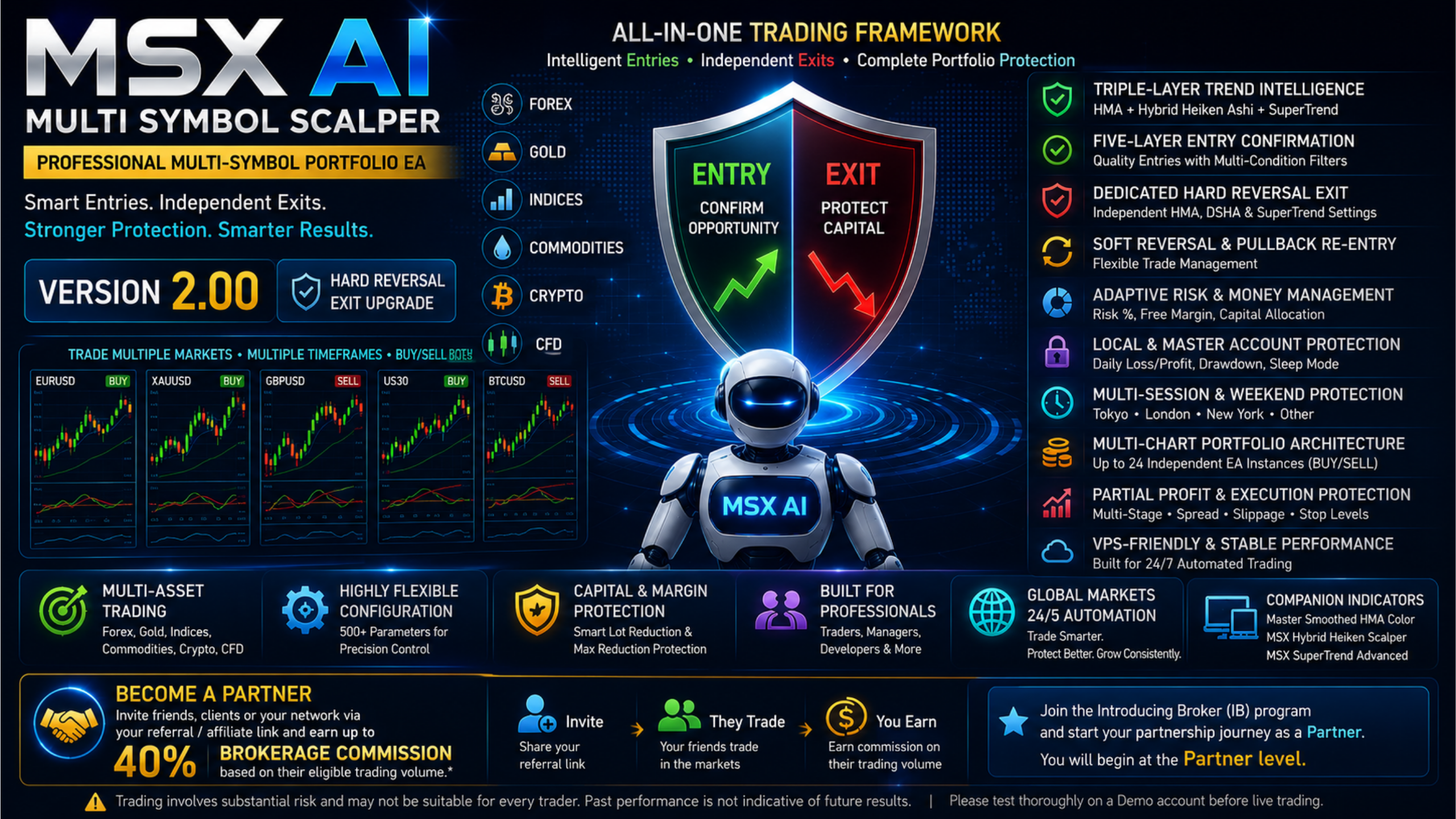
MSX AI Multi Symbol Scalper is a flexible multi-symbol, multi-chart Expert Advisor for automated trading across Forex, Gold, Indices, Commodities, Cryptocurrencies and other broker-supported CFDs.MSX AI Knowledge Base
This Knowledge Base serves as the official documentation center for MSX AI Multi Symbol Scalper. It provides organized educational articles covering installation, deployment, configuration, trading architecture, money management, capital protection and portfolio administration.
Read the Knowledge Base — Articles & Technical Documentation
Official Product Documentation — 12 Languages
The core product documentation is available in English, Russian, Chinese, Spanish, Portuguese, French, German, Italian, Japanese, Korean, Turkish and Hindi.
View the 12-Language Documentation
12-Symbol / Asset Strategy Tester Analysis Series
The objective of this series is to document individual historical tests so that traders can study the system, compare different markets and perform their own evaluation.• BTCUSD • XAUUSD • USDJPY • USTEC • US500 • US30 • XAGUSD • ETHUSD • JP225 • USOIL • EURUSD • AUS200
View Strategy Tester Reports & Default .SET File Information
Forward / Live-Market Demo Performance Evidence
This Master BlogPost serves as the central index for the monthly forward live-market demo trading reports of MSX AI Multi Symbol ScalperView the Forward Live-Market Demo Trading Record Series
MSX AI Multi Symbol Scalper — YouTube Educational Series
The educational series currently includes Shorts Vedios continues to explain the EA's architecture, trading logic, risk management, portfolio deployment and other system components.
Watch the Educational Video Series
Official MSX AI Trading YouTube Channel
Visit the Official YouTube Channel
MSXAI MultiSymbolTrading BuySellTrading DirectionalTrading TradingEA #MT5EA #MetaTrader5 #AlgorithmicTrading #PortfolioTrading #TradingAutomation #msxaitrading