
How to Maximize Your Win Rate with Trend Sniper X: Key Rules & Session Tips

Dear Trend Sniper X Users! 🎯
Before trading, it is essential to understand the core logic behind the indicator. Choosing between Retest and Candle modes is simple — it comes down to your personal trading style:
🔹 Candle Mode: For traders who want immediate entries on momentum as soon as the trend changes.
🔹 Retest Mode: For conservative traders who prefer to wait for a price pullback/sweep to retest key levels for a safer entry.
Remember the Core Logic:
The indicator's foundation is built on Trend Logic, not just Retest or Candle triggers. These modes are simply auxiliary functions to assist with entry execution.
The main purpose of Trend Sniper X is to:
Accurately identify the dominant market trend direction.
Filter out false counter-trend signals.
Help traders join the trend at optimal levels and hold winning positions.
Trade Assistant is provided as an execution tool for traders who might miss manual alerts or cannot monitor charts 24/7.
💡 Important Note: Trend Sniper X is an Indicator, not a fully automated EA. Every trading decision and outcome is ultimately the trader's responsibility.
We provide recommendations to help you maximize performance, but you must maintain strict discipline and follow proper risk management!
How to work Trend Sniper X and Asisstant EA
👉 Watch on YouTube: https://www.youtube.com/watch?v=1OiDAh0eQzM
Here are the common mistakes and recommendations for successful trading with Trend Sniper X:
📥 Get Trend Sniper X here:
👉 https://www.mql5.com/en/market/product/181101
1. Trend-Following Logic
-
Concept: The indicator's primary function is to identify the overall trend direction and generate a signal. Your goal is to find an optimal entry point and join the trend in that specific direction.
2. Use Retest Mode
-
To increase trade accuracy and minimize risk, ensure you enable and use Retest Mode within the indicator settings.
3. Tokyo Session Signals & Tight Stop Losses
-
Analysis: You may notice the distance between the Entry and Stop Loss (SL) is sometimes very small. This happens because the London session hasn't opened yet and market volatility (ATR) is low. It does not mean the signal is invalid.
-
Recommendation: If you are entering a trade based on a signal received during the Tokyo session, manually place your SL slightly wider (higher/lower) to allow the price room to breathe.
4. Trading Rules by Session
-
Active Sessions: Trade signals using Retest Mode primarily during the London and New York sessions.
-
Market Close: Toward the end of the New York session (2–3 hours before market close), price action usually settles into a range. During these hours, close your positions strictly at TP1.
5. Statistics & Take Profit Strategy
-
Data: Based on extensive backtesting and live execution tests, 85–95% of signals formed under these recommended conditions successfully hit TP1.
-
Recommendation: If you prefer consistent, high-probability wins, exit trades at TP1. If you want to target higher TP levels (TP2, TP3), only do so on active London and New York session signals.
6. Entry Zone Feature & Risk Management
-
Clarification: The Entry Zone drawing feature was added to meet the specific demands of certain traders' strategies.
-
Recommendation: The core logic is to follow trend reversals indicated by the signal arrow and avoid counter-trend trades. To keep your charts clean and avoid confusion, you can turn off the Entry Zone feature. When a signal appears, apply a 1:2 Risk-to-Reward (RR) ratio and set your own SL and TP manually for greater confidence.
-

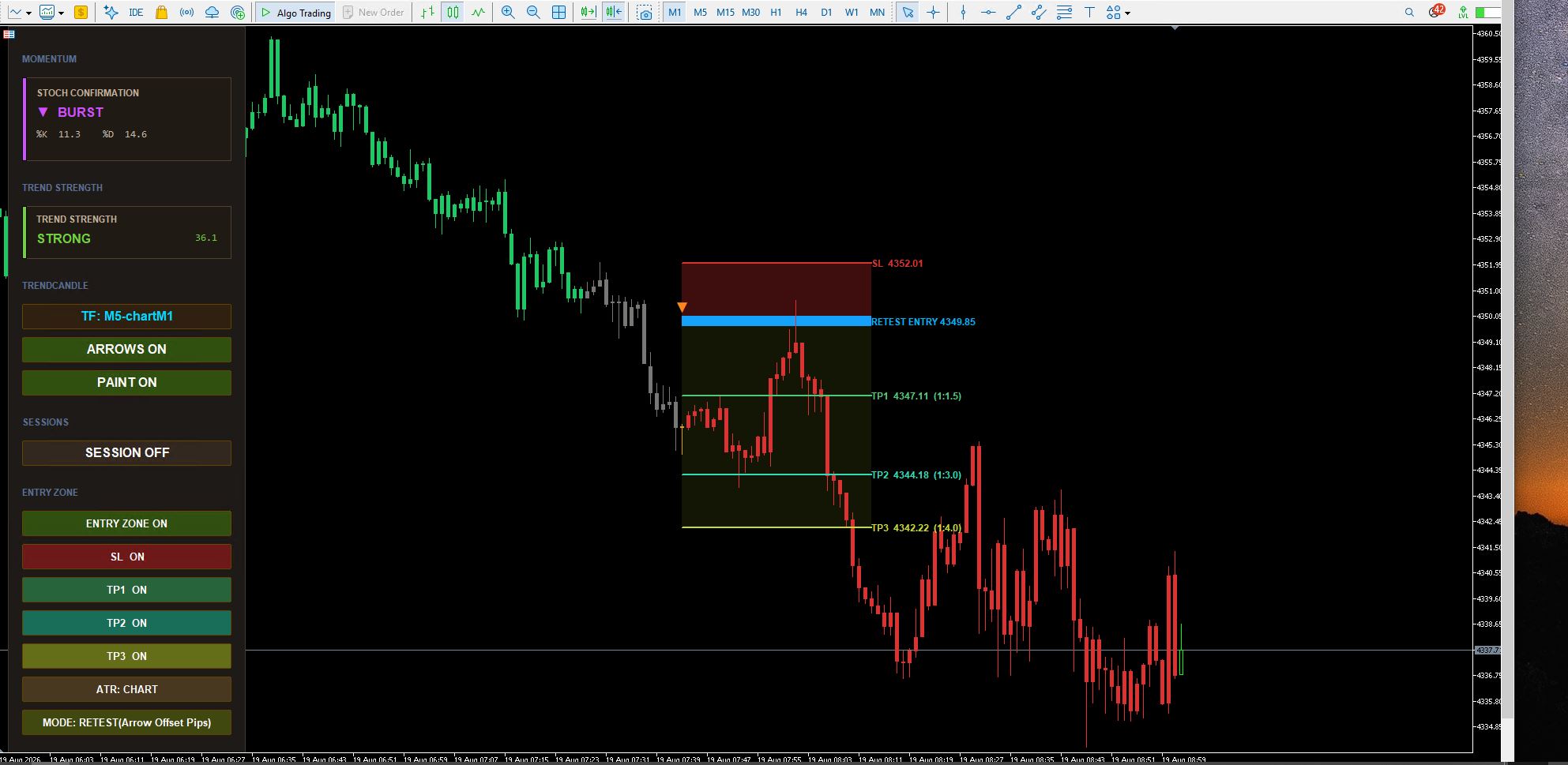
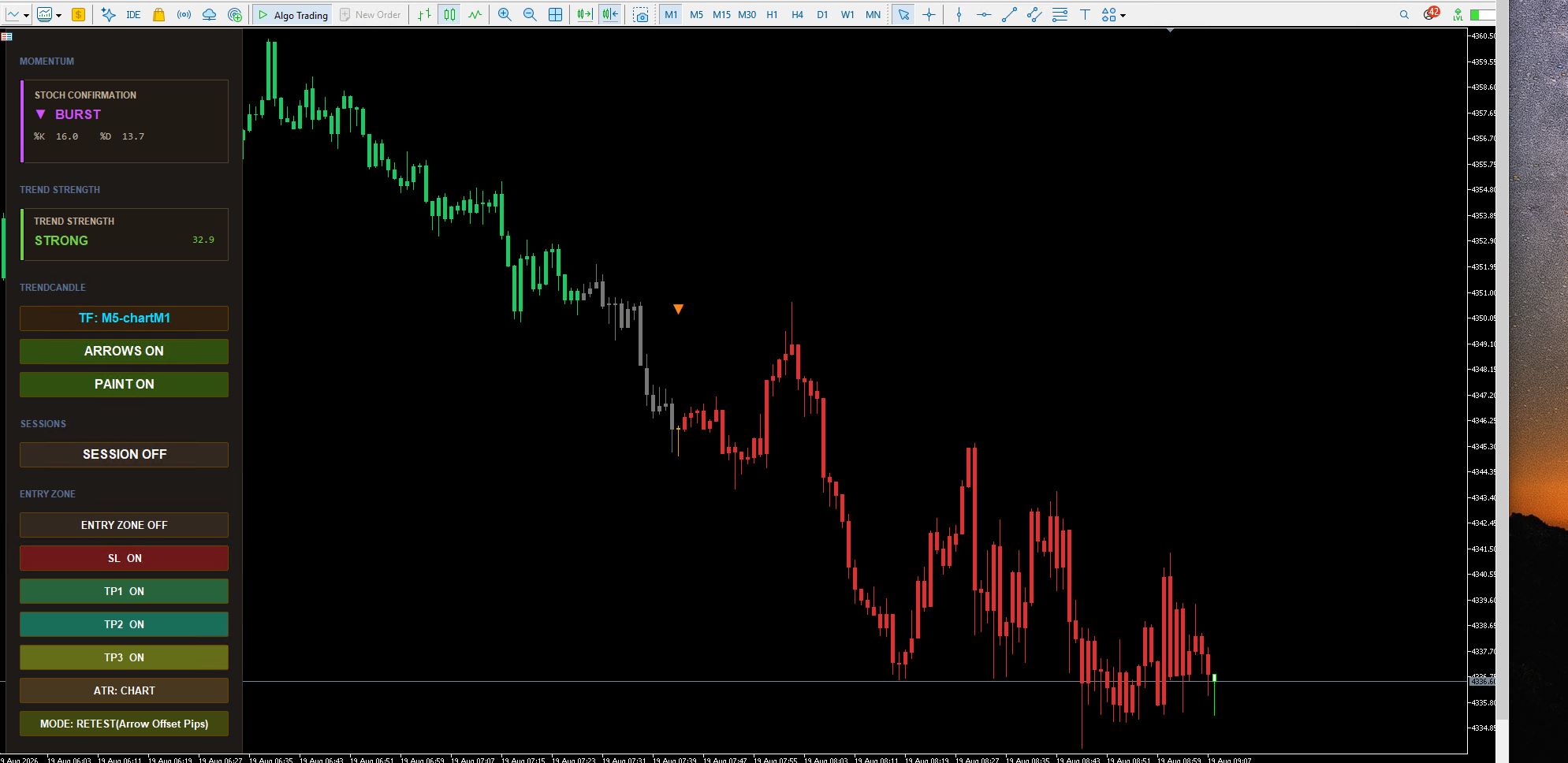
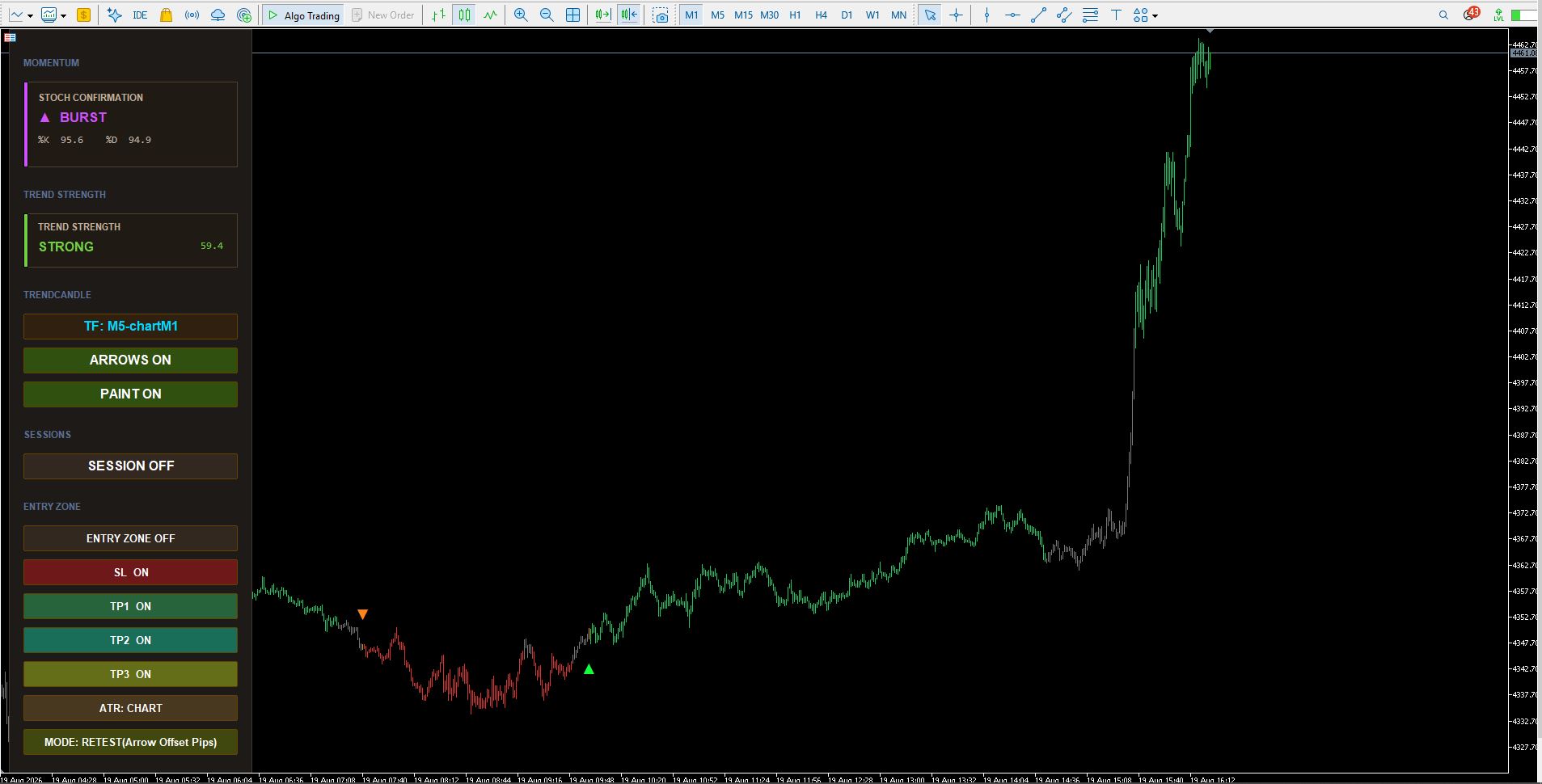
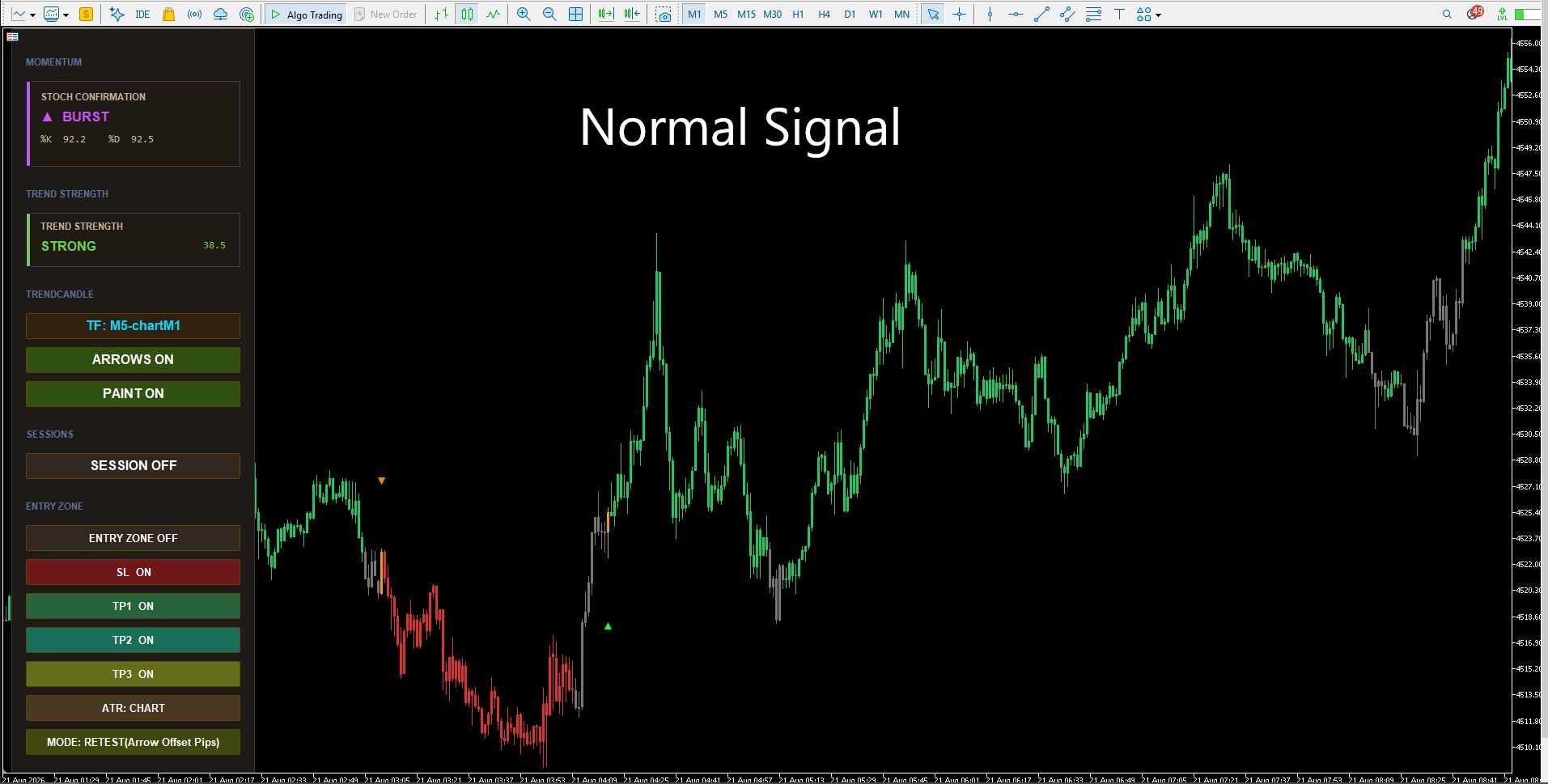
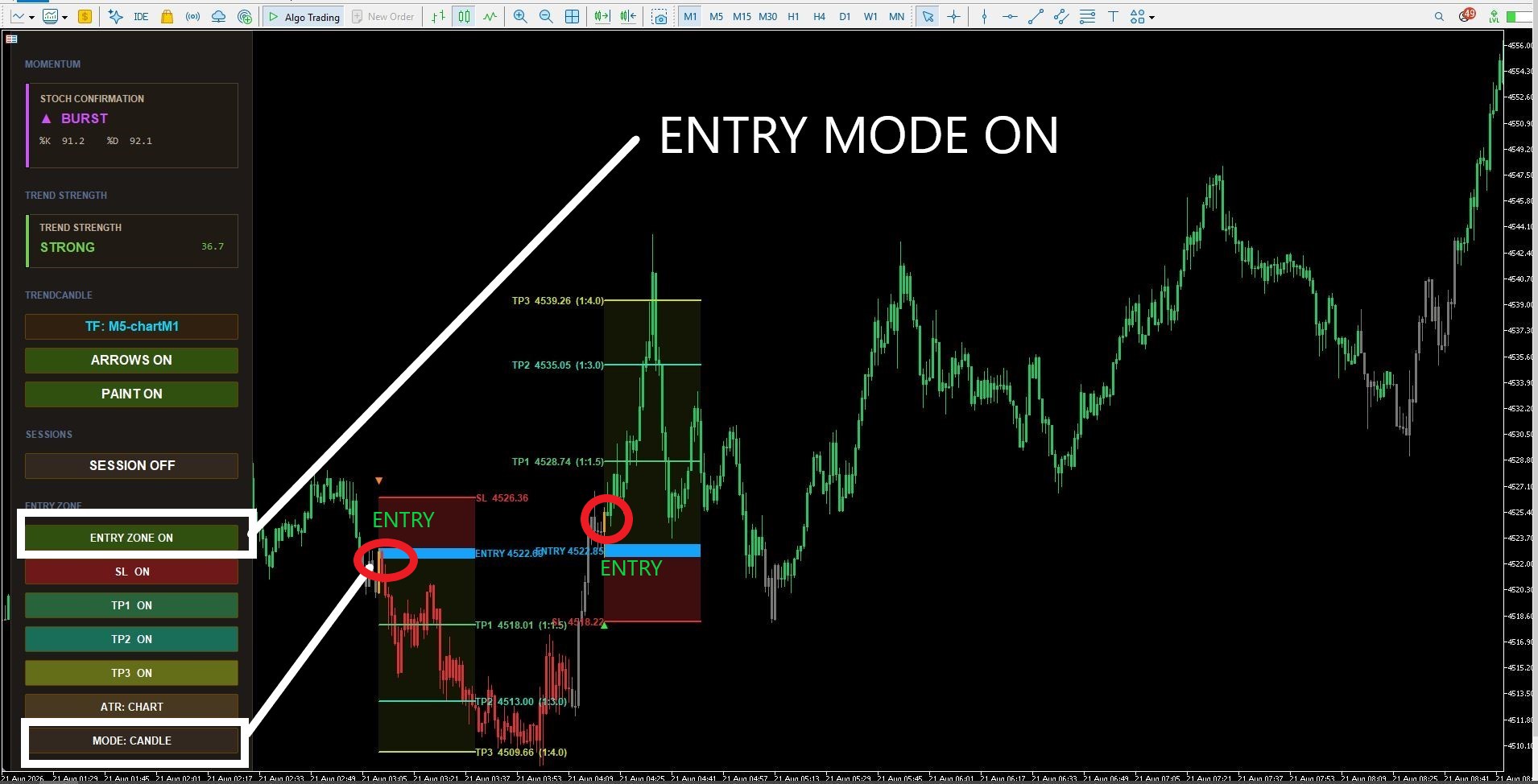
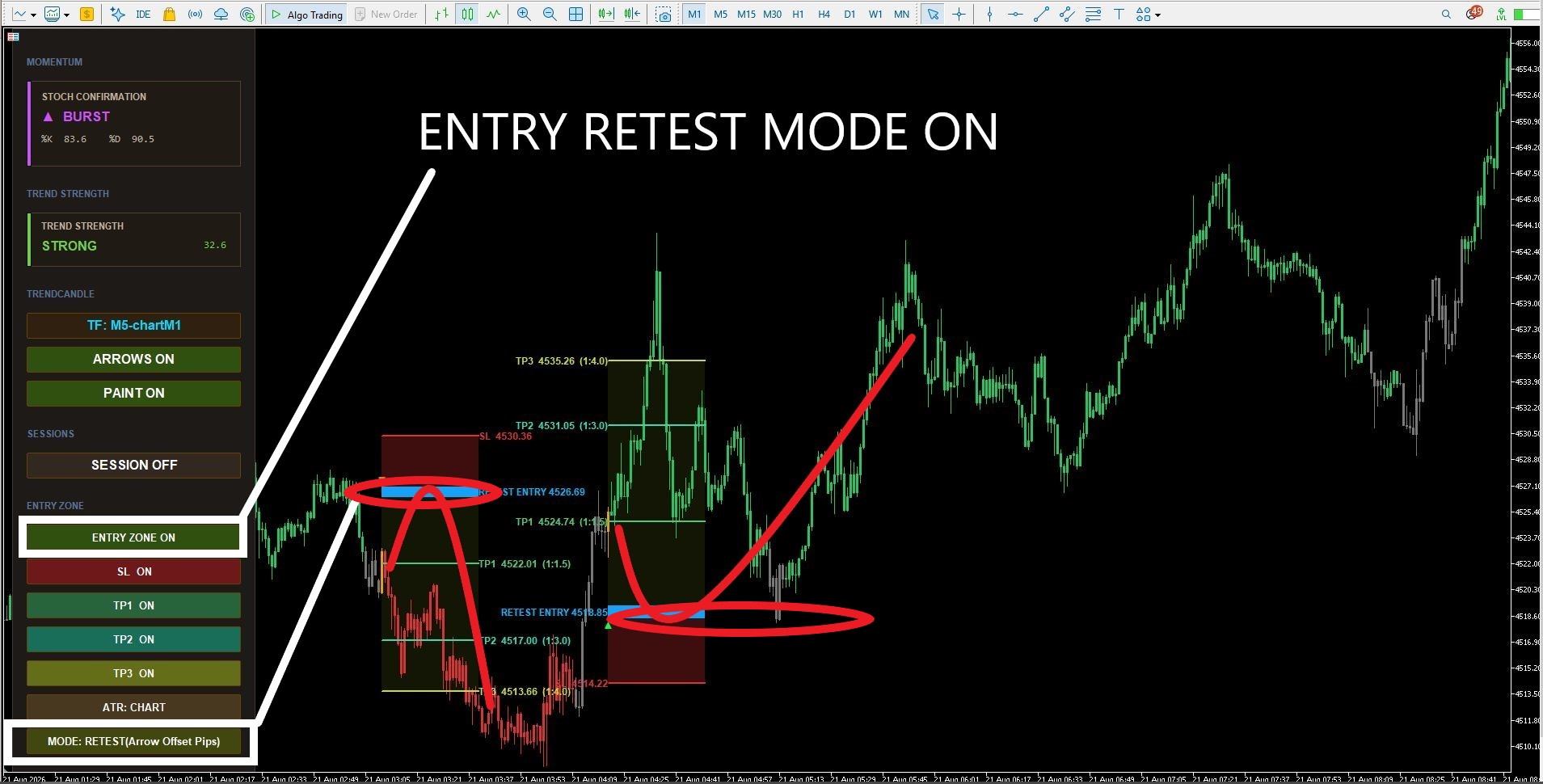
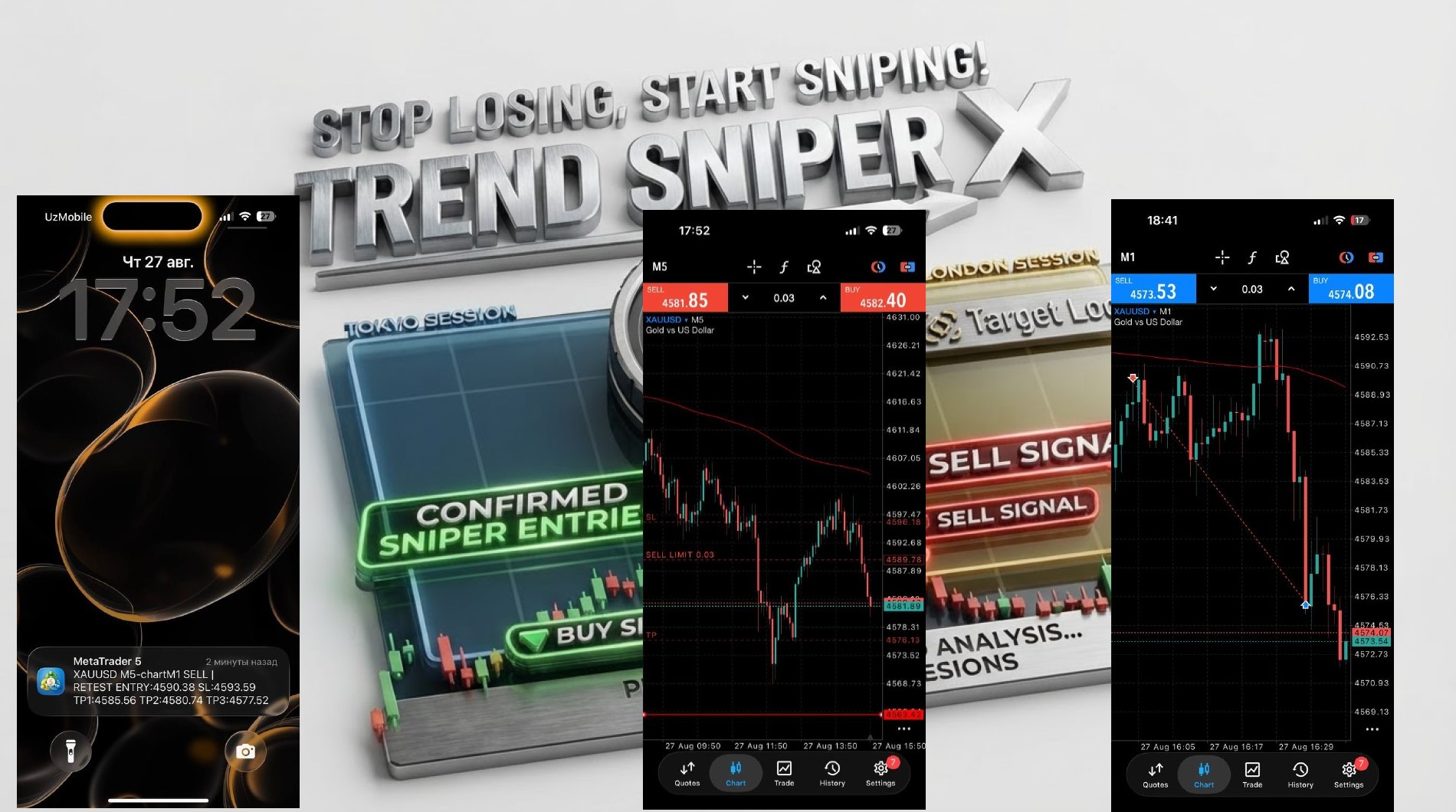
Mastering M1 Signal Execution in Trend Sniper X (M5–M1 Setup)
When trading the fast-paced M5–M1 mode in Trend Sniper X, high execution speed is crucial. Because this setup is designed for quick scalping, traders sometimes notice that by the time they open MetaTrader to place a trade manually, the price has already moved significantly toward TP1.
Here is a breakdown of why this happens and four practical ways to adapt your strategy for optimal results.
Why Does the Price Move So Quickly?
In the M5–M1 mode, the indicator identifies setup conditions in real-time:
-
Signal Generation: As soon as a setup forms, the trigger candle changes color (yellow).
-
Alert Trigger: The alert fires immediately on the open of the very next M1 candle.
-
Market Velocity: Because M1 candles close every 60 seconds, even standard market momentum—especially during low ATR (volatility) periods—can push the price to TP1 within just 1–2 candles.
If execution is delayed by even a few seconds, the initial risk-to-reward ratio for an instant market order becomes suboptimal.

4 Strategies to Optimize Your M5–M1 Signals
1. Switch to Retest Mode (Wait for Pullbacks)
Instead of entering immediately at the market price when the alert fires, switch the signal execution logic to Retest Mode. This mode waits for the price to pull back closer to the structural entry zone, ensuring a much tighter stop loss and a better entry price.
2. Use Limit Orders on Retests
For ultra-fast scalping, manual execution can be too slow. Combine Retest Mode with pending orders (Buy Limit / Sell Limit). Set your limit orders at key support/resistance levels or near the signal candle open to automatically capture retracements.
3. Transition to Swing Trade Modes (H1–M5)
If you prefer a stress-free trading style without monitoring single-minute candles, switch to higher timeframe configurations such as H1–M5:
-
Fewer Signals: Filters out market noise.
-
Higher Quality: Stronger market structure support.
-
Larger Targets: Targets span significantly higher pip counts, making small entry delays negligible.
4. Widen SL & TP Multipliers for M5–M1
If you want to continue scalping the M5–M1 timeframe with instant market entries, adjust your indicator inputs to widen the profit targets and give the market more breathing room:

Conclusion
The M5–M1 configuration is a high-precision tool engineered for speed. By choosing the right execution method—whether using Limit Orders, Retest Mode, or expanding your Risk:Reward parameters—you can fully maximize the potential of Trend Sniper X.
7. Risk Management & Realistic Expectations
-
There is no 100% guarantee in the Forex market. Accept Stop Losses as a normal cost of doing business and stick strictly to your risk management rules.
-
By maintaining strict discipline, you can achieve an estimated 80–85% win rate on a monthly basis.
-
Traders who understand the underlying logic and adapt it to their system are already trading profitably—you can verify this by checking real user reviews and comments in the product description section.
8. Auto-Trading (Assistant EA):
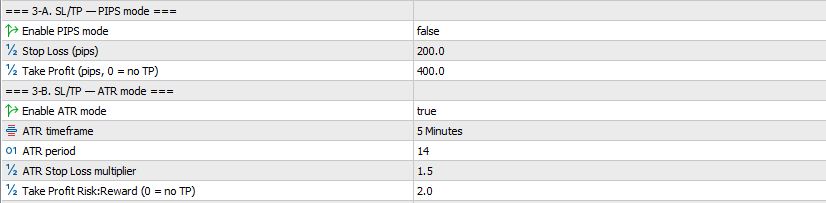
For traders wanting automated execution, you can run the Assistant EA on default settings out of the box. Simply configure your TP and SL via fixed pips or ATR according to your risk management, and select your preferred Retest mode and Candle mode. The Assistant EA easily adapts to any trading style. Watch the complete guide here: https://youtu.be/-XwpZMUBTI4 . To get the Assistant EA for FREE, please message the developer.
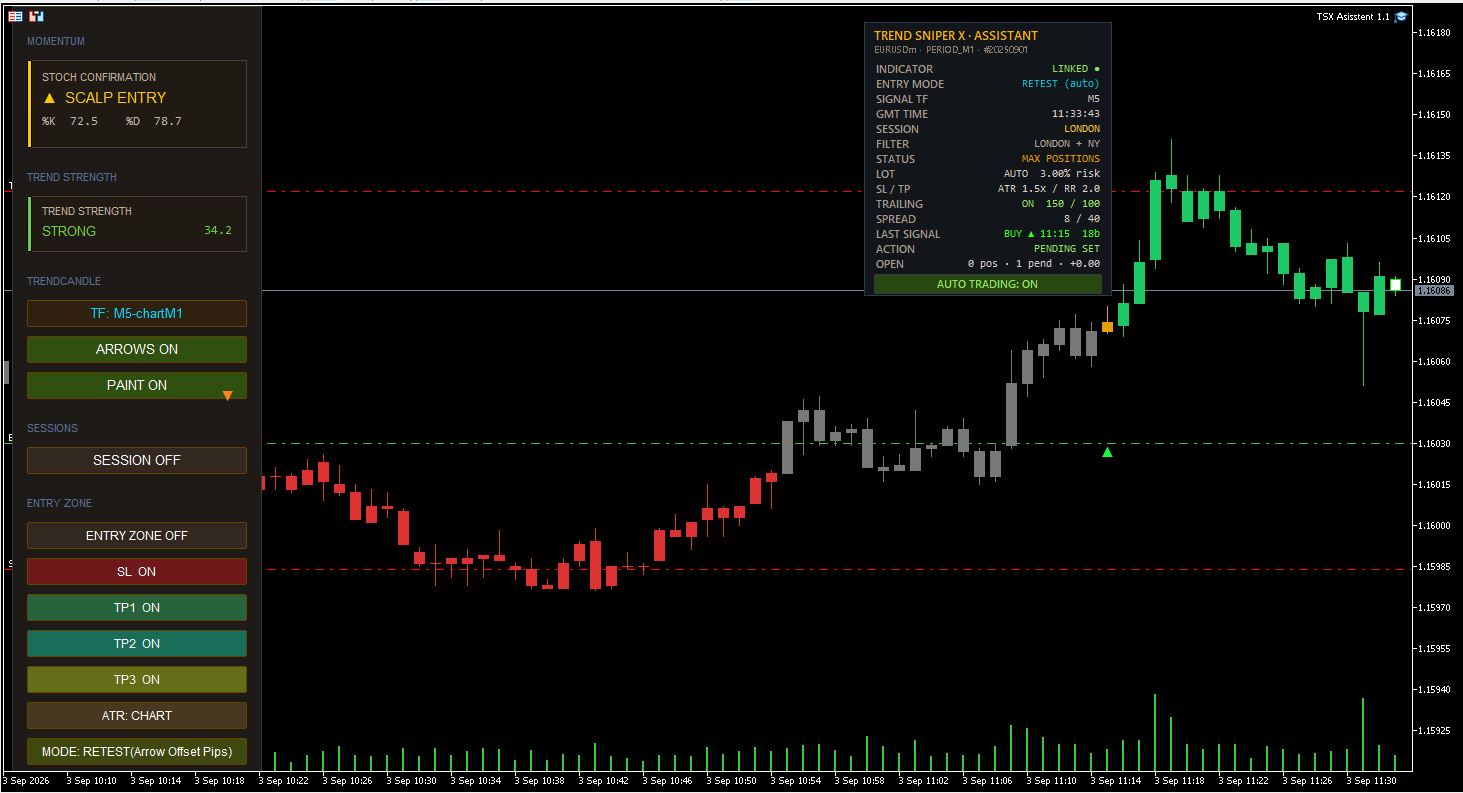

Dear Trend Sniper X Assistant EA Users,
Please do not rush to use the EA on a live account. The Assistant simply receives signals from the indicator and automates the trades you would otherwise execute manually.
Risk Management: Since every trader has a different risk tolerance, no fixed SL/TP targets are provided. Adjust the settings to match your personal strategy.
Default Settings: Designed for short scalping. Simply set your SL/TP using either ATR or Fixed Pips based on your preference.
Recommendation: Watch the video guide and refine your strategy before going live. In the meantime, feel free to use the Trend Sniper X a indicator manually.
We are currently developing optimized Set Files for multiple pairs and will release them soon. Until then, please test and experiment on a demo account.
How to work Trend Sniper X and Asisstant EA
👉 Watch on YouTube: https://www.youtube.com/watch?v=1OiDAh0eQzM
👉 https://www.mql5.com/en/market/product/181101
| Please check them out and test them—the main difference between the files is in how the Trailing Stop settings are configured. Try each of them to see which one works best for your trading style; the one that fits your strategy is the best choice for you. ASISSTANT SET FILE |
|---|



