SL TP Manager MMS
- 实用工具
- 版本: 1.21

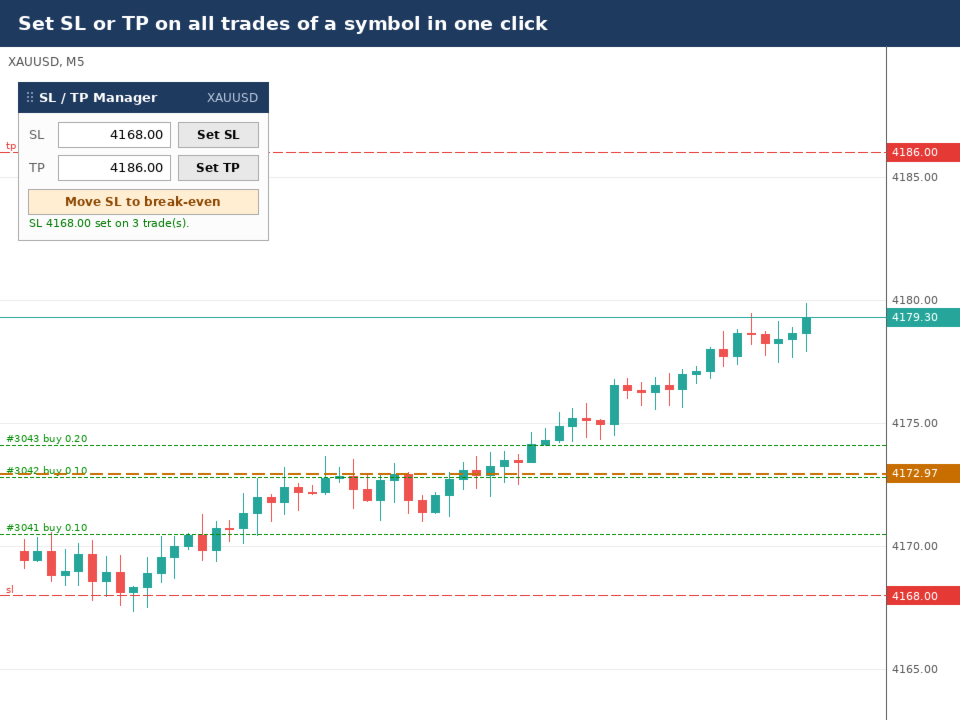
SL TP Manager is a compact on-chart panel that sets the stop loss or take profit of all open trades on a symbol in one click, or moves every stop loss to break-even. It is designed for traders who scale in with several positions and do not want to edit each trade one by one.
HOW IT WORKS
- Type a price in the SL box and click Set SL: the stop loss is applied to every open trade on the chart's symbol.
- Type a price in the TP box and click Set TP: the take profit is applied the same way.
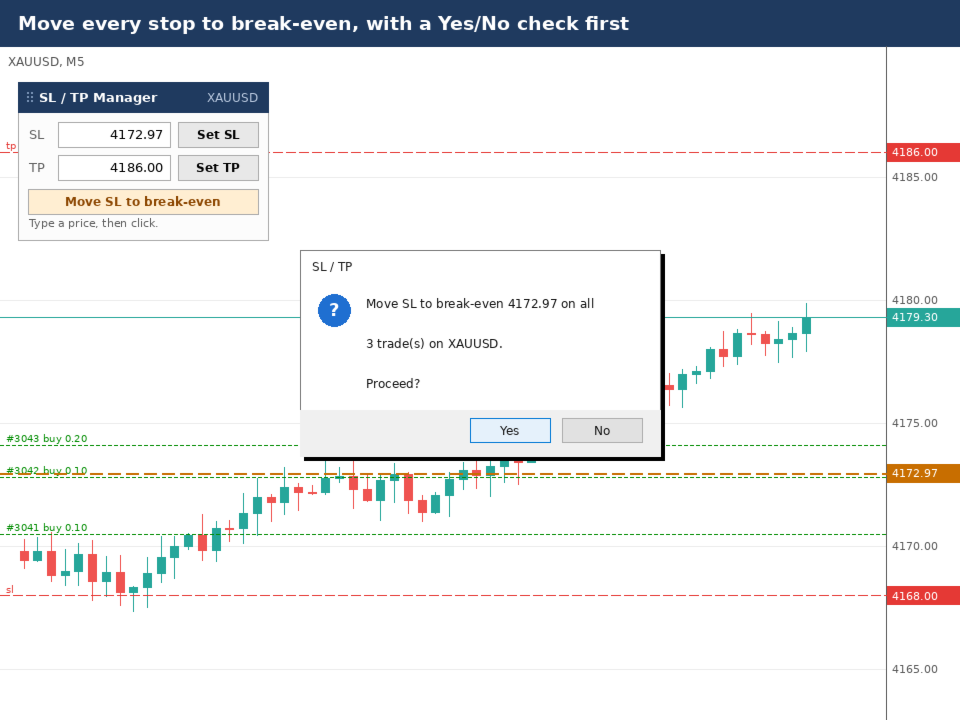
- Click Move SL to break-even: the panel calculates the combined break-even price of all trades, including swap and commission, fills it into the SL box and applies it.
- Each action asks for a Yes/No confirmation before anything is changed (can be switched off in the inputs).
- A status line shows the result, for example "SL 4168.00 set on 3 trade(s)."
SAFETY
- The panel only changes SL and TP. It never opens or closes a trade.
- It does nothing on its own. It acts only when you click a button.
- Levels that are on the wrong side of the current price, or closer than the broker's minimum distance, are skipped and the reason is written to the Experts tab.
- Break-even is refused when buys and sells are open together, because no single stop price is valid for both.
FEATURES
- Works with manual trades and EA trades. Use the magic number input to limit it to one EA, or -1 for all trades.
- Break-even offset: for example 0.50 places the stop 50 cents beyond break-even.
- Break-even includes commission charged on entry and, optionally, on exit.
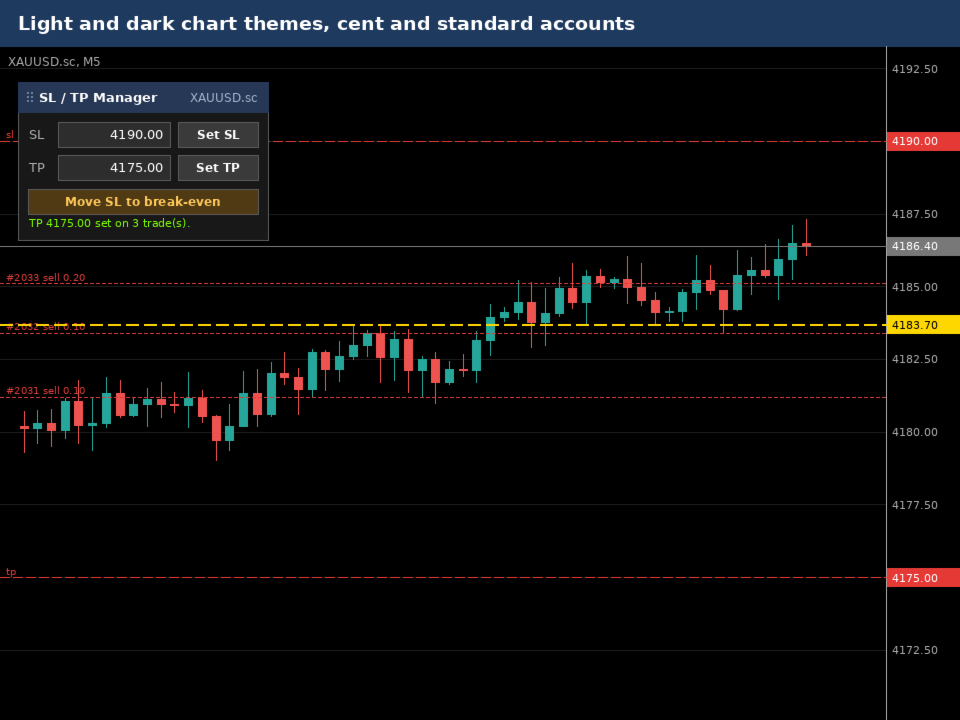
- Works on hedging and netting accounts, cent and standard accounts.
- Colours adapt automatically to light and dark chart backgrounds.
- Drag the panel by its title bar to any position. The position is remembered per chart.
- Clear status messages if Algo Trading is off or the account does not allow it.
SETUP
- Turn on the Algo Trading button in the MetaTrader 5 toolbar.
- When attaching the panel, tick "Allow Algo Trading" on the Common tab.
- Only one Expert Advisor can run per chart. If another EA is already running, open a second chart of the same symbol for this panel.
NOTES
- The panel works on live and demo accounts. Interactive buttons and confirmation dialogs are not available in the Strategy Tester, so the demo version only shows the panel layout.
- The panel does not use DLLs or internet connections.