XP Trade Panel
- Yardımcı programlar
-
Ahmed Soliman
 I'm a programmer for 25 years. 20 years programming in mql4/5.
I wrote the first mql4 tutorial which helped a lot of people around the world.
Currently I'm programming in C++, C#, .Net, VB, PHP, MQL4/5 etc.
I promise clean code and after delivery support. - Sürüm: 2.1
- Güncellendi: 31 Ekim 2026
- Etkinleştirmeler: 5
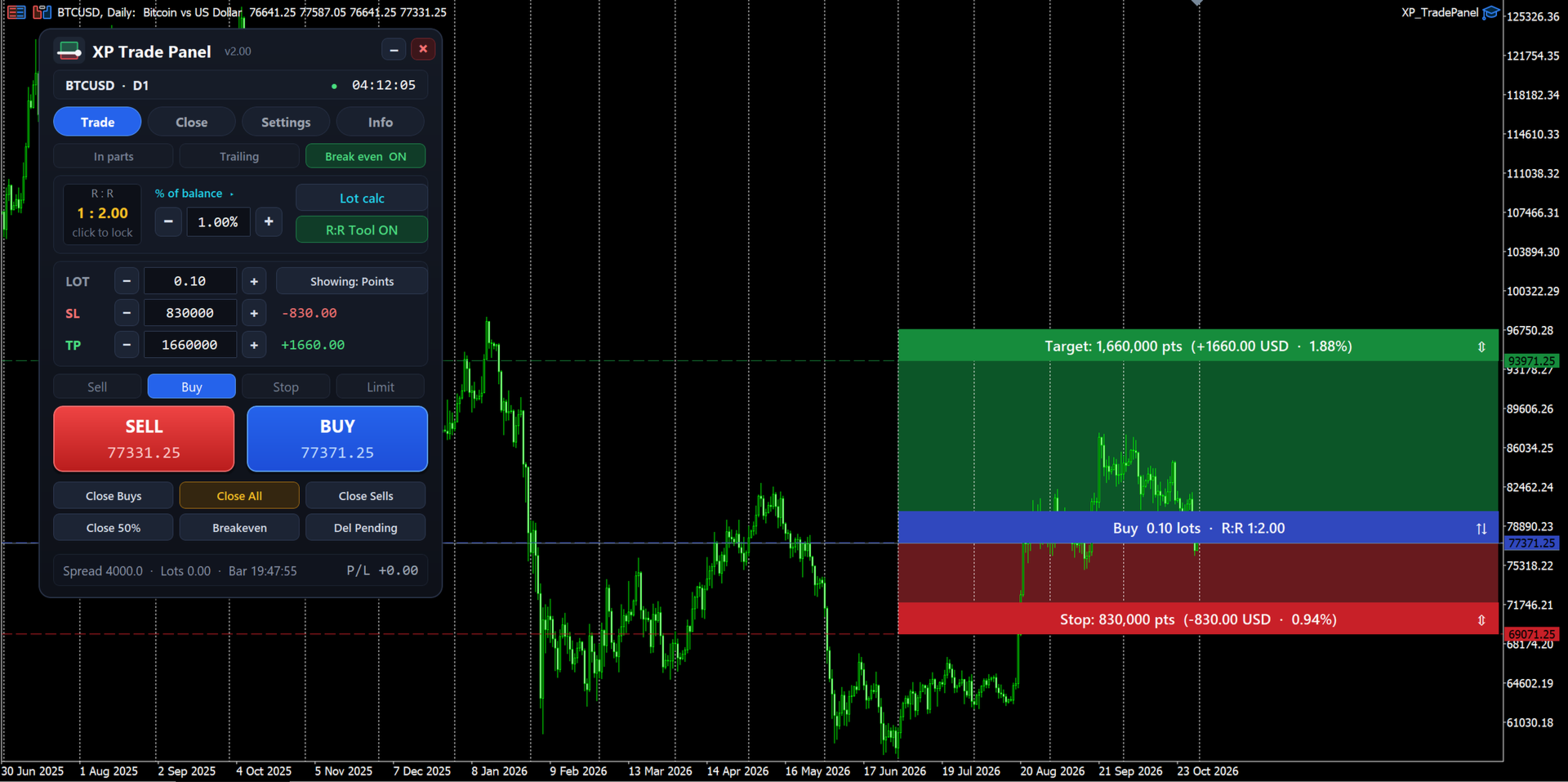
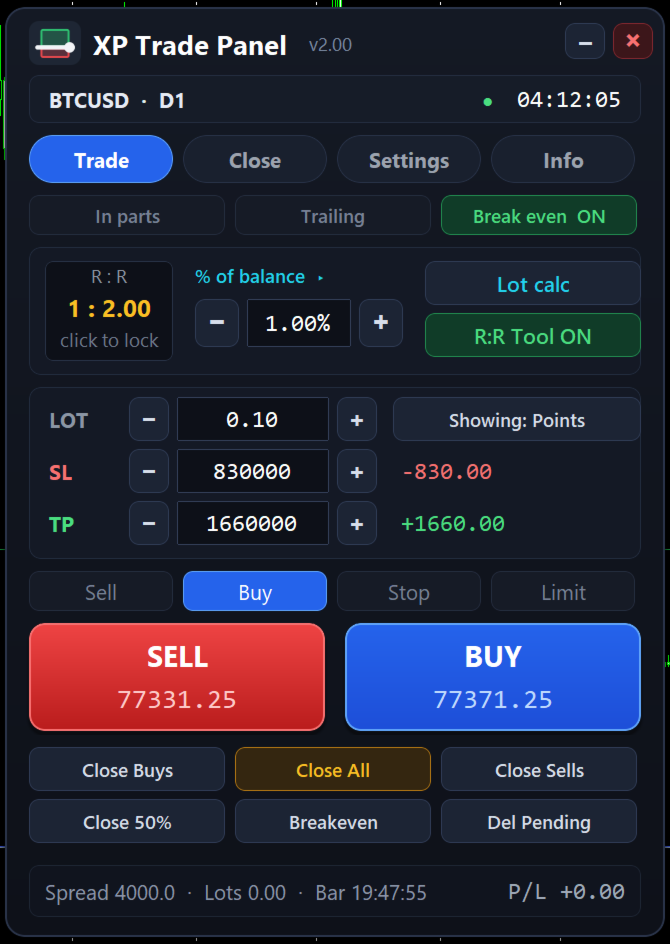
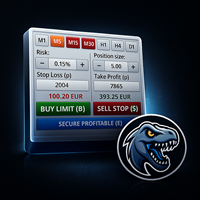
XP Trade Panel is a trade manager for MetaTrader 5. It sizes, places and manages trades from one panel on the chart.
Plan the trade on the chart
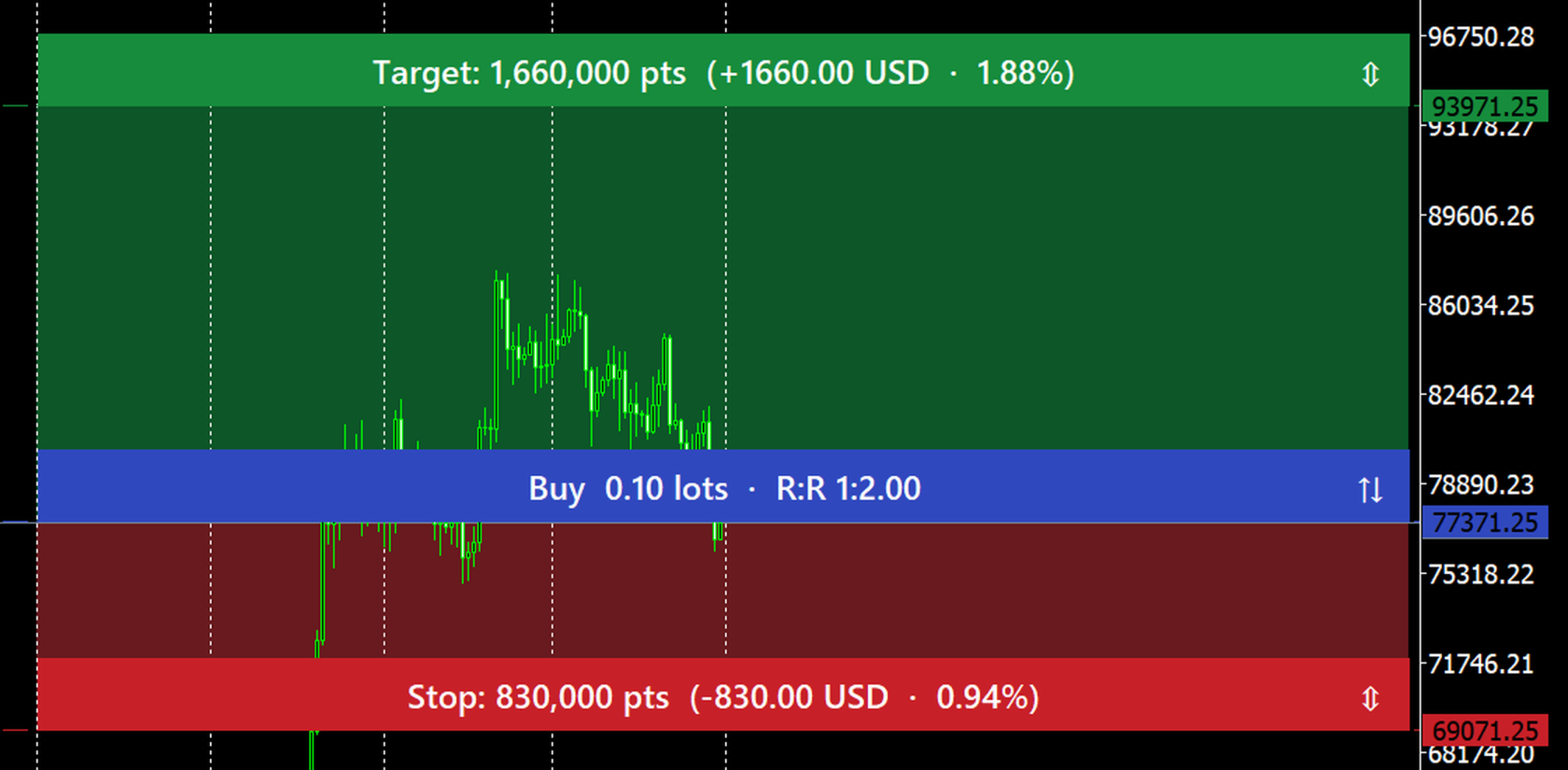
The risk-reward tool draws the target, the entry and the stop on the chart before you place the order. Each strip shows its distance in points, the amount in the account currency, the percent of balance, and the reward-to-risk ratio. Drag a strip to move it. Click the arrows on the entry strip to switch between buy and sell. Drag the entry away from the market to turn the order into a stop or limit order.
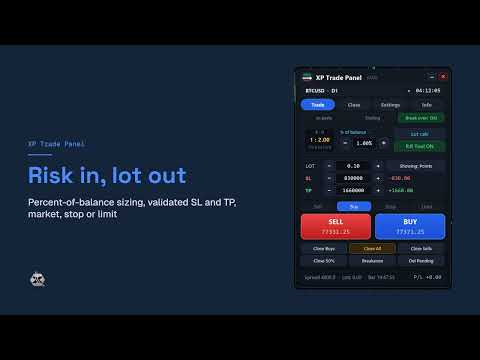
Risk in, lot out
Set the risk as a percent of balance, equity or free margin, or as a fixed amount, and the panel calculates the lot from the stop distance. A fixed lot is also available. Stop loss and take profit can be typed in points or as a price, and the panel checks them against the broker's minimum stop distance. If the broker's minimum lot risks more than your setting, the panel asks before sending the order.
Orders are checked before they are sent
Before each order the panel checks the trading session, the symbol's trade mode, the lot limits and step, the minimum stop distance, the pending entry distance and the free margin. If an order cannot be placed, the panel shows the reason in plain words.
Close exactly what you mean
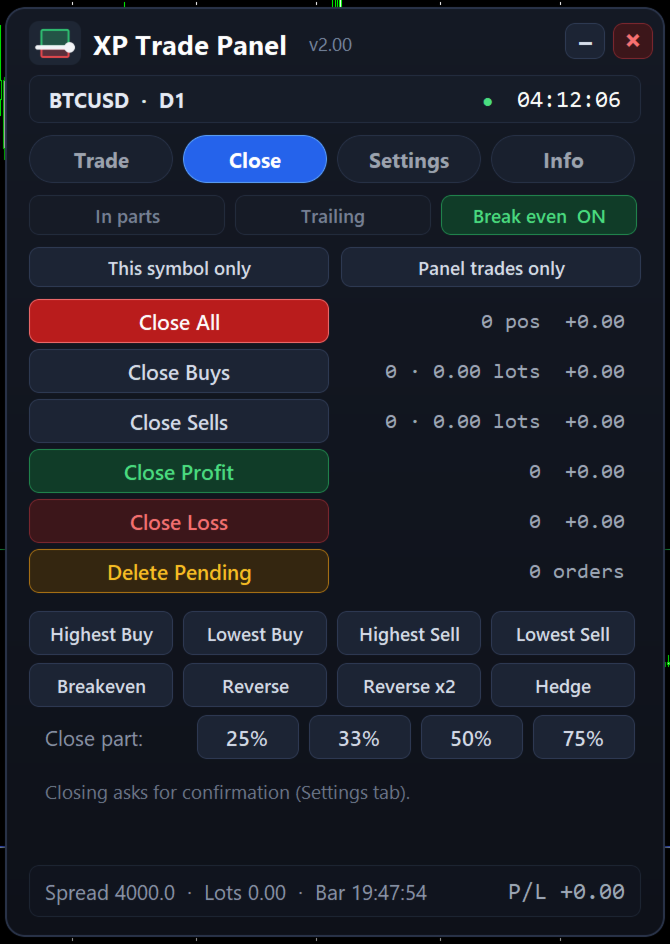
The Close tab shows live counts and the floating result for each group. You can:
- close all positions, only buys, only sells, only winning or only losing positions;
- close the highest or lowest buy or sell;
- delete pending orders;
- move stops to breakeven;
- reverse or hedge positions (hedge needs a hedging account);
- close 25, 33, 50 or 75 percent of every position.
The scope can be this symbol or all symbols, and this panel's trades or all trades. You can ask for a confirmation before each close.
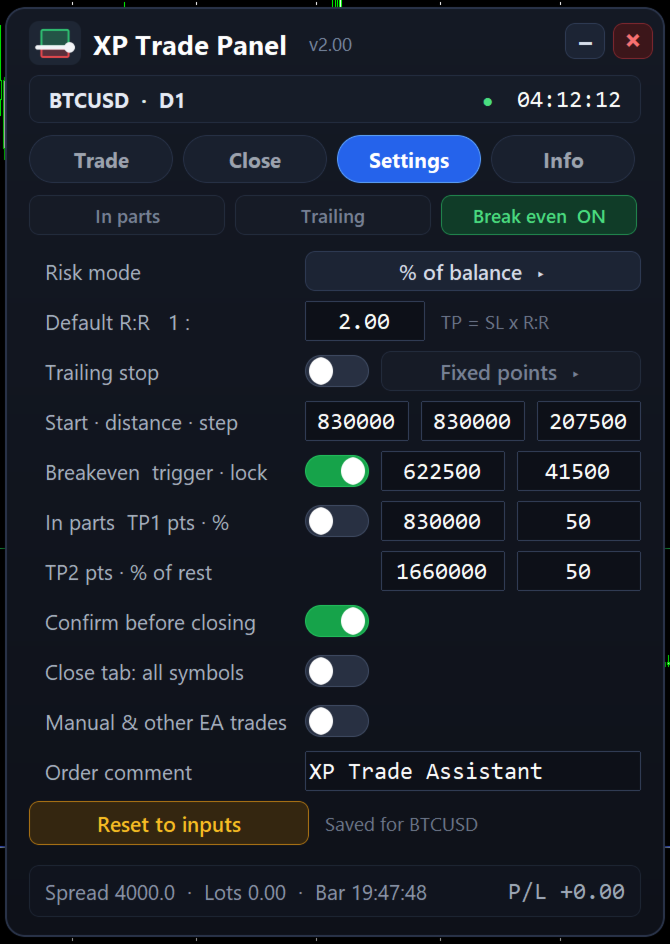
Trailing stop, breakeven and partial closes
Trailing modes: fixed points, ATR, previous candle high or low, fractals, moving average and Parabolic SAR. Breakeven moves the stop to the entry plus a small lock once the trade reaches a trigger distance. The partial close ladder closes part of the position at two targets. These settings are saved per symbol and scale to the instrument, so a setting made for a currency pair is not applied unchanged to gold or Bitcoin.
Account and symbol at a glance
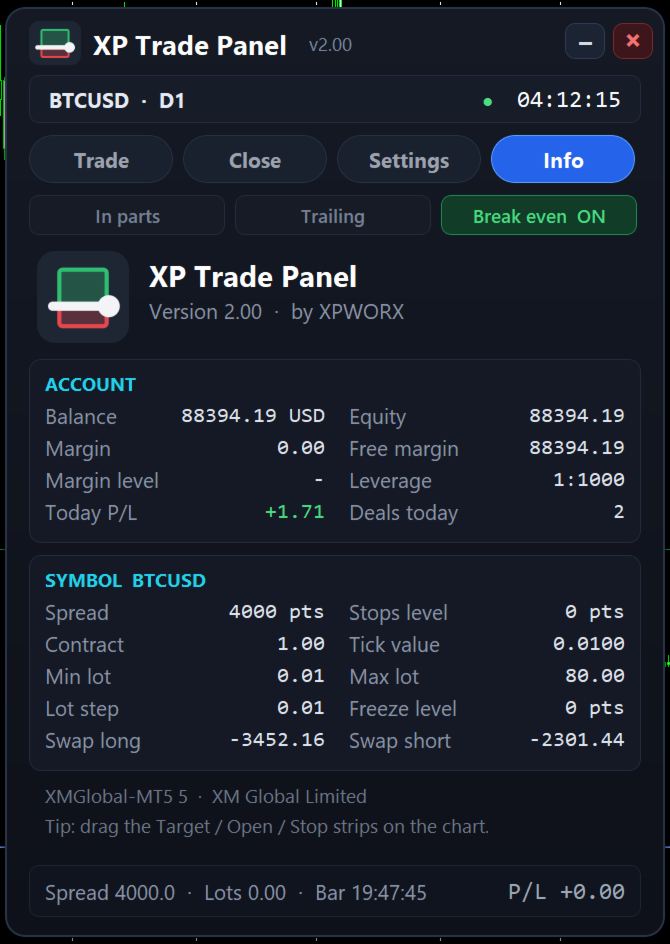
The Info tab shows balance, equity, margin and leverage, today's result and deal count, and the symbol's spread, stops and freeze levels, contract size, tick value, lot limits and swaps.
Strategy Tester
You can try the panel with the free demo in the visual mode of the Strategy Tester. Open and close trades, drag the strips, type stop loss and take profit values, and change the settings, as on a live chart. In a non-visual test nobody can click the panel, so it opens minimum-lot test trades, one at a time, to show the order checks, breakeven and trailing. These test trades are only a demonstration of the trade management, not a trading strategy.
Main inputs
- Trade options: default lot, stop loss and take profit in points, order comment, maximum spread for market orders, magic number.
- Risk settings: risk mode and value, default reward-to-risk, showing the R:R tool, locking the R:R ratio.
- Trailing and breakeven: mode, start, distance and step, indicator settings, partial close targets.
- Panel options: position on the chart, lot and stop steppers, close confirmation.
- Alerts: pop-up, email and push notification on new orders.