Price Analytics Auto
- Göstergeler
- Sürüm: 2.10
- Güncellendi: 9 Eylül 2026
- Etkinleştirmeler: 20

📊 Price Alerts Advanced Suite for MetaTrader 5
Take control of your trading execution with the Price Alerts Advanced Suite, a professional-grade technical analysis tool built exclusively for MetaTrader 5. This suite goes far beyond simple horizontal lines; it is a complete analytical ecosystem designed to identify key market levels, monitor price action in real-time, and deliver instant notifications across multiple channels.
Whether you are a day trader, swing trader, or algorithmic developer, this suite provides the precision, flexibility, and automation needed to never miss a critical market move again.
Key Features & Configuration Options
1. Four (4) Independent Dynamic Alert Lines
The suite provides four separate alert instances, each fully customizable to track different market levels.
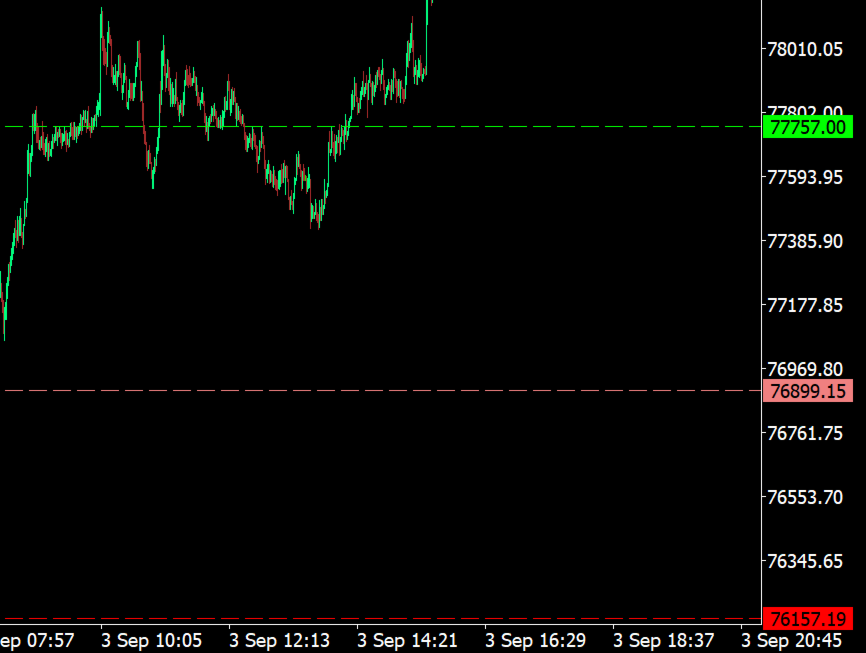
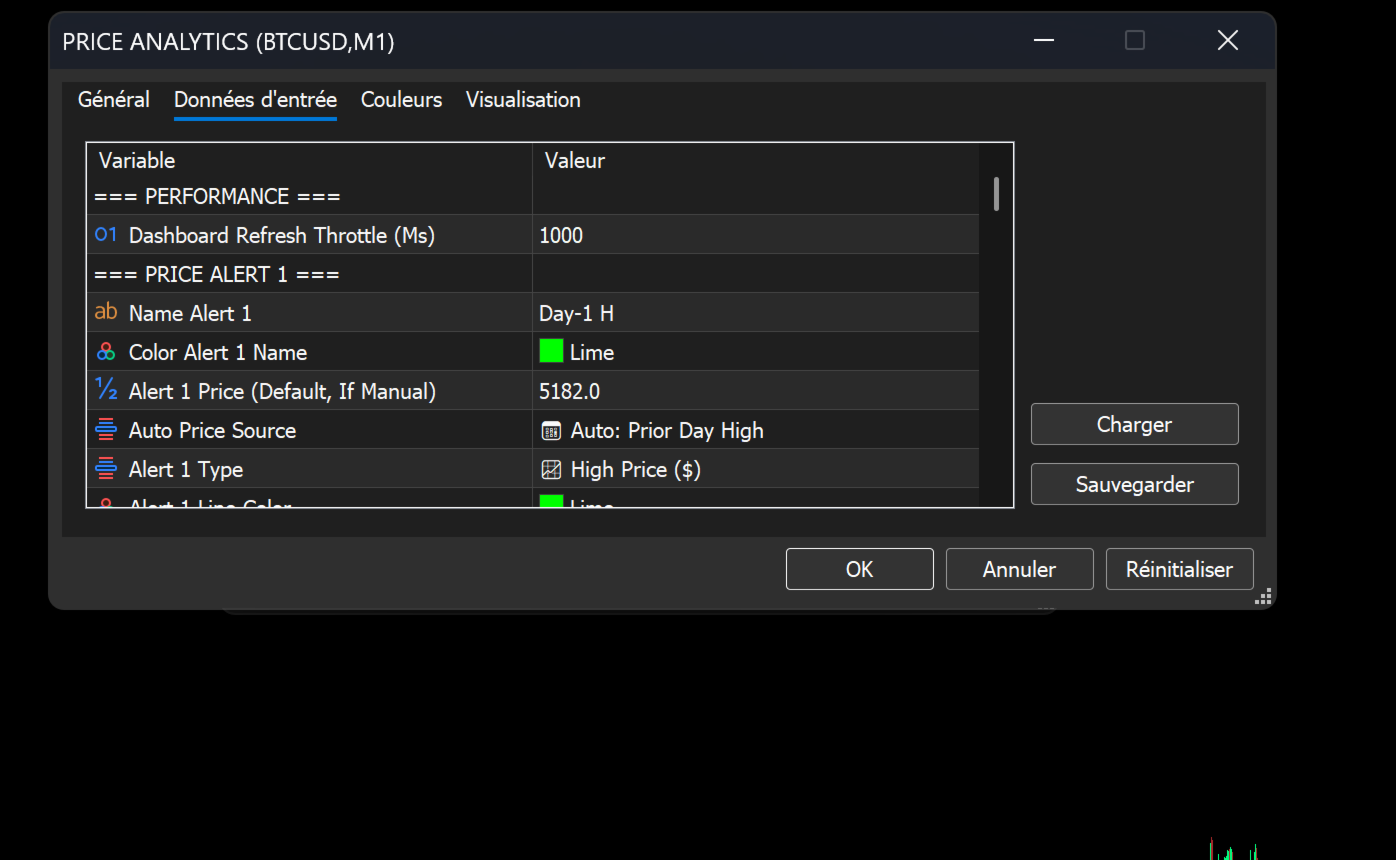
- Custom Naming & Styling: Assign a unique name (e.g., "Day-1 High", "London Open", "Supply Zone") with independent colors to each line for at-a-glance identification on your chart.
- Flexible Line Properties: Customize the line style (Solid, Dash, Dot, etc.) and width for perfect integration with your chart template.
- High/Low Specificity: Define each alert as either a High Price ($) or a Low Price ($) trigger, allowing for precise targeting of breakouts or pullbacks.
- Per-Line Activation: Enable or disable each of the four alerts independently from the input menu.
2. Intelligent Price Sourcing
Configure your alert lines to adapt to market conditions automatically or remain fixed at a specific level.
- Manual Mode: Set a fixed price manually (e.g., 5182, 5000).
- Advanced Auto-Source Mode: The indicator can automatically calculate and snap its lines to critical levels, updating daily.
- 📅 Prior Day High/Low: Automatically track yesterday's range.
- ⏱️ Today's High/Low (Live): Dynamically monitor the current session's extremes as they form.
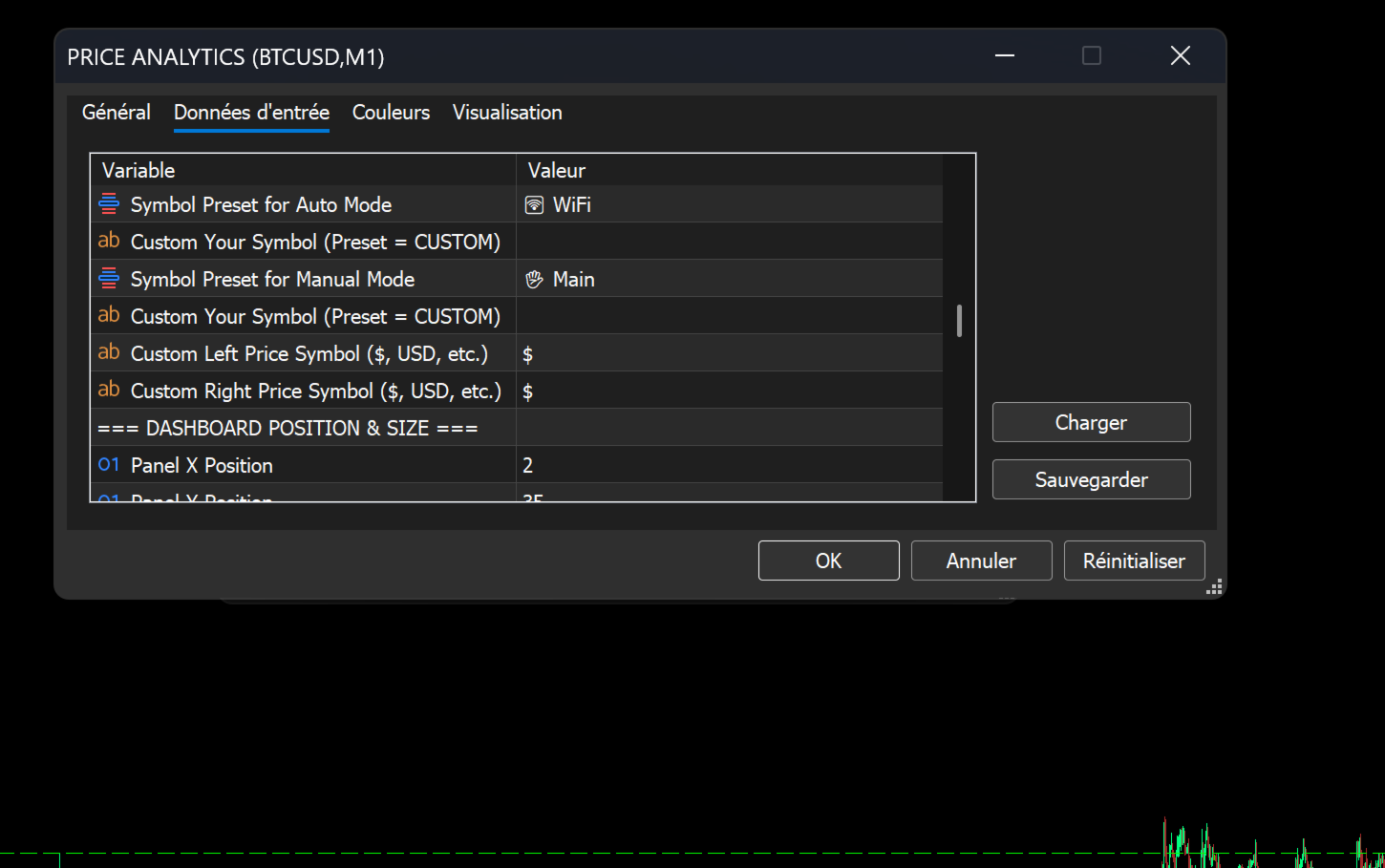
- Persistent Drag & Drop: If enabled, manually drag a line on the chart, and the suite will auto-save its new position using global variables, persisting it across terminal restarts and timeframes. An optional "Reset" input allows you to revert to default values.
3. Multi-Channel Alert Dispatch System
Never miss a signal. When a price is touched or breached, the suite delivers instant notifications via your preferred methods.
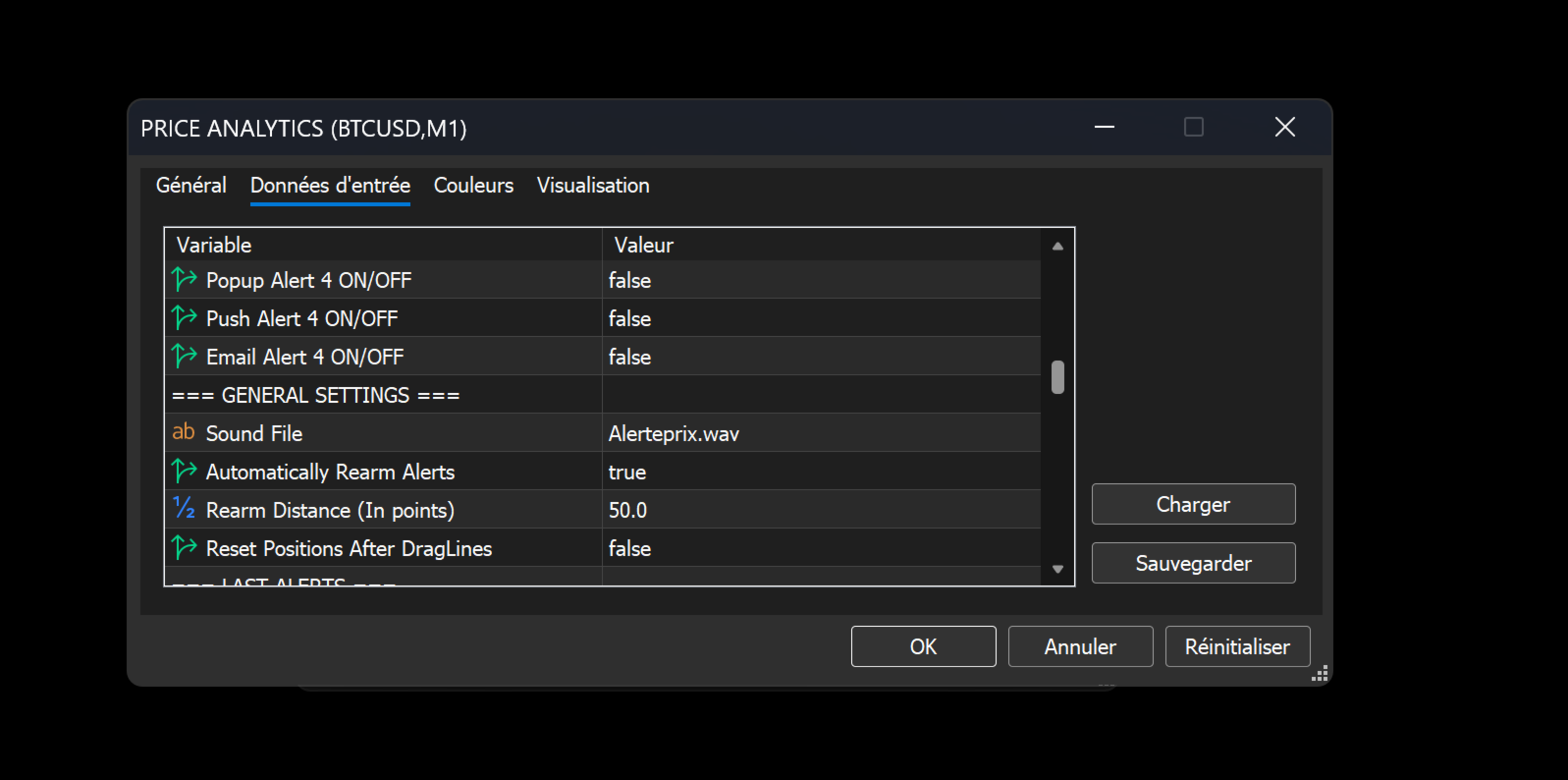
- Selectable Channels: Configure each of the four alerts to trigger independently via:
- 🔊 Sound: Plays a custom .wav file (e.g., alert.wav).
- 🖥️ Pop-up Alert: Standard MT5 terminal window.
- 📱 Push Notification: Instant alert to your mobile device via the MT5 app.
- 📧 Email: Direct email notification.
- Repetitive Alerting: If enabled, the alert system will automatically "rearm" after a user-defined distance (in points) is breached, allowing for multiple alerts on the same level if price re-enters the zone.
4. Integrated On-Chart HUD Dashboard
Keep all critical data at your fingertips without cluttering your main chart window. The dashboard is a fully customizable information panel.
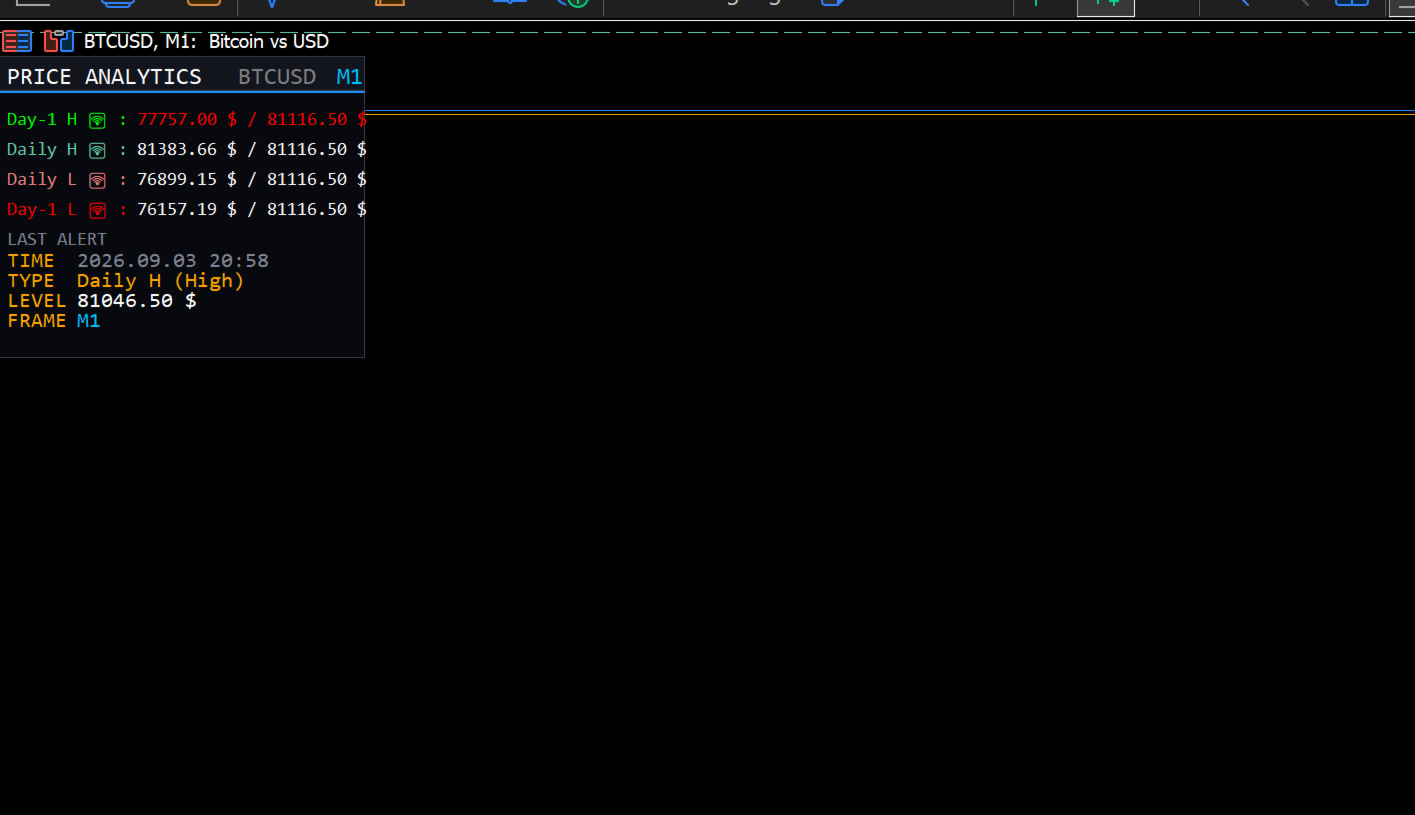
- Real-Time Status HUD: A clean, multi-line panel displays the Name, Target Price, and Current Bid Price for all active alerts.
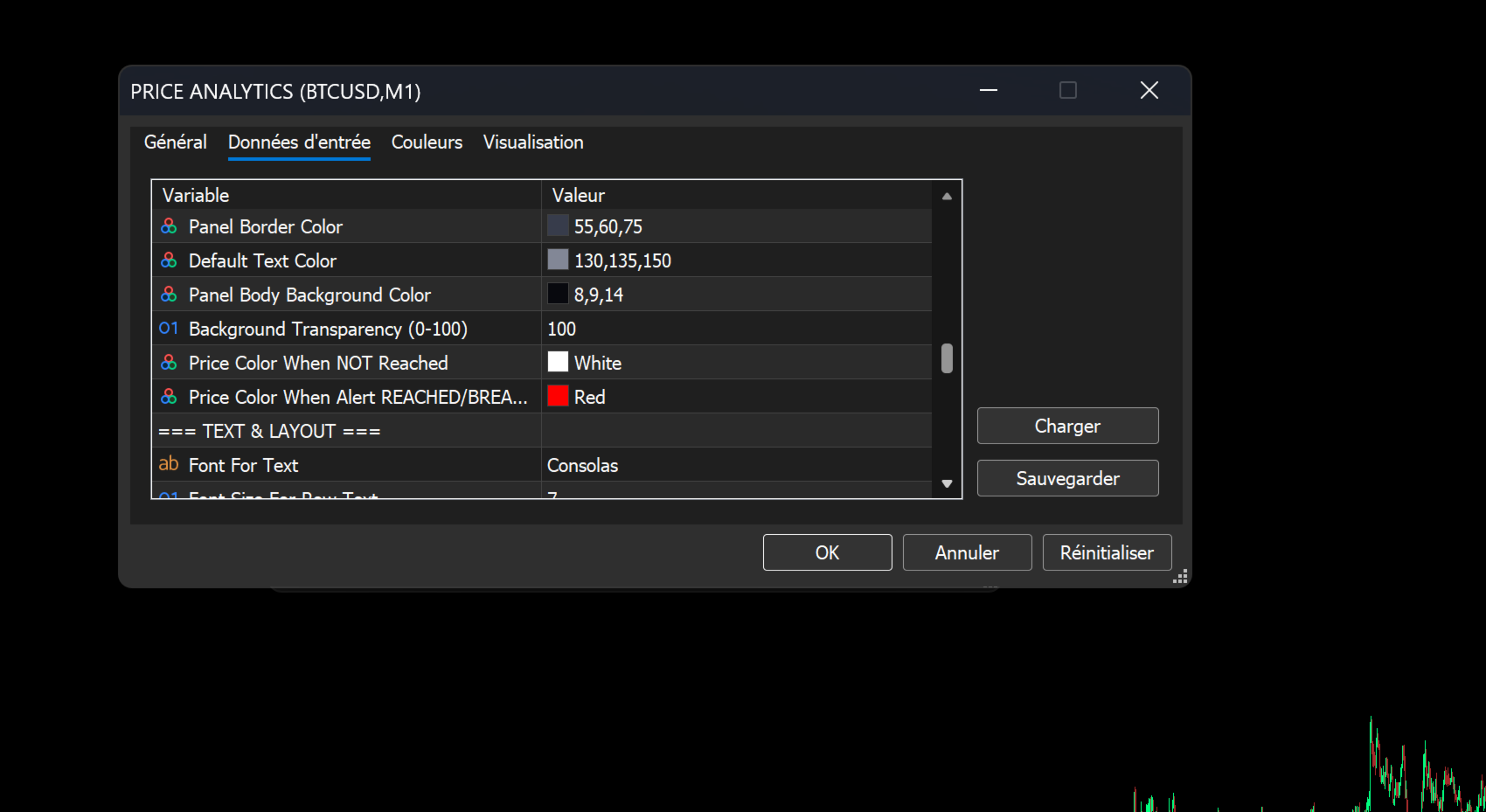
- Dynamic Price Coloring: Prices change color dynamically—from Normal (White) to Triggered (Red)—when an alert level is reached or breached.
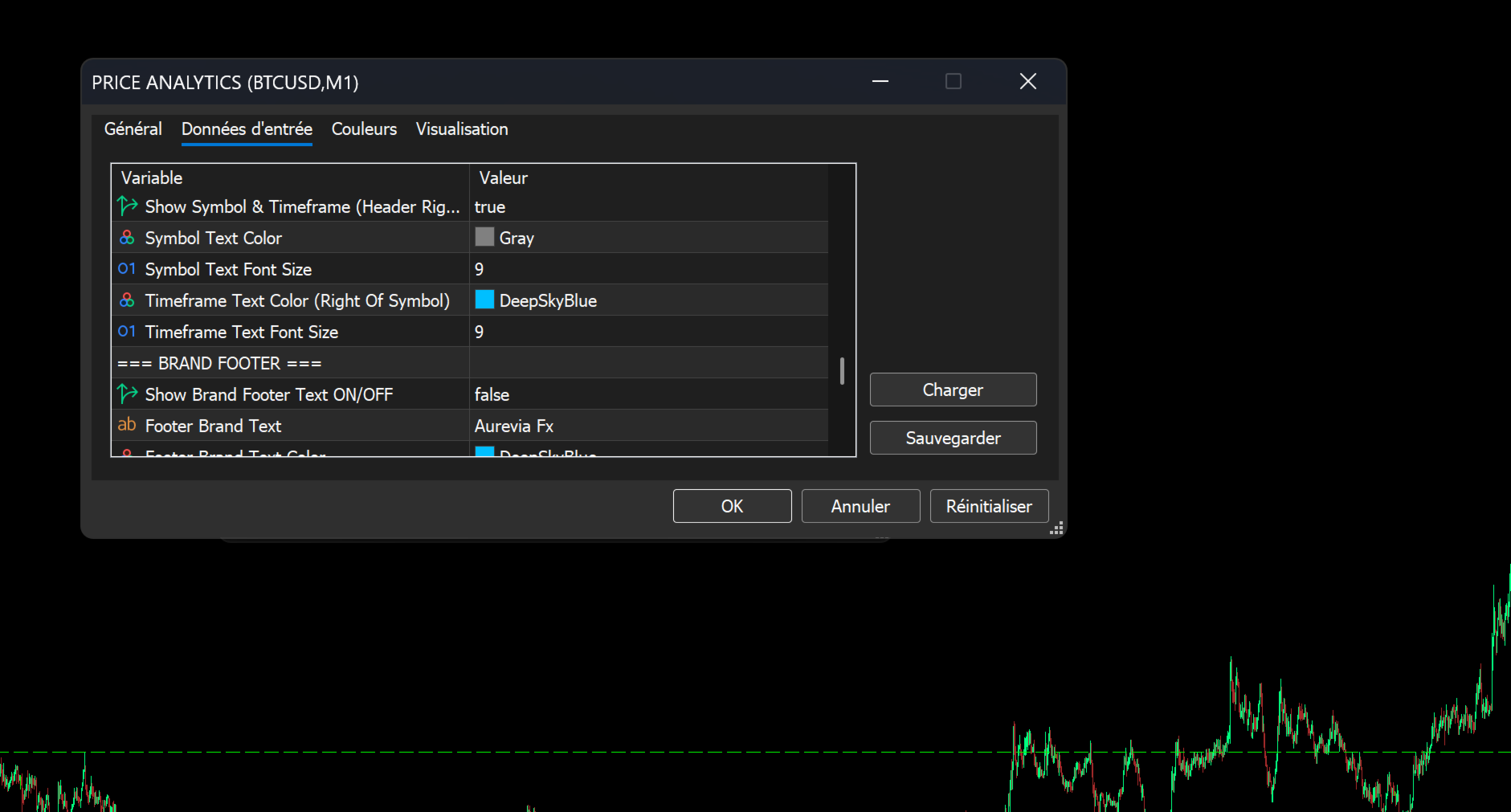
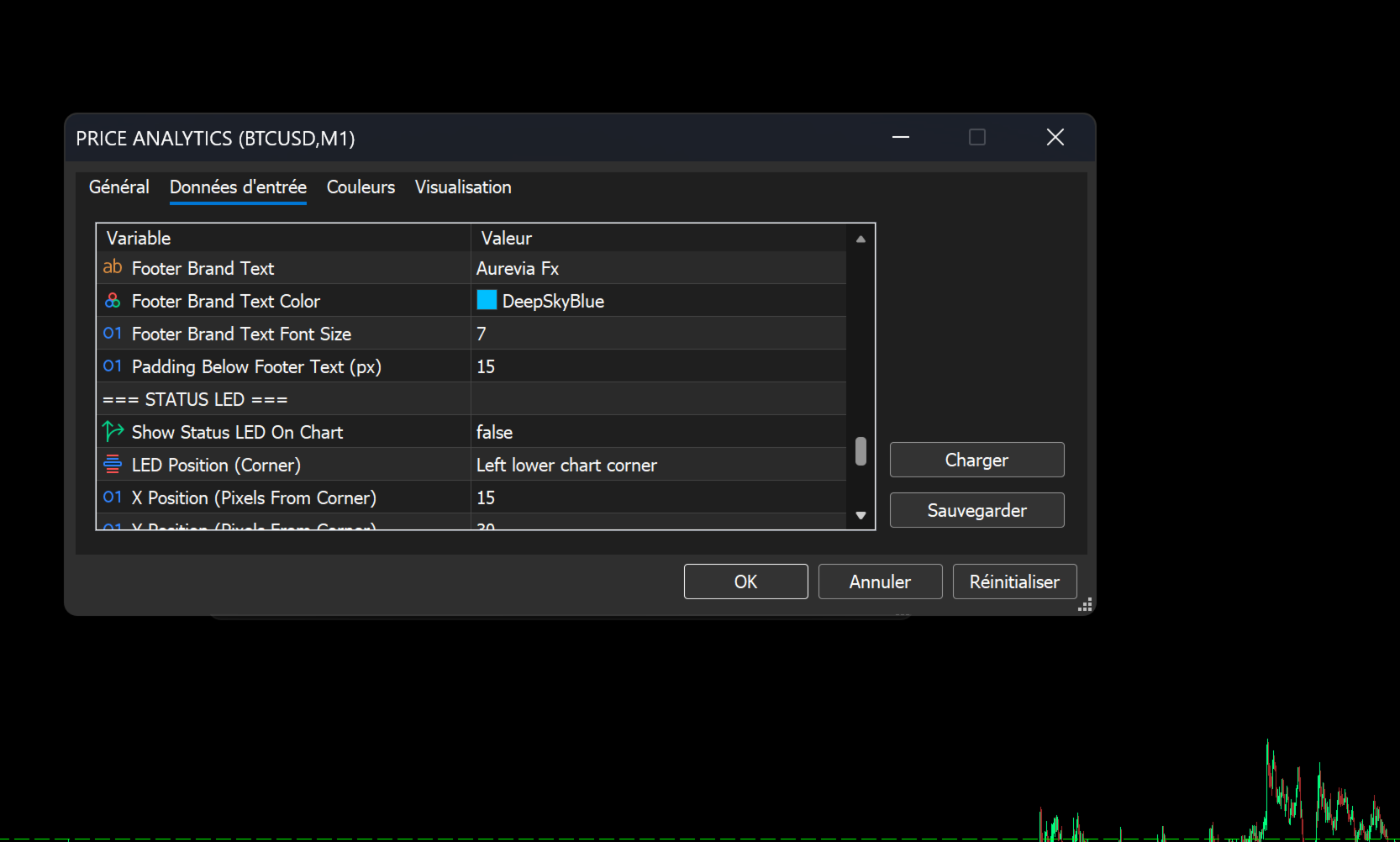
- Brand Footer: Optionally display your own brand text or "Aurevia Fx" at the bottom of the panel.
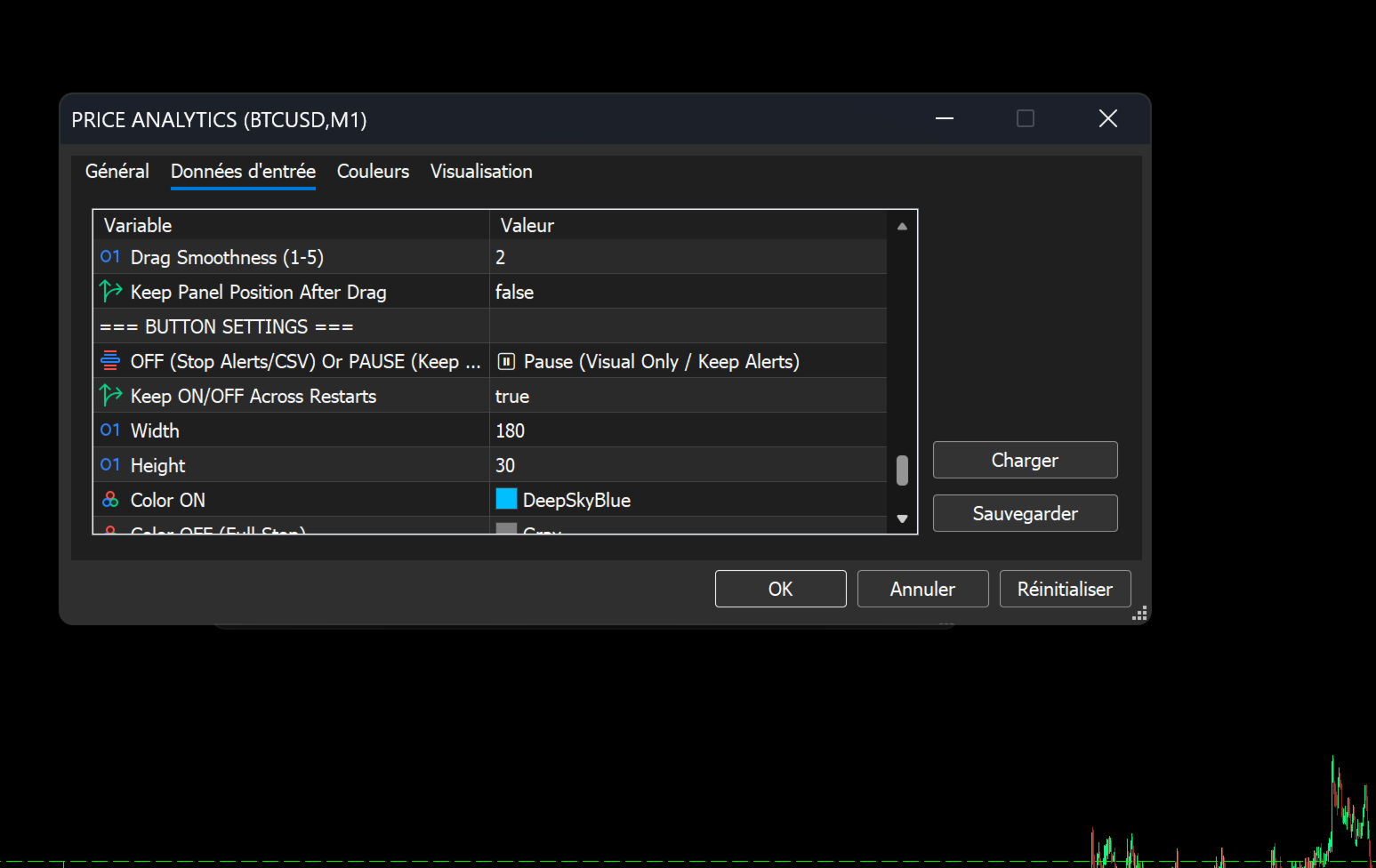
- Smart Toggle Button: A corner-anchored button (labeled "PRICE: ON/OFF") allows you to instantly show or hide the dashboard and modify its behavior.
- Smart Pause Mode: Configure the button to either fully disable alerts/logging when "OFF" or to merely hide the visual panel while keeping the alert engine running in the background.
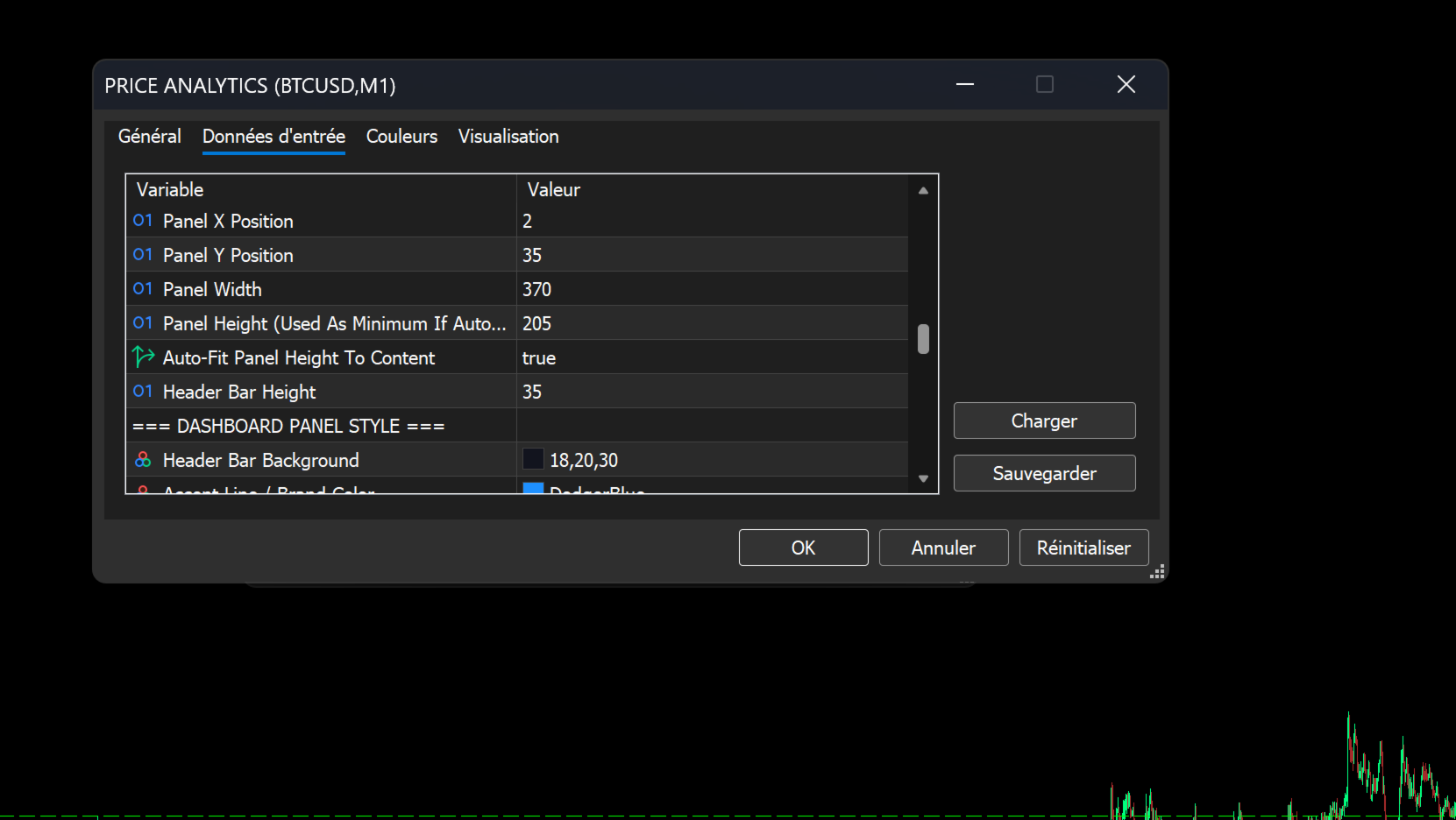
- Drag-and-Drop Dashboard: If enabled, you can freely click and drag the dashboard to any position on the chart. Position can be persisted across terminal restarts.
- Multi-Timeframe Awareness: Optionally display the current Symbol and Timeframe in the dashboard header, perfect for multi-chart setups.
5. Professional Workflow & Utility Tools
The suite includes premium features for a professional trading environment.
- Performance Optimization: A Dashboard Refresh Throttle (in Ms) ensures the indicator runs smoothly without lagging your terminal, even on lower timeframes with heavy data.
- Status LED: Optionally display a small, corner-anchored LED on the chart (Red = All Alerts OFF, Green = At least one Alert ON).
- Advanced CSV Logging: For traders who audit their performance, the suite can automatically generate a CSV log file.
- Alert Logging: Records every triggered alert, including Date/Time, Symbol, Timeframe, Alert Name, Type, Target Price, and Triggered Price.
- Account Event Logging: Optionally log account changes (e.g., switching from Demo to Real) and detailed account information (Login, Company, Server, Currency) alongside the alert logs.
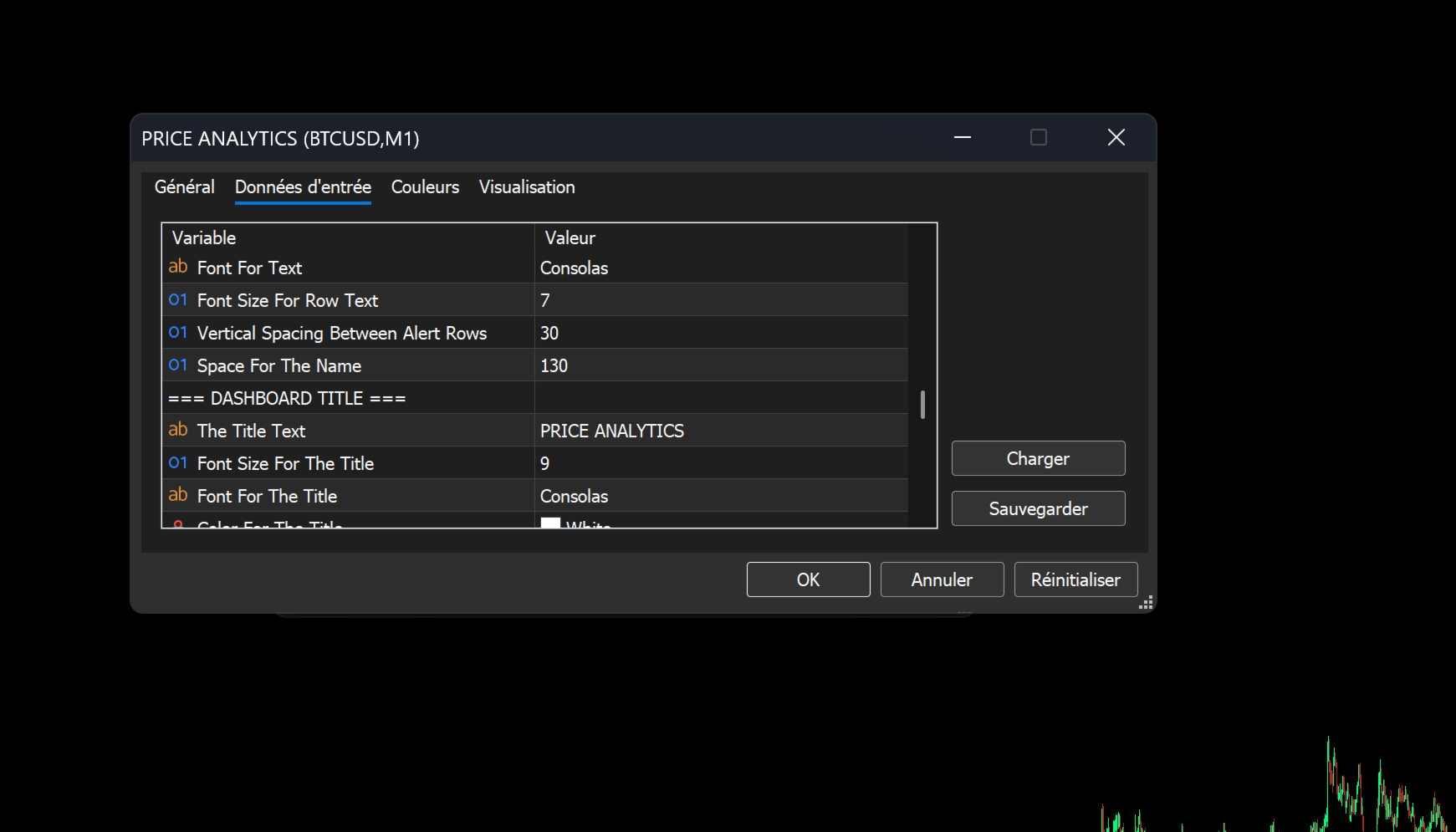
- Emoji Customization: Choose from a wide preset list of emojis (e.g., ⚡️, 🔔, 🎯) or input a Custom Emoji/Textto appear on the alert lines and dashboard, enhancing visual clarity.
- Dimension Info: An optional tooltip on the dashboard header provides exact X/Y coordinates and dimensions, aiding in precise multi-panel layouts.
Summary
The Price Alerts Advanced Suite is the most complete, reliable, and customizable price monitoring solution available for MetaTrader 5. It bridges the gap between simple manual charting and automated institutional-grade monitoring, providing you with the tools to trade with confidence and precision.
Take control of your levels. Get the Price Alerts Advanced Suite today.