Spread Analytic
- Göstergeler
- Sürüm: 2.40
- Güncellendi: 9 Eylül 2026
- Etkinleştirmeler: 20

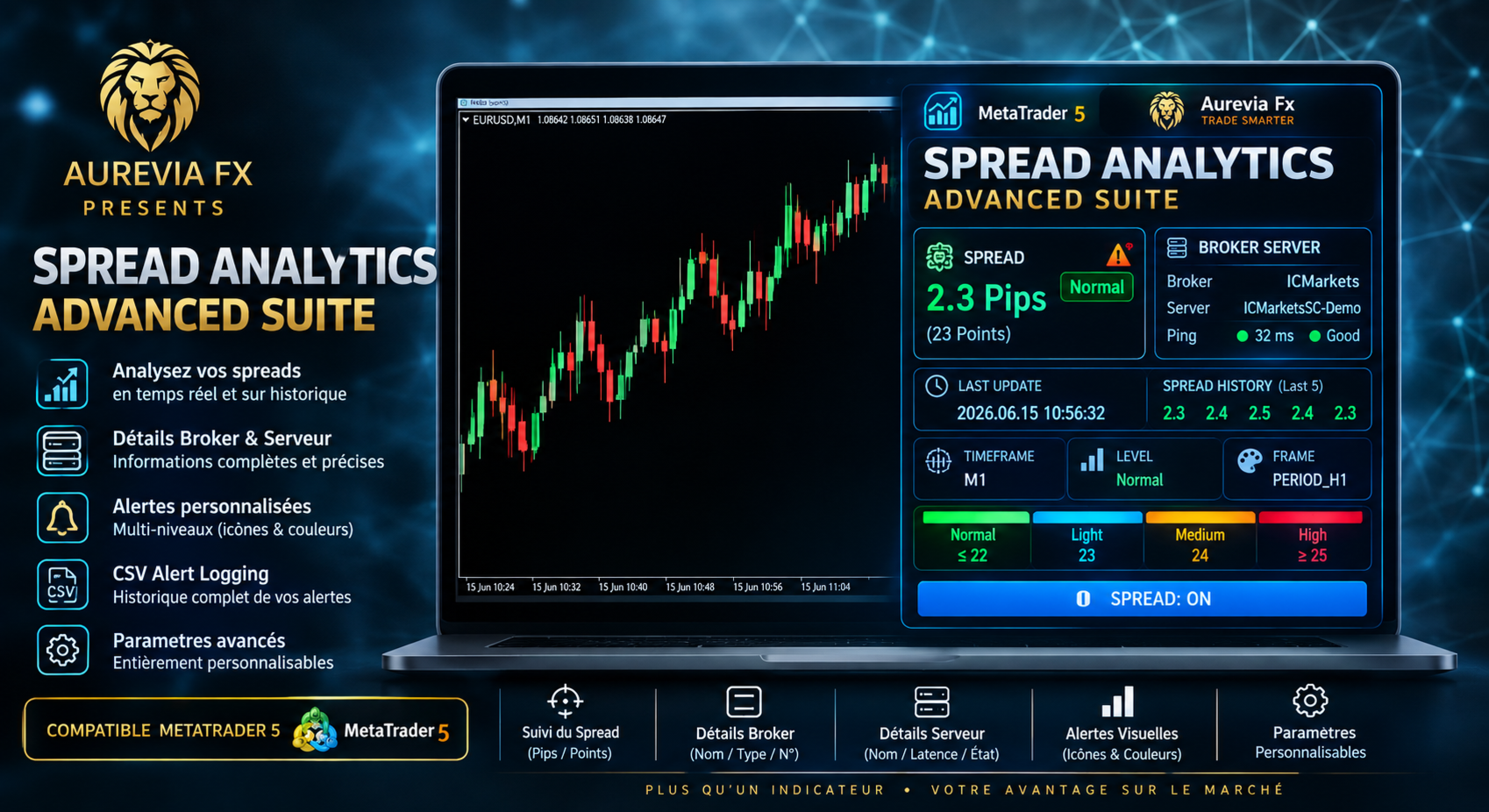
📊 Spread & Broker Server Analytics Advanced Suite for MetaTrader 5
Master the fundamental mechanism of market liquidity with the Spread Analytics Advanced Suite, a professional-grade monitoring and alert tool built exclusively for MetaTrader 5. In modern trading, the Bid-Ask spread is your primary transaction cost. This suite provides the transparency and precision required to manage these costs effectively, ensuring you trade only when conditions are optimal.
Designed for scalpers, news traders, and algorithmic systems, this indicator offers unparalleled flexibility in visualizing and reacting to spread fluctuations.
Key Features & Configuration Options
1. Flexible Multi-Unit Display
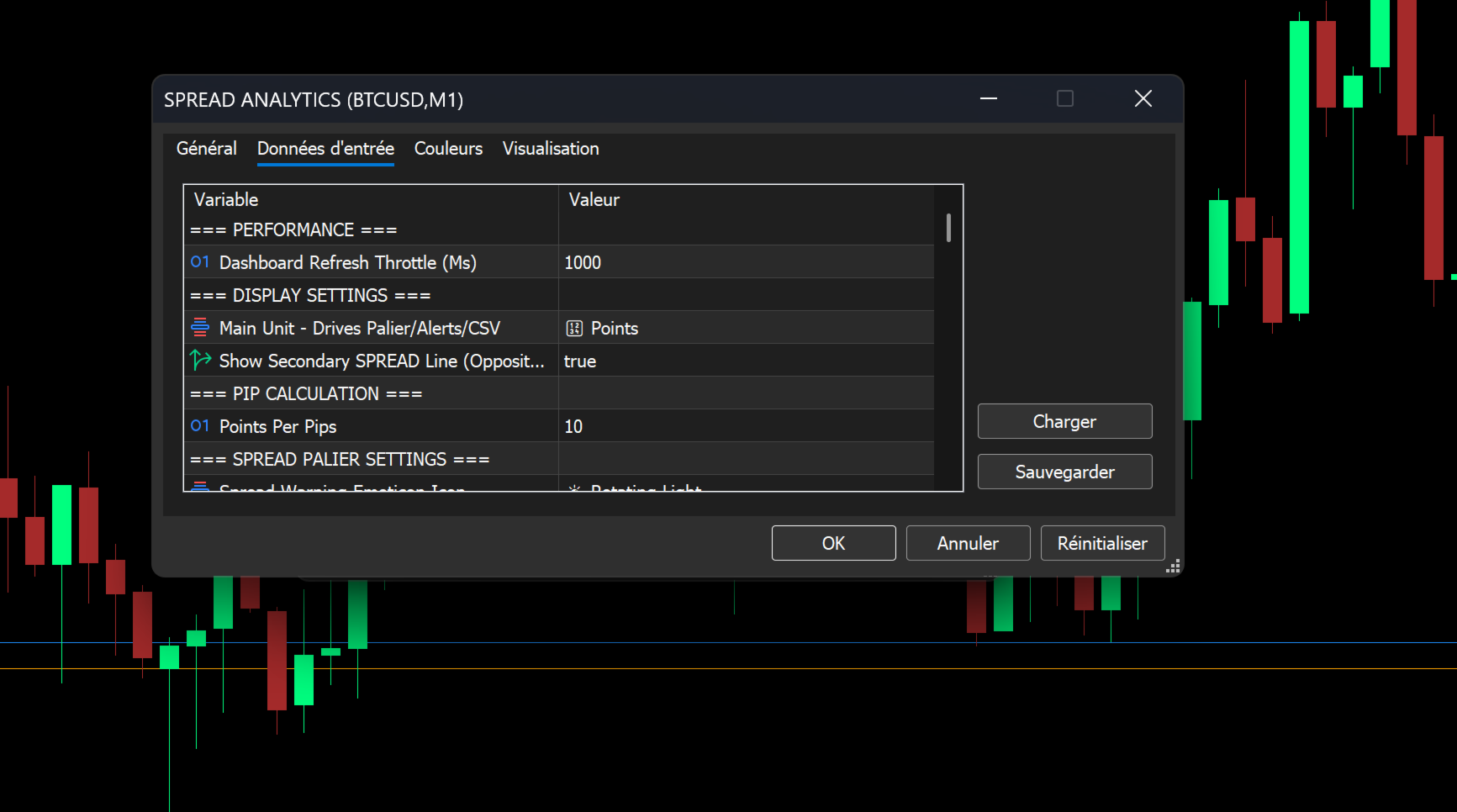
Adapt the indicator to your preferred trading style. The suite allows you to monitor the spread in two formats simultaneously, driving all alerts and logging.
Dual-Unit Visualization: View the live spread in Pips or Points on the main chart.
Alternate Unit Toggler: Optionally display a secondary spread value in the opposite unit (e.g., see the spread in Points while monitoring Pips), giving you a complete picture of transaction costs.
Customizable PIP Math: Define exactly how many points constitute "one Pip" (e.g., 10 for 5-digit brokers, 1 for 4-digit) for accurate calculation across any instrument (Forex, Commodities, Indices).
2. Advanced Multi-Level Alert System
Never be caught in a widening spread again. The alert system is fully customizable, allowing you to set multiple thresholds for different market conditions (e.g., normal session vs. news events).
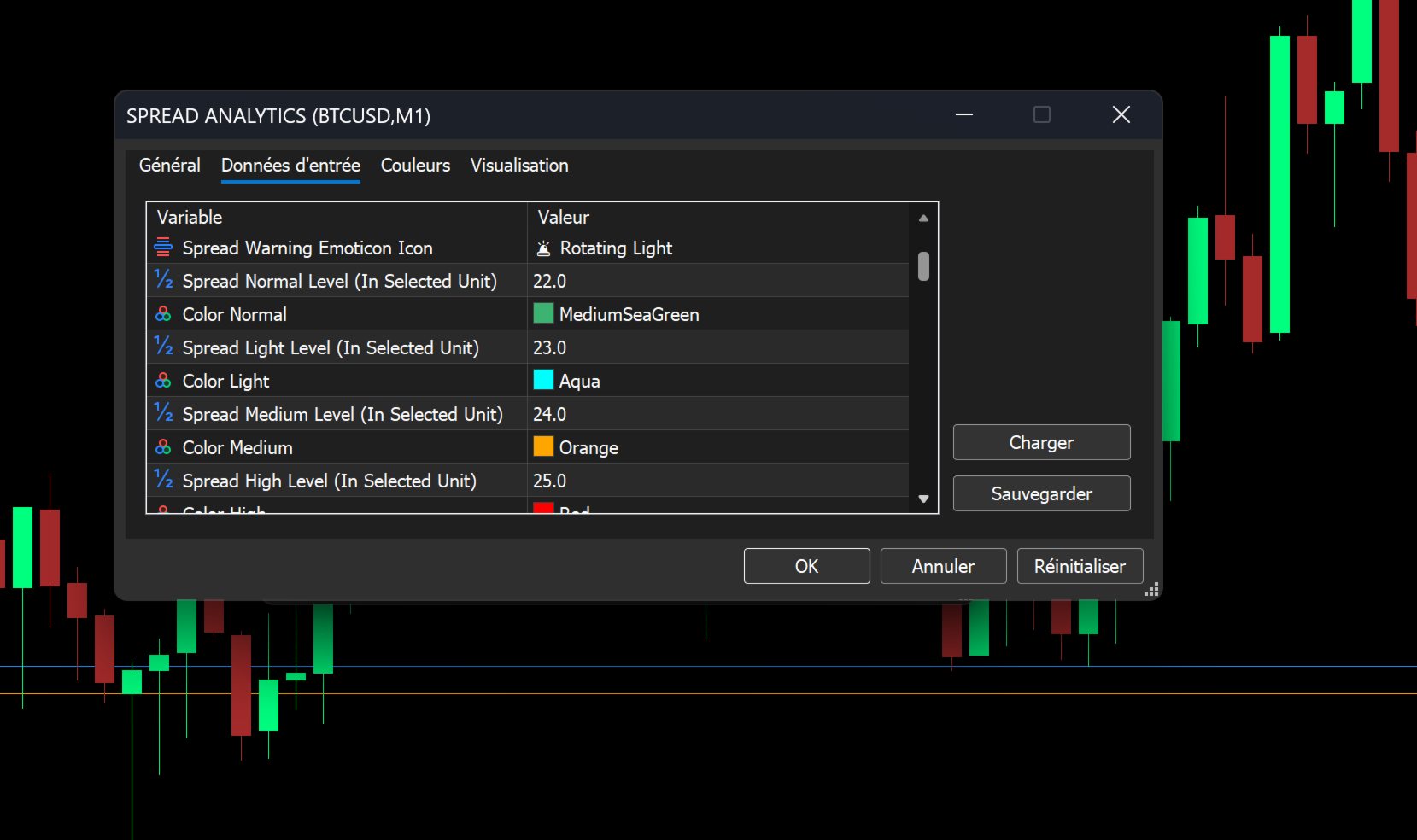
Four-Tiered Alert Pallets: Define four distinct levels of spread severity, each with its own:
Threshold Value: Set the exact spread level (in Pips or Points) to trigger the tier.
Unique Color: The spread value on the dashboard changes color dynamically based on the current tier (e.g., Green for Normal, Red for High).
Warning Emoticon: Assign specific emojis (e.g., ⚠️, ⚡, 🔥, 🚨) to appear alongside the spread value when it reaches higher tiers.
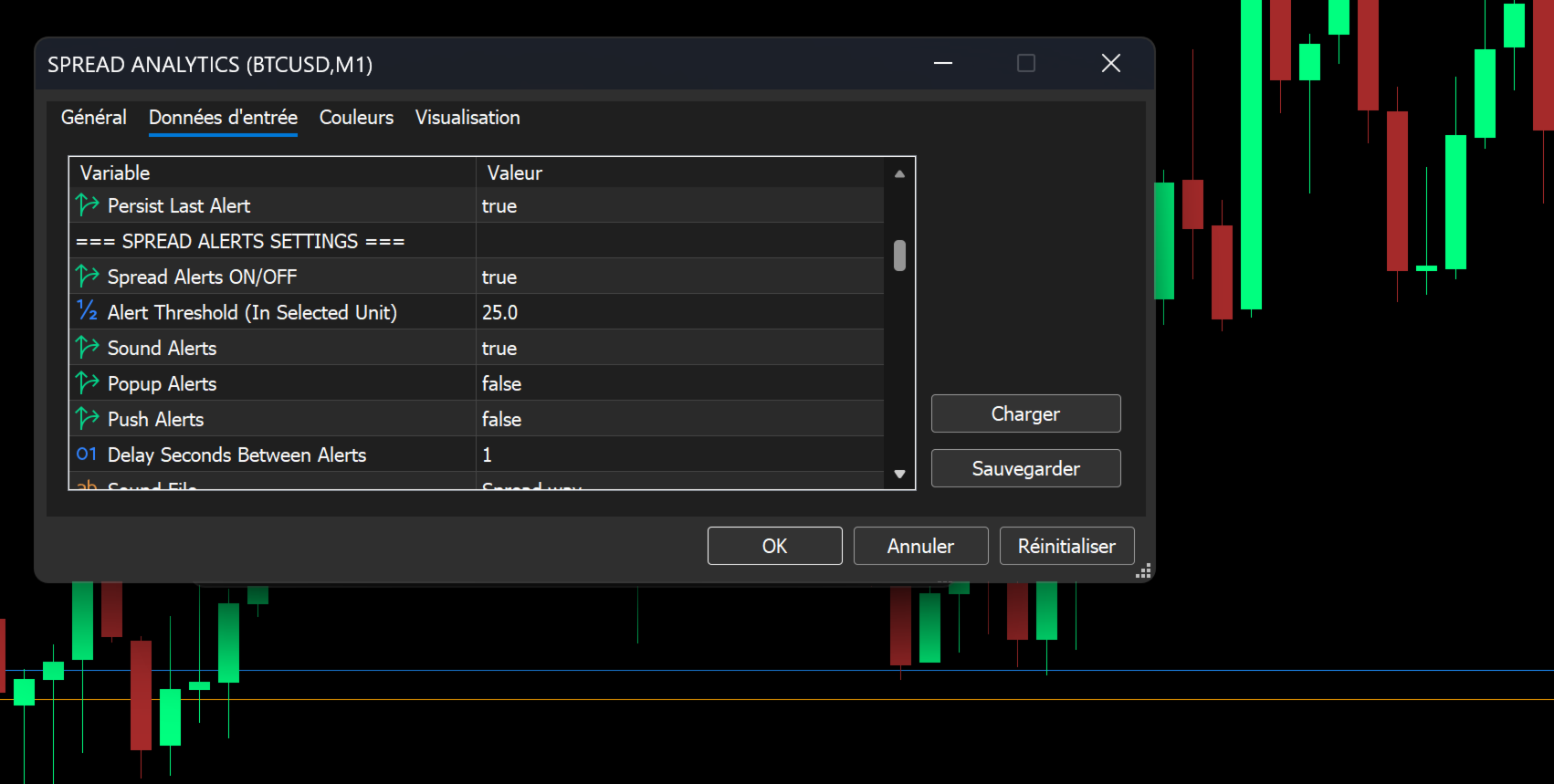
Multi-Channel Notifications: Configure alerts to trigger via:
🔊 Sound: Play a custom .wav file (e.g., alert.wav) to hear spread changes.
🖥️ Pop-up Alert: A standard MT5 window appears on your screen.
📱 Push Notification: Send an instant alert to your mobile device via the MT5 app.
Alert Cooldown: Prevent alert spam during volatile markets with a user-defined delay (in seconds) between consecutive alerts.
3. Integrated On-Chart Dashboard
Keep all critical spread data at your fingertips without cluttering your main chart window. The dashboard is a fully customizable information panel.
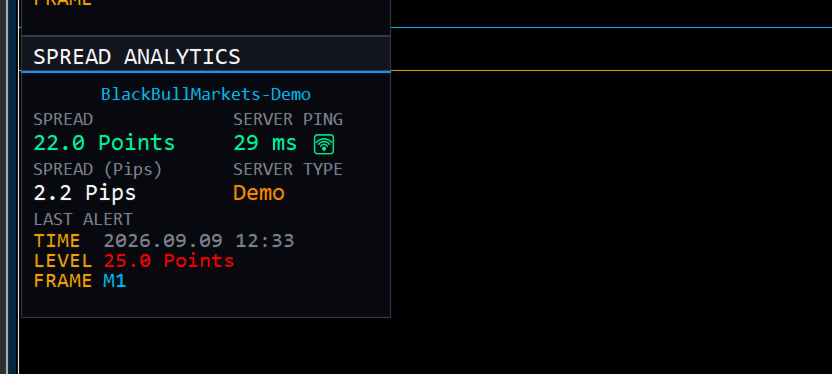
Live Spread Monitor: Real-time display of the current spread in your chosen main unit, with optional alternate unit display below it.
Live Server Ping: Real-time calculation and display of your connection ping to the broker's server, helping you assess execution conditions at a glance.
Broker Account Type Indicator: Instantly see whether you are logged into a demo, live, or contest account, as well as your account number, directly from the dashboard..
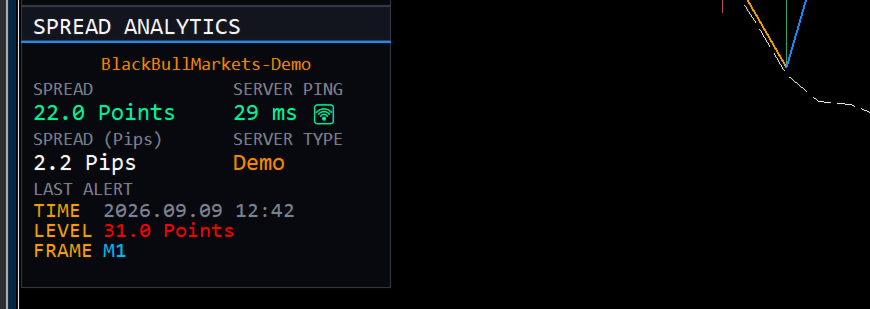
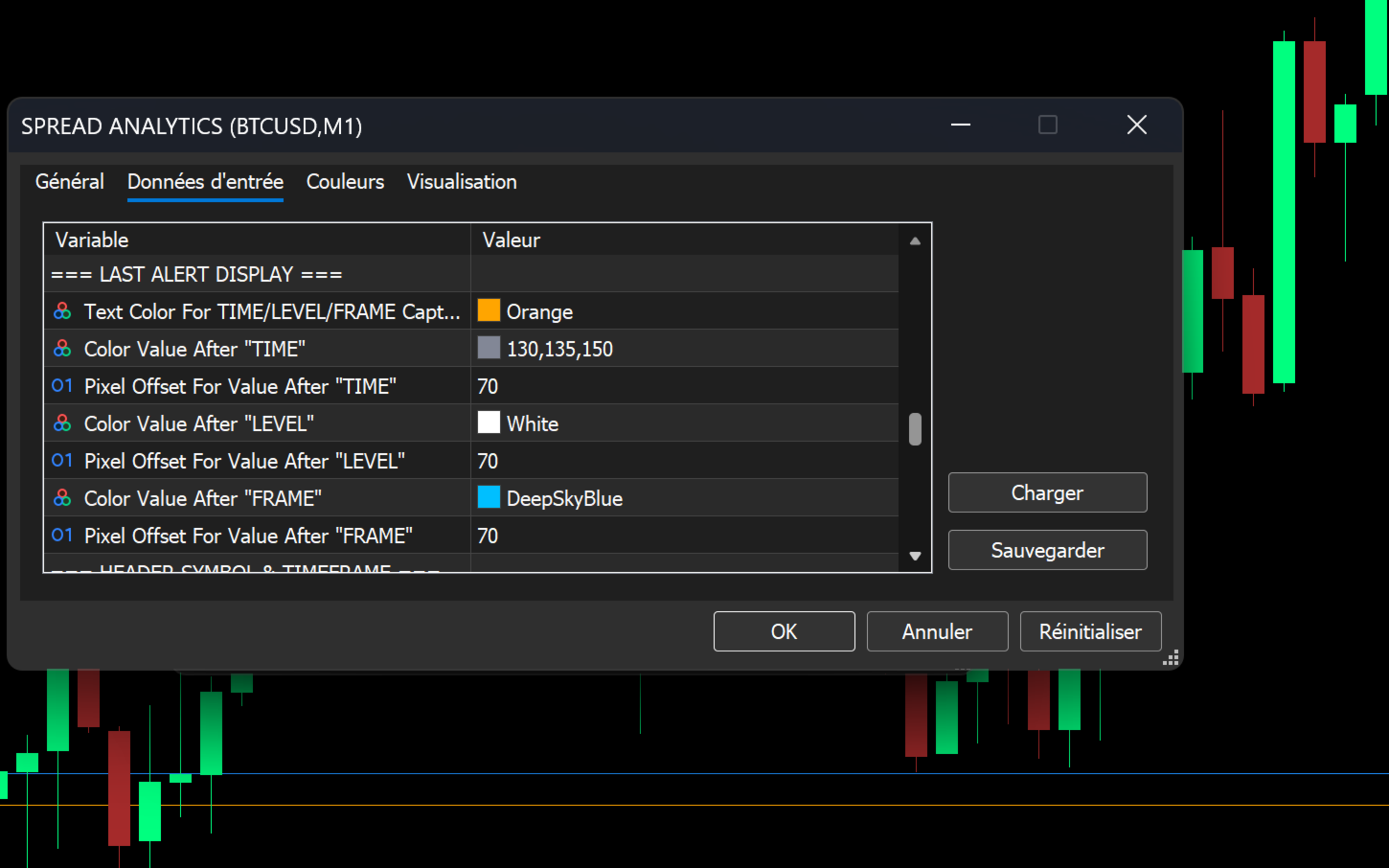
Last Alert Panel: Know exactly when and where the last spread spike occurred. The dashboard persists the Time, Level, and Timeframe of the most recent alert.
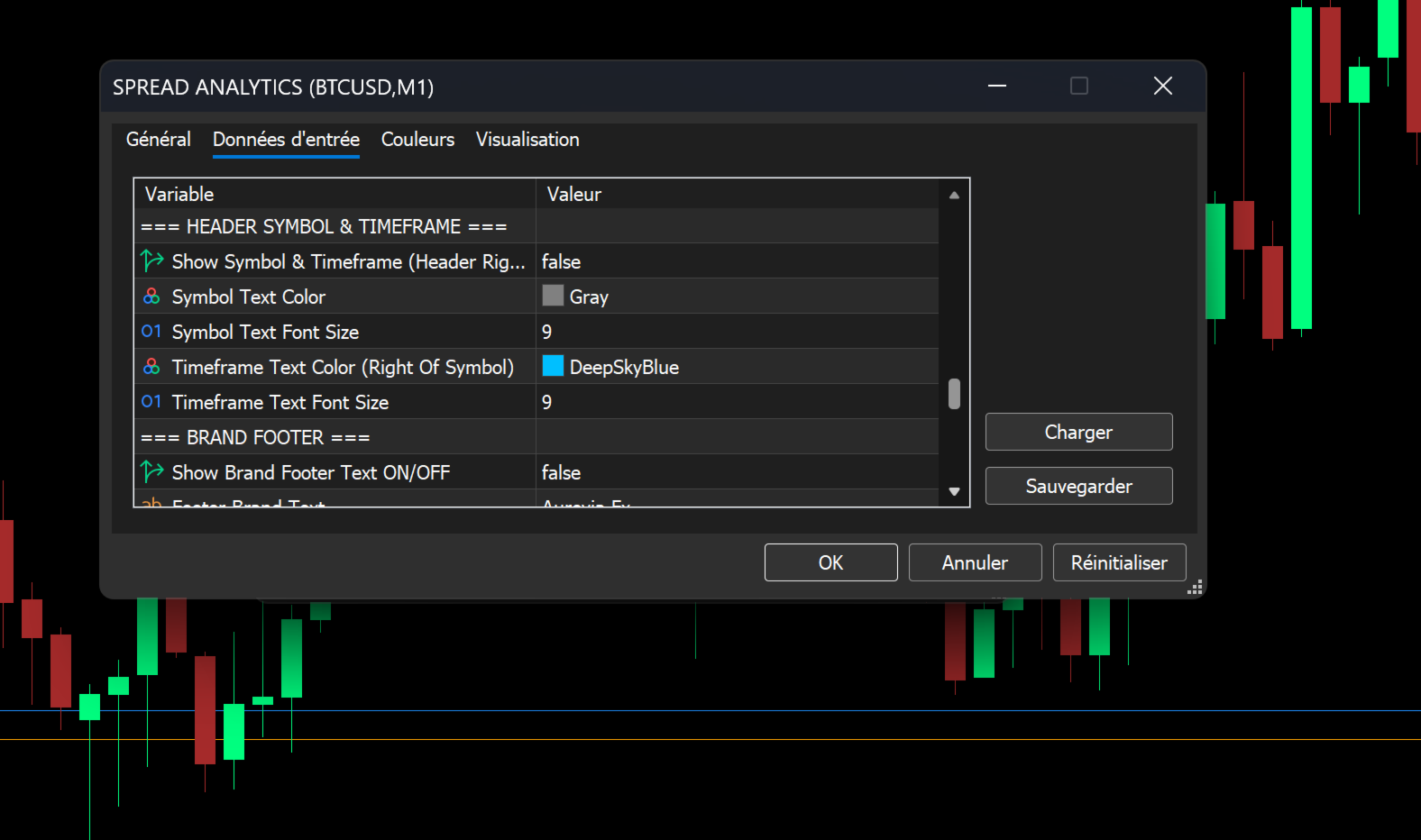
Brand Footer: Optionally display your own brand name or "Aurevia Fx" at the bottom of the panel.
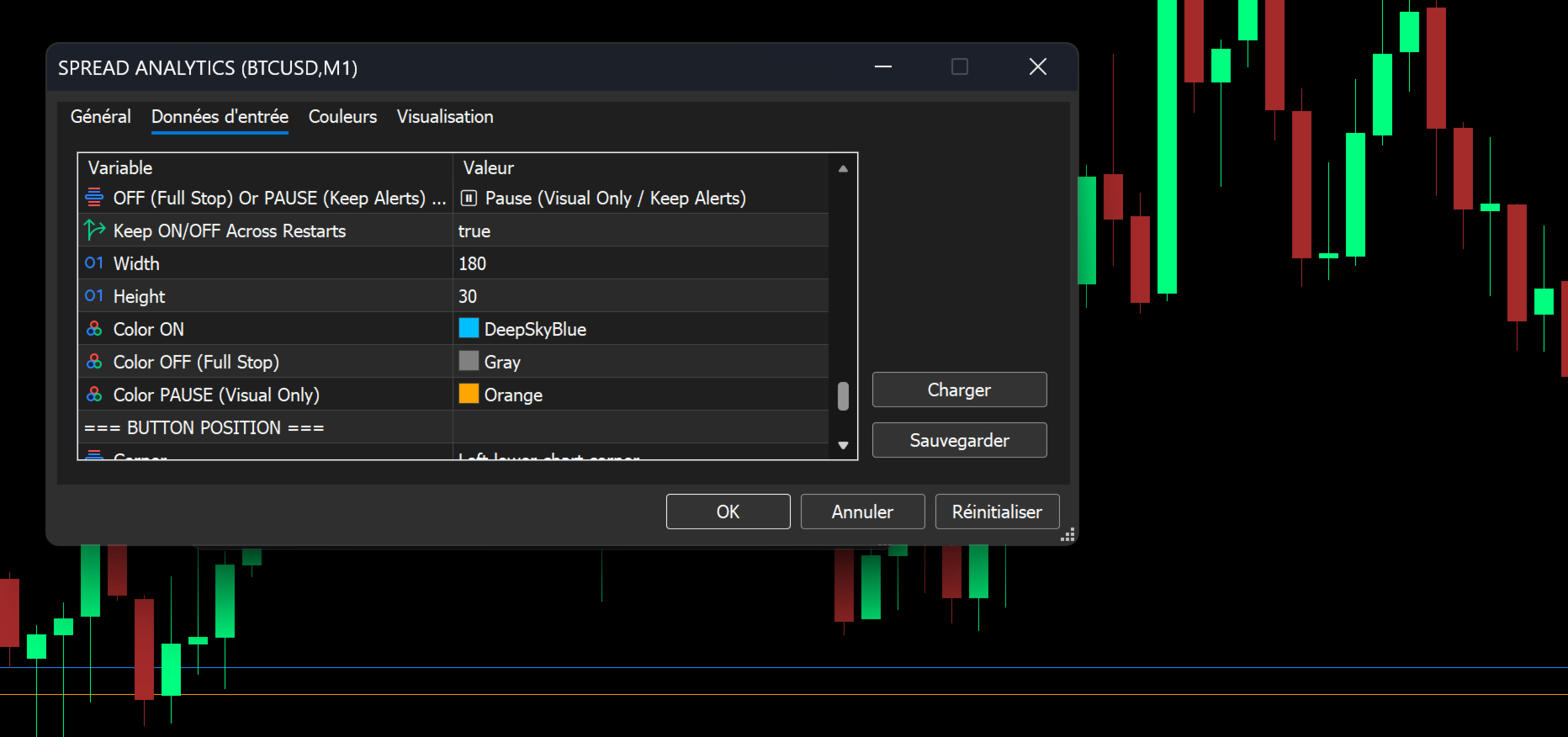
Smart Toggle Button: A corner-anchored button (labeled "SPREAD: ON/OFF") allows you to instantly show or hide the dashboard.
Smart Pause Mode: Configure the button to either fully disable alerts/logging when "OFF" or to merely hide the visual panel while keeping the alert engine running in the background.
4. Professional Logging & CSV Export
For traders who track execution quality and transaction costs, the suite includes robust logging capabilities.
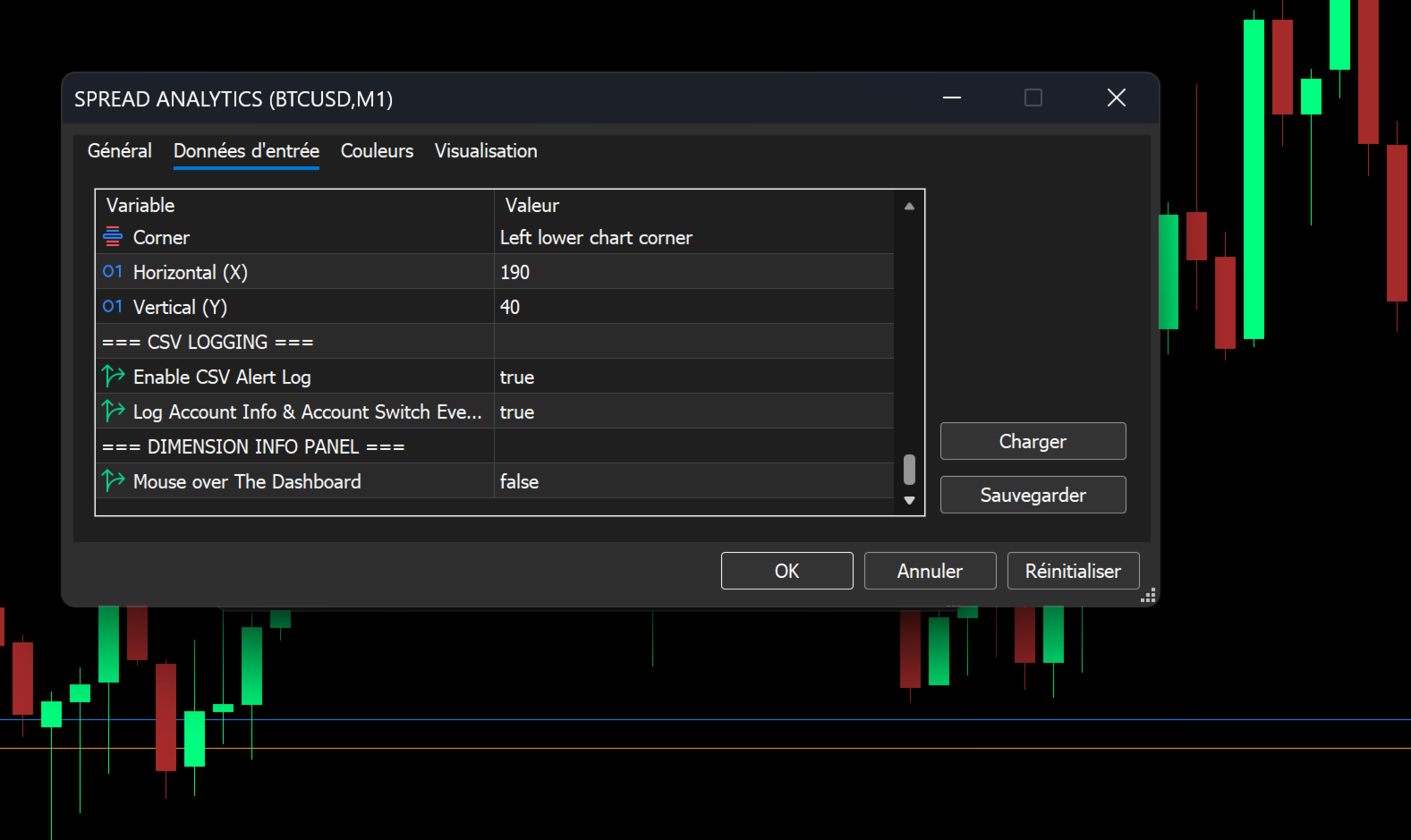
CSV Alert Logging: Automatically save every triggered alert to a CSV file, including Symbol, Timeframe, Date/Time, Current Spread, Alert Threshold, Server Ping, and full Account Information.
Account Event Logging: Optionally log account changes (e.g., switching from Demo to Real to Contest) and detailed account information (Login, Company, Server, Currency, Account Type) alongside the alert logs for auditing purposes.
5. Visual Customization & Aesthetics
Make the indicator your own. Almost every visual element can be tailored to your chart's color scheme and layout.
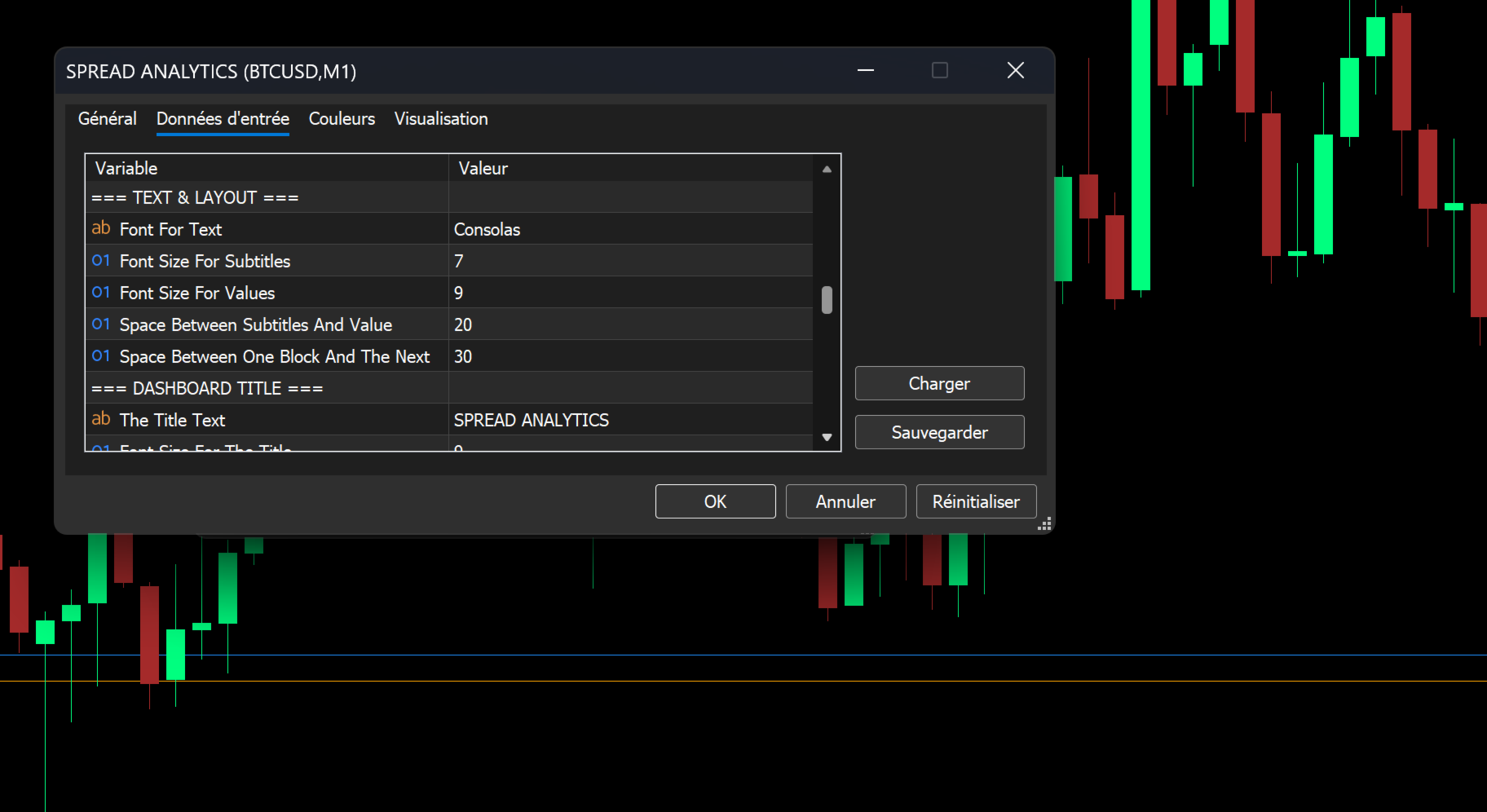
Font Control: Customize the font name, subtitle size, and value size for all text on the dashboard.
Color Palettes: Full control over Header colors, Accent colors, Border colors, Background colors, and text colors.
Background Transparency: Adjust the dashboard's transparency (0-100) to ensure perfect integration with your charts.
Drag-and-Drop Positioning: Enable intuitive dragging to position your dashboard exactly where you want it on the screen. Position can be persisted across terminal restarts.
Dimension Info: An optional tooltip on the dashboard header provides exact X/Y coordinates and dimensions, aiding in precise multi-panel layouts.
Summary
The Spread & Broker Server Analytics Advanced Suite is the most complete and customizable spread monitoring solution available for MetaTrader 5. It provides the precision, reliability, and professional-grade data — including real-time server ping and broker account type detection — required to manage transaction costs effectively in any market environment.
Take control of your trading costs. Get the Spread & Broker Server Analytics Advanced Suite today.