MT4 Auto Delete Pending Orders by Timeframe
- Utilitários
-
Xin You Lin
 Golden Wings
 - Versão: 1.7
- Ativações: 5
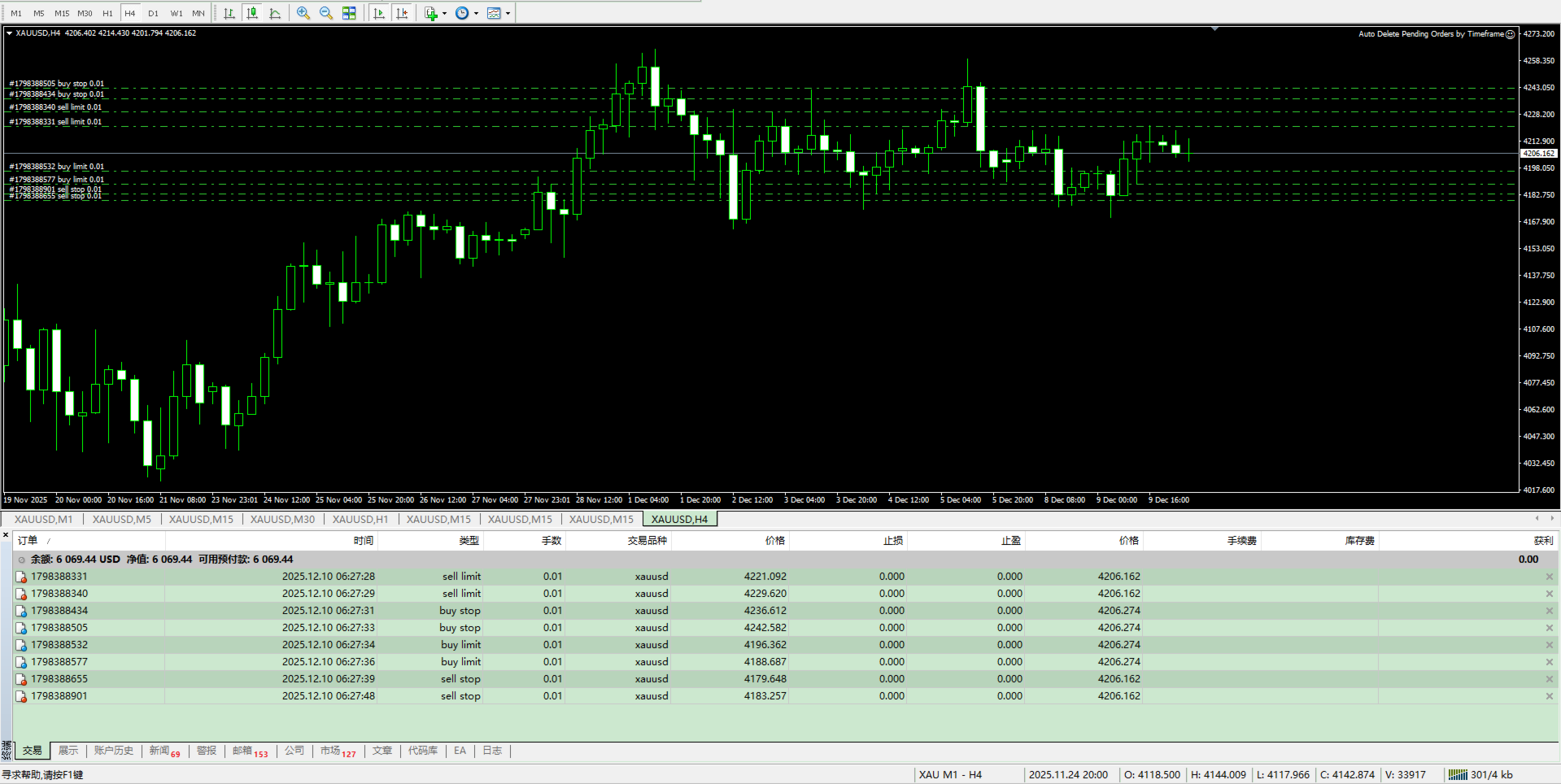
This EA deletes pending orders that stay on the account longer than a period you define. It does not open or close any market position and it makes no trading decision.
Note on the name: "timeframe" here means the lifetime of an order in minutes, not the chart period. The EA works on any chart timeframe; what matters is how long a pending order has existed.
A pending order that has been forgotten can occupy margin or get filled at a price you no longer want. This utility removes such orders automatically once they pass the time limit you set, so your capital stays available and your order list stays clean.
Key features
- Deletes pending orders after a configurable lifetime
- No trading logic, no indicators, no market orders are ever sent
- Works with orders placed manually or by another EA
- Filter by magic number to manage one strategy only
- Filter by symbol to manage only the current chart symbol
- Filter by order type: buy limit, sell limit, buy stop, sell stop and stop limit
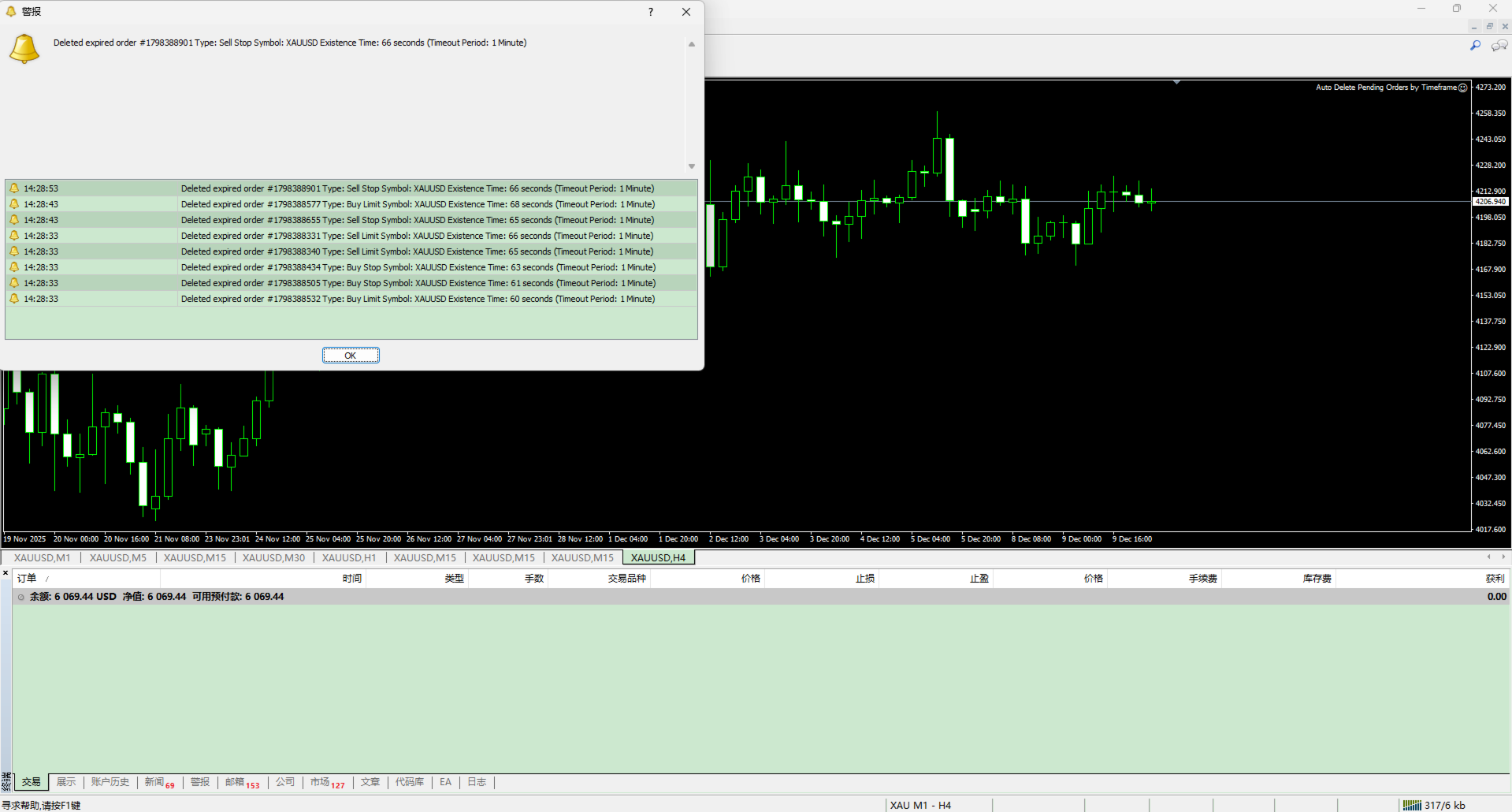
- Deletion is logged in the Experts tab, with optional pop-up alert
- Low resource usage, one chart is enough for the whole account
How to use
1. Attach the EA to any MT4 chart and enable the Auto Trading button.
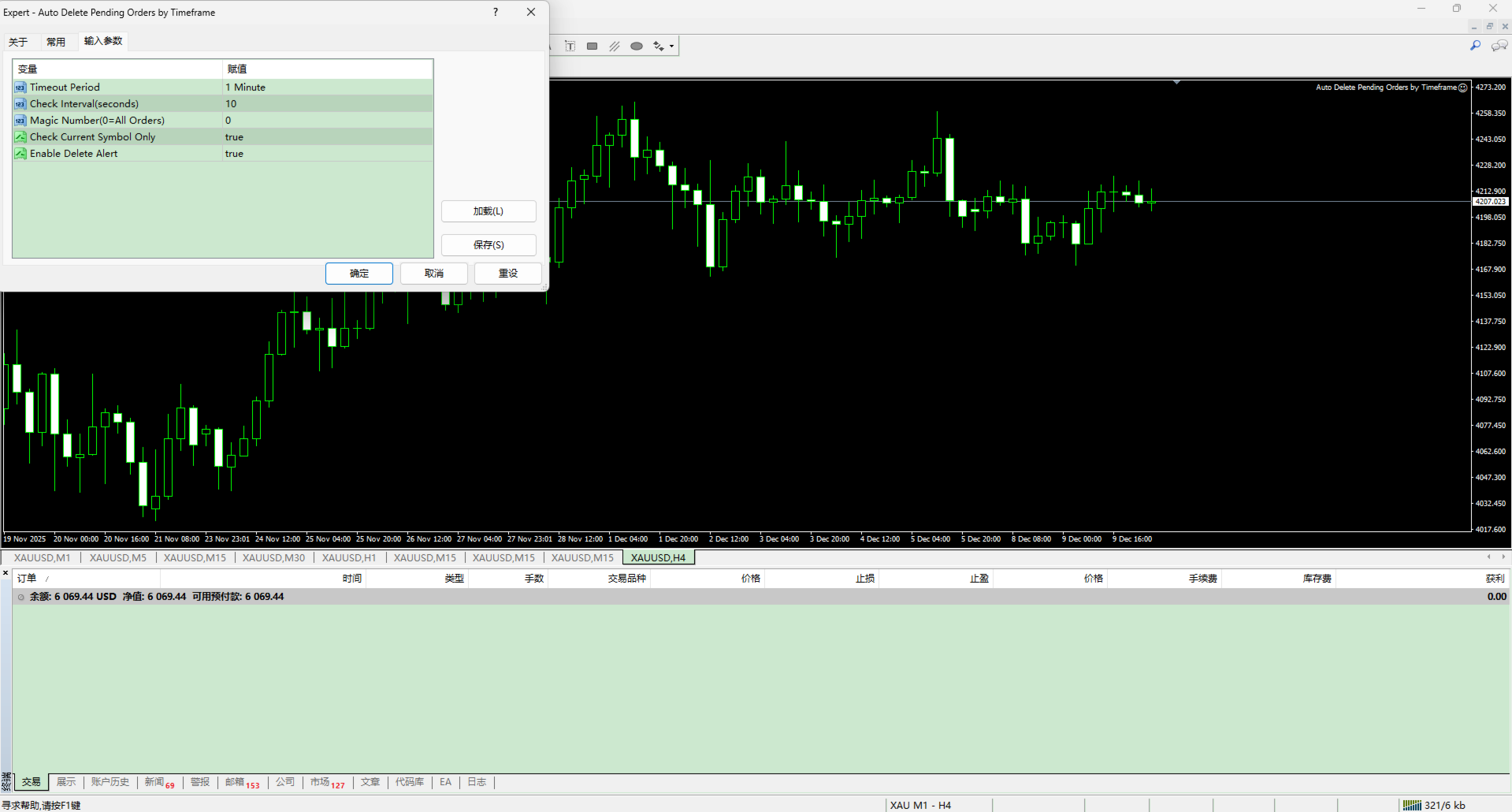
2. Set TimeoutPeriod, the maximum lifetime of a pending order in minutes.
3. Set CheckInterval, how often the EA scans the order pool, in seconds.
4. Optionally set MagicNumber and SymbolFilter. Zero means no filter.
5. Leave the EA running. Orders older than TimeoutPeriod are deleted automatically.
Inputs
- TimeoutPeriod - order lifetime in minutes before deletion
- CheckInterval - scan frequency in seconds, for example 10
- MagicNumber - only orders with this magic number, 0 = all
- SymbolFilter - current symbol only, or the whole account
- OrderTypeFilter - all pending types, or a single type
- EnableAlerts - pop-up alert when an order is deleted
- ShowComment - on-chart panel with the number of managed orders
(Replace the names above with the actual input names of your EA.)
Example
TimeoutPeriod = 60 and CheckInterval = 10 means the EA scans the order pool every ten seconds and deletes every pending order that has existed for more than one hour.
Notes
- Only pending orders are deleted. Open market positions are never touched.
- MT4 already has an expiration field per order; this EA is useful when orders were placed without one, or when you want to manage many orders by magic number at once.
- The terminal must stay running, so a VPS is recommended.
- Test the settings on a demo account before using them on a live account.
- Questions are welcome in the comments or by private message on MQL5.