KT Auto Trendline MT5
- 지표
-
KEENBASE SOFTWARE SOLUTIONS
 Keenbase Trading은 트레이더가 더욱 정확하고 신뢰할 수 있는 거래 결정을 내릴 수 있도록 MetaTrader 4 및 MetaTrader 5용 전문 지표와 Expert Advisor(EA)를 개발합니다.
당사의 제품은 실전에서 활용할 수 있는 거래 로직과 직관적인 사용자 경험을 결합하여 안정성, 사용 편의성, 그리고 체계적인 리스크 관리에 중점을 두고 설계되었습니다. 모든 도구는 철저한 테스트를 거쳐 실제 시장 환경에서도 일관되고 안정적인 성능을 제공할 수 있도록 개발됩니다. - 버전: 1.0
- 활성화: 10
중요한 추세선을 차트에서 자동으로 업데이트
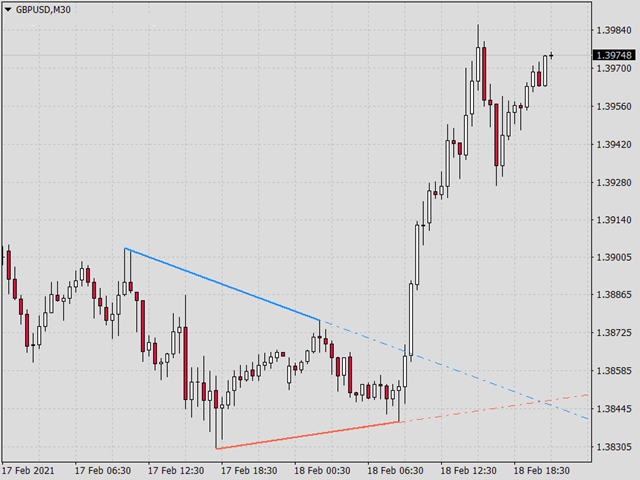
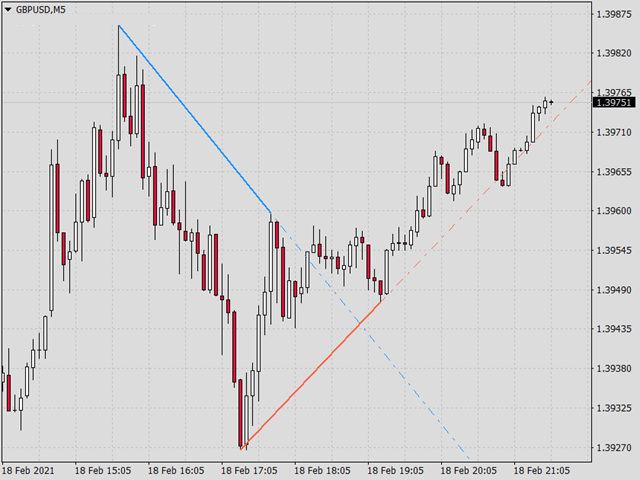
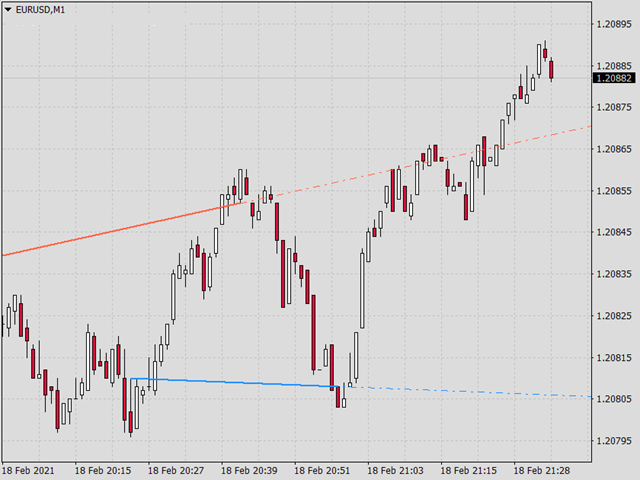
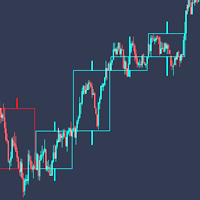
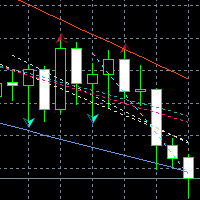
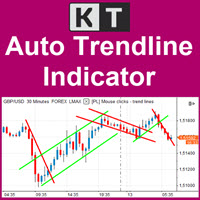
KT Auto Trendline은 최근 ZigZag 스윙 포인트를 바탕으로 상단과 하단 추세선을 자동으로 만들고 현재 차트의 미래 방향으로 두 선을 연장합니다. 같은 선을 반복해서 직접 그리지 않아도 형성 중인 돌파, 반응, 가격 방향 변화를 명확한 구조로 살펴볼 수 있습니다.
가까운 구조와 더 넓은 스윙을 함께 확인
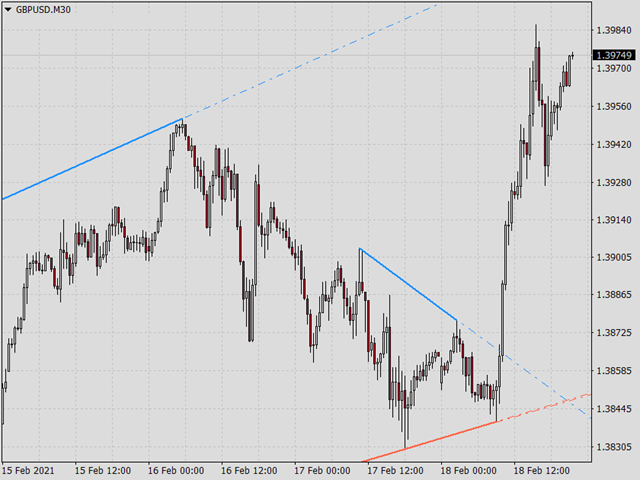
첫 번째 추세선 세트는 기본으로 활성화되며 반응성이 높은 ZigZag 설정을 사용합니다. 더 넓은 시야가 필요하면 두 번째 세트를 켜서 별도의 민감도를 가진 상단 및 하단 추세선 한 쌍을 추가할 수 있습니다. 한 차트에서 가까운 가격 구조와 더 큰 시장 스윙을 비교하기 좋습니다.
각 추세선 세트의 반응 방식 조절
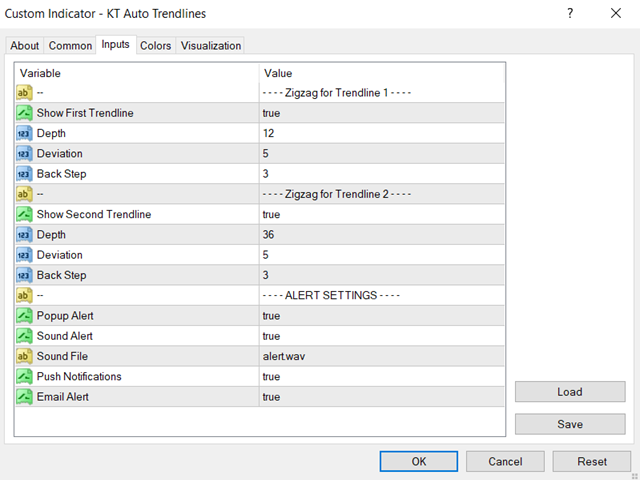
- Show First Trendline: 기본 상단 및 하단 연장 추세선을 표시하거나 숨깁니다.
- Depth, Deviation, Back Step: 첫 번째 ZigZag 세트가 스윙 포인트를 찾는 방식을 조절합니다.
- Show Second Trendline: 선택 가능한 두 번째 상단 및 하단 추세선 쌍을 추가하거나 제거합니다.
- 두 번째 세트 민감도: 더 넓거나 다른 스윙 관점을 위해 Depth, Deviation, Back Step 값을 별도로 설정합니다.
가격이 연장 추세선을 교차할 때 알림 수신
가격이 연장된 상단 추세선을 위로 교차하거나 하단 추세선을 아래로 교차할 때 알림을 받을 수 있습니다. 팝업, 선택 가능한 파일을 사용하는 소리, 이메일, 모바일 푸시 알림을 조합하여 차트 구조가 시험되는 순간을 빠르게 확인할 수 있습니다.
KT Auto Trendline을 거래 종목과 시간대에서 돌파를 모니터링하고 추세 지속과 잠재적인 가격 반응 구역을 분석하는 실용적인 차트 도구로 활용해 보세요.