Easy Timezone
- 지표
- 버전: 1.2
- 업데이트됨: 15 10월 2026

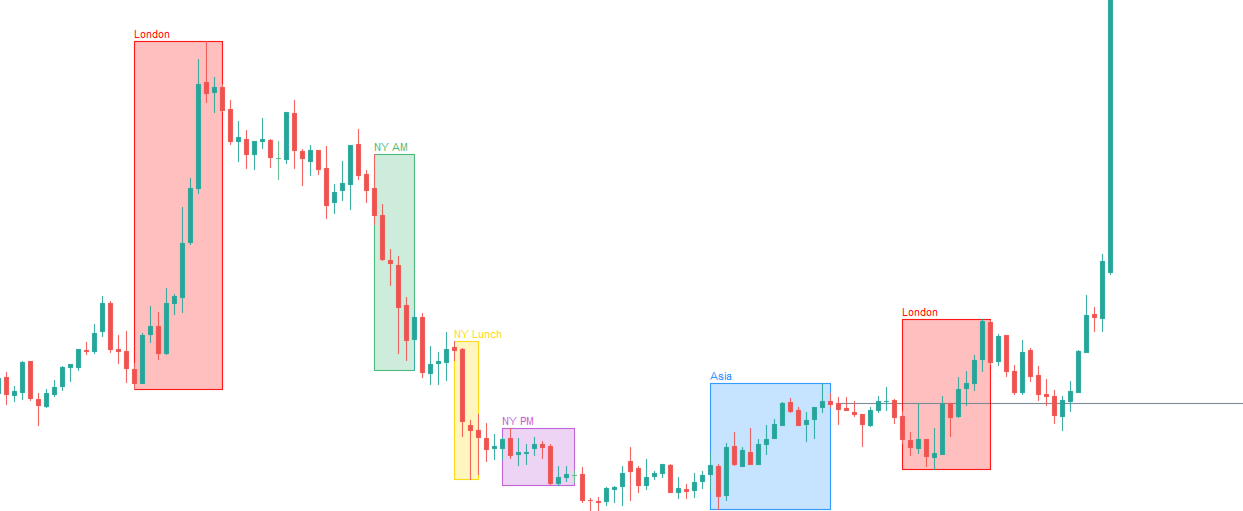
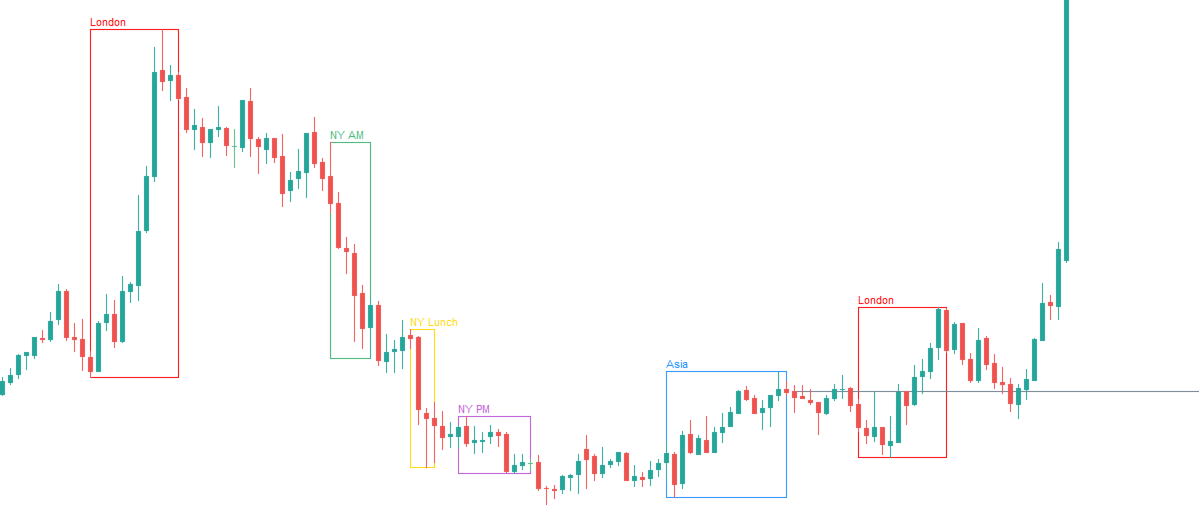
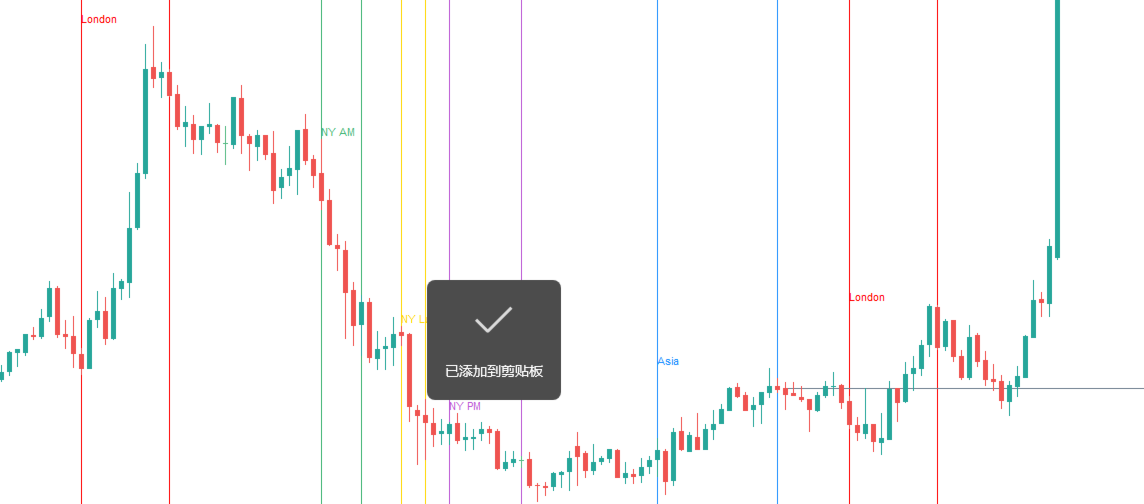
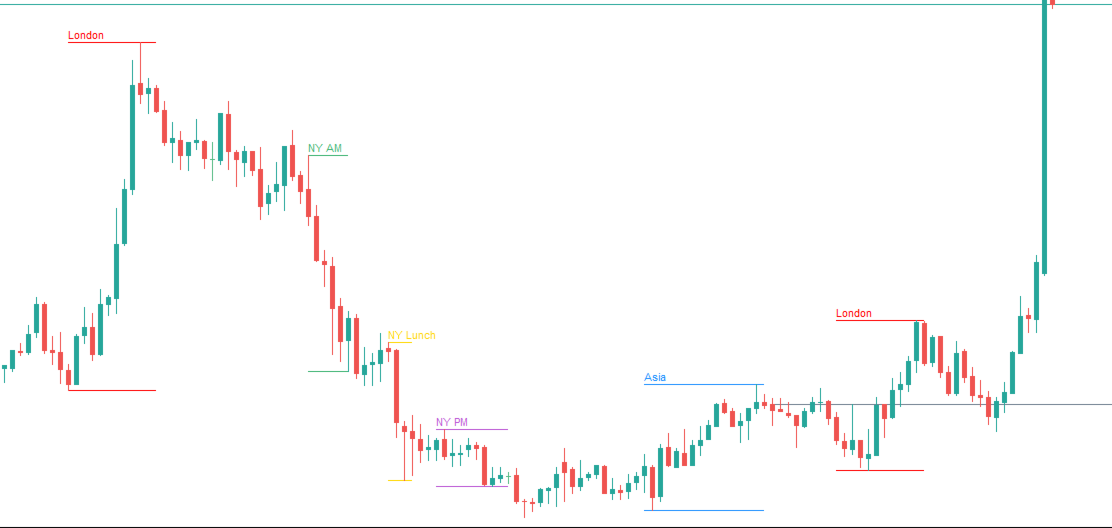
Easy Timezone draws trading time windows — ICT killzones, sessions, or any custom range — on your chart with automatic timezone conversion. Pick one of the three built-in presets (Forex, Indices, ICT Killzone) or define up to 8 windows of your own. Visual only — no signals and no trading.
What it does
MetaTrader charts always run on your broker's server clock, so "New York 9:30" is a different bar on every broker. Easy Timezone converts your times into server time for you: enter the hours once in the clock you think in (New York by default), and the boxes land on the same market moments on any broker or prop firm.
Mark up to 8 independent windows, each with its own on/off switch, color and label. Optional Midnight Open: a horizontal line from the New York 00:00 candle open, extended to the right — the ICT daily reference level (not the platform daily candle open).
Features
- Three built-in presets: Forex, Indices, ICT Killzone — or 8 fully custom windows
- Timezones: New York, London, Europe, Tokyo, UTC, UTC+8, Local, Server
- One-input setup: Broker GMT (default 2 = FTMO and most EET brokers)
- Draw modes: box, filled box, vertical lines, high/low
- Fill strength for filled boxes
- Cross-midnight ranges (e.g. 20:00–00:00)
- Midnight Open line (latest NY day only)
- Incremental redraw on new bars
Presets (New York time)
Forex (default)
- Asia — 20:00–00:00
- London — 02:00–05:00
- New York — 07:00–10:00
- London Close — 10:00–12:00
Indices
- Asian session — 20:00–00:00
- London Open — 02:00–05:00
- New York AM — 08:30–11:00
- New York PM — 13:00–16:00
ICT Killzone
- Asian Killzone — 19:00–21:00
- London Killzone — 02:00–05:00
- New York Killzone — 07:00–09:00
- London Close — 10:00–12:00
- New York PM — 13:00–16:00
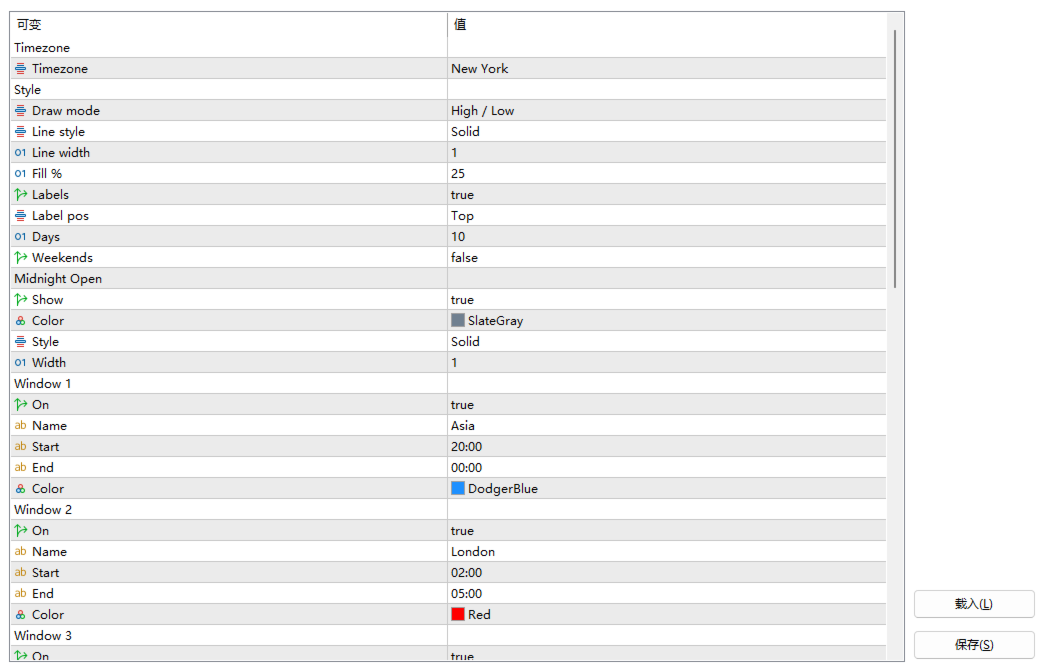
Presets fix the session names and time ranges; the Window On switch and Color apply to the sessions in order (Window 1 = first session), so you can tune each session without touching the times. Custom mode uses all Window fields.
How to use
- Attach Easy Timezone to any chart.
- Pick a Template: Forex / Indices / ICT Killzone / Custom.
- Set Timezone (presets expect New York) and Broker GMT (2 = FTMO).
- Toggle sessions and colors via Window On / Color; full editing in Custom mode.
- Choose Draw mode and line/fill style.
- Optional: enable Midnight Open; set Days for history depth.
Save your chart template or indicator defaults after setup.
Main inputs
- Template — Forex / Indices / ICT Killzone / Custom
- Timezone — clock for Start/End + Broker GMT (FTMO = 2)
- Style — Draw mode, Line style, Line width, Fill %, Labels, Label pos, Days, Weekends
- Midnight Open — Show, Color, Style, Width
- Window 1–8 — On, Color (all modes); Name, Start, End (Custom mode)
- Advanced — Prefix
Notes
- Does not place trades or generate entry signals.
- Broker GMT is the winter offset (FTMO = 2); +1 h applies during EU summer time. The same value is used live and in the Strategy Tester.
- Object fill has no true alpha; color is blended with the chart background.
- Works on any symbol; M1–H1 recommended for killzones.
Version 1.1 — Forex / Indices / ICT Killzone presets, simplified one-input setup.