Institutional Exec Suite
- 유틸리티
- 버전: 3.40

InstitutionalExec Suite — Expert Advisor for MetaTrader 5
InstitutionalExec Suite is an Expert Advisor designed to split and distribute order execution into parts, with the aim of obtaining an average entry price instead of executing the total volume at a single moment.
Available execution modes
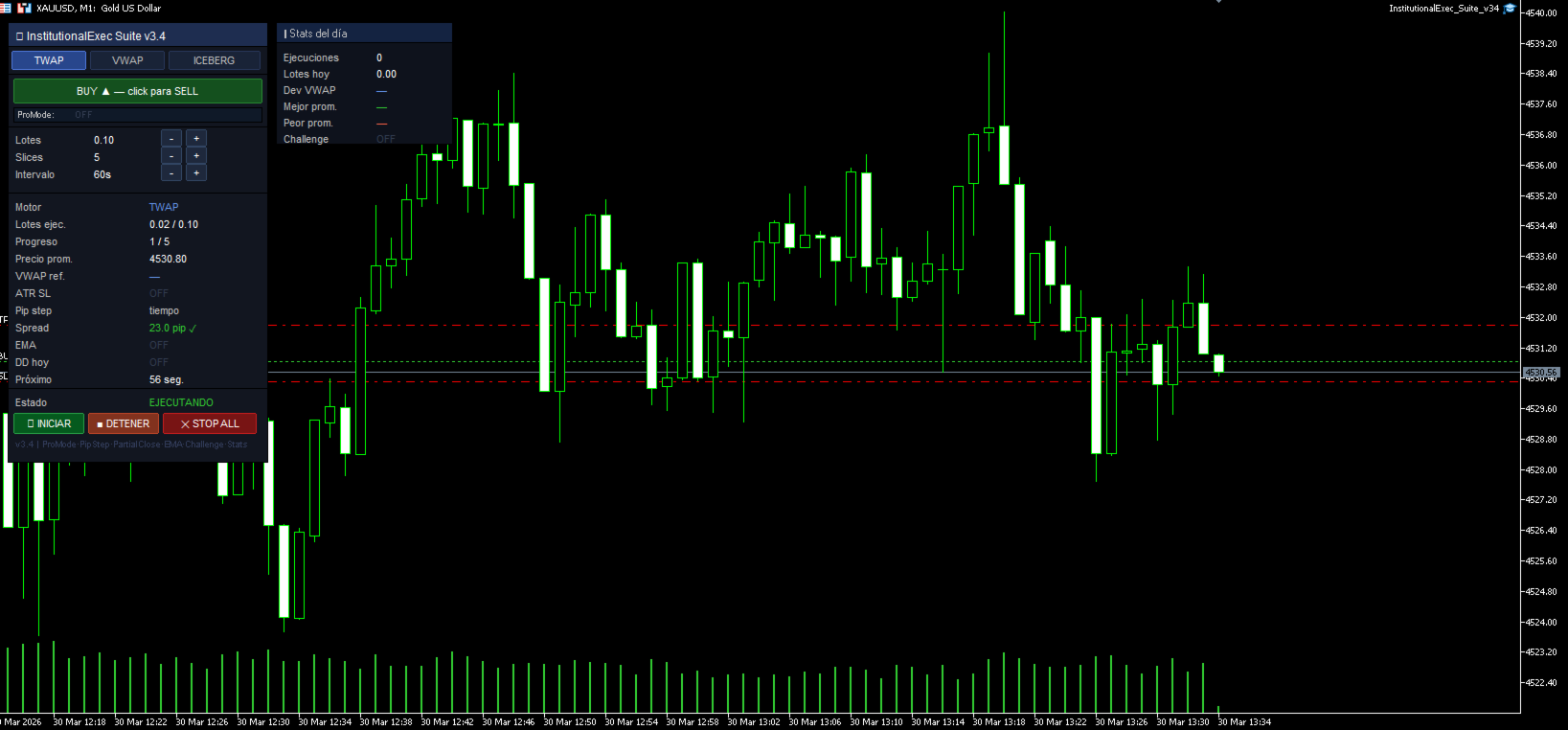
Time-based TWAP. Divides the total order into equal parts and executes them at fixed time intervals configured by the user.
Price movement TWAP. Executes each part when the price moves a defined number of pips, instead of waiting for a time interval.
VWAP. Distributes execution in proportion to the trading activity observed in each interval. Intervals with higher activity receive a larger portion of the total order. At the end it shows the deviation from the session's average weighted price.
Iceberg. Sends a fraction of the total configured volume to the market. When that fraction is completed, it automatically sends the next one. The size of each part can vary within a configurable range.
Partial close. Allows exiting the position in parts, in the same way it was entered.
Integrated risk mode
When this option is enabled, the EA automatically calculates the size of each part based on the risk percentage over the balance and the current market volatility. It also manages the stop loss level, break-even point and trailing stop automatically, without the need for manual calculations.
Challenge mode
Allows configuring daily and total loss limits compatible with the evaluation conditions of funded trading firms. When the configured limit is reached, the EA stops execution and closes open positions automatically. Available profiles are FTMO, MyForexFunds and True Forex Funds.
Available filters
Session filter: London, New York, Asia, overlap or all. Trend filter: blocks executions against the direction of a configurable moving average. Spread filter: does not execute when the spread exceeds the defined threshold. Weekend block: disables execution during market closure.
Control panel
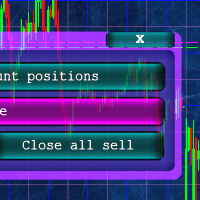
The EA includes a panel within the chart from which the execution mode can be selected, volume and intervals modified, execution started or stopped, and all open positions closed with a single button. The panel also displays a summary of the day's executions.
Main parameters
InpMode (execution mode: time TWAP, pip TWAP, VWAP, Iceberg), InpTotalLots (total volume to execute), InpSlices (number of parts), InpInterval (interval between parts in seconds), InpPipStep (pip distance for movement TWAP), InpIcebergVisible (visible percentage in Iceberg mode), InpProMode (enable integrated risk mode), InpProRiskPct (risk percentage per trade), InpChallengeMode (funded firm profile), InpDailyDD (daily loss limit), InpNoWeekend (weekend block), InpSessionFilter (session filter), InpSpreadMax (maximum allowed spread).
Important note
This EA is an execution tool. It does not generate signals or decide when to trade. The user defines the direction and volume, and the EA distributes the execution according to the selected configuration.