
Quantum Edge Basic
- Experts
- Alessandro De Cristofaro
- 버전: 2.0
- 업데이트됨: 25 5월 2025
Quantum Edge is a structured and reliable Expert Advisor specifically designed for the EURCAD currency pair on the M30 timeframe.
This EA is developed to operate within defined market conditions and integrates key technical mechanisms for trade management and execution.
The system monitors the market in real time, applying internal checks on spread and margin before executing trades. All orders are managed with predefined Stop Loss and Take Profit levels, and additional protections such as Trailing Stop and order retry mechanisms help maintain operational stability. Quantum Edge does not use martingale or grid strategies.
The EA includes an internal control panel on the chart, providing essential operational data such as current spread and EA status. Configuration has been simplified: the EA is fully functional with default settings, and the only parameter typically adjusted by the user is lot size.
Quantum Edge is fully compatible with MetaTrader 4 and supports brokers with ECN execution models, automatically adapting its logic where necessary.
For any doubt or question please send me a Private Message.
Setup-
Symbol: EURCAD
-
Timeframe: M30
-
Lot Size: Fixed lot configuration (default: 0.01; adjustable up to 0.1)
-
Inputs: Pre-configured for immediate use (customizable if needed)
Parameters
Quantum Edge includes a minimal and clean input set, designed for ease of use:
-
Lot Size – Defines the fixed lot used in each trade (default: 0.01)
-
Maximum Spread – Sets the maximum spread allowed to open a trade
-
Trailing Stop – Enables or disables trailing stop functionality
-
Slippage – Controls the maximum allowable slippage for order execution
-
Other internal parameters are optimized for stability and require no adjustment under normal conditions
All parameters are fully customizable to suit your preferences or testing needs.
-
Attach the EA to the EURCAD chart on the M30 timeframe in MetaTrader 4
-
Keep AutoTrading enabled
-
Use the default settings to start, or adjust inputs based on your requirements
-
Make sure trading is allowed on your broker account and symbol
-
(Optional) Backtest the EA before going live to understand how it operates under different conditions
Once attached, Quantum Edge will begin monitoring the market and executing trades according to its internal logic, within the defined conditions.
Core Features
Margin Management
-
Margin Availability Checks: Performs internal checks to ensure sufficient margin before placing orders, helping to reduce the likelihood of overexposure
-
Low Drawdown: Always check for market risky situation to avoid large losses
Order Execution & Protection
-
Maximum Spread Filter: The EA allows you to define a maximum spread level. If the market spread exceeds this value, no new trades will be opened
-
Retry Mechanism: Includes built-in handling to retry order operations (open, modify, close) in case of temporary connection issues or broker execution delays
-
ECN Broker Adaptation: Automatically adjusts order placement logic for compatibility with ECN brokers, including delayed setting of Stop Loss and Take Profit levels when required
Operational Controls
-
Trailing Stop Functionality: use a trailing stop to follow favorable price movements
-
Continuous Monitoring: Regular assessment of market conditions and active positions to maintain operational consistency
-
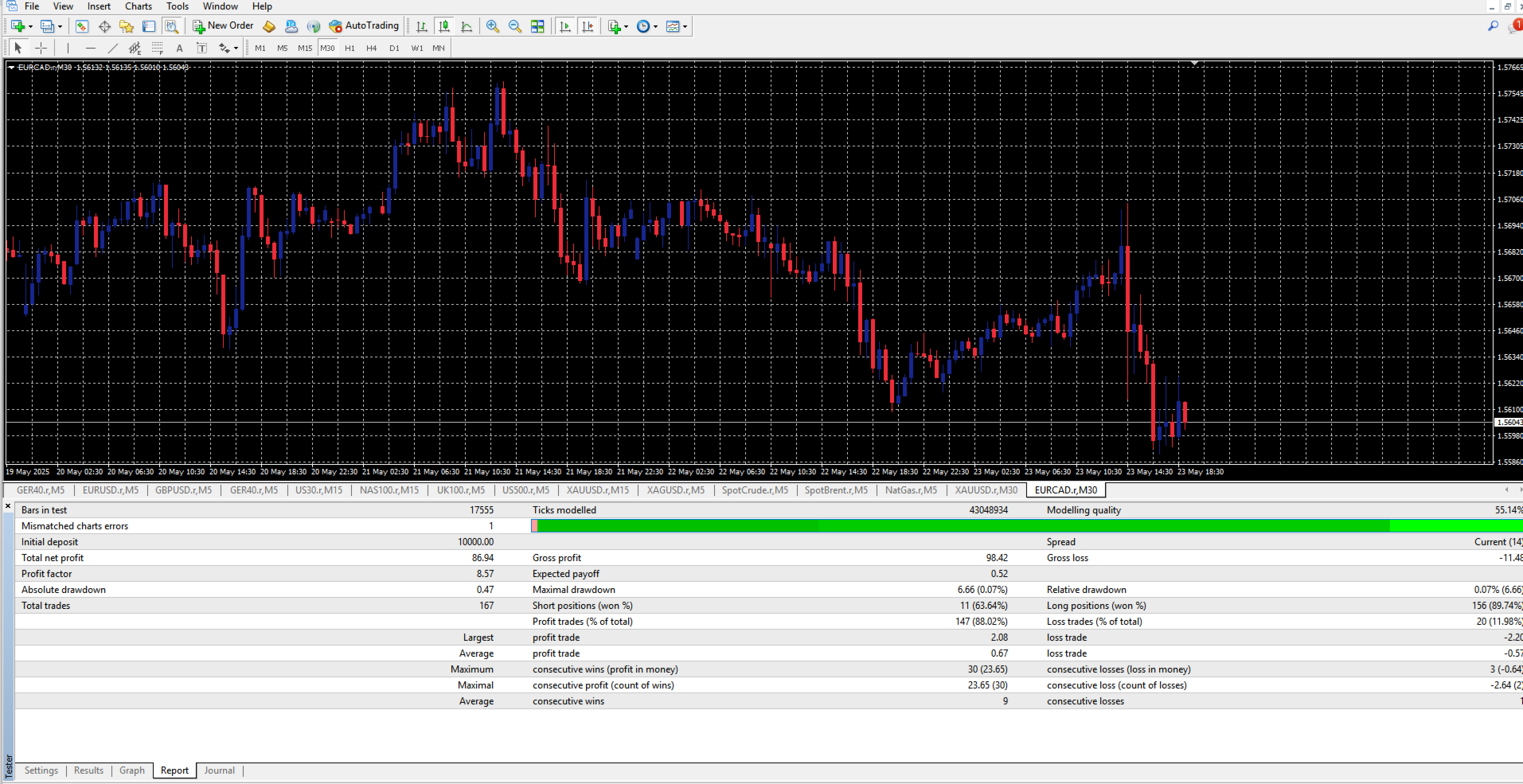
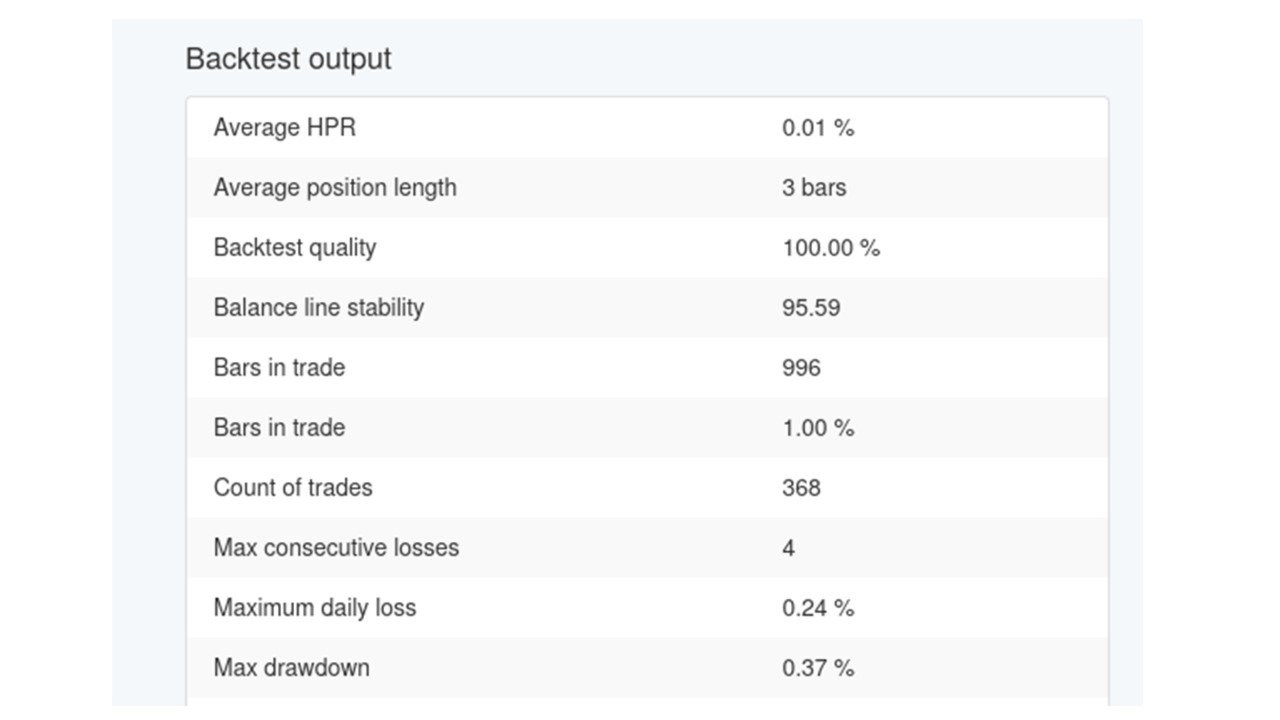
Backtesting Ready: Fully compatible with MetaTrader 4 strategy tester
-
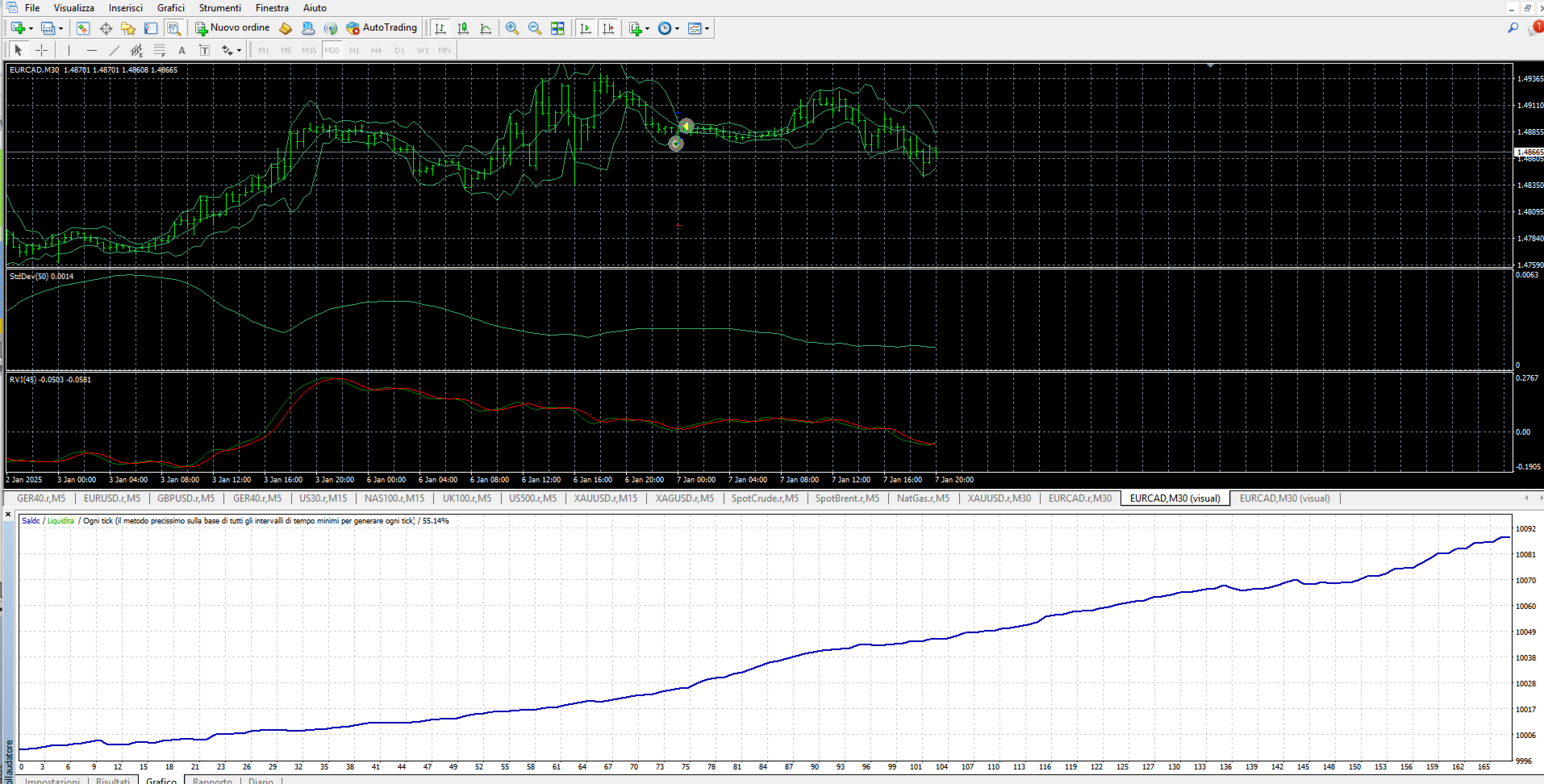
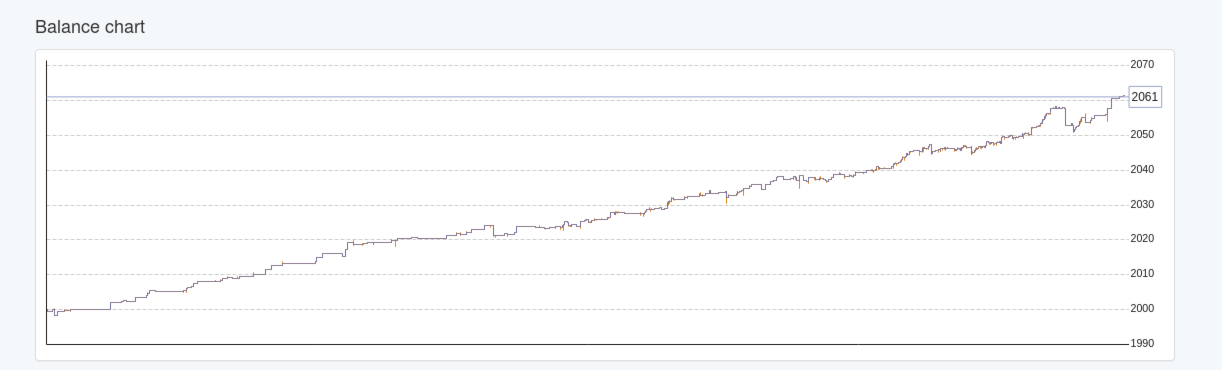
Tested with Monte Carlo and Walk Forward Analysis for structural robustness (results not presented as trading performance)
Quantum Edge is intended for users looking for a technically structured and adaptable trading tool with built-in safety features and clear operational logic.












































Sadly no.
VERY few trades.
1 in a week... and a loss.