Universal Risk Manager Panel
- ユーティリティ
- バージョン: 1.0
- アクティベーション: 5

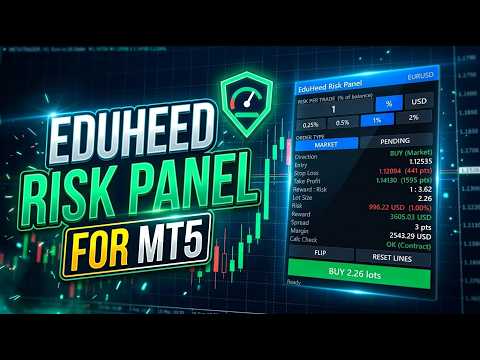
Universal Risk Manager Panel calculates the correct lot size for any symbol, any broker and any account size, so you risk exactly what you planned on every trade.
Many brokers report incorrect tick values on symbols like gold, indices and crypto. This causes wrong lot sizes and accidental over-risking. This panel calculates lot size from the symbol's contract size and tick size, so the result stays correct even when the broker's tick value is wrong.
Main features
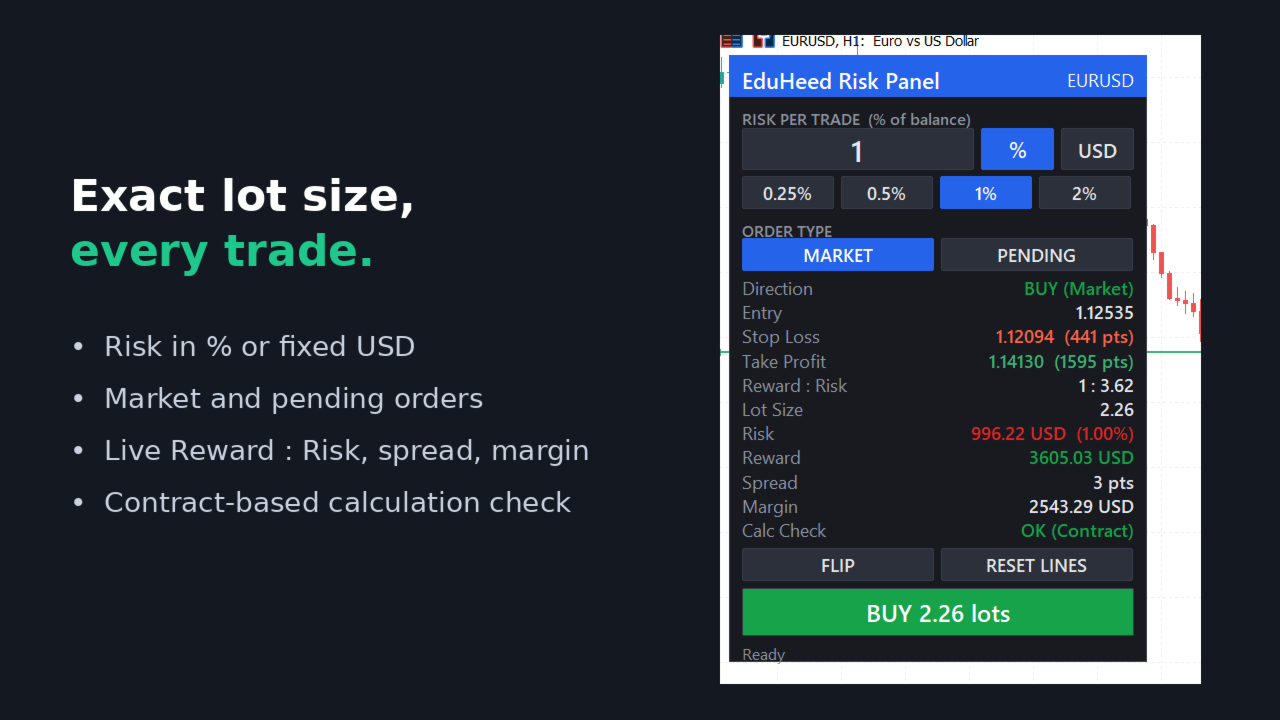
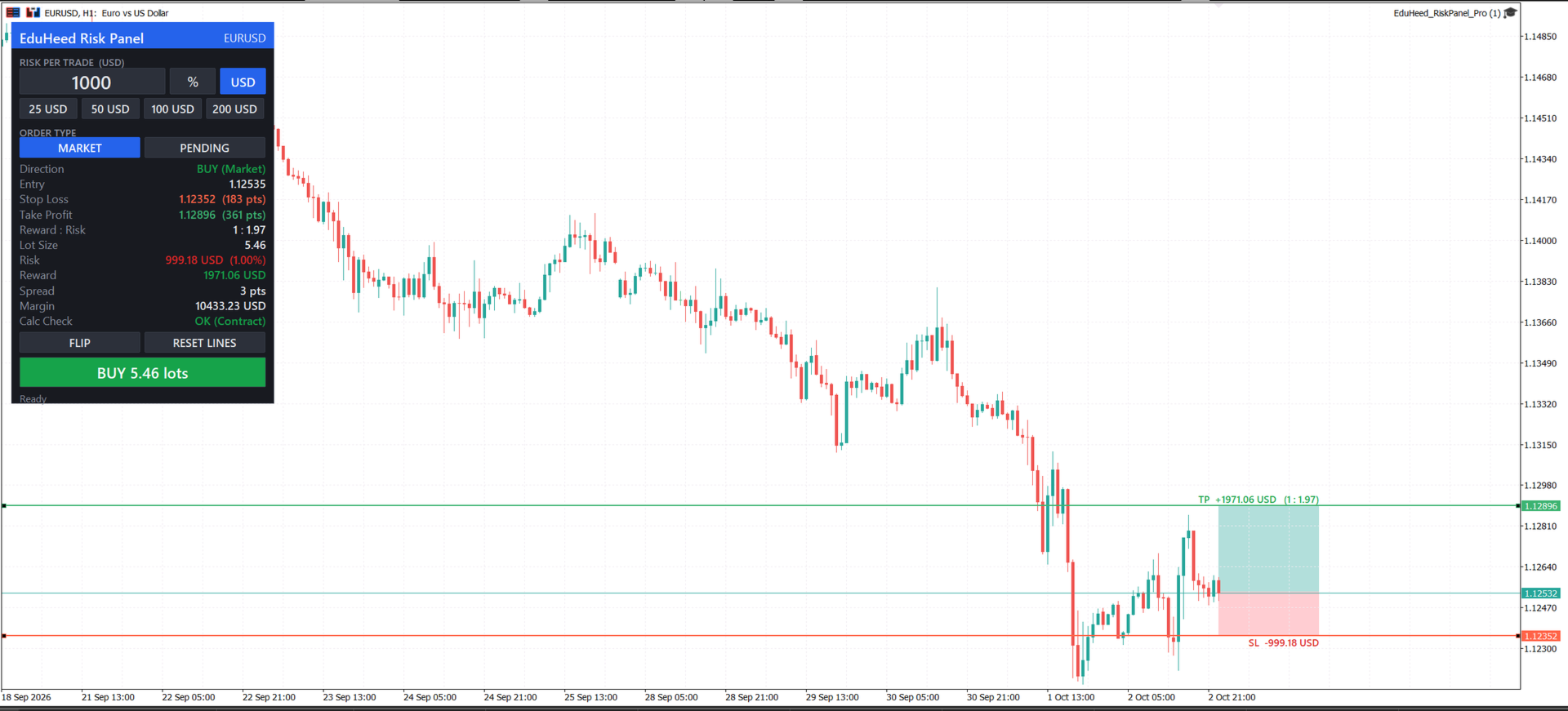
- Automatic lot size calculation from risk percentage or fixed money amount
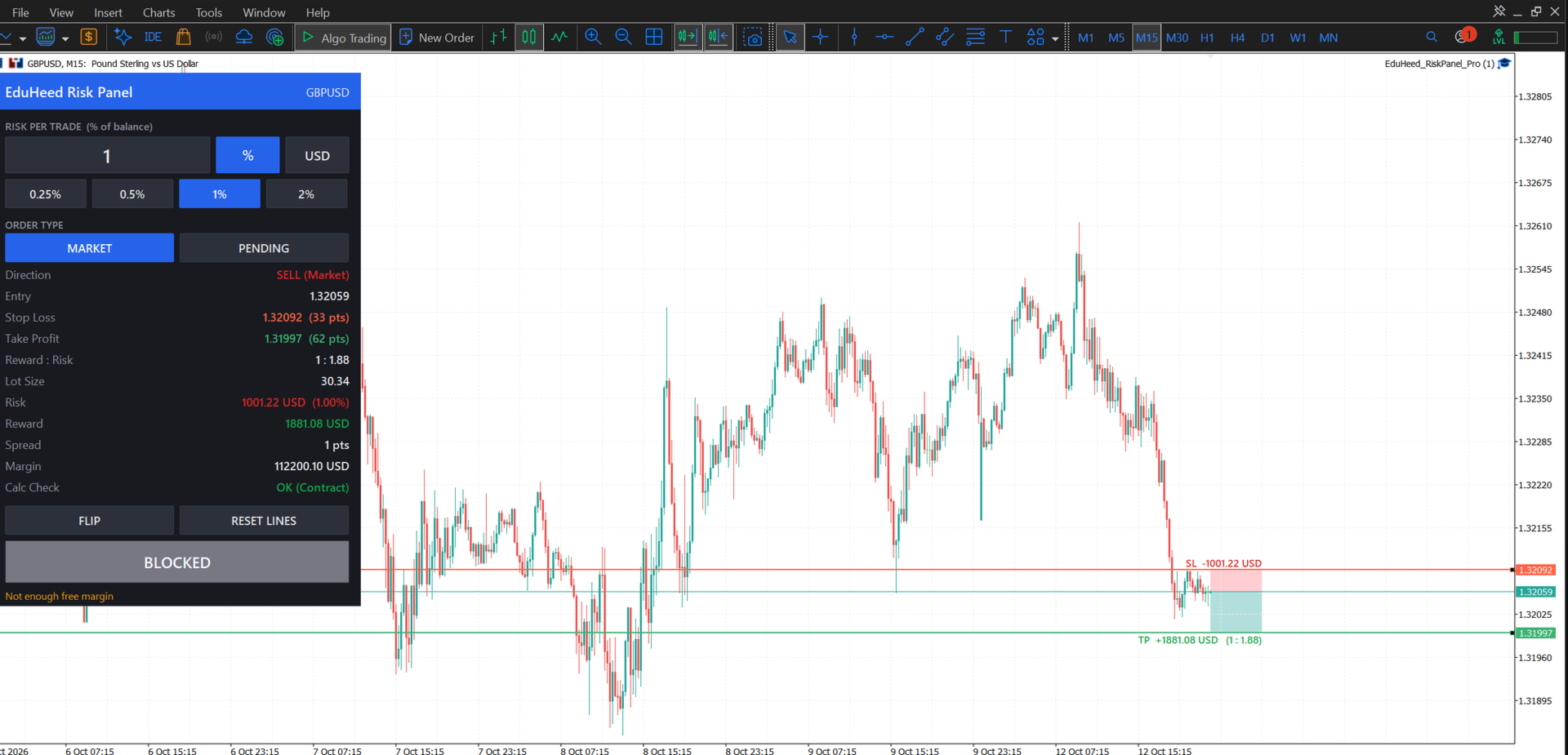
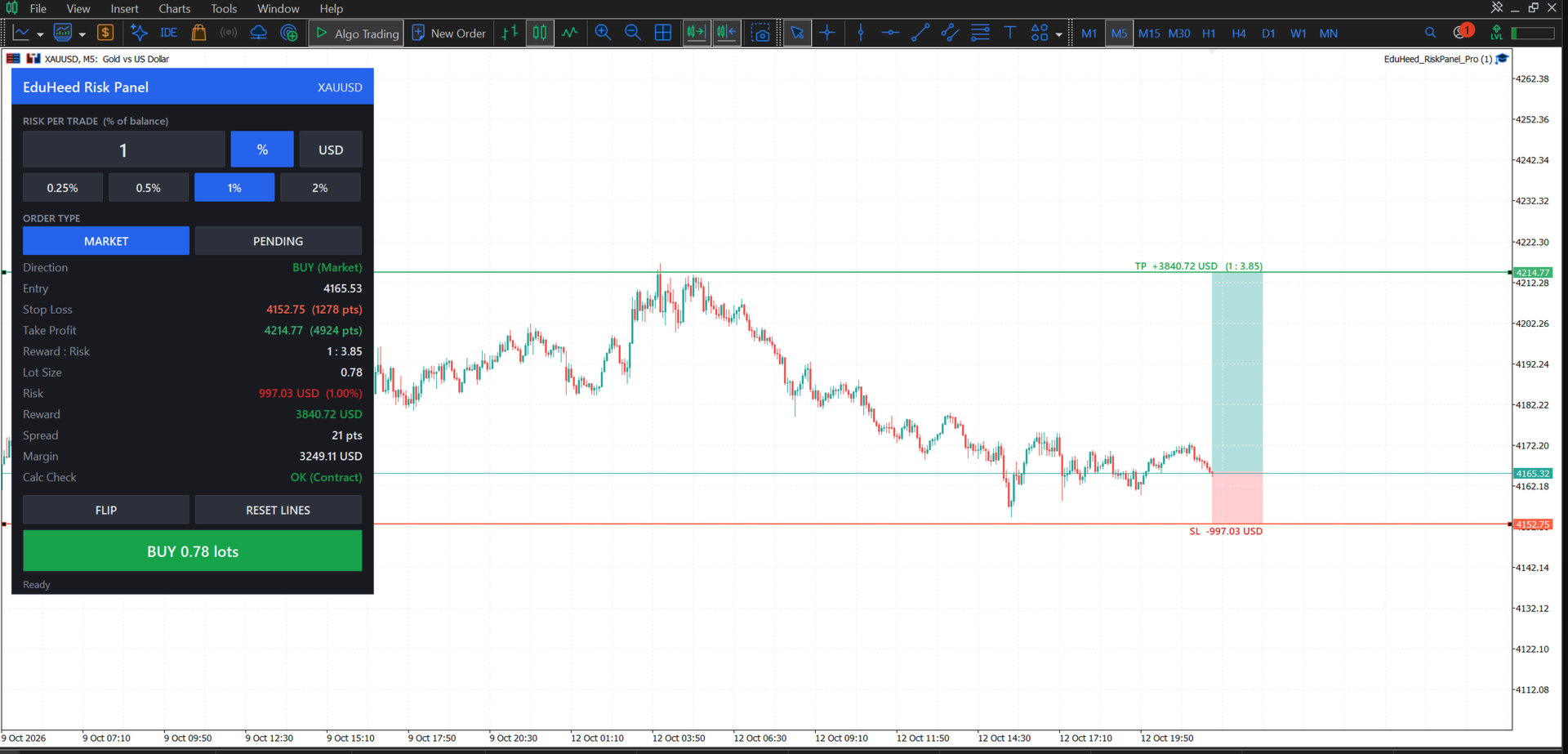
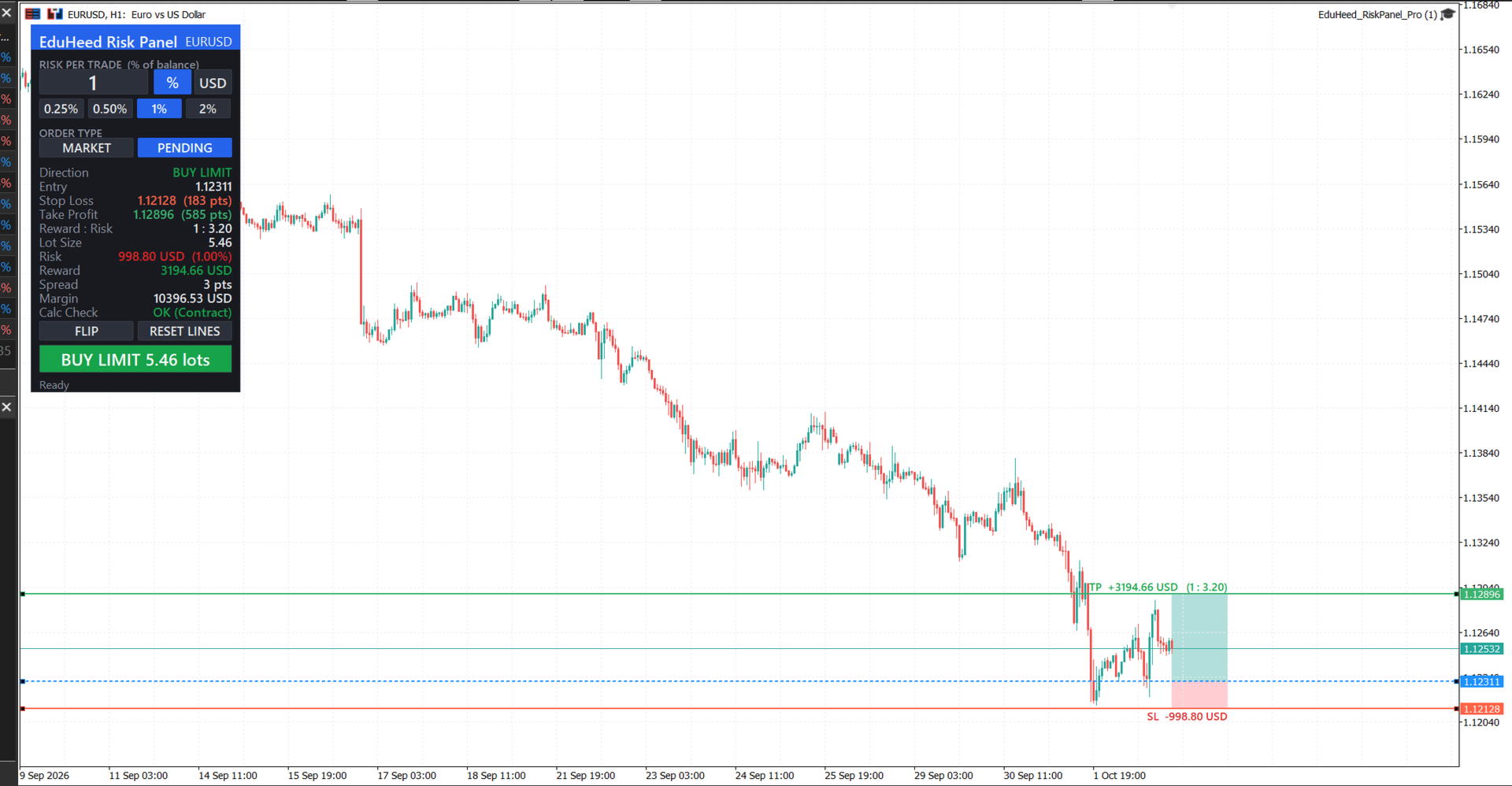
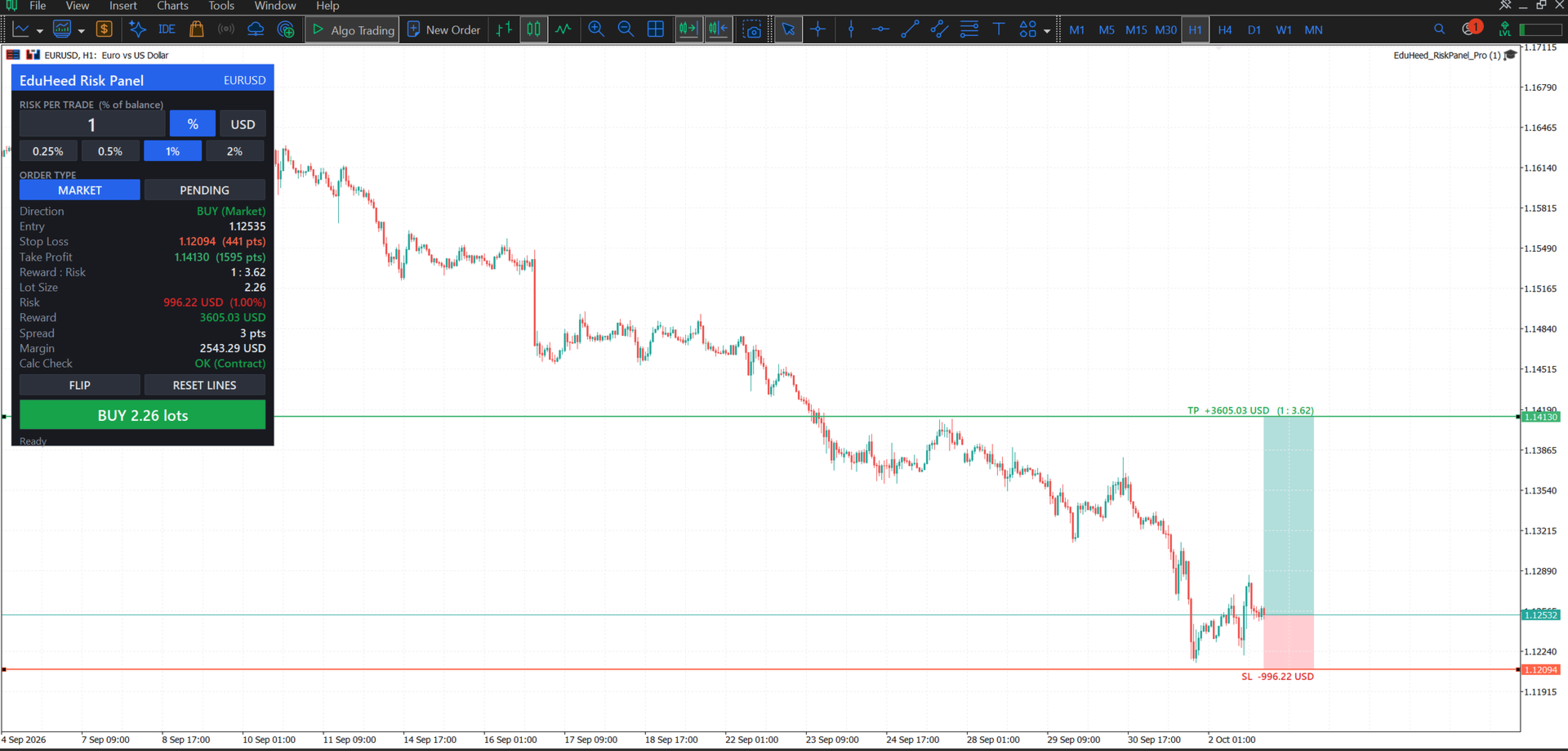
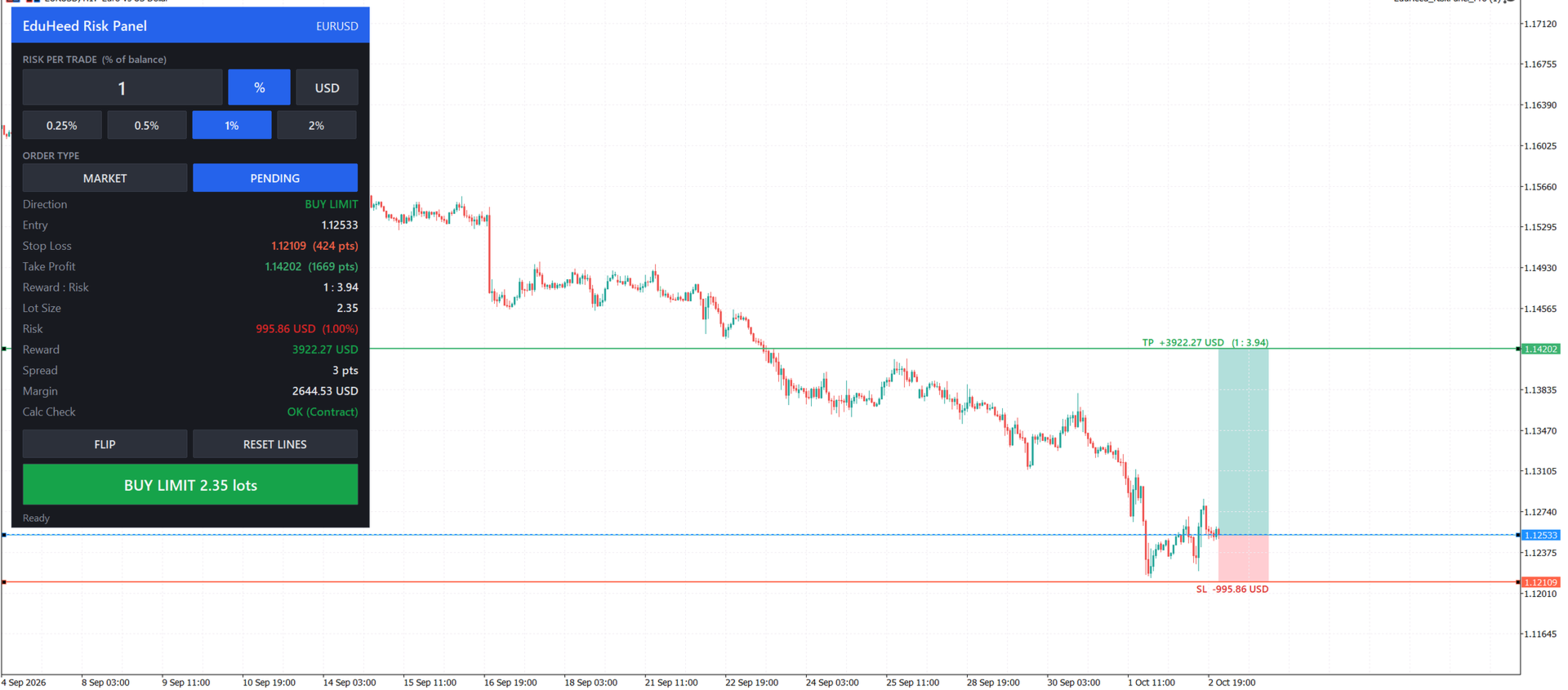
- Draggable Stop Loss and Take Profit lines directly on the chart
- Live display of risk in money, risk in percent and Risk:Reward ratio
- One-click Buy and Sell buttons
- Optional commission included in the risk calculation
- Works on forex, gold, silver, indices and crypto symbols
- Respects the broker's minimum lot, maximum lot and lot step
- Clean, compact panel that does not cover your chart
- Market and pending orders (Buy/Sell Limit and Stop detected automatically from line position)
- Quick risk presets: 0.25%, 0.5%, 1%, 2% (or fixed USD presets)
- FLIP button to reverse the setup from buy to sell instantly
- RESET LINES button to place SL/TP back around current price
- Live spread and required margin display
- Calc Check: verifies the lot calculation against the symbol's contract specification
- Order confirmation dialog before every trade
Who is it for
- Traders on funded / evaluation accounts with strict daily and maximum loss limits
- Manual traders who want consistent position sizing
- Anyone trading multiple symbols with different contract specifications
How to use
- Attach the panel to any chart.
- Choose risk mode: percent of balance or fixed money.
- Drag the SL line to your stop level, and the TP line to your target.
- The panel shows the calculated lot size and Risk:Reward.
- Click Buy or Sell to place the order with SL and TP attached.
Input parameters
- Risk Mode – Percent of balance or fixed money amount
- Risk Value – Risk per trade (for example 0.5 = 0.5%)
- Include Commission – Add round-turn commission to the risk calculation
- Commission Per Lot – Commission amount per 1.0 lot
- Magic Number – Identifier for orders placed by the panel
- Panel Position – Corner of the chart where the panel appears
Note: This is a trade management tool, not a trading strategy. It does not open trades on its own and does not guarantee profits. Always test on a demo account first.