Atilla LT
- Experts
- Versione: 1.2
- Attivazioni: 5

Bot Atilla LT. In this work, the classical and generally accepted methods for managing scalping Expert Advisor orders are discarded. You
will not find in Atilla LT a thoughtless martingale that will average transactions to unconsciousness until it loses your deposit
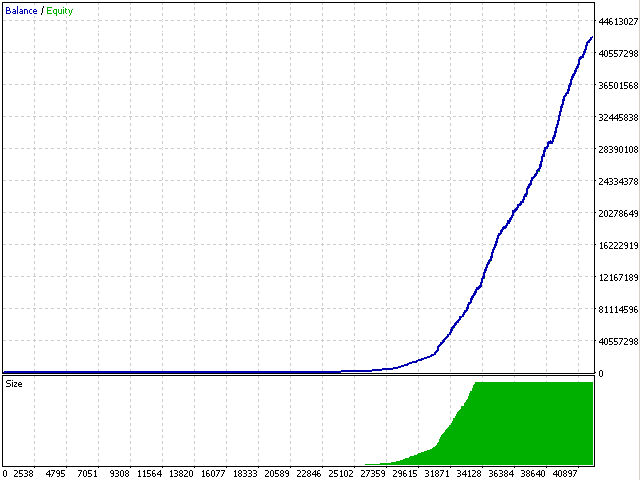
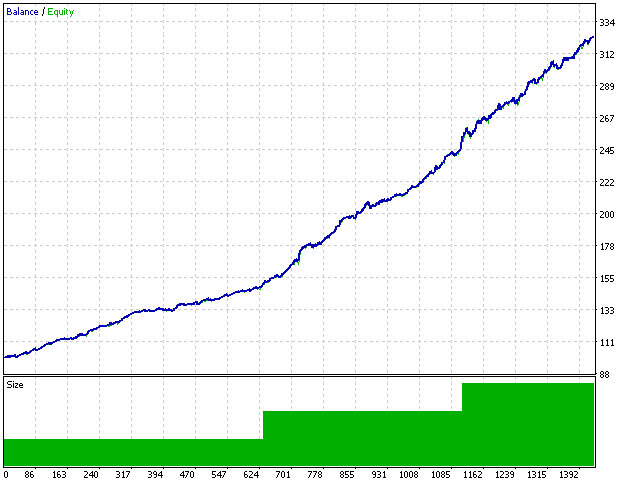
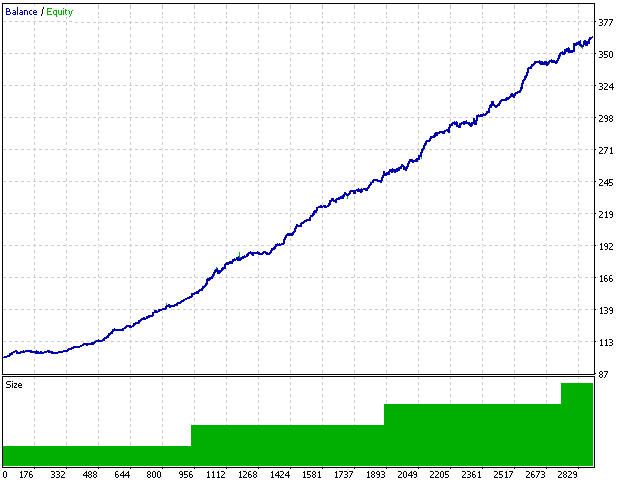
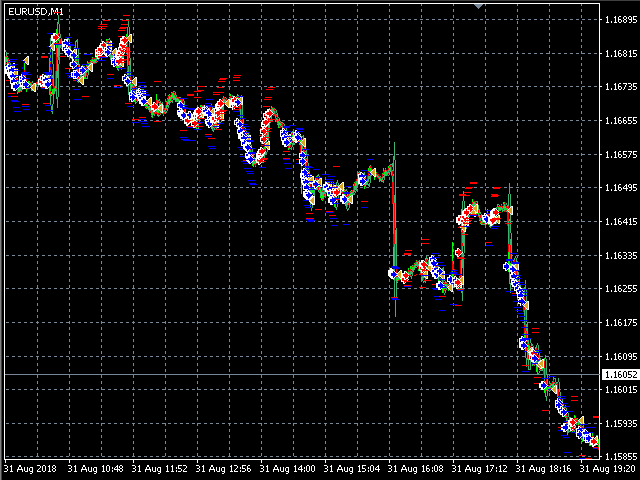
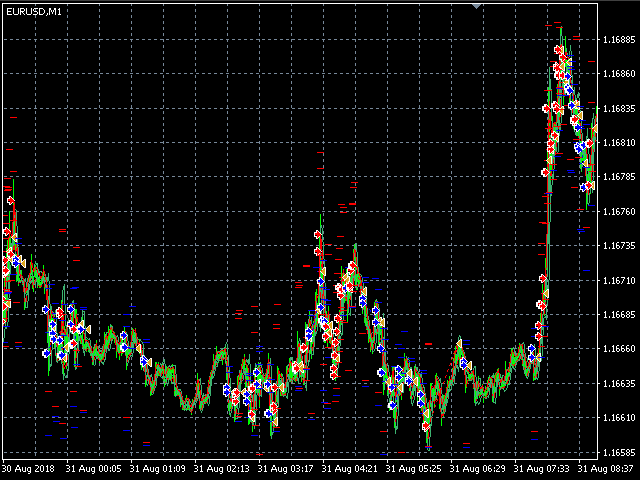
(it’s familiar, really?). It uses hard (fixed!) Stop orders and you can clearly see their work on the test chart, there is no increase in
the lot after a losing deal - it always remains unchanged. And most importantly - a unique insurance formula for each order!
Advisor, embodied the best trading algorithms from scalping and pipsing: filtering transactions using the Gunn and Elder methods from various
time intervals when trading price impulse patterns from 5 minute charting tools.
This robot makes a lot of transactions every month and filters out each of them with the help of powerful analytical tools, however, it is
impossible to open so many transactions a year and still not get a single loss-making day. If you do not agree with this, do not buy this
adviser in any case.
It is recommended to work on liquid forex pairs with a low spread. The lower the commission and spread, the greater the profit. You can start
using it with $ 100 and a lot of 0.01. A small initial deposit also contributes to the low-risk bot tests. The more delays your broker has in
total with the Internet channel, the greater you need to set a stop loss, take profit and trailing stop so that the server can process them
at the right price and the lower the trading frequency. The MaxSpread parameter plays a key role. It should be noted here, if during
optimization and testing you use a spread, for example 10 pips (or 1 point), then this is the way to set this parameter so that the expert
can not enter the market with other spread indicators. As a result, there will be a significantly smaller number of inputs than during
testing (since a really small spread is not common). Existing positions will be quite accurate and as much as possible correspond to the
tester. This is the main difference between the tester's indicators and the real operating mode (it is advisable to use a floating
spread account). If there is a commission on the account, it is necessary to set the Commission parameter so that it is taken into account
during optimization and operation. You need to pick it up by recounting the commission for pips and set the indicator in pips as an
addition to the spread.
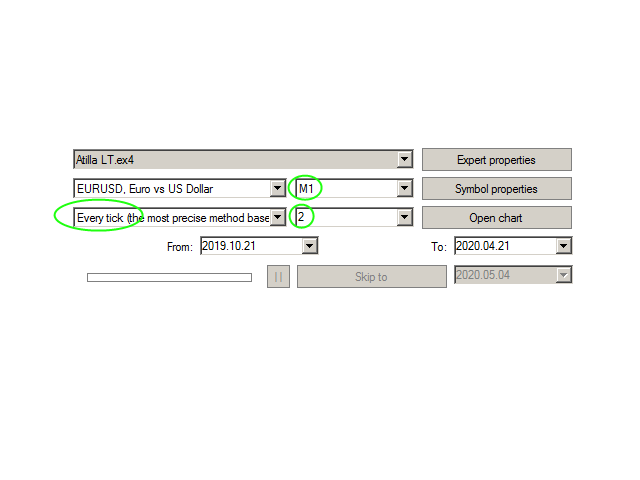
The expert system goes through the whole history and all currency pairs with one single setting. Works using sharp ticks. It can be launched
on any hourly period, any currency pair, and on the server of any broker. What makes the expert attractive enough to use for trading.
Settings:
- Magic - an ordinary parameter, a magic number.
- Risk - calculates the lot depending on the deposit.
- Lot - sets the lot size for entering the market (priority is higher than that of the Risk field).
- LotDigits - sets the rounding of the lot.
- MaxSpread - the maximum allowable spread with which the EA will allow you to open a position.
- Commission - an important parameter (like the spread) for those accounts in which the commission is used.
- TakeProfit - take profit in pips.
- StopLoss - stop loss in pips.
- TrailingStart - after how many pips a trailing stop will turn on.
- MinStopsLevel - Minimum StopsLevel freeze forced.
- MinFreezeLevel - Minimum FreezeLevel freeze forced.
- VolatilityMultiplier - the parameter allows you to place an order only if the volatility is higher than this relative parameter (the higher the parameter, the more active price movements will be necessary to enter the market).
- VolatilityPercentageLimit - indicates that the order will be placed if the ratio of real volatility to the selected VolatilityMultiplier parameter is greater than the specified value in percent.