MelloDesk Trade Panel
- Utilità
-
Ritthanong Chimpa
 Algorithmic trading focused on survival, not speed.
AURORA PRIME is not designed for fast profit.
It is designed for survival, stability, and long-term capital preservation.
This system was built under the philosophy that:
“Staying alive in the market is already a win.” - Versione: 1.0
- Attivazioni: 10
MelloDesk Trade Panel is a manual trading panel for MetaTrader 5 that puts risk control first. Every order is sized from your stop distance, every new order is checked against your daily loss and open-risk limits, and open positions are managed with a partial close and breakeven at a fixed R multiple.
How it works
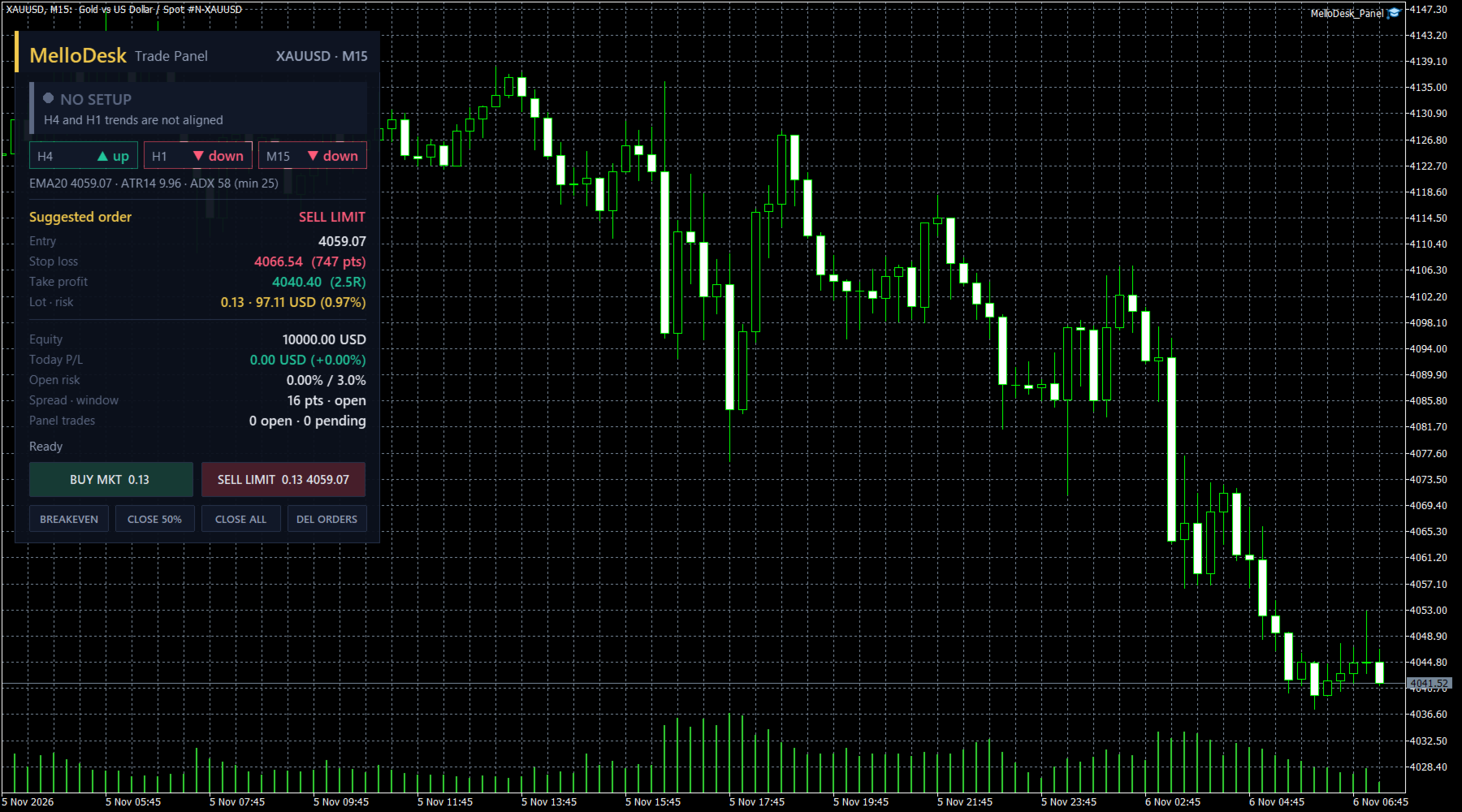
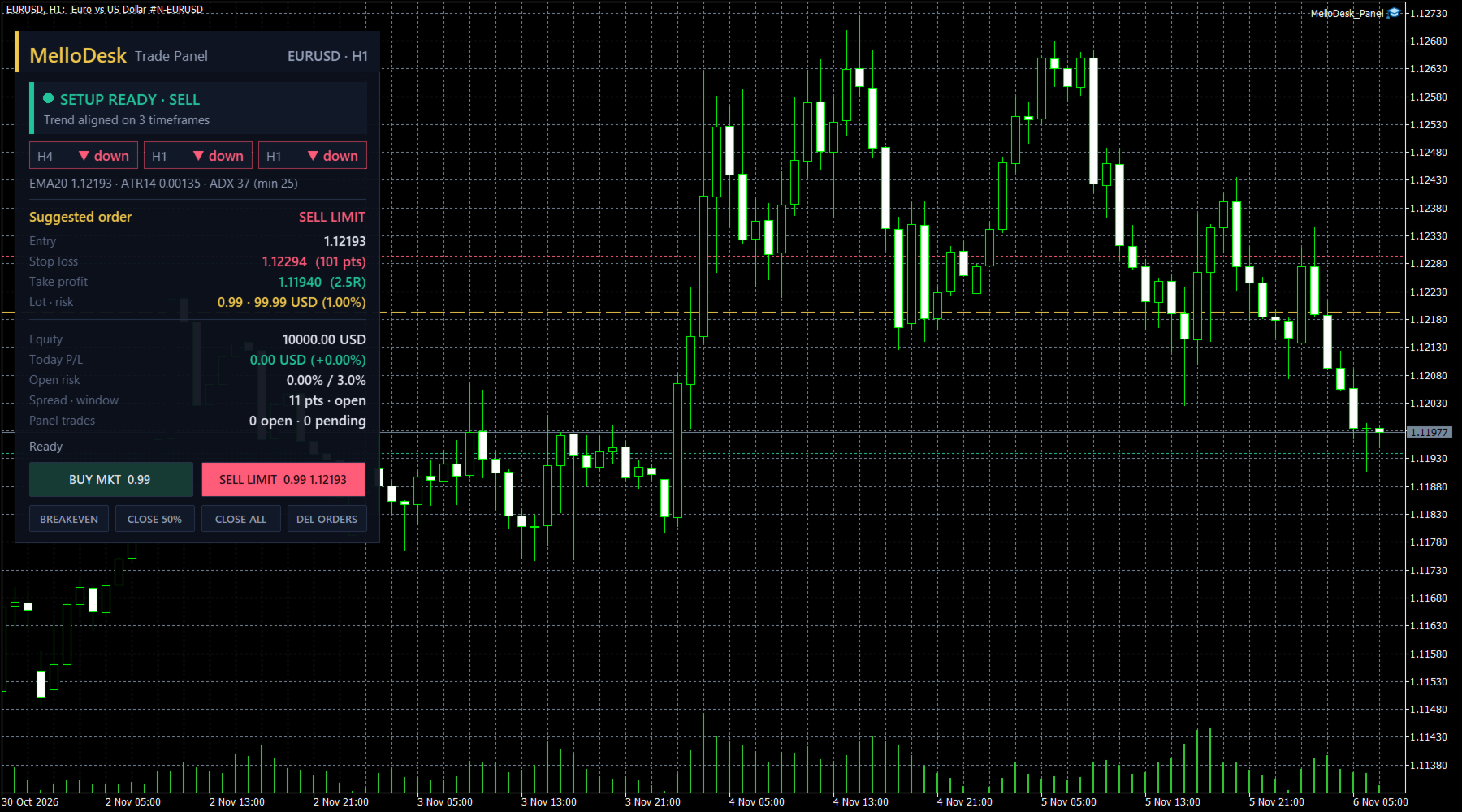
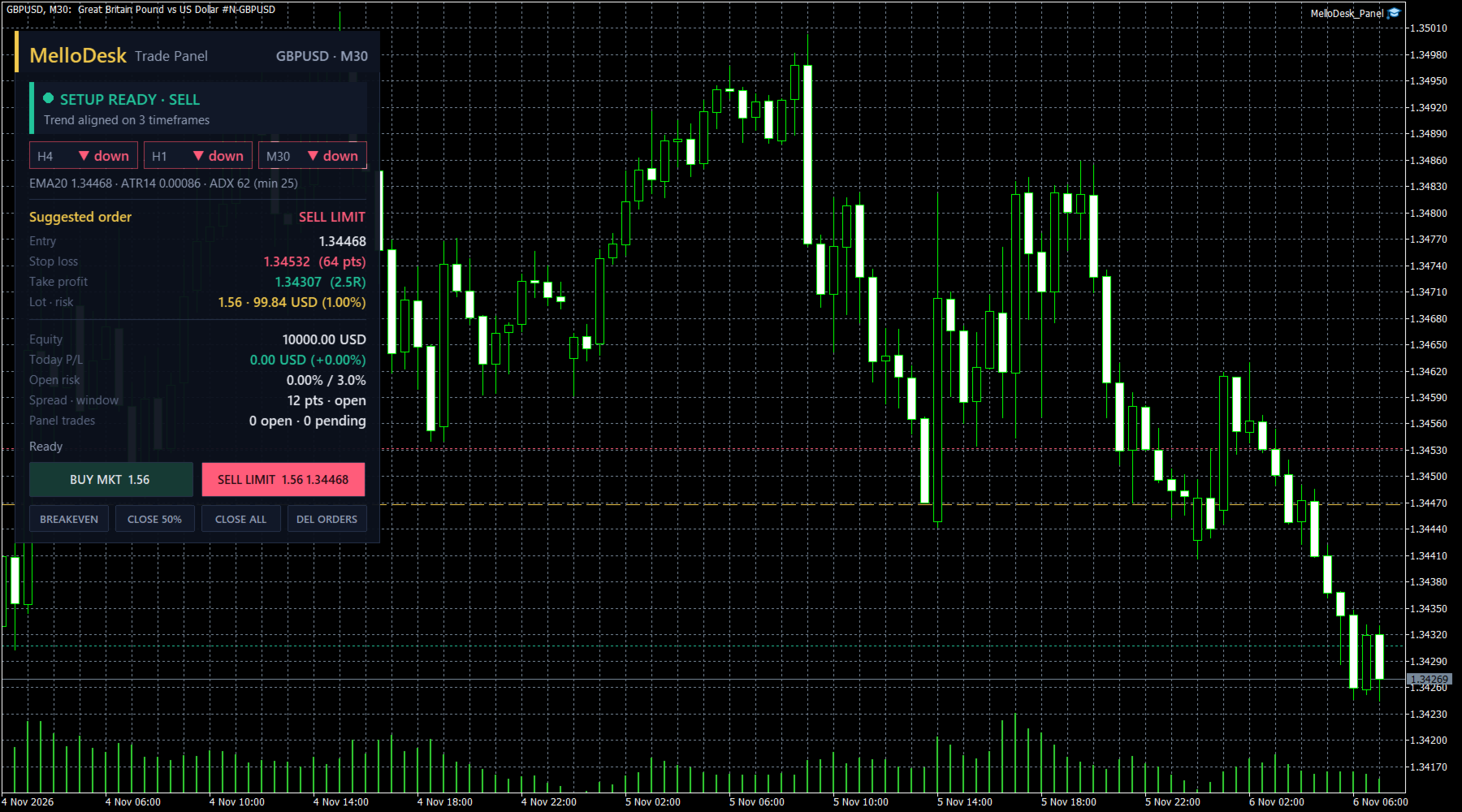
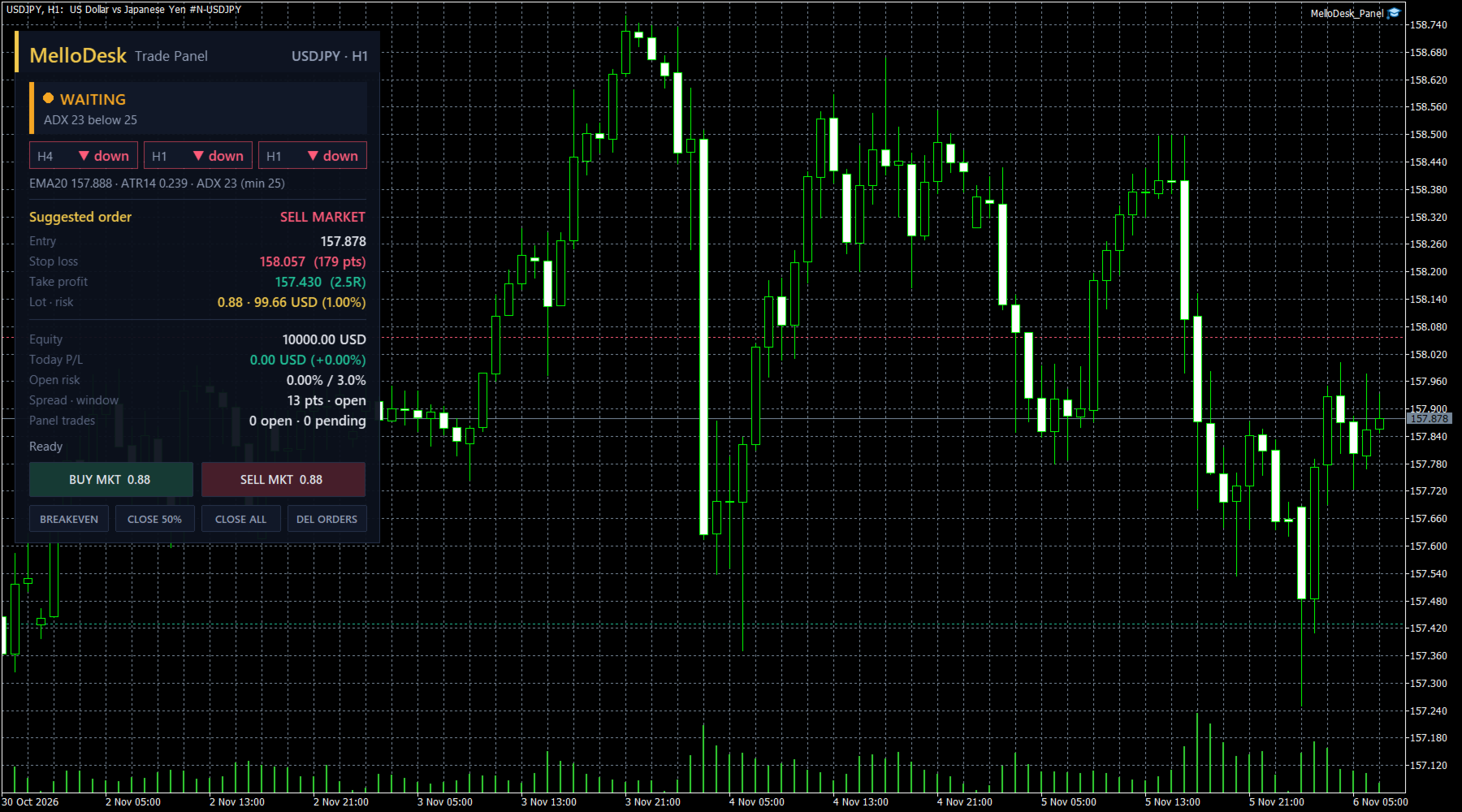
- Pick a chart (M15 or H1 is a good start). The panel reads the trend on two higher timeframes (H1 and H4 by default) and on the chart timeframe using a 20-period EMA and its slope.
- When all three agree and ADX(14) is above your minimum, the status turns green: SETUP READY.
- The suggested order is a limit at the EMA in the trend direction (or a market order if price is already there), with the stop at a multiple of ATR(14) and the target at a multiple of R.
- You decide. Press BUY or SELL and the panel places the order with the calculated lot, stop and target.
Position sizing
- Risk per trade as a percent of equity, a fixed money amount, or a fixed lot
- Lot is calculated from the real stop distance with the symbol's tick value, then checked against the minimum, maximum and step volume, the symbol volume limit and your free margin
- The panel shows the lot, the money at risk and the percent of equity before you click
Trade management
- Partial close at 1R (size and R level adjustable)
- Stop to breakeven at the same level, with an optional offset in points
- Pending order expiry (broker expiration when supported, otherwise the panel deletes the order)
- One-click BREAKEVEN, CLOSE 50%, CLOSE ALL and DEL ORDERS for the positions and orders of this panel
Guards (block new orders, never close your trades)
- Daily loss limit in percent of the day-start balance
- Maximum total open risk of the panel's orders
- Maximum spread in points
- Trading window in server hours (overnight windows supported)
- Market session check, so orders are not sent while the symbol is closed
Dashboard
Status with the reason, trend chips for the three timeframes, EMA, ATR and ADX, the suggested order with entry, stop, target, lot and risk, equity, today's P/L, open risk, spread and the result of the last action. The suggested entry, stop and target can be drawn on the chart.
Strategy Tester
Buttons cannot be clicked in the Strategy Tester, so in the tester the panel places the suggested order automatically on a green setup (input "Tester only: place the suggested order"). This lets you see the sizing and the management logic before you buy. It is a demonstration of the mechanics, not a performance claim.
Main inputs
- Risk: sizing mode, risk %, risk money, fixed lot, max open risk %, daily loss %, minimum-lot fallback
- Setup: EMA period, trend timeframes, min ADX, stop (x ATR), target (R), limit offset (x ATR)
- Management: partial close R and %, breakeven on/off and offset, pending expiry minutes
- Guards: max spread, trading window hours
- Orders: magic number, comment, deviation
- Panel: side, offset, scale, chart lines
Notes
- The panel only manages orders and positions with its own magic number on the chart symbol.
- Works with any symbol, hedging and netting accounts.
- Allow Algo Trading in the terminal and in the panel settings.
- The panel is a tool for placing and managing your own trades. It does not predict the market and does not guarantee any result.