Drag Chart
- Utilità
- Versione: 1.30

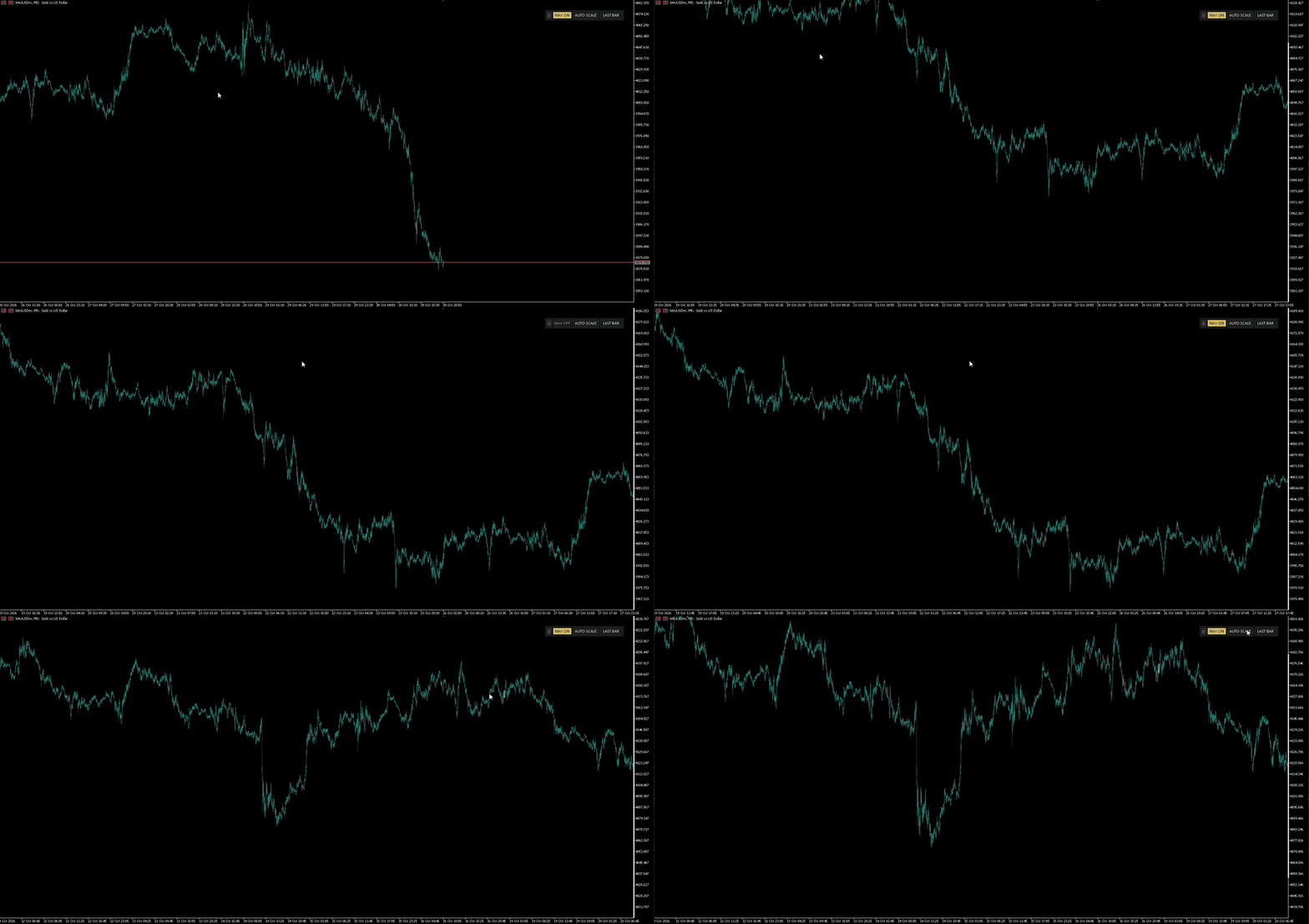
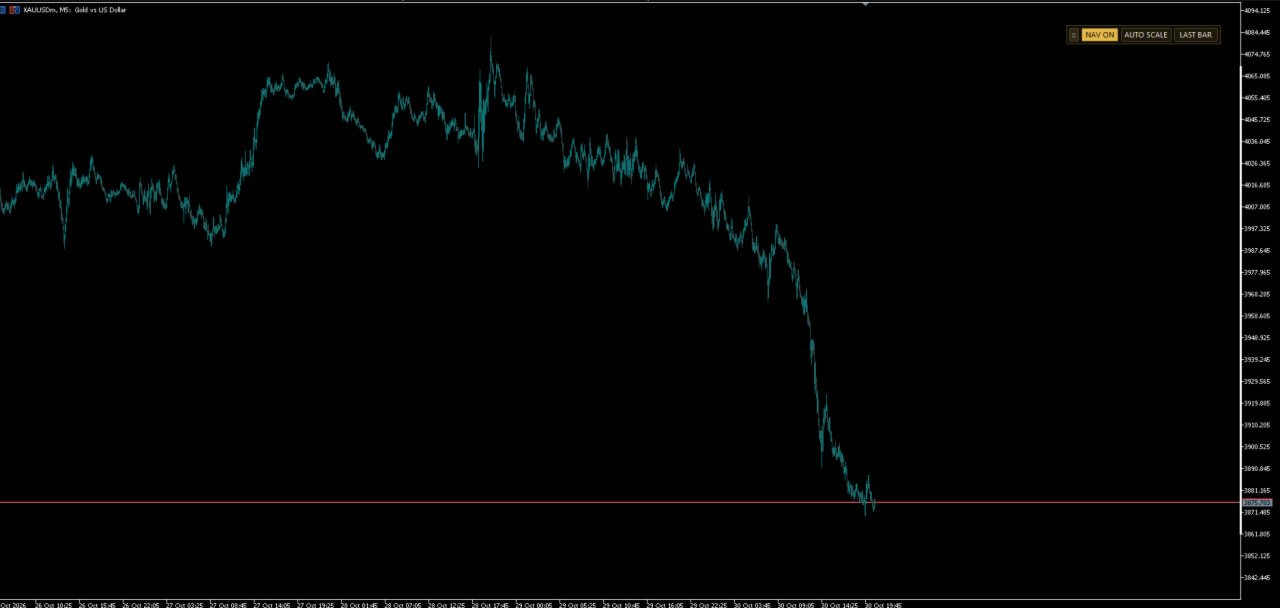
Drag Chart lets you move the MetaTrader 5 chart by dragging it with the mouse, in time and price at once, with smooth TradingView-style navigation. It also includes vertical price zoom and a control panel with buttons.
It is not a signal indicator: it does not draw anything on price and does not trade. It is a chart navigation tool.
WHAT IT DOES
- Drag the chart: hold the left mouse button and move in any direction. The chart pans in time and price at the same time.
- Free vertical scroll: move the price range up or down without touching the scale.
- Vertical (price) zoom: Ctrl + mouse wheel, centered on the cursor position.
- Horizontal zoom: the wheel alone keeps the native MT5 zoom.
- Free space to the right of the last candle.
- Works on any symbol and timeframe.
CONTROL PANEL
- NAV ON / NAV OFF: turns dragging on or off. Turn it OFF to draw lines and rectangles without moving the chart.
- AUTO SCALE: back to the automatic MT5 price scale.
- LAST BAR: jump to the most recent candle.
- "::" handle: drag it to move the panel.
Clicking on the panel, buttons or other chart objects never moves the chart.
QUICK START
- Attach the indicator to a chart.
- Hold the left mouse button on the chart and move the mouse.
- Use Ctrl + wheel for vertical zoom.
- Press NAV OFF when you want to draw without moving the chart.
INPUT PARAMETERS
Dragging
- InpDragPan: enable dragging (allows the NAV button).
- InpStartOn: dragging ON when the indicator starts.
- InpHorizontal: allow moving left / right.
- InpVertical: allow moving up / down.
- InpInvertX / InpInvertY: invert horizontal or vertical direction.
- InpFutureSpace: keep free space to the right of the last candle.
Zoom
- InpCtrlWheelY: Ctrl + wheel = vertical (price) zoom.
- InpZoomStep: zoom factor per wheel step (greater than 1).
Control panel
- InpShowButtons: show the control panel.
- InpBtnX / InpBtnY: panel start position (px).
NOTES
- When the indicator is removed, the chart returns to its original settings.
- No external files or DLL required.
- Support is provided in the product comments section.