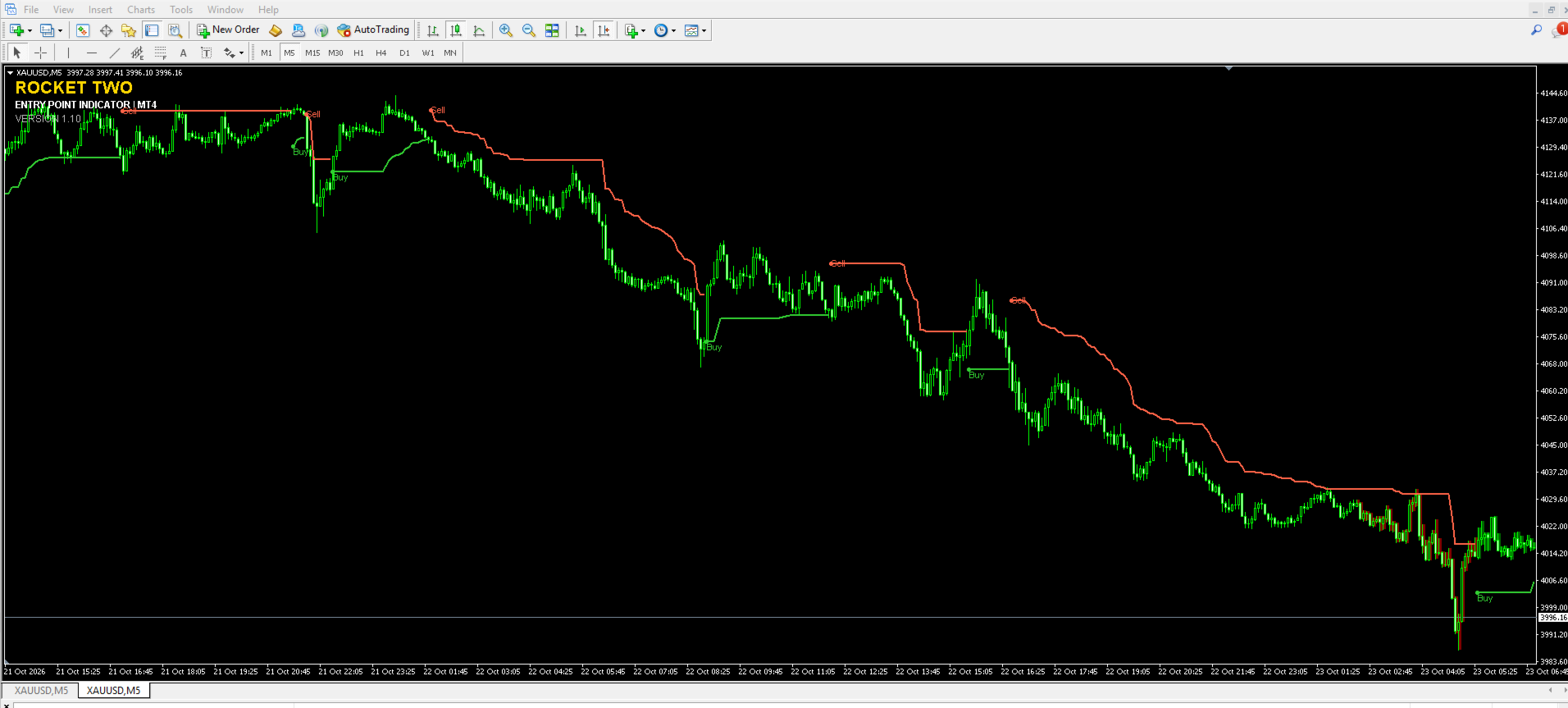
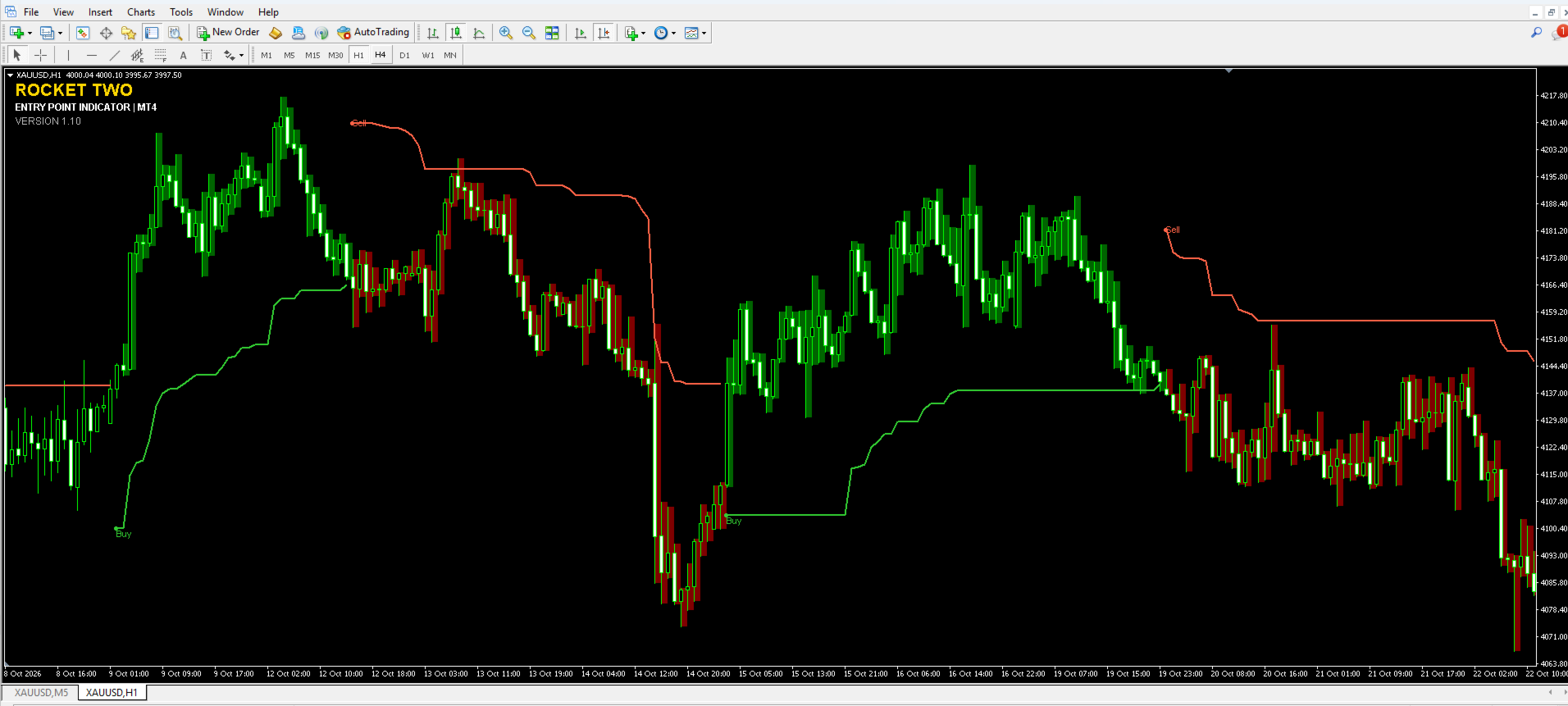
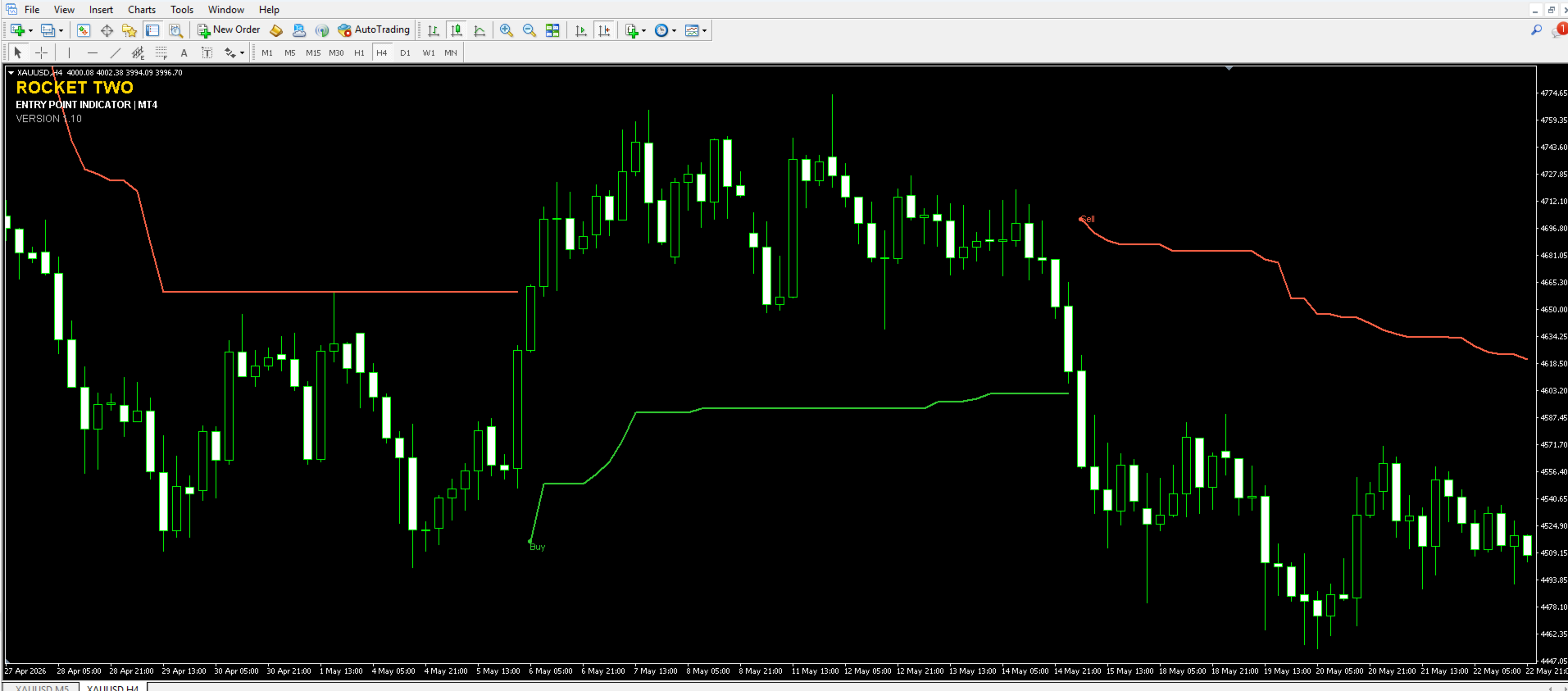
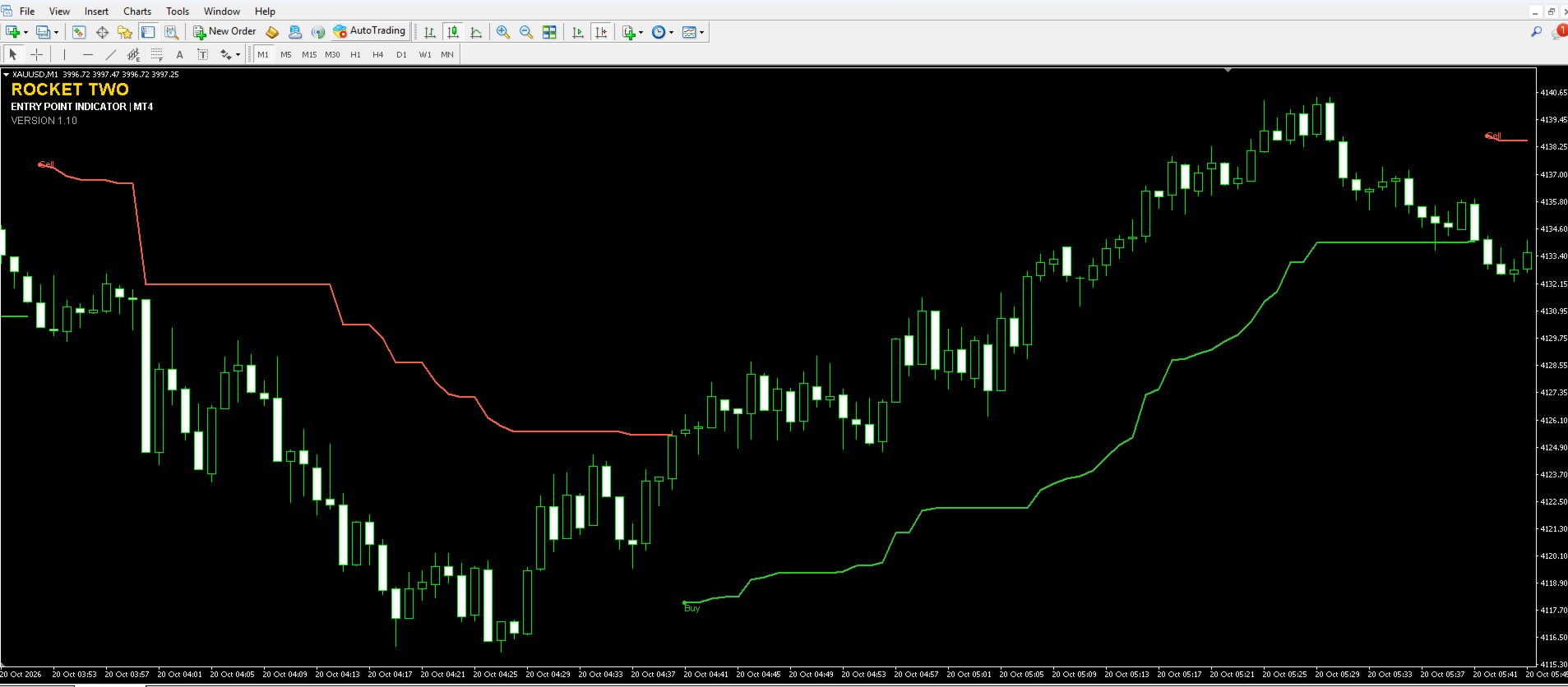
Rocket Two Entry Point Indicator MT4
- Indicatori
- Versione: 1.10
- Attivazioni: 5

Identify Market Direction. Track Dynamic Stops. Recognize Potential Entry Opportunities.
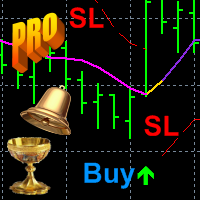
Rocket Two is a technical analysis indicator for MetaTrader 4 designed to help traders identify potential changes in market direction through dynamic stop levels and visual Buy/Sell signals.
With a clear chart display and configurable parameters, Rocket Two helps traders monitor market trends and evaluate potential trading opportunities across different financial instruments.
Key Features
Buy and Sell Signals
Visual signals highlight potential changes in market direction and help traders monitor possible entry opportunities.
Dynamic Stop Levels
Dynamic stop lines adjust to market conditions and provide useful visual reference levels for trend-following analysis and risk management.
Volatility-Based Calculations
ATR-based calculations allow the indicator's stop levels to adapt to changing market volatility.
Clear Chart Visualization
Distinct bullish and bearish colors make market direction easier to interpret.
Multi-Market Application
Rocket Two can be used on a wide range of instruments available through your broker, including:
-
Forex currency pairs
-
Gold and other precious metals
-
Cryptocurrency trading instruments
Configurable Parameters
Adjust the indicator settings to suit your preferred trading approach, instrument, and timeframe.
Alerts
Available alert features help notify traders of relevant changes detected by the indicator.
Recommended Settings
Rocket Two comes with default settings that provide a practical starting point for evaluating its signals and dynamic stop levels.
For the recommended starting experience, use the default settings first.
Changing the parameters may affect the indicator's responsiveness, signal frequency, and stop placement. Different instruments and timeframes may behave differently, so test any adjustments before using them in live trading.
How to Use Rocket Two
-
Open a chart in MetaTrader 4.
-
Attach Rocket Two to the chart.
-
Start with the default settings.
-
Observe the Buy/Sell signals and dynamic stop levels.
-
Evaluate the signals alongside market structure, trend direction, support and resistance, and your own risk-management rules.
Rocket Two can be used as a standalone chart-analysis tool or alongside other technical analysis methods.
Suitable For
Rocket Two is designed for traders who want to:
-
Monitor potential trend changes.
-
Identify possible Buy/Sell opportunities.
-
Follow market direction using dynamic stop levels.
-
Analyze Forex, Gold, and Cryptocurrency instruments.
-
Keep their trading charts clear and organized.
Risk Disclaimer
Trading Forex, precious metals, cryptocurrencies, and other financial instruments involves significant risk. Technical indicators cannot predict every market movement, and their signals do not guarantee profitable trades.
Rocket Two is an analytical tool, not an automated trading system. It does not guarantee profits or replace independent analysis and risk management.
Test the indicator on historical data and in a demo account before using it in live trading.
Platform: MetaTrader 4
Product: Rocket Two – Entry Point Indicator
Developer: Rocket AI Software Solutions