MASignalPanel
- Indicatori
-
Shi Yuan Wang
 Sviluppo indicatori personalizzati, Expert Advisor (EA), script e strumenti di trading per MetaTrader 4 e MetaTrader 5, nonché indicatori per TradingView (Pine Script).
Cosa posso fare per te: - Versione: 1.0
# MASignalPanel — Multi-MA Signal Panel with Trend Filter ## Overview MASignalPanel is an all-in-one moving-average signal indicator designed for MetaTrader 5. It combines up to three moving averages (SMA, EMA, SMMA, LWMA) with four trade signal modes — Cross, Breakout, Pullback and Channel — and adds a higher-timeframe trend filter line (default EMA240) to keep you on the right side of the market. A fully interactive control panel lets you change MA type, MA count, periods, s
MA indicator, moving average, golden cross, death cross, breakout,
pullback, trend filter, signal panel, candlestick coloring, MT5 indicator
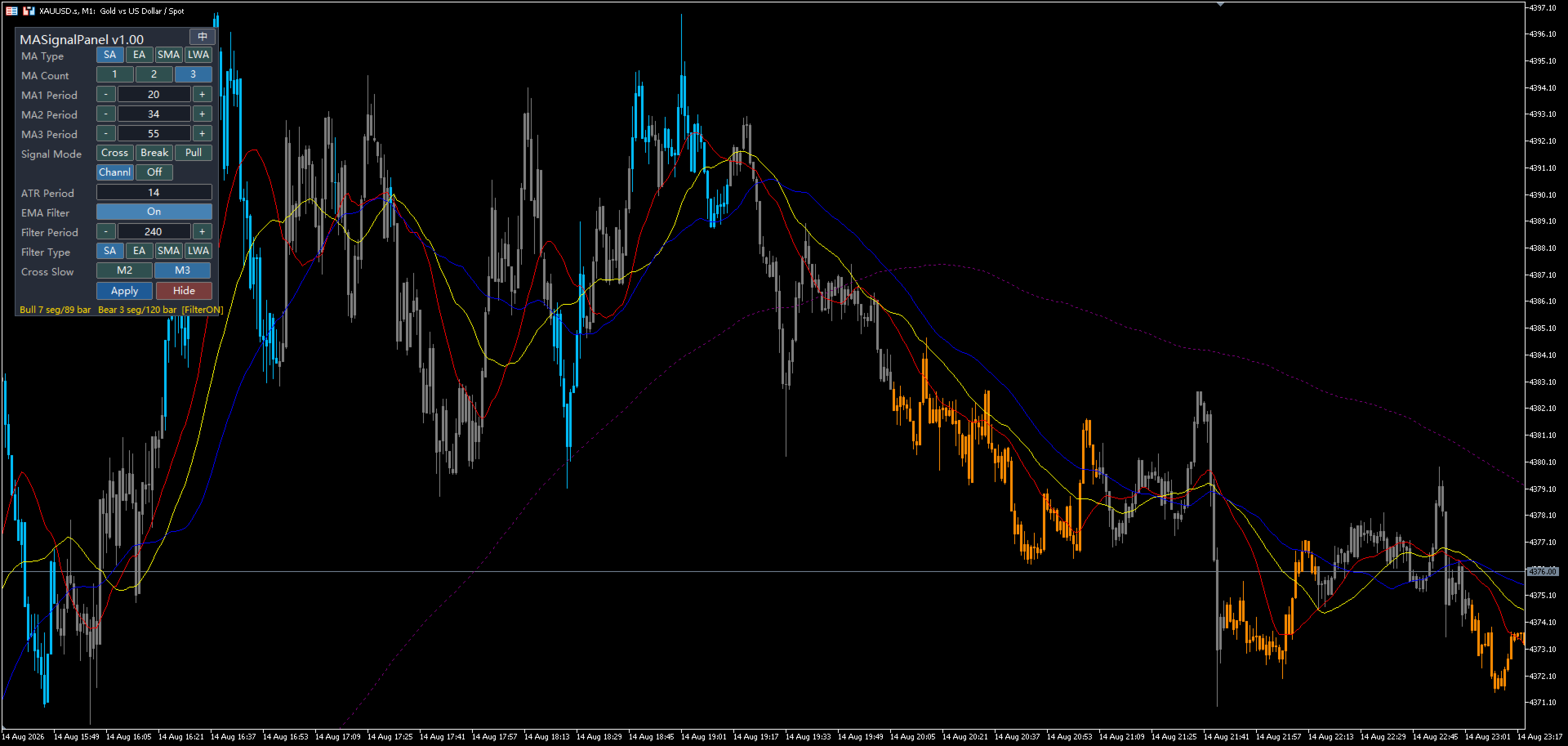
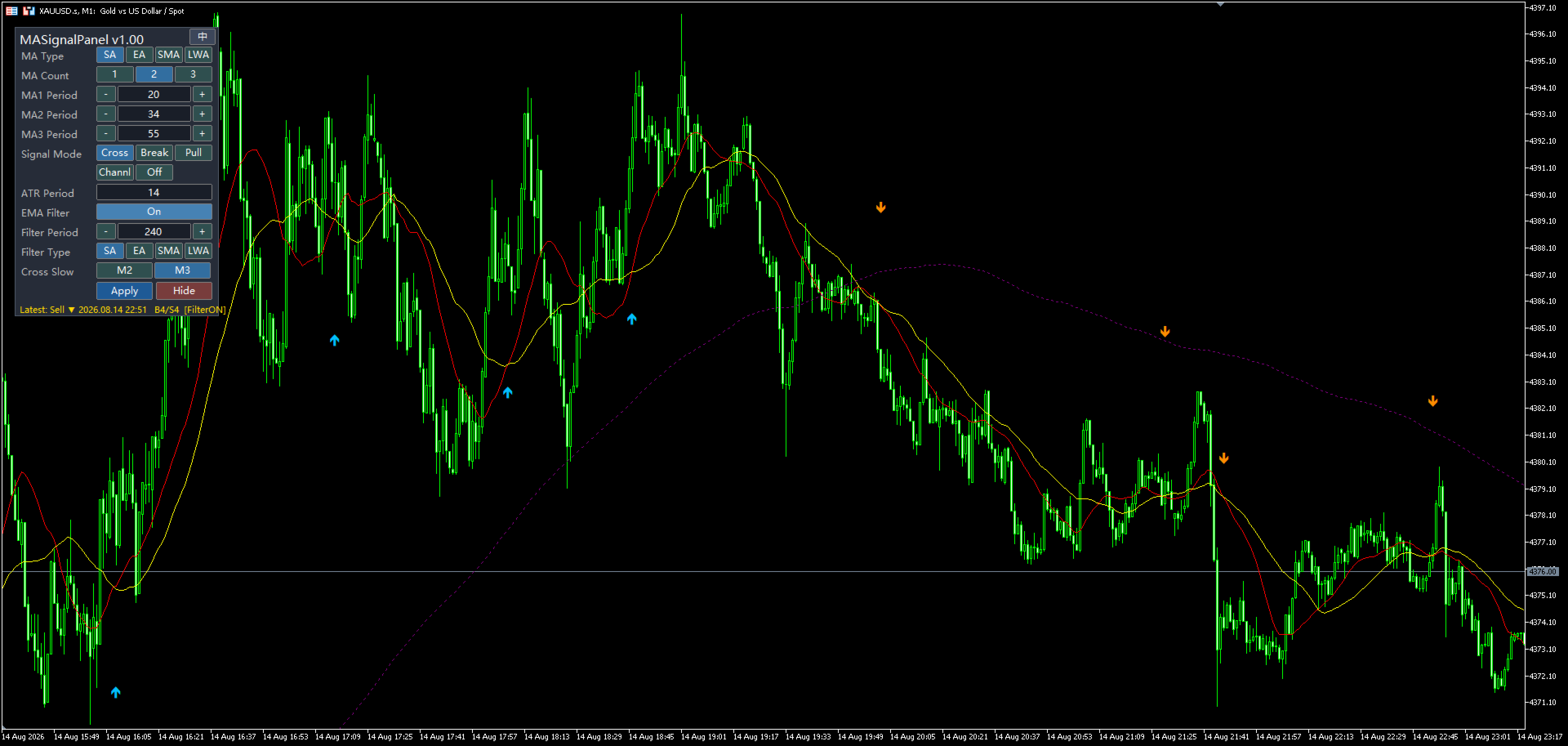
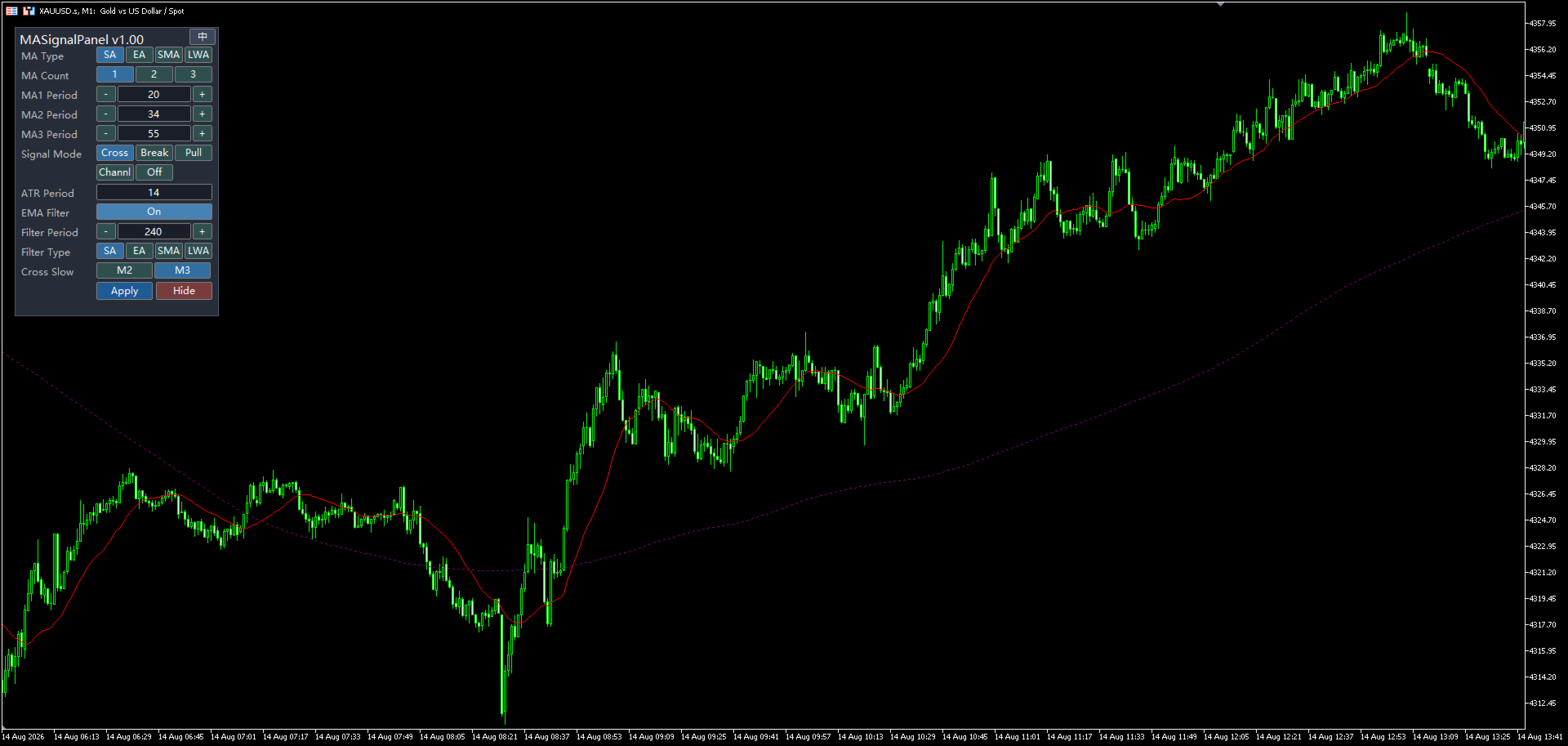
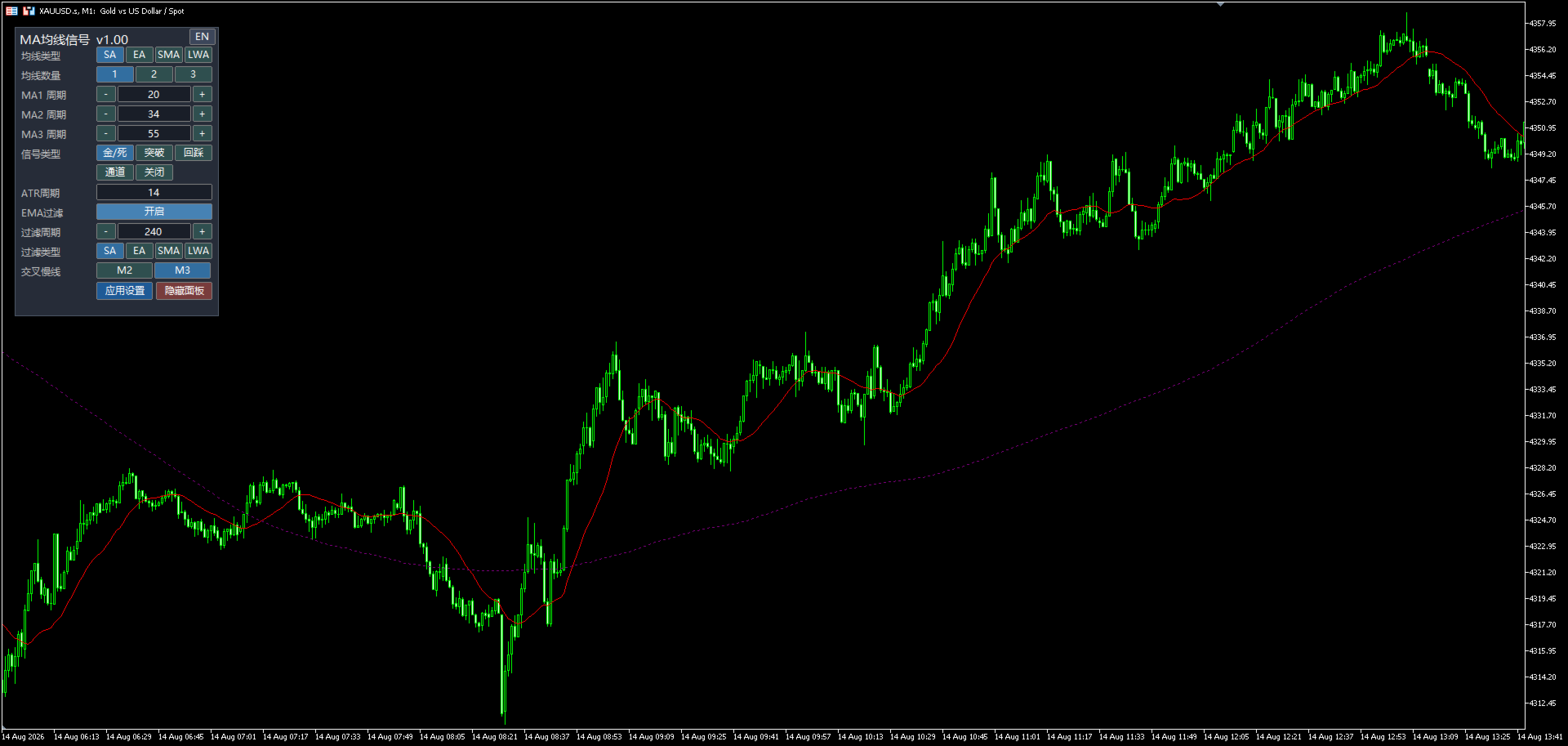
ignal mode, ATR period and filter settings directly on the chart — no need to reload the indicator or reopen the settings window. The interface supports both Chinese and English, and can be hidden with one click. ## Key Features ✔ Up to 3 moving averages (SMA / EMA / SMMA / LWMA), each with its own color ✔ 4 signal modes + OFF: • Cross — golden cross / death cross of the fast MA and the slow MA • Breakout — close price breaks above / below the reference MA • Pullback — price touches the MA and closes back on the trend side (ATR-based tolerance) • Channel — MA alignment (bullish / bearish stack) with candlestick coloring ✔ Higher-timeframe trend filter line (default EMA240, type & period customizable): buy signals only above the line, sell signals only below the line ✔ Real-time signal scanning — signals appear on the current forming bar, no 1-bar delay ✔ Interactive control panel: switch MA type, count, periods, signal mode, ATR period, filter settings, slow-cross selection (M2/M3) in real time ✔ Candlestick coloring in Channel mode: green = bull channel, red = bear channel, gray = no channel, with segment & bar statistics shown on the panel ✔ Clear ▲ buy / ▼ sell arrows with customizable offset, color and size ✔ Scan range and maximum number of signals are configurable for clean charts ✔ Bilingual UI (中文 / English), hideable panel with one-click restore ✔ Works on any symbol and any timeframe ## How the Signals Work ### 1. Cross (Golden / Death Cross) The fast MA (MA1) crosses the slow MA. With 2 MAs the slow line is MA2; with 3 MAs you can choose MA2 or MA3 as the slow line from the panel. ### 2. Breakout The close price crosses the reference MA (MA1 with 1 MA, MA2 with 2 MAs, MA3 with 3 MAs) — a classic trend-continuation trigger. ### 3. Pullback Price touches the reference MA while the MA is still sloping in the trend direction, then closes back on the trend side with a confirming candle. An ATR-based tolerance window filters out false touches. ### 4. Channel (Candlestick Coloring) With 2 MAs: MA1 > MA2 = bull channel, MA1 < MA2 = bear channel. With 3 MAs: MA1 > MA2 > MA3 = bull, MA1 < MA2 < MA3 = bear. Consecutive bars are merged into channel segments (min length configurable) and colored on the chart. Segment count and colored-bar count are displayed on the panel. ### Higher-Timeframe Filter When the filter is enabled (default), signals above the filter line are kept only for long entries, and signals below it only for short entries. This dramatically reduces counter-trend noise in ranging markets. ## Input Parameters | Group | Parameter | Default | Description | |---|---|---|---| | MA Settings | MA Type | SMA | SMA / EMA / SMMA / LWMA | | | MA1 / MA2 / MA3 Period | 20 / 34 / 55 | Periods of the three MAs | | | MA Count | 1 | Number of MAs shown (1–3) | | Signal Settings | Signal Mode | Cross | Cross / Breakout / Pullback / Channel / Off | | | ATR Period | 14 | ATR period used by Pullback mode | | | Min Channel Bars | 1 | Minimum length of a channel segment | | | Scan Bars | 500 | How many bars back to scan for signals | | | Max Signals | 120 | Maximum stored/plotted signals | | | EMA240 Filter | true | Enable the higher-TF trend filter | | | Cross Slow Line | M3 | Slow line with 3 MAs: M2 or M3 | | Filter Line | Filter Type | EMA | Type of the filter line | | | Filter Period | 240 | Period of the filter line | | Appearance | Buy / Sell Color | DeepSkyBlue / DarkOrange | Arrow & candle colors | | | Arrow Offset | 500 | Arrow offset in points | | | MA1/2/3 Color | Red / Yellow / Blue | MA line colors | | | Panel BG / X / Y | 38,44,56 / 15 / 30 | Panel look & position | | | Language | Chinese | UI language (中文 / English) | ## Usage Tips 1. Start with default Cross mode (2–3 MAs) on your favorite timeframe. 2. Enable the filter line to trade only with the higher timeframe trend. 3. Use Pullback mode in trending markets for entries at the MA. 4. Use Channel mode for a clear visual picture of trend phases and channel statistics (segments / bars). 5. All settings can be adjusted live from the panel — click Apply to re-scan signals instantly. ## Requirements - MetaTrader 5 terminal (any build) - Works on all symbols and timeframes - No external dependencies; pure MQL5 implementation ---
MA indicator, moving average, golden cross, death cross, breakout, pullback, trend filter, signal panel, candlestick coloring, MT5 indicator