AI Trader Pro
- Experts
- Versione: 1.0
- Attivazioni: 5

[Next-Gen AI Trading System] AI Trader 2.0
~ Multi-Asset Fully Automated Scalping EA Powered by Pre-Trained Machine Learning (LightGBM) Models ~
🎯 Concept
AI Trader 2.0 is a high-end Expert Advisor (EA) designed to analyze the complex, non-linear price movements of financial markets using the state-of-the-art machine learning algorithm "LightGBM." It executes high-probability entries and robust risk management fully automatically.
Unlike traditional indicator-based EAs, this system integrates pre-trained ONNX models directly into its core, dynamically adapting to changing market conditions to deliver exceptional stability in live trading and backtests.
💎 Key Features & Strengths
1. 12 Monitored Symbols Supported — Peak Portfolio Diversification
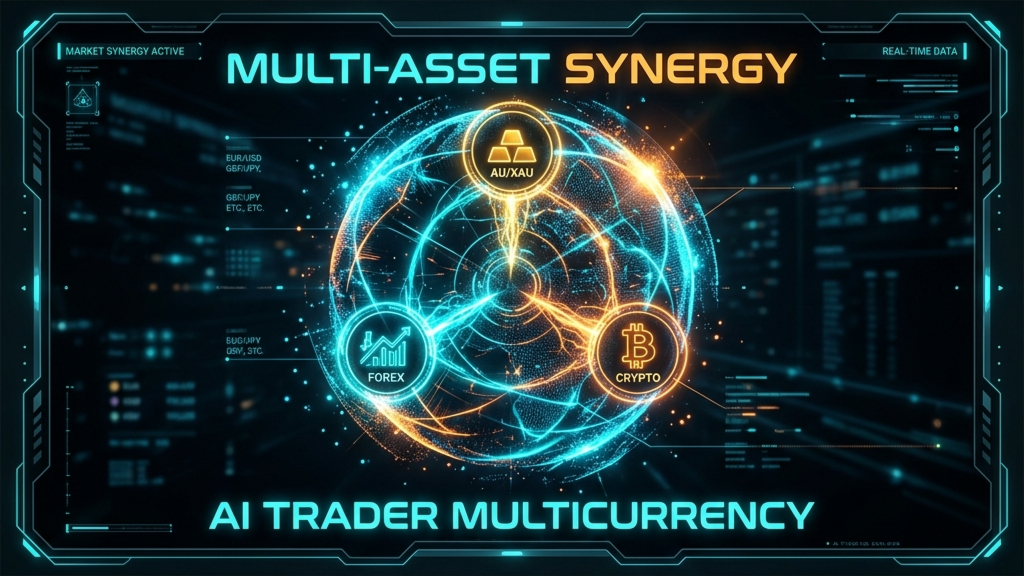
To maximize portfolio diversification and capture trading opportunities, the EA features dedicated pre-trained AI models for 12 major assets, including Forex, Gold, and Cryptocurrencies. Simply apply the EA to a chart, and it will automatically detect the symbol and load the correct model instantly. No manual files or configuration required.
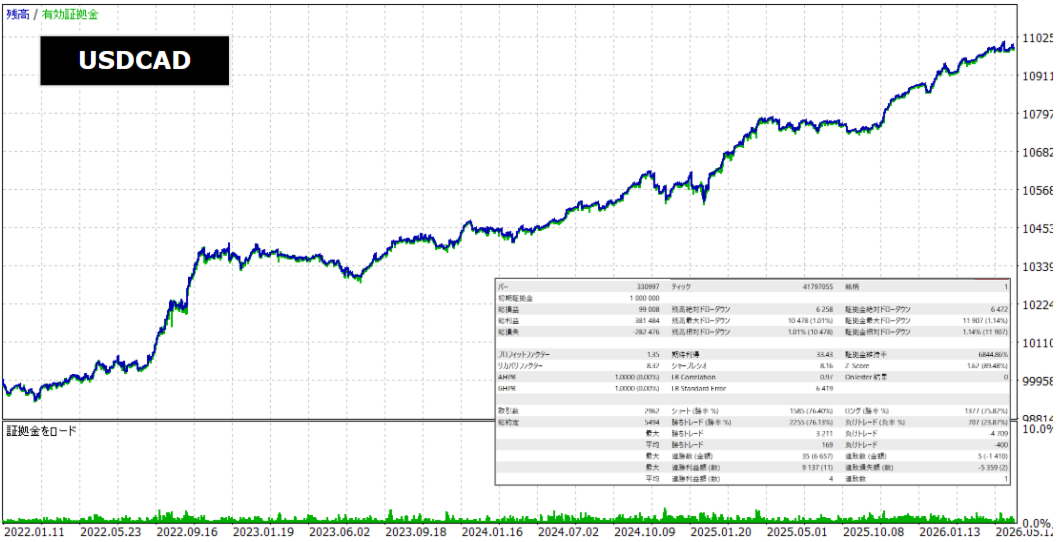
- Forex (8 Major Pairs): EURUSD, GBPUSD, USDJPY, AUDUSD, USDCAD, USDCHF, EURJPY, GBPJPY
- Commodities: XAUUSD (Gold)
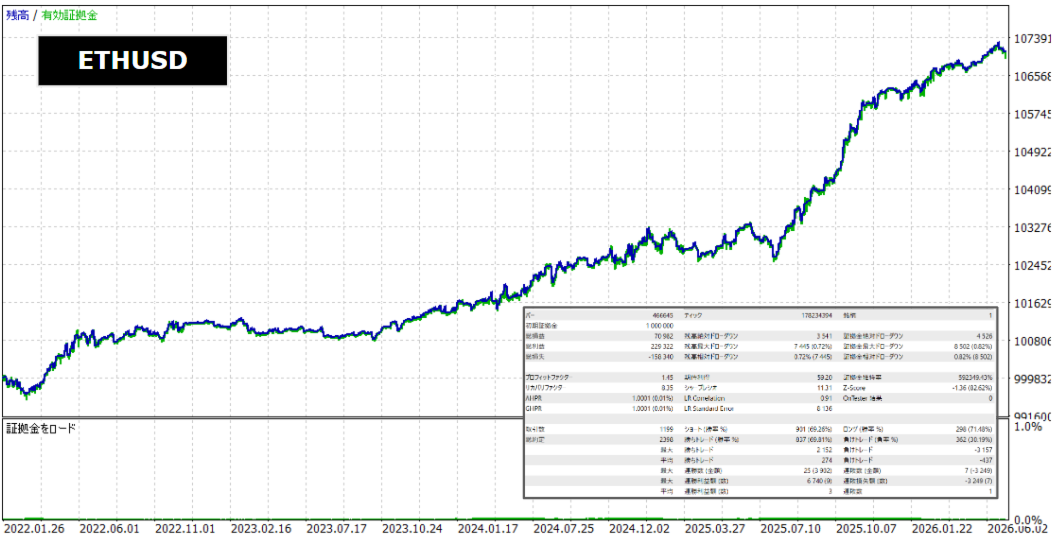
- Cryptocurrencies (3 Major Assets): BTCUSD (Bitcoin), ETHUSD (Ethereum), XRPUSD (Ripple)
2. Massive Training Dataset (2022 to December 2025)
The AI models have been meticulously trained using a vast amount of M1 (1-minute) historical data from January 2022 to December 2025 (4 full years), covering strong trend markets, extreme volatility shocks, and flat range markets. This comprehensive training ensures superb "generalization capability" in live trading while preventing over-fitting (curve fitting).
3. Advanced Trade Management System to Protect Capital
- 3-Stage Split Take Profit (TP1, TP2, TP3):
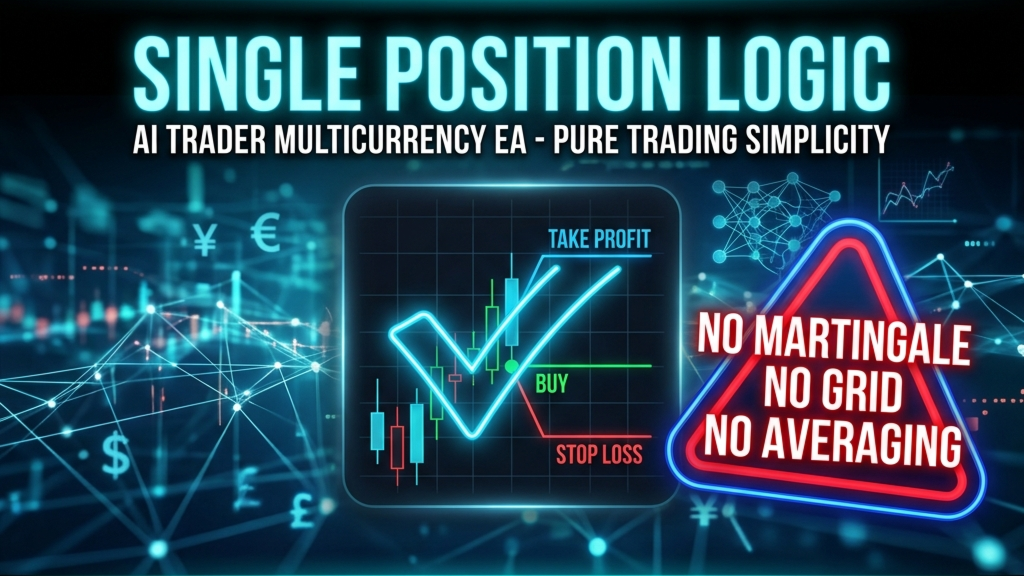
Profit targets are dynamically set using ATR multipliers. When price hits TP1 and TP2, the EA executes partial closes (using MQL5 native partial close execution) to lock in early gains, letting the remaining volume run to capture maximum profits at TP3.
※ Features "Force Nearest Lot Partial Close" which automatically adjusts fractional lot sizes to perform clean partial closes even on micro-lot accounts (e.g. 0.01 or 0.02 lots). - Advanced Break Even (BE):
Once a position reaches a specified ATR profit distance, the Stop Loss is automatically moved to the entry price (adjusted for minor slippage). This reduces the downside risk of active trades to absolute zero at the earliest possible stage. - Pullback Filter:
Checks historical AI signals over the past M bars. Entry is only allowed if the signal threshold has been exceeded at least N times. This protects your account from sudden market fakes and prevents immediate re-entries right after a position close. - Automatic Spread Scaling:
The EA automatically scales the allowable spread filter based on the asset class (forex vs. gold vs. crypto). It blocks entries during high-spread periods, keeping trade costs minimal.
4. Premium On-Screen Interactive Dashboard (100% ASCII Compliant)
Displays real-time AI probabilities (BUY, SELL, and RANGE percentages), system configuration, and live spread metrics beautifully on your chart.
Features a **Collapse/Expand Toggle** allowing you to hide the dashboard with one click. In strict compliance with MQL5 Market validation rules, all dashboard labels, print statements, and internal warning messages are written in 100% clean ASCII English without localized characters or emojis, ensuring seamless validation passes.
5. Full Compatibility with Custom Model Builder
Users can train their own LightGBM models on custom historical datasets using the provided GUI Model Builder app. The custom ONNX model can then be easily swapped into the EA codebase with zero coding required.
⚙️ Key Parameter Specifications
All settings are intuitively documented in standard English within the MT5 inputs window:
- InpBaseLots (Default: 0.01): Base lot size used for trade entries.
- InpBaseBalance (Default: 0.0): Account balance baseline for compounding calculations (0 to disable compounding).
- InpUseDynamicLots (Default: true): Dynamically scale entry lot size based on AI signal confidence.
- InpMaxDynamicLots (Default: 0.1): Upper cap limit for the dynamic lot sizing.
- InpMaxSpread_Pips (Default: 2.0): Maximum allowed spread (FX standard Pips). Scaled automatically for Gold and Crypto symbols.
- InpAiBuyThreshold (Default: 0.48): Minimum AI probability required to trigger a BUY entry.
- InpAiSellThreshold (Default: 0.48): Minimum AI probability required to trigger a SELL entry.
- InpAiExitThreshold (Default: 0.35): Minimum AI probability required to maintain a position. Exits early if signal falls below this threshold.
- InpSL_ATRMult (Default: 1.0): Stop Loss distance multiplier based on ATR.
- InpTP_ATRMult (Default: 2.0): Take Profit distance multiplier based on ATR (when Split TP is disabled).
- InpMaxHoldBars (Default: 240): Maximum number of bars to hold a trade (time-based exit).
- InpUseBreakEven (Default: true): Enable/disable Advanced Break Even logic.
- InpUseSplitTP (Default: true): Enable/disable 3-Stage Split Take Profit logic.
- InpForceNearestLotClose (Default: true): Force nearest lot calculations during fractional partial closes.
- InpPullbackRange (Default: 3): Number of past bars to evaluate for pullback (M bars).
- InpPullbackRequired (Default: 2): Minimum bars exceeding entry threshold for pullback (N bars).
🚀 How to Setup & Operate
- Go to MT5 "File" > "Open Data Folder", navigate to MQL5/Experts , and paste the EA file ( AI_Trader_2.0.ex5 ).
- Open a new chart for one of the 12 supported symbols (recommended timeframes: M5 or M15).
- Enable "Algo Trading" in your MT5 terminal, and drag the EA onto the chart. Configure parameters if desired.
- The interactive dashboard will appear on your chart, and the EA will begin monitoring on the close of the next bar.
⚠️ [CRITICAL] ECN / Raw Spread Accounts Only
Because this EA uses a scalping strategy targeting small price movements, it is strictly compatible with ECN, Raw Spread, or Zero spread accounts. Using standard accounts with wider spreads may significantly reduce performance or prevent trades from triggering. (Recommended: Exness Raw Spread/Zero, XM Zero/KIWAMI, TitanFX Blade, etc.)