Fair Value Gap Cycle Bundle MT4
- Indicatori
-
Mattia Marco Platania
 At MetaCoderStore, our goal is to build practical, clean, and reliable MetaTrader indicators that traders can actually use in live chart work. We focus on clear visual tools, useful inputs, and MT4/MT5 versions wherever possible.
 - Versione: 1.12
- Aggiornato: 25 maggio 2026
- Attivazioni: 10
Paid release: Fair Value Gap Cycle Bundle MT4 is a paid MetaCoderStore indicator. Use the product comments for setup questions, feature requests, and feedback for future updates.
Premium bundle: Fair Value Gap Pro MT4 is the 49 USD all-in-one FVG suite from MetaCoderStore, combining all individual FVG modes with automatic cycle logic in one product.
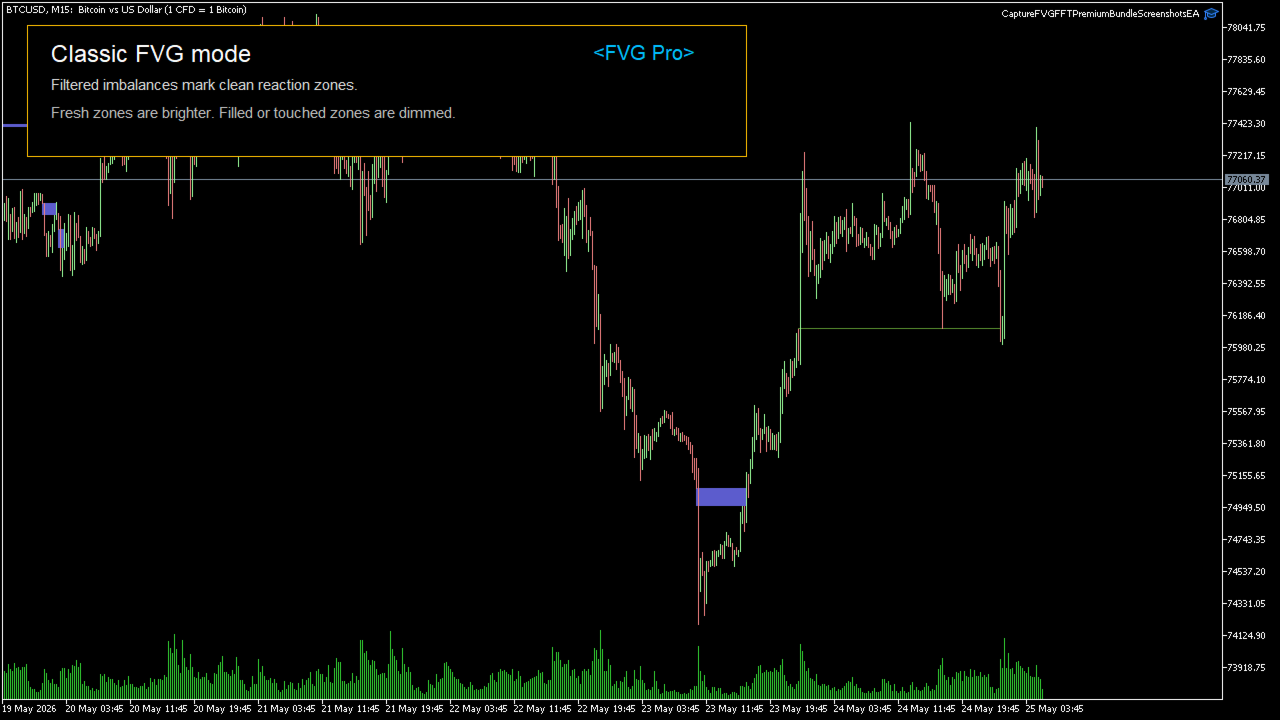
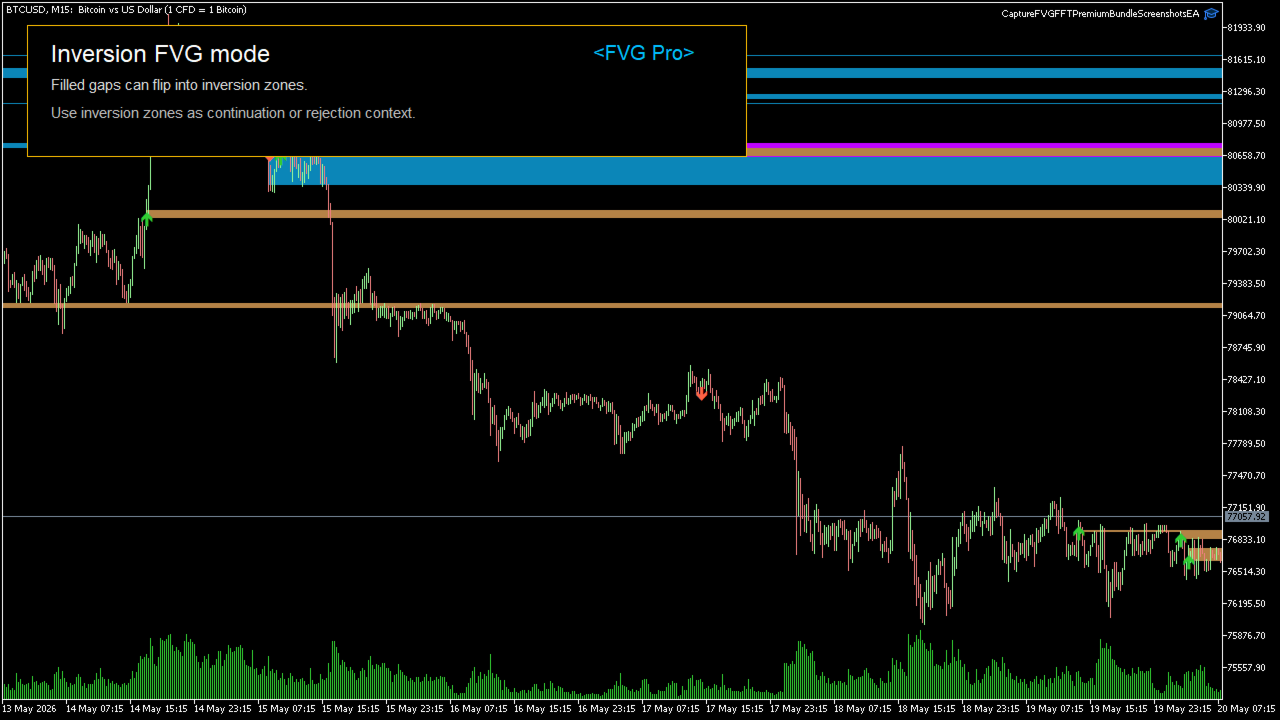
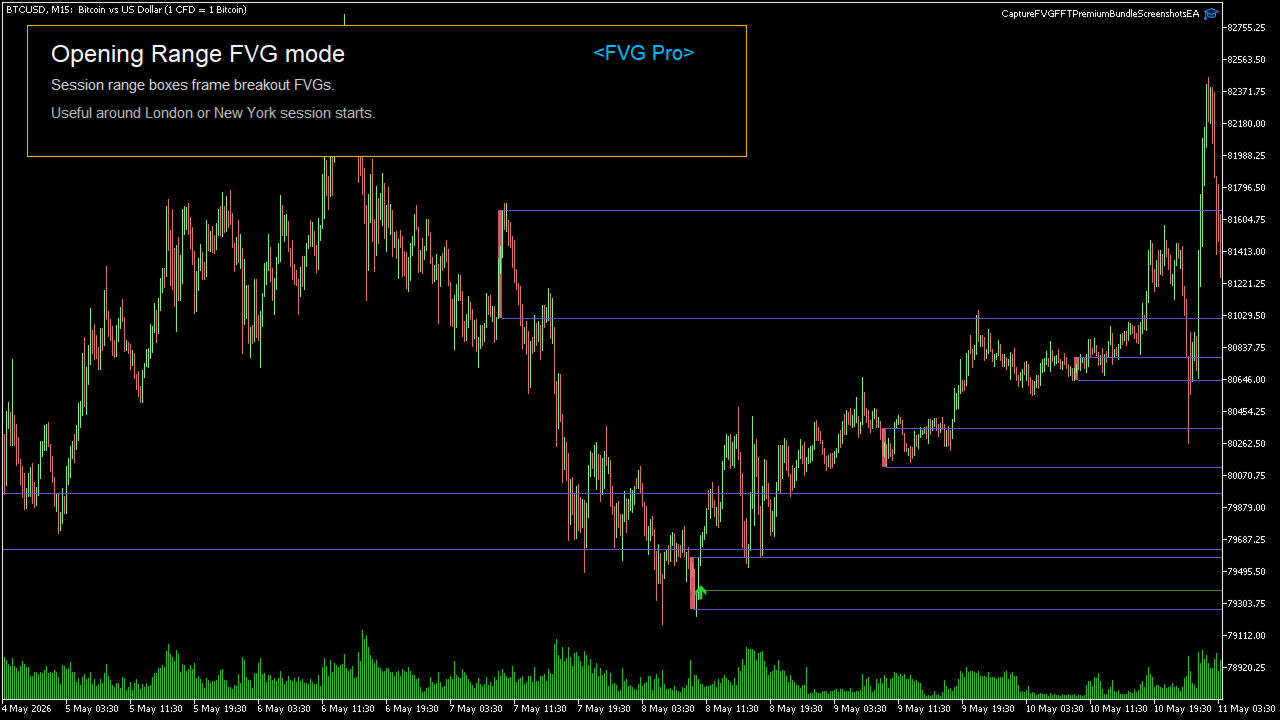
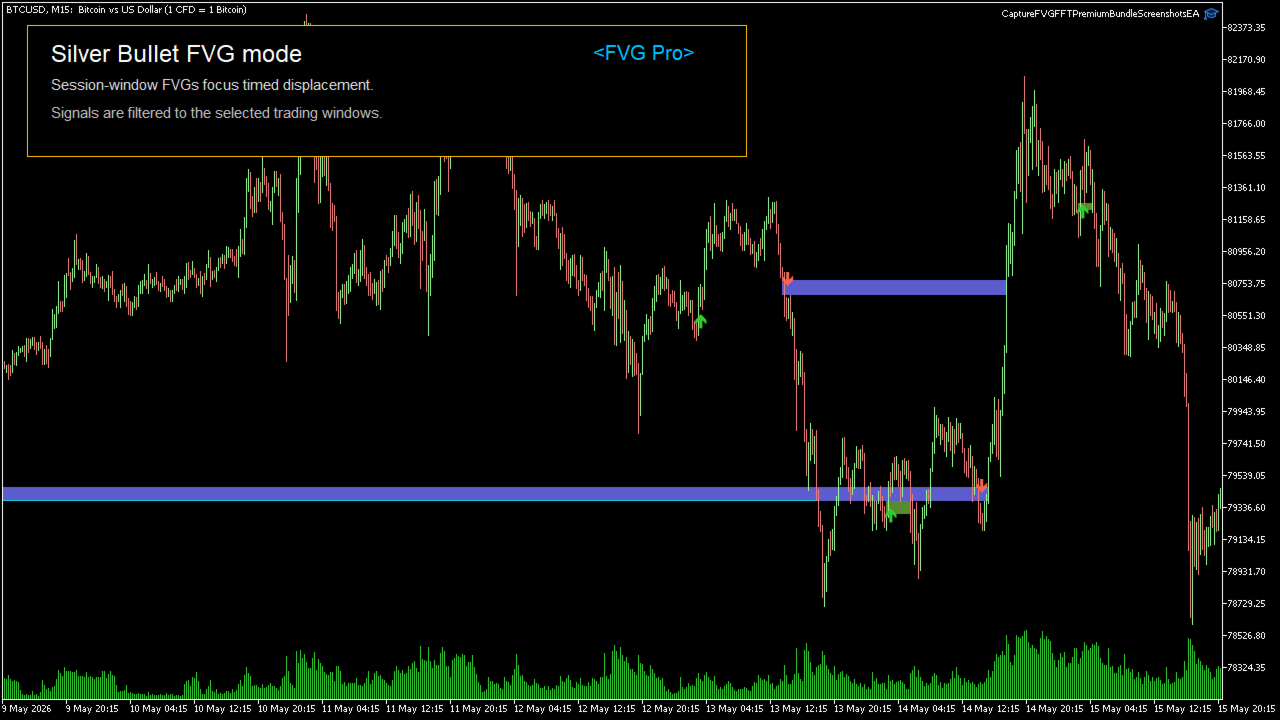
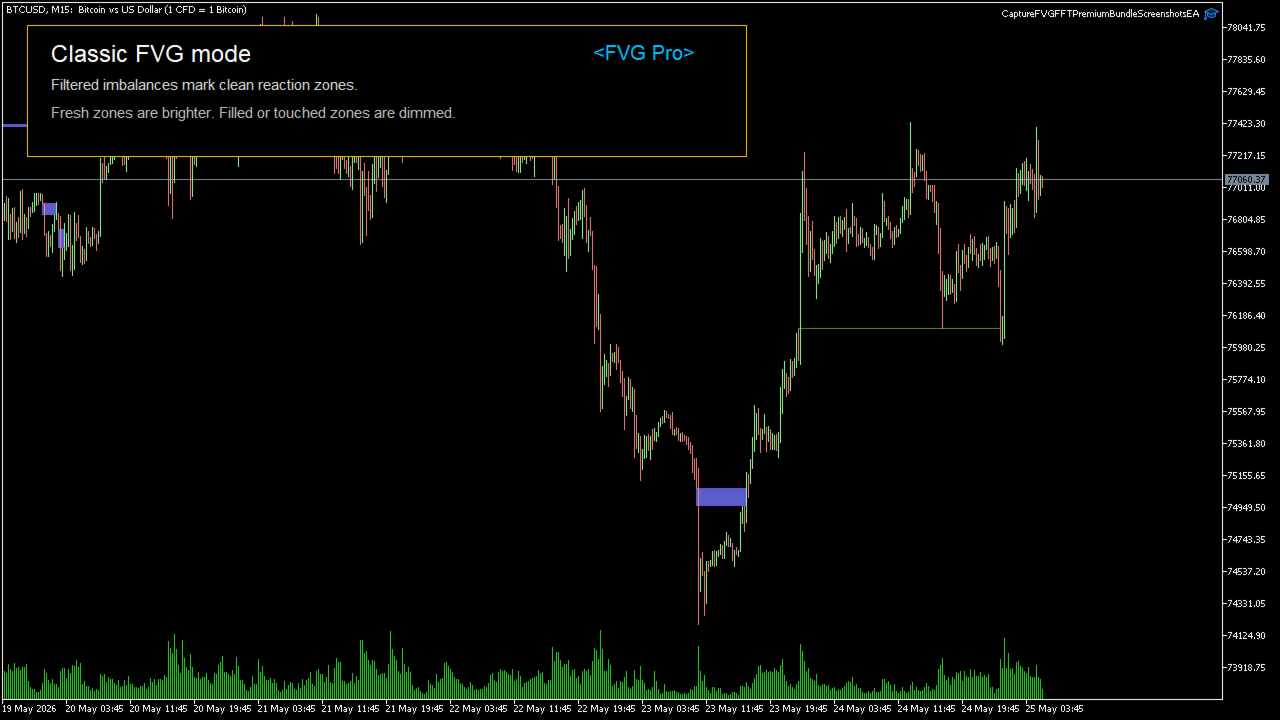
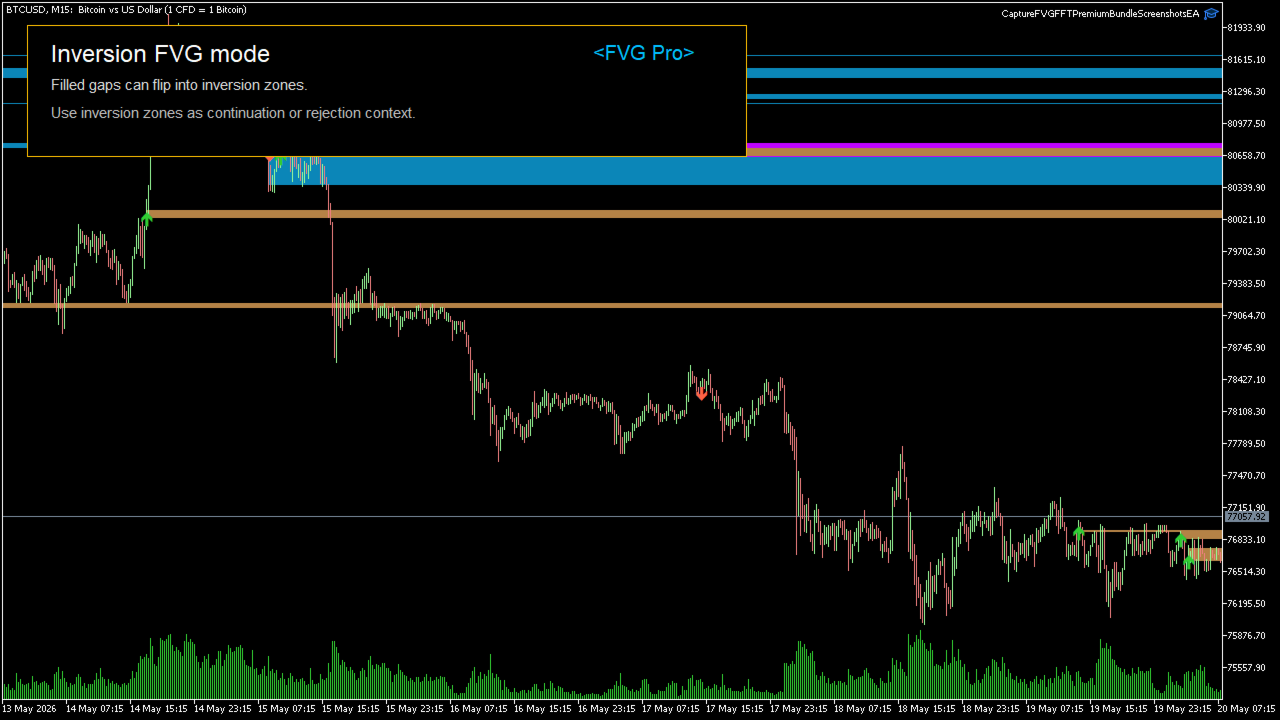
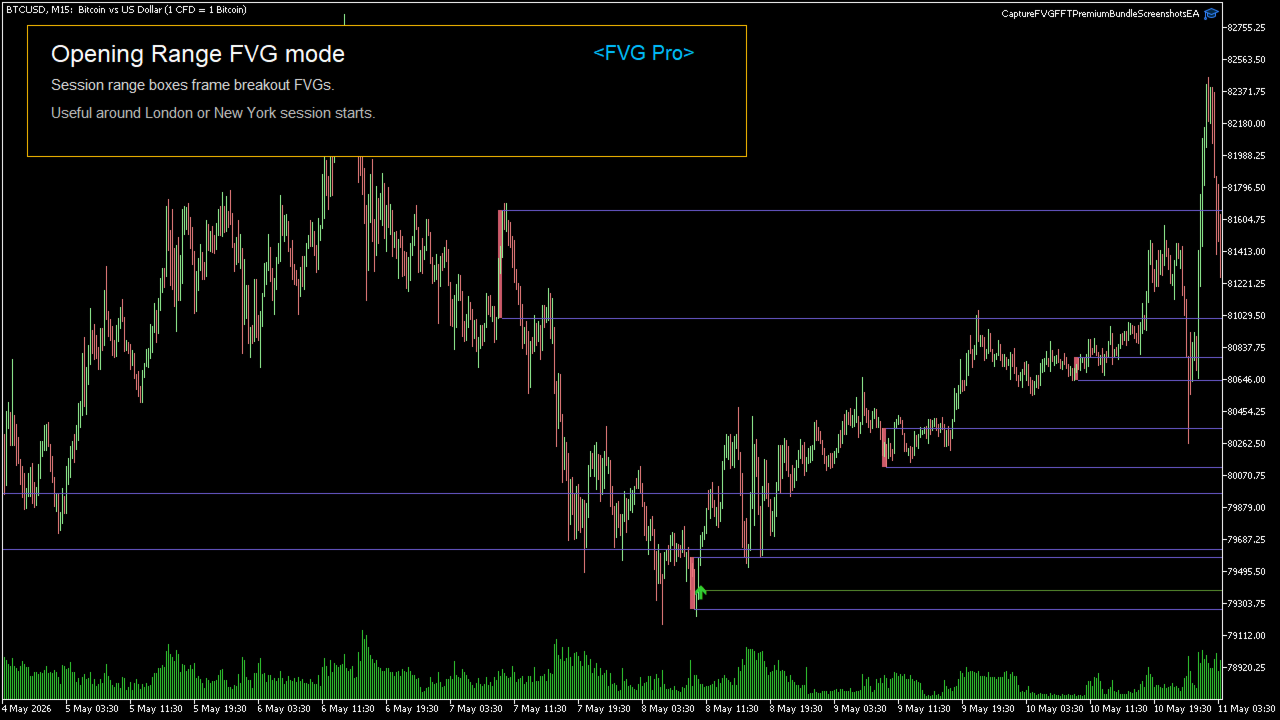
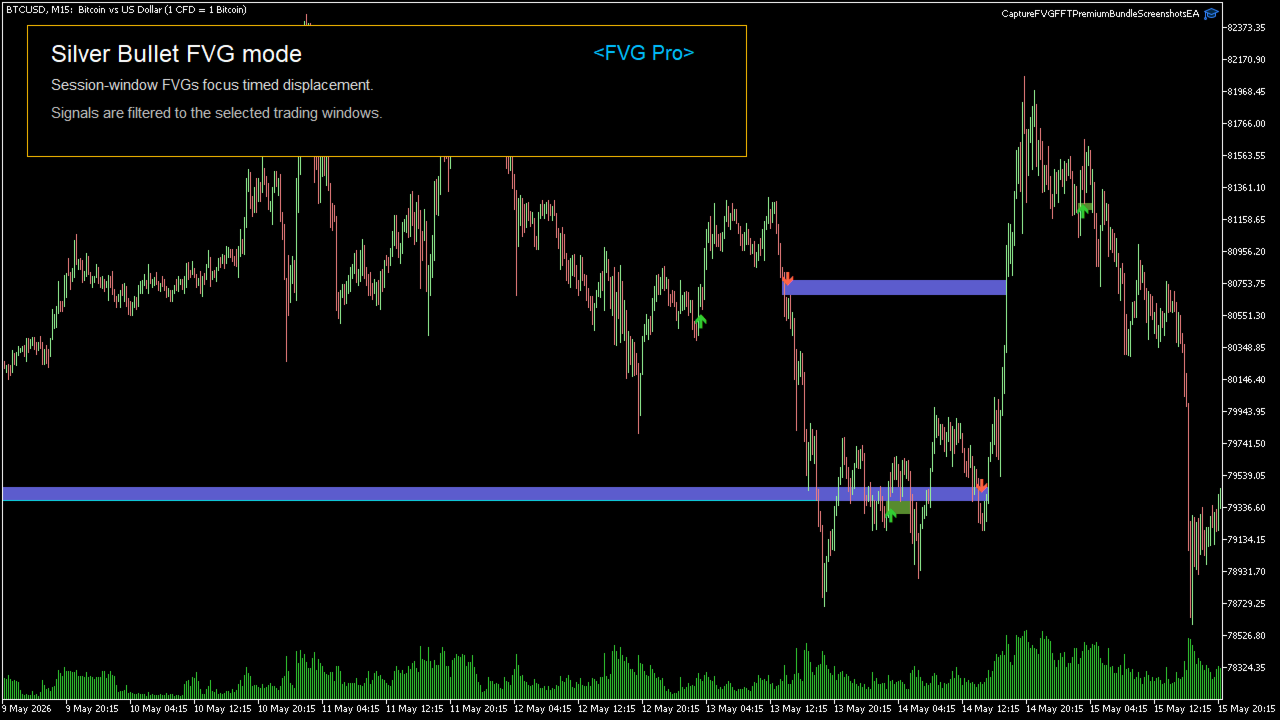
Fair Value Gap Pro MT4 combines the FVG-based MetaCoderStore indicators into one selectable premium tool. It uses one unified Fair Value Gap engine, then lets you switch between classic FVG zones, inversion FVG, opening range FVG breakout, Silver Bullet session FVG, price action FVG context, or an all-signals bundle view.
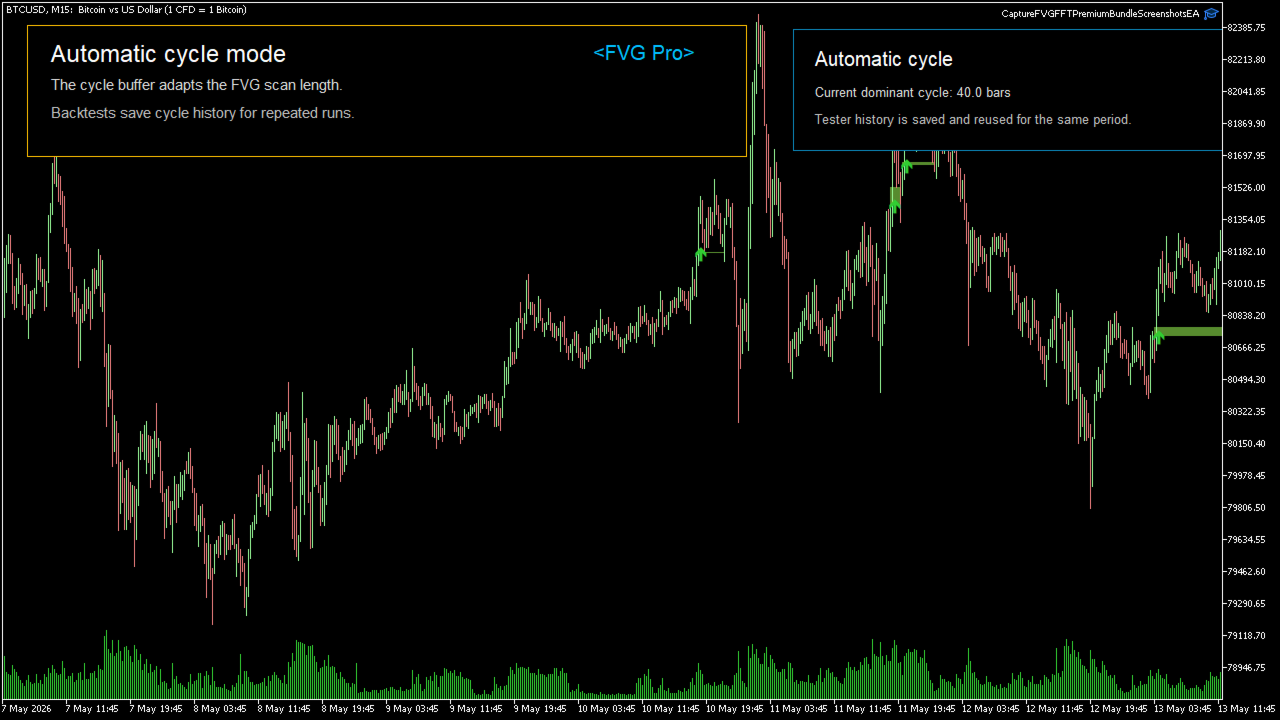
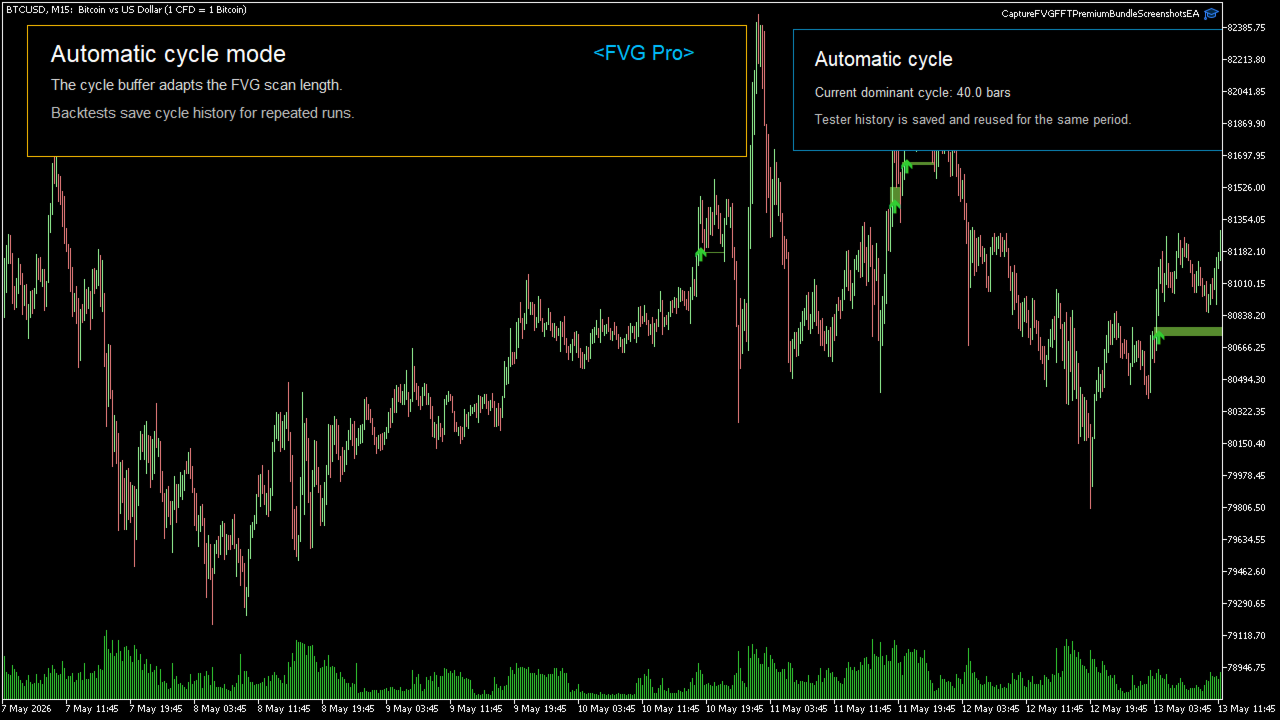
The bundle also includes automatic dominant-cycle logic. You can use a manual lookback period or let the automatic cycle mode estimate the active market rhythm and use that cycle as the adaptive scan period.
Backtest cycle history: during strategy tests, automatic cycle mode checks the saved cycle-history file first. It only recalculates cycle values for bars where no saved history exists, then appends those values so future tests over the same symbol, timeframe, and period do not need to recalculate the same cycle history again. In live trading, the indicator always follows the selected input mode: manual lookback uses the manual period, and automatic cycle mode recalculates the current dominant cycle from live chart data.
Modes
- Classic FVG Zones: filtered bullish and bearish fair value gaps with optional merging, resizing, and fill deletion.
- Inversion FVG: filled gaps can flip into opposite-side support or resistance reaction zones.
- Opening Range FVG Breakout: breakout signals require opening-range context and FVG confluence.
- Silver Bullet Session FVG: session-window FVG signals for London, New York AM, and New York PM windows.
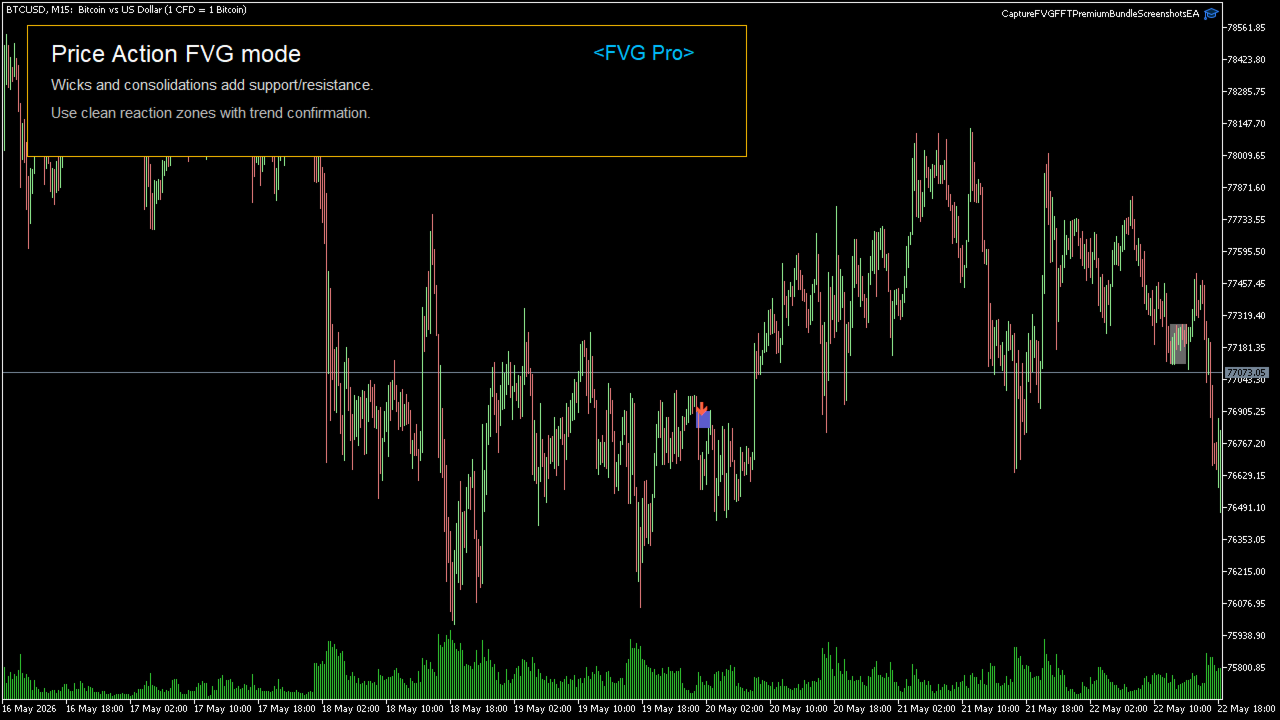
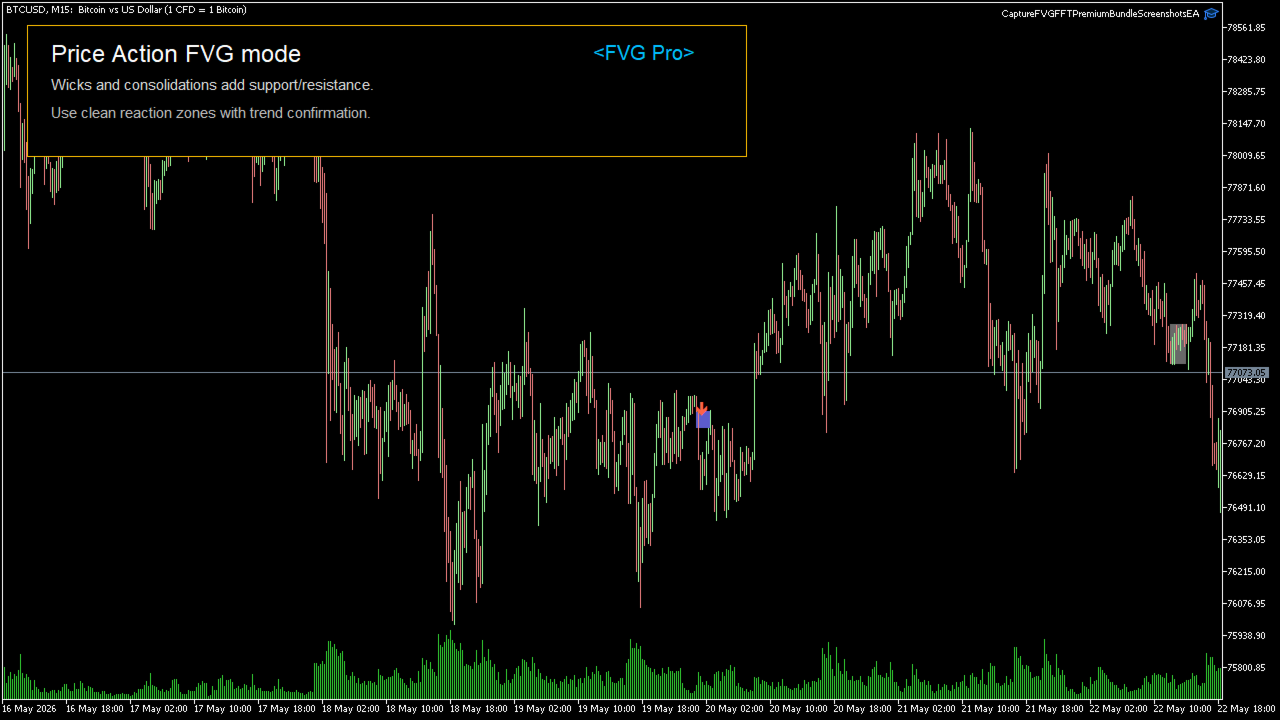
- Price Action FVG: FVG zones filtered around recent price action extremes, with optional wick and consolidation context.
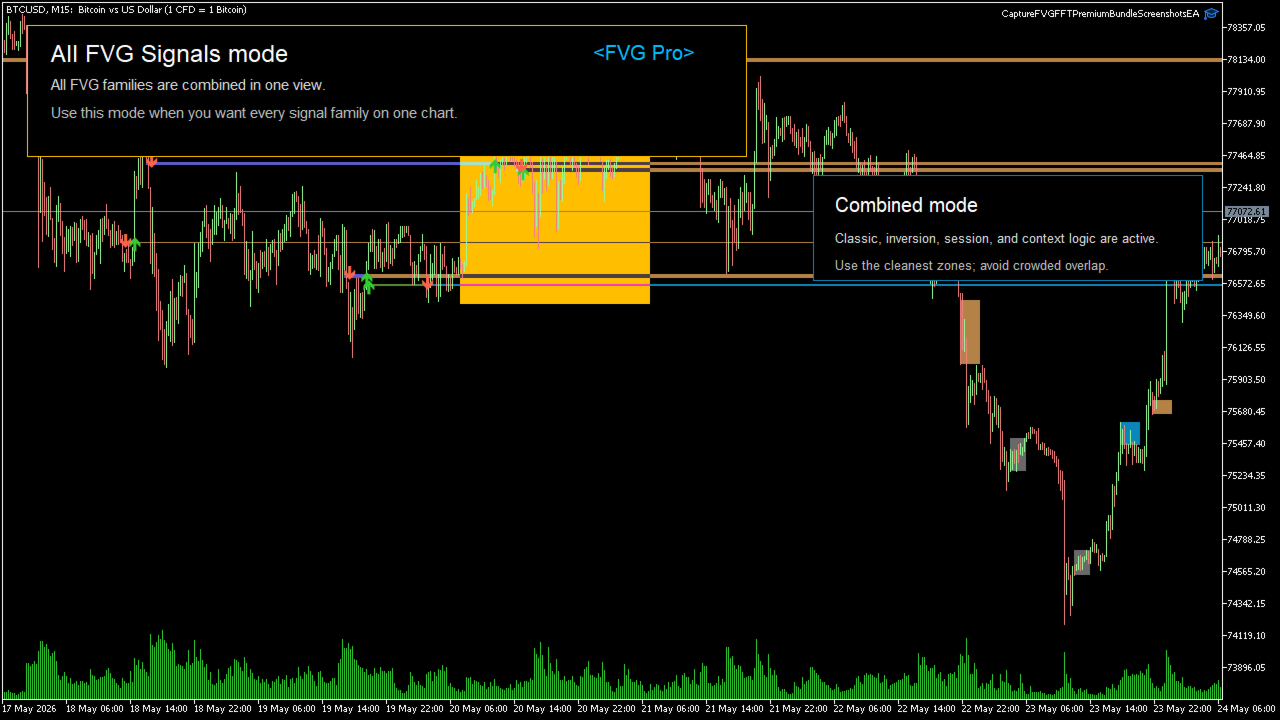
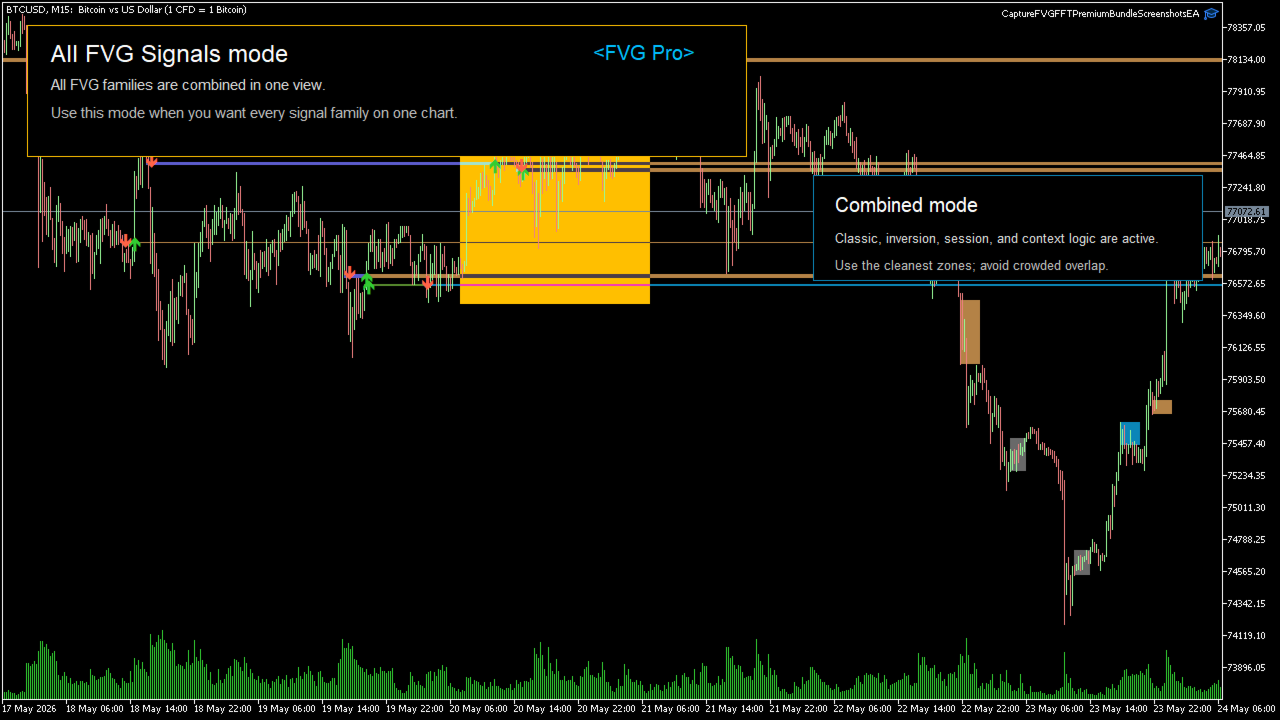
- All FVG Signals: combined bundle view for broad scanning and research.
What it shows
- Bullish and bearish FVG zones.
- Optional inversion zones after a filled gap flips direction.
- Opening range high/low context when that mode is selected.
- Session-window FVG signals for Silver Bullet style workflows.
- Optional price action context boxes for wicks and consolidations.
- Signal arrows on the chart.
- EA-readable buffers for signals, zone midpoints, mode value, and dominant cycle value.
Basic use
- Select the indicator mode that matches your workflow.
- Choose Manual Lookback or Automatic Cycle mode.
- Use the visible zones as possible support, resistance, imbalance, continuation, or target areas.
- Use arrows as signal markers, then confirm with your own trend, liquidity, session, and risk rules.
Main inputs
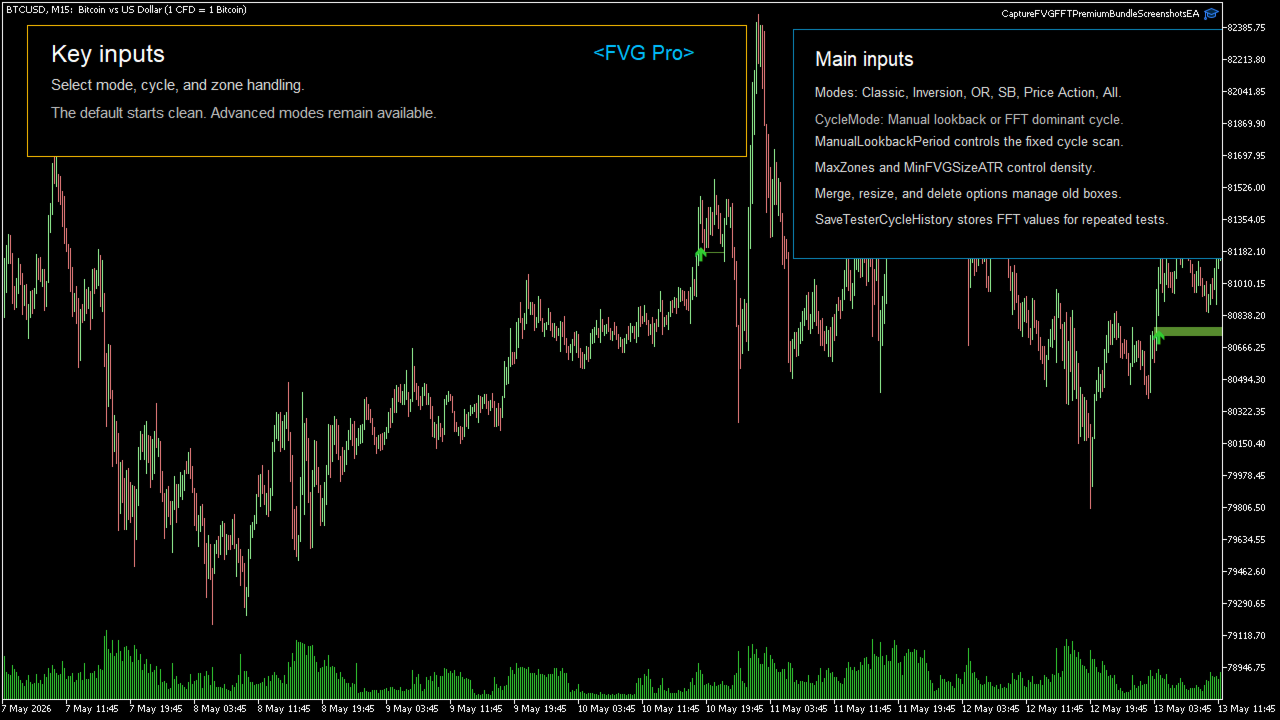
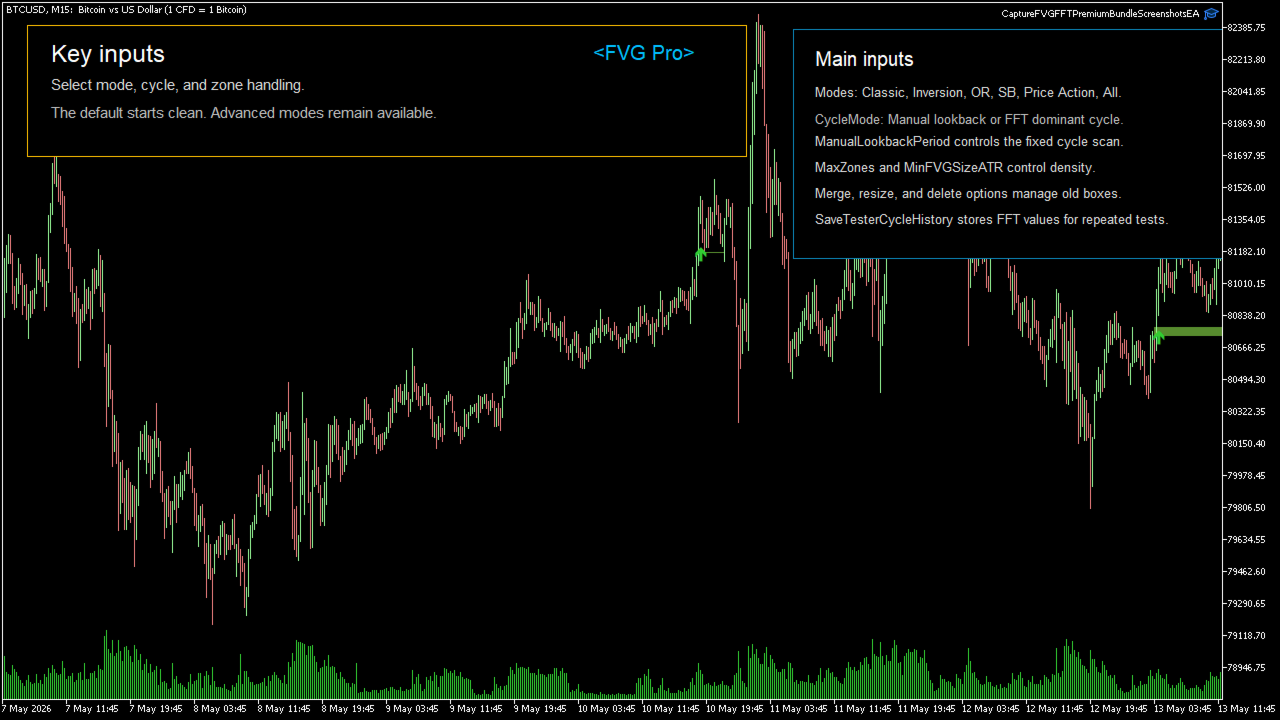
- IndicatorMode: selects Classic FVG, Inversion FVG, Opening Range FVG, Silver Bullet FVG, Price Action FVG, or All FVG Signals.
- CycleMode: Manual Lookback or Automatic Cycle.
- ManualLookbackPeriod: fixed lookback period when manual mode is selected.
- FFTBarsToAnalyze, FFTMinCycle, FFTMaxCycle: automatic cycle controls.
- SaveTesterCycleHistory: saves and reuses cycle history in the strategy tester.
- MinFVGSizeATR / MinFVGSizePoints: controls the minimum gap size.
- MergeOverlappingZones, ResizePartiallyFilledZones, DeleteFilledZones: zone interaction controls.
- Session and Opening Range inputs: configure breakout and Silver Bullet modes.
Buffers
- Buffer 0: bullish signal arrow price.
- Buffer 1: bearish signal arrow price.
- Buffer 2: bullish FVG midpoint.
- Buffer 3: bearish FVG midpoint.
- Buffer 4: inversion FVG midpoint.
- Buffer 5: active dominant cycle value.
- Buffer 6: signal value. Positive values are bullish, negative values are bearish.
- Buffer 7: selected mode value.
Risk note: this is a technical analysis tool. It does not guarantee profitable trades. Use it with risk management, position sizing, and additional confirmation.