Object to Buffer
- Indicatori
- Versione: 1.21
- Aggiornato: 2 dicembre 2024
- Attivazioni: 10

Want to create an Expert Advisor (EA) using an indicator that doesn’t store the required data in a buffer (visible in the Data Window) and only draws objects on the chart?
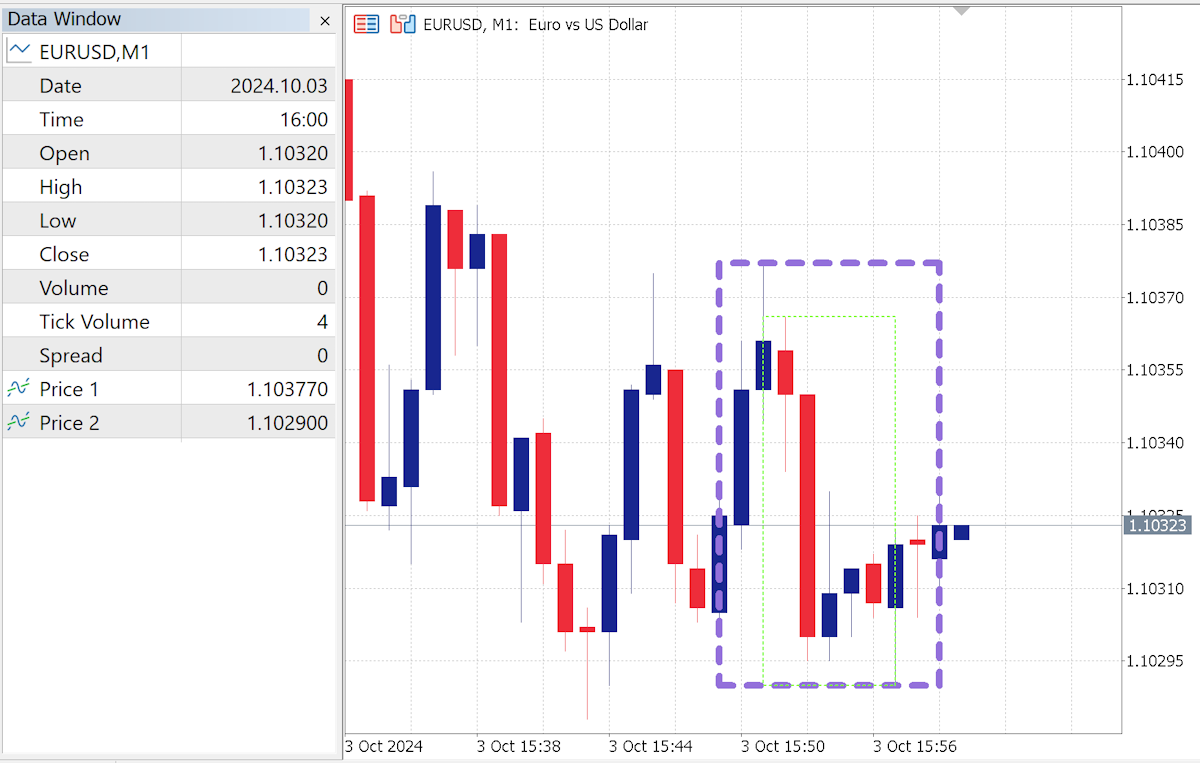
This solution captures chart objects and places them into buffers, allowing you to create an EA—whether you're using EA Builder Pro or writing code with iCustom—by selecting the correct values using those buffers (modes).
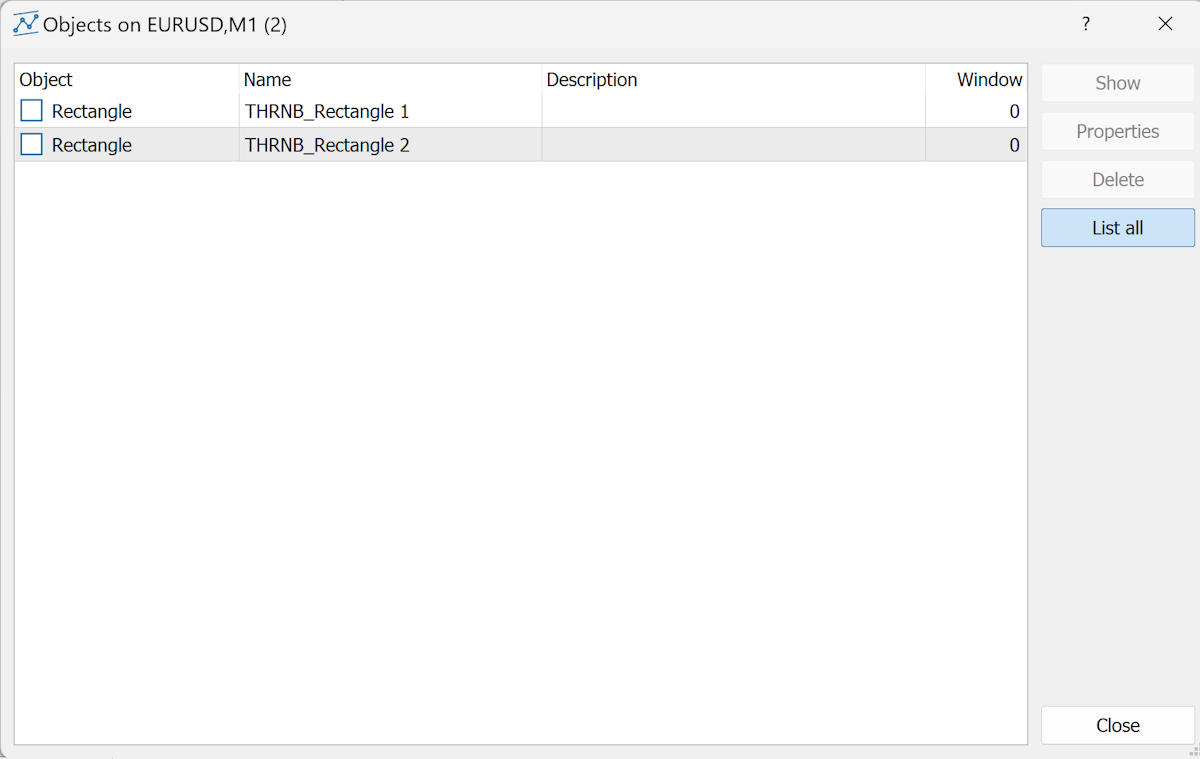
It works with any object visible in the Object List that has a unique Name or Description, such as:
- Trend Lines (including finding the calculated value per bar, instead of just the start and end value of the trend line)
- Arrows
- Rectangles
- Labels
- And more.
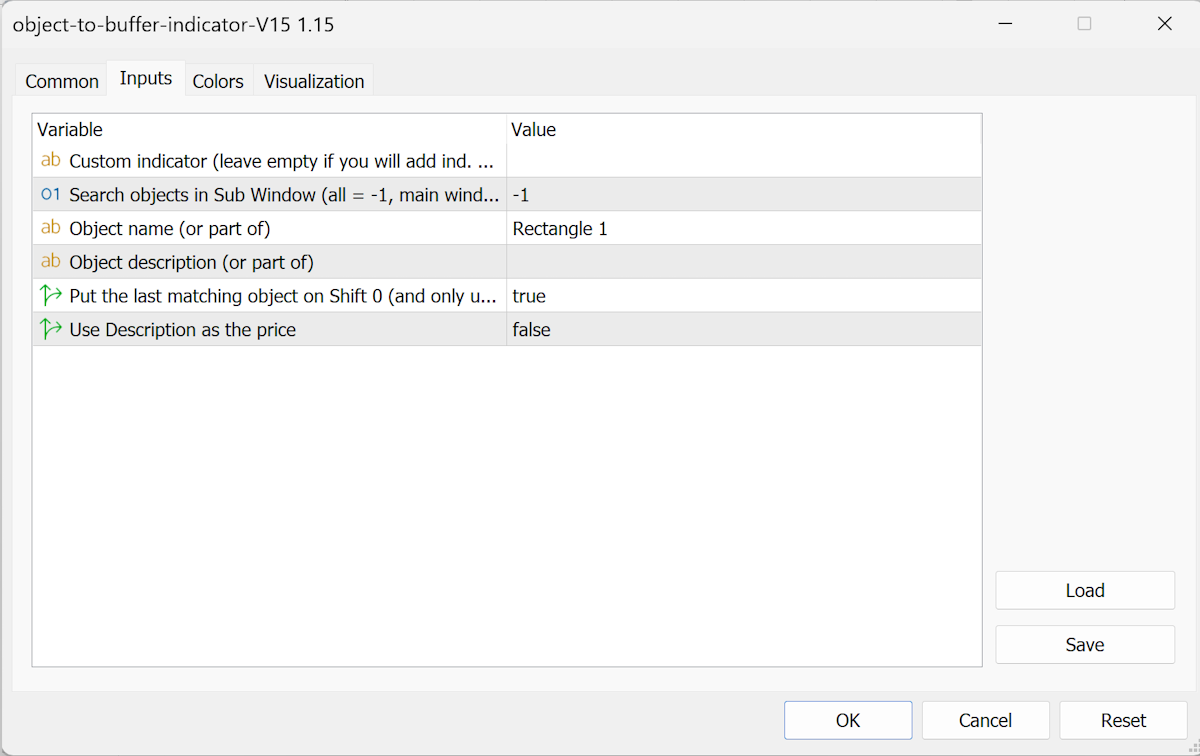
Use the wildcard setting (*) to find any text in the name or description of the object. For eample you can find '*Rechangle 1' in an object called '2024-12-01 Rectangle 1'. Without the wildcard setting the indicator will find an exact match.
You can also retrieve the most recent object on the chart with a matching name, which is helpful when the same object is painted many times, and you're only interested in the object closest to the current candle.
When entering the name of a Market Place indicator, please enter the Custom Indicator Input as 'Market\Name of the Indicator'.
If you want to manually adjust the indicator parameters of the indicator which draws objects to the chart, you can simply leave the Custom Indicator Input empty and then add the indicator which draws the objects to the chart, manually.