Session Trade Controller
- Utilitaires
- Version: 2.20
- Activations: 5

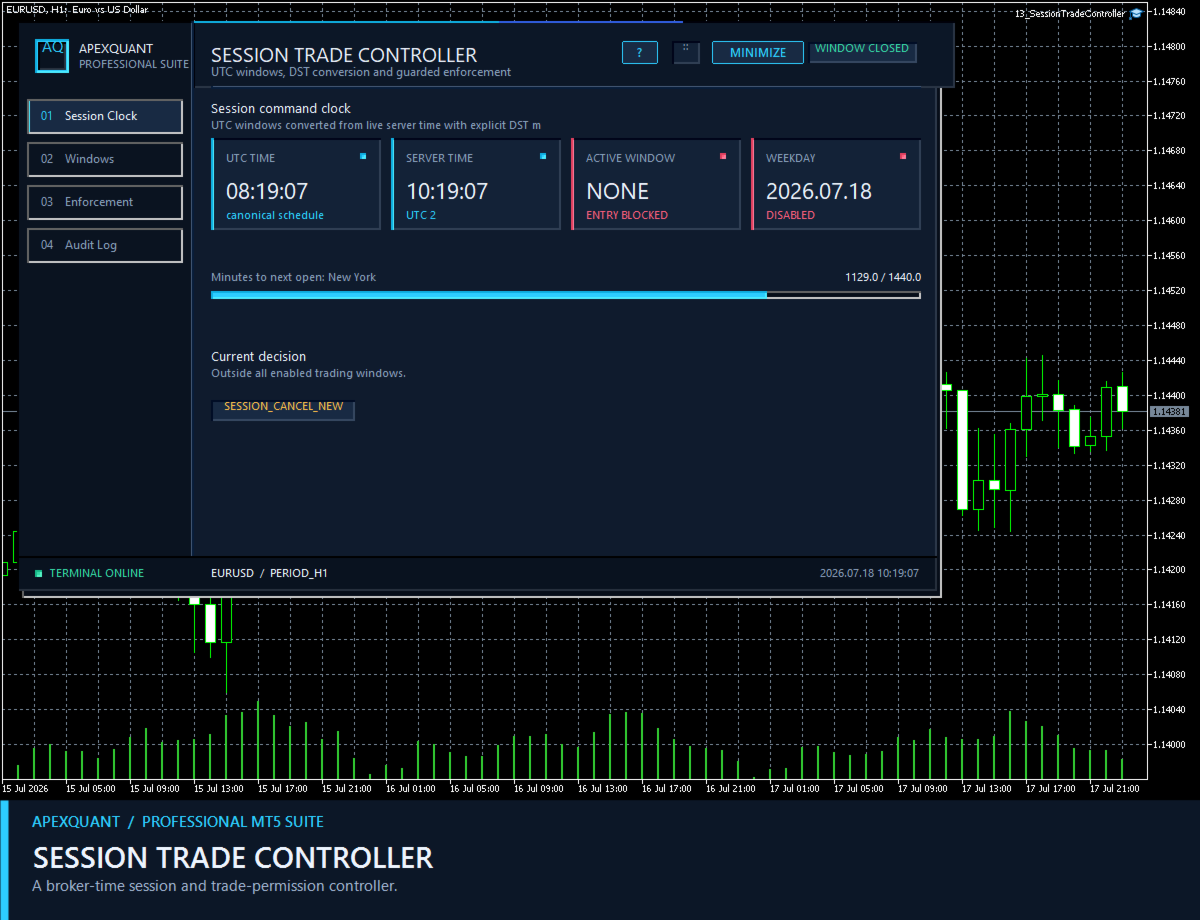
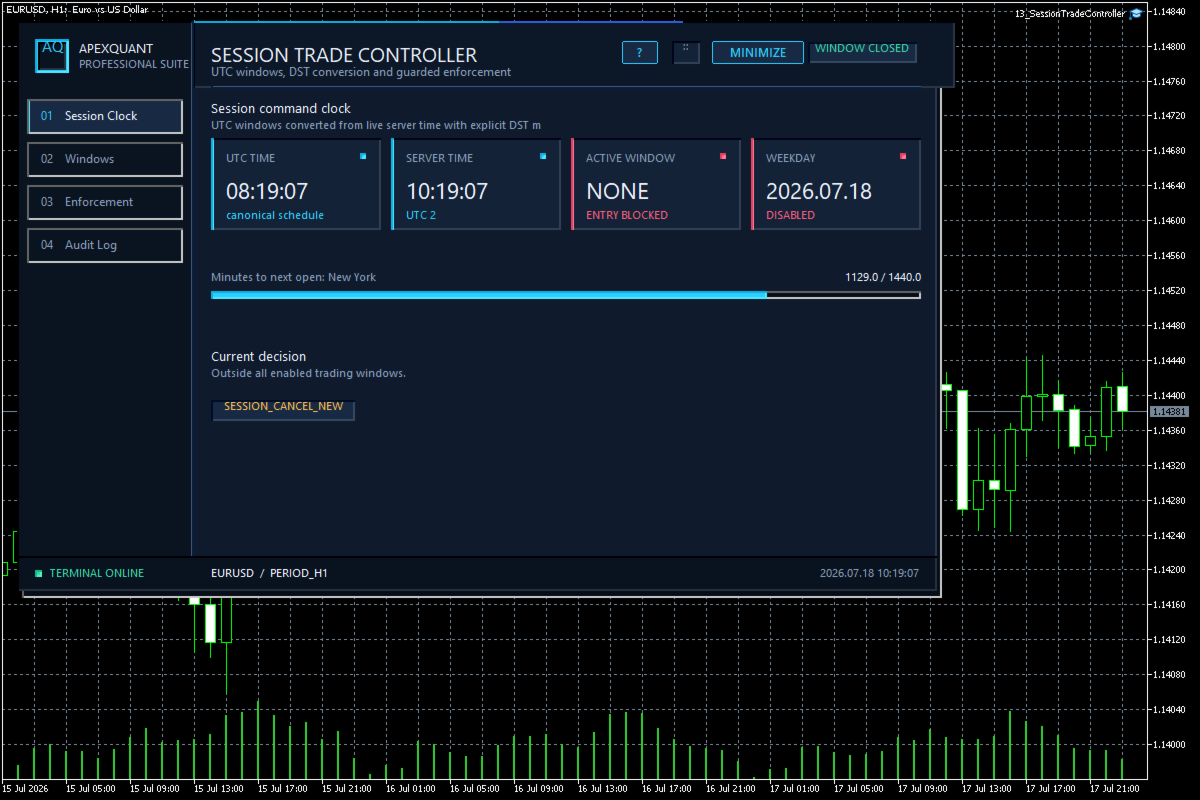
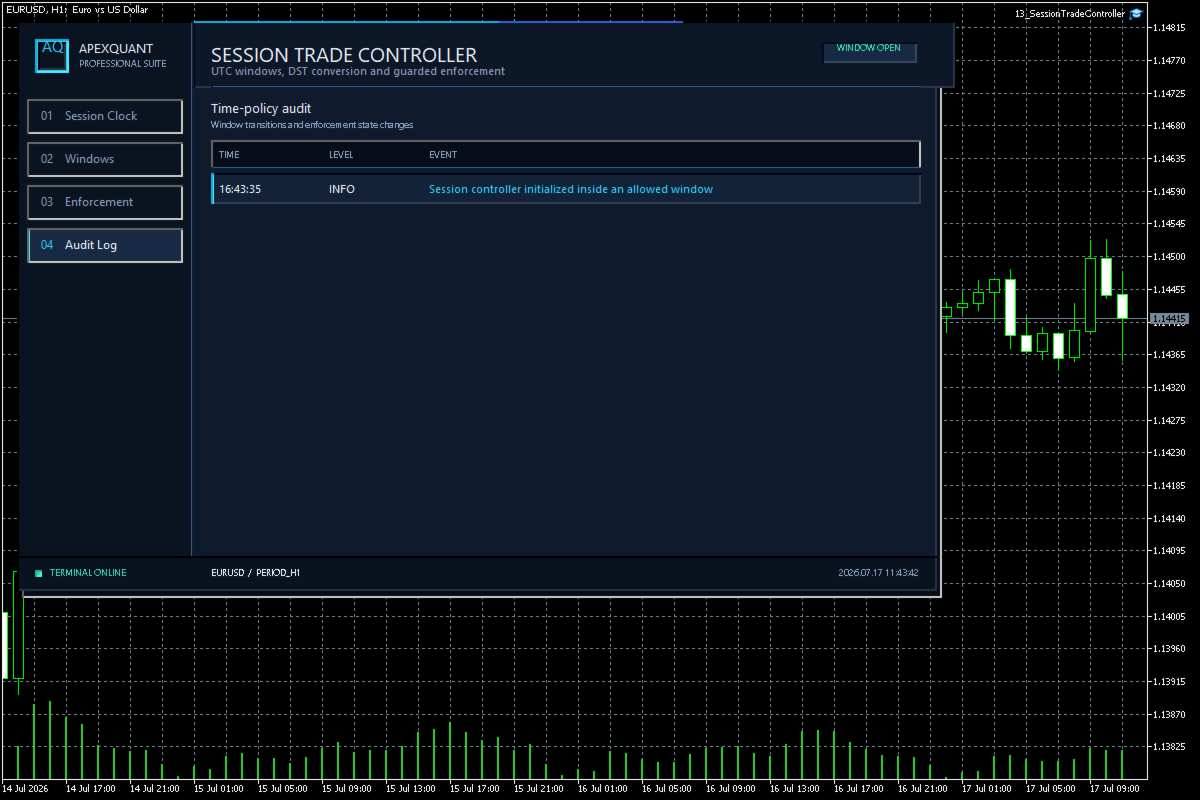
Session Trade Controller — Keep session schedules, weekday permissions and current order or position context together.
Who it is for
Designed for traders whose operating workflow depends on broker-time windows and explicit session boundaries.
Main functions
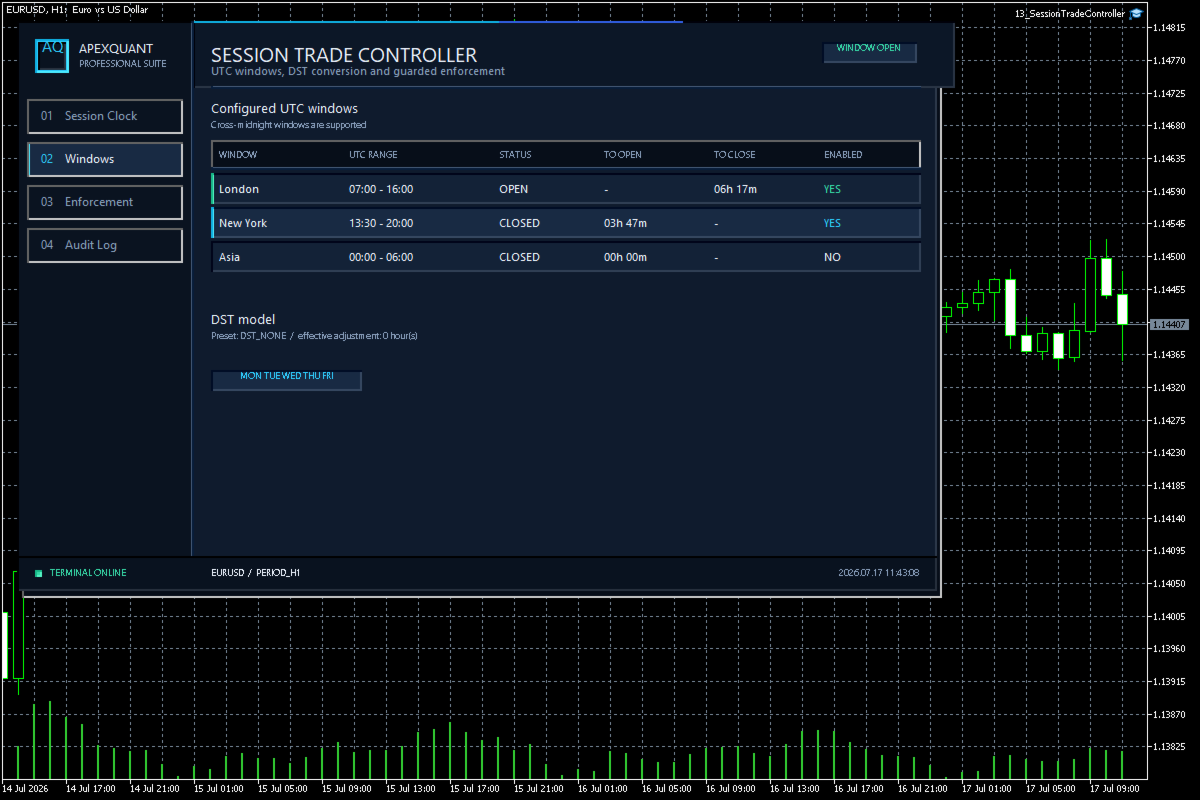
- User-configured trading windows
- Live countdown to the next session change
- Weekday permission rules
- Clear open, closed and transition states
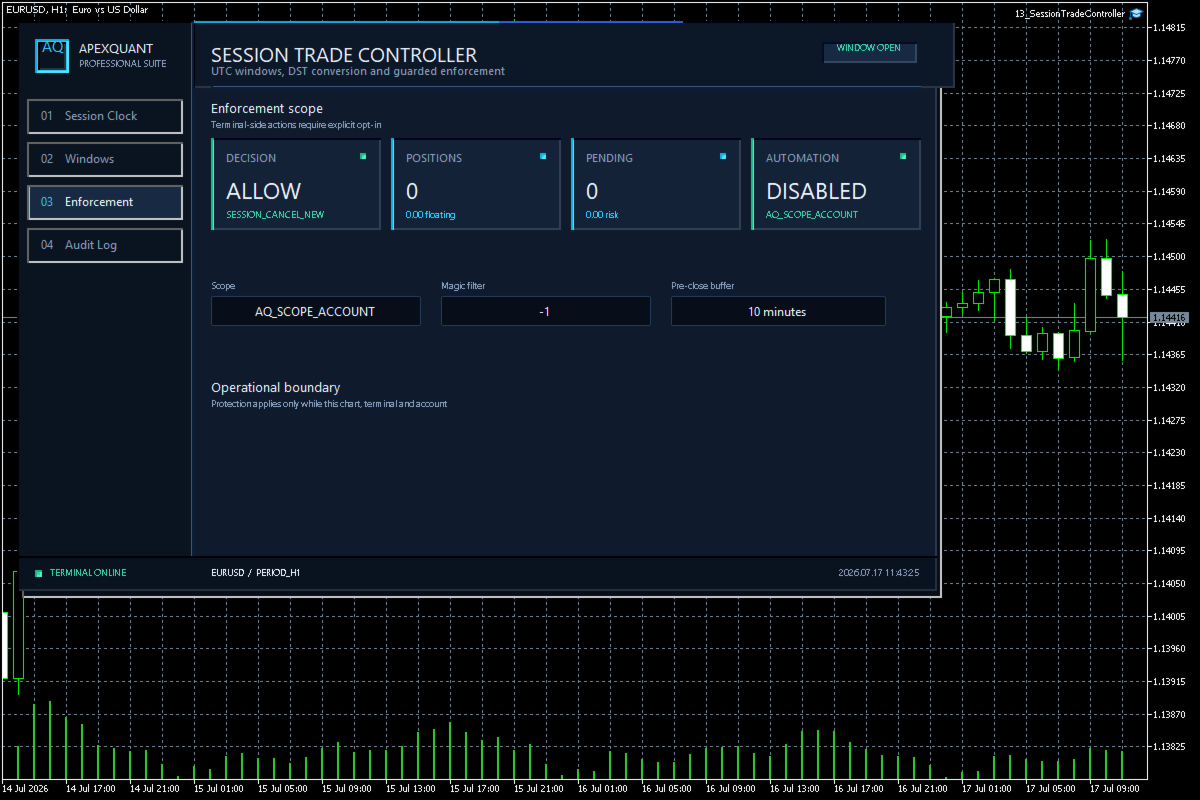
- Position and pending-order visibility
- Explicit reasons when trading is outside the permitted schedule
- Dashboard view based on broker server time
A practical setup workflow
Review the selected account, symbols, server time, available history and input settings. Compare the panel with the terminal before relying on its output. Confirm the intended order or position scope and test every enabled execution or management action on a demo account first. Only enable trading functions deliberately after reviewing the settings.
Important limits
Check broker server time and daylight-saving changes before interpreting any session boundary. Local controls depend on terminal operation, data, connection and broker execution. Gaps, slippage and rejected requests can affect actions and exceed intended loss limits. No tool can guarantee profit or eliminate trading risk. Historical statistics and examples do not predict future results. Check suitability for your own account and workflow before use.