 MetaTrader 5
 Experts
 Indicators
 Scripts
 Libraries
 Storage
Join our fan page

Multi-TF Data Grabber Lite — Free Clean CSV Export (M1/M15/H1 + Indicators) - script for MetaTrader 5

- Views:
- 91
- Rating:
- Published:
-
 You are missing trading opportunities:
- Free trading apps
- Over 8,000 signals for copying
- Economic news for exploring financial markets
Registration Log inYou agree to website policy and terms of use
If you do not have an account, please register -
 Need a robot or indicator based on this code? Order it on Freelance
Go to Freelance
Need a robot or indicator based on this code? Order it on Freelance
Go to Freelance

Your model is only as good as your data. Most free CSV exports are silently poisoned: misaligned timeframes, repainting indicators, lookahead bias baked into every row — and you discover it months later, after the backtest lied to you. Multi-TF Data Grabber Lite exports clean, deterministic, analysis-ready market data from MT5 to CSV. Closed bars only. Frozen time range. Zero lookahead. The same export produces the same numbers, every single time. Free. How to run it (30 seconds): open an XAUUSD chart (any timeframe). In the Navigator, drag DataGrabber_Lite_v105 onto the chart. The inputs dialog appears — set your date range, toggle indicators on/off, press OK. Any period you want — the Date Range inputs are yours: From defaults to 2022.01.01 and To defaults to the last closed bar. Need 3 months for a quick experiment? Set From to 2026.07.01. Training a model on 5 years of gold? Leave the defaults. One drag, any history depth.
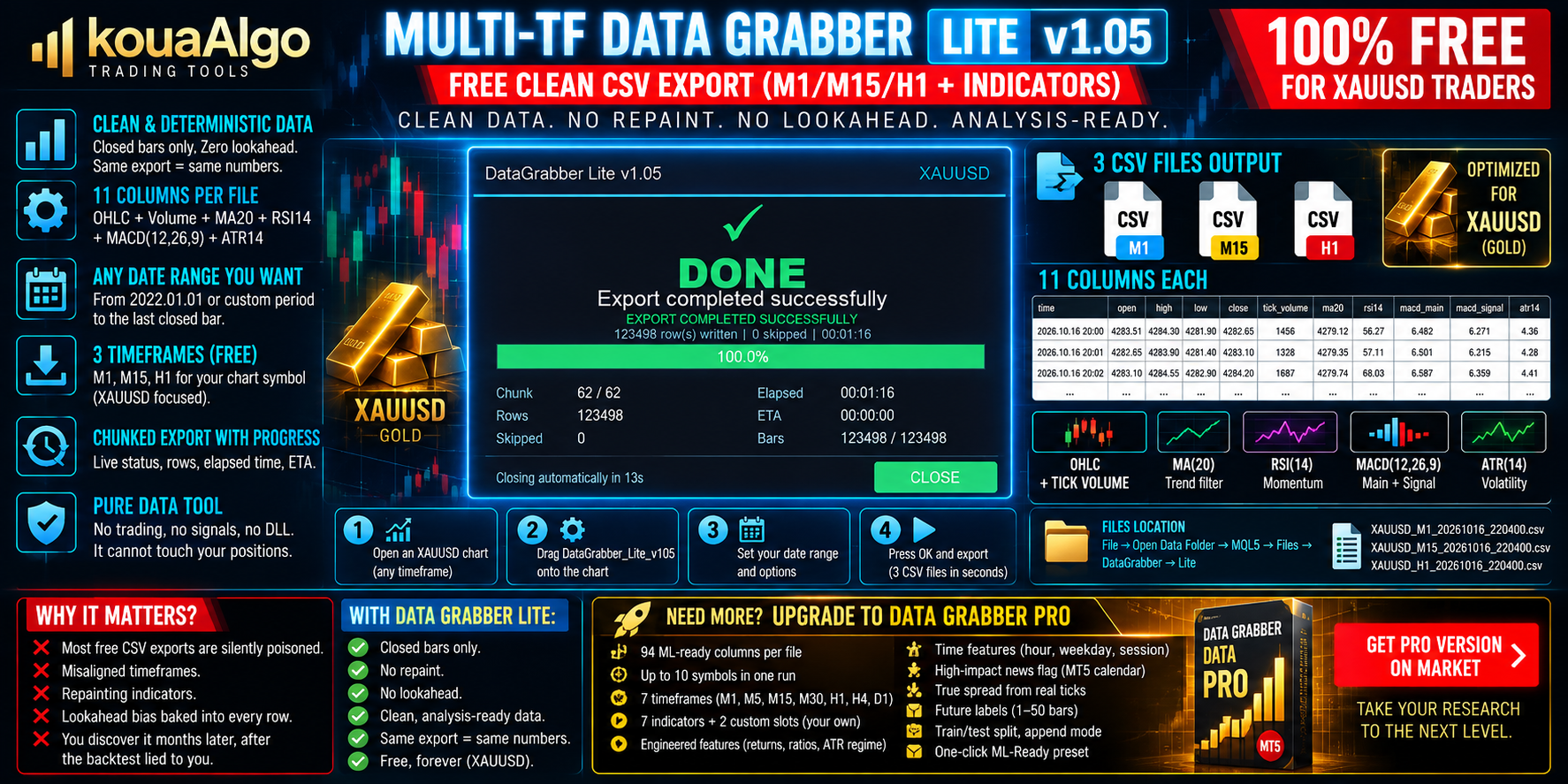
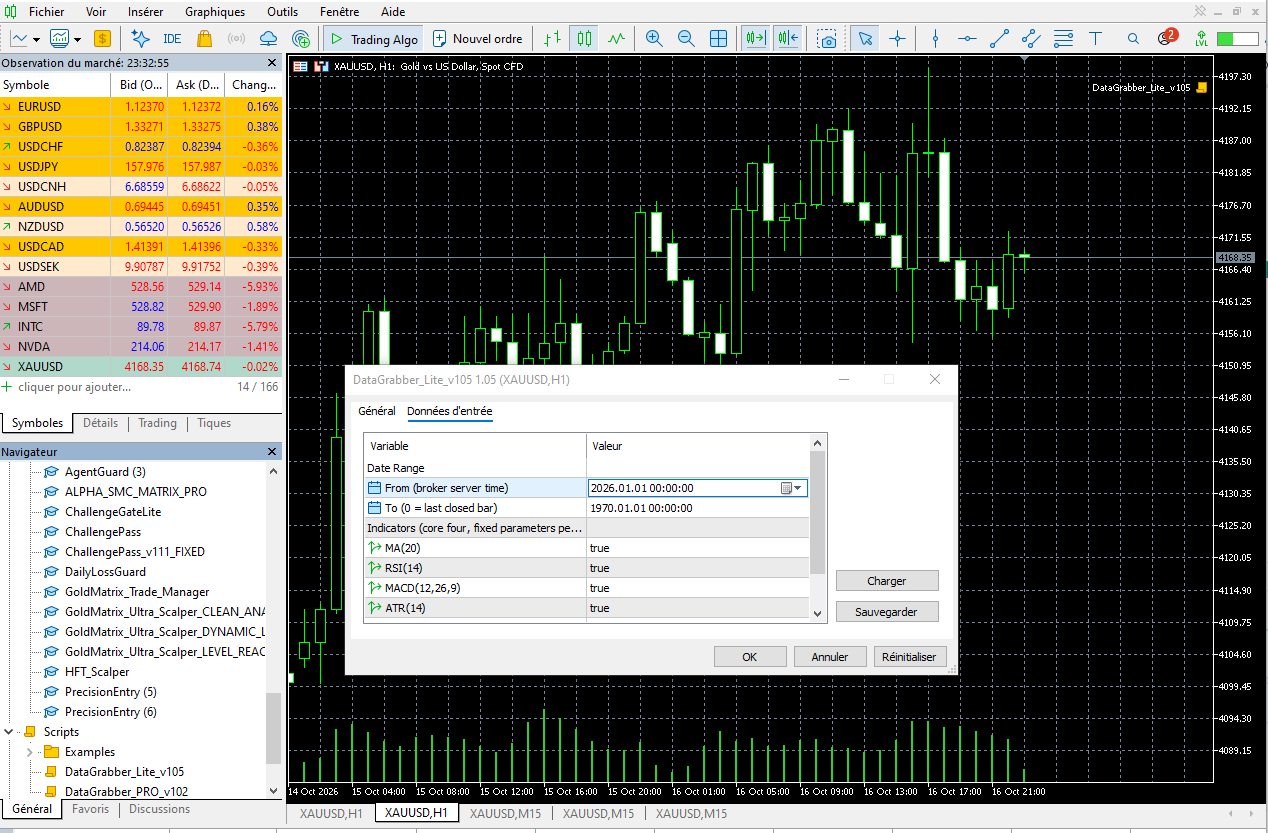
A dashboard shows live progress (chunk, rows, elapsed, ETA). It closes itself when done. Built for reliability: frozen export range — if a new bar opens mid-export, the run restarts automatically with a fresh freeze (v1.05 auto-retry) — you never see a corrupted file. Chunked export with progress, elapsed time and ETA. No trading, no signals, no DLL. A pure data tool — it cannot touch your positions.

What you get — 3 files, 11 columns each. One CSV per timeframe — M1, M15, H1 — for your chart symbol, each row containing: time, open, high, low, close, tick_volume, ma20, rsi14, macd_main, macd_signal, atr14. OHLC + tick_volume — raw candle truth, straight from your broker's history. MA(20) — the trend filter every system starts with. RSI(14) — momentum, overbought/oversold regimes. MACD(12,26,9) — main + signal lines for trend/momentum confirmation. ATR(14) — volatility, the professional's position-sizing input. Every indicator is computed on closed bars only. Nothing repaints. Nothing peeks into the future.

Your three CSV files are ready. In the terminal: File → Open Data Folder → MQL5 → Files → DataGrabber → Lite. Files are named SYMBOL_TIMEFRAME_YYYYMMDD_HHMMSS.csv, e.g. XAUUSD_M1_20261016_220400.csv — open them in Excel, Python, or anything that reads CSV. Note: on the very first run, if your symbol history hasn't finished downloading yet, the file may be smaller than expected. Wait for the history to load, delete the small files, and drag the script onto the chart again. The free Lite edition is built for XAUUSD (gold) traders: 3 timeframes (M1/M15/H1), 4 core indicators, chart-symbol export. Everything a discretionary trader or a first ML experiment needs — free, forever. Need more? Meet PRO — a different world. When your research outgrows 11 columns, DataGrabber PRO (on the Market) gives you the full quant pipeline in one click: 94 ML-ready columns per file — engineered features, not just raw data. Up to 10 symbols in a single run. 7 base timeframes (M1, M5, M15, M30, H1, H4, D1). 7 built-in indicators (adds Bollinger, Stochastic, ADX) plus 2 custom slots — plug in YOUR OWN indicator and export its buffers alongside everything else. Engineered features: log-returns, candle body/wick ratios, ATR volatility regime. Time features: hour, weekday, trading session. High-impact news flag from the MT5 economic calendar. True spread column from real ticks. Post-hoc future labels (1–50 bars ahead) — supervised-learning targets with zero lookahead, the hard part of ML data done right. Train/test split date, append mode, and a one-click ML-Ready preset. 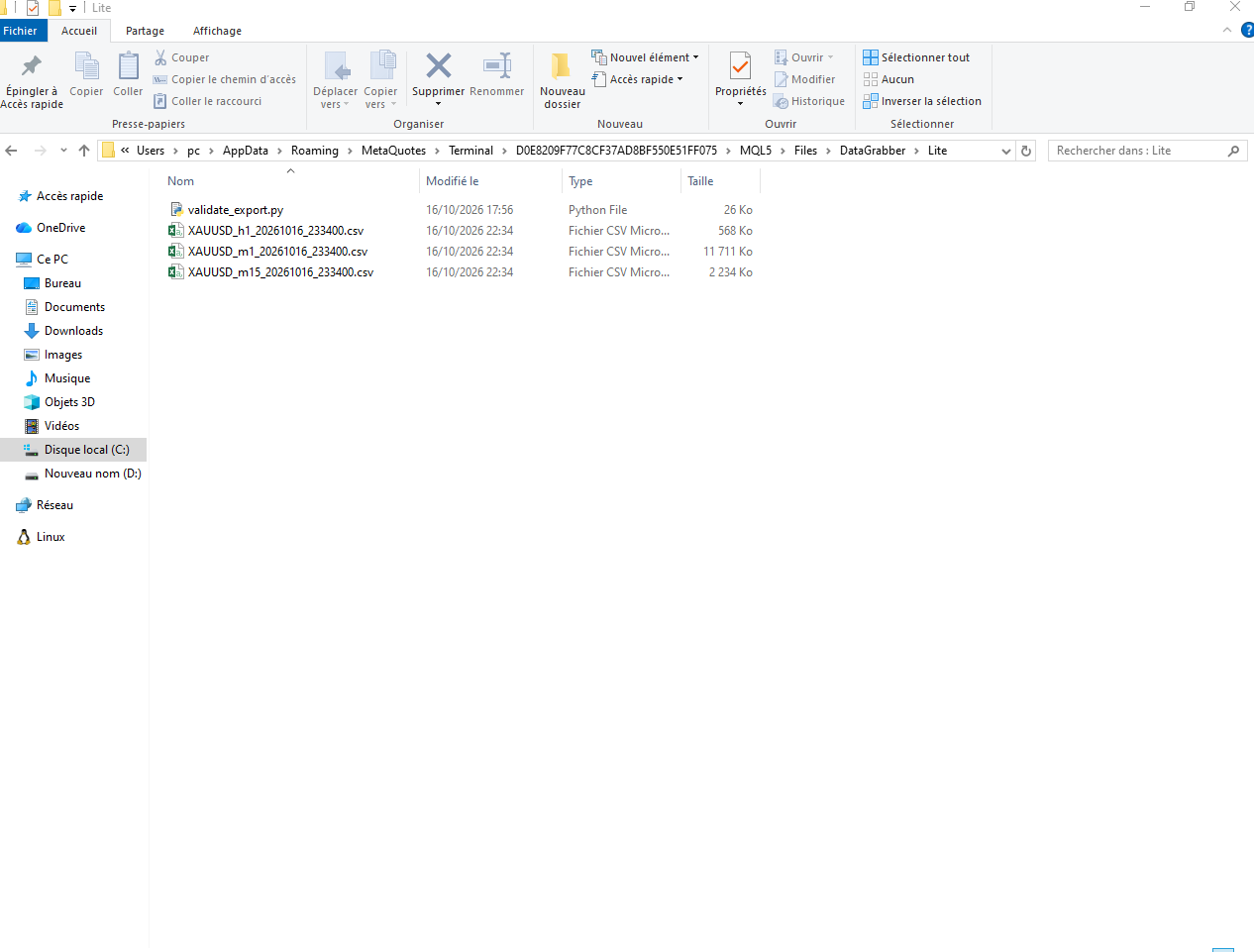
 Basket Break-Even Lines - buy, sell and net break-even with target price
Several buys and sells open on one symbol? The indicator draws where all buys, all sells and the whole basket break even, and the price for a profit target. Planned entries can be added to see the break-even before you trade.
 Telegram Trade Notifier - opens, closes, pending orders and daily summary
Sends every opened and closed position, pending orders and a daily account summary to your Telegram chat. It never trades on your account.
Compression Breakout Channels with Buy and Sell Volume
Finds volatility compressions as they form, boxes each one as a channel with ATR edge bands and marks the bar that breaks out of it. Inside the live channels: buy and sell volume split from M1 bars, drawn as candles and text, plus a gauge of the current volume delta. Breakout arrows in buffers for EAs.
 Calendar News Filter - pause any EA around high-impact news
A small include file that tells your Expert Advisor when it is inside a news window, using the economic calendar built into MetaTrader 5. No web requests and no DLL.