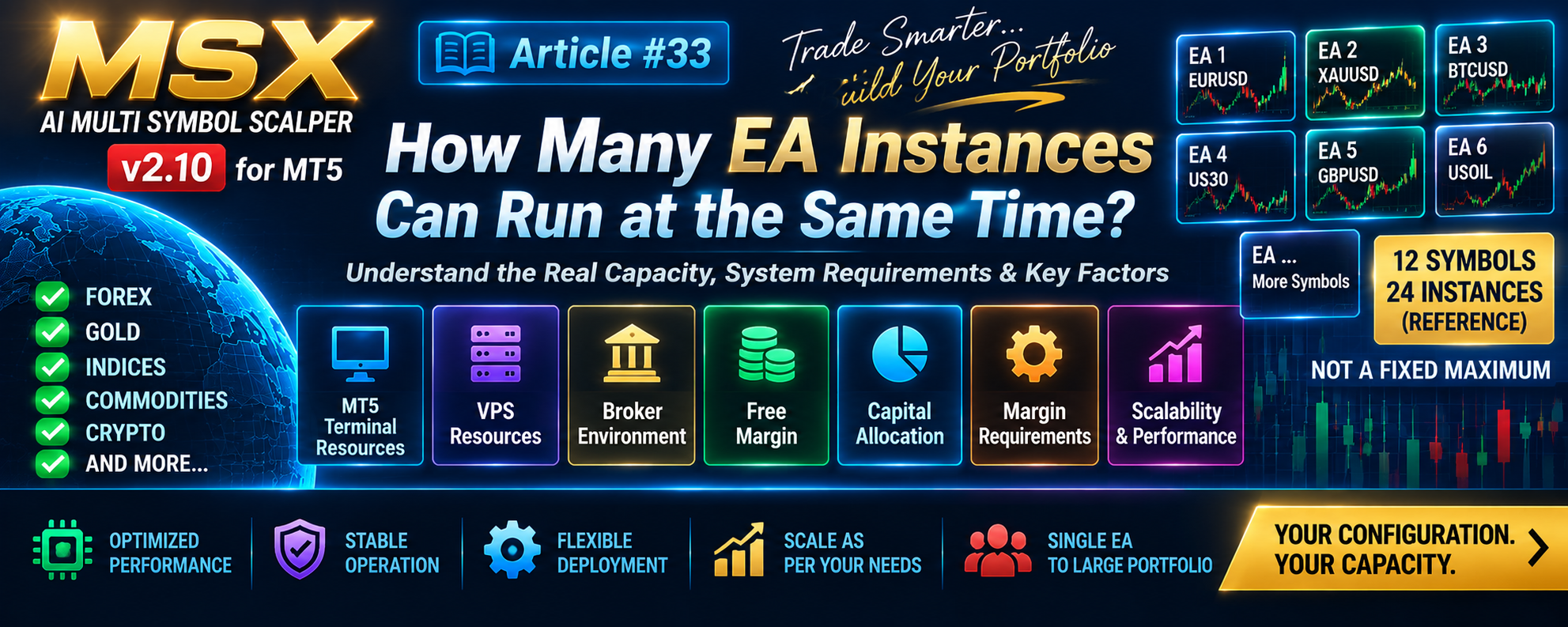
MSX AI Multi Symbol Scalper — How Many EA Instances Can Run at the Same Time?

MSX AI Multi Symbol Scalper — How Many EA Instances Can Run at the Same Time? — Article #33
Understanding the Difference Between Reference Portfolio Size and Actual System Capacity
A common question from visitors is:
“How many EA instances can I run simultaneously?”
The answer is important because there is no fixed “24 EA maximum” hard-coded into the concept of MSX AI Multi Symbol Scalper.
The number of simultaneously operating instances depends on the actual MT5 trading environment.
1. Where Does the Number 24 Come From?
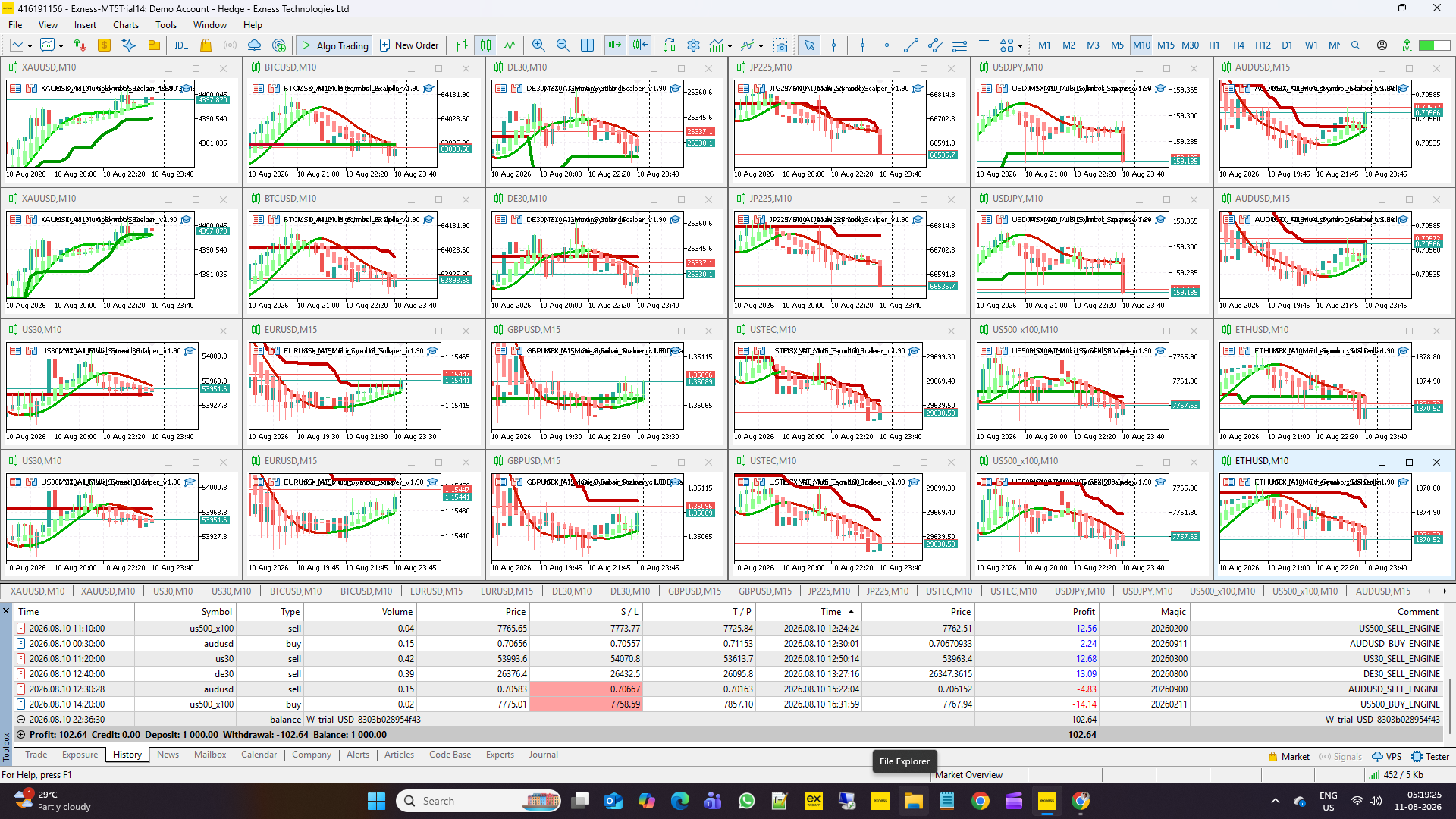
The number 24 comes from a practical reference portfolio structure:
12 Symbols × 2 Directional Engines
= 24 EA instances
For example:
- BUY ONLY engine
- SELL ONLY engine
for each of 12 selected symbols.
This configuration is useful as a reference portfolio architecture.
However:
24 is not a technical maximum imposed by the EA.
2. One EA Instance Is Also a Complete Deployment
A user does not need to operate 12 symbols.
A perfectly valid configuration can be:
1 Symbol + 1 Timeframe + 1 EA Instance
The multi-symbol architecture is an available capability, not a mandatory requirement.
3. Multiple Instances
Users may also operate several independent instances.
For example:
3 symbols
6 symbols
10 symbols
or another configuration appropriate to their account and technical environment.
The actual number should be determined from the complete account environment rather than from a fixed product number.
4. What Determines Practical Capacity?
Several factors influence practical simultaneous capacity.
MT5 Terminal Resources
CPU and RAM availability affect how many charts and EA calculations the terminal can comfortably process.
VPS Resources
When operating continuously on a VPS, available processing resources and system stability become important.
Broker Environment
Broker execution conditions, symbol specifications and margin requirements can affect the practical deployment.
Available Free Margin
The account must have sufficient Free Margin to support the configured portfolio.
Free Margin Reserve
The EA includes a configurable Free Margin Reserve.
This reserve affects how much capital can be committed to trading.
Per-EA Capital Allocation
Each EA instance can be given a defined portion of the available trading capital.
Maximum Tradable Equity
Per-EA tradable-equity limits can further control how much account capital an individual instance may use.
Projected Margin Level
The EA also considers projected margin conditions before allowing positions according to its configured protection framework.
5. More Charts Does Not Automatically Mean More Usable Capacity
This is an important distinction.
A terminal may technically be able to display many charts, but that does not mean the account should automatically allocate trading capital to all of them.
There are two different questions:
Can the terminal operate the instances?
and:
Can the account safely provide the required capital and margin environment?
Both must be considered.
6. The Account Is a Shared Environment
Multiple EA instances operate within the same real MT5 account environment.
They therefore exist within the same:
- Account Equity
- Free Margin
- Margin environment
- Broker conditions
- Trading account limits
Each EA instance has its own configuration and decision context, but all instances ultimately operate within the same account environment.
7. Scaling Should Be Incremental
A practical deployment approach is to begin with a small number of instances and observe:
- CPU usage
- RAM usage
- Free Margin
- Margin Level
- Execution behavior
- Journal messages
- Trading activity
- Account protection behavior
Additional instances can then be introduced according to the user's own environment.
8. No Fixed Portfolio Size
The architecture therefore supports:
Single EA
↓
Several EA Instances
↓
Multi-Symbol Portfolio
The appropriate size depends on the user's technical resources, broker conditions and capital-management configuration.
Conclusion
The 12-symbol / 24-directional-instance configuration should be understood as a reference portfolio architecture, not as a technical maximum.
The practical capacity of an MT5 deployment depends on:
Terminal + VPS + Broker + Free Margin + Capital Allocation + Margin Requirements + Portfolio Configuration
This distinction is important because it prevents visitors from interpreting a reference configuration as a hard software limitation.
Explore the MSX AI Trading Ecosystem
The MSX AI Trading ecosystem brings together the flagship MT5 Expert Advisor, multilingual documentation, technical Knowledge Base, historical Strategy Tester studies, forward-market demonstration records and ongoing YouTube educational content. Explore the resources below for a deeper study and evaluation of the system.
MSX AI Multi Symbol Scalper
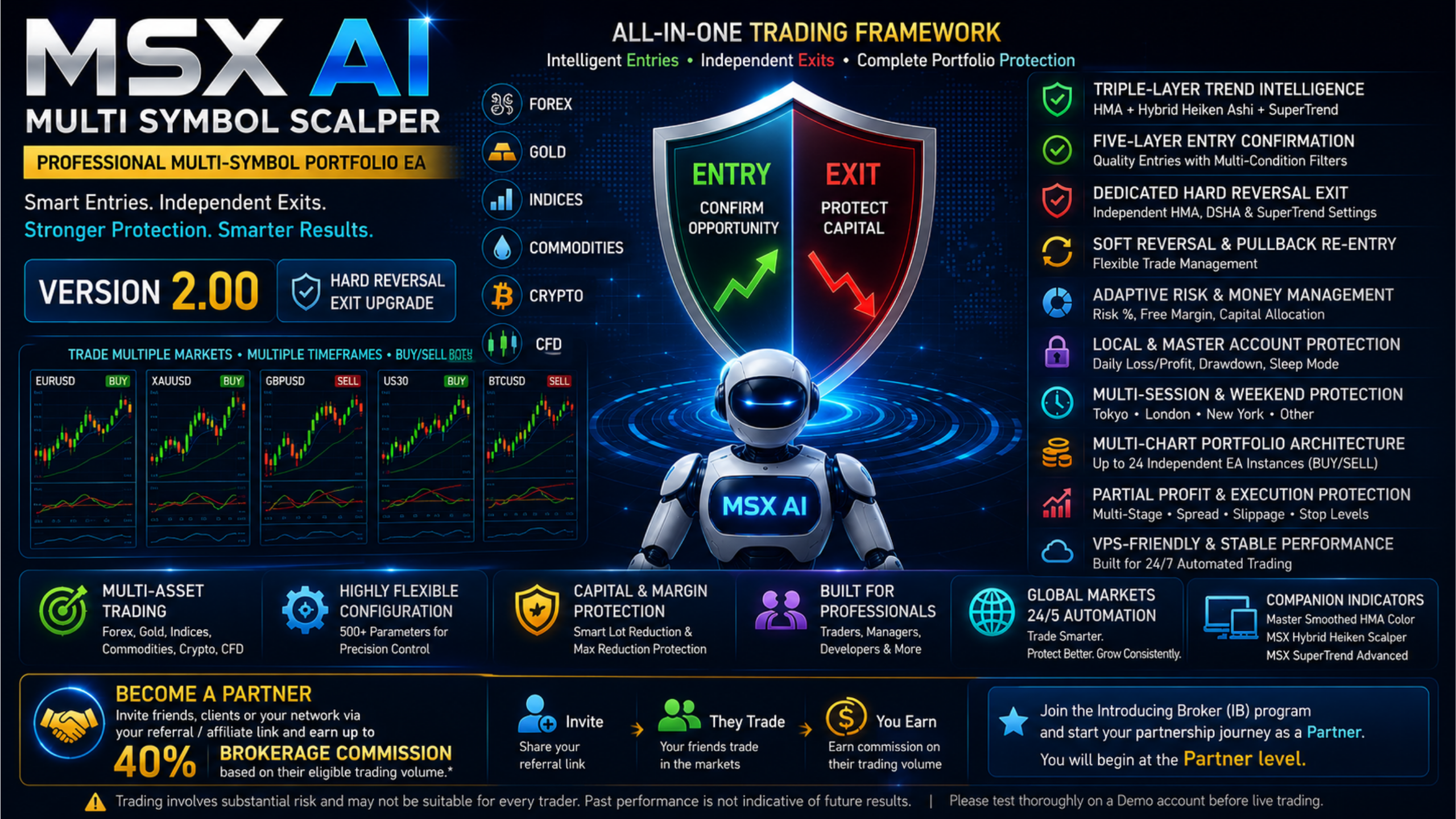
MSX AI Multi Symbol Scalper is a flexible multi-symbol, multi-chart Expert Advisor for automated trading across Forex, Gold, Indices, Commodities, Cryptocurrencies and other broker-supported CFDs.MSX AI Knowledge Base
This Knowledge Base serves as the official documentation center for MSX AI Multi Symbol Scalper. It provides organized educational articles covering installation, deployment, configuration, trading architecture, money management, capital protection and portfolio administration.
Read the Knowledge Base — Articles & Technical Documentation
Official Product Documentation — 12 Languages
The core product documentation is available in English, Russian, Chinese, Spanish, Portuguese, French, German, Italian, Japanese, Korean, Turkish and Hindi.
View the 12-Language Documentation
12-Symbol / Asset Strategy Tester Analysis Series
The objective of this series is to document individual historical tests so that traders can study the system, compare different markets and perform their own evaluation.• BTCUSD • XAUUSD • USDJPY • USTEC • US500 • US30 • XAGUSD • ETHUSD • JP225 • USOIL • EURUSD • AUS200
View Strategy Tester Reports & Default .SET File Information
Forward / Live-Market Demo Performance Evidence
This Master BlogPost serves as the central index for the monthly forward live-market demo trading reports of MSX AI Multi Symbol ScalperView the Forward Live-Market Demo Trading Record Series
MSX AI Multi Symbol Scalper — YouTube Educational Series
The educational series currently includes Shorts Vedios continues to explain the EA's architecture, trading logic, risk management, portfolio deployment and other system components.
Watch the Educational Video Series
Official MSX AI Trading YouTube Channel
Visit the Official YouTube Channel
MSXAI MultiInstanceEA PortfolioTrading MultiSymbolEA MT5Portfolio #MetaTrader5 #EADeployment #VPSTrading #CapitalAllocation #MarginManagement #multiassetsea #msxaitrading