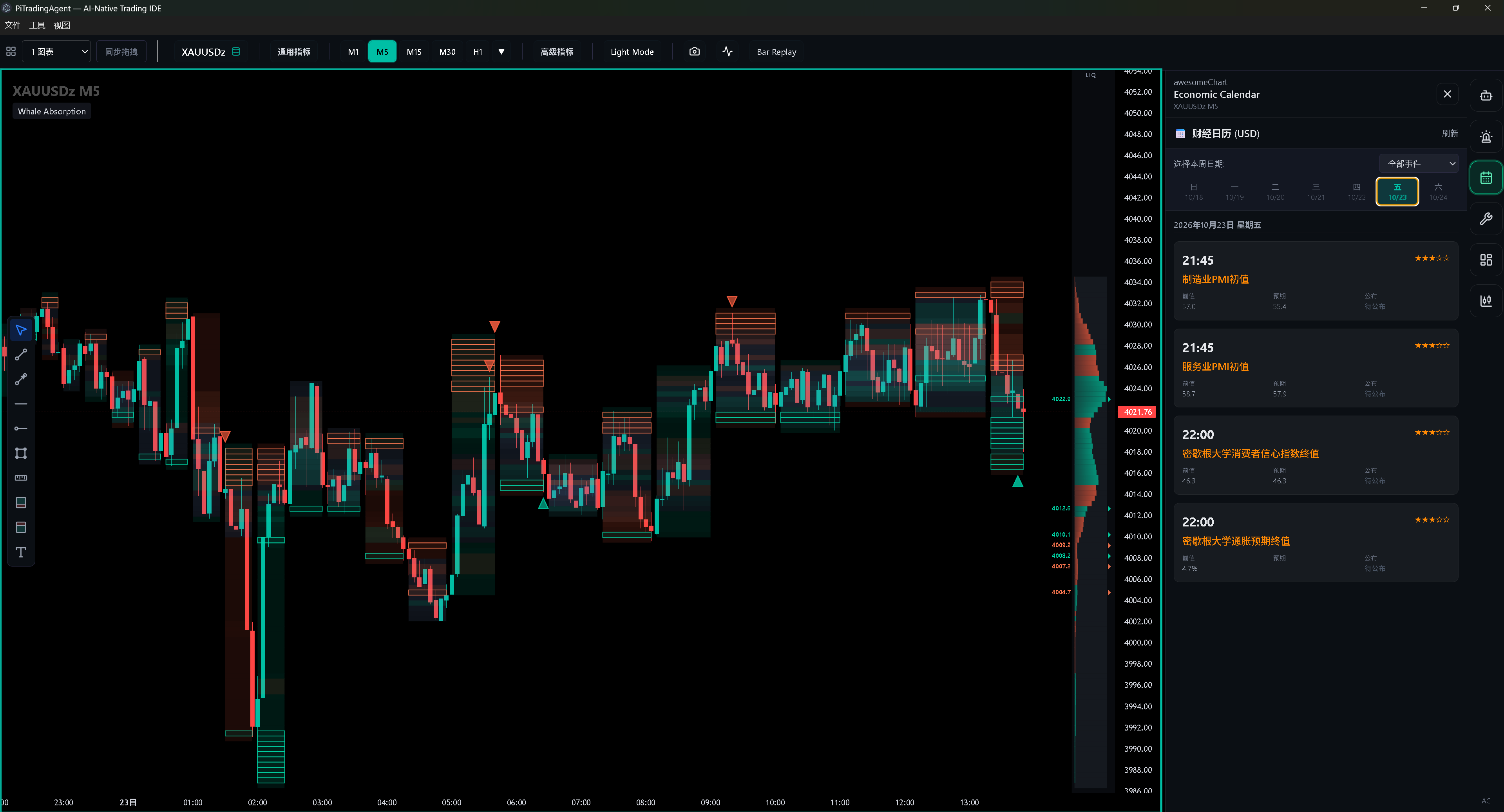
If you trade forex or gold, there’s a “small” problem a lot of people shrug off: you draw everything cleanly on TradingView, then you go to place the trade in MT5 on your machine—and the candle shapes, levels, even alert triggers don’t line up. Different data sources mean different OHLC, so your indicators and structure drift. Sometimes the web chart is also a beat slow, while the real move already played out on your broker’s feed.
1. Local MT5 data: line up with the broker first It pulls candles and account-related info from MT5 on your machine, then pushes that into the desktop chart. Goal is clear: fewer “one wick on the web chart, another on the broker chart” mistakes. If you scalp, run tight stops, or trade precise structure, that usually matters more than one more pretty indicator.
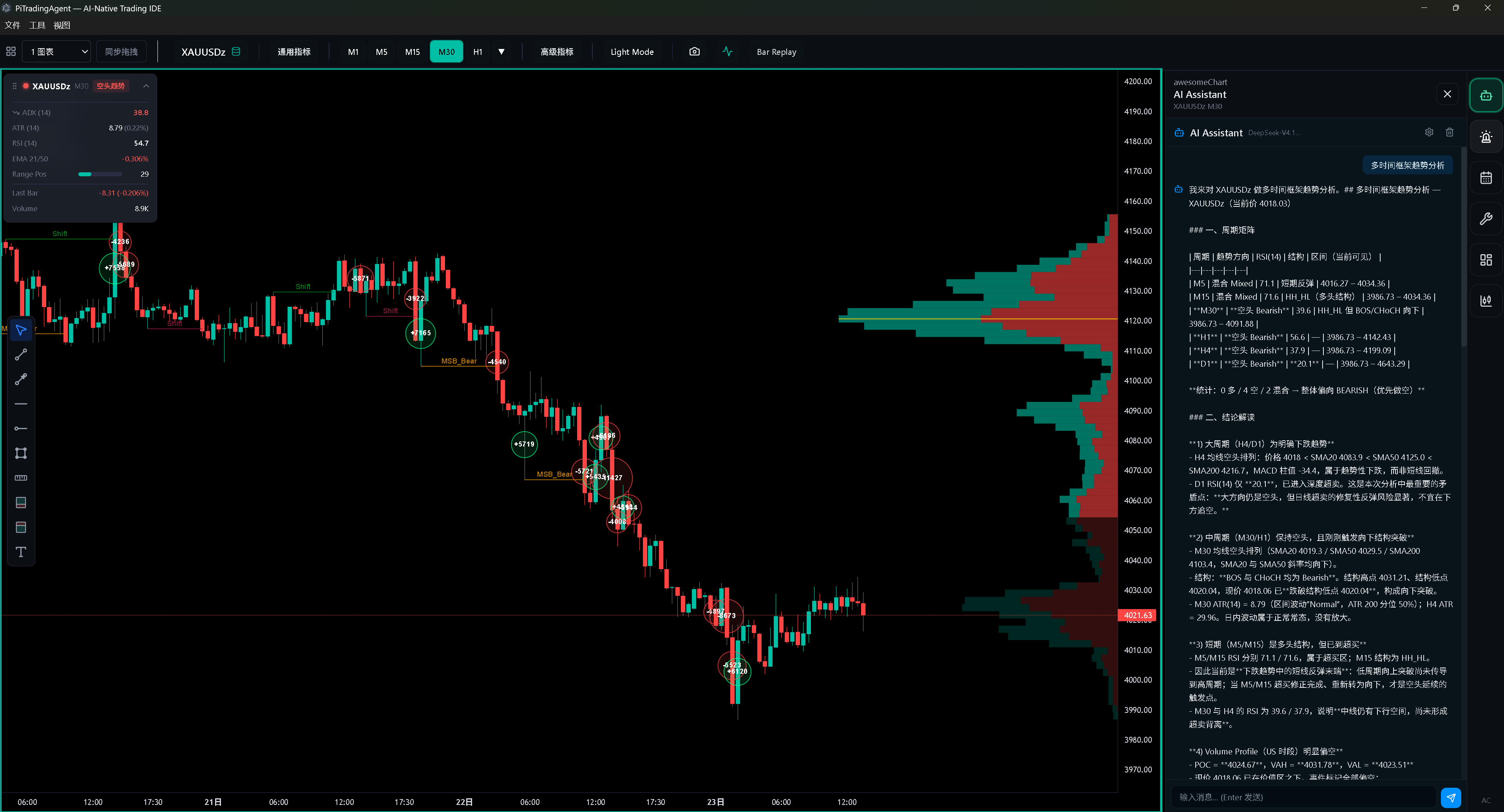
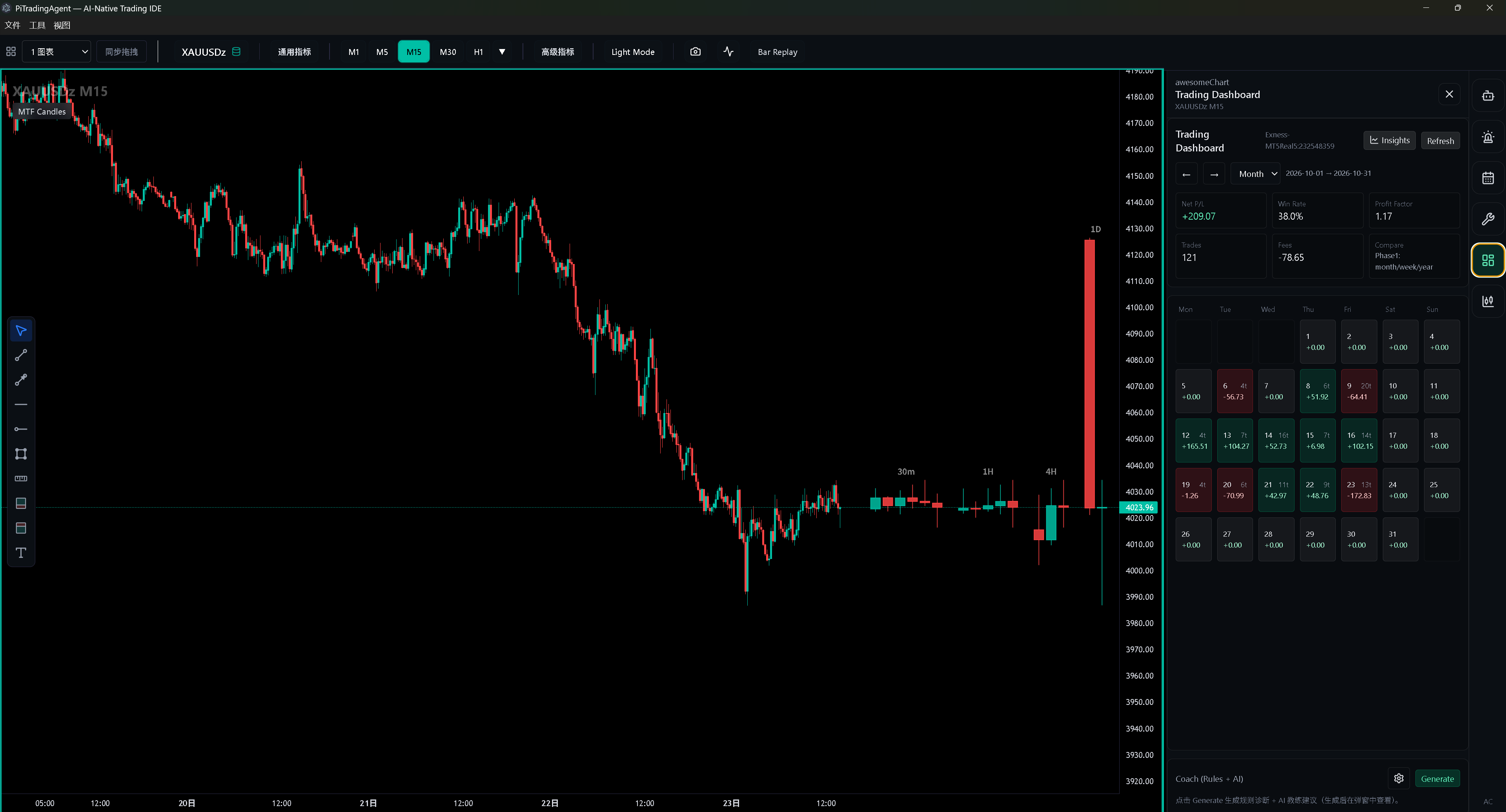
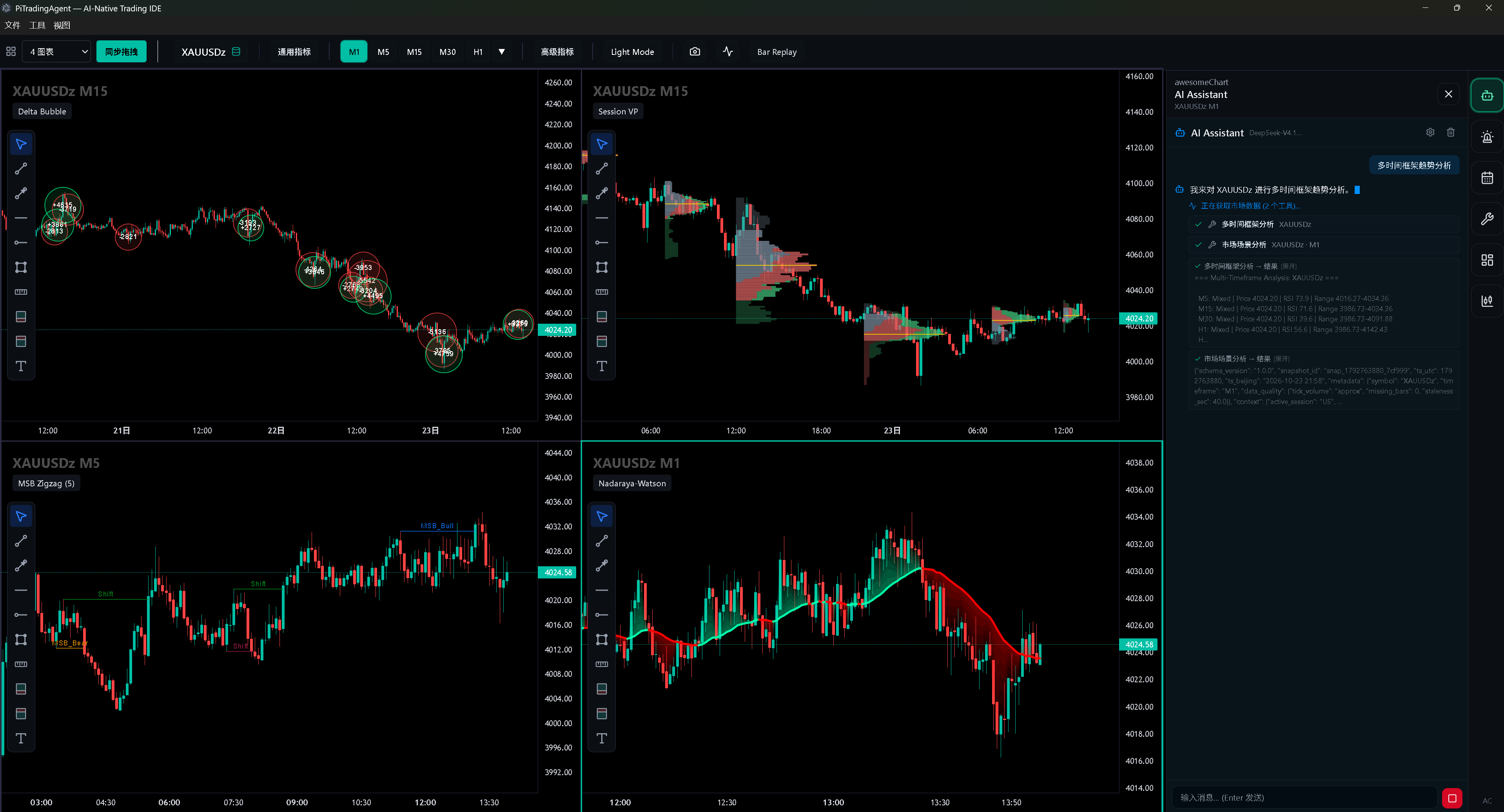
3. AI with native tool calls: actually drive the chart The built-in AI isn’t just a chat box that “talks about” the market. With native tool calling, it can act on the chart from your prompts—full chart control (candle data, drawing, replay, timeframe switches, loading indicators, economic calendar), reading and parsing candle patterns and indicator values, multi-timeframe reads, even order flow / trade-result analysis, and more.
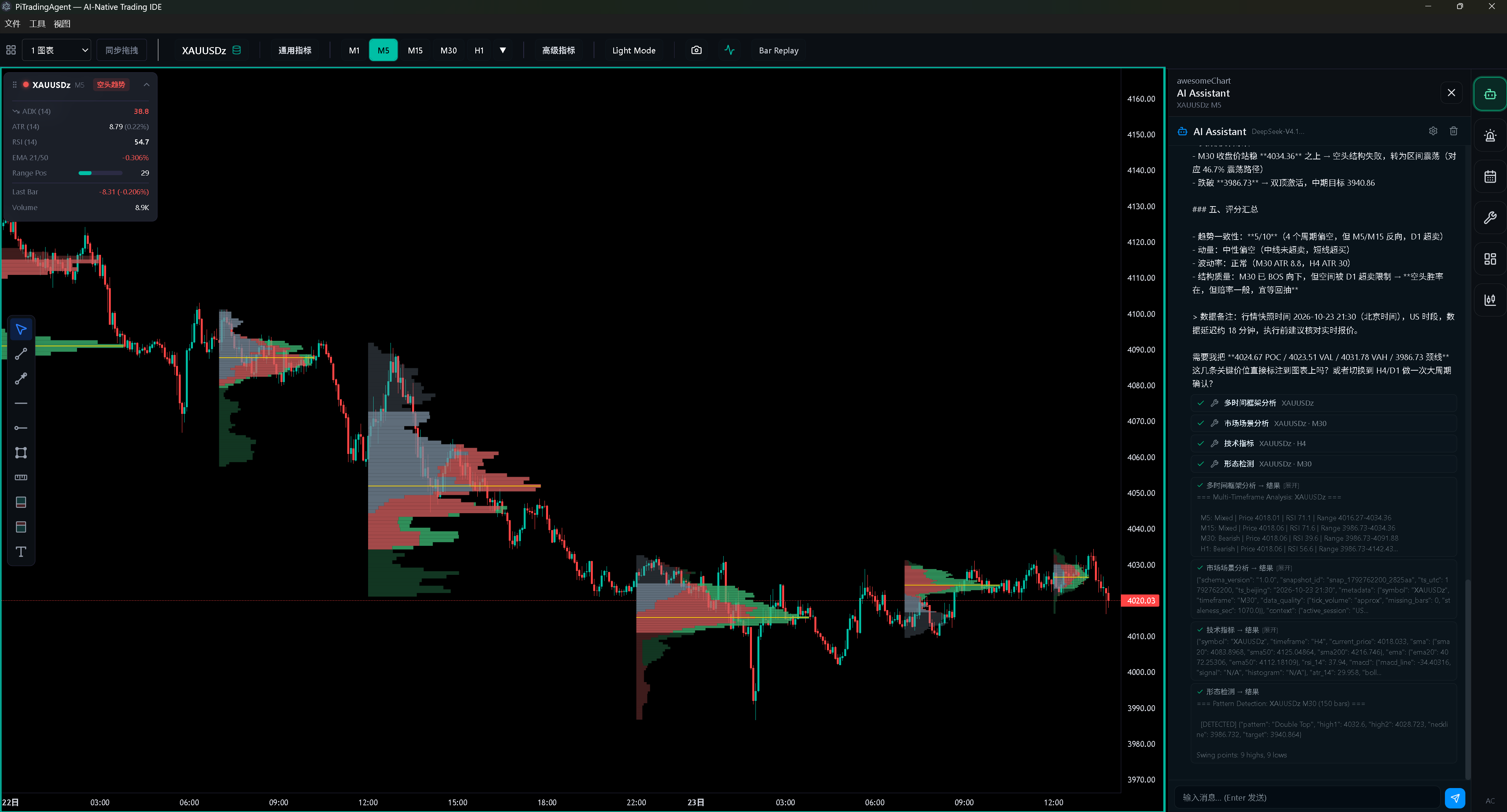
4. A battle-tested set of high-value indicators Paired with a playbook, it can raise your trading skill and help beginners build a system faster. There’s also a multi-indicator trend panel—when higher-timeframe trends line up, that scalp context is genuinely useful as a reference.