MSM Pivot Points Mid Levels
- Göstergeler
- Sürüm: 1.14

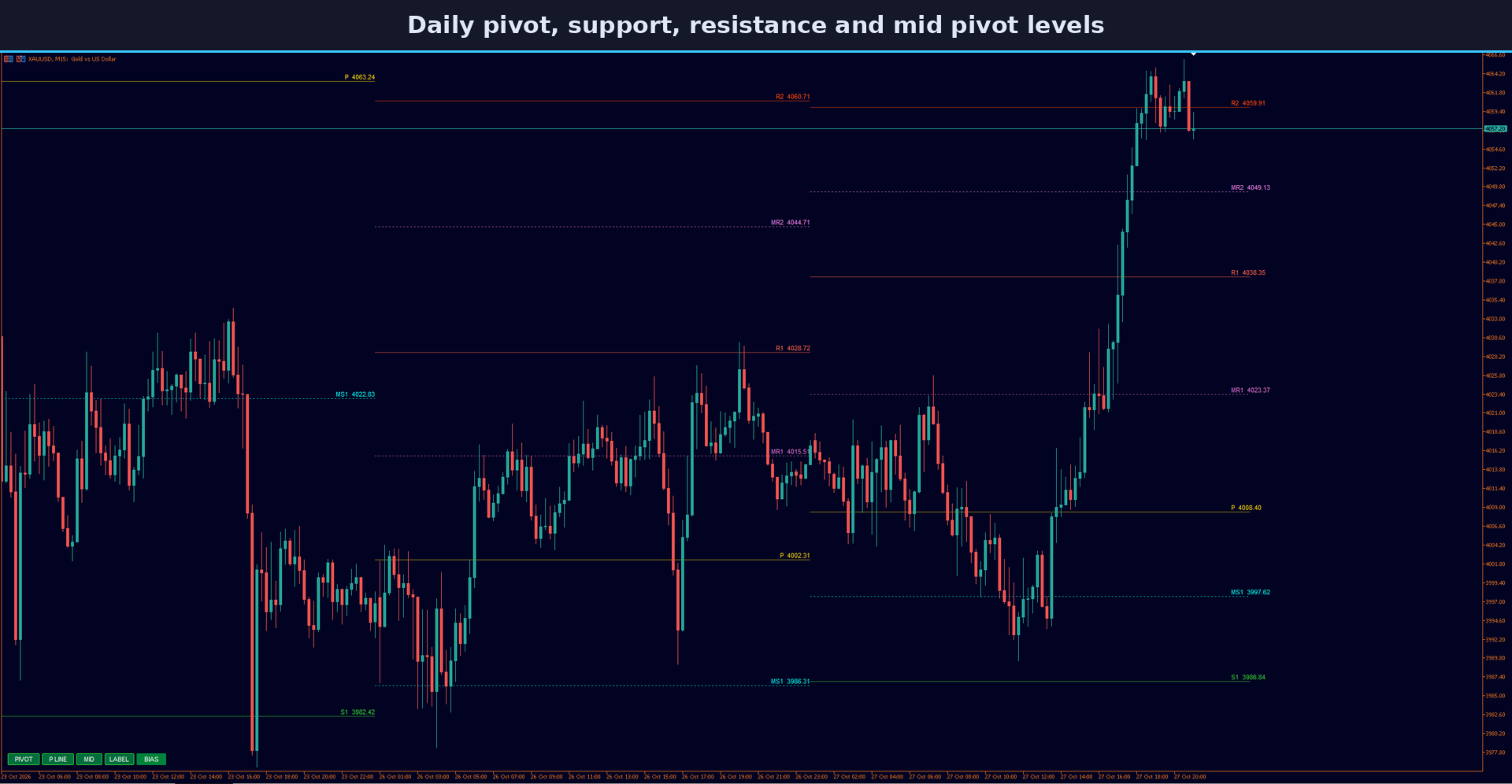
MSM Pivot Points Mid Levels draws daily, weekly or monthly pivot points on your MetaTrader 5 chart, together with mid pivot levels, clear name and price labels, and a small BIAS button. It is made to work next to your other indicators and panels, so you can read the levels without filling the chart. It does not open or manage trades.
Levels
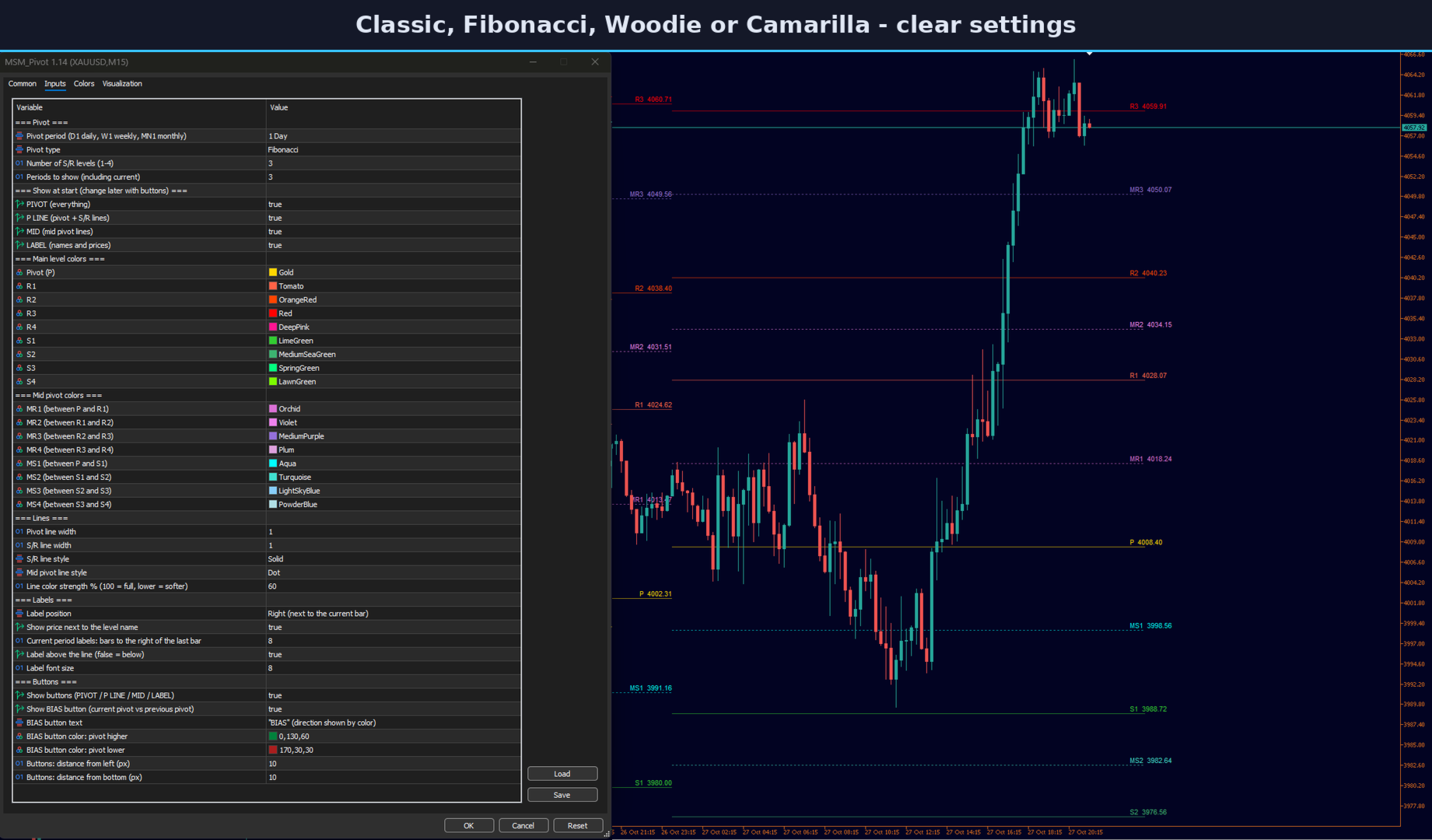
- Pivot types: Classic, Fibonacci, Woodie and Camarilla.
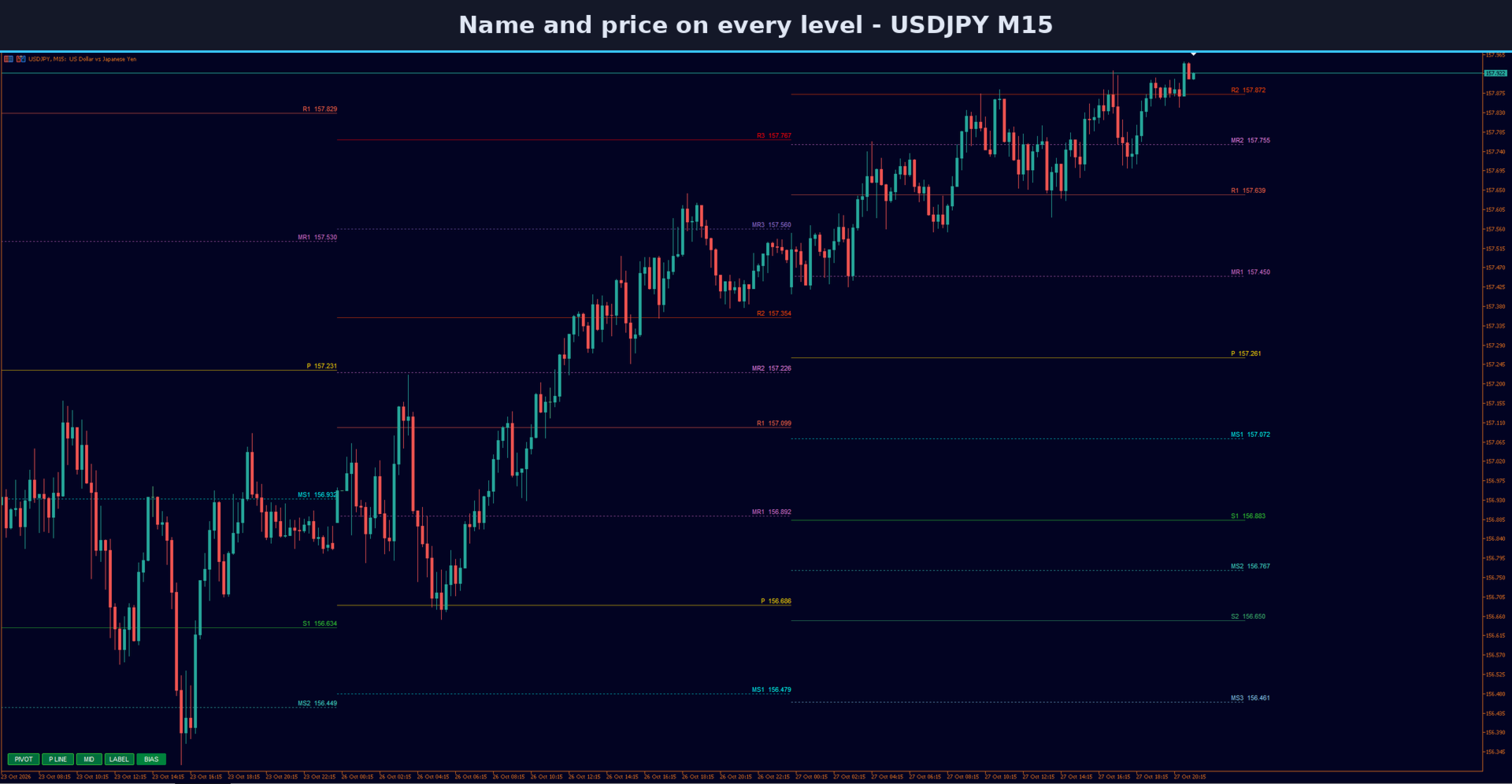
- Pivot (P) and up to four support and resistance levels (S1 to S4, R1 to R4).
- Mid pivots between each pair of levels (MS1 to MS4, MR1 to MR4), drawn as dotted lines.
- Show the current period and any number of past periods.
Labels and colors
Each level has its own color, and every line can carry its name and price. Mid pivot colors are kept away from the green and red that MetaTrader uses for trade levels, so they are easy to tell apart. Line strength can be softened in percent, and labels can sit left or right, above or below the line.
On-chart buttons
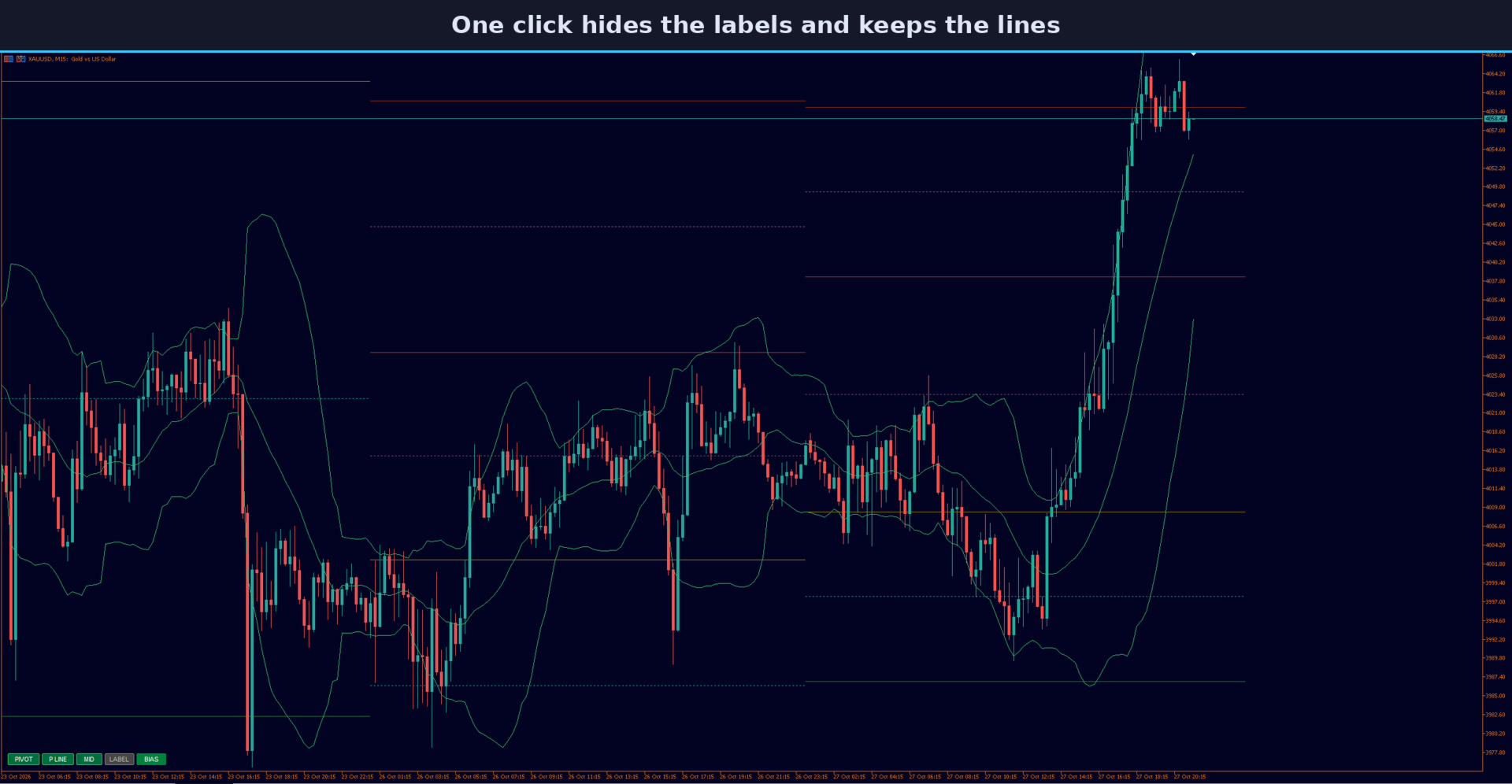
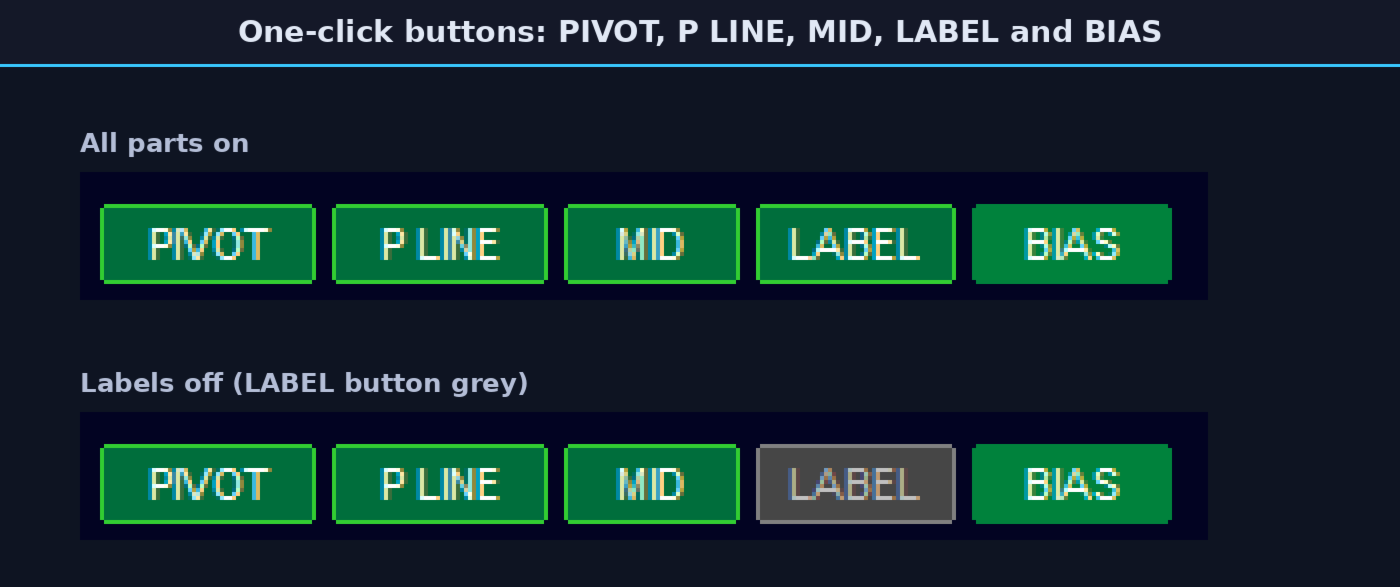
Small buttons in the lower left corner turn parts of the indicator on and off with one click: PIVOT (everything), P LINE (pivot and support/resistance lines), MID (mid pivots) and LABEL (names and prices). The choice is remembered for the chart, also after a timeframe change. The buttons can be hidden in the inputs.
BIAS button
The BIAS button compares the current pivot with the previous one. Green means the pivot moved higher, red means it moved lower. Move the mouse over the button to see both pivot prices. The text can show "BIAS" or "BUY" and "SELL".
Working with other indicators
Lines and labels are drawn in the background, so they stay behind other panels and dashboards on the chart. The indicator redraws the levels only when a new period starts or a button is used; on each new bar it only moves the current labels. One way to use it: let the BIAS button show the side of the day, watch how price reacts at R1, S1 or the mid pivots, and confirm with your own indicator before you decide.
Notes
- Levels are calculated from the previous period's high, low and close in broker server time.
- Levels are not drawn when the chart timeframe is equal to or higher than the pivot period.
Trading on margin involves a high risk of loss. This indicator only shows price levels; the trading decisions are yours. It cannot guarantee profit. Please test on a demo account first.