Reversal Intelligence
- Göstergeler
- Sürüm: 1.0
- Etkinleştirmeler: 5

Reversal Intelligence for MT5
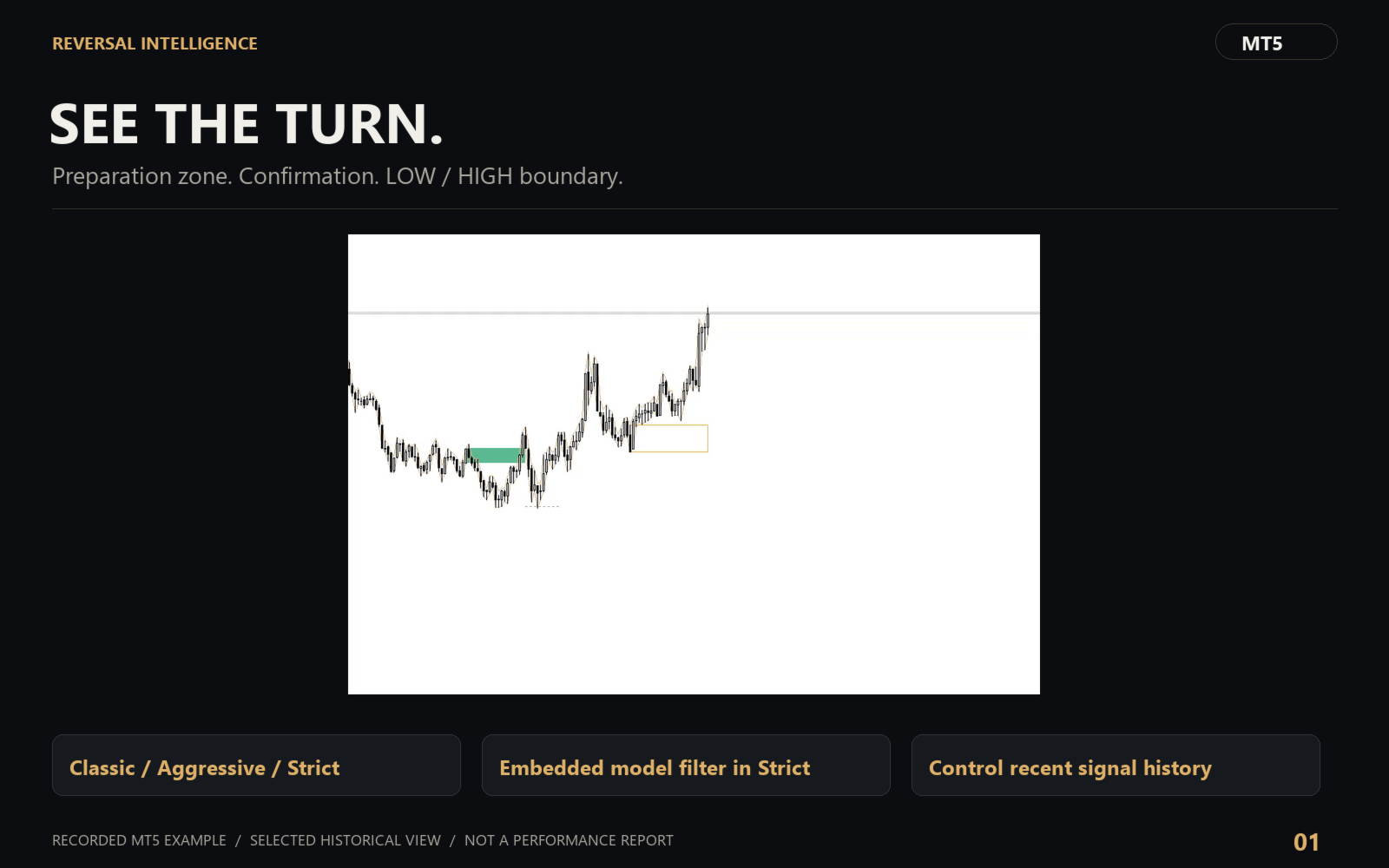
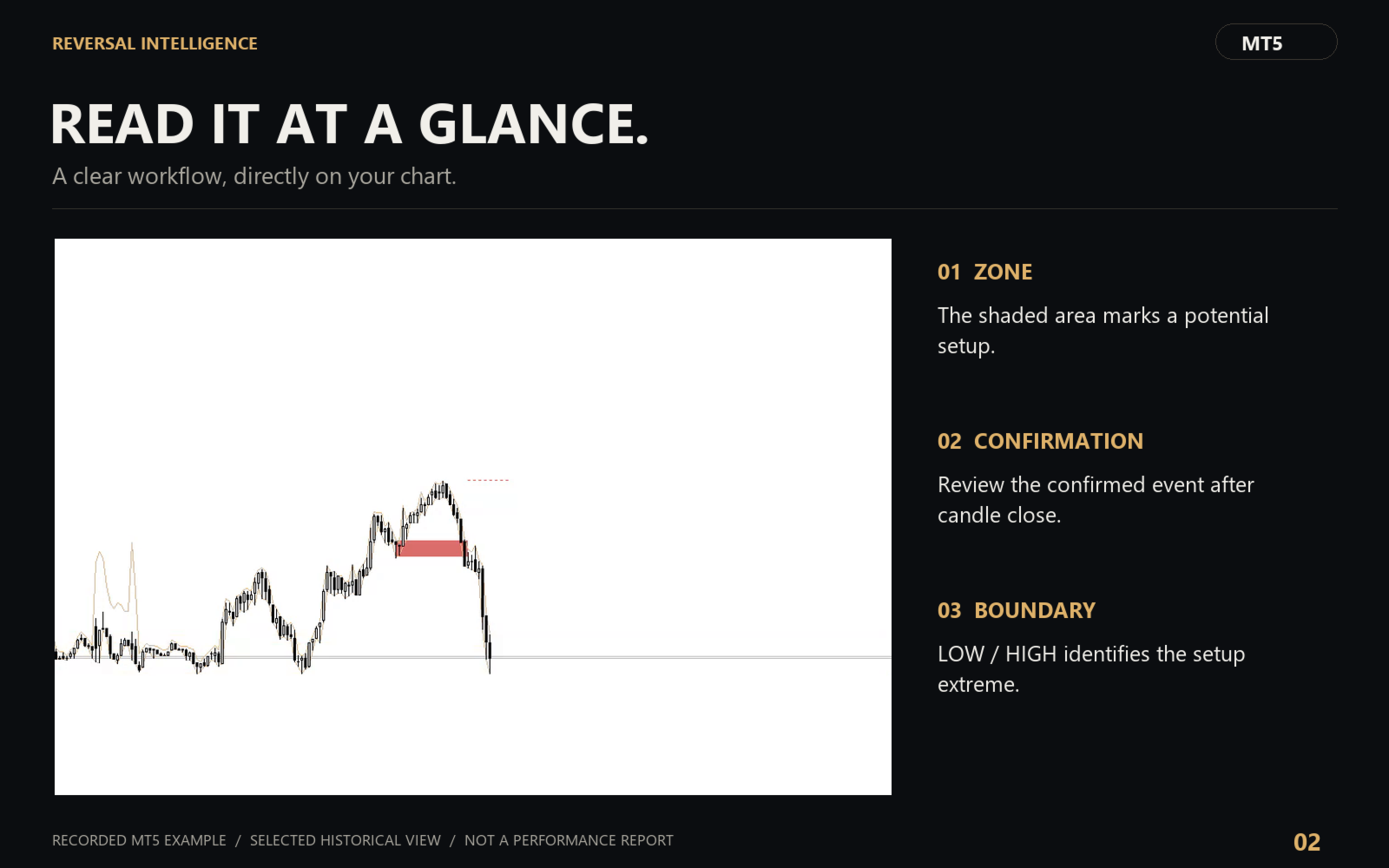
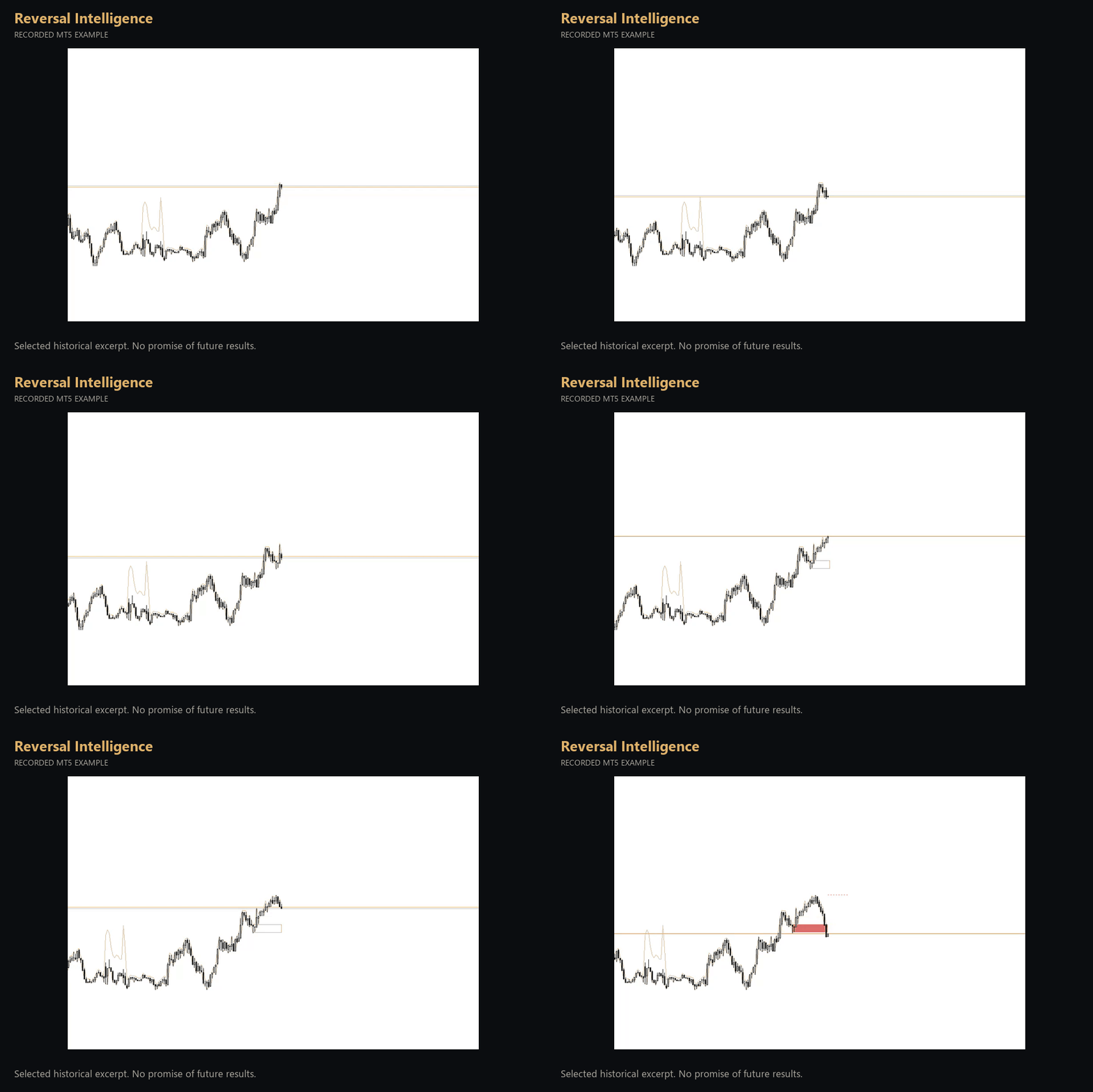
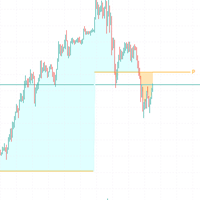
Follow potential reversal setups through three stages: preparation zone, confirmation and the LOW/HIGH boundary.
What it displays
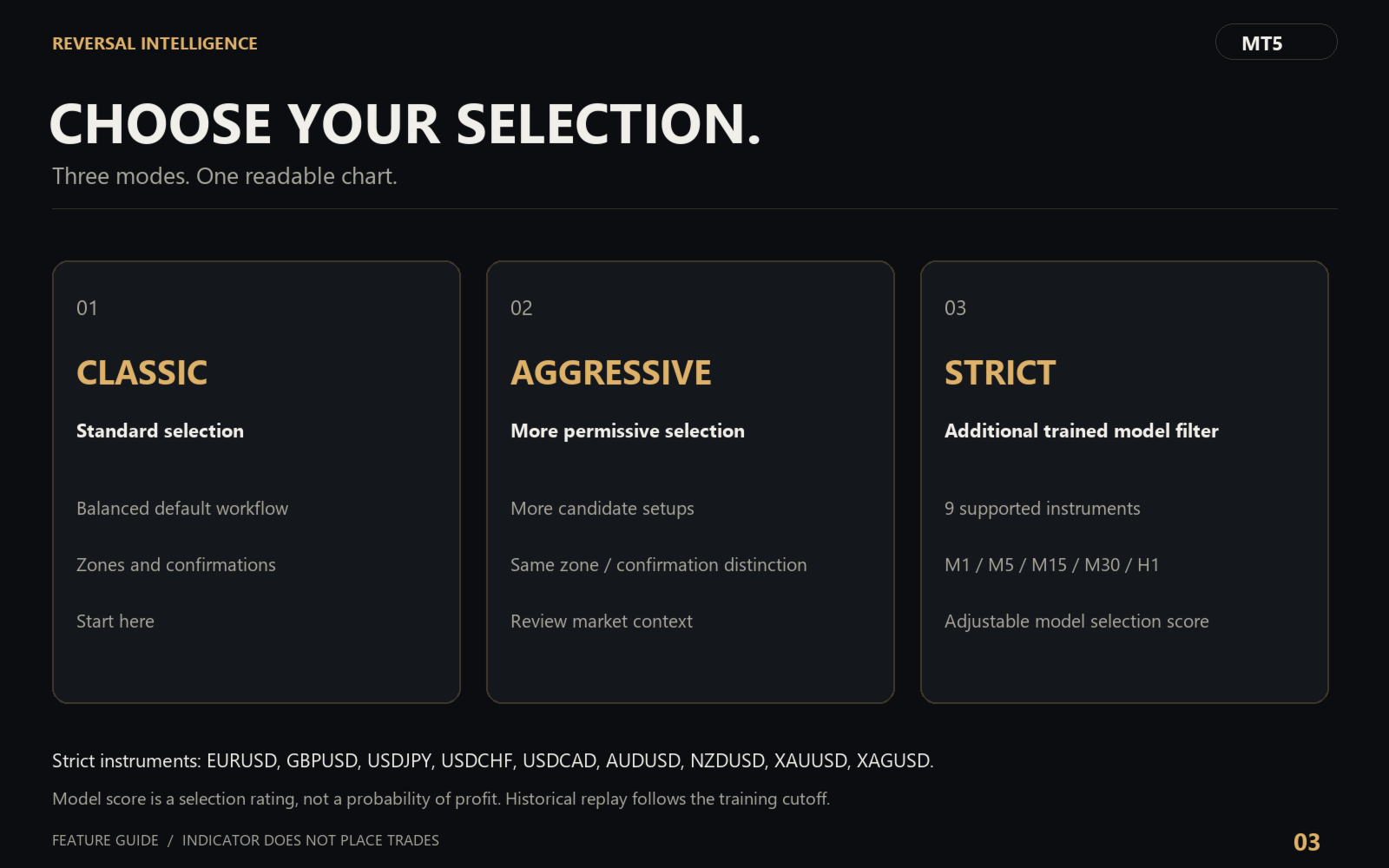
- Classic, Aggressive and Strict selection modes.
- Strict adds an embedded trained model filter and a configurable selection rating.
- Preparation zones and confirmed BUY/SELL events are displayed separately.
- LOW/HIGH boundary marks the setup extreme; it is not an automatically placed stop order.
- Control the number of recent signals, history depth, labels, arrows and notifications.
How to use it
Start with Classic mode. A preparation zone identifies a candidate, not an entry. Review confirmation after the candle closes. Aggressive uses more permissive selection. Strict applies an additional model filter on supported instruments and timeframes. The rating is a model selection score, not a probability of profit. The panel identifies unsupported profiles or unavailable history. Strict profiles cover EURUSD, GBPUSD, USDJPY, USDCHF, USDCAD, AUDUSD, NZDUSD, XAUUSD and XAGUSD on M1, M5, M15, M30 and H1; each requires sufficient context history. Historical Strict replay is available only after the training cutoff shown in the panel.
Installation and support
Install the product from the Market section of your MetaTrader terminal and attach it to a chart. No DLL, external account or activation key is required. Use this product page and MQL5 messages for support.
This is an analytical indicator. It does not place trades. Examples illustrate its behavior and do not establish future performance.
Input parameters
- InpMode — Operating mode
- InpMLMinimumQuality — Minimum rating: 0–100, Strict only
- InpLastSignals — Last signals: 0 = all
- InpHistoryDays — Display history, days
- InpShowCandidates — Show preparation zone
- InpShowExtremeLine — Extreme LOW/HIGH line
- InpShowArrows — Signal arrows
- InpShowText — Chart labels
- InpShowPanel — Show panel
- InpPanelX — Panel left margin, pixels
- InpPanelY — Panel top margin, pixels
- InpPanelScale — Panel scale: 0.75–1.75
- InpPopup — Popup notifications
- InpPush — Push to mobile
- InpSound — Sound notification