Reversal Intelligence
- Indicatori
- Versione: 1.0
- Attivazioni: 20

Reversal Intelligence — MT5
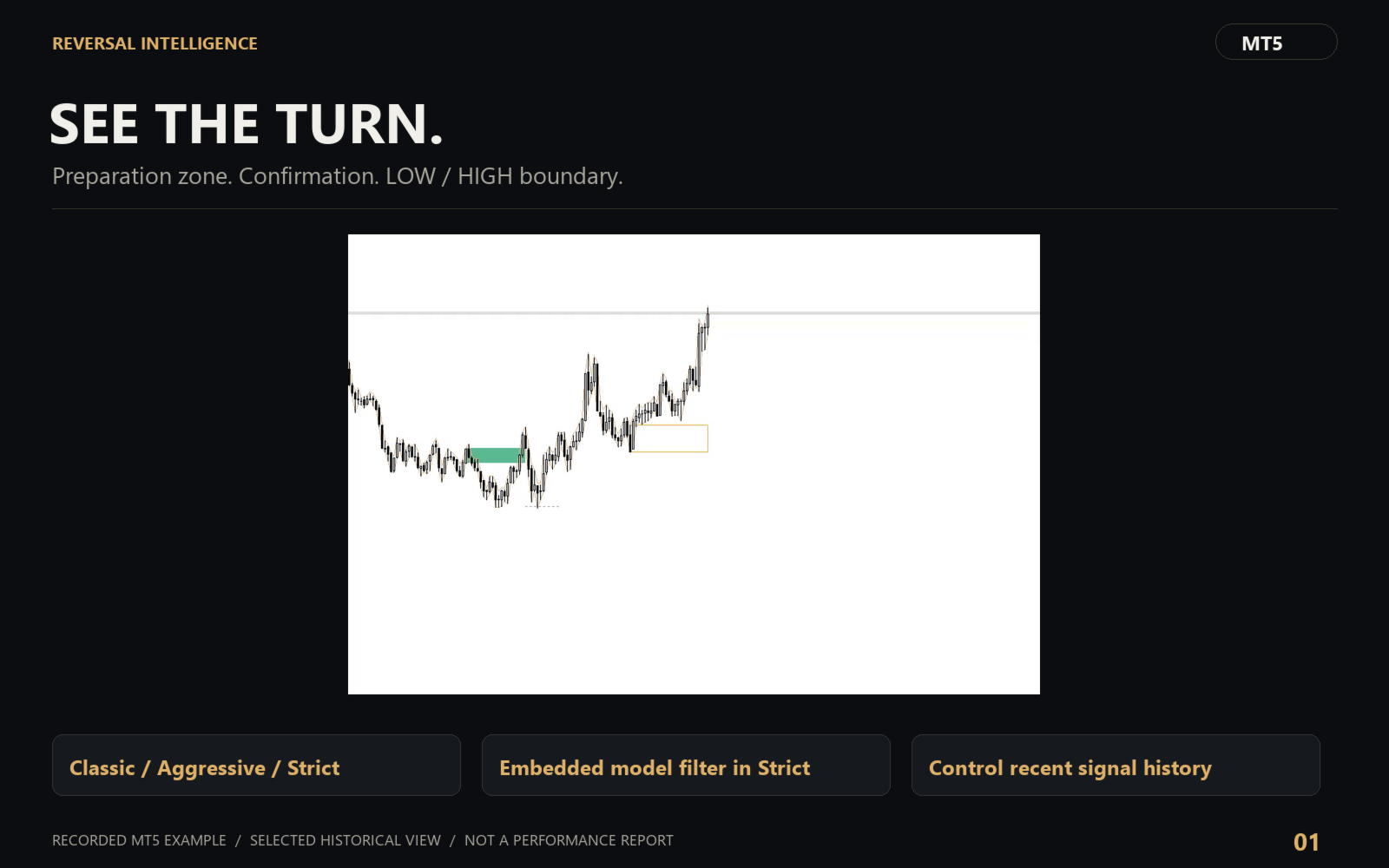
Spotting a potential reversal and knowing when it is confirmed are two different tasks. Reversal Intelligence puts both on your chart: a preparation zone, BUY/SELL confirmation and the LOW/HIGH extreme boundary. Choose a more active search, classic selection or an additional embedded trained-model filter through three operating modes.
What you see on the chart
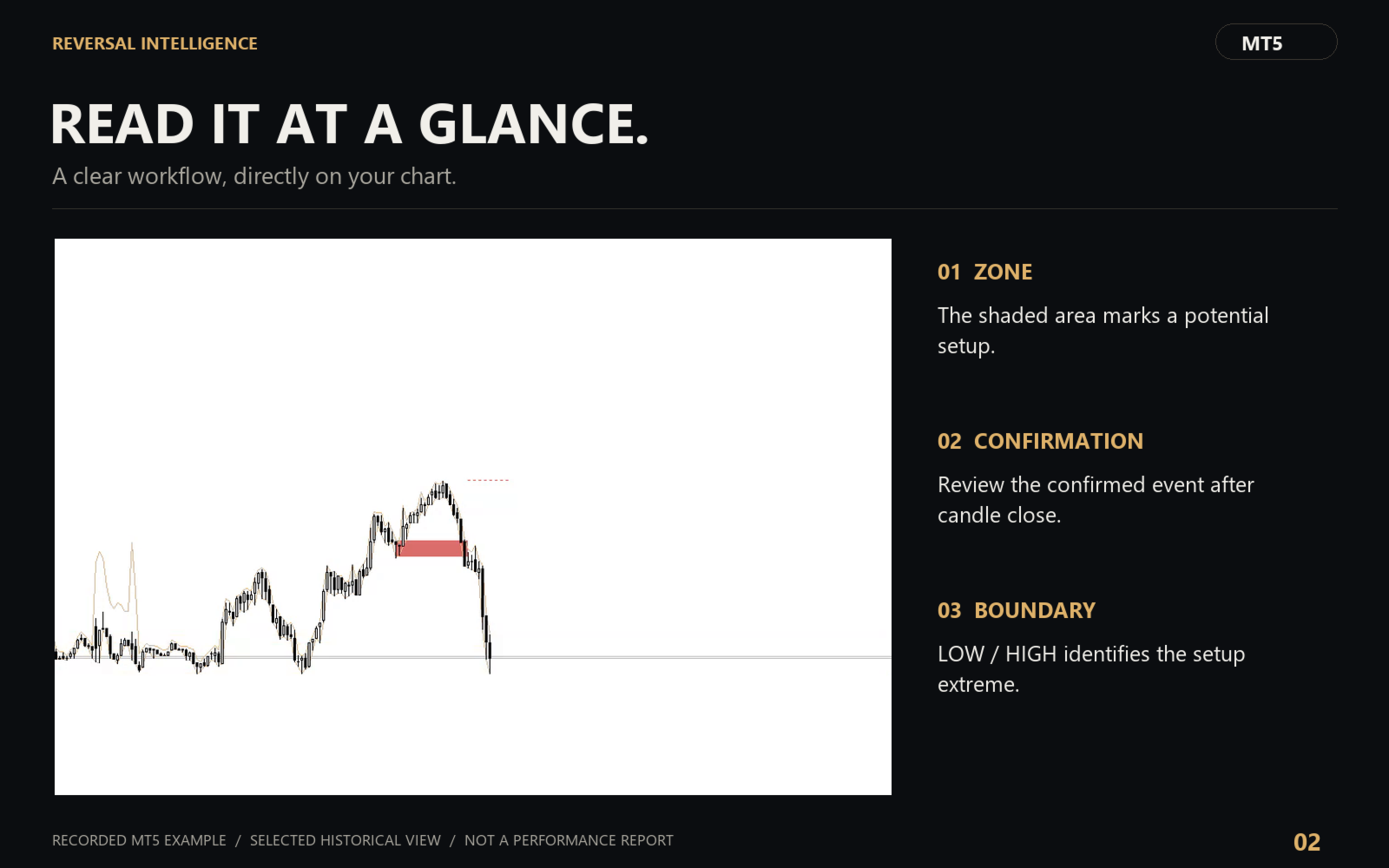
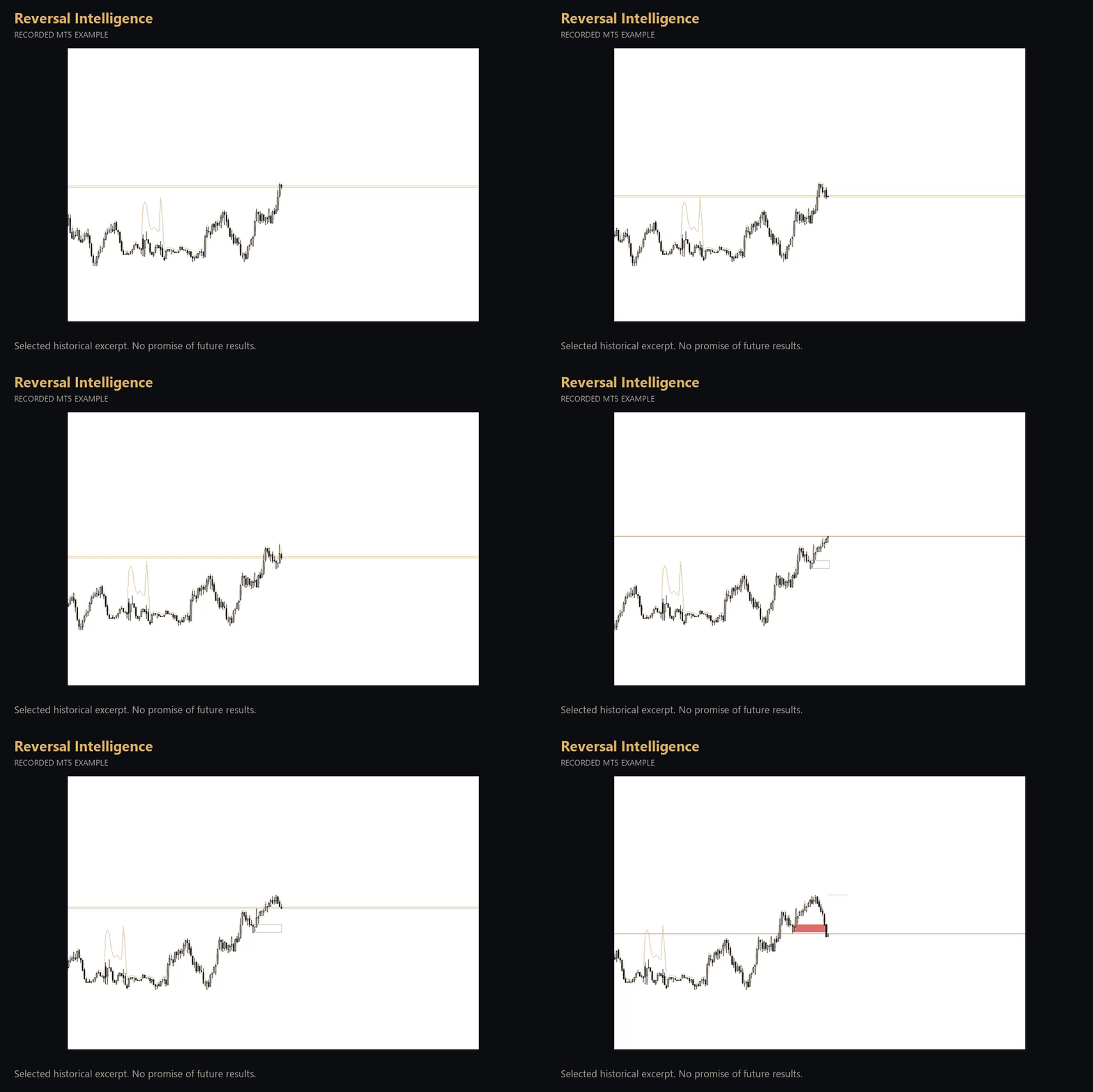
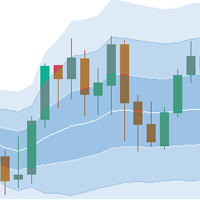
- Preparation zones help you notice a developing reversal setup.
- BUY/SELL confirmation follows a candle close beyond the required block boundary and selection checks.
- The LOW/HIGH line keeps the setup extreme visible as a chart reference.
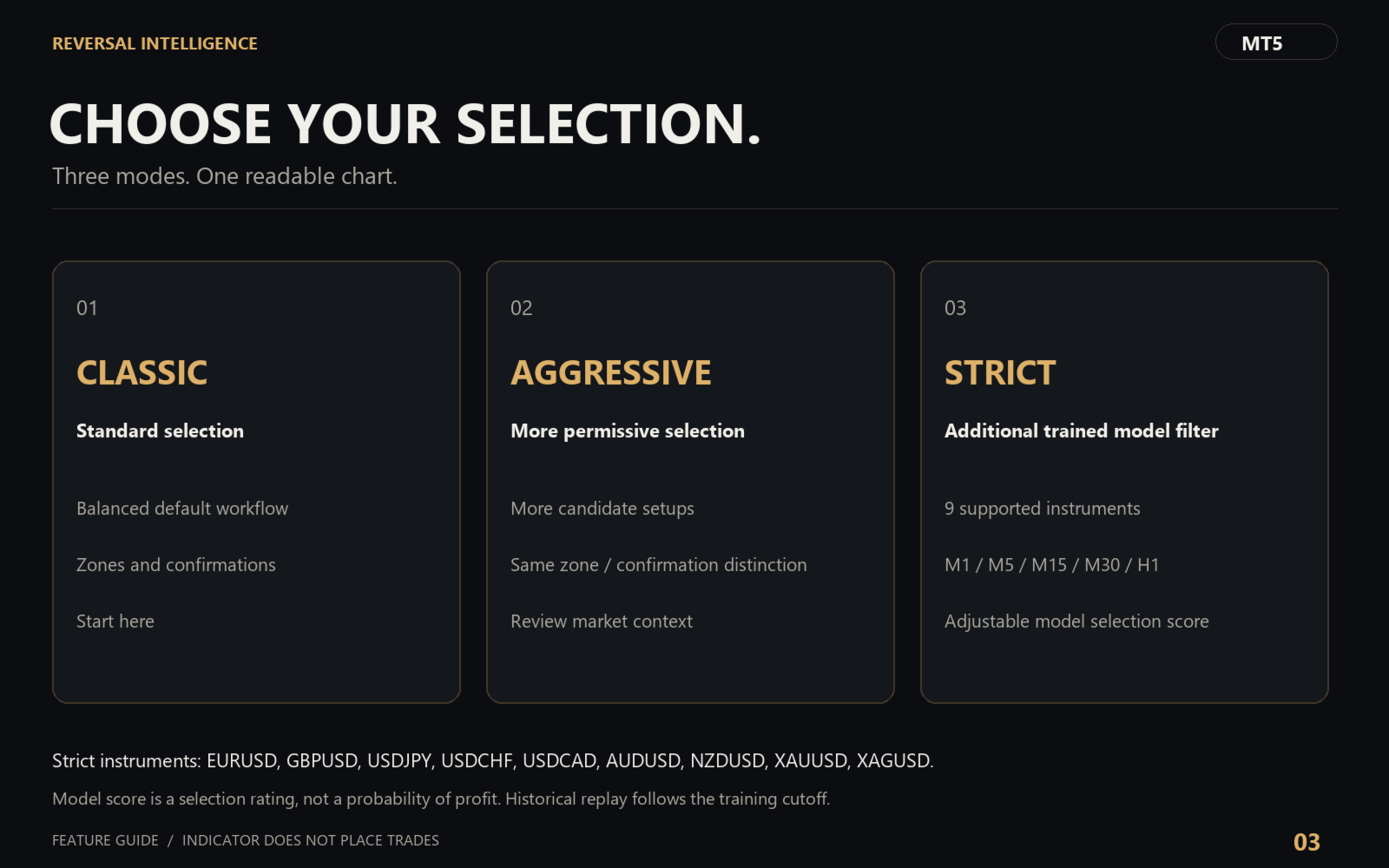
- Classic provides standard selection; Aggressive uses more permissive conditions; Strict adds a trained-model filter.
- A configurable Strict threshold on a 0–100 selection scale controls filter strength.
- Four recent signals are displayed by default; optional arrows and labels keep the chart flexible.
How to use it
Start with Classic: locate a preparation zone and wait for confirmation beyond the block. BUY requires a close above the upper boundary; SELL requires a close below the lower boundary. Use Aggressive for a more active search or Strict for additional selection. The Strict rating locates the model output within its reference-score distribution; a higher threshold makes selection more restrictive.
Try it before buying
Download the demo and run a visual test in MT5. Review Classic first, then compare the same section in Strict. Strict profiles: EURUSD, GBPUSD, USDJPY, USDCHF, USDCAD, AUDUSD, NZDUSD, XAUUSD and XAGUSD; M1, M5, M15, M30 and H1. For Strict, choose dates after the training cutoff shown on the panel and load enough context history. If no profile is available, check the instrument, timeframe and broker quote specification.
Input parameters
Signals and selection
- InpMode — Operating mode
- InpMLMinimumQuality — Minimum rating: 0–100, Strict only
- InpLastSignals — Recent signals: default 4; 0 = all
- InpHistoryDays — Display history, days
Display and notifications
- InpShowCandidates — Show preparation zone
- InpShowExtremeLine — Extreme LOW/HIGH line
- InpShowArrows — Signal arrows
- InpShowText — Chart labels
- InpShowPanel — Show panel
- InpPanelX — Panel left margin, pixels
- InpPanelY — Panel top margin, pixels
- InpPanelScale — Panel scale: 0.75–1.75
- InpPopup — Popup notifications
- InpPush — Mobile push notifications; configured MetaQuotes ID required
- InpSound — Sound notification