CRT Sweep Model EA
- Uzmanlar
-
Ravi Shakya
 I’m Ravi Shakya, an MT5 developer with 5 years of trading experience in NEPSE and Forex. I use Smart Money Concepts (SMC) and price action to create simple and useful trading indicators, tools, and Expert Advisors.
 - Sürüm: 2.22
- Güncellendi: 26 Eylül 2026
- Etkinleştirmeler: 10
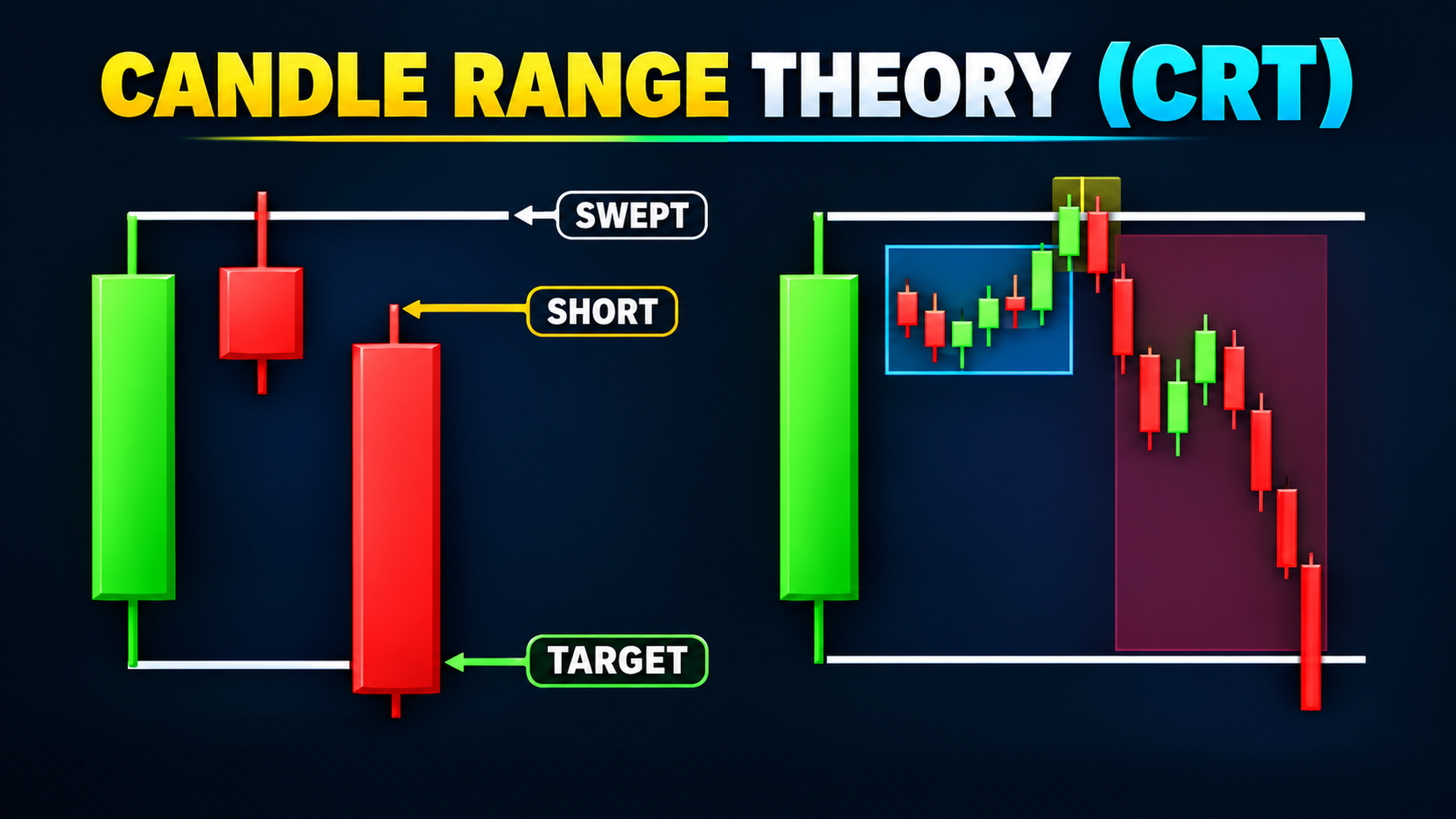
CRT Sweep Model EA is a fully automated Expert Advisor built on Candle Range Theory (CRT) and Smart Money Concepts (SMC). It turns every higher-timeframe candle into a dealing range, waits for a liquidity sweep (stop hunt) of the range high or low, and enters only after price is rejected back inside the range and a shift in delivery is confirmed on a lower timeframe.
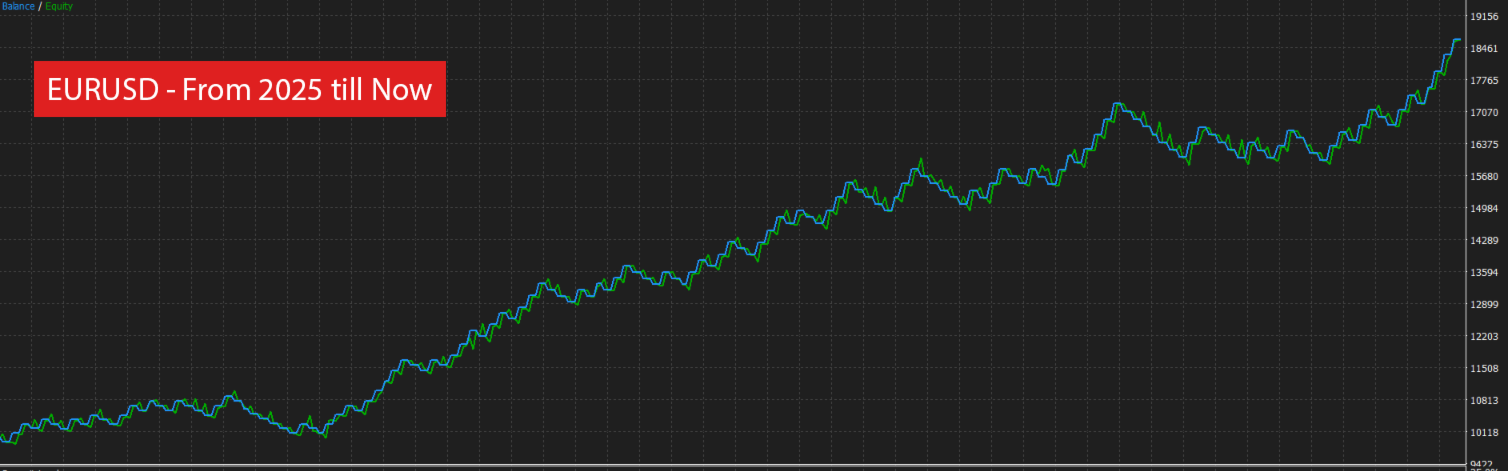
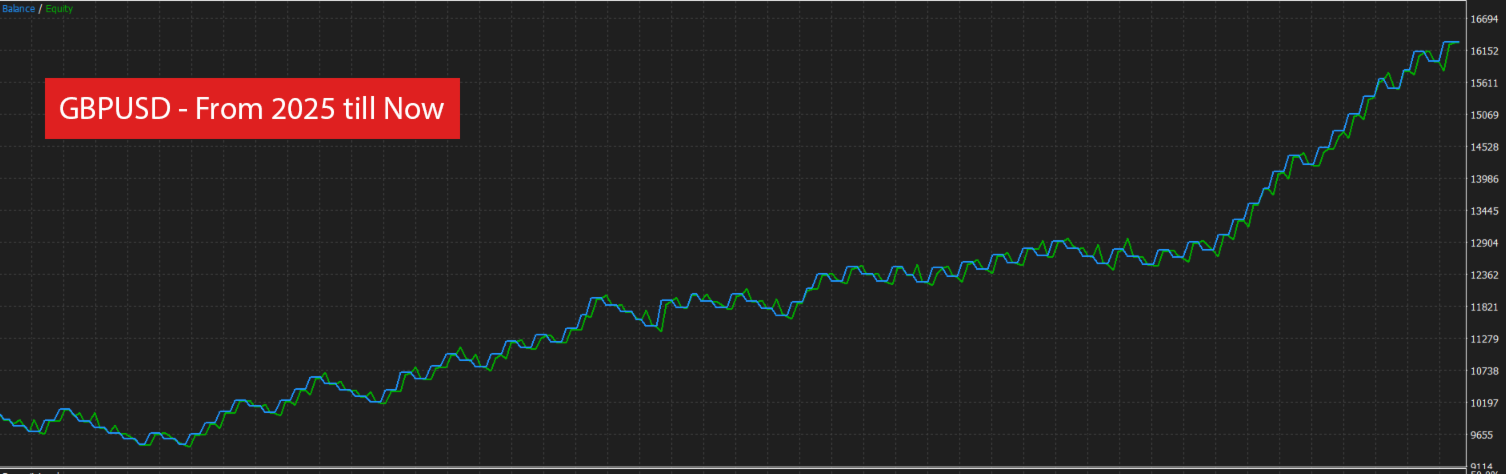
The default settings are optimized for EURUSD – for GBPUSD settings, see the Comments tab.
The model follows the classic manipulation → distribution idea: price raids buy-side liquidity (BSL) above the range high or sell-side liquidity (SSL) below the range low, then reverses towards the opposite side of the range as its draw on liquidity.
Every trade is opened with a Stop Loss and Take Profit. The EA does not use martingale, grid, averaging or hedging of losing positions.
How the model works (top-down, multi-timeframe)
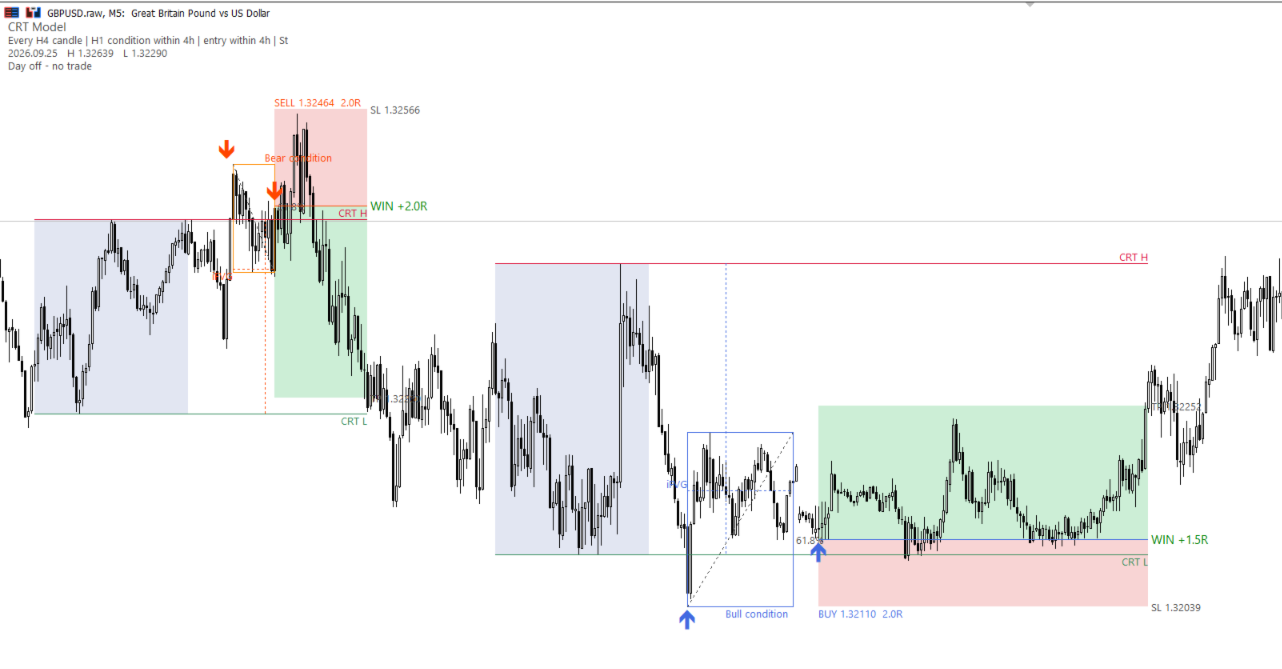
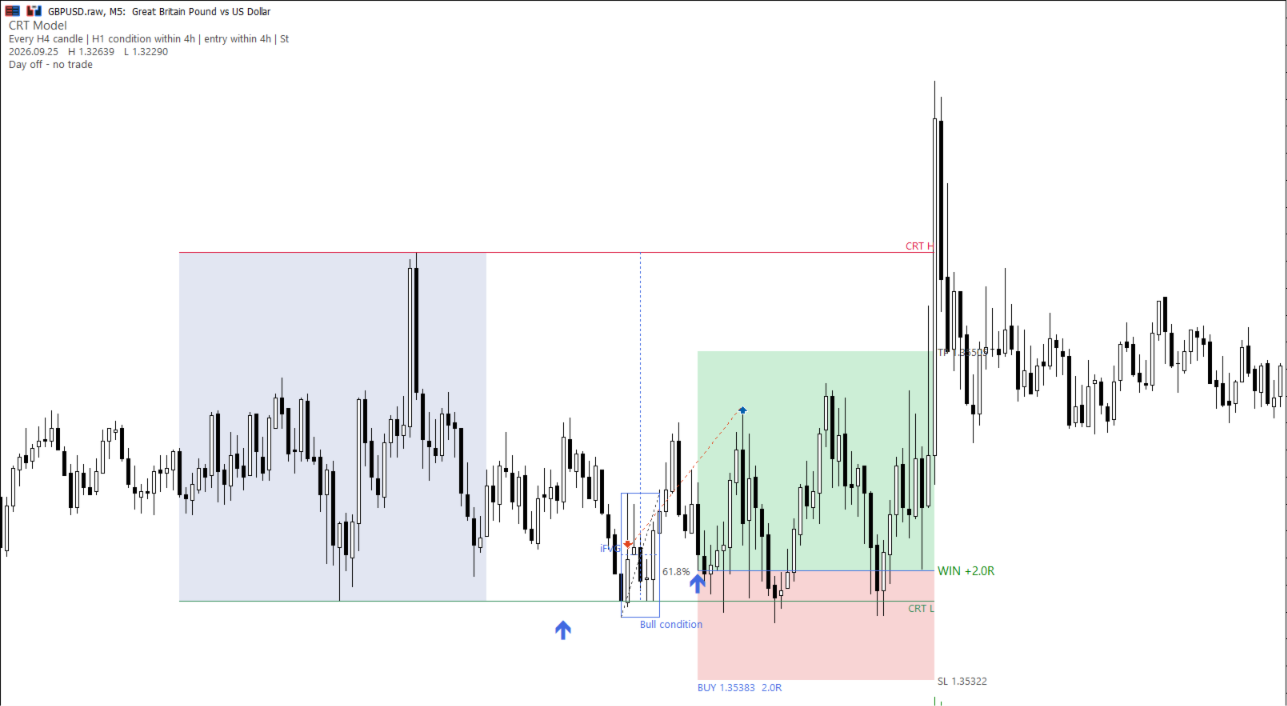
- Higher timeframe range (HTF): each candle of the range timeframe (H4 by default) defines the CRT High and CRT Low of the dealing range.
- Liquidity sweep / Turtle Soup condition: within a set time, a candle on the condition timeframe (H1 by default) must run the CRT High or Low (raid the resting liquidity) and close back inside the range.
- Lower timeframe confirmation (LTF): on the entry timeframe (M5 by default) the EA waits for one of these triggers:
- CISD – Change in State of Delivery
- MSS / BOS – Market Structure Shift / Break of Structure, confirmed by a candle close beyond the last swing
- iFVG – Inverse Fair Value Gap: a close through the imbalance created during the sweep leg
- or no confirmation (entry at the condition close)
- Entry models: market entry, retest of the broken level / order block, Fibonacci 50% (equilibrium), 61.8% (optimal trade entry zone), Fair Value Gap (FVG / imbalance) limit, or a limit order on the swept CRT line.
- Stop Loss: beyond the sweep (structure / liquidity grab), ATR-based, or the wider of both.
- Take Profit: a fixed R multiple or the opposite side of the range (external range liquidity) if farther.
Setup filters
- Kill zone style trading hours window and selectable trading days (Monday to Friday).
- Premium / Discount filter: buys only in the discount half of the range, sells only in the premium half (50% equilibrium).
- Long only, short only or both directions (directional bias).
- Condition rule: Strict, Same candle or Later close.
- Automatic invalidation when the sweep extreme is broken, when the draw on liquidity is reached before entry, or when the higher timeframe closes beyond the swept level.
- Maximum trades per day and one trade at a time.
Risk management
- Position size by % of balance, % of equity, fixed money or fixed lots. The lot size is calculated from the real stop distance for any symbol and account currency.
- Maximum spread and minimum stop size filters.
- Spread-adjusted levels so that stops and limit orders trigger at the chart price.
- Daily loss limit and maximum drawdown protection (suitable for prop firm rules), with the option to close all trades when a limit is reached.
Trade management (all optional)
- Break-even at a chosen R.
- Partial close at a chosen R.
- Trailing stop: R-based, ATR-based or market structure (swing high / swing low) based.
- Maximum holding time and close before the weekend.
On-chart information
- Status panel: current setup, pending order, open trade (in R and money), daily loss and drawdown against your limits.
- Statistics card from the EA's real closed trades: win rate, net R, profit factor, average RR, payoff, drawdown, streaks and results by weekday. The card can be dragged anywhere on the chart.
- Drawings of the dealing range, liquidity sweeps, CISD / MSS / iFVG levels, order blocks and trade results, with a history filter to keep the chart clean.
Recommendations
- Works on forex, metals and indices, on any chart timeframe; the EA uses its own range, condition and entry timeframes.
- Use a broker with low spreads. Run a backtest with Every tick based on real ticks and include your broker's commission.
- Test the settings on a demo account before trading live, and start with a small risk per trade.
- Works on both hedging and netting accounts. Use a unique magic number for each chart.
Important
Trading financial instruments involves a high level of risk and may not be suitable for all investors. Past results, including backtests, do not guarantee future performance. The EA does not guarantee profits. Always use risk settings that match your account and trading rules.