
Moola Candle Timer MT5
- Göstergeler
- Sürüm: 1.10

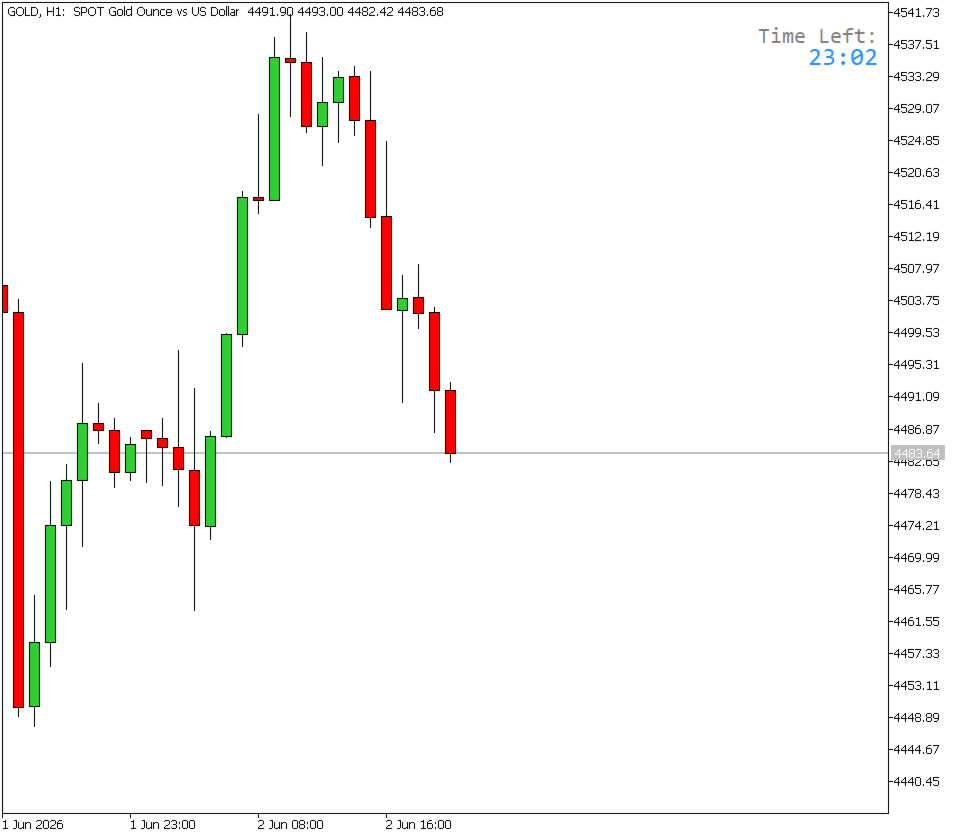
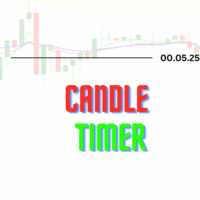
Candle Timer displays a live countdown timer showing exactly how much time remains before the current candle closes. It updates every 500 milliseconds, giving you a near-real-time readout directly on your chart — no more guessing when the next bar will form.
Key Features & Advantages
Two flexible display modes
- Corner Overlay — pins the timer to any corner of your chart screen (top-left, top-right, bottom-left, bottom-right), staying fixed as you scroll or zoom. Ideal for keeping the timer always visible without cluttering your price action.
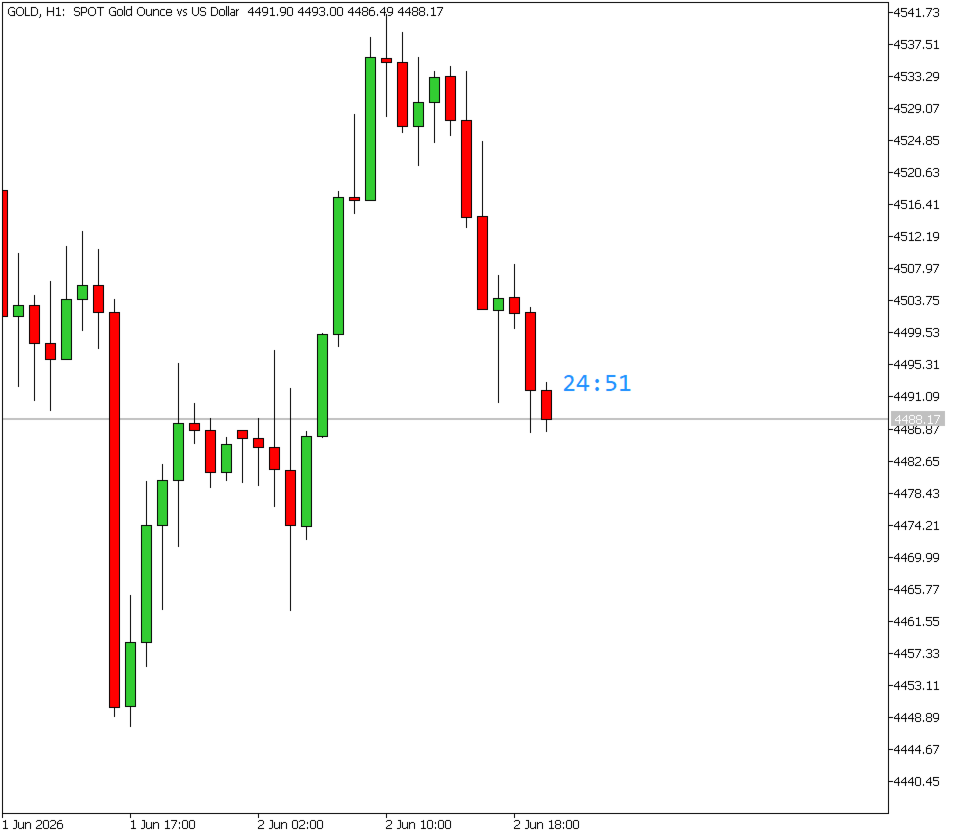
- On-Candle — floats the timer directly above or below the current candle, anchored to price coordinates. Keeps the information contextually close to where you're focused.
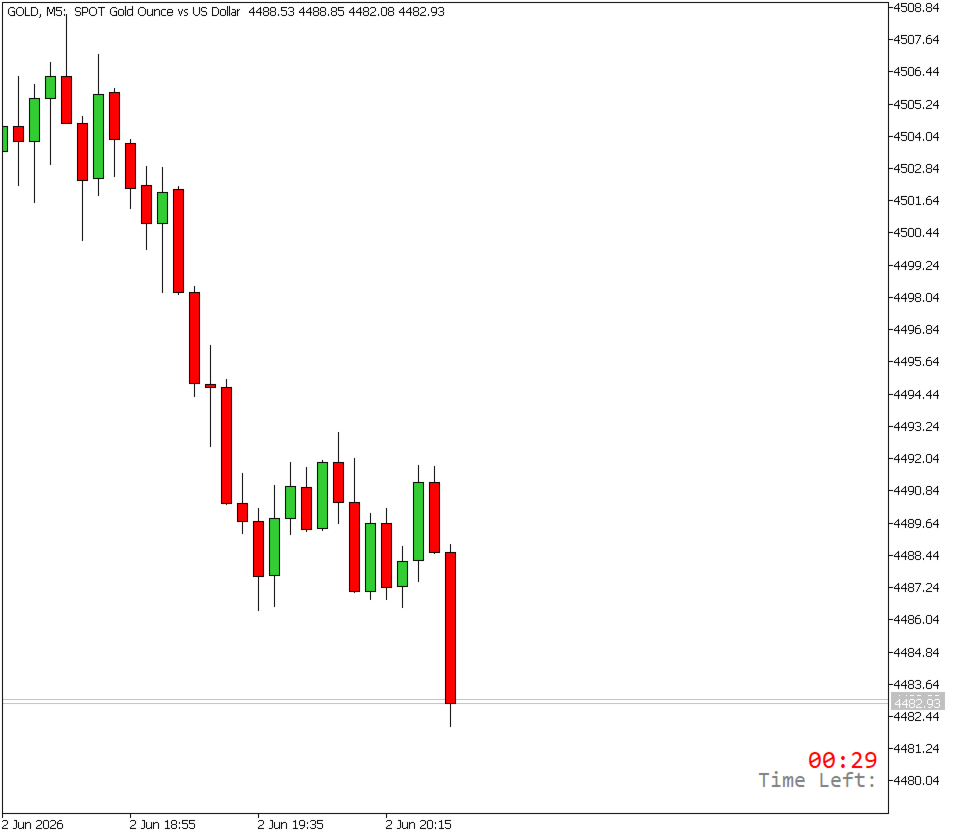
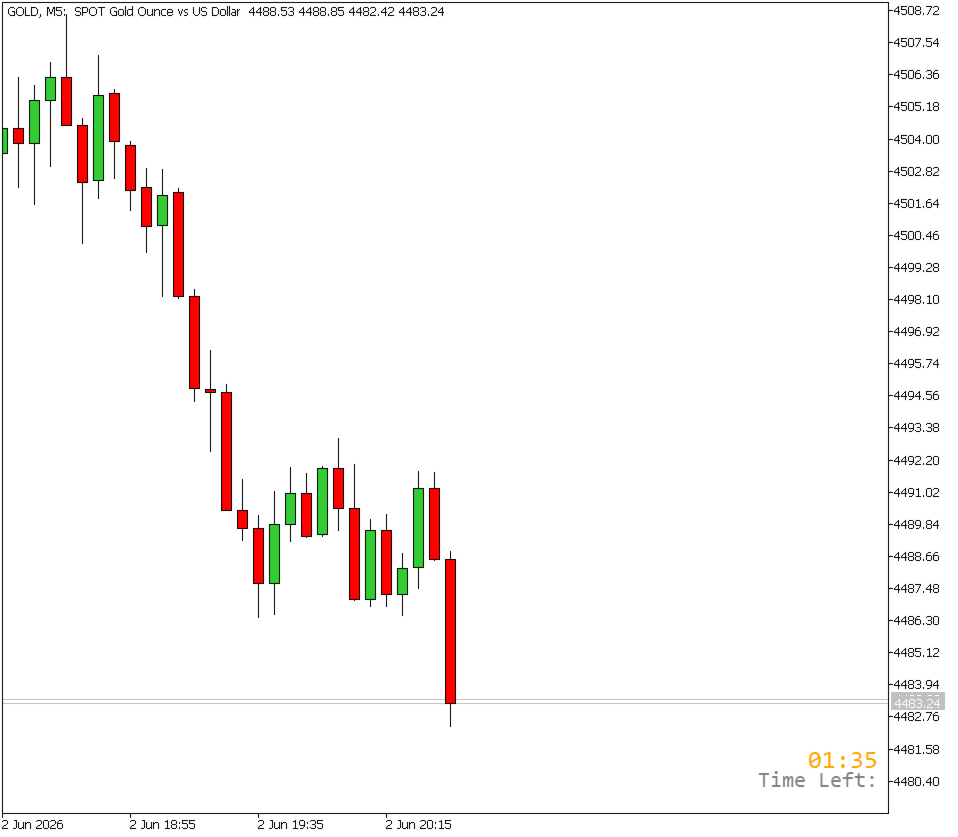
Smart color alerts The timer text automatically shifts color as the candle nears its close:
- 🔵 Your chosen color — plenty of time remaining (above 33%)
- 🟠 Orange — candle is getting close (10–33% remaining)
- 🔴 Red — candle closing imminently (under 10% remaining)
This gives you an at-a-glance warning without needing to read the numbers.
Works on any timeframe Automatically detects the chart period and calculates the correct countdown for M1 through MN charts, displaying as MM:SS for shorter timeframes and HH:MM:SS for longer ones.
Minimal performance impact Zero indicator buffers, no heavy calculations — the indicator only redraws the timer text every 500ms.
Fully customizable appearance Font, size, color, position, and spacing are all adjustable through the input settings.
Input Parameters
General
- Display Mode – Choose between a fixed screen-corner label or a floating on-candle label.
- Timer Text Color – The main color of the countdown text when time is not running low.
- Font Size – Size of the countdown text in points.
- Font Name – Font used for both the label and the timer.
- Show "Time Left:" Label – Toggles the descriptive prefix label above the timer.
- Label Text Color – Color of the "Time Left:" prefix label.
Corner Mode Settings
- Corner Position – Which corner of the chart the timer is pinned to.
- X Offset – Horizontal distance in pixels from the selected corner edge.
- Y Offset – Vertical distance in pixels from the selected corner edge.
On-Candle Mode Settings
- Candle Text Position – Places the timer above the candle high or below the candle low.
- Gap from Candle – Distance in points between the candle wick and the timer text, preventing overlap.
Please leave comments and ideas on how we can improve it.
Enjoy!





































Kullanıcı değerlendirmeye herhangi bir yorum bırakmadı