QuantumAstraWave Pro
- Uzmanlar
- Sürüm: 1.20

QuantumWave MT5
QuantumWave is a mean-reversion Expert Advisor based on Bollinger Bands. It opens a trade when price reaches the upper or lower band, can optionally add further positions as price extends away from the first entry, and manages all trades with fixed stops, optional trailing and an optional band-based exit.
The EA can be attached to any symbol and timeframe, including forex pairs, metals, indices and synthetic indices where your broker offers them. Results differ a lot between instruments and timeframes, so test on your own broker’s data to find the combination that suits your goals and risk tolerance.
How it trades
Entries: a sell is opened when price reaches the upper band and a buy when price reaches the lower band. You can choose whether the touch is checked at bar close or during the bar.
Layered add-ons (optional): when enabled, the EA adds positions at set intervals as price moves further from the first entry. The interval is set either in points or as a multiple of ATR, and a one-trade-per-bar rule limits how quickly positions are added. Lot sizes are not multiplied between layers. Because layering increases total exposure in the same direction, use it with appropriate lot sizes and stops.
Exits: every trade has a fixed stop loss and take profit. Optionally, a trailing stop based on the average entry price of all open positions activates once price moves in your favour, and only ever tightens. A Bollinger-based exit can also close all positions when price returns towards the middle of the bands.
Session control: trading can be limited to selected days of the week, with optional Friday rules to stop new entries or close open positions before the weekend.
Risk controls and broker compatibility
- Spread filter before entries, and optionally before exits.
- Lot sizes rounded to the broker’s minimum, maximum and step volume.
- Margin is checked before each order is sent.
- Stops and modifications respect the broker’s minimum stop distance and freeze level.
- Works on both netting and hedging accounts and manages only trades with its own magic number.
- No DLLs, web requests or external files.
Input parameters
- Signals: Bollinger period and deviation, close or intrabar signal check.
- Direction: allow buys, allow sells, and a one-sided mode that blocks the opposite direction while positions are open.
- Layered add-ons: spacing in points or ATR multiplier, one trade per bar.
- Stops and targets: stop loss and take profit in points, with an optional separate take profit for the first trade.
- Trailing: average trailing stop distance and step.
- Filters: maximum spread, trading days, Friday stop and close options.
- Money management: fixed lot or risk percentage, with a lot size cap.
- Optimization: the tester result returns net profit for use in the Strategy Tester optimizer.
Getting started
- Attach the EA to the chart you want to trade. As a starting point, M5 to M30 suits liquid forex pairs and H1 to H4 suits metals and indices.
- Begin with the default Bollinger settings (period 20, deviation 2.0). If you use add-ons, a spacing of 50 to 150 points or an ATR multiplier of about 2.0 is a reasonable starting range.
- Make sure your stop loss and take profit distances meet your broker’s minimum stop and freeze levels.
- Optimize in the Strategy Tester, then forward-test on a demo account before trading live.
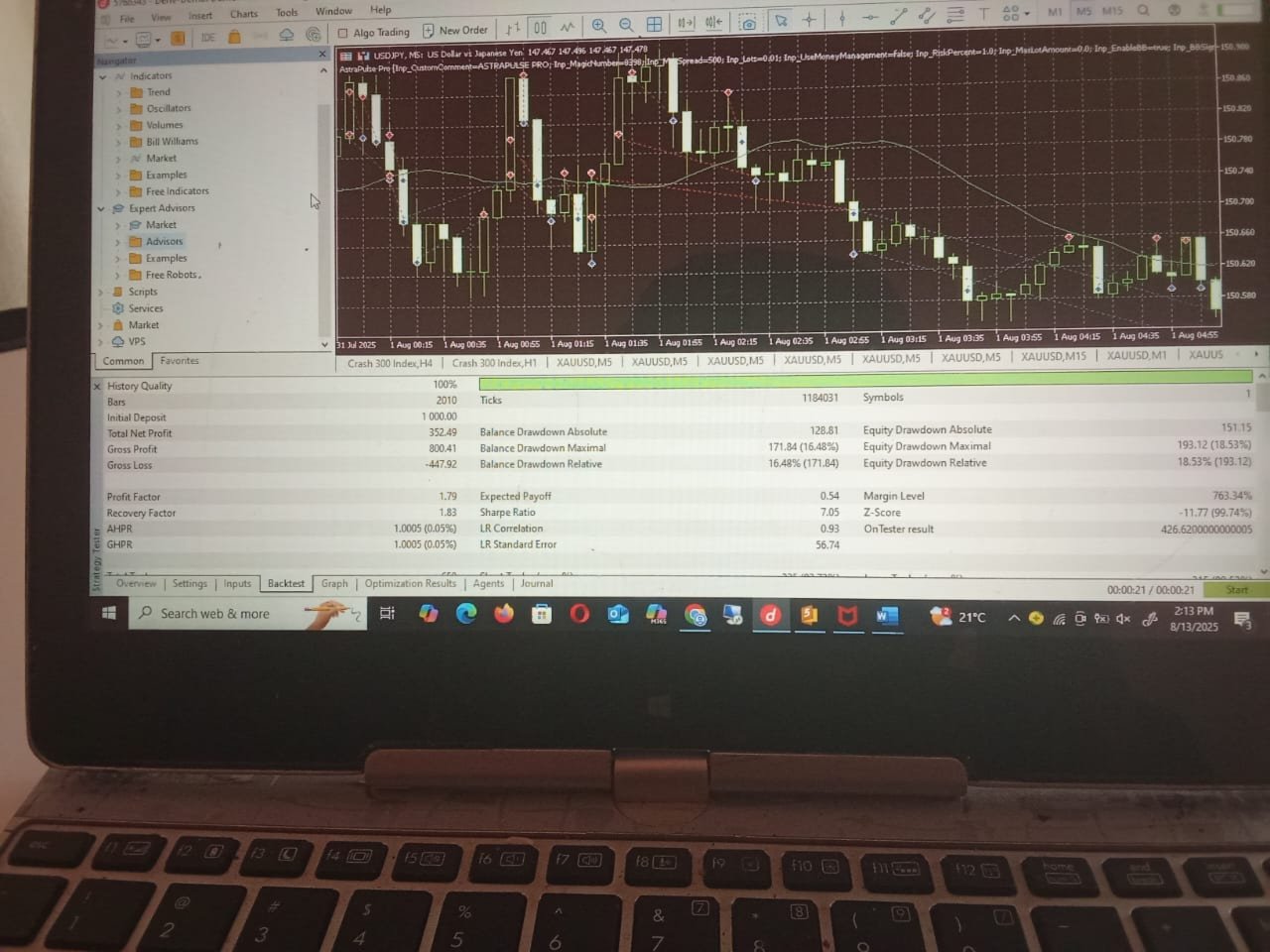
A starting balance of around 1,000 USD is suggested for the default settings. Adjust this to your lot size, broker conditions and risk tolerance.
Support
Questions and feedback are welcome in the product comments or through MQL5 private messages.
Risk notice
Trading involves significant risk. Backtest and demo results do not guarantee future performance. Use position sizing and risk settings appropriate to your account.