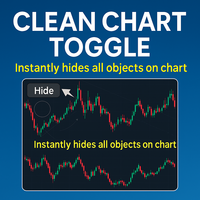
Clean Chart Toggle
- Göstergeler
-
Liam Alex Thomas Webb
 Merhaba, ben Liam — evet, orta isimlerimi yanlışlıkla isim kutusuna yazdım (klasik bir hata, biliyorum).
 - Sürüm: 1.0
Clean Chart Toggle – MetaTrader 5
Grafiğinizi Temizleyin. Odağınızı Keskinleştirin.
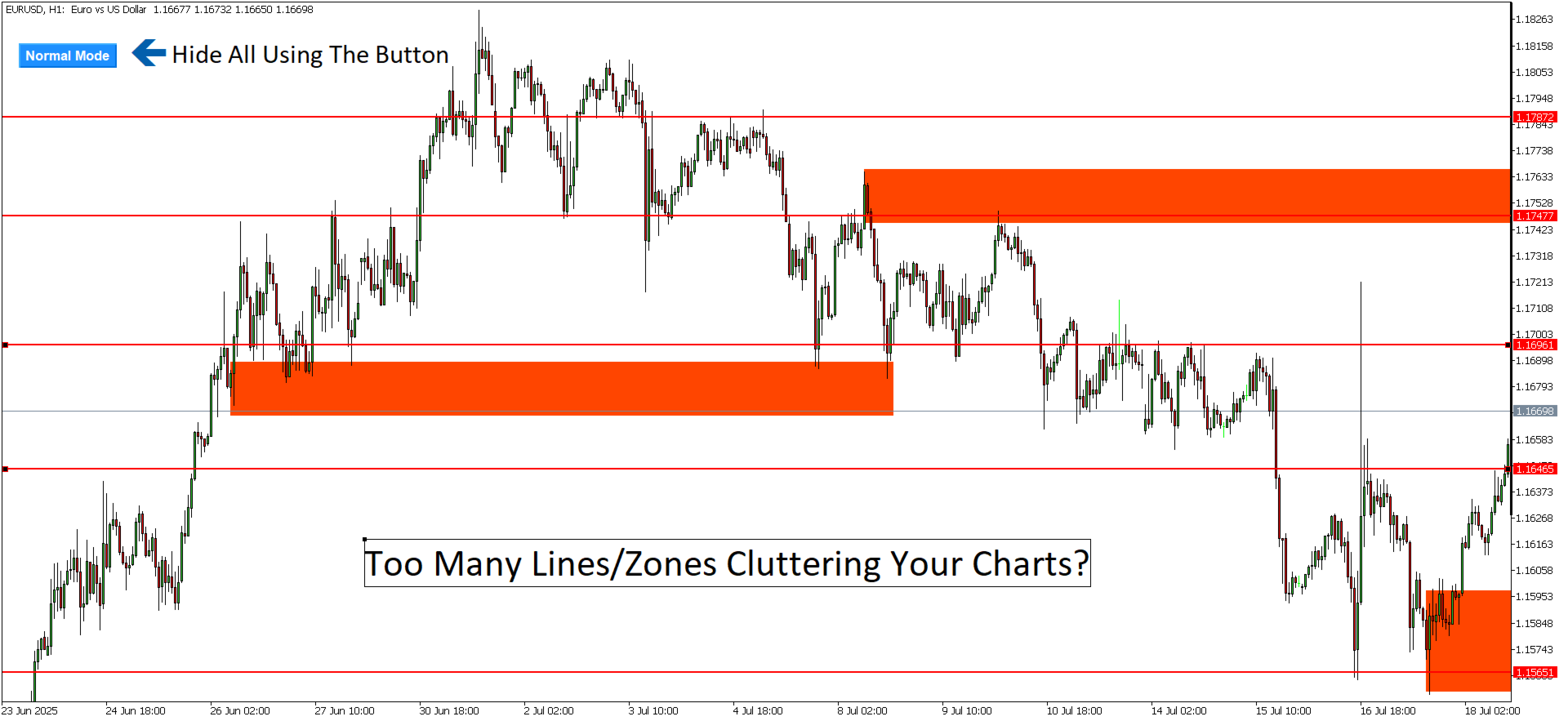
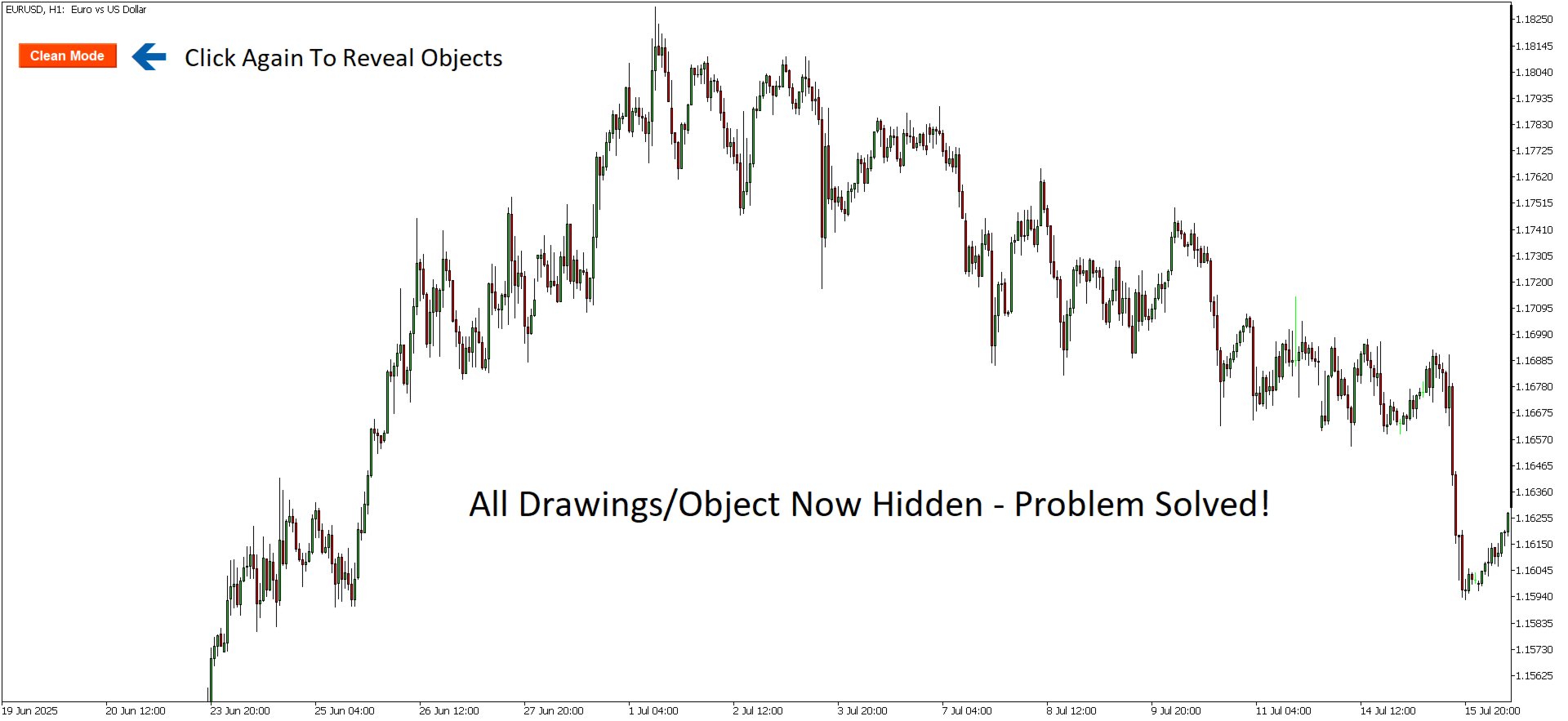
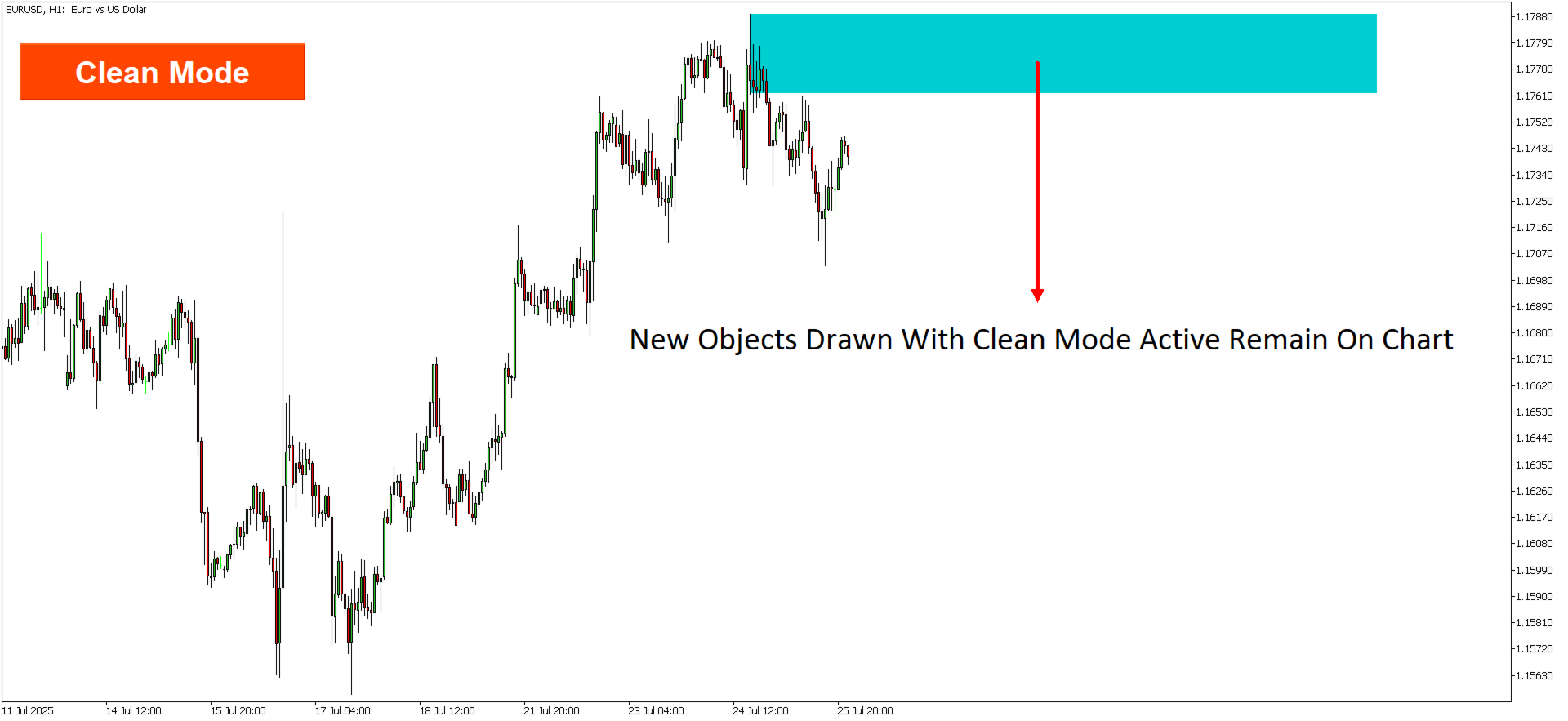
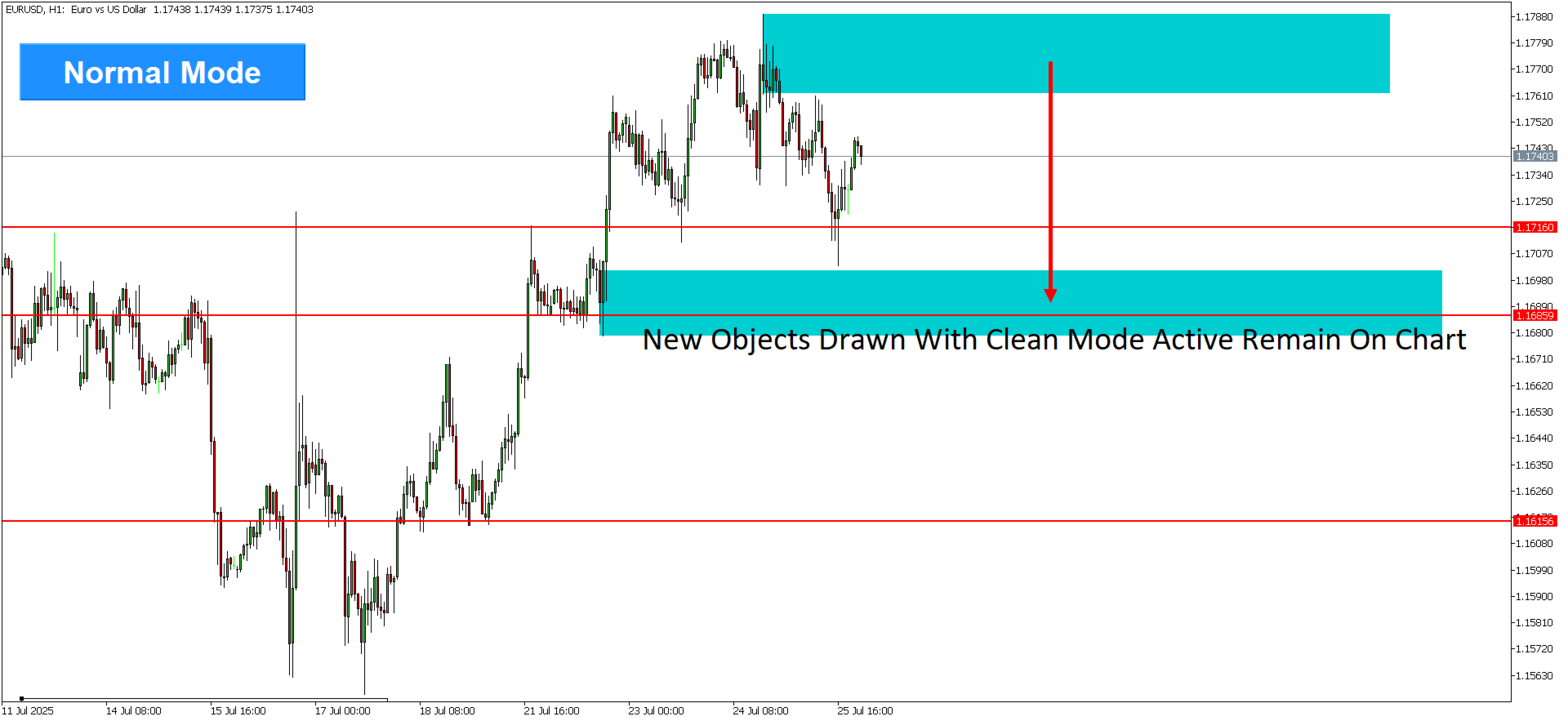
Clean Chart Toggle, MetaTrader 5 (MT5) grafik deneyiminizi geliştirmek için tasarlanmış, grafiğinizdeki gösterge ve nesnelerin görünürlüğünü yönetmenin basit bir yolunu sunan kullanıcı dostu bir göstergedir. Grafik penceresinin sol üst köşesinde bulunan tek bir düğme ile kullanıcılar tüm gösterge ve çizim nesnelerini anında gizleyebilir veya gösterebilir, karmaşayı azaltarak fiyat hareketine veya belirli analiz ihtiyaçlarına odaklanmayı iyileştirir.
Ana Özellikler
-
Tek Tıklamalı Geçiş Düğmesi – MT5 grafik penceresinin sol üst köşesinde bulunan bir düğme, kullanıcıların tüm gösterge ve çizim nesnelerini tek bir tıklamayla hızla gizlemesine veya göstermesine olanak tanır.
-
Özelleştirilebilir Görünürlük – Tüm gösterge ve nesneleri gösterme ile ham fiyat verilerine odaklanmak için grafiği temizleme arasında geçiş yapın.
-
Sorunsuz MT5 Entegrasyonu – MetaTrader 5 ile tam uyumlu olup, platform içinde kolay kurulum ve akıcı performans sağlar.
-
Kullanıcı Dostu Tasarım – Minimal kurulum gerektiren sezgisel arayüz, tüm deneyim seviyelerindeki yatırımcılar için erişilebilirdir.
-
Performans Odaklı – Hafif ve verimli olup, MT5 grafik performansı veya platform hızı üzerinde hiçbir etki yaratmaz.
Avantajlar
-
Gelişmiş Grafik Netliği – Birden fazla gösterge veya çizimden kaynaklanan dikkat dağıtıcı unsurlar olmadan temel fiyat hareketlerine odaklanmak için MT5 grafiğinizi hızla temizleyin.
-
Zaman Tasarrufu – Bireysel göstergeleri manuel olarak gizleme veya gösterme ihtiyacını ortadan kaldırarak MT5'teki iş akışınızı hızlandırır.
-
Gelişmiş Karar Verme – Temiz bir grafik görünümü, yatırımcıların kritik fiyat hareketine odaklanmasına yardımcı olarak analiz ve işlem kararlarını iyileştirir.
-
Çok Yönlü Kullanım – Ayrıntılı analiz ile basitleştirilmiş grafik görünümü arasında geçiş yapması gereken MT5 kullanan scalper'lar, gün içi yatırımcılar ve uzun vadeli yatırımcılar için idealdir.
Nasıl Çalışır
-
Göstergenin Kurulumu – Clean Chart Toggle göstergesini MQL5 pazarı üzerinden MT5 platformunuza ekleyin.
-
Geçiş Düğmesini Bulun – MT5 grafik penceresinin sol üst köşesindeki geçiş düğmesini bulun.
-
Görünürlüğü Değiştirin – Temiz bir grafik için tüm gösterge ve çizim nesnelerini gizlemek üzere düğmeye tıklayın. Bunları geri getirmek için tekrar tıklayın.
-
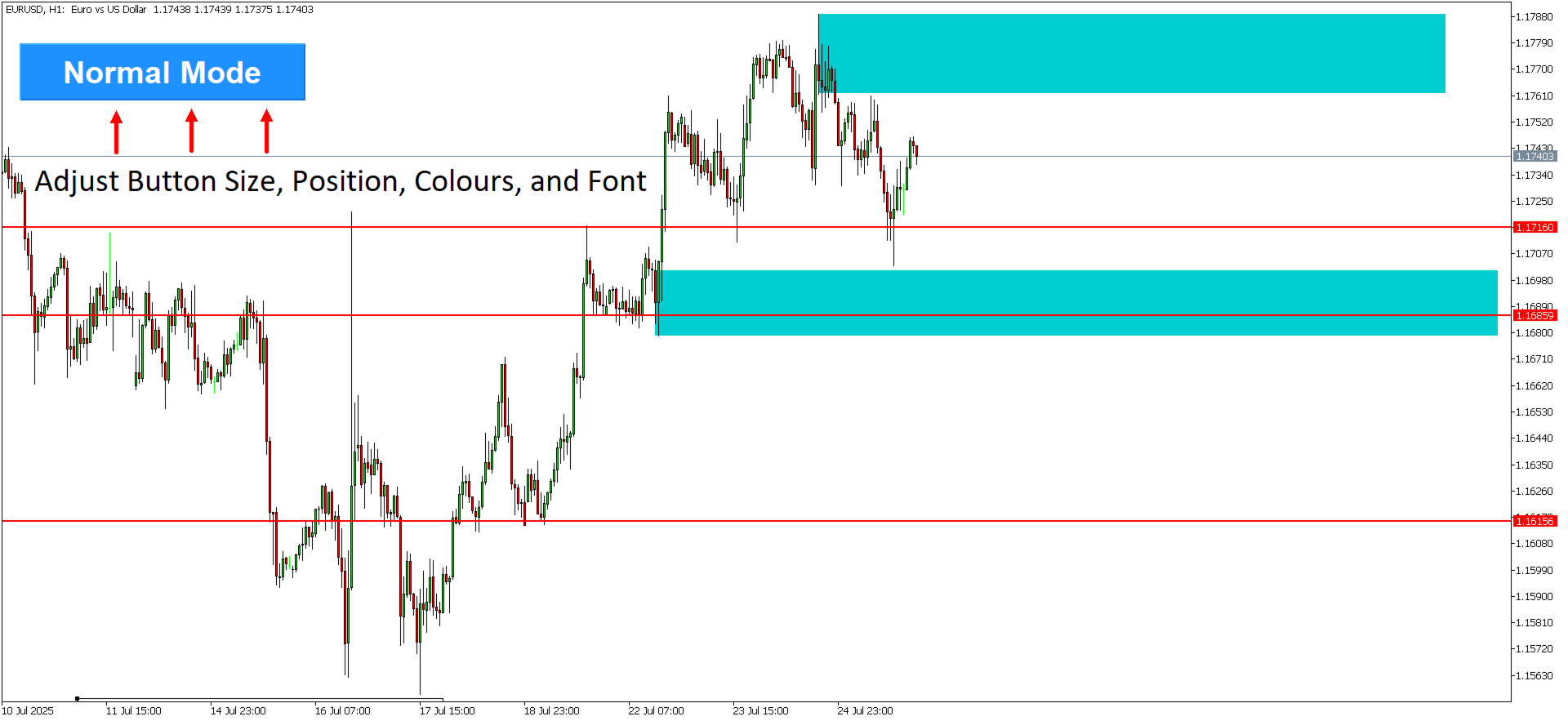
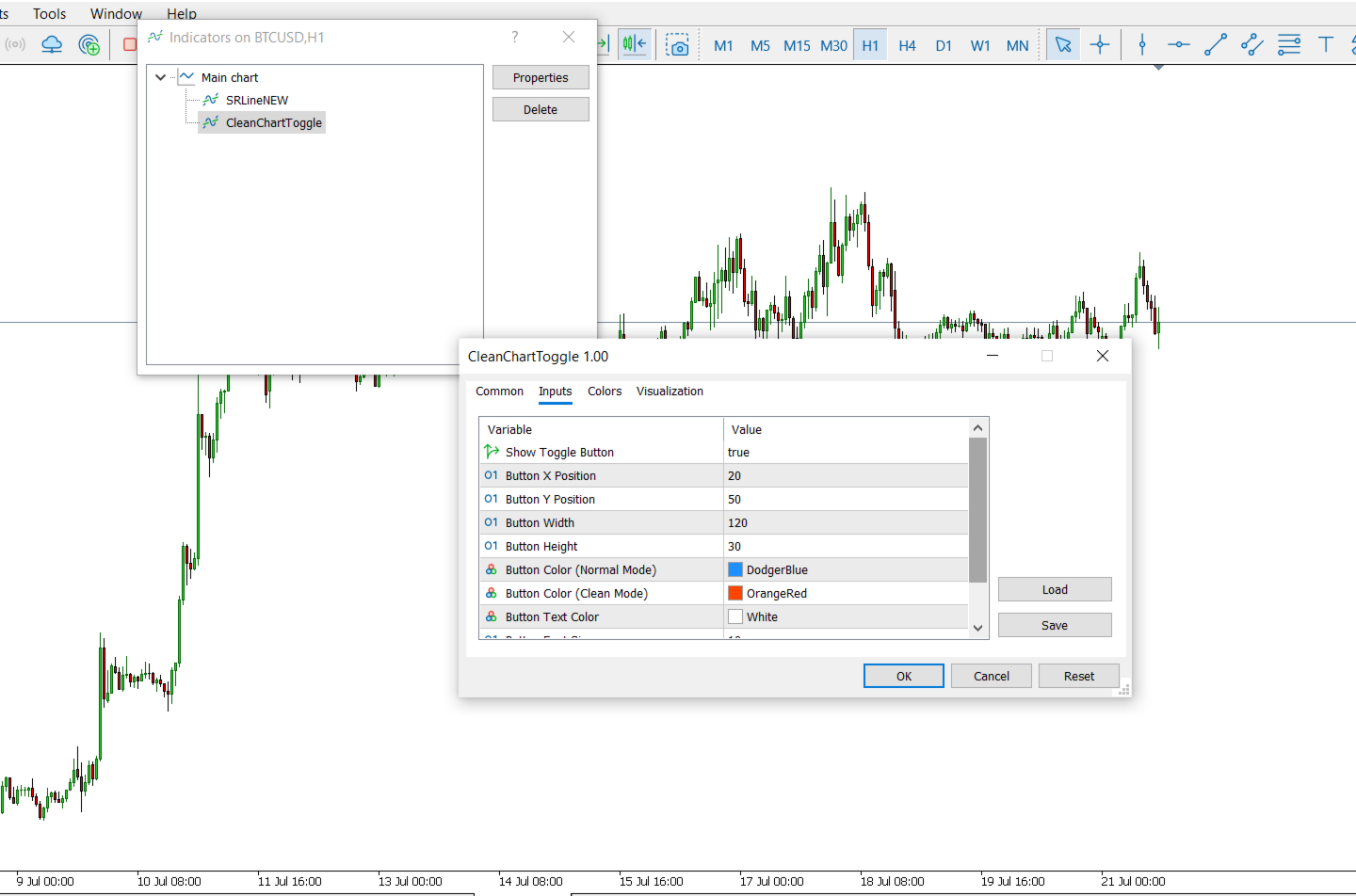
İhtiyaca Göre Özelleştirin – Gösterge yapılandırma seçeneklerine bağlı olarak hangi öğelerin değiştirileceğini kontrol etmek için ayarları düzenleyin (varsa).
Uyumluluk
-
Platform – Yalnızca MetaTrader 5 (MT5).
-
Kurulum – MT5 platformunun MQL5 pazarı üzerinden veya gösterge dosyasını içe aktararak kolay kurulum.
-
Sistem Gereksinimleri – MetaTrader 5 dışında ek donanım veya yazılım gereksinimi yoktur.
Kullanım Alanları
-
Scalping ve Gün İçi İşlem – Hızlı tempolu işlem seansları sırasında fiyat hareketine odaklanmak için MT5 grafiğini hızla temizleyin.
-
Teknik Analiz – Ham fiyat verilerini MT5'teki teknik kurulumlarla karşılaştırmak için göstergeleri açıp kapatın.
-
Sunum ve Eğitim – Öğrencilere, müşterilere veya meslektaşlara aşırı gösterge karmaşası olmadan paylaşmak için MT5'te temiz grafikler oluşturun.
Kurulum Talimatları
-
Clean Chart Toggle .mq5 dosyasını indirin.
-
MT5'te, Dosya > Veri Klasörünü Aç > MQL5 > Indicators yolunu izleyin ve .mq5 dosyasını Indicators klasörüne yerleştirin.
-
MT5'yi yeniden başlatın, ardından göstergeyi Navigator panelinde "Indicators" altında bulun.
-
Göstergeyi grafiğinize sürükleyin, gerekirse ayarları yapılandırın ve etkinleştirmek için Tamam'a tıklayın.
Destek
-
Dokümantasyon – MQL5 pazarı üzerinden satın alma ile birlikte kapsamlı kurulum ve kullanım kılavuzları sağlanır.
Gelecek Güncellemeler
-
Planlanan iyileştirmeler arasında özelleştirilebilir geçiş seçenekleri (örn. belirli gösterge gruplarını gizleme) ve MT5 içinde daha hızlı erişim için kısayol desteği yer almaktadır.
-
Gelişmiş özelleştirme gibi özellik talepleri, MQL5 topluluğu aracılığıyla kullanıcı geri bildirimlerine göre takip edilir ve önceliklendirilir.
Grafiğinizi temizleyin, odağınızı keskinleştirin. Clean Chart Toggle, MetaTrader 5 yatırımcılarına çalışma alanlarını kolaylıkla basitleştirme gücü vererek her ciddi yatırımcının MT5 araç seti için temel bir araç haline gelir.





























Simple and very effective.