GalileoFX PRO
- Experts
- Versão: 3.25
- Atualizado: 2 fevereiro 2026

Professional Trading Automation – FX TRADER_Pro v3.24
IntroFX TRADER_Pro is a professional MT5 Expert Advisor that trades momentum exhaustion (contrarian consecutive bars) using bullish/bearish signals, tick/real volume, Volume Profile liquidity zones, and smart profit-locking. Built for GOLD, Forex, Indices, Stocks, and Crypto (adjust spread settings for crypto).
Set file in the comments.
With the new Capital Protection suite (daily/weekly loss caps, max consecutive losses, optional close-all on limit hit, pause reason tracking, and daily/weekly reset), FX TRADER_Pro can be configured for prop-firm style risk rules and can be used for an FTMO Challenge when set up correctly.
Recent additions in FX TRADER_Pro (v3.24)-
Standardized logging: all Print messages now use the [FXP] prefix; garbled/buggy messages cleaned.
-
Rebrand & consistency: name/version text unified to “FX TRADER_Pro v3.24” in logs, order comments, and status.
-
Smart Entry fallback: if advanced market depth inputs aren’t usable (e.g., Strategy Tester / non-ECN), FX TRADER_Pro auto-switches to Volume Profile using tick volume and logs the fallback.
-
Volume Profile controls: added MinVolumeProfileBars and MaxVolumeProfileBars, with flexible minimum-bar handling (uses data if ≥3 bars, warns if under threshold).
-
Capital protection suite: daily/weekly loss caps (amount or %), max consecutive losses, optional CloseAllWhenLimitHit, pause reason tracking, plus daily/weekly reset.
What it does
-
Trades only inside your chosen days/hours.
-
Risk control: fixed lot or % risk per trade, max open trades, TP/SL, optional Trailing Stop and Breakeven.
-
Auto-Close system: closes based on total profit target with optional trailing profit lock; can pause or resume after close.
-
Smart Entry & liquidity zones: moves entries toward liquidity zones using Volume Profile (tick volume).
-
Filters: spread filter, volume filters (ratio + safety multipliers).
-
Protection & adaptive behavior: cooldown after loss, safe balance mode, and adaptive lot sizing (aggressive/normal/conservative) based on win rate and signal strength.
-
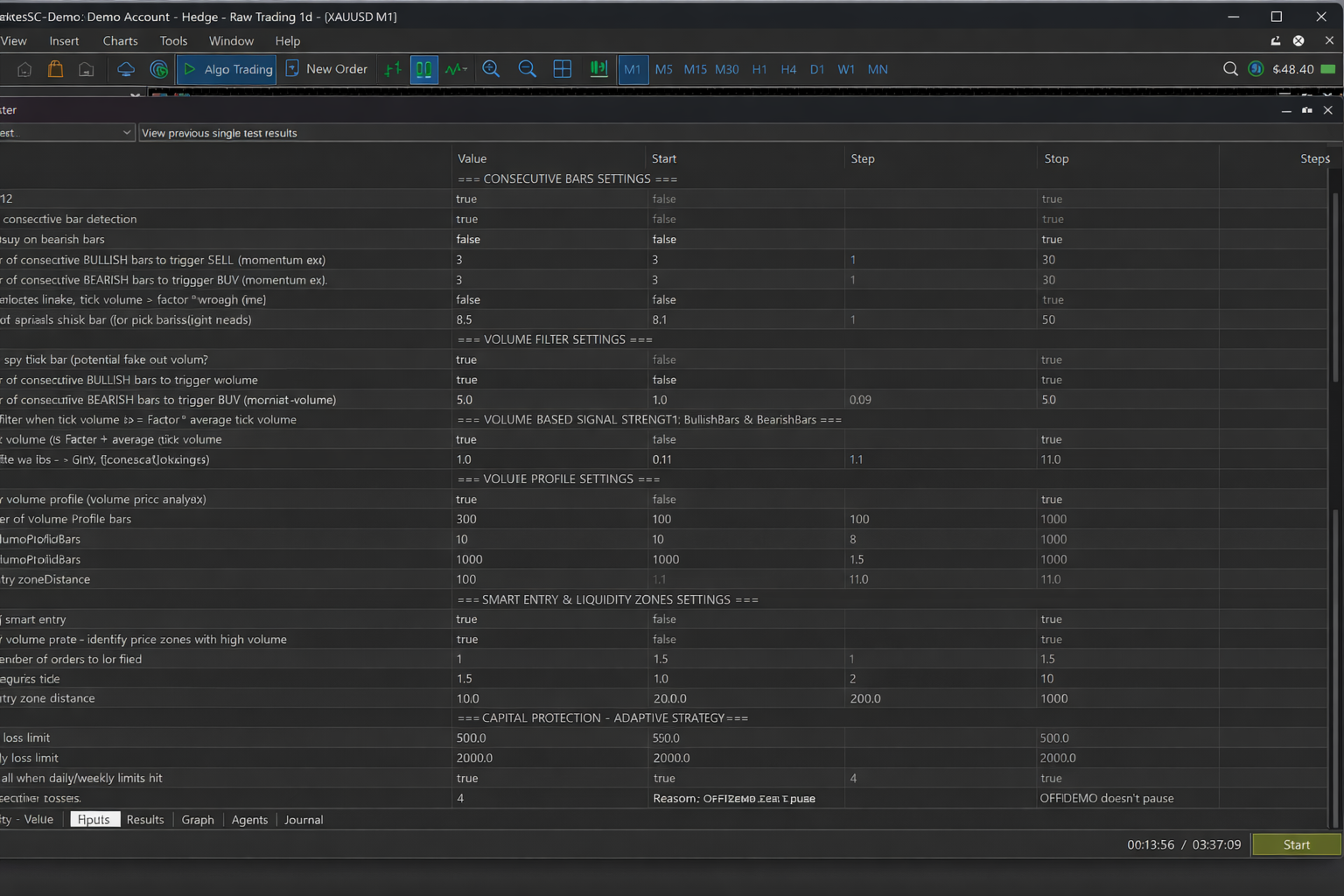
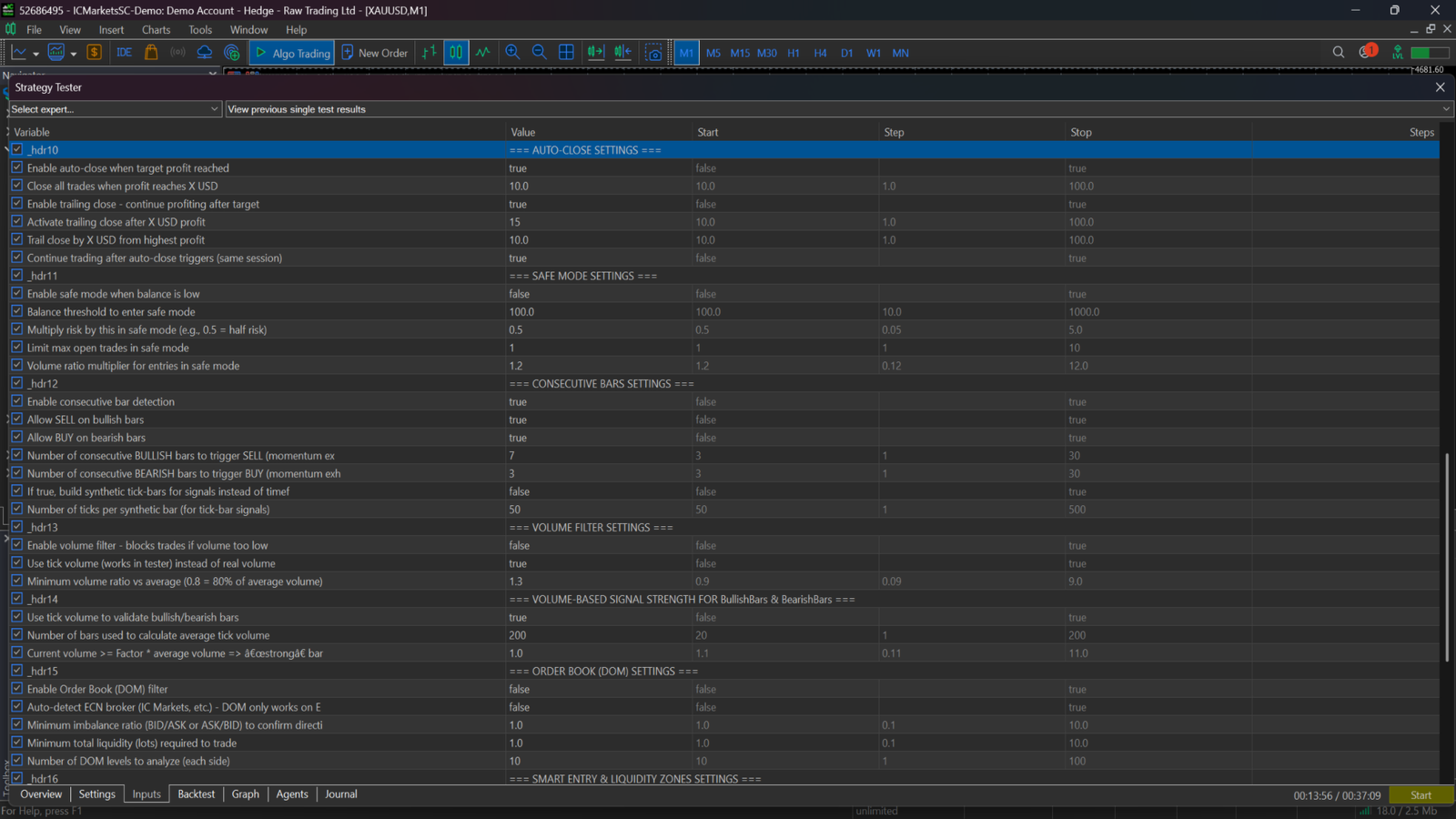
Consecutive bars: BullishBarsForSell / BearishBarsForBuy (e.g., 3/3 = aggressive).
-
Volume Profile: VolumeProfileBars , MinVolumeProfileBars , MaxVolumeProfileBars , LiquidityZoneDistance .
-
Auto-Close: AutoCloseProfit , AutoCloseTrailingStart , AutoCloseTrailingStop , AutoCloseResumeTrading .
-
Risk: RiskPercent , MaxOpenTrades , SafeBalanceThreshold , SafeRiskFactor .
-
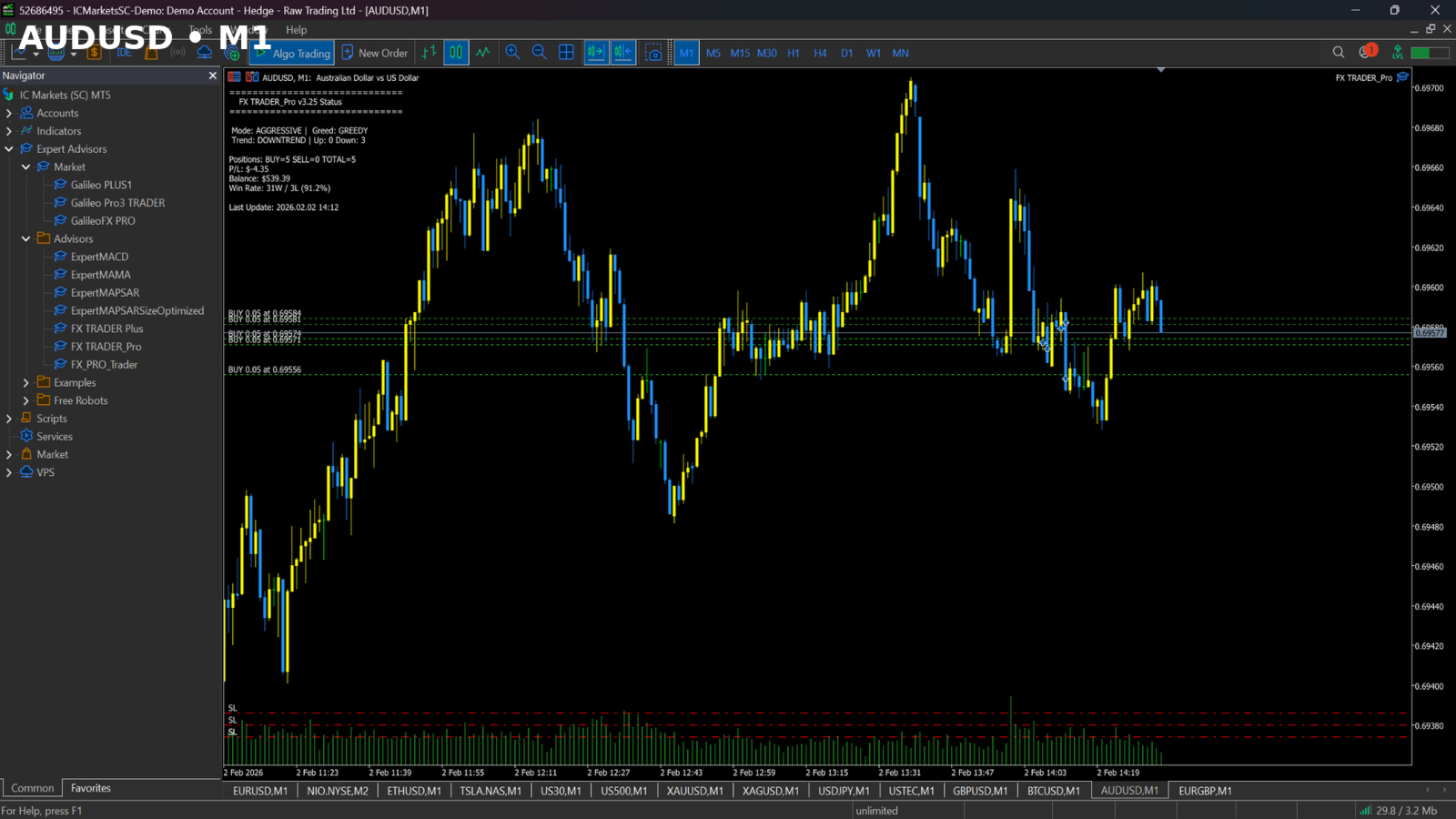
Capital Protection (FX TRADER_Pro): daily/weekly caps (amount or %), CloseAllWhenLimitHit , max consecutive losses, pause reason + resets.
-
Scalping: M1 / M5 / M15 with aggressive 3/3 signals.
-
Session trading: configure StartHour / EndHour for 2–3 hour windows.
Conservative: Risk 0.5%, MaxOpenTrades 1, Bullish/Bearish 6/6, MinVolumeRatio 1.0, Trailing Stop ON.
Moderate: Risk 1.0%, MaxOpenTrades 3, Bullish/Bearish 4/4, MinVolumeRatio 1.1, Trailing Stop ON.
Aggressive: Risk 2.0%, MaxOpenTrades 5, Bullish/Bearish 2/2, MinVolumeRatio 0.9, Trailing Stop OFF.
-
Volume Profile works in Strategy Tester.
-
Performance depends on symbol, timeframe, market conditions, and settings.
-
The EA can become very aggressive with low bar counts and high risk — start conservative.
-
Always forward-test on demo/cent first (example: 10 USD = 1000 cents on cent accounts).
Performance depends on settings, symbol, timeframe, and market conditions.
- Time frame for scalping M1,M5,M15 whit agressive
bullish/bearish signals 3-3-
FX TRADER_Pro includes full day-trading and short-session trading features.
For example, it can be configured to trade only 3 hours per day, and you can define a daily profit limit in USD, after which the EA stops trading for the day. -
Advanced price and volume analysis, optimized for very fast execution.
-
The following settings significantly change FX TRADER_Pro behavior.
Increasing or decreasing these values can make the EA very aggressive or very conservative:
-
Trades only within selected hours and days
-
Built-in risk management:
-
Fixed lot or percentage risk per trade
-
Maximum number of open positions
-
-
Automatic Take Profit and Stop Loss
-
Optional Trailing Stop and Breakeven
-
Spread filter: MaxSpread
-
Volume filters:
-
UseVolumeFilter
-
UseTickVolume
-
MinVolumeRatio
-
SafeVolumeEntryMultiplier
-
-
DOM / Order Book (ECN brokers only):
-
UseDOMFilter
-
AutoDetectECN
-
MinImbalanceRatio
-
MinLiquidity
-
DOMLevels
-
-
UseConsecutiveBars
-
AllowConsecutiveSell
-
AllowConsecutiveBuy
-
BullishBarsForSell = 3
-
BearishBarsForBuy = 3 (very important setting)
Explanation:
This is a contrarian momentum-exhaustion strategy.
After a sequence of consecutive bullish bars, the EA looks for a SELL.
After consecutive bearish bars, it looks for a BUY — but only if all filters (spread, volume, DOM if enabled ) are satisfied.
-
UseTickBarSignals
-
TickBarSize
-
Enable Smart Entry: UseSmartEntry
-
Enable Volume Profile: UseVolumeProfile
-
Lookback bars: VolumeProfileBars
-
Maximum adjustment distance: LiquidityZoneDistance
-
Limit orders: UseLimitOrders
-
all must be enabled to work
Explanation:
FX TRADER_Pro adjusts entry prices toward liquidity zones.
-
If DOM is available, Smart Entry uses Order Book zones
-
If DOM is not available, it uses Volume Profile zones
-
Entry price adjustment is limited by LiquidityZoneDistance
-
LIMIT orders can be placed if enabled
-
Enable auto-close: UseAutoClose
-
Profit target: AutoCloseProfit
-
Trailing close: UseAutoCloseTrailing
-
Trailing start: AutoCloseTrailingStart
-
Trailing stop: AutoCloseTrailingStop
-
Resume trading: AutoCloseResumeTrading
How it works:
-
Closes all open positions once total profit reaches AutoCloseProfit
-
Optional trailing logic locks profits on pullbacks
-
After auto-close, trading can:
-
Pause until the next session, or
-
Resume immediately (configurable)
-
Journal messages clearly display:
-
When auto-close triggers
-
Why it triggered
-
Whether trading is paused or resumed
-
Safe balance mode:
-
UseSafeBalanceMode
-
SafeBalanceThreshold
-
SafeRiskFactor
-
SafeMaxOpenTrades
-
-
Cooldown after loss:
-
UseCooldown
-
CooldownBars
-
-
Adaptive trading:
-
UseAdaptiveTrading
-
AggressiveMultiplier
-
ConservativeMultiplier
-
MinWinRatePercent
-
-
Adaptive SL/TP: UseAdaptiveStopLoss
-
Chart feedback:
-
UseSentimentTracking
-
ShowBalanceChanges
-
-
All options are fully configurable
-
Performance depends on settings, symbol, timeframe, and market conditions
-
DOM is not available in Strategy Tester
-
Volume Profile is available in Strategy Tester
-
Default settings are currently enabled
-
FX TRADER_Pro can be set to very aggressive, especially with:
Combined with Auto-Close, this is where the “magic” happens ✨
If you purchase FX TRADER_Pro, contact me by email or WhatsApp and I will personally help you set up the EA.
Example Presets Conservative-
RiskPercent: 0.5
-
MaxOpenTrades: 1
-
BullishBarsForSell: 6
-
BearishBarsForBuy: 6
-
MinVolumeRatio: 1.0
-
UseTrailingStop: true
-
RiskPercent: 1.0
-
MaxOpenTrades: 3
-
BullishBarsForSell: 4
-
BearishBarsForBuy: 4
-
MinVolumeRatio: 1.1
-
UseTrailingStop: true
-
RiskPercent: 2.0
-
MaxOpenTrades: 5
-
BullishBarsForSell: 2
-
BearishBarsForBuy: 2
-
MinVolumeRatio: 0.9
-
UseTrailingStop: false
Start with the Conservative preset, analyze the journal and equity curve, and move to more aggressive configurations only after stability is confirmed.
Always test on a demo or cent account.
I personally use a RoboForex cent account — 10 USD = 1000 cents.