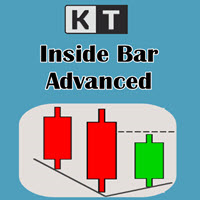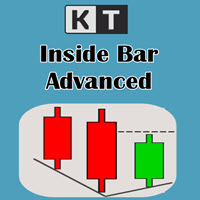
KT Inside Bar Advanced MT5
- 지표
-
KEENBASE SOFTWARE SOLUTIONS
 Keenbase Trading은 트레이더가 더욱 정확하고 신뢰할 수 있는 거래 결정을 내릴 수 있도록 MetaTrader 4 및 MetaTrader 5용 전문 지표와 Expert Advisor(EA)를 개발합니다.
당사의 제품은 실전에서 활용할 수 있는 거래 로직과 직관적인 사용자 경험을 결합하여 안정성, 사용 편의성, 그리고 체계적인 리스크 관리에 중점을 두고 설계되었습니다. 모든 도구는 철저한 테스트를 거쳐 실제 시장 환경에서도 일관되고 안정적인 성능을 제공할 수 있도록 개발됩니다. - 버전: 1.0
- 활성화: 5
Despite the popularity of inside bar pattern among the traders, using it as a standalone signal doesn't provide any edge in the market.
KT Inside Bar Advanced indicator solves this problem by combining the classic inside bar pattern with the "ECE" cycle and Fibonacci extensions. Using this indicator in place of our classic inside bar indicator will provide a tremendous advantage and edge in the market.
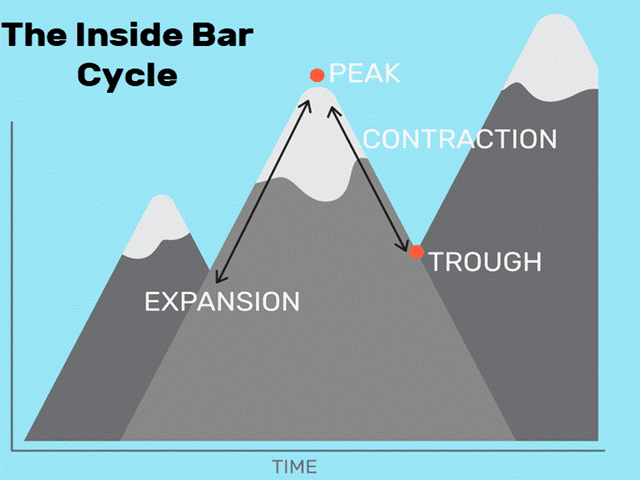
What is the ECE cycle?
In financial markets, the price never moves in a straight line but up and down cycles of several durations. It generally moves
through a phase of expansion-contraction-expansion periods of different intensity.
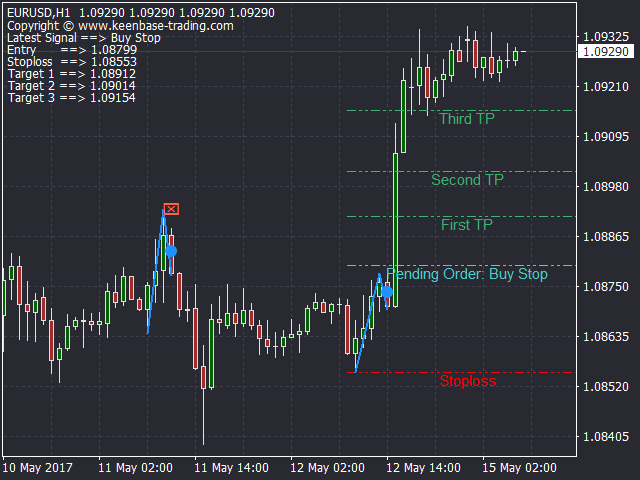
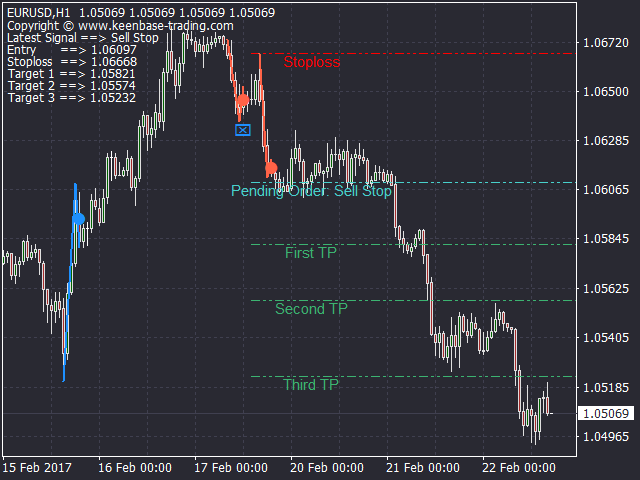
When an inside bar pattern occurs during the contraction phase aligned in the direction of the trend, it provides an edge which can be exploited by a pending order entry.
Features
- Trades only selected inside bars using the ECE and trend analysis.
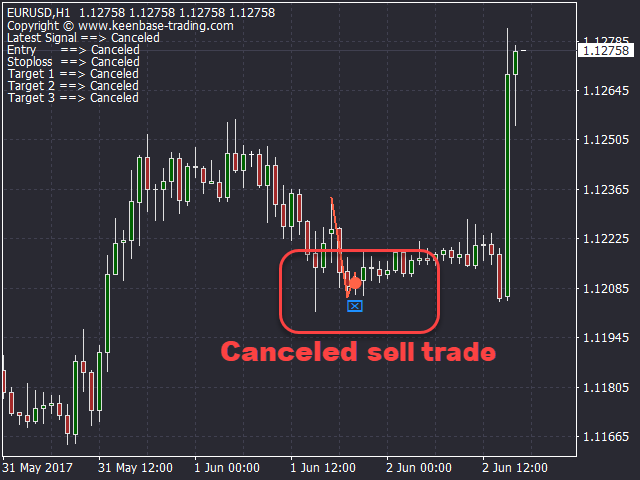
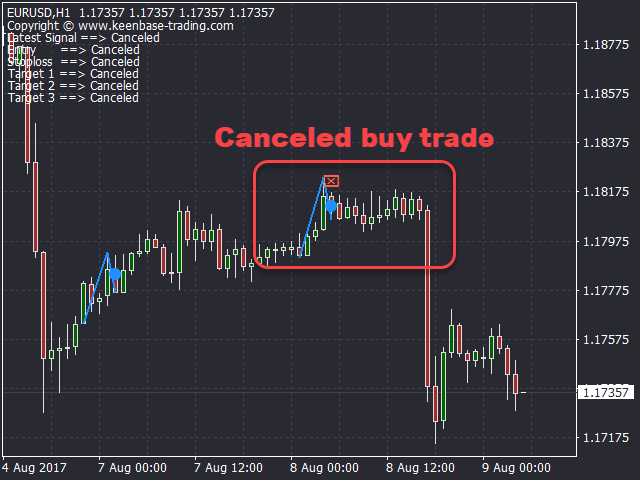
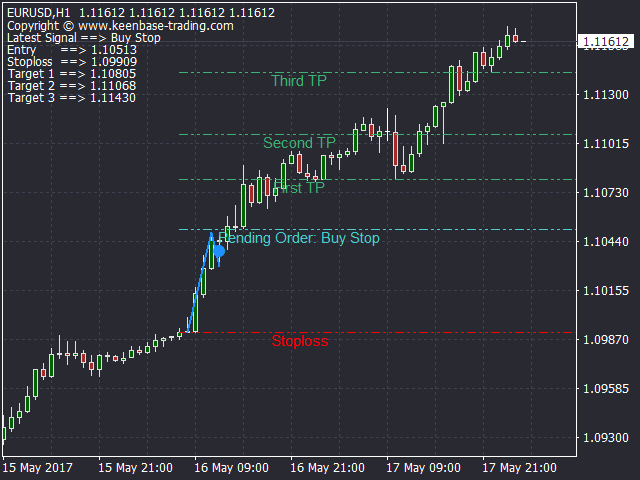
- After the pattern detection, successful trades are often triggered immediately without any sign of losing momentum. If the price loses its momentum, it quickly erases the untriggered signals, which significantly increase the signals accuracy.
- It provides the stop-loss and profit targets along with the pending order entry level.
- All Metatraders alerts are included.
Input Parameters
- Entry Buffer in Pips: Distance of pending order level from the detected pattern.
- SL Bars: Number of bars to calculate the stop-loss using the most recent swing high or low.
- Erase Canceled Signals: Erase the Canceled signals that show the sign of losing momentum.
- Alert on Canceled Signals: Provide the alert on a canceled signal.
- Draw Expansion-Contraction: Draw the expansion and contraction trend-lines to mark the detected pattern adequately.
- Draw Stoploss and Profit Targets: Draw the stoploss and profit targets.
- Colors and Style settings: Self explanatory.
- Alert Settings: Self explanatory.